
FaceTime Like a Pro
Get our exclusive Ultimate FaceTime Guide 📚 — absolutely FREE when you sign up for our newsletter below.

FaceTime Like a Pro
Get our exclusive Ultimate FaceTime Guide 📚 — absolutely FREE when you sign up for our newsletter below.



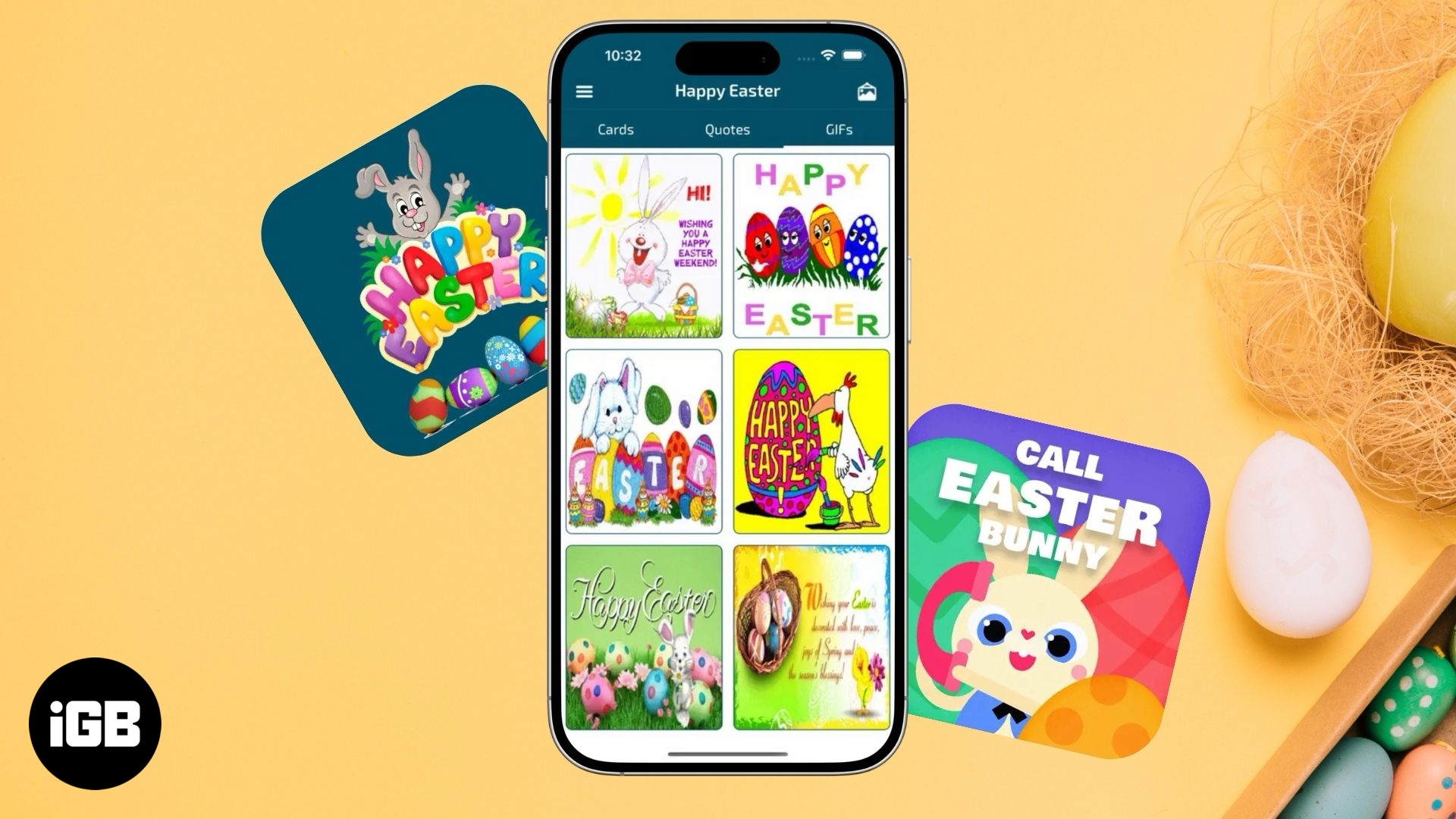
Celebrate Easter with fun games, egg decorating, and kid-friendly activities on your iPhone or iPad.
Wondering if Walgreens accepts Apple Pay? Learn what works in-store and online, along with simple tips for hassle-free payments.
Target accepts Apple Pay in-store, online, and in the app. This quick guide shows how to use it and what payment options Target supports.

Instagram felt slow and inconsistent, so I tried clearing the cache. Here’s what changed and how to do it on iPhone and Android in minutes.
Apple Pay is accepted at Dunkin Donuts stores and on their mobile app. This guide explains how to use Apple Pay to make payments at Dunkin'.
CVS Pharmacy accepts Apple Pay. This guide will explain how to use Apple Pay at CVS, its benefits, and the forms of payment accepted at CVS Pharmacy.
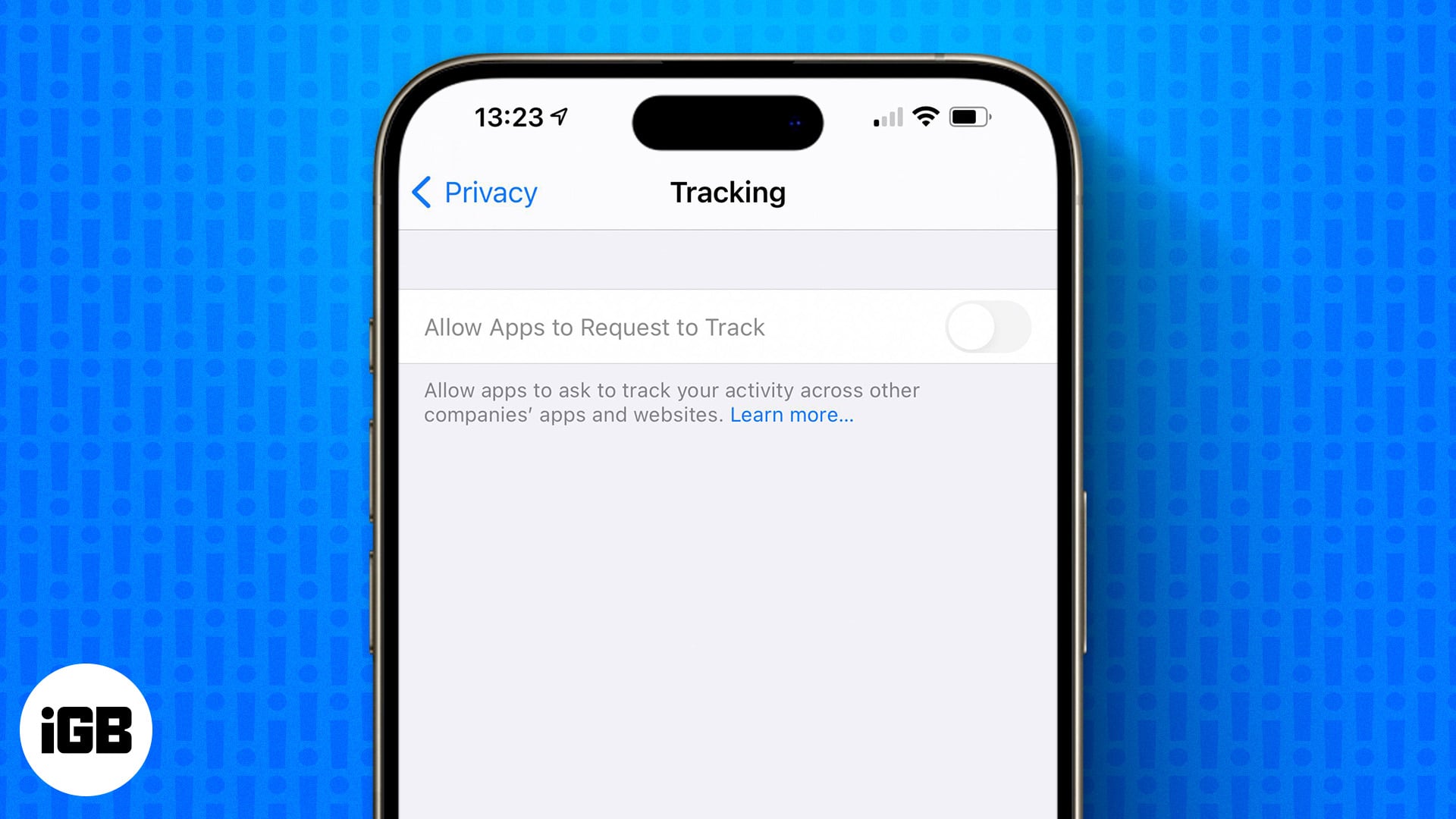
Allow Apps to Request to Track is greyed out? Learn how to restore the option to turn on app tracking on your iPhone.

Want to use the inverted exclamation mark? Check out all the ways you can type an upside-down exclamation point on a Mac.
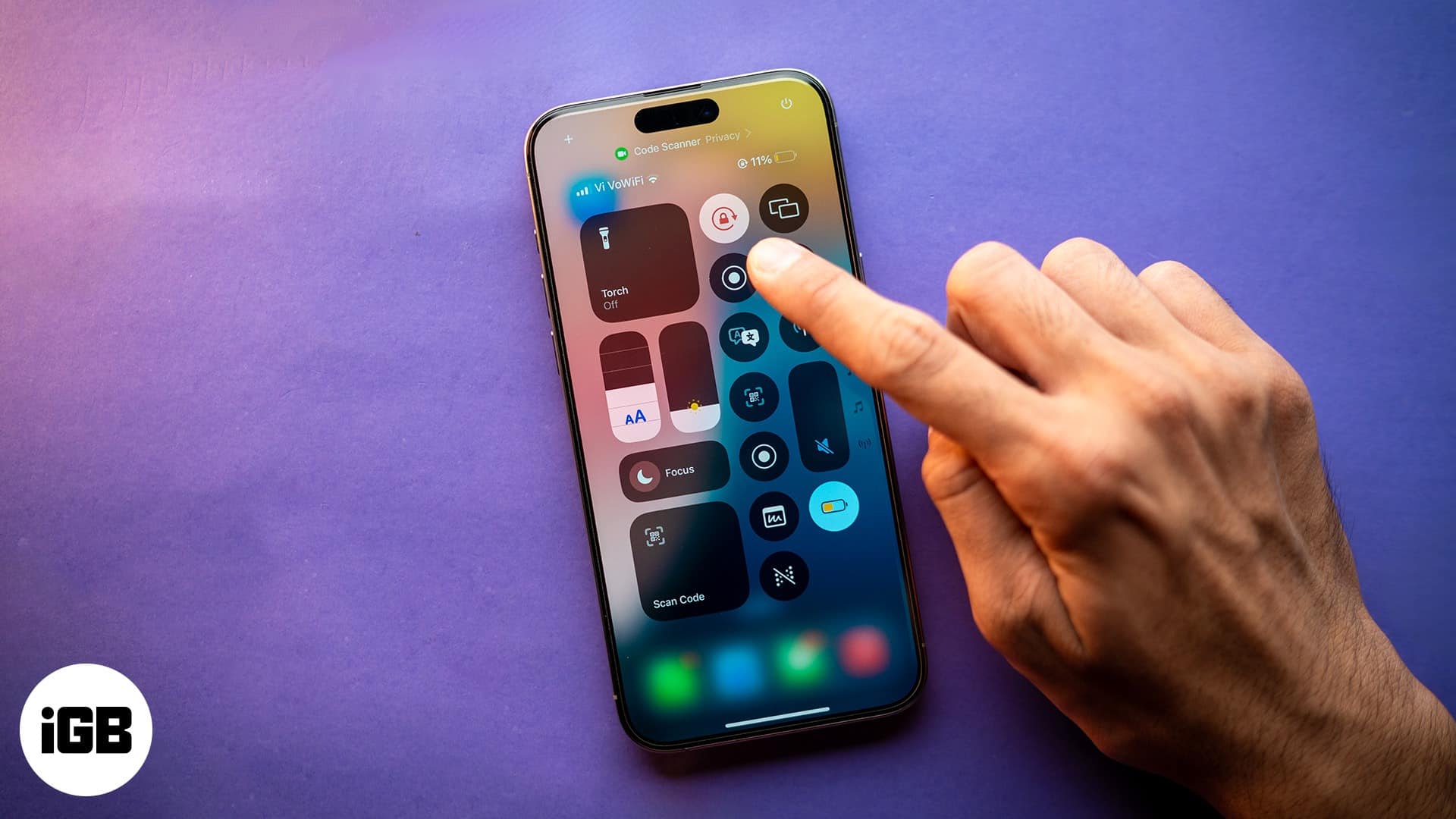
Screen rotation fails almost always because Portrait Lock is on. Here is how to turn it off from Control Center, and what to check when the display still refuses to rotate.
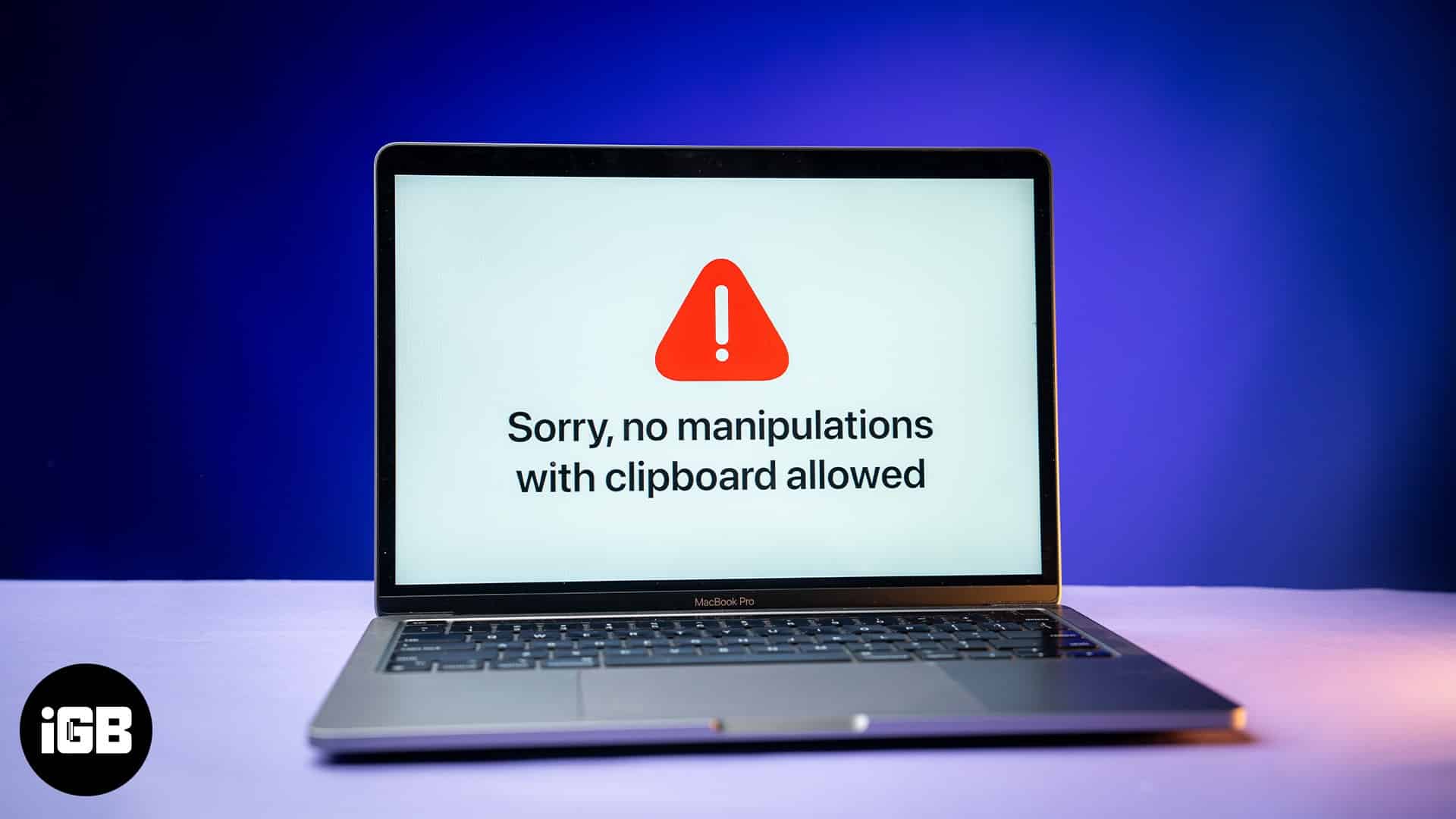
This error means macOS cannot complete a copy or paste, usually because the pasteboard server has hung. Here is what causes it and five fixes, including the Terminal command that resets it.
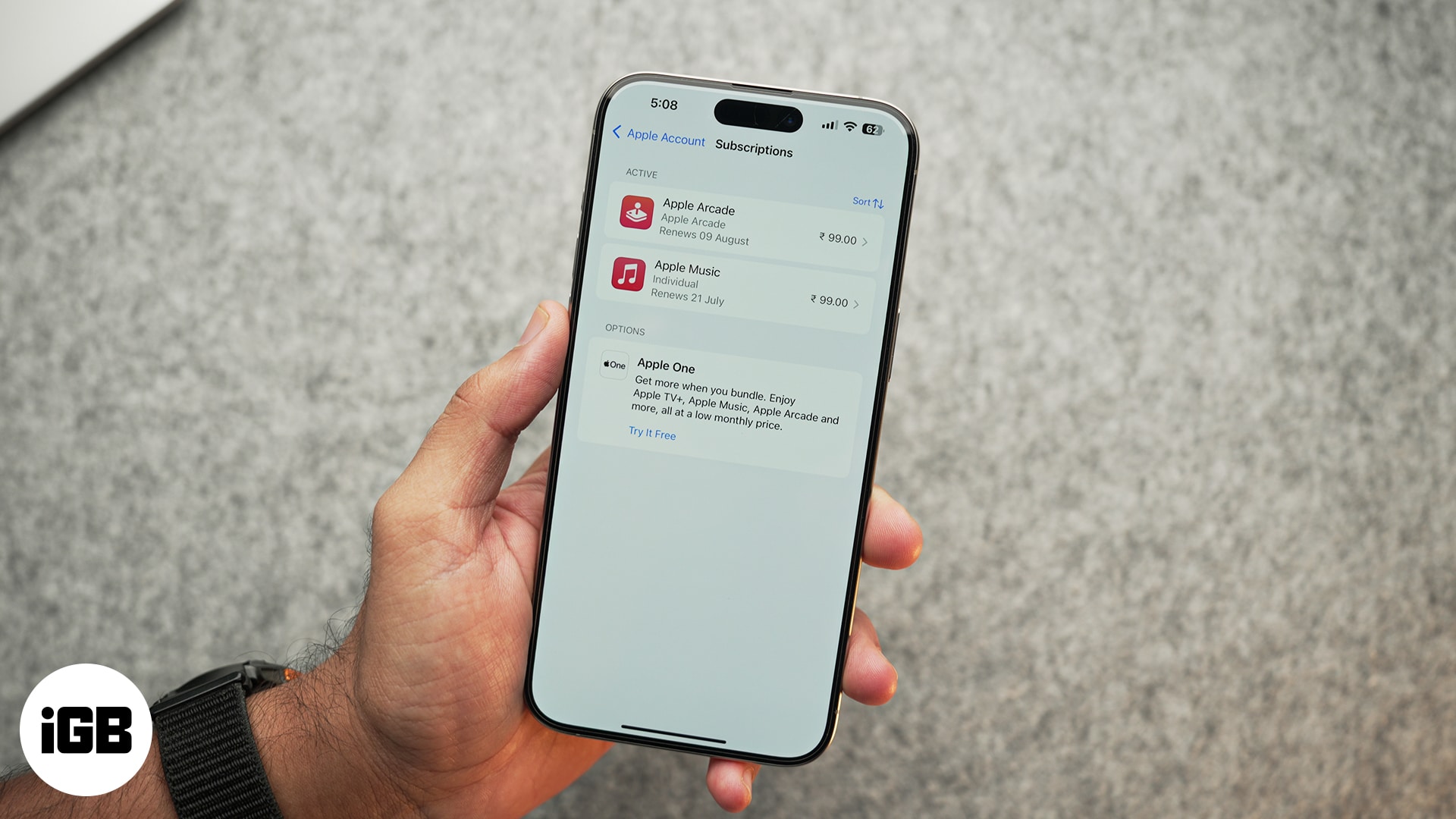
Forgotten subscriptions quietly renew for years. Here is where to find every App Store subscription on iPhone and iPad, review your purchase history, and change or cancel a plan.
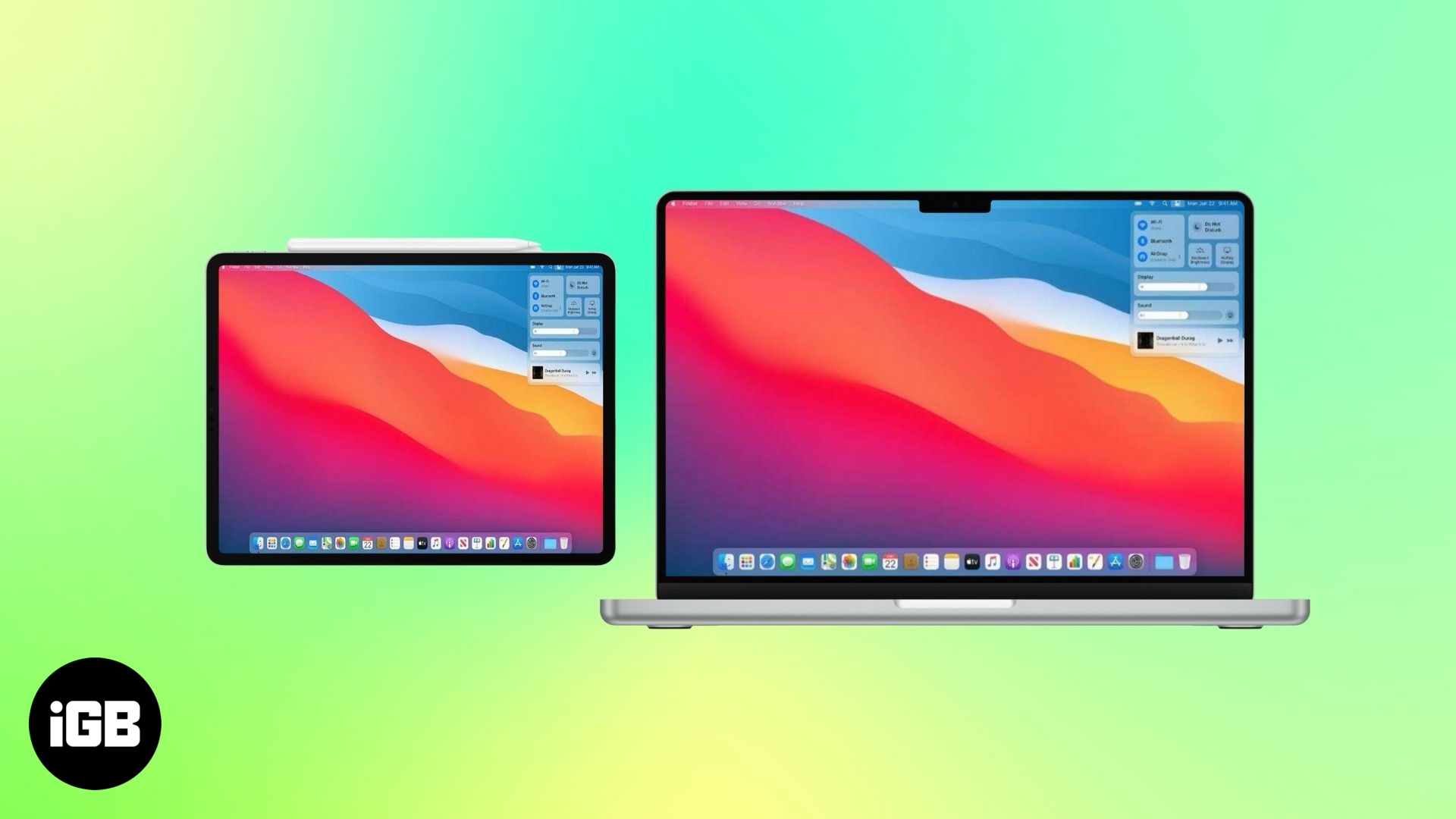
A simple way to get more screen space using your iPad.
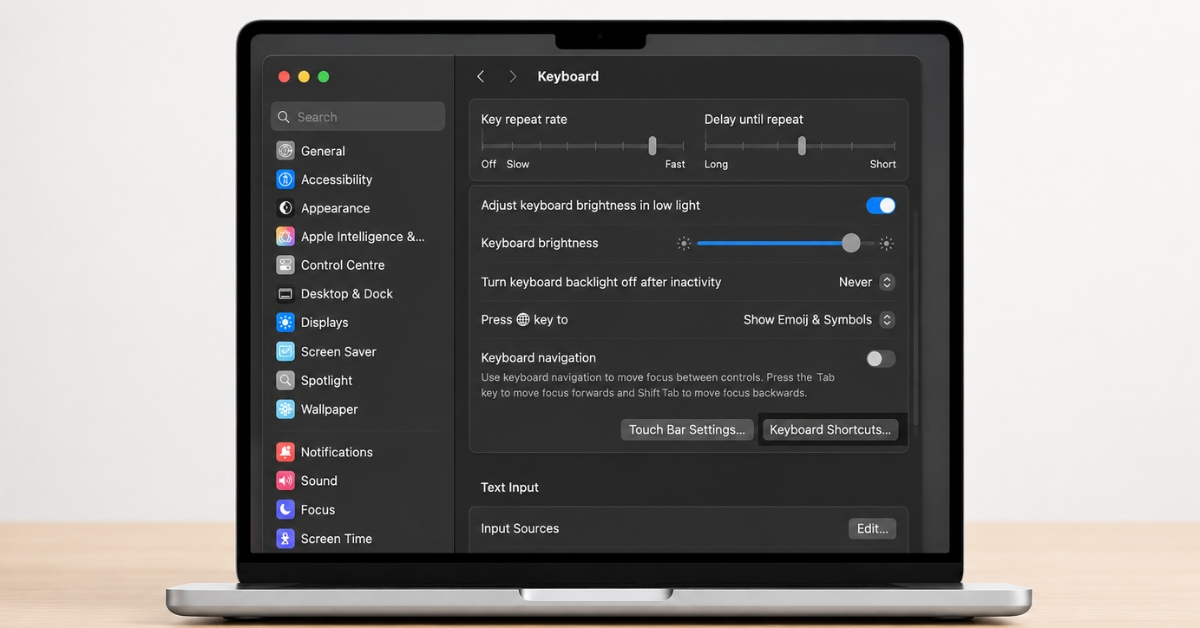
This article is your ultimate guide to keyboard shortcuts for Notes on Mac.
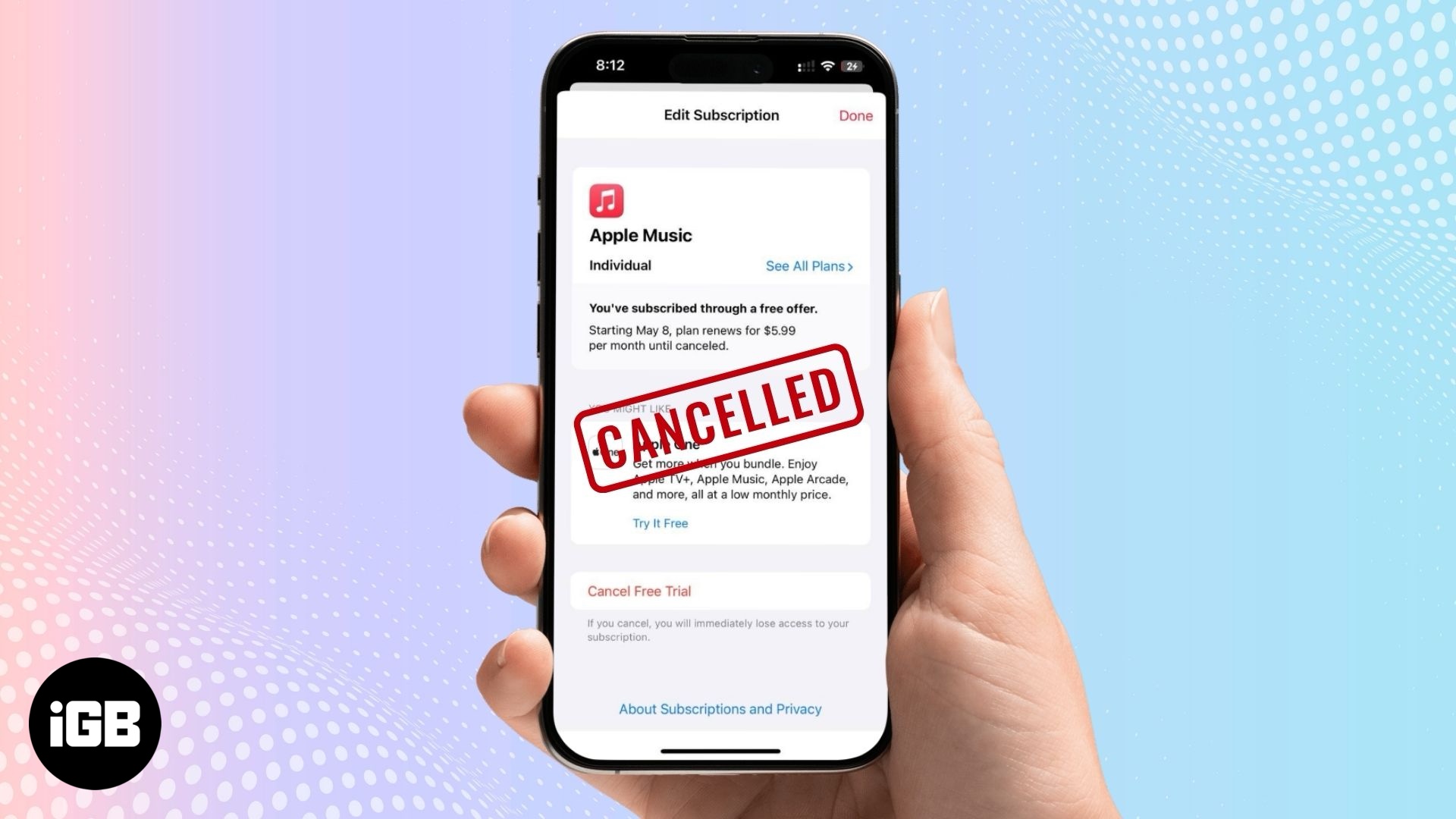
Done with Apple Music subscription? Here’s how to cancel it fast—on iPhone, Android, or desktop.
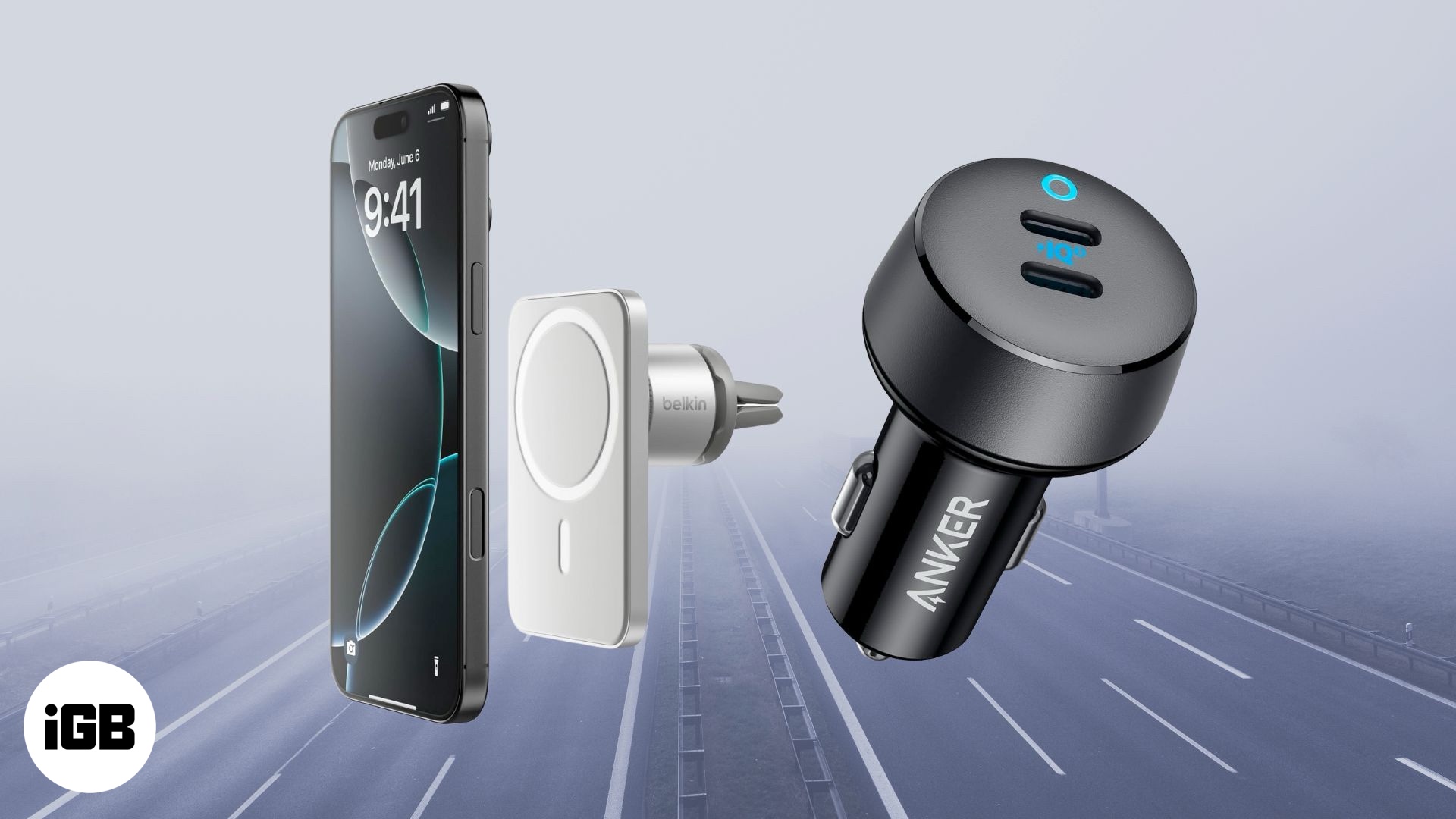
Must-have car accessories for iPhone users.
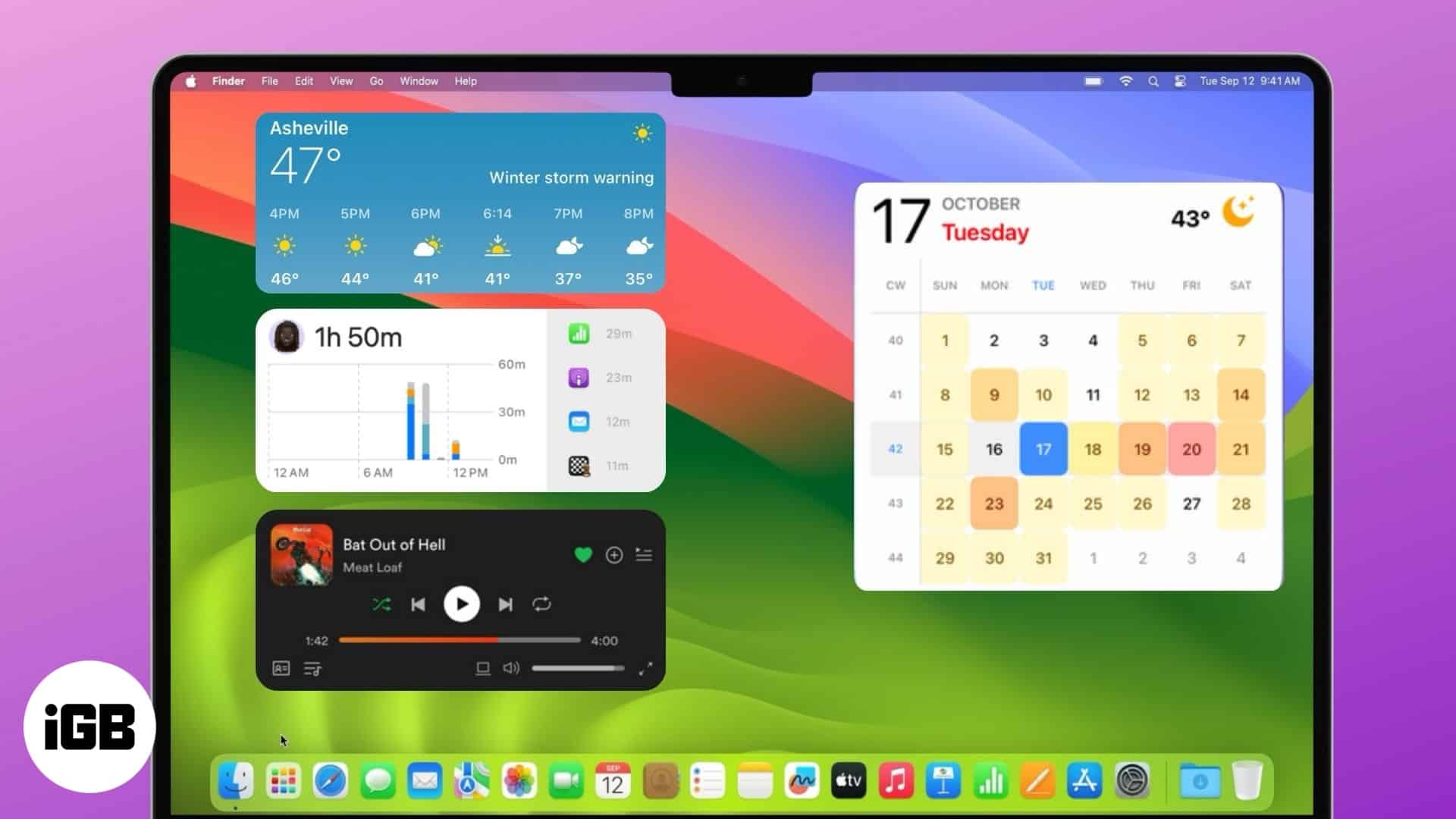
Essential macOS widgets for work and play.
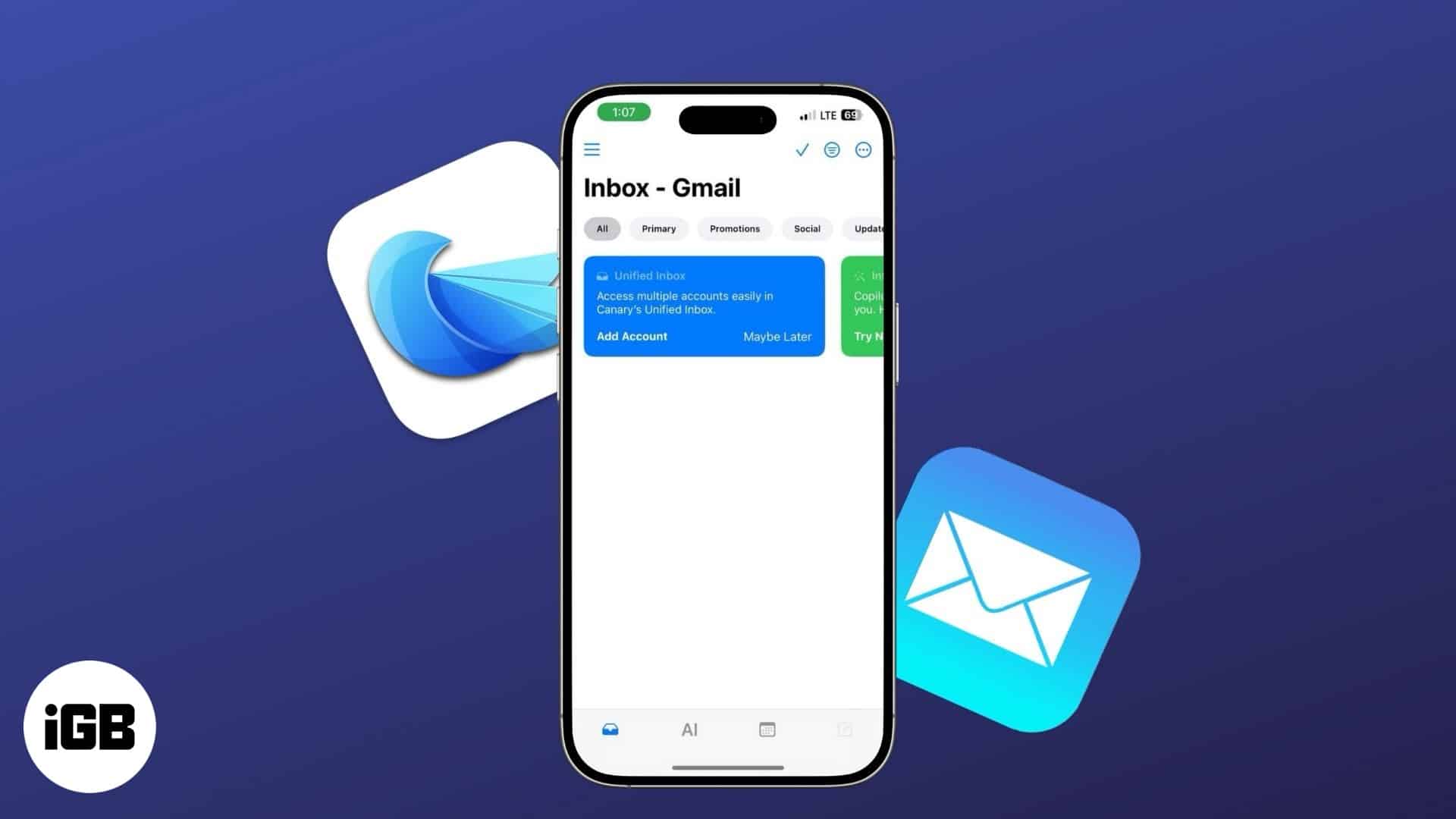
Discover powerful email apps designed to streamline your workflow and enhance efficiency.
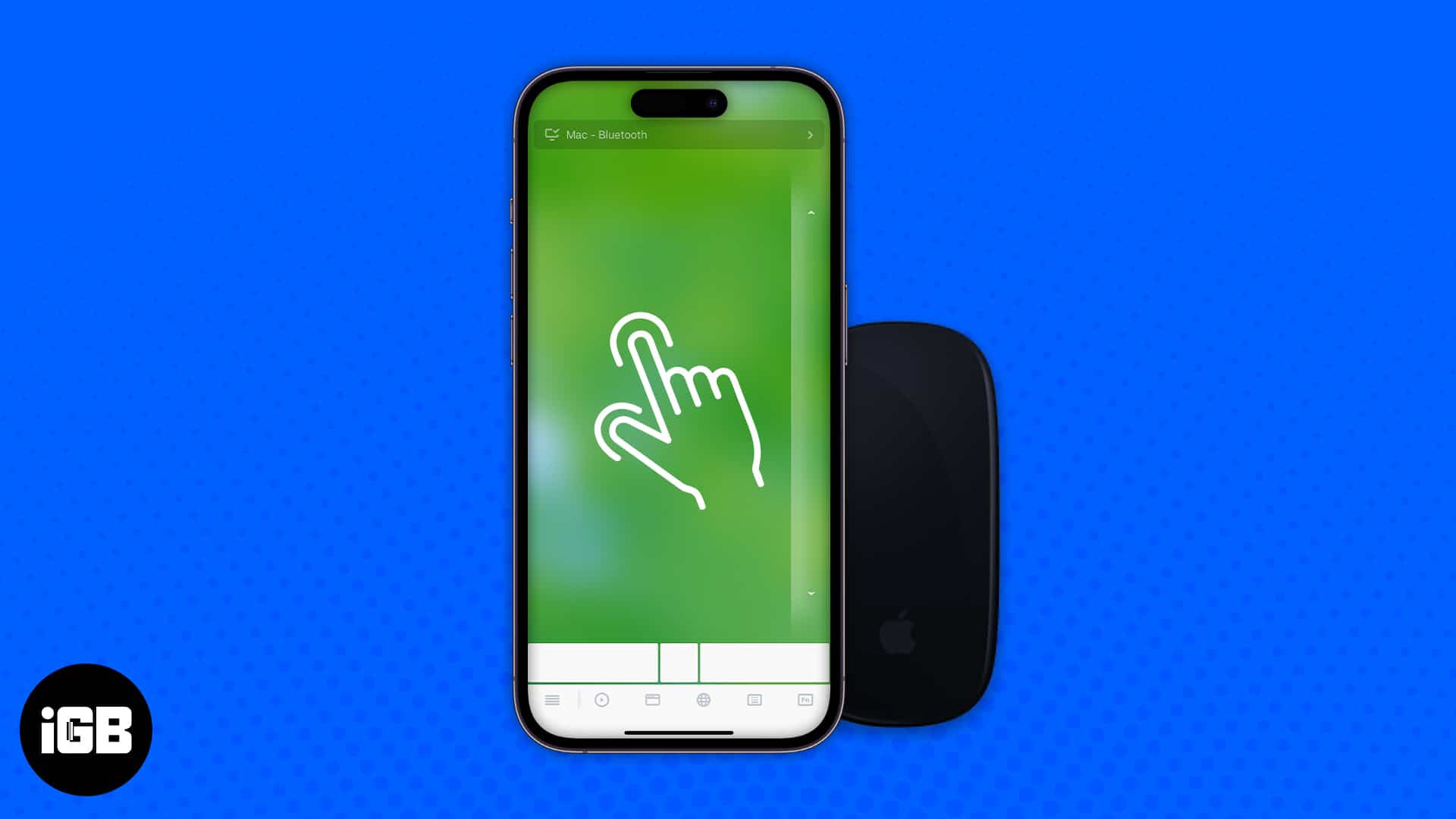
Navigate your Mac screen with your iPhone effortlessly.

Using an iPad floor stand keeps your device steady anywhere - Kitchen, office, bedroom, or beyond.
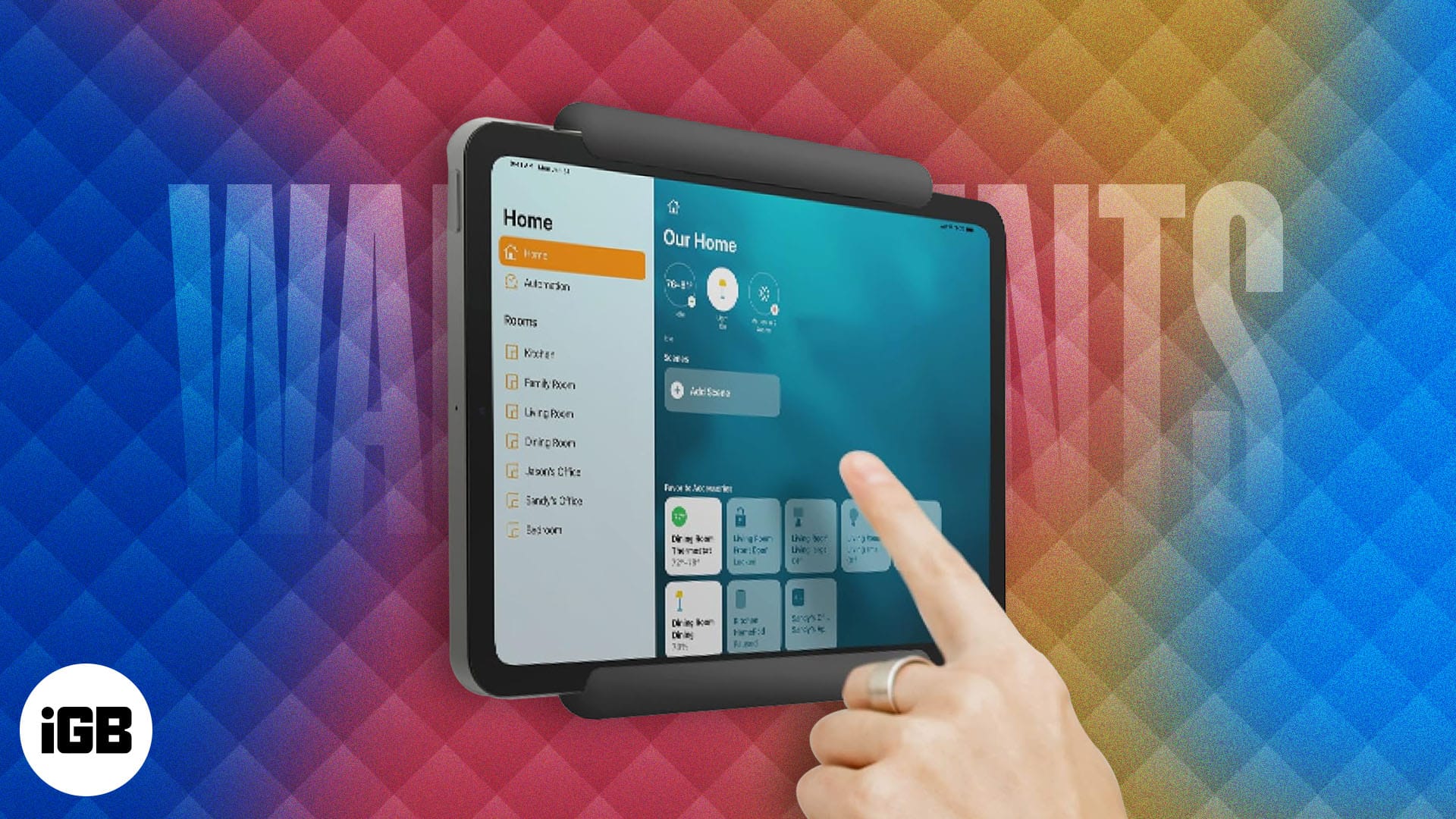
The best iPad wall mounts provide a secure and practical solution for hands-free use.

Add new fonts on Mac from Apple and third-party sources.
Easily type special characters and symbols on Mac.
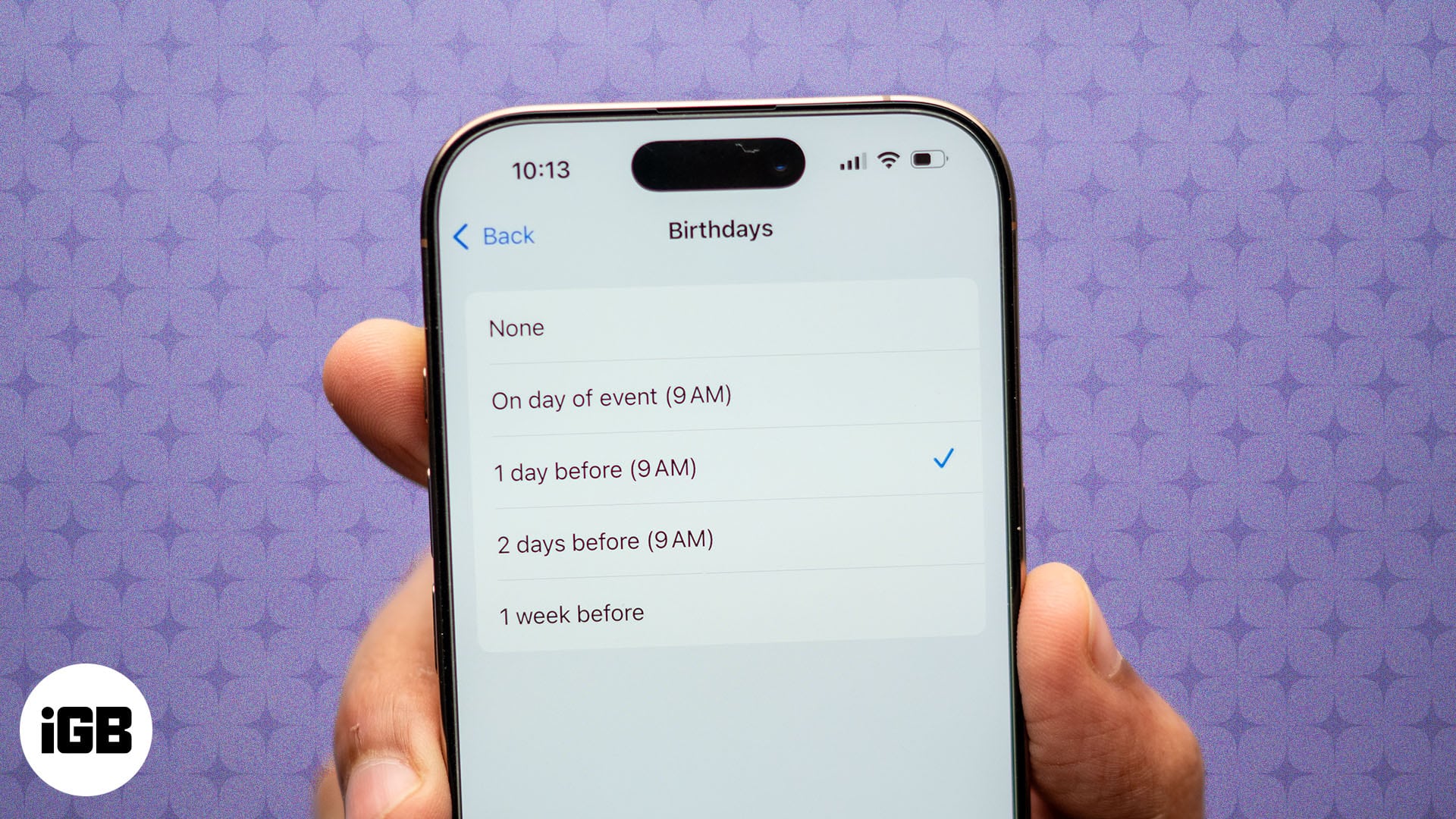
Keep track of your loved ones' birthdays by setting up reminders on your Apple devices.
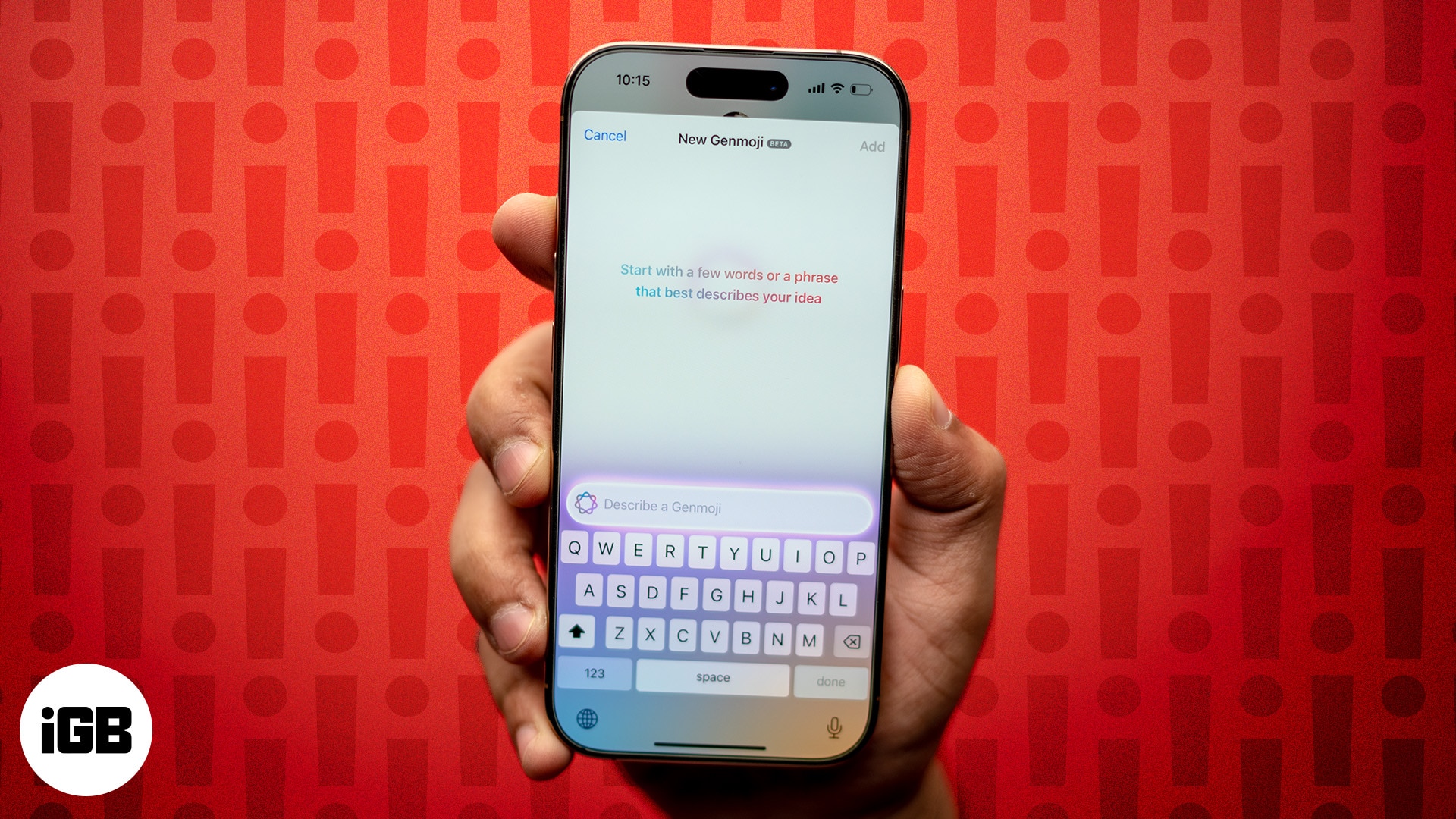
Genmoji not working on your iPhone? You’re not alone. Here’s why it’s happening and 6 proven ways to fix the issue fast.
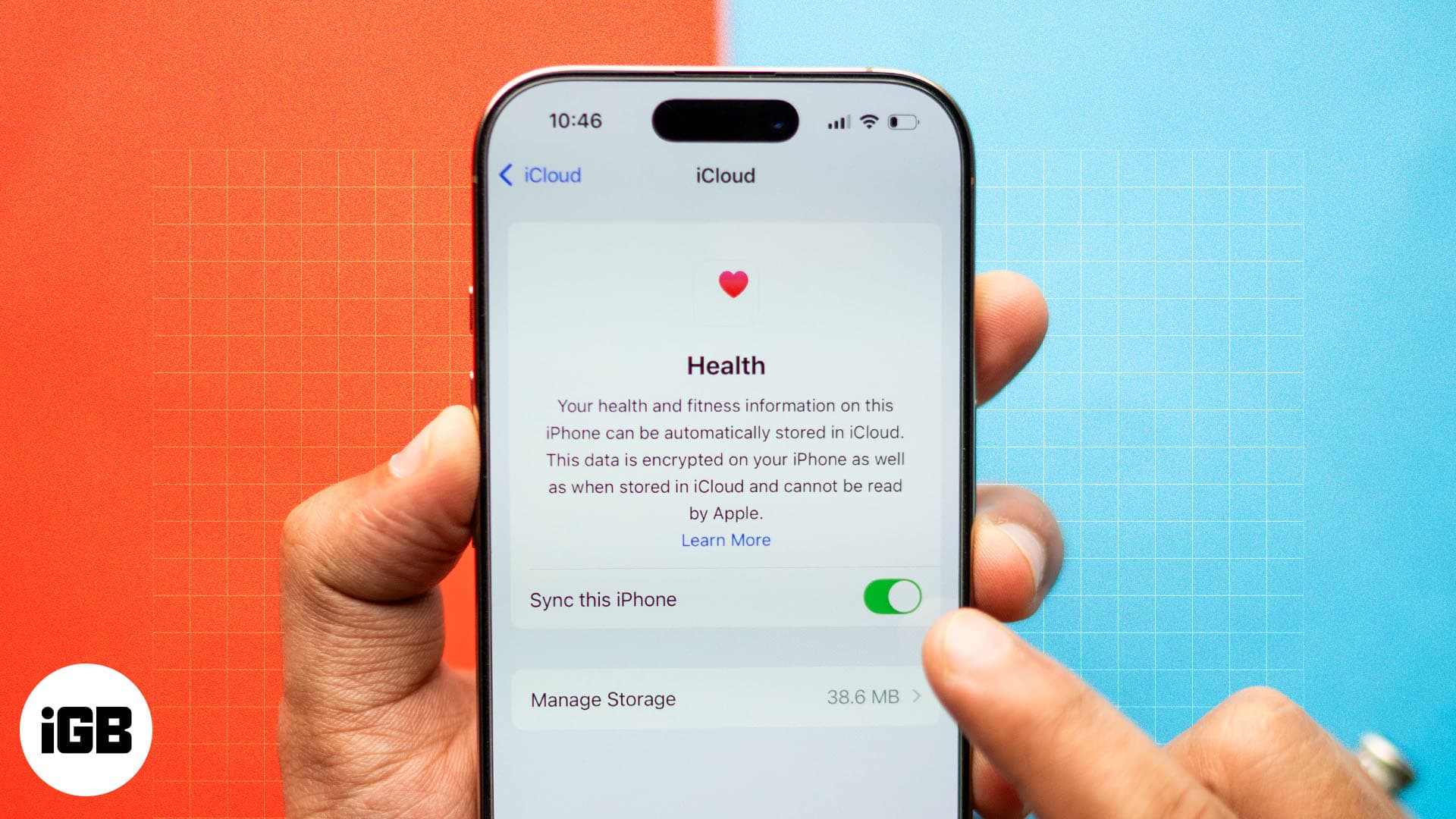
Keep your Health data safe with iCloud syncing.

The iPhone 16 series comes with a game-changer Camera Control button for taking photos and videos on your iPhone. Learn how to use it on your iPhone 16 for stunning shots and greater creative flexibility.
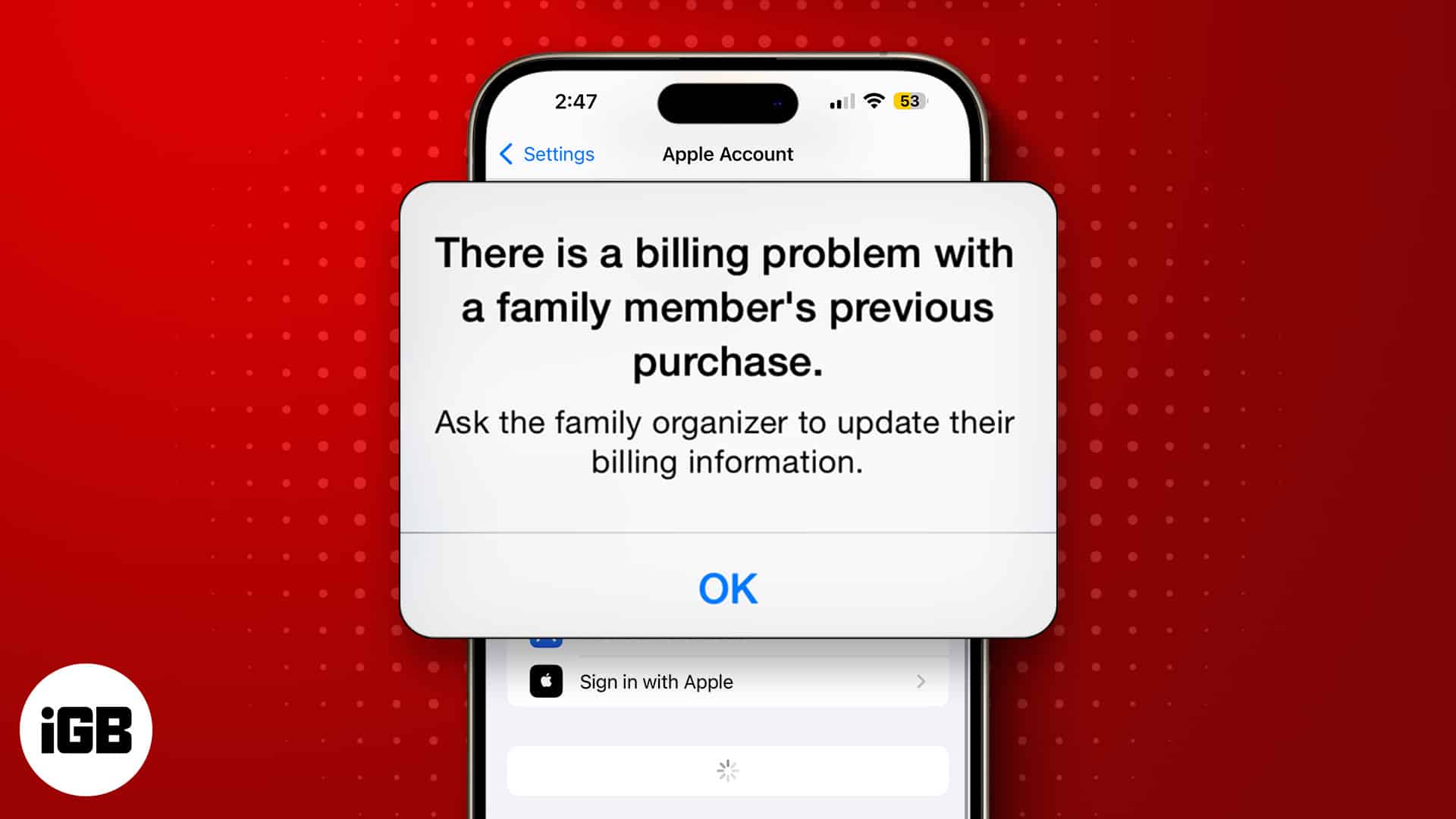
This App Store error means an earlier charge did not go through, usually because of an expired card or outdated billing details. Here is why it happens and how to clear it for good.