
FaceTime Like a Pro
Get our exclusive Ultimate FaceTime Guide 📚 — absolutely FREE when you sign up for our newsletter below.

FaceTime Like a Pro
Get our exclusive Ultimate FaceTime Guide 📚 — absolutely FREE when you sign up for our newsletter below.


From new original movies to returning series, Apple TV has plenty of fresh content arriving in October 2026. Here’s the complete lineup and release schedule.

Watching Formula 1 on Apple TV is easier than I expected. Here’s how you can stream races live and never miss a lap.

Secure your Netflix account by signing out of all devices you don't use.

Upgrade your home cinema with the best 4K TVs. Explore top-rated models featuring stunning OLED displays, high refresh rates, and smart features for gaming and movies.

Upgrade your home cinema. Discover the best 4K projectors for stunning clarity, vibrant colors, and a true big-screen experience.
Hide your box. Discover the best Apple TV mounts to clear up space and organize your cables.

Protect your clicker. Find the best Apple TV remote cases to guard against drops and improve your grip.

Check out the best games for your TV to turn your living room into a gaming hub. We’ve found top-rated titles for families, solo players, and racing fans.

Upgrade your Apple TV experience with a wireless keyboard for faster searching and easier setup. This list features compact, backlit, and multi-device options.

Get the best picture for your movies! Find the top cables to connect your TV for clear video and great sound in every room of your home.
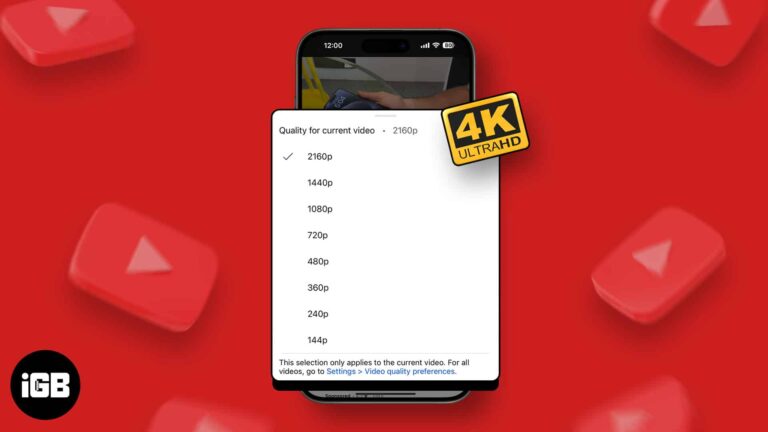
4K offers superior video quality and sharper details. If you have a fast, unlimited internet plan, you may naturally want to stream YouTube videos in the absolute best 4K resolution. Here’s how you can play YouTube videos in 4K on…
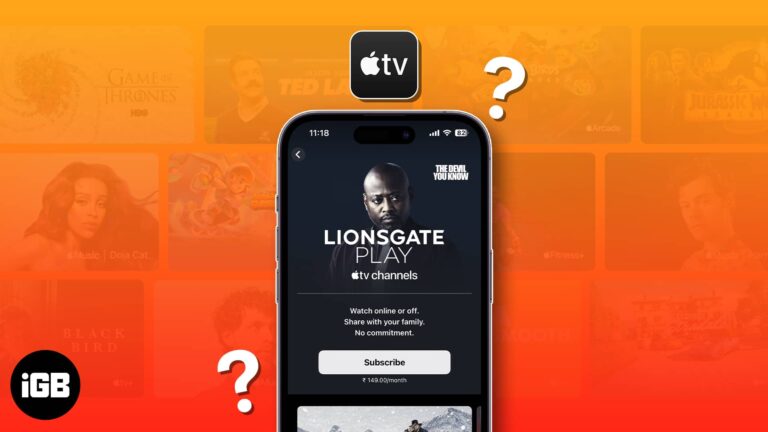
Searching through different streaming platforms and apps to find a movie or series is hectic. To solve this problem, the Apple TV app lets you subscribe to streaming services as channels. Interesting, right? Let me show you how to subscribe…
Just like your other Apple devices, Apple TV has its own set of hidden features. You can customize settings to suit your preferences and get the most out of your entertainment device. So, to make your device even smarter, even…
Apple TV is one of the finest sources of entertainment in today’s world! Be it a movie or a favorite game to play, the device has it all. Each Apple device has stunning features and a few problems attached! The…

You’ve got the popcorn, the drink, and the lights dimmed. You are ready for an evening of shows on Apple TV. Suddenly, you notice a blinking light on a black screen, and you’re unable to turn on your Apple TV.…
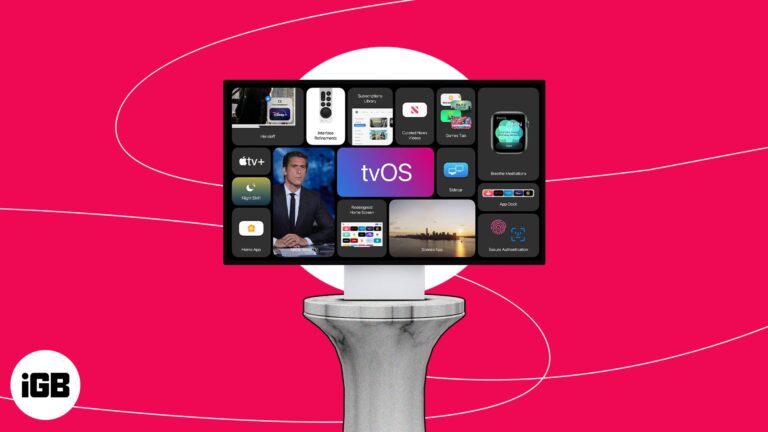
The introduction of the new Vision Pro headset has likely eclipsed every update and new feature introduced in WWDC 2023. Amid these, one you may have overlooked is the latest version of Apple TV software – tvOS 17. After two…

The Nintendo Switch is a revolutionary device in gaming. It’s been around for a while, and although gamers have been enjoying its benefits, a few may not have much of an idea about its compatibility and versatility. So, I’m going…
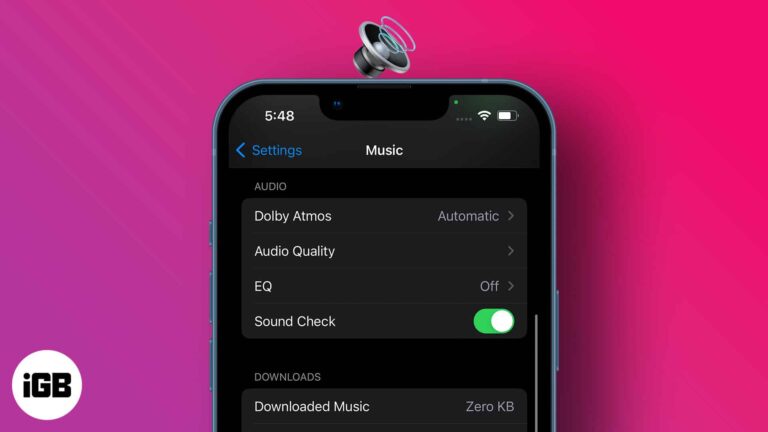
Each music piece carries its own studio record volume; thus, some are louder than others. However, sound fluctuations can hamper your listening experience and mental state. So, maintaining a consistent sound regardless of the music volume is much needed, and…
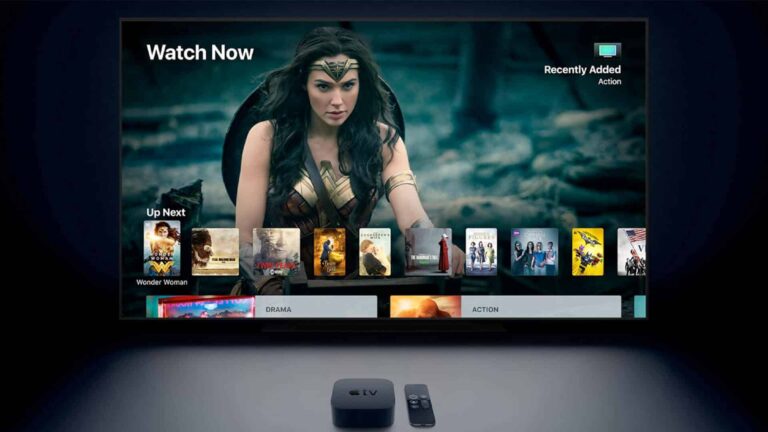
A bright tvOS interface is punishing in a dark room. Here is how to enable dark mode on Apple TV from Settings, do it hands-free with Siri, and schedule it to change automatically.
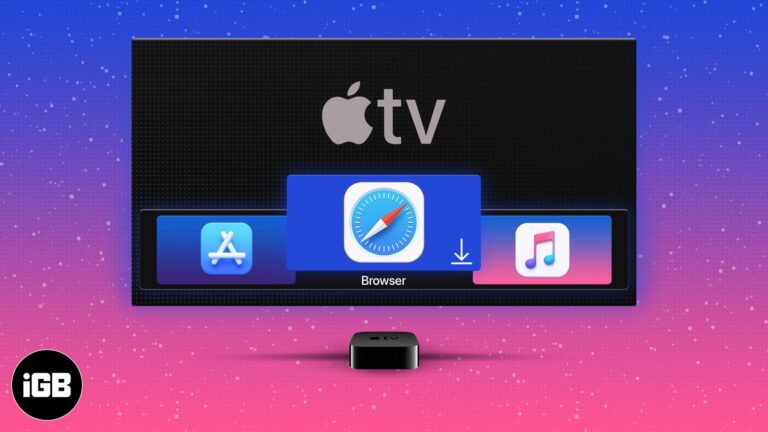
tvOS ships without a browser, which frustrates plenty of Apple TV owners. Here is what you need to browse anyway, how to use the available tvOS browser, and the alternatives worth considering.
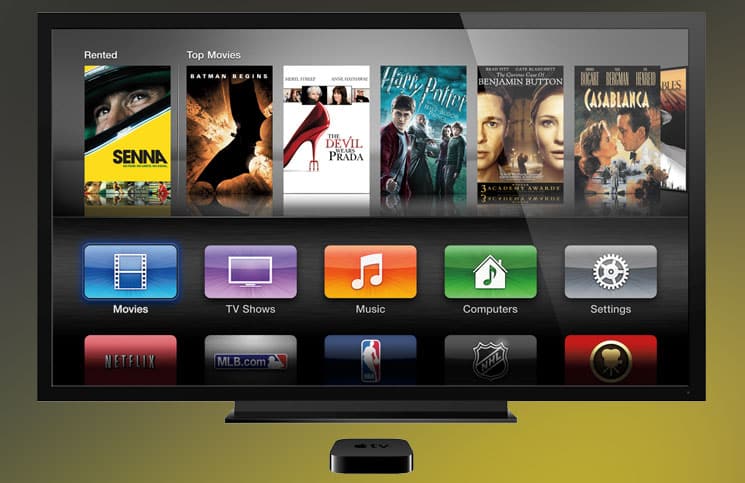
tvOS has no built-in screenshot function, so the capture happens on a connected Mac. Here is how to do it with QuickTime Player, and the Xcode method for older Apple TV software.
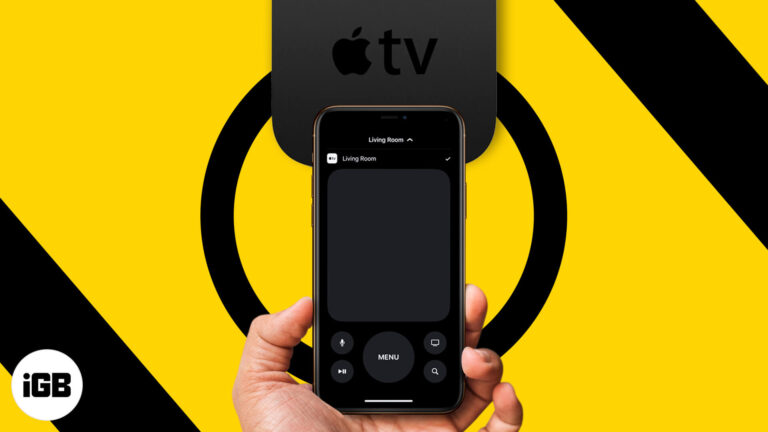
The Apple TV remote is small and easily lost. Your iPhone does the same job. Here is how to add the remote to Control Center and use every function from your phone or iPad.

Apple Watch has no camera, so FaceTime means audio calls. Here are three ways to start one from your wrist, how to call over Wi-Fi, and how to transfer a call from iPhone mid-conversation.

How do I share my Apple TV+ subscription with family and friends? This article will answer that question with step-by-step instructions for enabling Family Sharing for Apple TV+.


