FaceTime Like a Pro
Get our exclusive Ultimate FaceTime Guide 📚 — absolutely FREE when you sign up for our newsletter below.

FaceTime Like a Pro
Get our exclusive Ultimate FaceTime Guide 📚 — absolutely FREE when you sign up for our newsletter below.


Apple Music now works inside ChatGPT, letting you discover music, build playlists, and preview tracks with simple prompts. Here’s how it works, what’s free, and how to set it up fast.


Apple Music is now available inside ChatGPT. While it does not generate music on demand, it can create playlists that match your vibe and play songs you vaguely describe. Here’s how to use Apple Music in ChatGPT and what you can do with it.
First, this does not fully integrate music streaming inside ChatGPT. The implementation is similar to the Spotify integration that launched earlier this year. You can ask ChatGPT to suggest songs or create playlists that match your mood using natural language. It searches Apple Music’s catalog to do this. When you select a song or playlist, it opens in the Apple Music app itself. ChatGPT works more like a thinking layer here.
That said, its playlist creation is far more impressive than the generic mood-based playlists Apple Music usually suggests. It can handle complex prompts and create playlists with songs only from the last five years, exclude specific artists, stick to a particular genre and mood, or even focus on songs about a specific topic. You just need to connect your Apple Music account and start prompting.
You don’t need a subscription to explore or preview songs. But if you do have Apple Music, you get more features, like saving tracks to your library or opening playlists directly in the Apple Music app.
Before you start, here’s what you need:
I am using the web version here, but the steps are nearly the same on the ChatGPT app for iPhone or Android. The setup takes less than a minute. Here is how to do it.
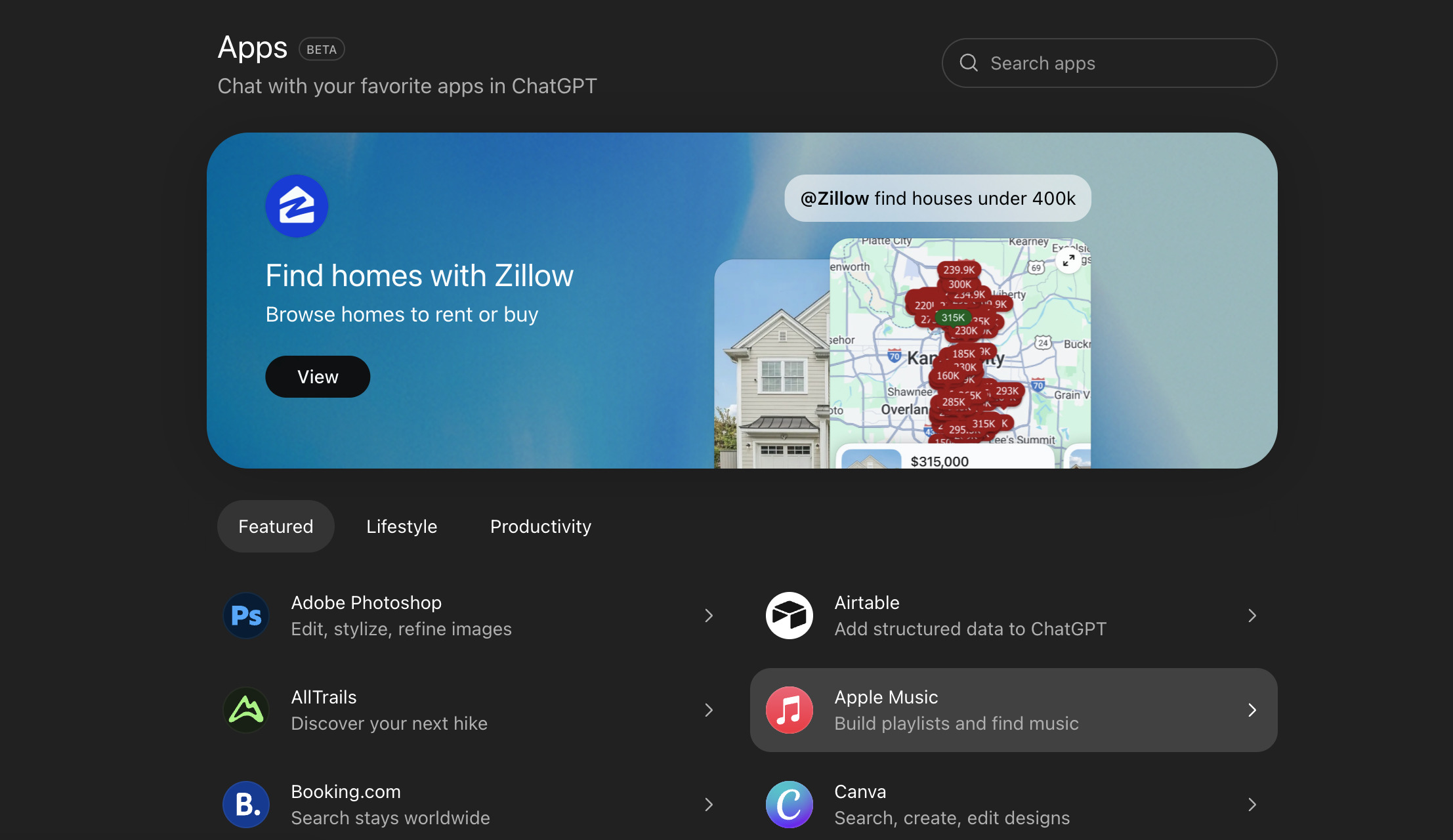
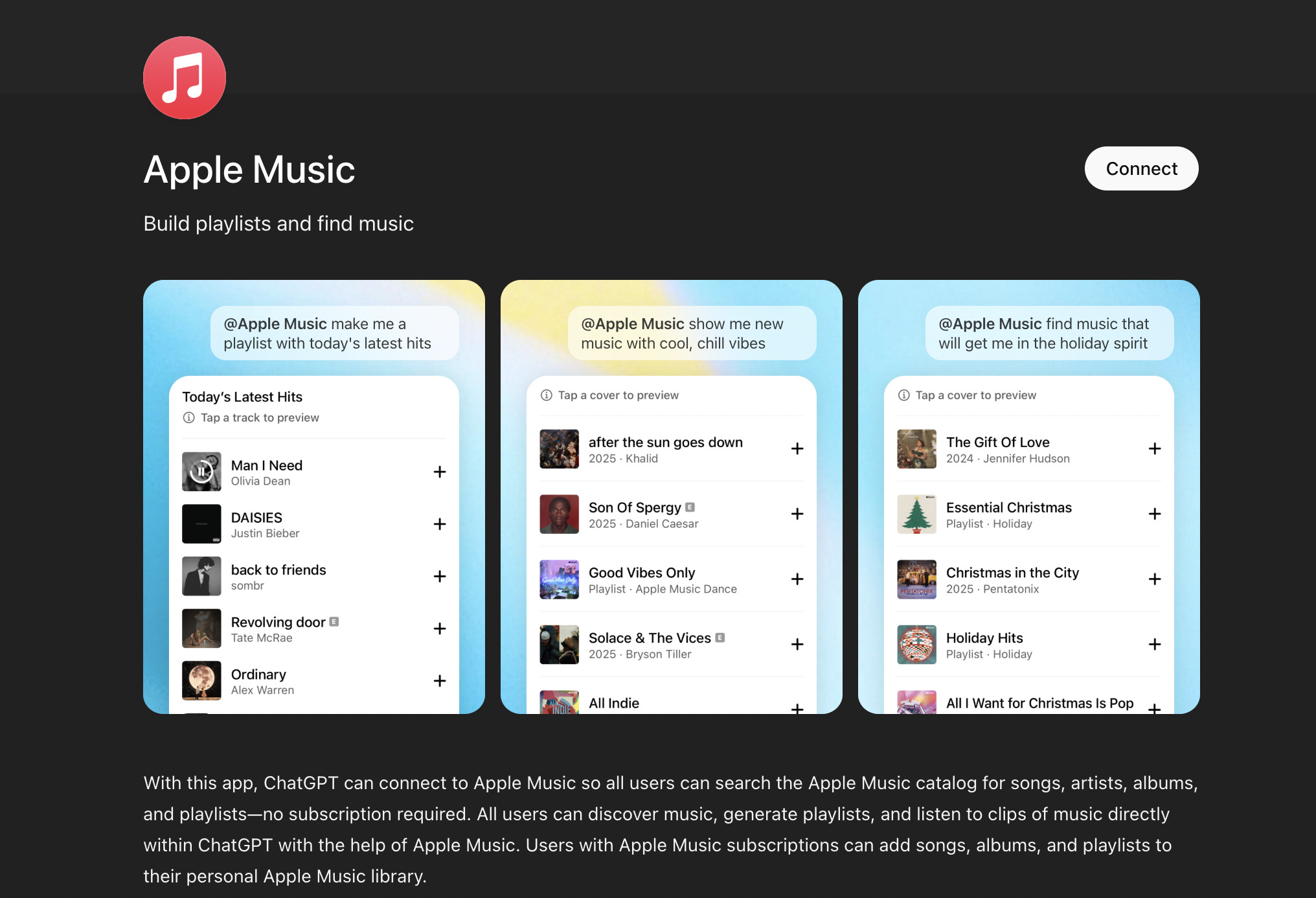
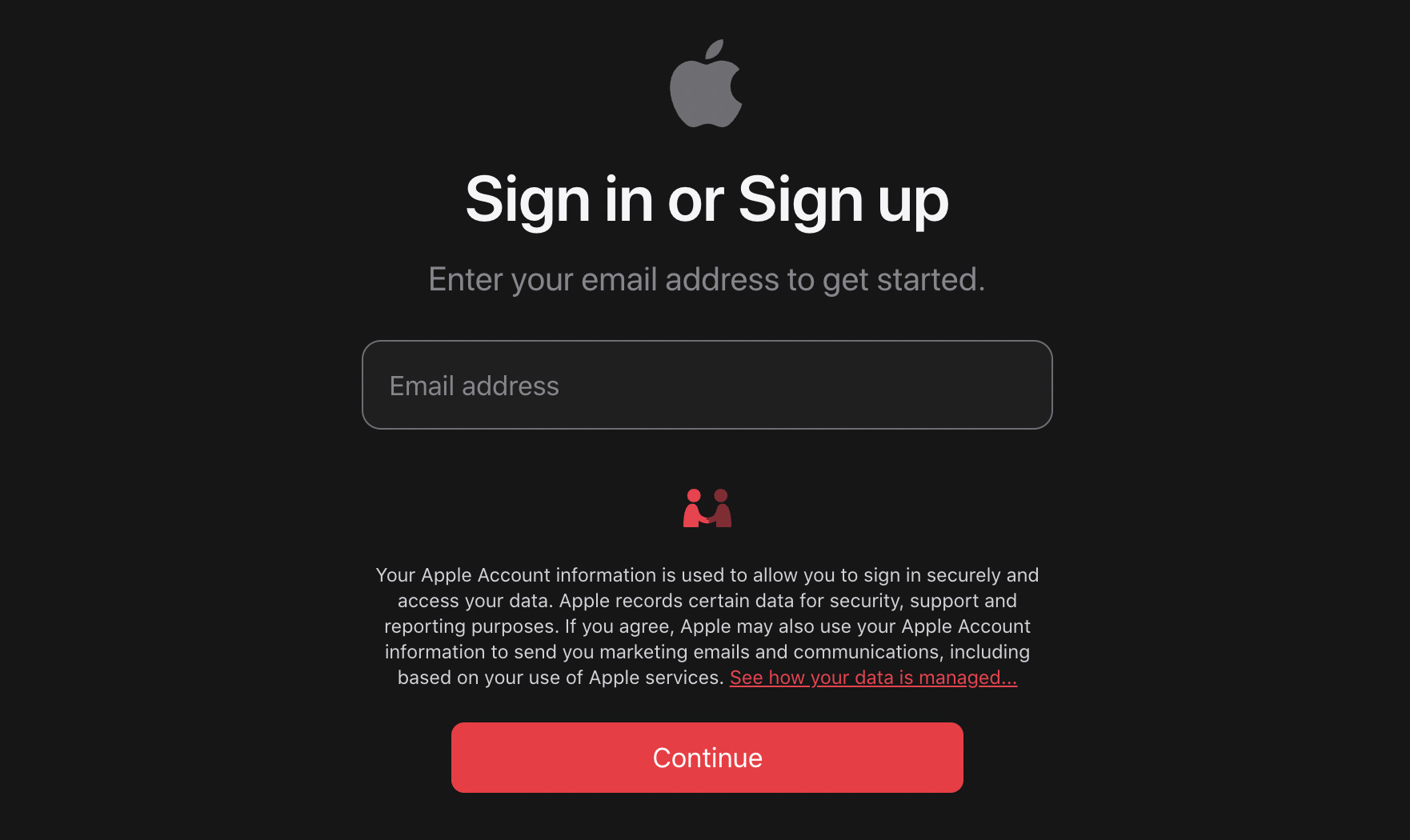
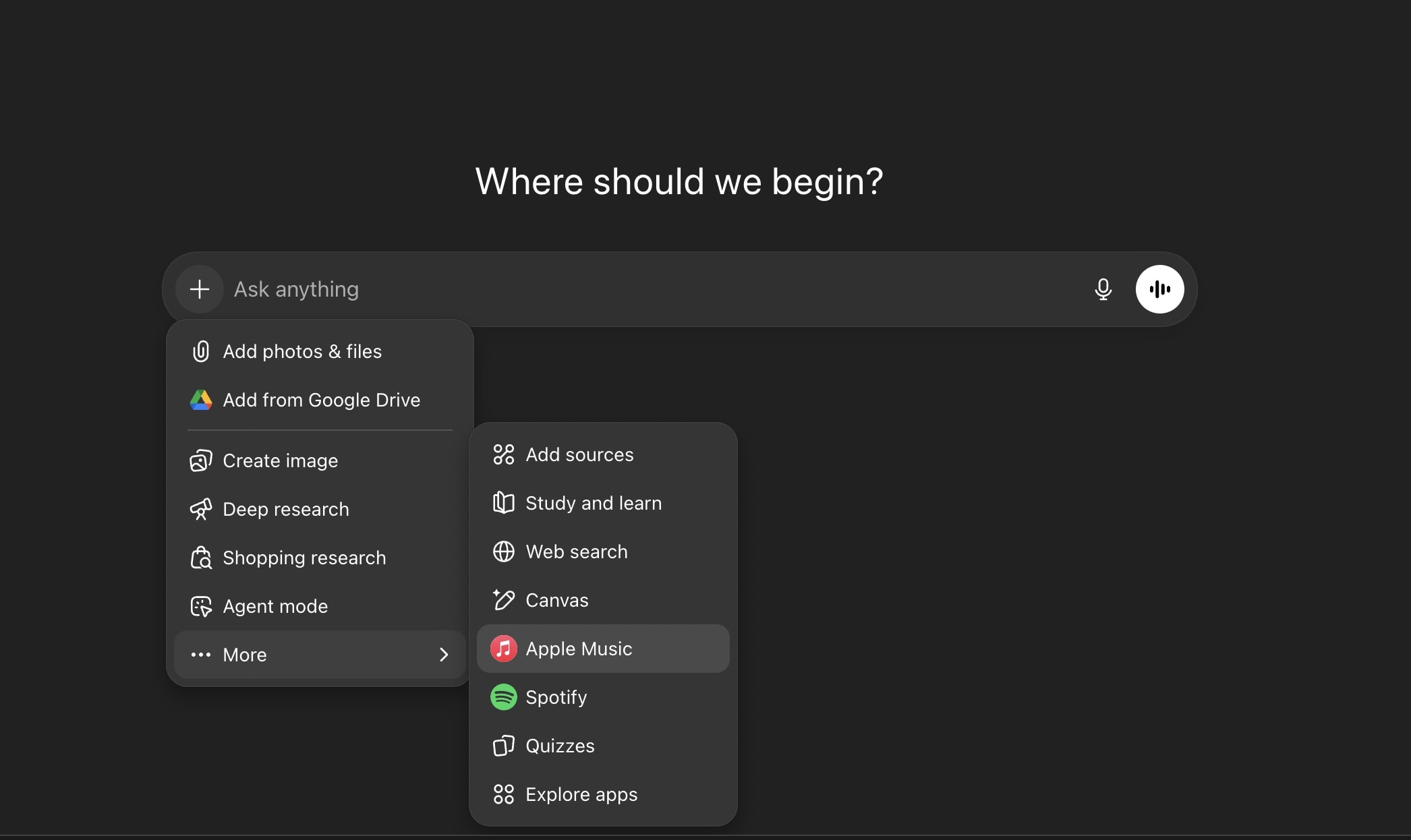
Once connected, ChatGPT may automatically use Apple Music when your prompt includes music; there’s no need to specify it explicitly each time.
Apple Music inside ChatGPT is built around intent. Instead of browsing or relying on algorithms, you tell ChatGPT exactly what you want, and it uses Apple Music’s catalog to do the work for you.
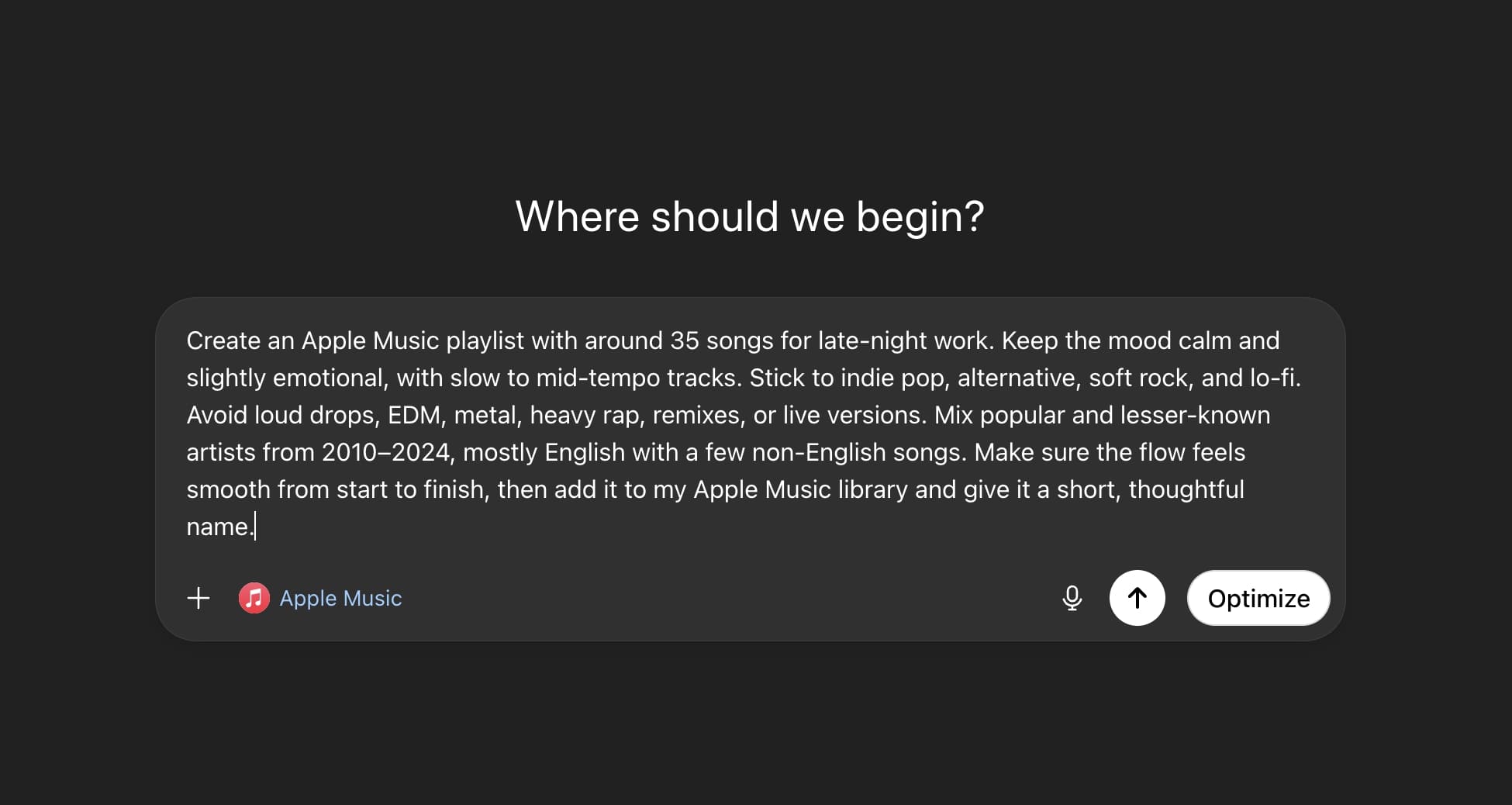
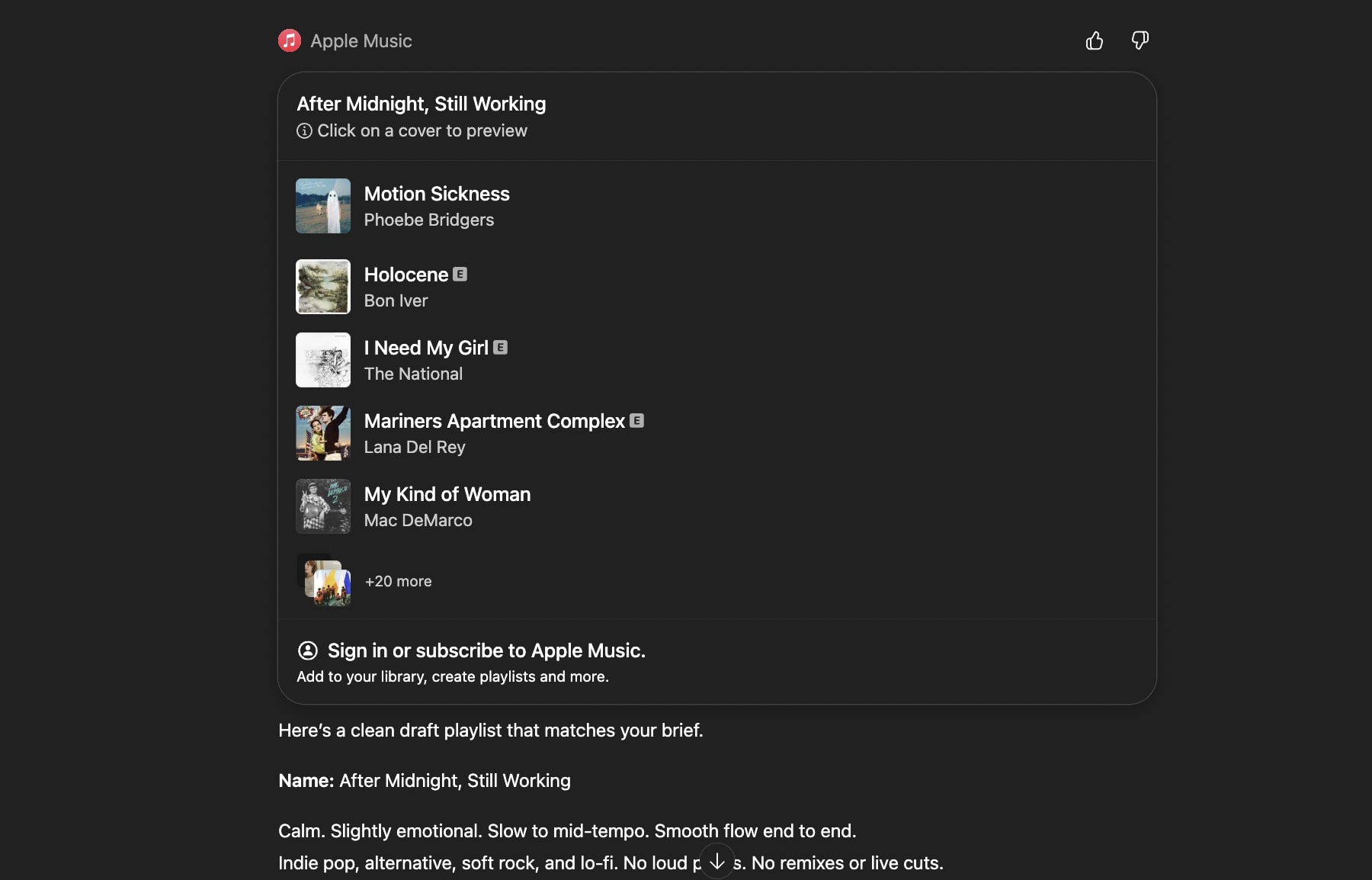
There is no extra setup beyond linking your Apple Music account. Playback stays native to Apple Music, so your listening history, recommendations, and downloads continue to work as usual.
If you want more accurate playlists and song suggestions, how you prompt matters. A few small tweaks can noticeably improve the results.
If you don’t see Apple Music in the Apps tab:
Apple Music inside ChatGPT changes how you find and build playlists. Instead of searching manually, you describe what you want and let ChatGPT handle discovery using Apple Music’s catalog.
You can explore and preview music without a subscription. With a subscription, you can save playlists and start listening instantly in the Apple Music app.
If you already use Apple Music, this integration is worth trying for faster discovery and more control over your playlists.
FAQs
Yes. You can search the catalog, discover songs, create playlists, and listen to 30-second previews. An Apple Music subscription is only needed to save songs or play them in full.
No. ChatGPT doesn’t access your listening history or existing playlists. It can add content to your library (with permission), but doesn’t read from it.
You can use it on: