
FaceTime Like a Pro
Get our exclusive Ultimate FaceTime Guide 📚 — absolutely FREE when you sign up for our newsletter below.

FaceTime Like a Pro
Get our exclusive Ultimate FaceTime Guide 📚 — absolutely FREE when you sign up for our newsletter below.


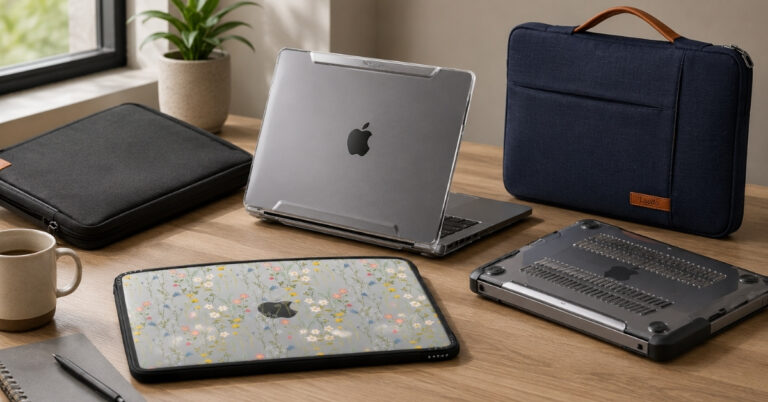
Explore the best 14-inch MacBook Pro cases offering protection, style, and usability.
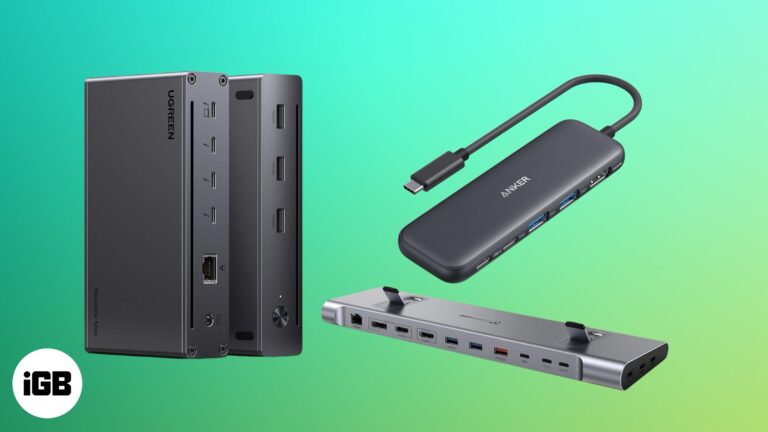
Top MacBook docking stations to expand ports, boost speed, and power your workflow.
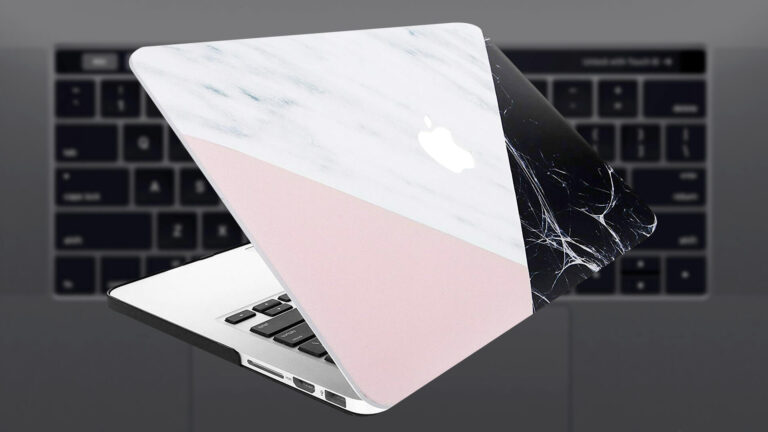
Best 15-inch MacBook Pro cases premium protective options to safeguard your laptop from drops, scratches, and everyday use.
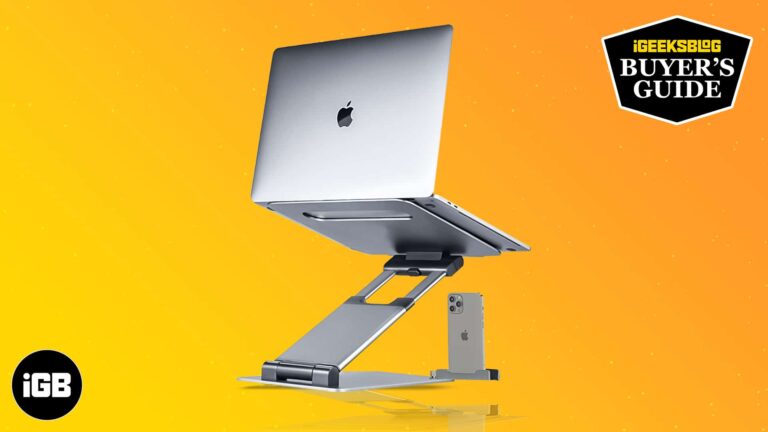
Discover the best MacBook stands — ergonomic, sturdy designs that improve posture, cooling, and productivity for your laptop setup

Best MacBook Pro 16-inch screen protector picks — reliable, bubble-free guards that defend against scratches, fingerprints, and glare
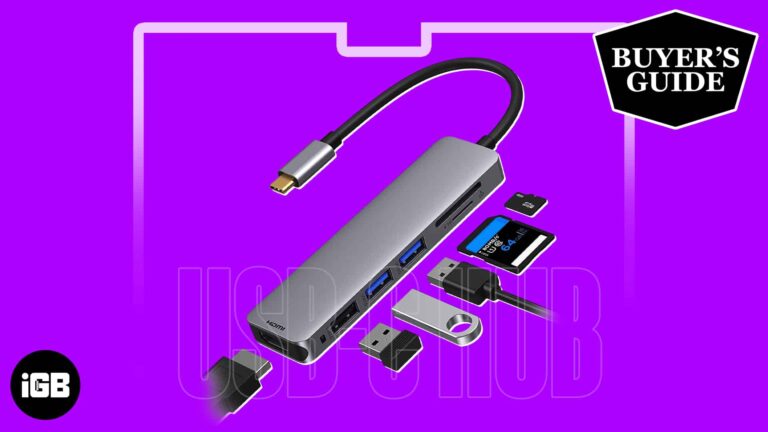
Explore top USB-C hubs for MacBook Pro — reliable multi-port solutions with HDMI, USB-A, SD card slots, and fast charging support
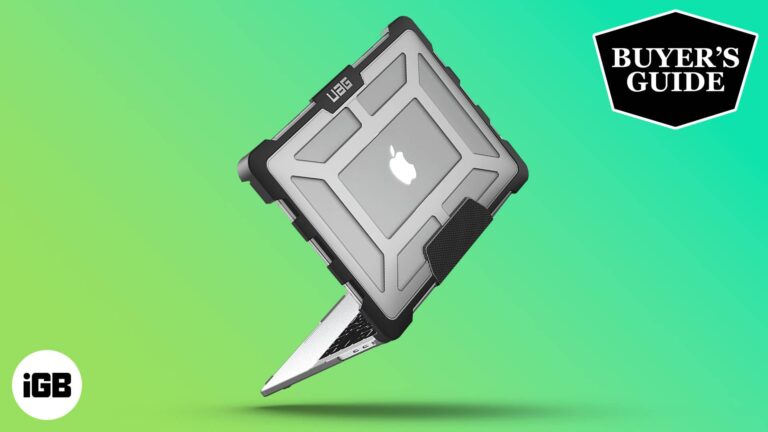
Shield your laptop. Discover the best 13-inch MacBook Pro cases for durable protection, style, and a perfect fit.

Type clean and safe. Discover the best keyboard covers for 16-inch MacBook Pro to shield against spills, dust, and daily wear.
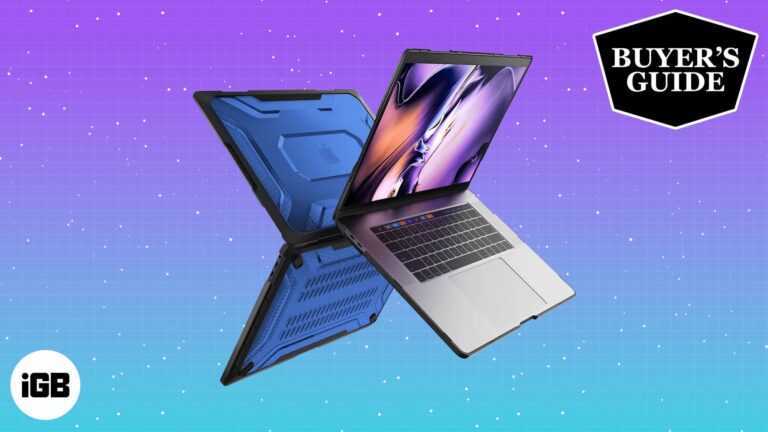
Find the best 16-inch MacBook Pro cases to protect your high-end laptop from scratches, drops, and daily wear.

Get the most out of your big laptop! Discover the best cases, fast chargers, and handy tools to keep your computer safe and easy to use everywhere.

Are you noticing your MacBook overheating more than usual? Overheating can not only be uncomfortable but also damage your MacBook’s components. So, if your MacBook often runs too hot to handle and you are running out of ideas to stop…
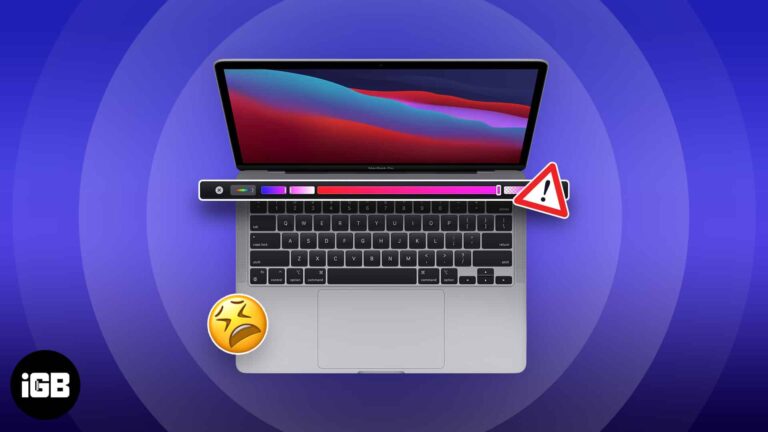
A frozen Touch Bar leaves you without volume, brightness, or Escape. Here is what causes it and how to restart the Touch Bar processes, reset the controller, and stop it recurring.
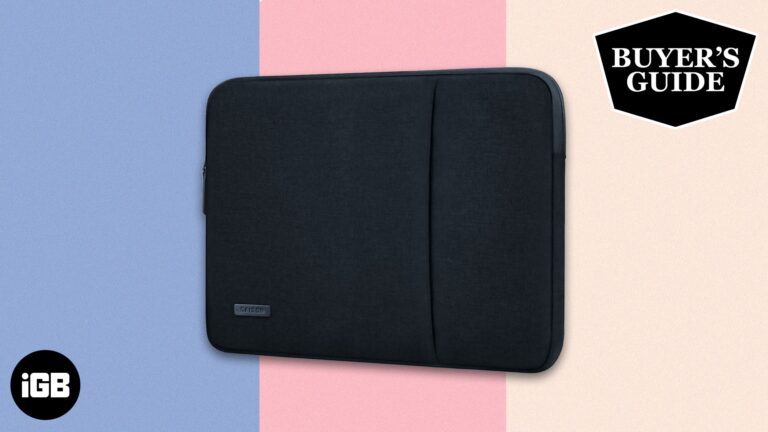
A list of the best 16-inch MacBook Pro sleeves that offer slim protection, stylish designs, and easy carry for everyday use.

The Touch Bar is more useful once configured. These 13 tips cover slide gestures for volume and brightness, per-app customization, capturing a Touch Bar screenshot, and pinning function keys.
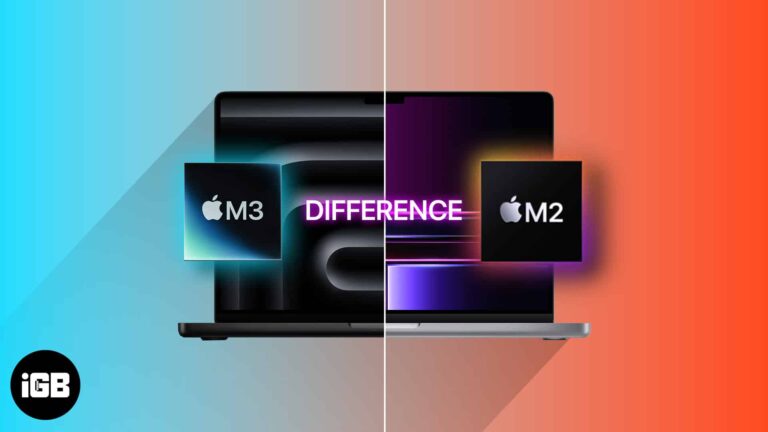
The M3 MacBook Pros are here, and Apple has once again blown its rivals out of the water with its new 3nm chips, which look like another paradigm shift in computing. However, this raises a question: Should you upgrade to…
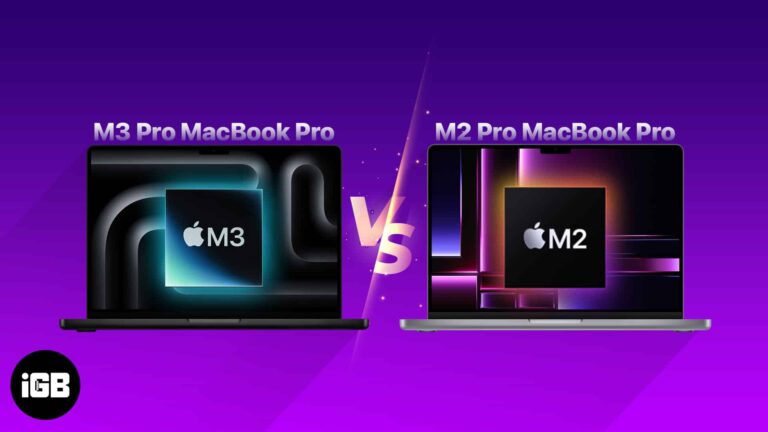
At the Scary Fast event, Apple introduced the new 14-inch and 16-inch MacBook Pro models alongside the M3 family of chipsets. However, potential buyers of the MacBook Pro may be confused about whether to upgrade from the M2 Pro model…
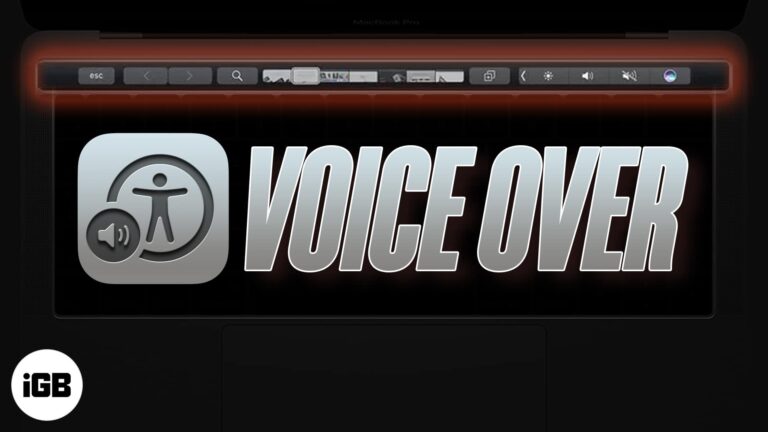
A touch strip with no tactile feedback is difficult without sight. VoiceOver reads it aloud. Here is what VoiceOver does, how to enable it on a Touch Bar MacBook Pro, and how to use the two together.
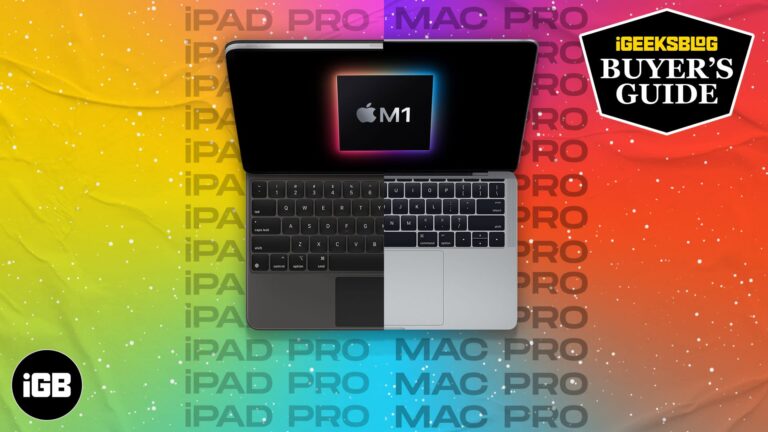
The same chip sits in two very different machines. We compare the M1 iPad Pro and MacBook Pro on display quality, connectivity, battery, and what each operating system lets you actually do.
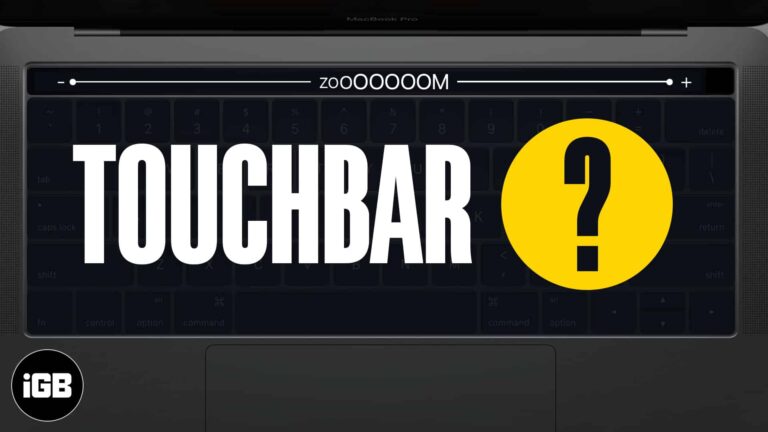
The Touch Bar is small and unlabeled in ways that frustrate many users. Touch Bar Zoom mirrors it enlarged on your screen. Here is how to enable and use it on MacBook Pro.


