FaceTime Like a Pro
Get our exclusive Ultimate FaceTime Guide 📚 — absolutely FREE when you sign up for our newsletter below.

FaceTime Like a Pro
Get our exclusive Ultimate FaceTime Guide 📚 — absolutely FREE when you sign up for our newsletter below.




Protect your AirPods Max with these best cases and covers.

Easily delete WhatsApp groups when they become inactive or cluttered.

Merge images easily with the Shortcuts app or a third-party tool—no hassle!
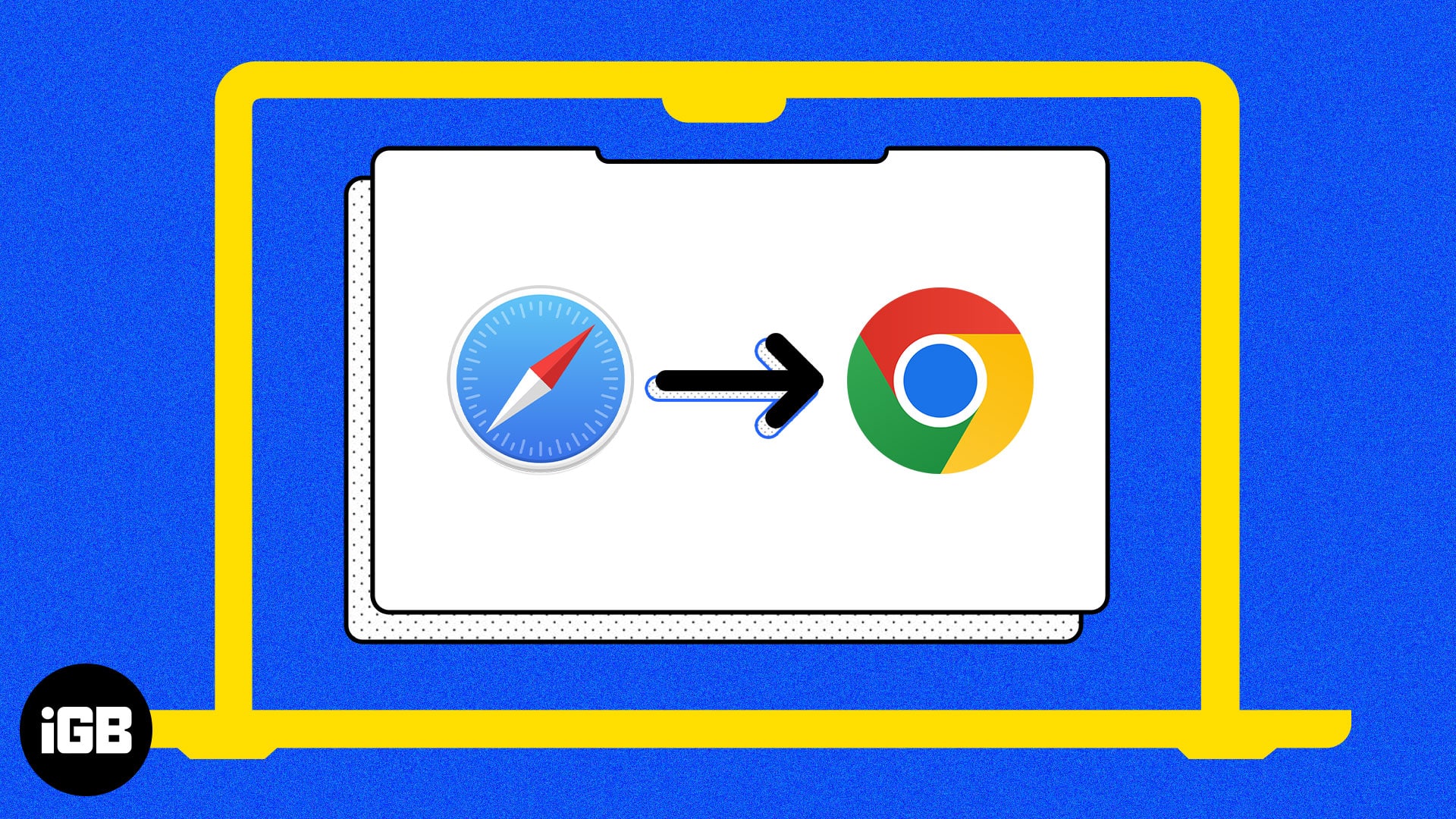
Easily set your preferred browser as default on Mac.
In his recent interactions, Tim Cook shared that the iPhone has 50% new buyers. This means one out of two…
Get Mac backup software to protect your important files.
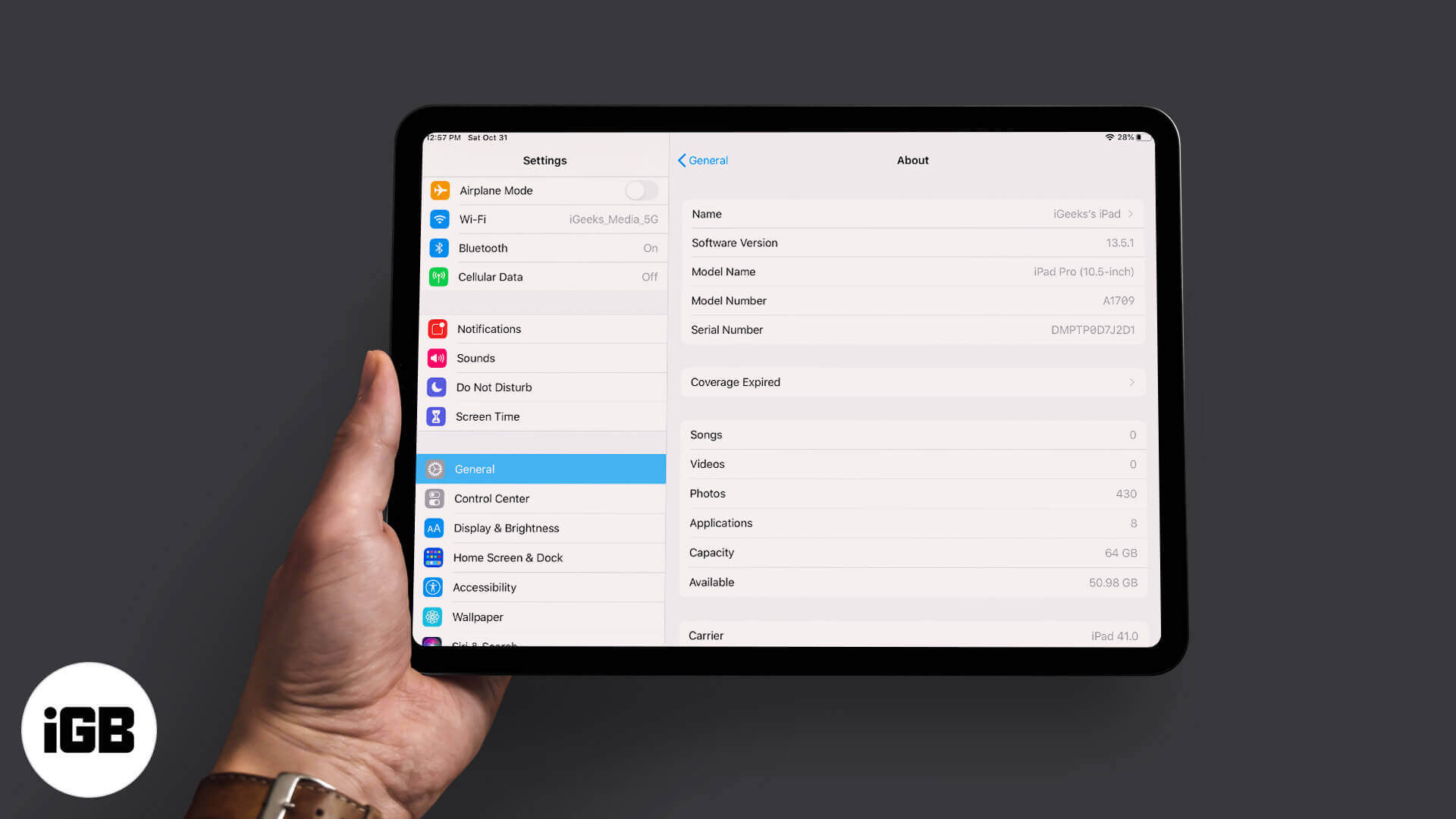
Did you ever find it difficult to identify your iPad model? If the answer’s yes, trust me, there are many…
Let Siri announce and reply to notifications with AirPods.

Find the best USB-C to ethernet adapters to enjoy stable, high-speed wired internet on your MacBook, iPad, or iPhone.
A list of the best calendar apps for iPhone that help you plan, organize events, set reminders, and stay on top of your schedule every day.
Resetting wipes your settings and returns the speaker to factory state, which fixes stubborn problems and prepares it for sale. Here are three ways to do it, including a full Finder restore.

A blocked mic mesh, a low charge, or a stuck automatic mic setting can leave callers hearing silence. These 11 checks cover cleaning, settings, resets, and re-pairing to restore AirPods mic audio.

This list of detective games for iPhone and iPad features immersive mysteries, hidden clues, and interactive puzzles that bring crime-solving adventures to life.

Explore the best SNES emulators for Mac — from all-in-one front ends to simple standalone tools that make playing your favorite 16-bit games easy
This error usually means the handset is carrier locked or the SIM is not seated properly. These nine fixes work through locks, physical SIM and eSIM checks, restarts, and carrier updates.
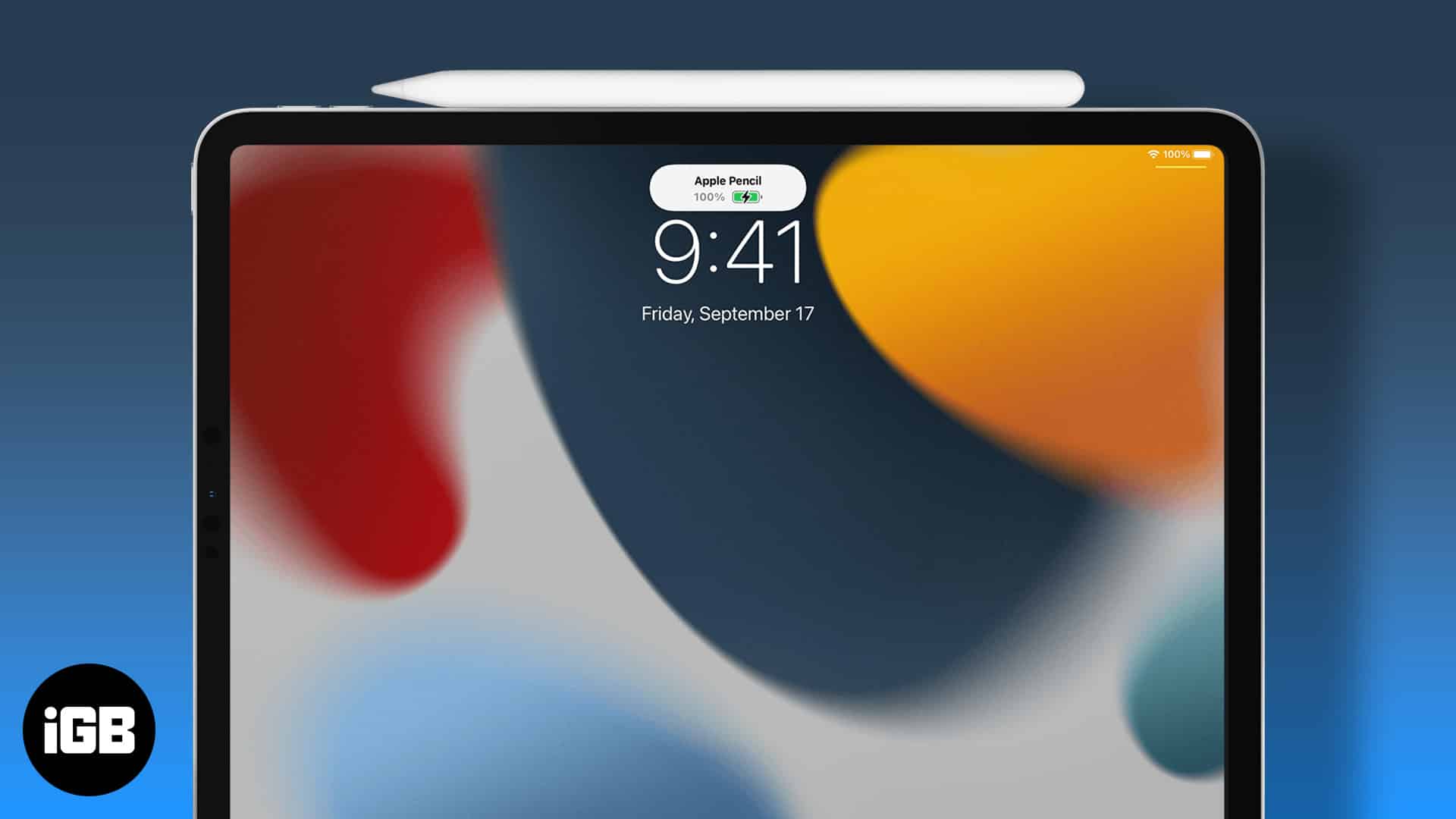
Apple Pencil gives no battery indicator of its own. Here is how to see the charge level via the Batteries widget or Settings, and how to check a second-generation Pencil while it charges.

A VPN encrypts your traffic and hides your location, which matters most on public Wi-Fi. Here is how VPNs work on iPhone, the features that count, and how to configure and use one.
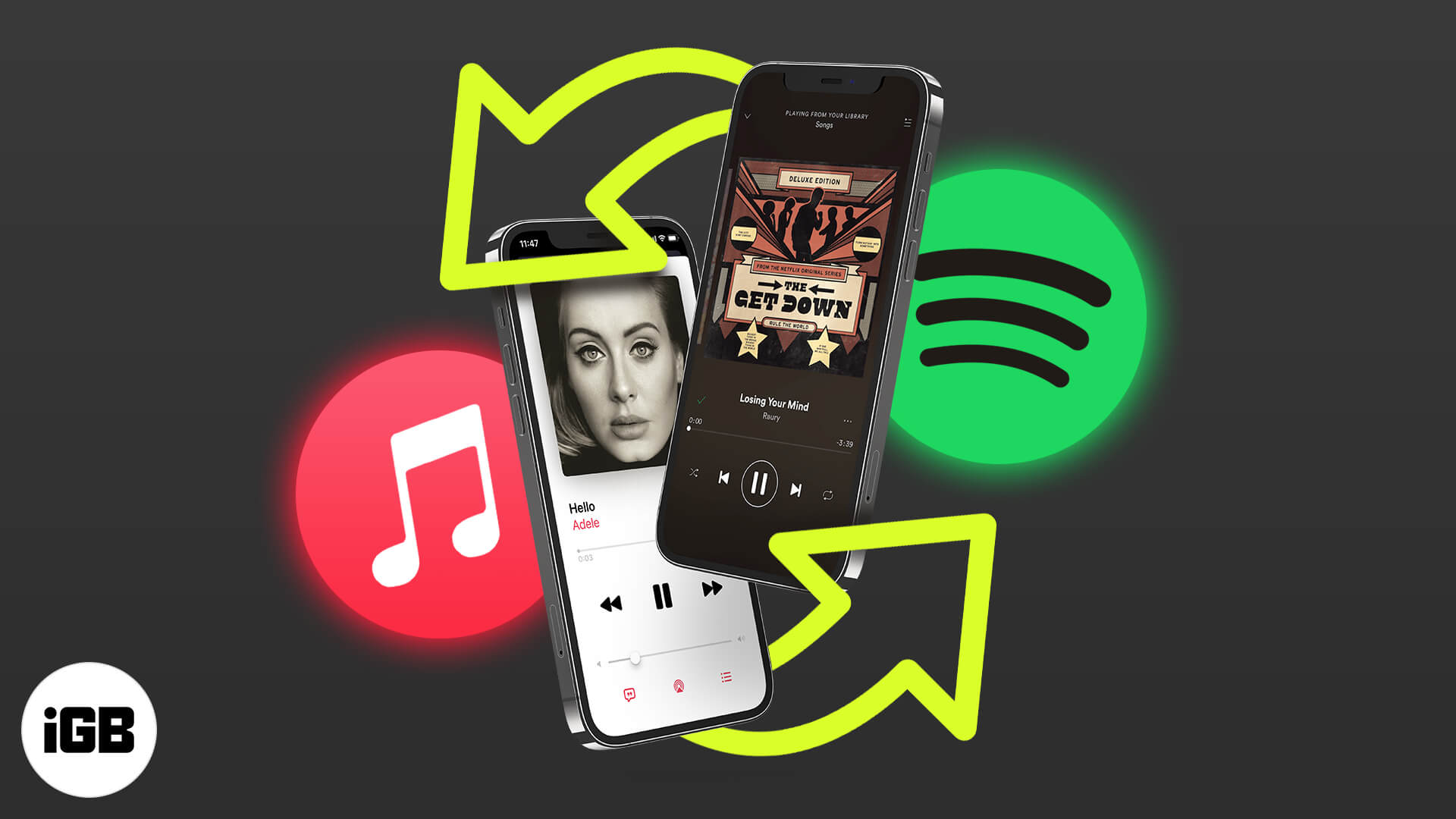
Siri can learn which music service you prefer, so requests route to Spotify or another app instead of Apple Music. Here is how to set it, and the limits of what the change actually does.
macOS hides thermal data by default, so loud fans leave you guessing. Here is how to read CPU temperature and fan speed with free tools, plus the ranges that indicate a genuine problem.
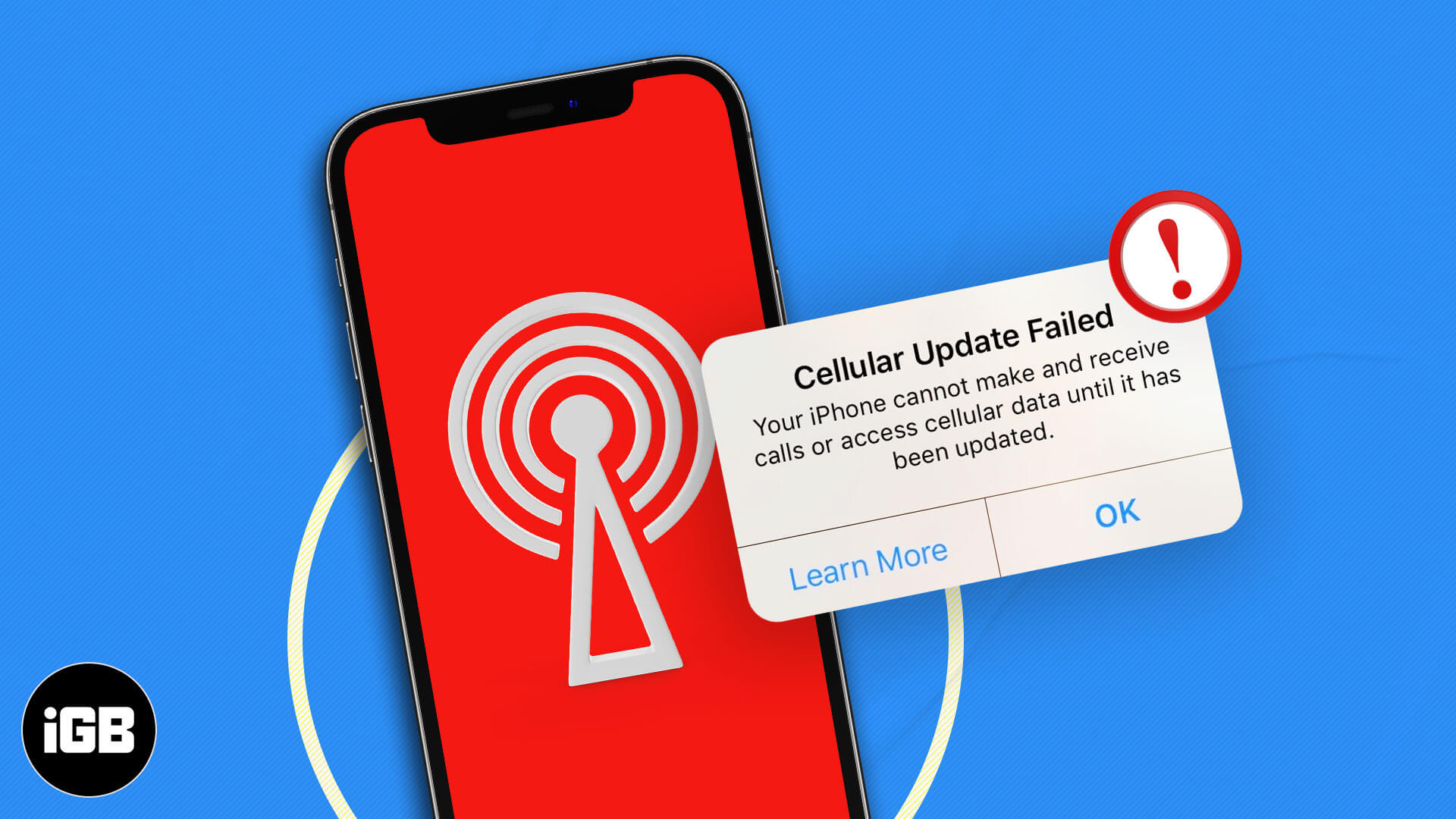
This error usually appears alongside No Service and points to a carrier settings problem. Here is what triggers it and how to fix it without a trip to the store.

The Touch Bar is small and unlabeled in ways that frustrate many users. Touch Bar Zoom mirrors it enlarged on your screen. Here is how to enable and use it on MacBook Pro.

Shazam is built into more places than most people realize. Here is how to identify and play music through Apple Music, Snapchat, Spotify, and Deezer, and keep a record of your Shazams.

Deleting Telegram removes your messages, contacts, and group memberships for good, with no way back. Here is what you lose, plus the exact steps to close the account permanently from your iPhone.
App Library organizes your apps automatically, so a broken one is genuinely disruptive. These fixes cover restarts, iOS updates, list and grid view settings, and a full settings reset.
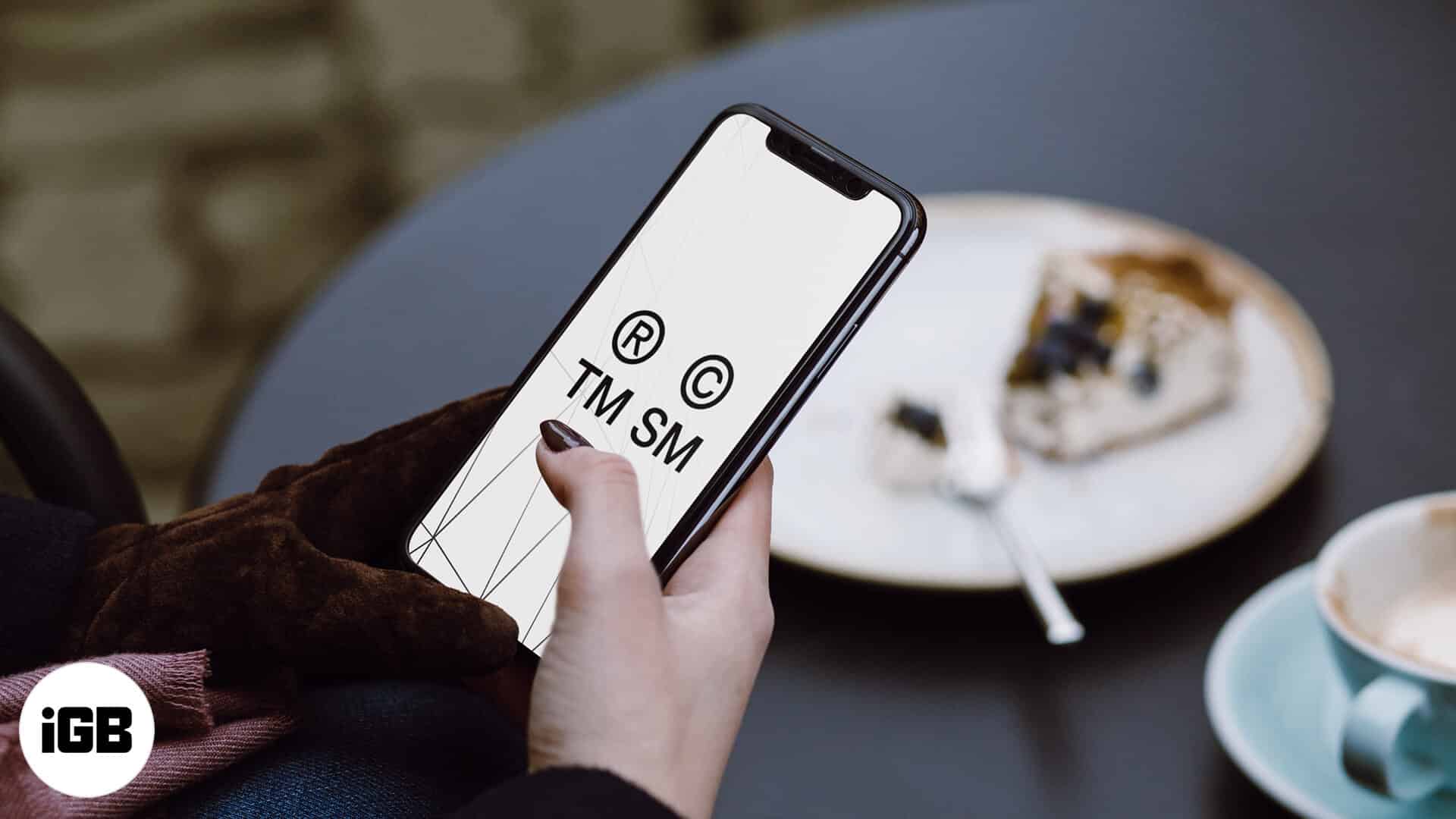
These symbols are not on the standard iOS keyboard. Here is how to insert the trademark, copyright, and registered marks on iPhone, set up text replacements, and the keyboard apps that help.
Siri controls Apple Music far more precisely than most people ask it to. Here are the commands for finding music by chart or genre, building playlists, tuning radio, and training its suggestions.