
FaceTime Like a Pro
Get our exclusive Ultimate FaceTime Guide 📚 — absolutely FREE when you sign up for our newsletter below.

FaceTime Like a Pro
Get our exclusive Ultimate FaceTime Guide 📚 — absolutely FREE when you sign up for our newsletter below.


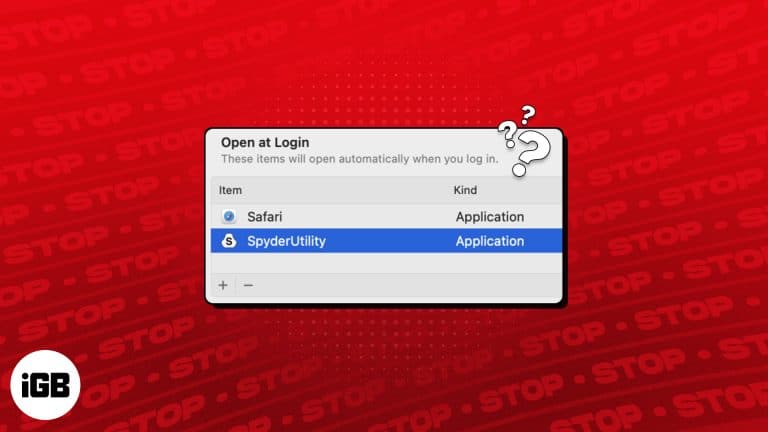
A pile of apps launching at boot slows startup and clutters your screen. Here is why they do it and how to remove login items and background agents in current macOS versions.
A Lock Screen message is a simple way to get a lost Mac returned. Here is how to add your own text or contact details in System Settings, and how to remove it when it is no longer needed.
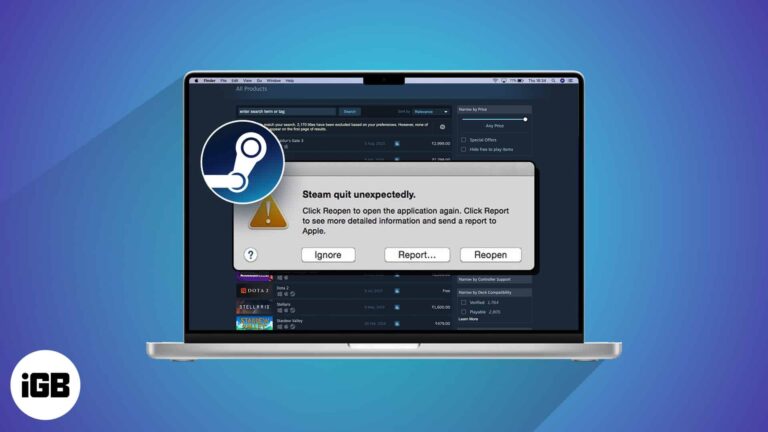
It’s frustrating when you wish to play games on your Mac, but the Steam app is not opening or fails to work. Several system glitches can cause Steam to keep crashing on macOS Sonoma. But don’t worry! You can quickly…
If you spend much time in front of your Mac screen, you must track and limit your usage time. So, to help you maintain your well-being, Mac offers a great feature called Screen Time. In this guide, I will show…
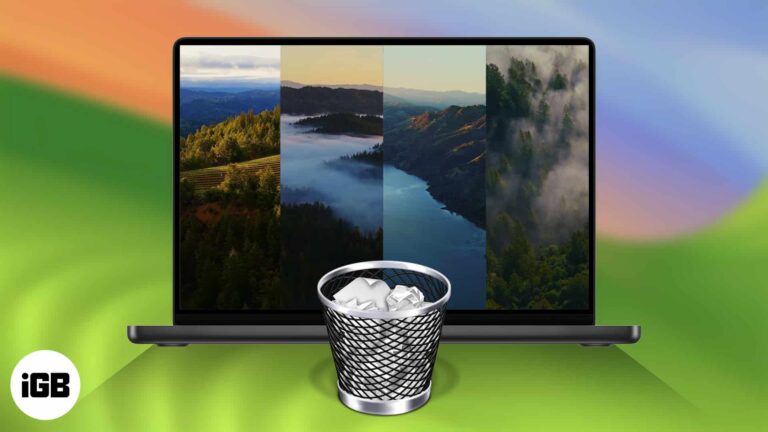
Truth be told, macOS Sonoma’s live wallpapers are nothing short of gorgeous. These stunning screensavers show slow-motion videos of places worldwide — including underwater. It’s pretty hard not to get hooked and download a bunch just to see how they…
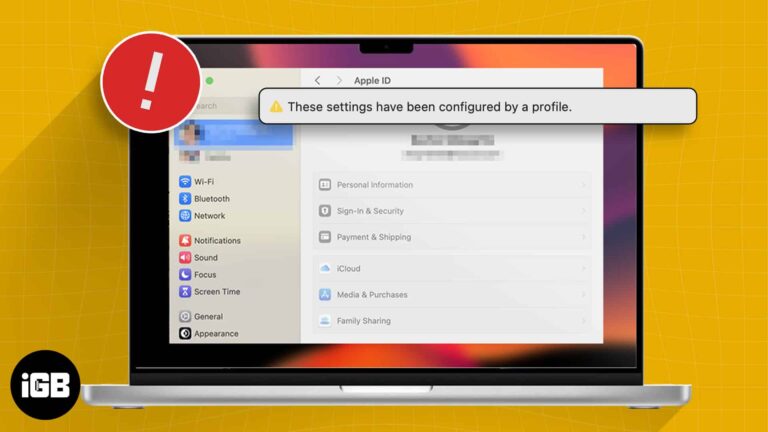
After installing macOS Sonoma, many users have expressed disappointment on forums regarding their Apple ID settings being greyed out. Accompanying this issue is an alert or error message reading, “These settings have been configured by a profile.” If you are having…
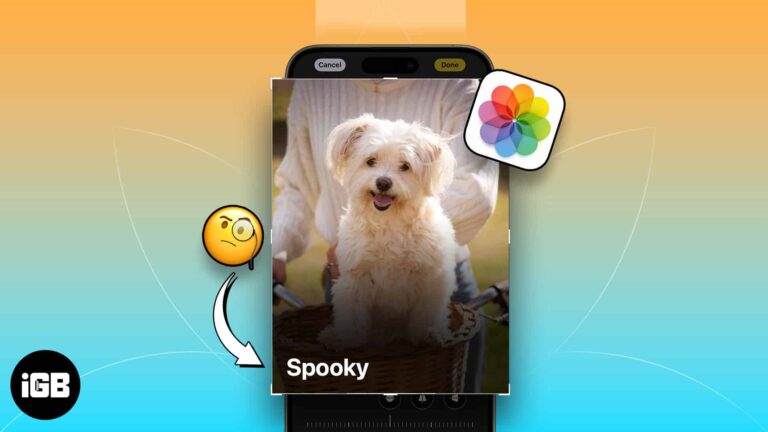
Whether you’re a dog mom or a cat dad, you love your pet and probably snap tons of photos of them. Using the newly introduced feature of pet recognition with iOS 17, iPadOS 17, and macOS Sonoma, you can now…
Wondering when the alarm system was turned off or who unlocked the door after curfew? Using Activity History in the Apple Home app, you can see these types of actions – when they took place, and by whom. Here’s our…
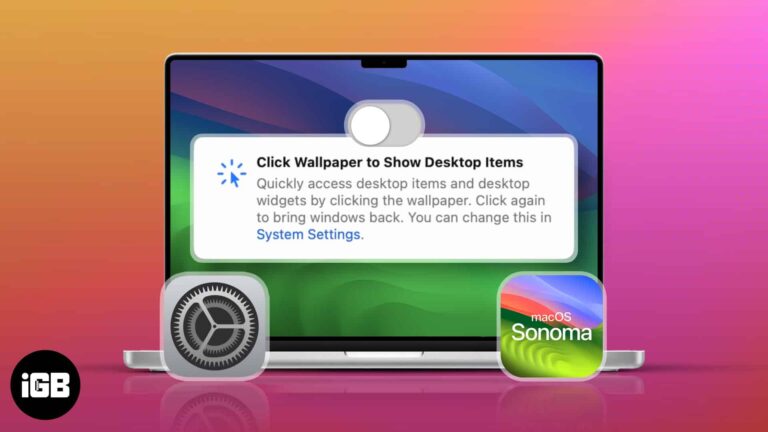
Updated to macOS Sonoma? You might’ve scratched your head, noticing how your windows quickly slide to the side whenever you click the desktop. Don’t worry; this isn’t a glitch. It’s a new feature that comes with the macOS upgrade. If…
If you multitask and have hands full of work, you can make Siri read whatever text is on your screen aloud. It’s like turning your iPhone, iPad, or Mac into your personal storyteller. In this guide, I have shared how…
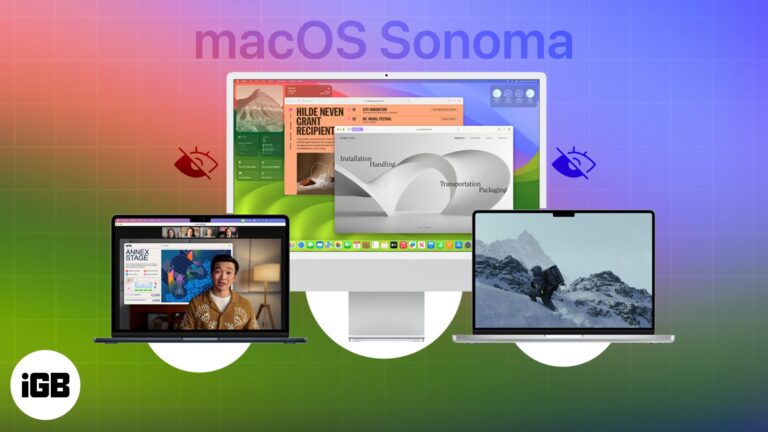
From making your work easier to providing user-friendly tools, macOS Sonoma has been carefully designed to empower you in ways you might not have imagined. You must already be aware of some of the most impressive features of the latest…
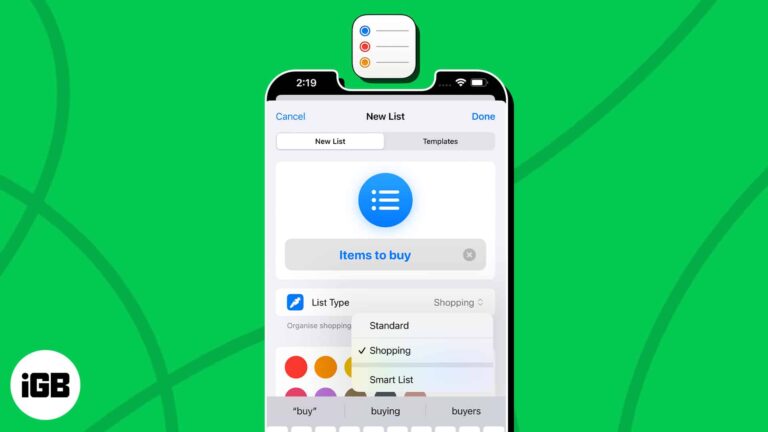
Get ready to master the art of task management. With iOS 17 and macOS Sonoma, Apple has blessed us with auto-categorization in the Reminders app. It is a feature that can automatically sort your Shopping reminders into categories based on…
With the ever-increasing digital marketing and online tracking, privacy-conscious users like me seek ways to protect their digital footprints. So, Apple has rescued us with an enhanced privacy feature called Advanced Tracking Protection on iPhone, iPad, and Mac. Now, Safari will automatically remove tracking…


