
FaceTime Like a Pro
Get our exclusive Ultimate FaceTime Guide 📚 — absolutely FREE when you sign up for our newsletter below.

FaceTime Like a Pro
Get our exclusive Ultimate FaceTime Guide 📚 — absolutely FREE when you sign up for our newsletter below.


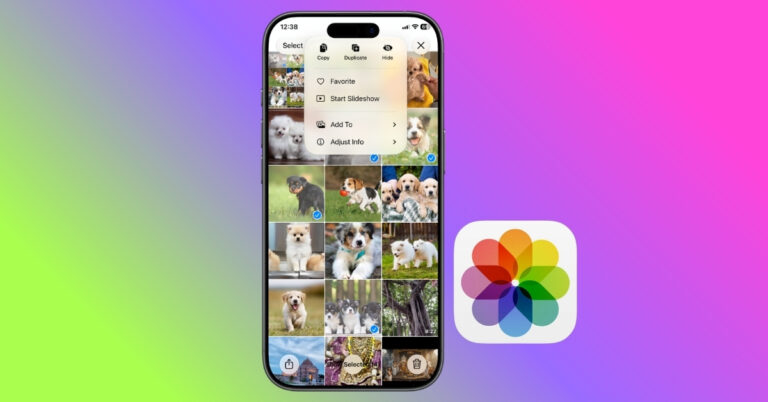
I turned my favorite photo memories into shareable videos with just a few taps. No third-party app required.
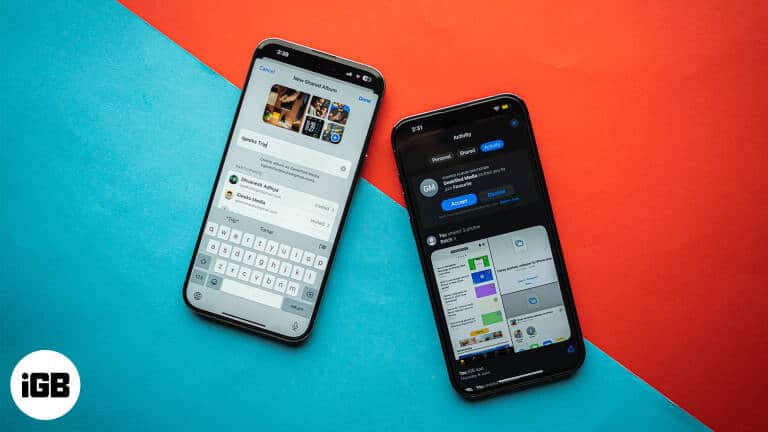
Shared Album invites only arrive once the feature is switched on in Settings, which trips a lot of people up. Here is how to enable it, accept an invitation, and leave an album later.
Photos lets you drag the slo-mo markers to restore normal speed without re-recording. Here is the fast method, plus how to use iMovie when you want precise control over the slowed section.
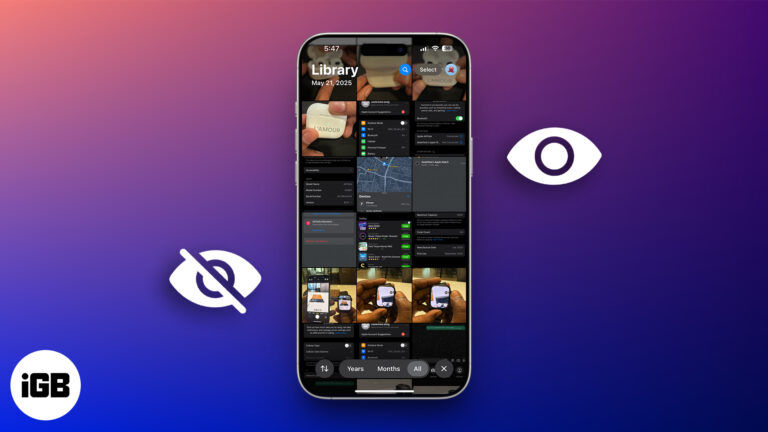
Want to keep certain photos and videos private? Learn how to hide and lock sensitive media on your iPhone, iPad, or Mac using Apple’s built-in tools.
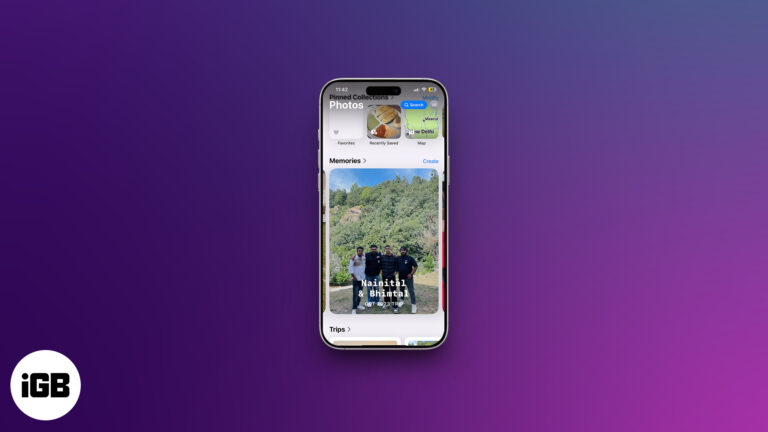
Memories turns your library into edited movies with music, and it is more controllable than most people realize. Here is how to view them, customize them, build your own, and remove any.

 Nidhi Bohra and Vikhyat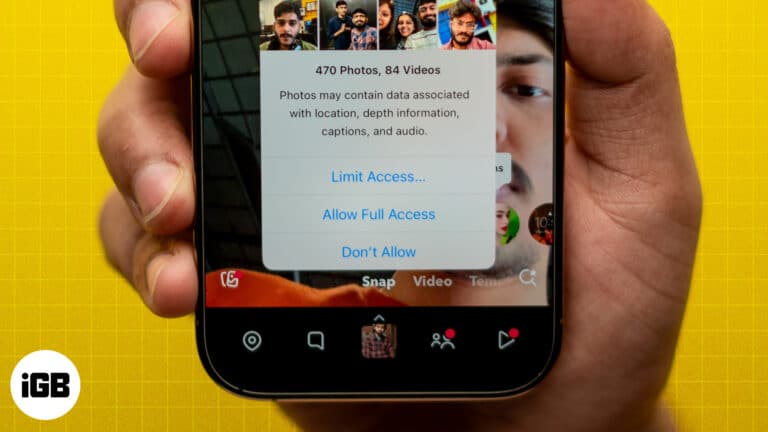
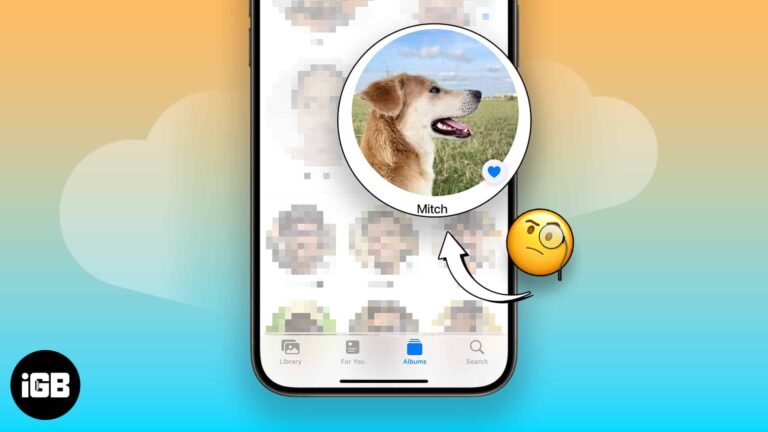
You’ll take many photos of your pet if you’ve got one. Before iOS 17, it was harder to find your pet’s photos individually. Apple introduced the People & Pets album with iOS 17, iPadOS 17, and macOS Sonoma, categorizing photos…
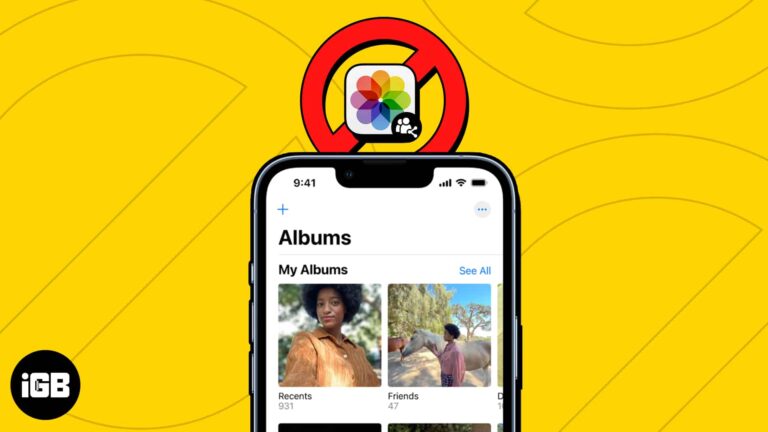
Shared Albums have made sharing precious memories and photos with loved ones easier than ever. However, it can be frustrating when you can’t share your favorite photos or access your shared albums. In this article, I’ll address possible reasons why…
Storage is and always has been one of the biggest problems with iPhones. To solve the storage issue, Apple upgraded the base variant of the iPhone 13 series to 128GB and the upper limit of storage to 1TB (one terabyte)…
If you took an image or received one oriented the wrong way, it’s pretty easy to rotate the image on your iPhone—a few taps on the Photos app would solve your problem. The headache starts when you have dozens of…
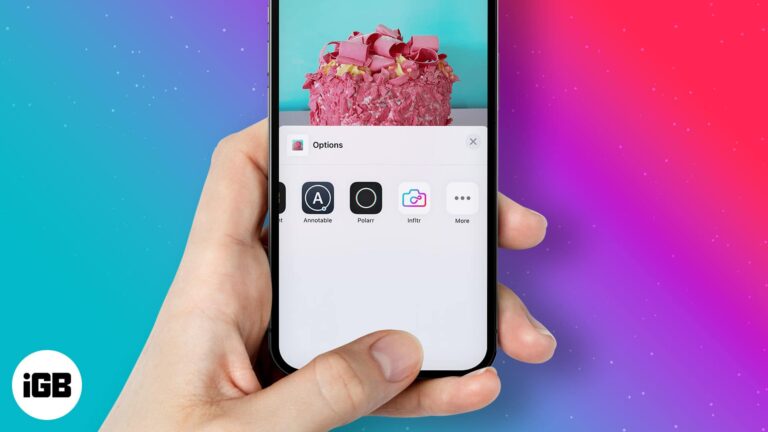
In 2014, while announcing iOS 8, Apple unveiled app extensions throughout iOS. This allows users to use third-party apps that have extensions directly within native iPhone apps. This opens infinite possibilities. I mean, just imagine using extensions in the Photos…


