
FaceTime Like a Pro
Get our exclusive Ultimate FaceTime Guide 📚 — absolutely FREE when you sign up for our newsletter below.

FaceTime Like a Pro
Get our exclusive Ultimate FaceTime Guide 📚 — absolutely FREE when you sign up for our newsletter below.



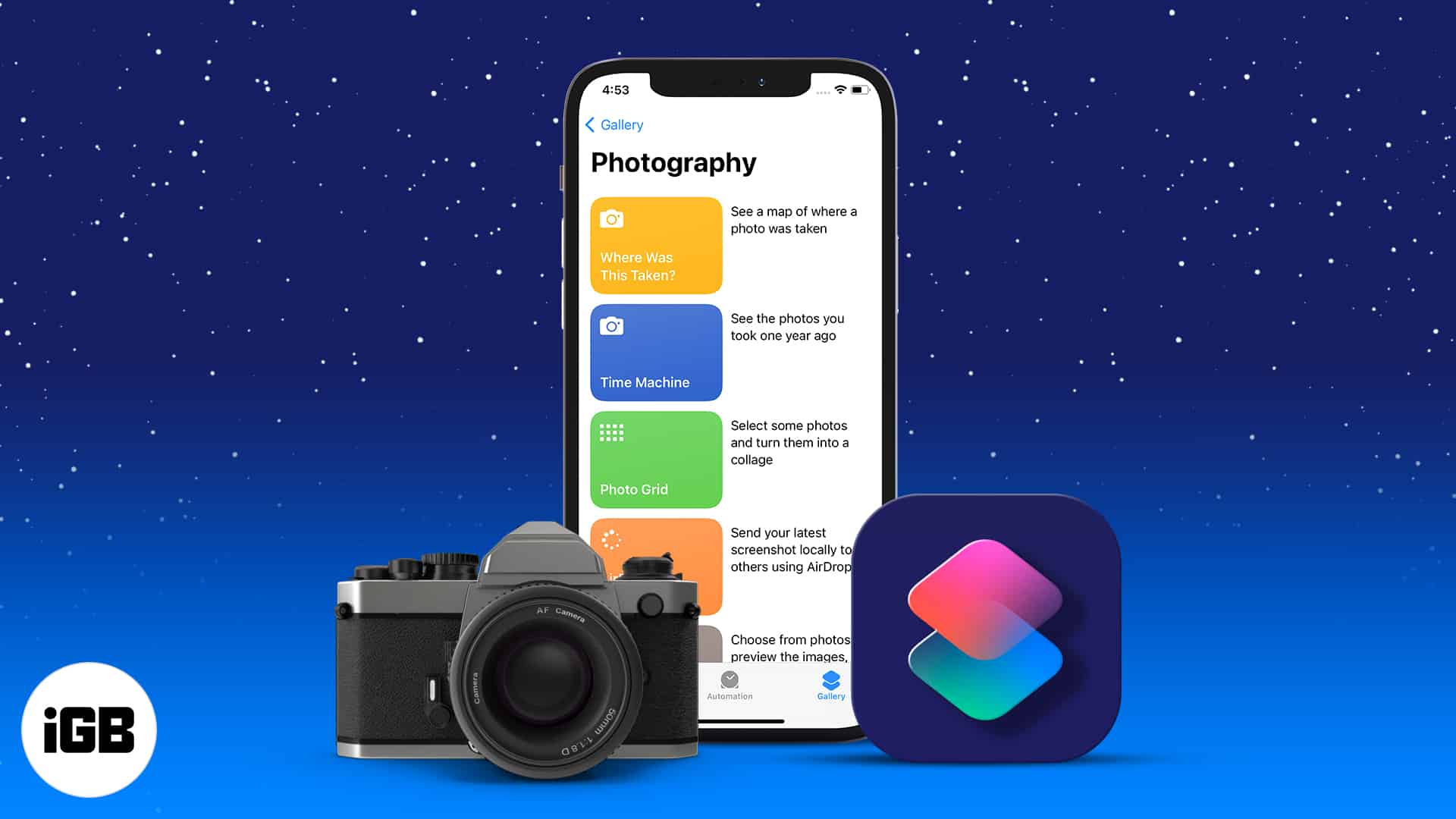
The Shortcuts app can automate the tedious parts of iPhone photography. These seven shortcuts handle batch conversions, resizing, metadata, and edits, plus how to add and run each one.
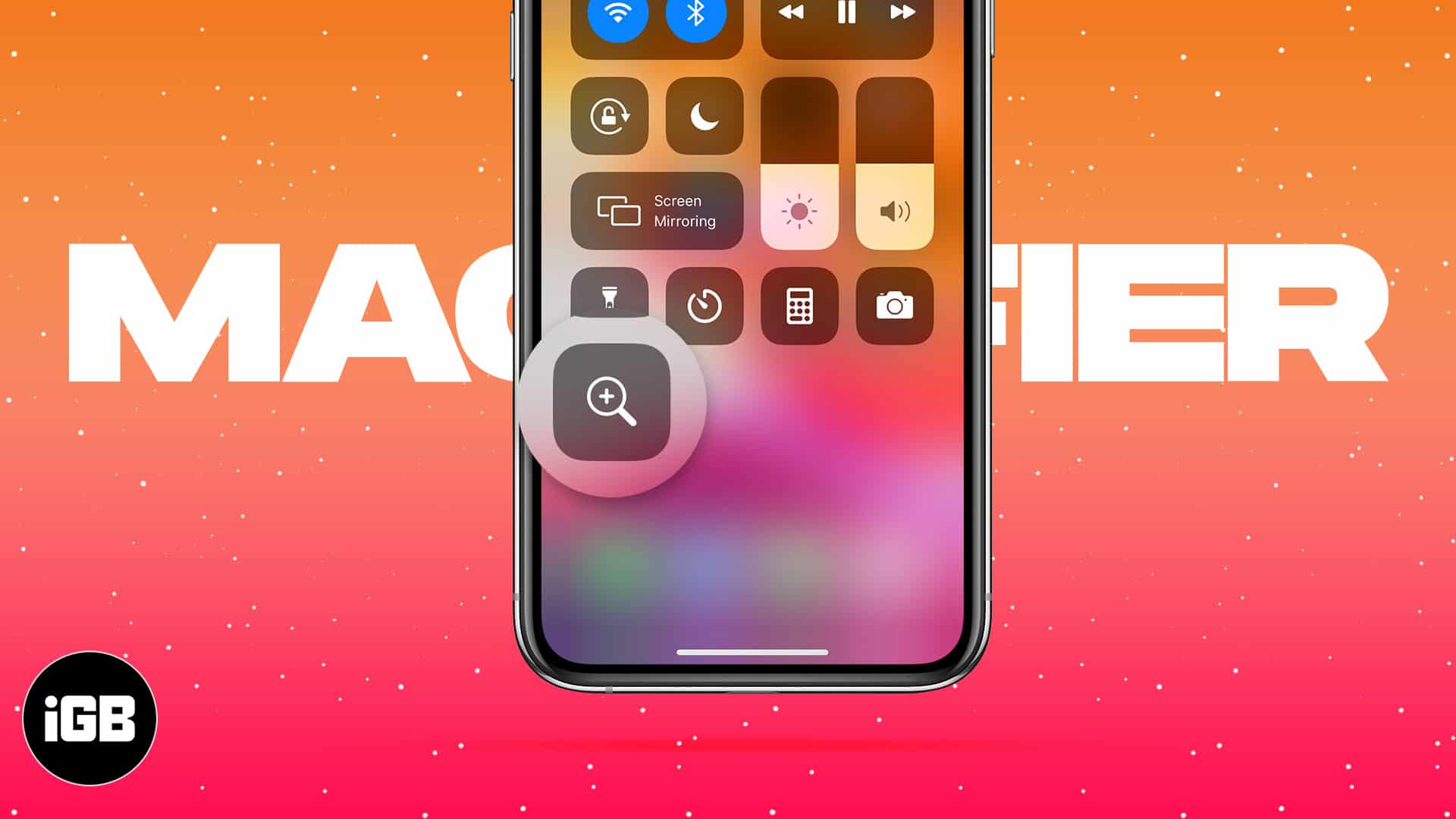
Magnifier turns your camera into a magnifying glass with adjustable zoom, filters, and freeze frame. Here is how to enable it, reach it fast, save images, and tailor its controls.
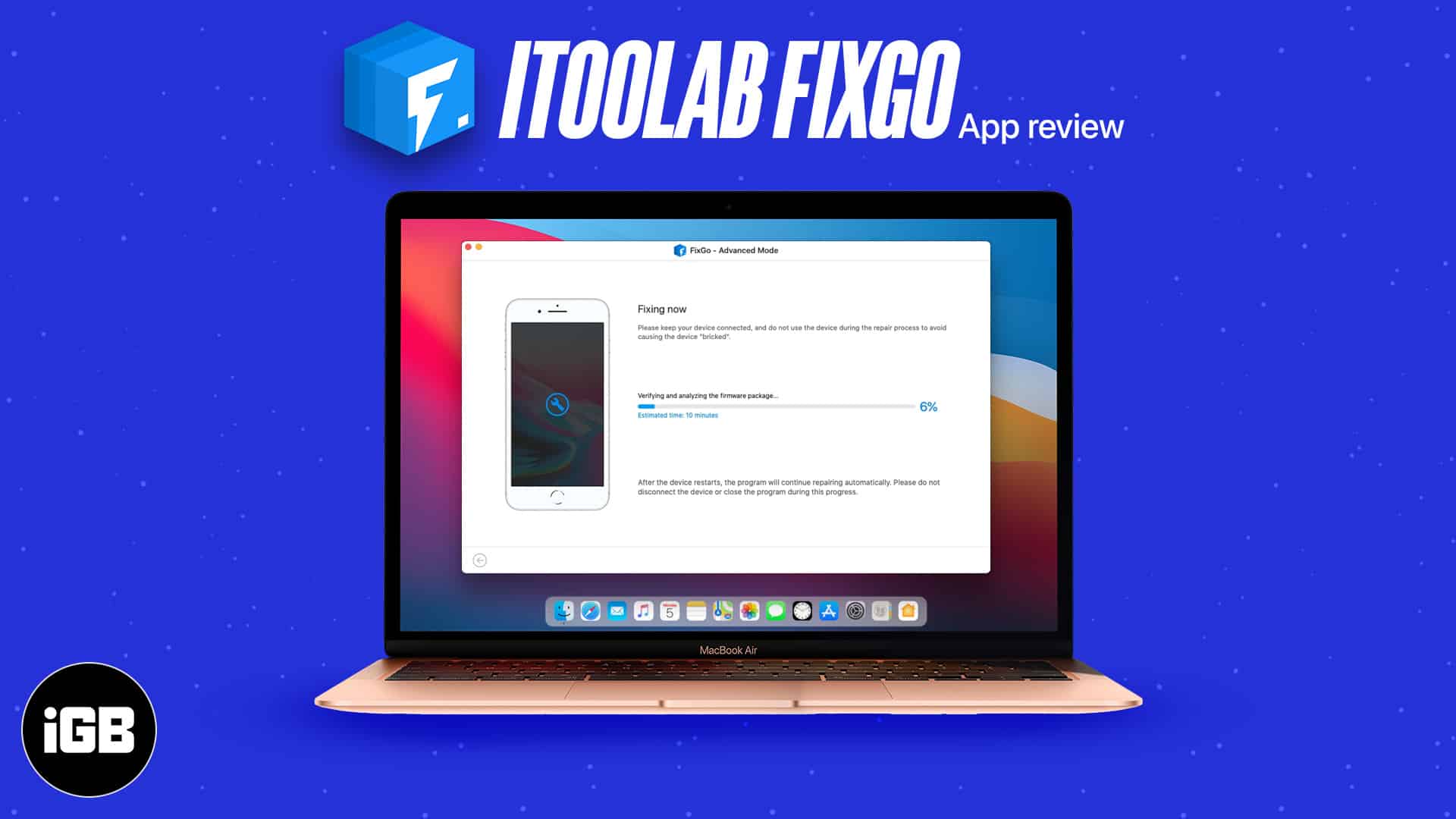
FixGo tackles boot loops, frozen screens, and recovery mode problems from a Mac. We cover the issues it handles, supported devices, both repair modes, and whether it lives up to the claims.
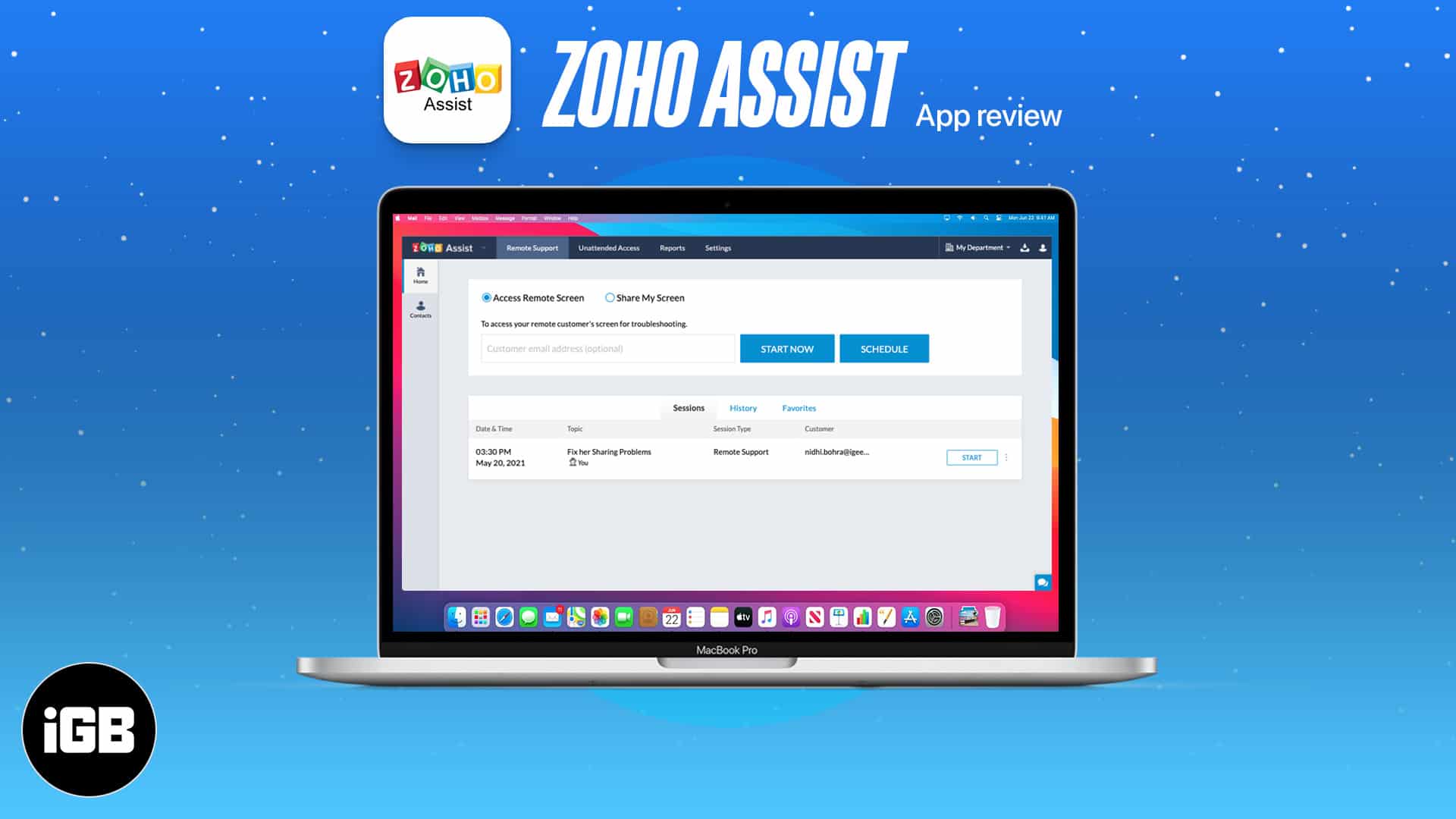
Remote support beats a support article when a customer is genuinely stuck. Zoho Assist offers attended sessions and unattended access from a Mac. We look at its features, ease of use, and price.
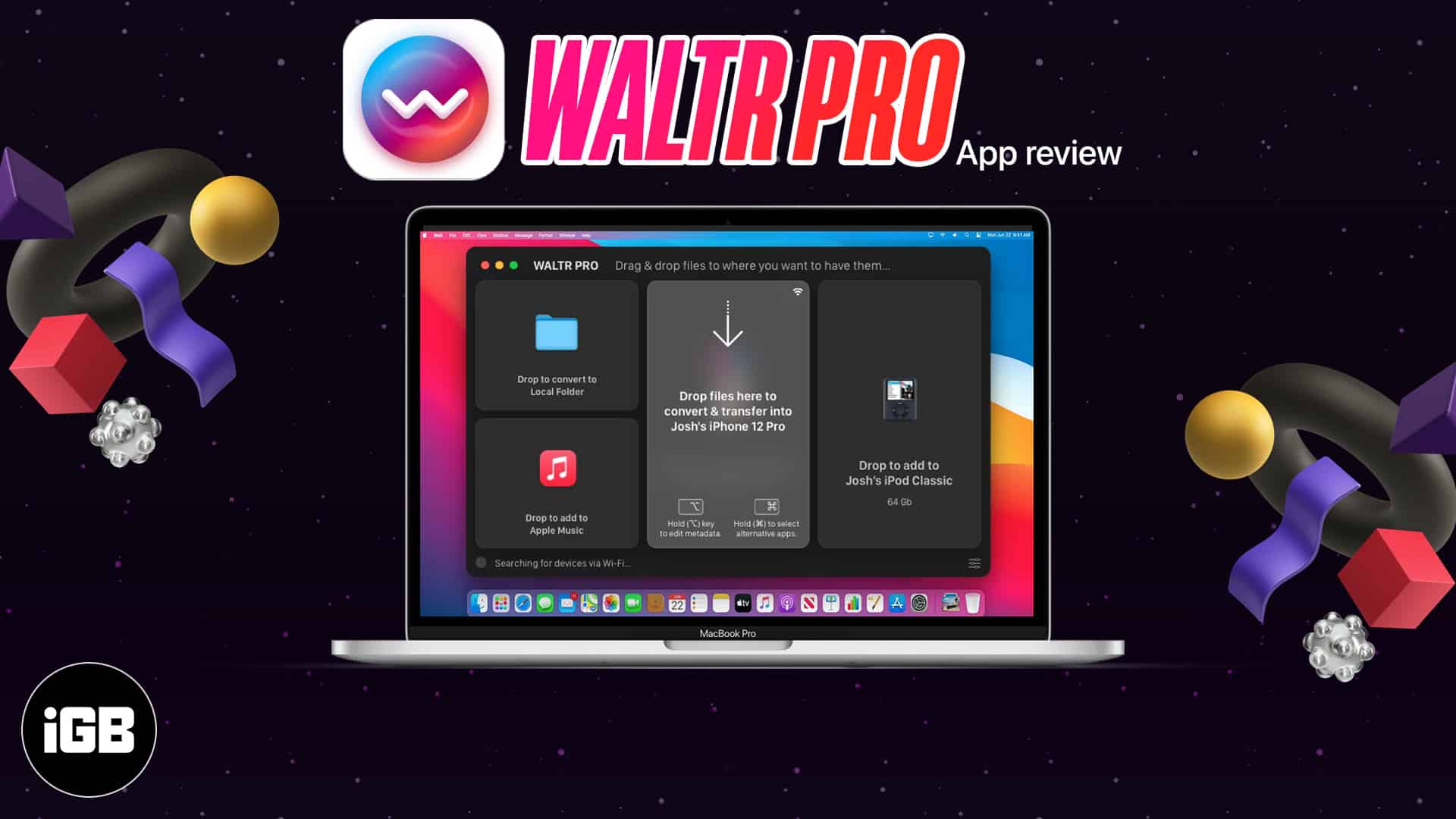
WALTR PRO converts unsupported formats on the fly as you drop them onto a device, sidestepping iTunes entirely. We cover the workflow, supported formats and devices, and give a verdict.
A white page at midnight is punishing. Here is how to enable dark mode in the Google Docs app on iPhone and iPad, and how to get a dark editor in Chrome on Mac.
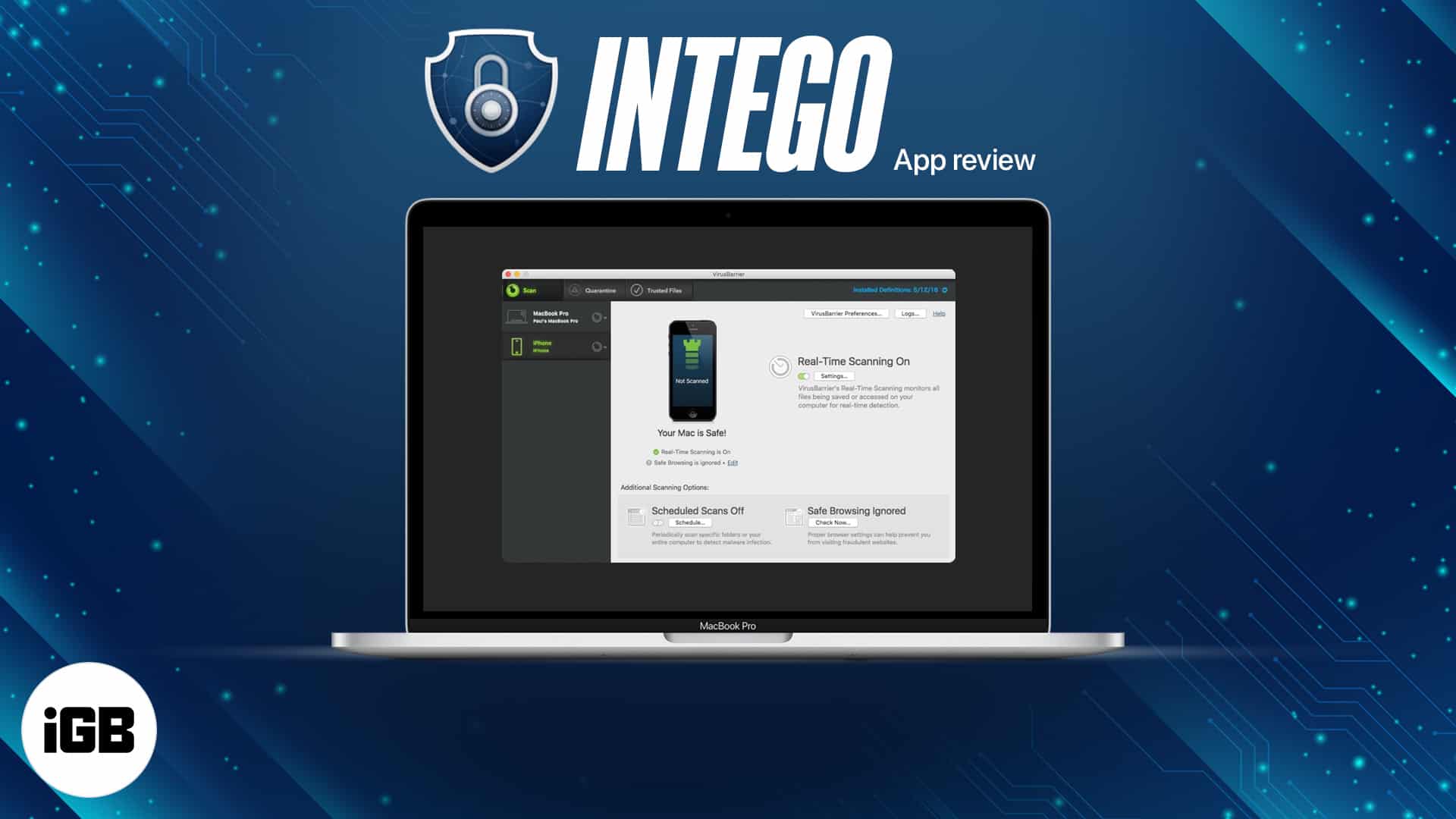
Macs are not immune to malware, whatever the reputation suggests. We test Intego's VirusBarrier scanning and NetBarrier firewall, then give a verdict on whether the suite earns its price.
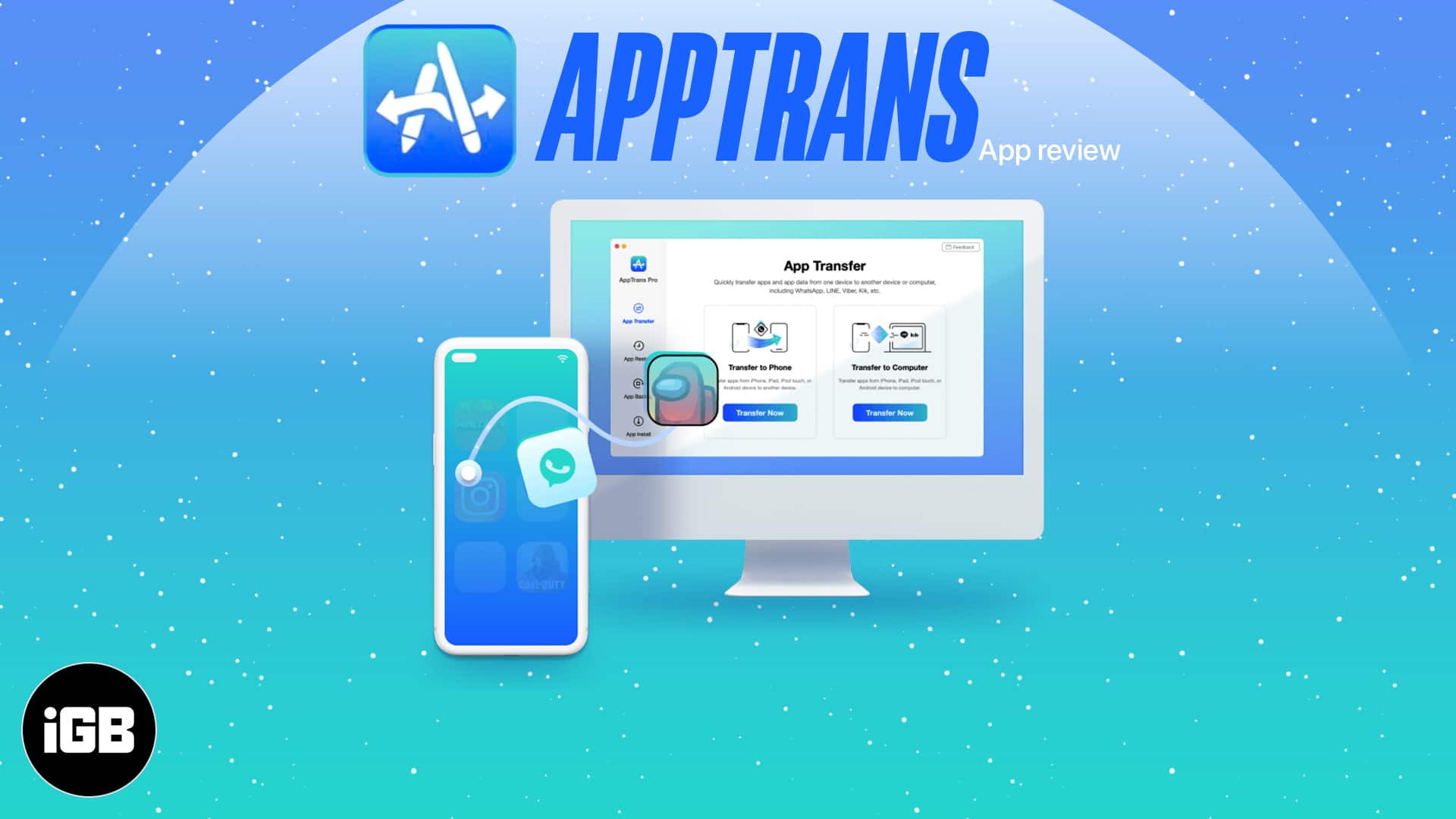
Switching phones normally means losing app data. AppTrans transfers apps and their data between iOS and Android, with dedicated WhatsApp support. We look at what it handles well and its limits.
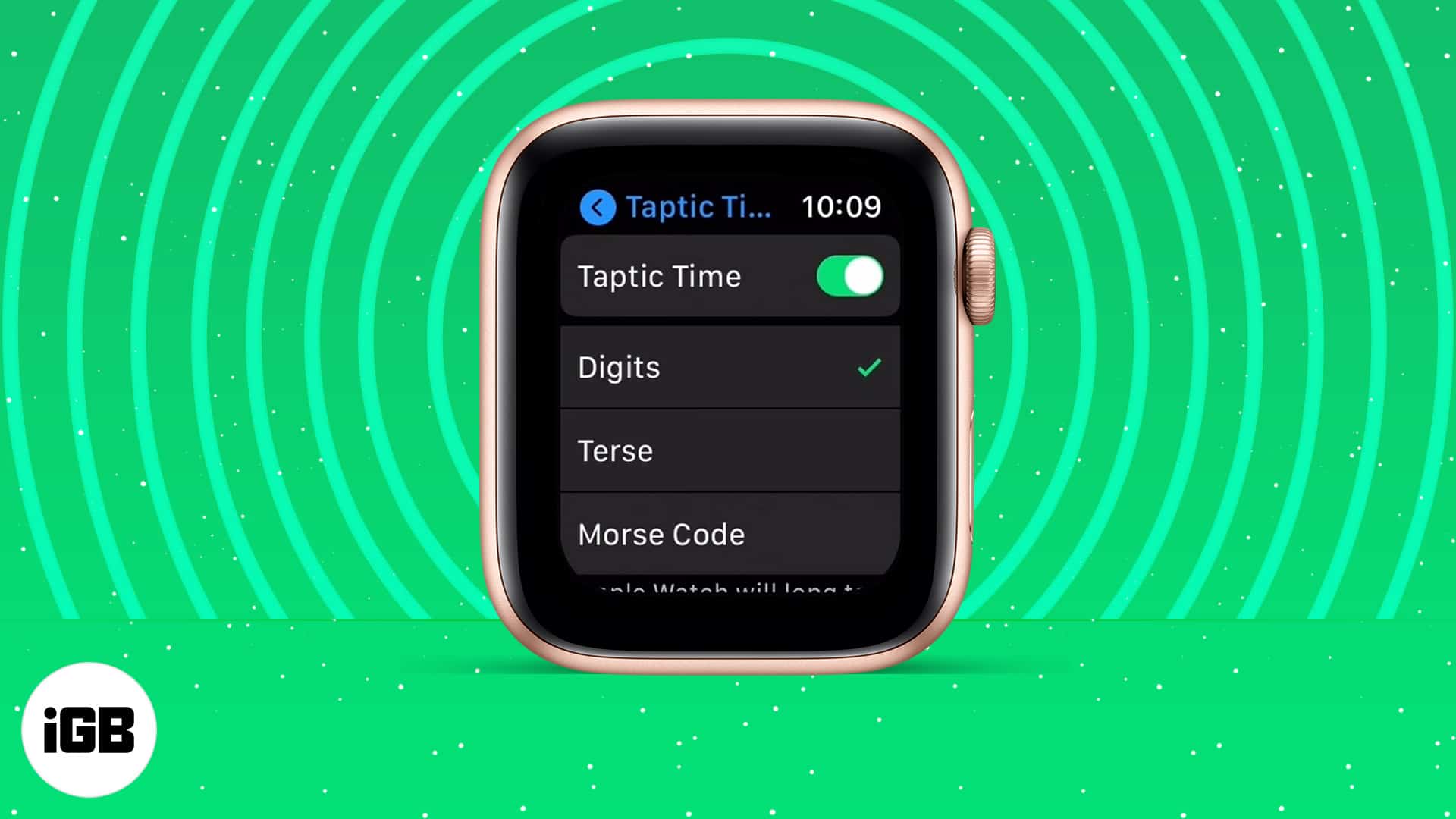
Taptic Time taps out the hour and minutes so you can check the time discreetly or without sight. Here is what it is, how to enable it, how Taptic Chime differs, and what to do if it fails.
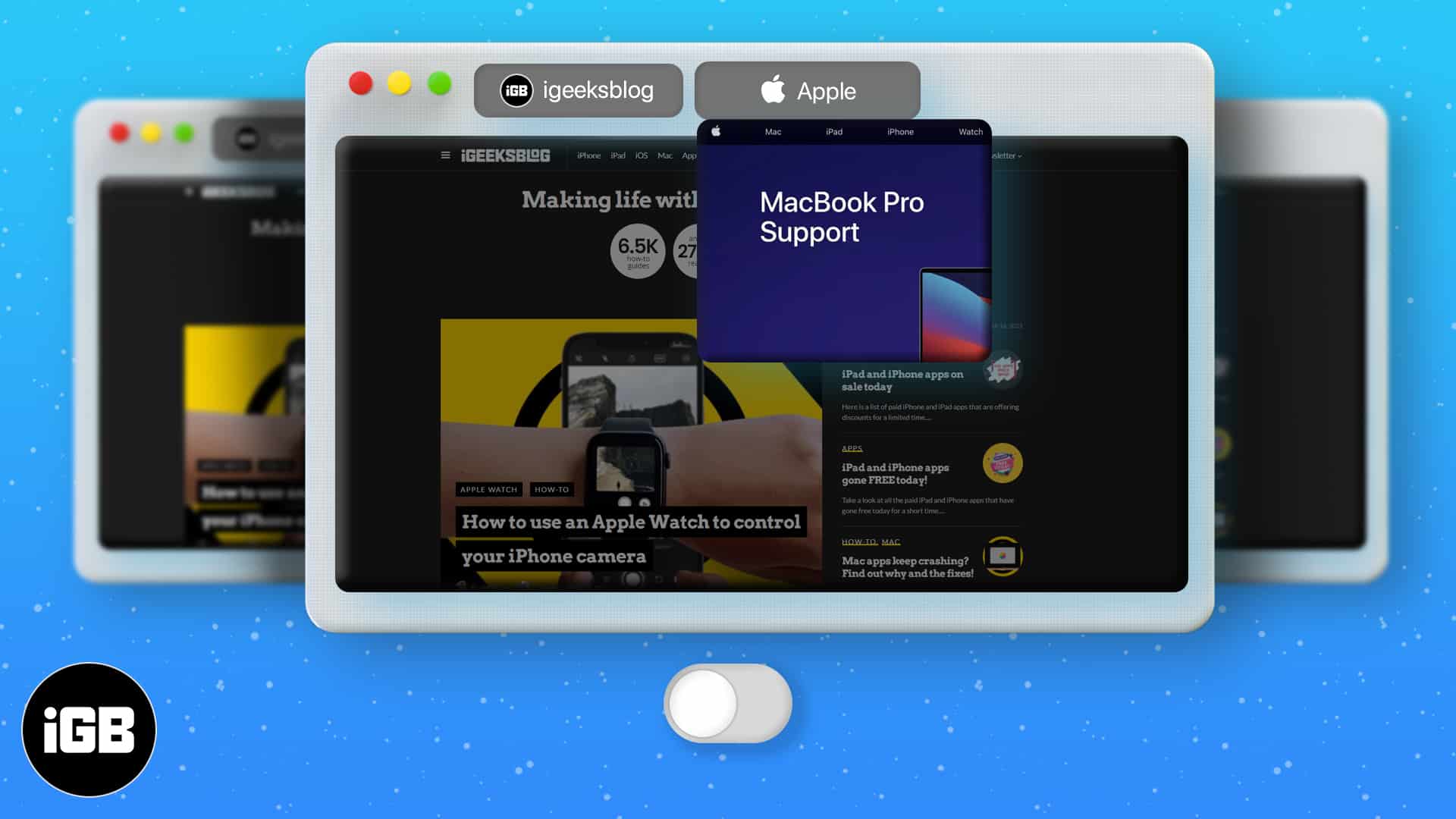
Hovering a Safari tab pops up a preview that some people find distracting. This guide covers granting Terminal access, the command that disables previews, and how to switch them back on.
Audible has no dedicated Mac app, which trips up plenty of listeners. Here is how to play your library in a browser, import titles into Apple Books, and the other options available.
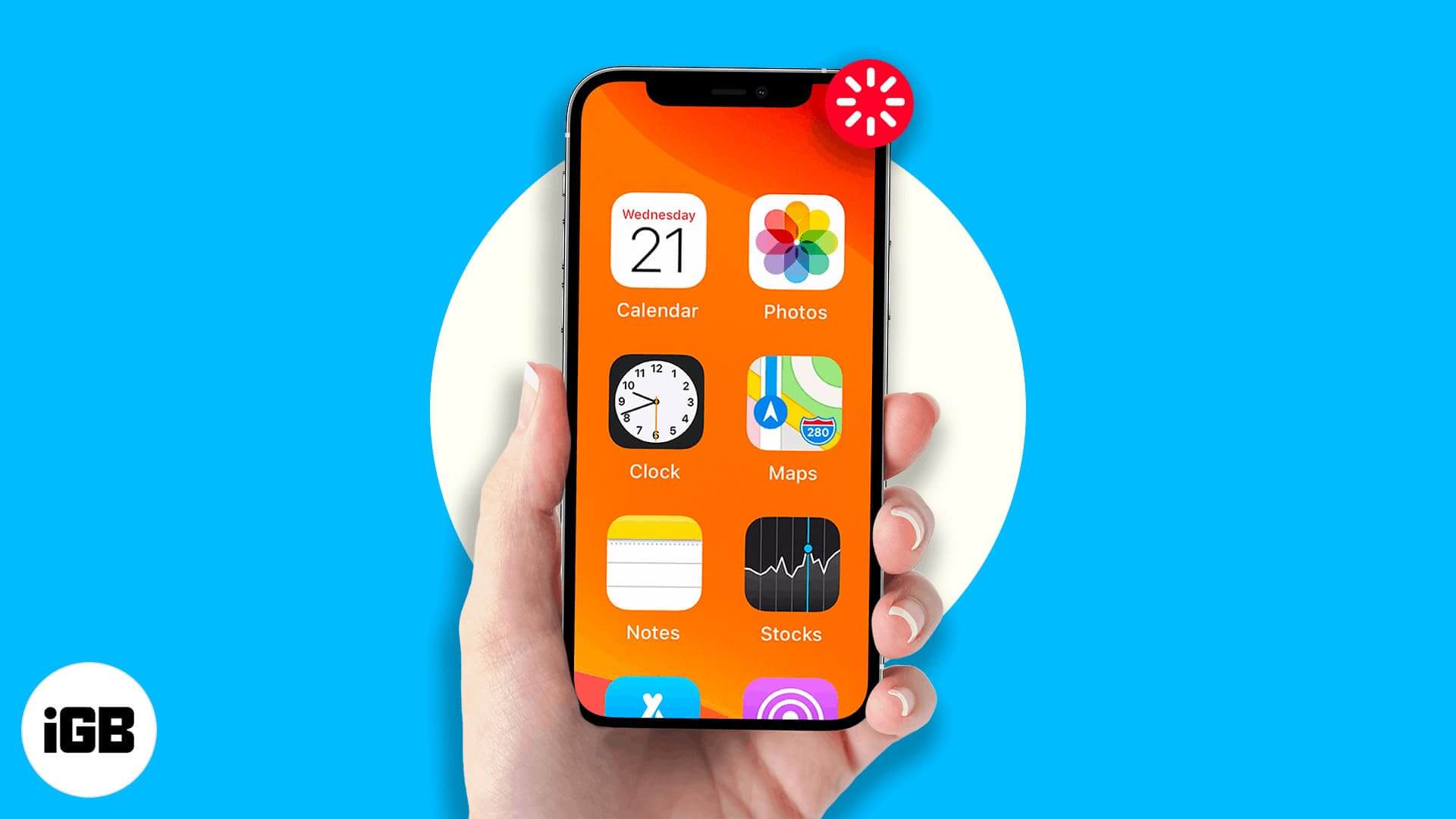
Accessibility Zoom leaves the screen enlarged and hard to navigate. The three-finger double tap is the fastest way out. Here are five fixes, including turning Zoom off through Finder.
One Google account controls Gmail, Drive, Photos, and YouTube, which makes it a high-value target. Here is how 2-step verification works, how to enable it, and how to set up Authenticator.
Screen Curtain turns off the display without turning off the device, protecting privacy for VoiceOver users. Here is what it does and how to enable it on iPhone, Apple Watch, and Mac.
Chrome hides a lot of speed behind shortcuts most people never find. These 36 Mac tips cover tab groups, Omnibox tricks, session recovery, profiles, and settings worth changing today.
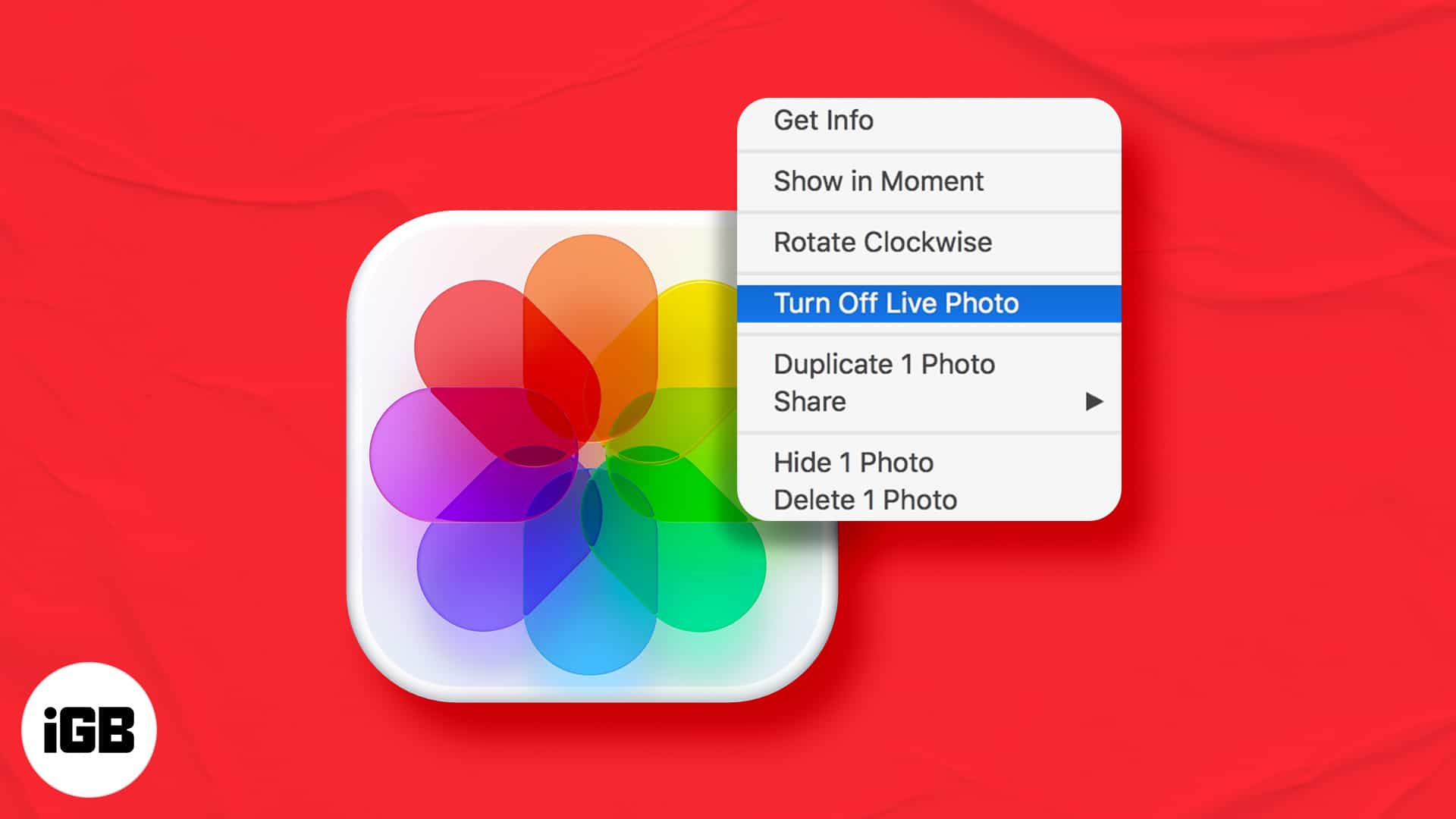
Live Photos take more space and behave oddly when shared. Here is how to turn one into an ordinary still on Mac, and how to keep the original motion in case you want it back later.
Back Tap needs iPhone 8 or later and can be blocked by a thick case. These six fixes cover compatibility, case interference, settings checks, iOS updates, and a full settings reset.
Hiding a comment removes it from public view while leaving it visible to its author and their friends, which avoids a confrontation. Here is how to hide, unhide, and the alternatives worth considering.

Stadia streamed games from Google's servers to a browser, sidestepping the App Store entirely. This guide covers how it worked on iPhone and iPad, though the service has since closed.
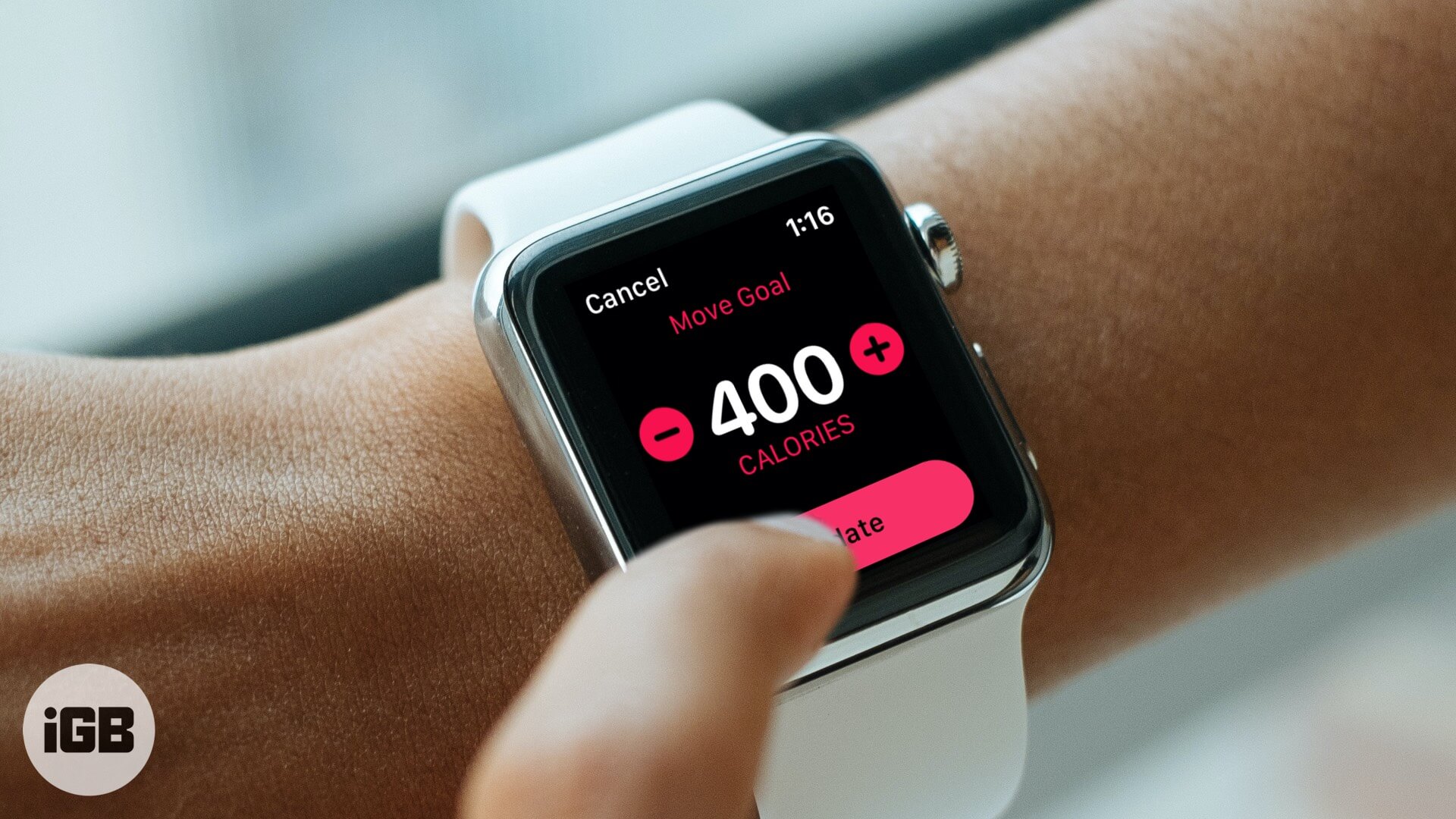
An unrealistic Move goal is demotivating either way. Here is how to adjust the daily calorie target on your Apple Watch, and how to pick a number that suits your real activity level.
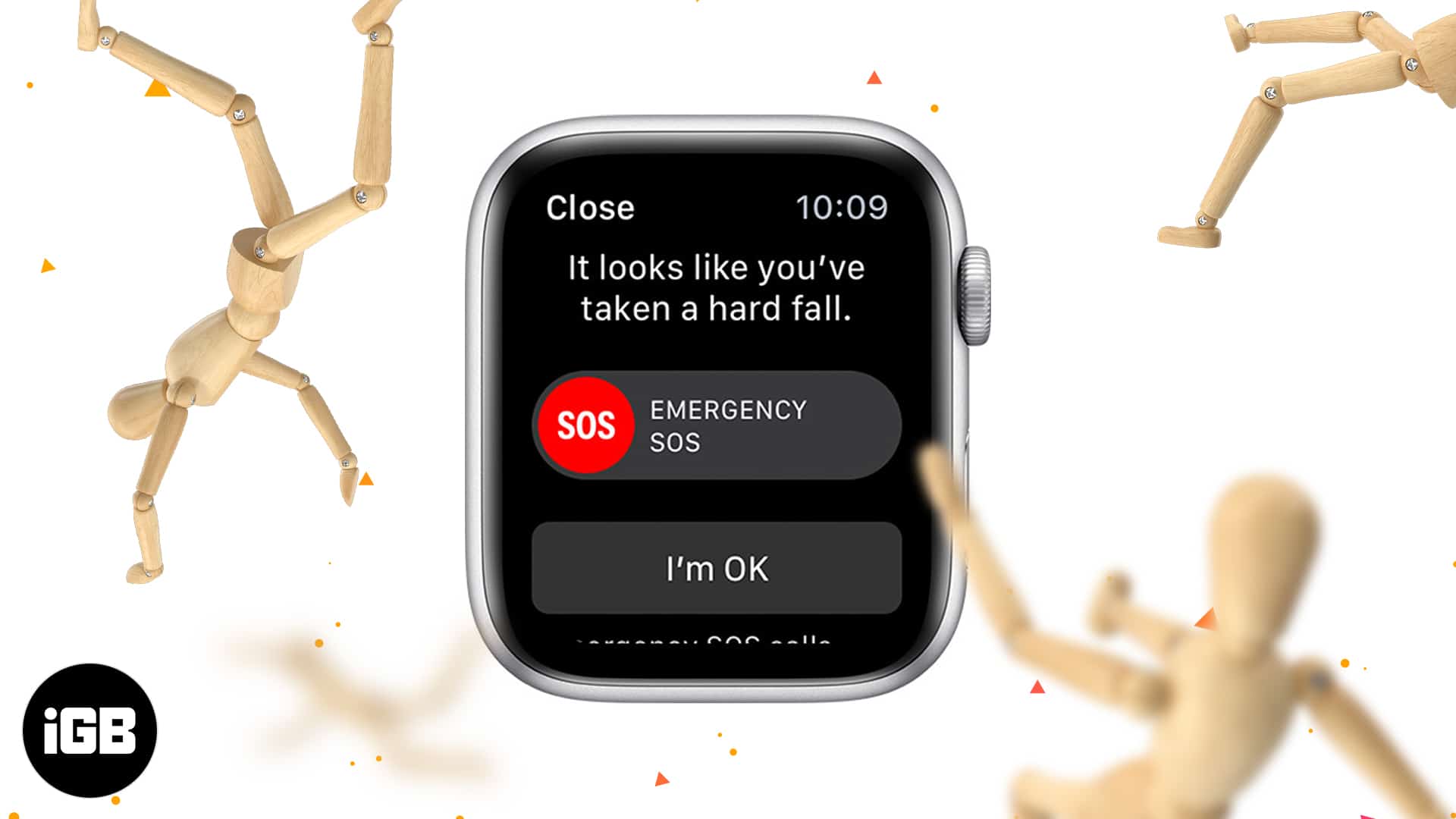
Fall detection can summon help when you cannot. Here is which Apple Watch models include it, how the sensors decide a fall occurred, how to switch it on, and where to see past events.

A phone code alone is weak protection for Telegram. This guide covers enabling 2-step verification on iPhone, choosing a recovery email, turning it off, and what to do if you forget the password.
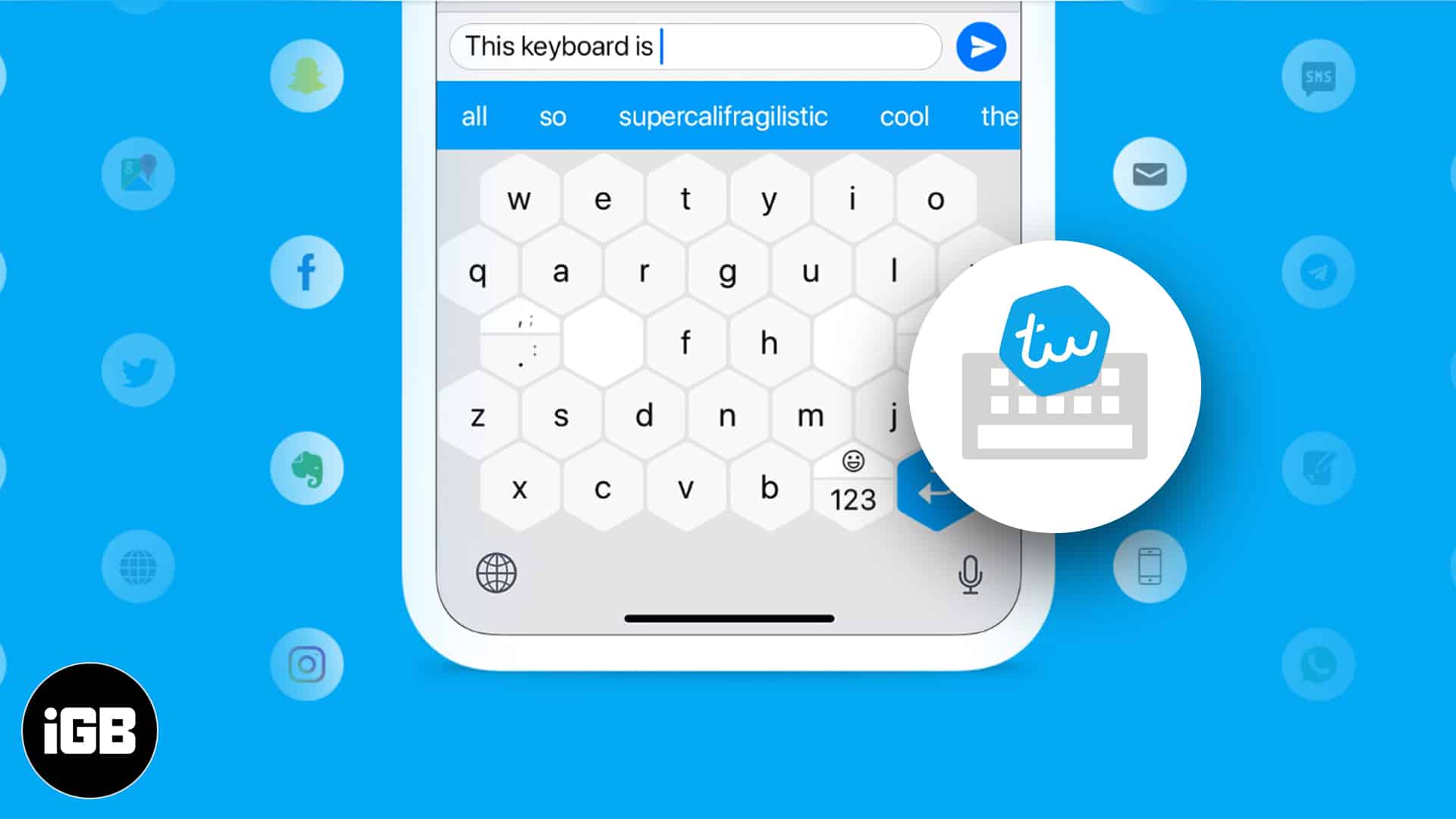
Typewise replaces the standard key grid with larger hexagonal keys to reduce mistyping. We look at its distinctive features, the privacy claims, how to install it on iPhone, and whether it works.

Signal ships private by default, but its best protections sit behind settings. These tips cover disappearing messages, read receipts, typing indicators, link previews, and view-once media.
A large music library will not fit on a small SSD. Here is what splitting a library means, why it helps, how to move part of it to another drive, and how to create and switch between libraries.
Ultrahuman treats fitness as body, mind, and sleep rather than workouts alone. We cover its programs, sleep tracking, and mindfulness content, then say who will actually stick with it.
The Signal app has become the hot topic of the town! People are rushing to download and take it for…
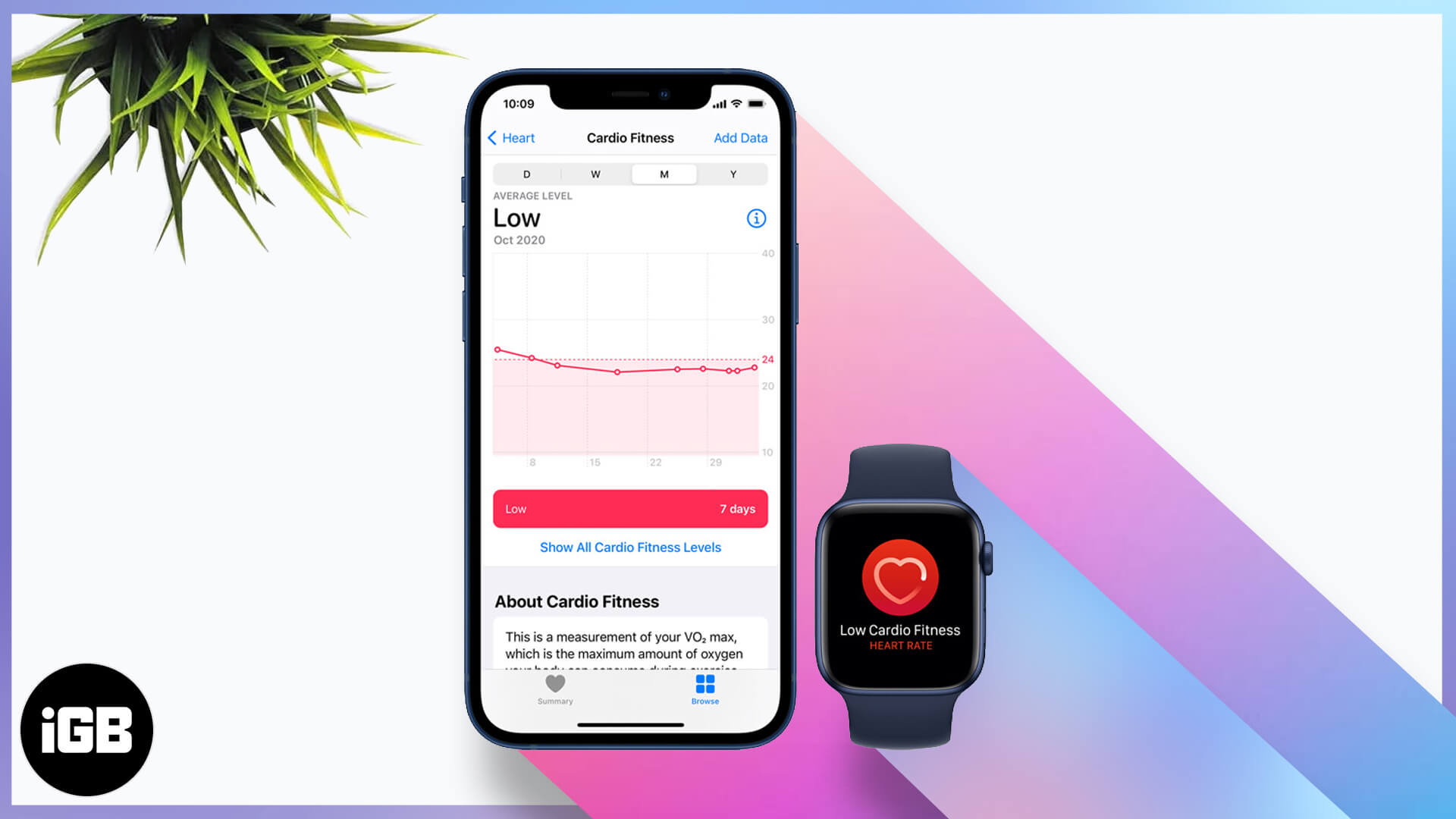
Cardio fitness is one of the better long-term health markers your watch records. Here is how Apple estimates it, how to set it up, enable notifications, and view your levels over time.
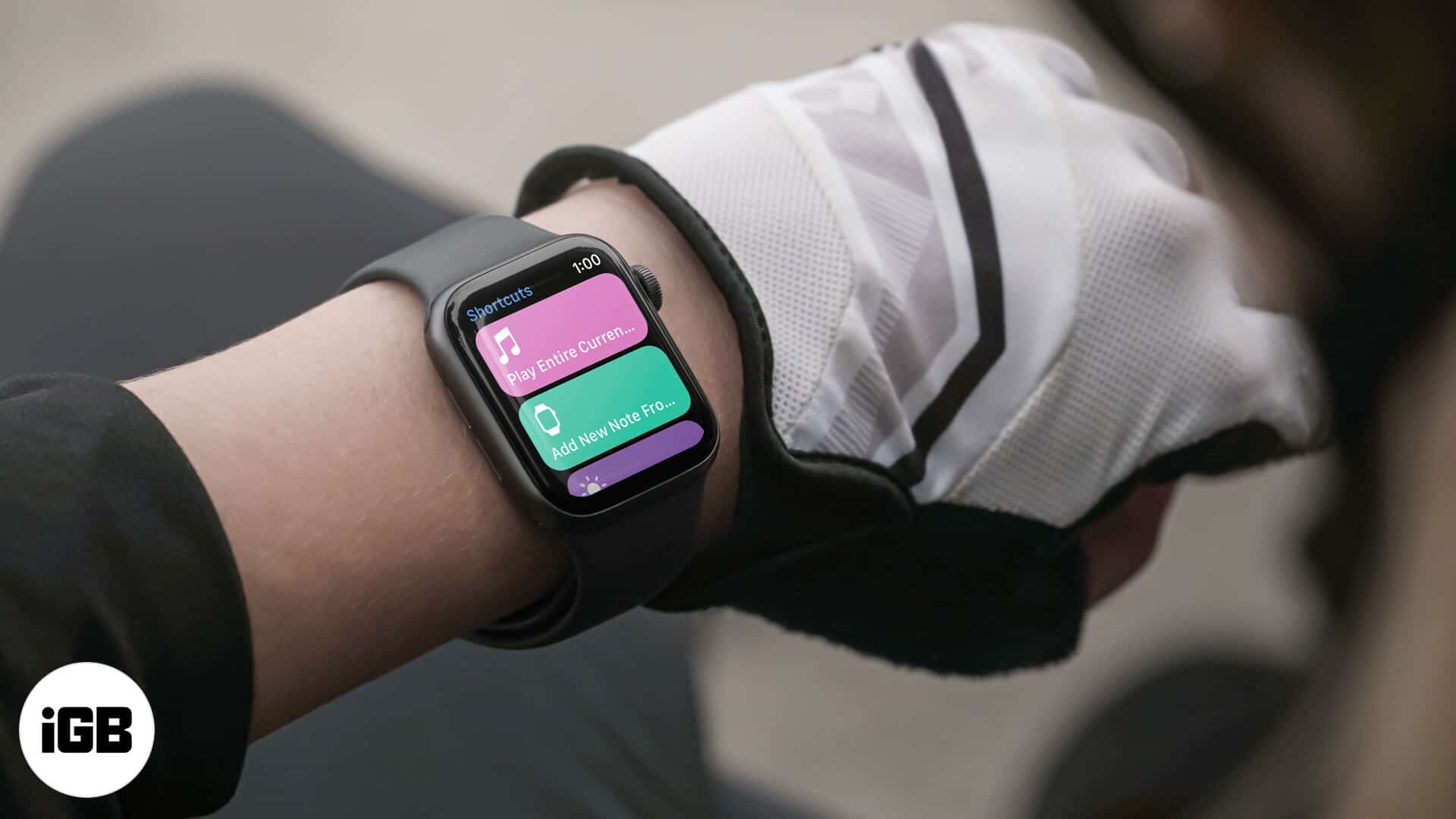
Shortcuts on the watch turn multi-step tasks into a single tap. Here is how to add them, run them from your wrist, remove ones you do not use, and add a shortcut complication to a face.
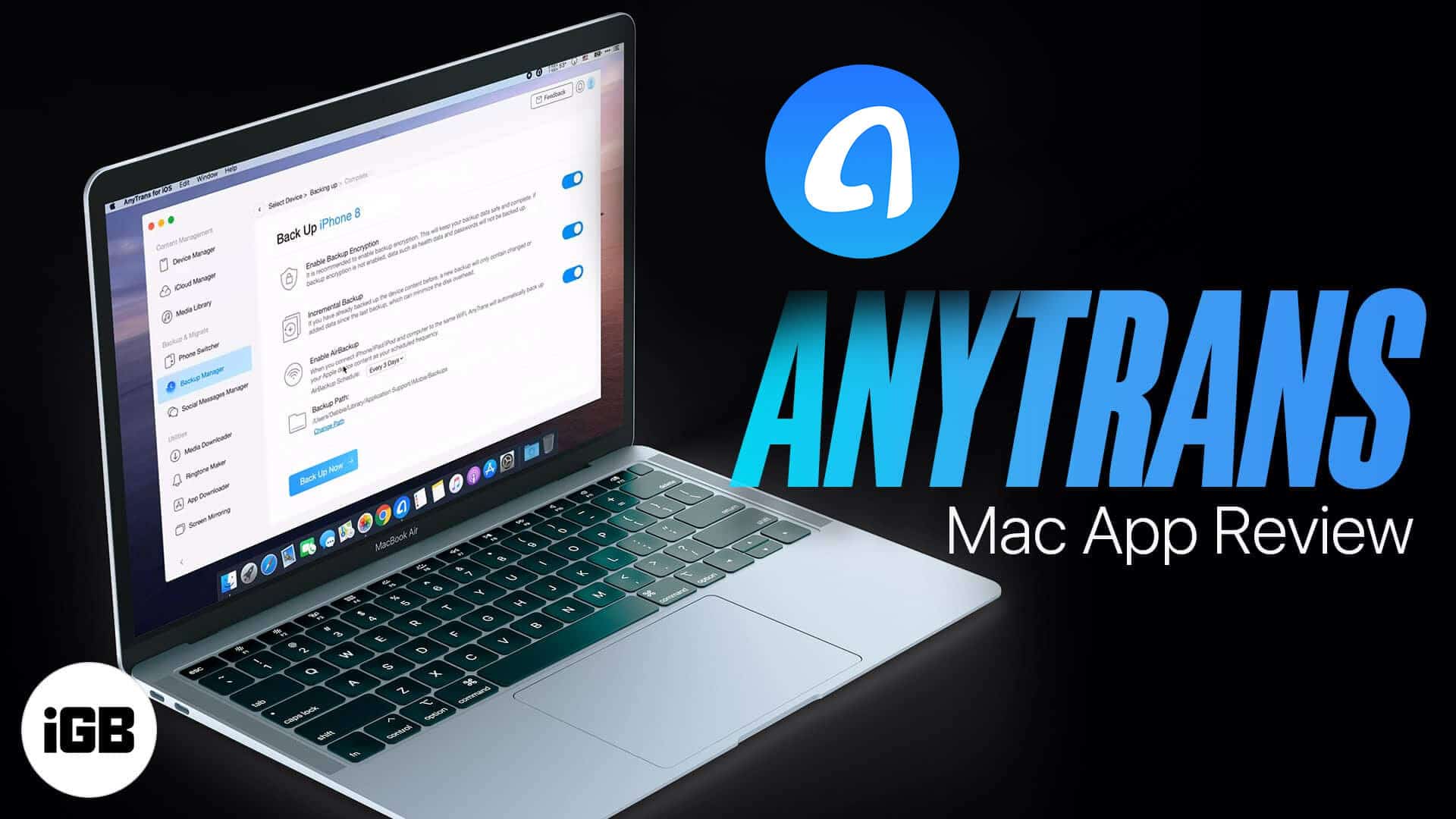
AnyTrans handles full iPhone backups, selective restores, and device-to-device transfers from one window. We look at compatibility, its backup manager, and how it compares to relying on iTunes.