
FaceTime Like a Pro
Get our exclusive Ultimate FaceTime Guide 📚 — absolutely FREE when you sign up for our newsletter below.

FaceTime Like a Pro
Get our exclusive Ultimate FaceTime Guide 📚 — absolutely FREE when you sign up for our newsletter below.



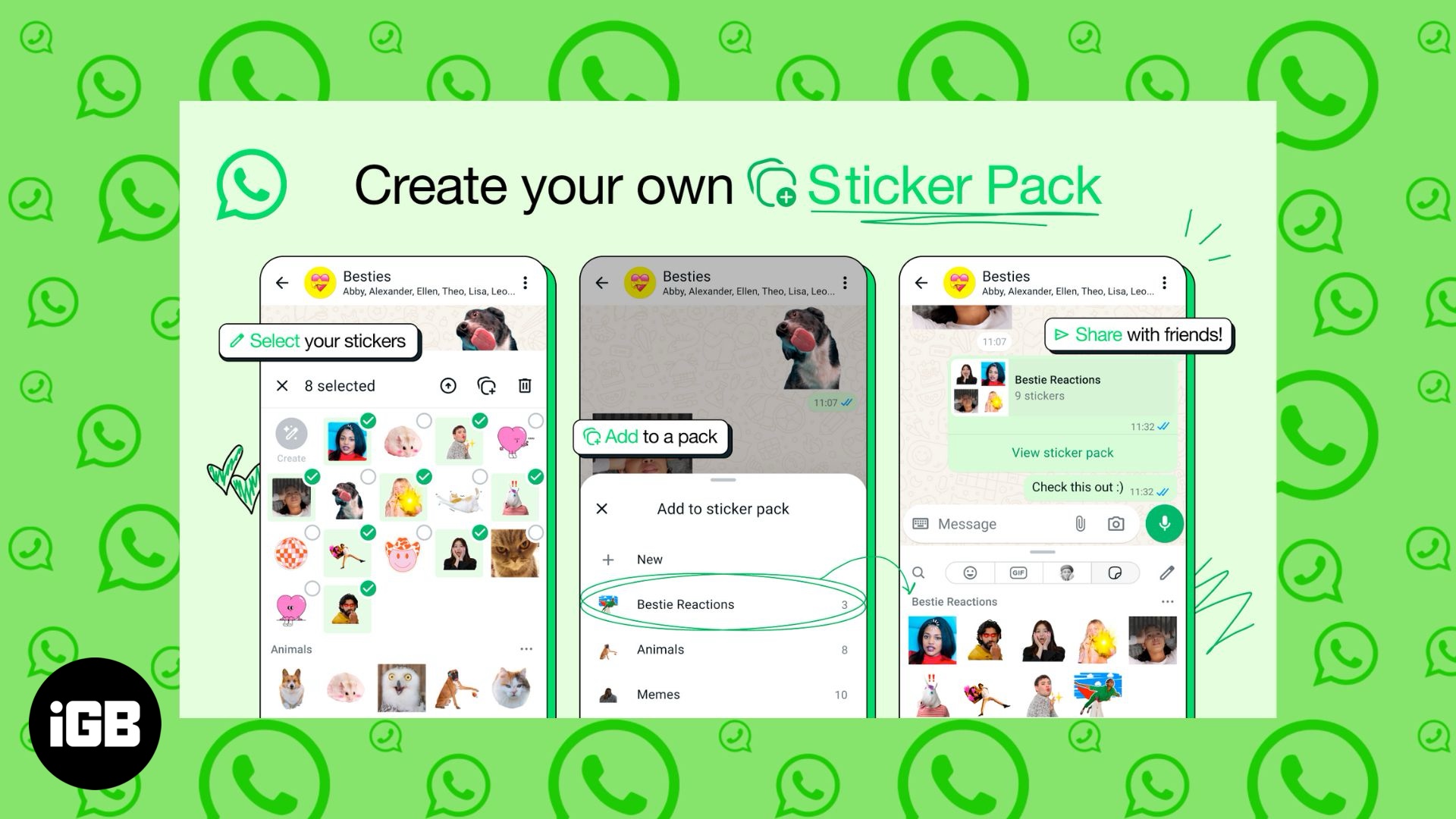
WhatsApp’s latest update makes custom stickers more fun and easier to manage, and here’s everything you need to know.
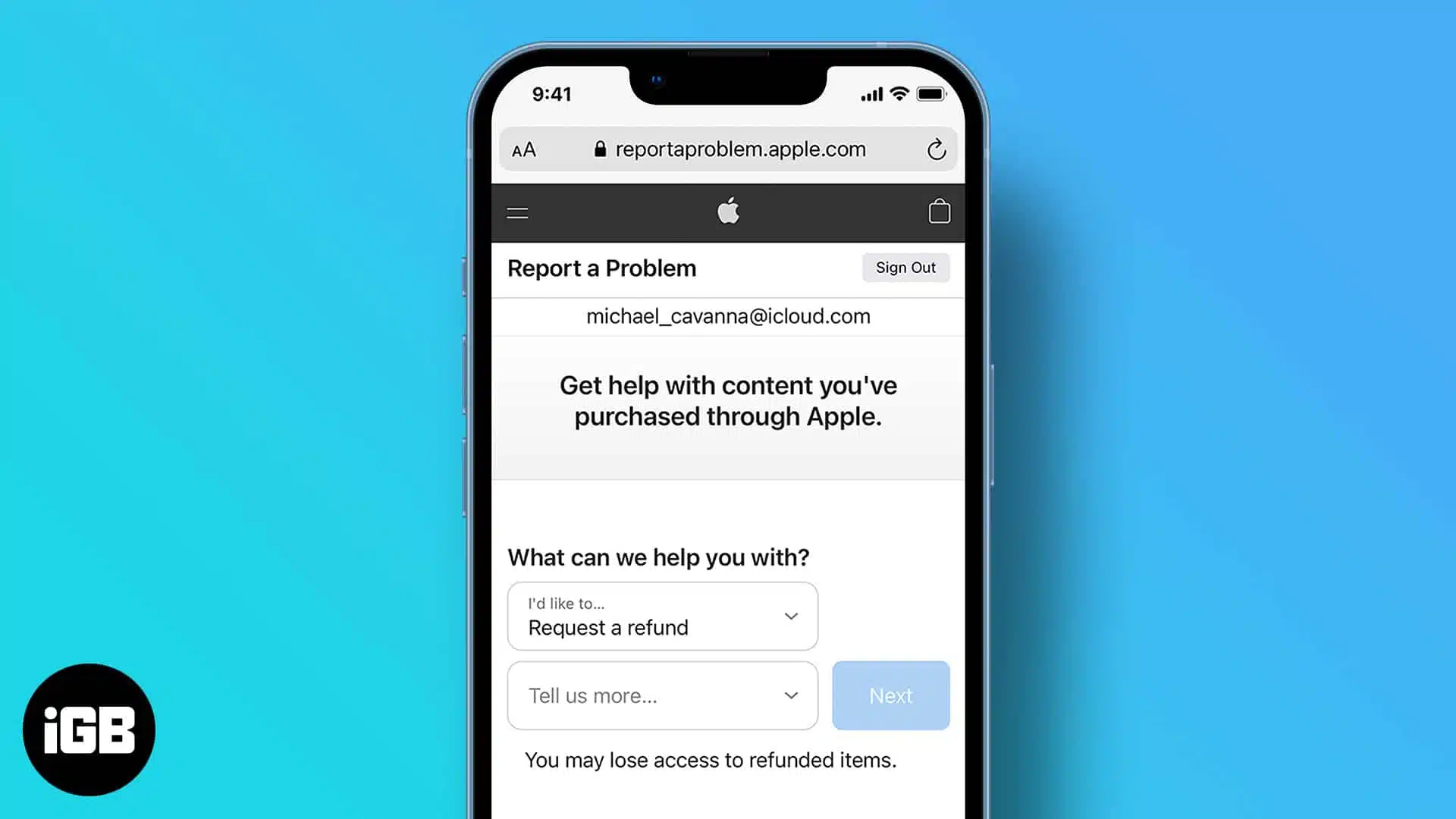
Easily get your money back for accidental or unwanted purchases on the App Store.
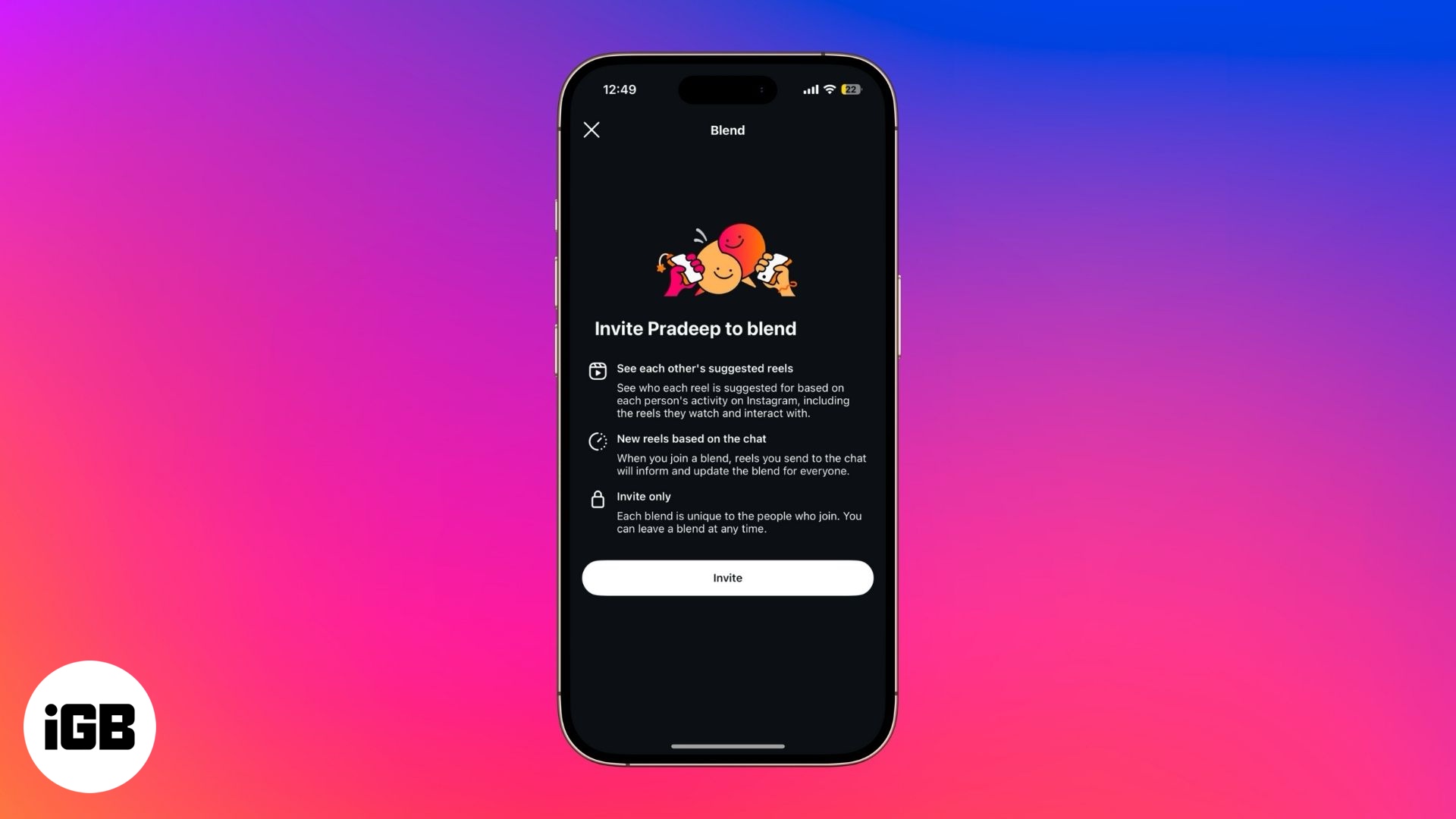
Create a shared Reels feed with friends inside Instagram DMs.

Your Apple Watch isn't just for fitness or messages—it could save your life.
Apple is building a smarter, privacy-focused AI search engine under a new team. Here’s how it could change Siri, Safari, and Spotlight in the years to come.
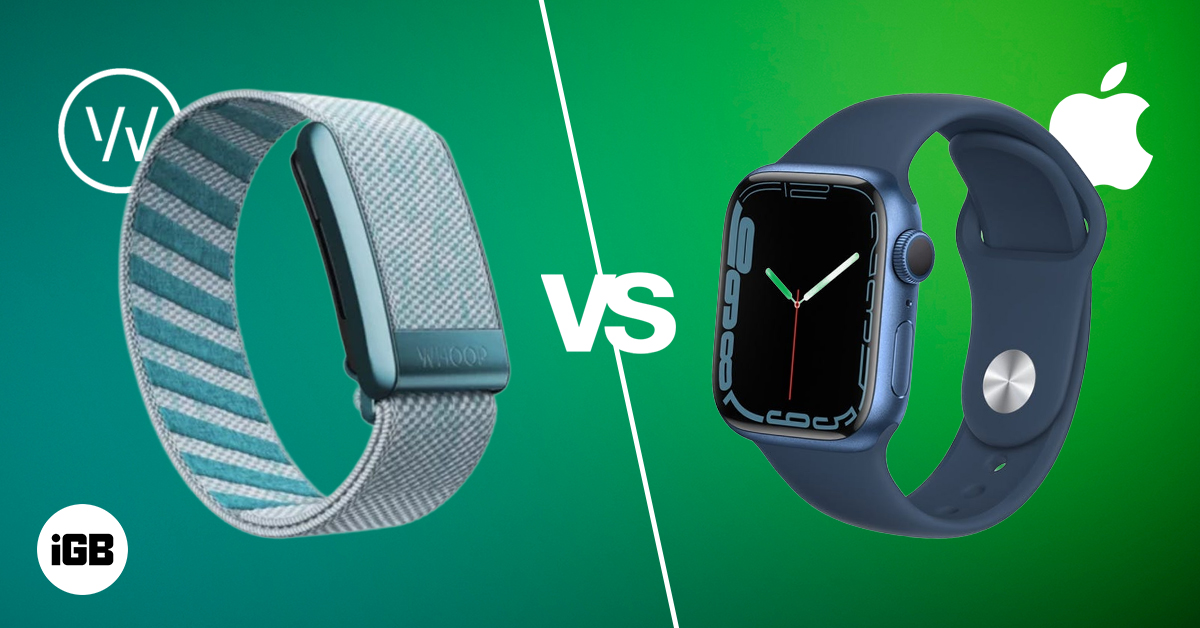
Whoop 5.0 or Apple Watch Series 10/Ultra 2? Compare features, battery, health tracking, and pricing to find the best fitness wearable for your lifestyle.
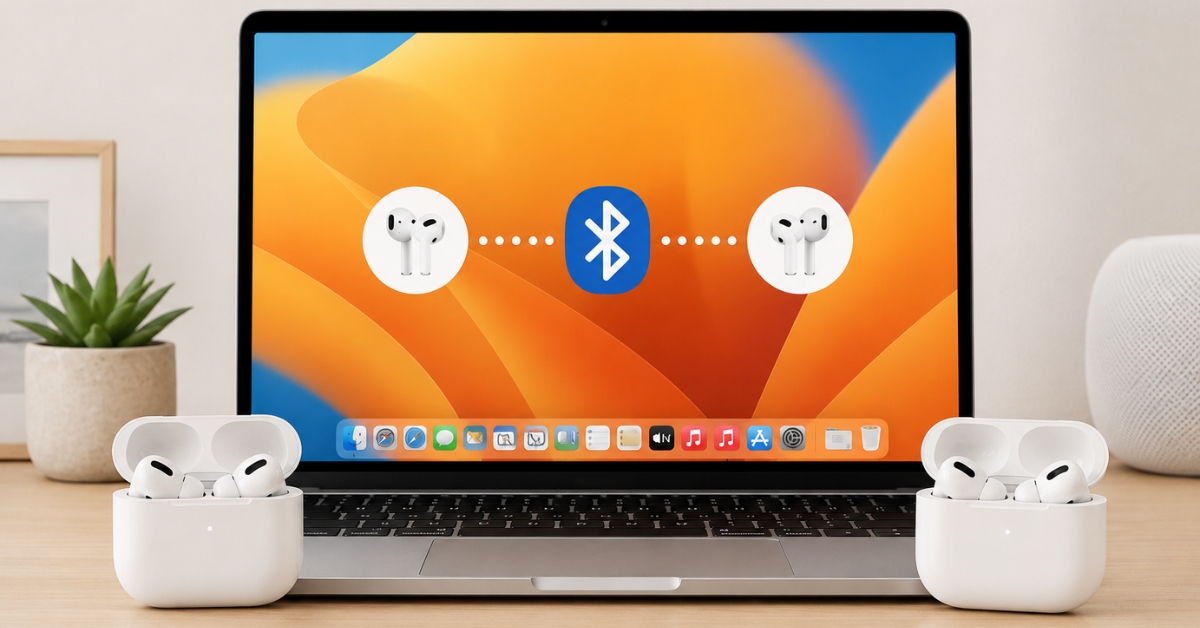
Share audio with ease—here’s how to connect both pairs in seconds.
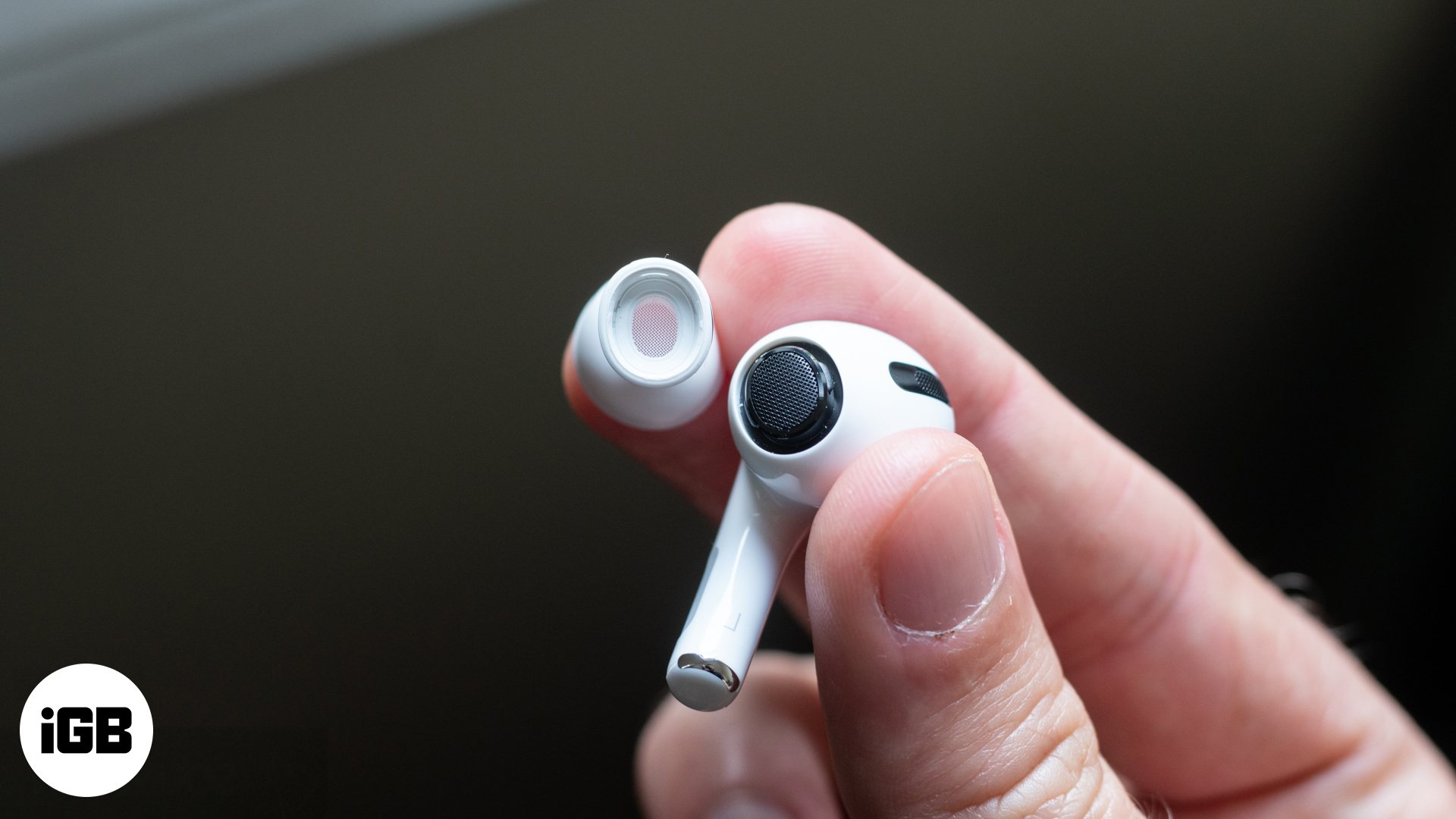
Learn how to change, clean, and care for your AirPods Pro tips to improve fit and sound quality on both 1st and 2nd gen models.
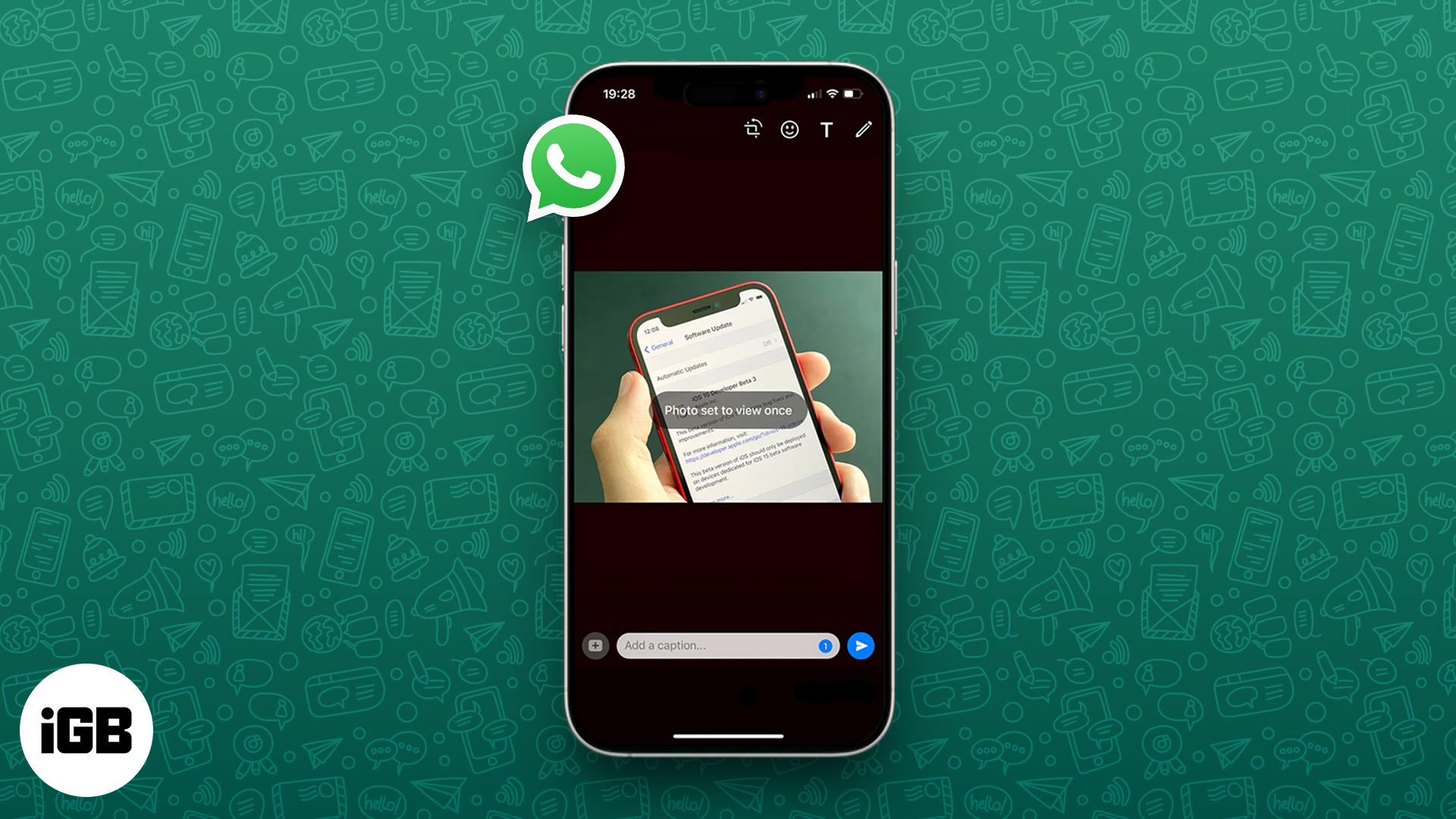
Send disappearing photos and videos on WhatsApp with View Once—perfect for sharing private media that vanishes after a single view.

Apple hits 3 billion iPhones shipped and beats Q3 2025 estimates, thanks to iPhone 16 sales and record-breaking Services revenue. Here’s what it means for the future.
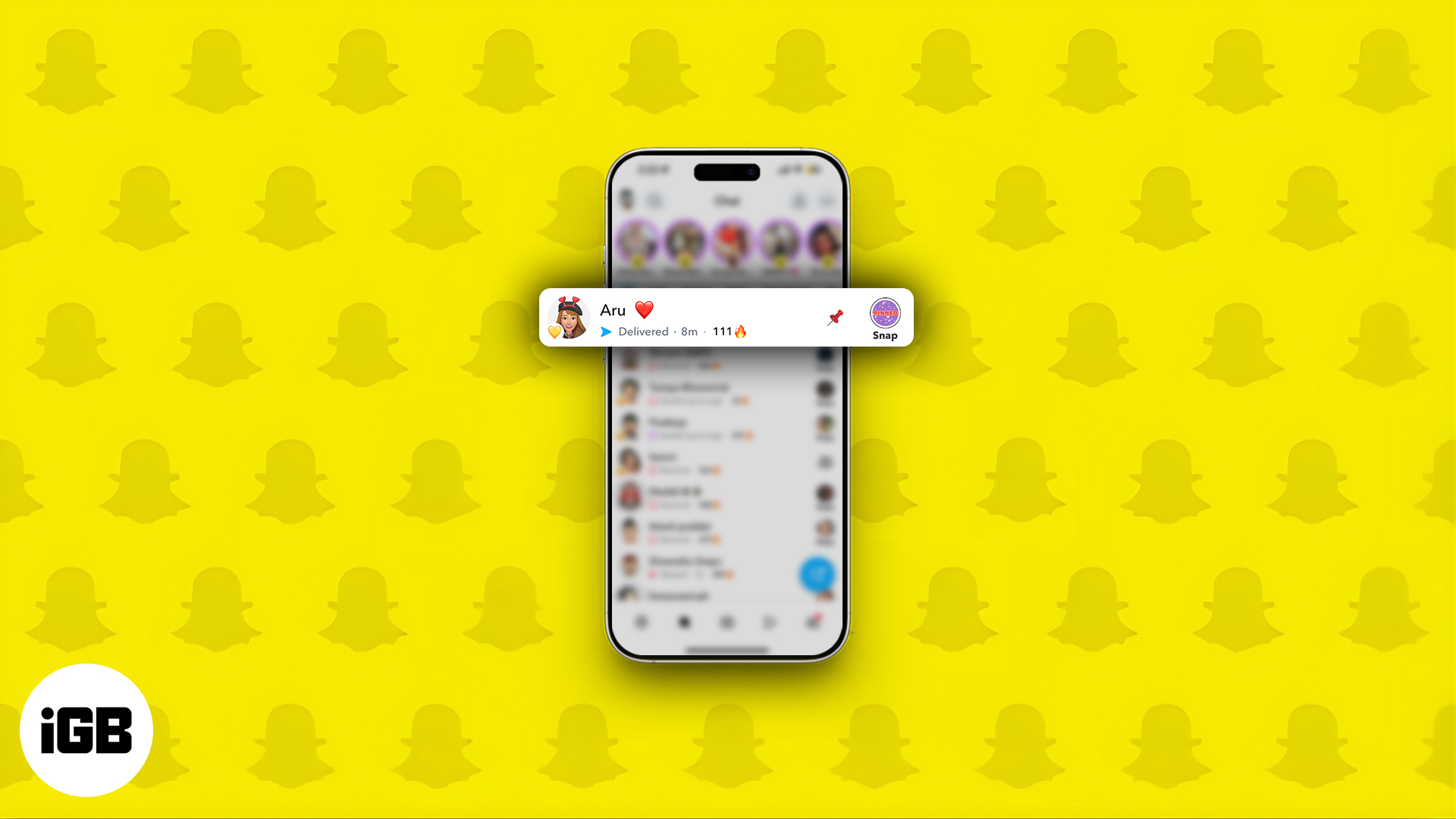
Pin chats on Snapchat to keep key conversations at the top on iPhone or Android.

Frustrated with iOS 26 bugs? Here’s how to safely downgrade to iOS 18.
Instagram DMs can get spammy fast. This guide shows how to block, restrict, mute, or manage messages to take back control of your inbox.

Imagine turning your text messages into stunning AI-generated art—right from WhatsApp. With Perplexity AI, it's not just possible, it’s effortless.
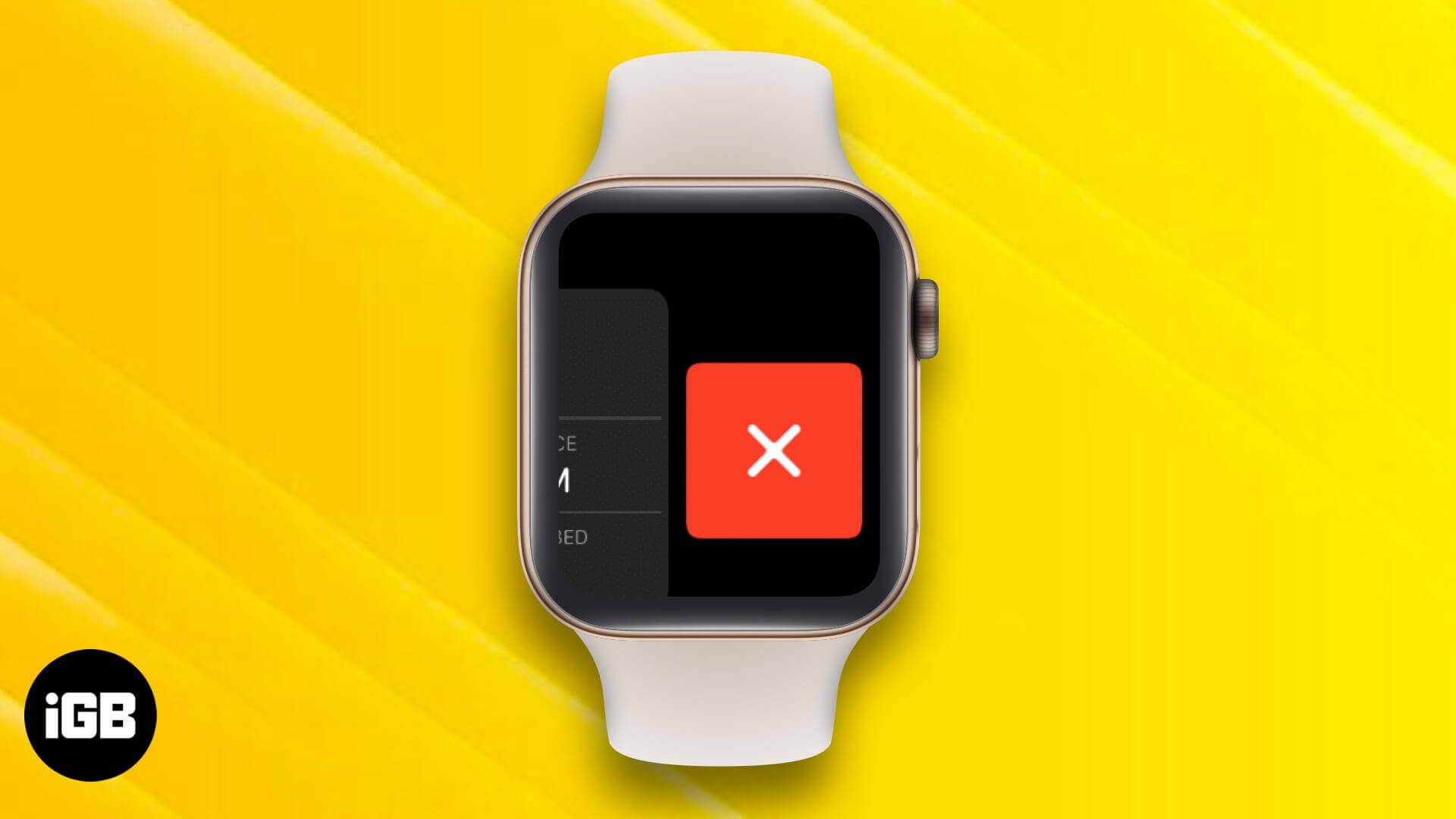
Noticing a frozen or misbehaving app on your Apple Watch? Here’s how to close or force quit apps on your watch, and when you actually need to do it.

ChatGPT just got a glow-up on WhatsApp, Now it can turn your text into stunning AI images. No apps, no hassle—just message and create!

Apple’s live shopping feature has landed in India. Here’s everything you need to know about the new ‘Shop with a Specialist over Video’ experience and how to use it.

Apple is expected to increase iPhone 17 prices by $50 across all models. Here’s what’s behind the hike and how it could affect your next upgrade.
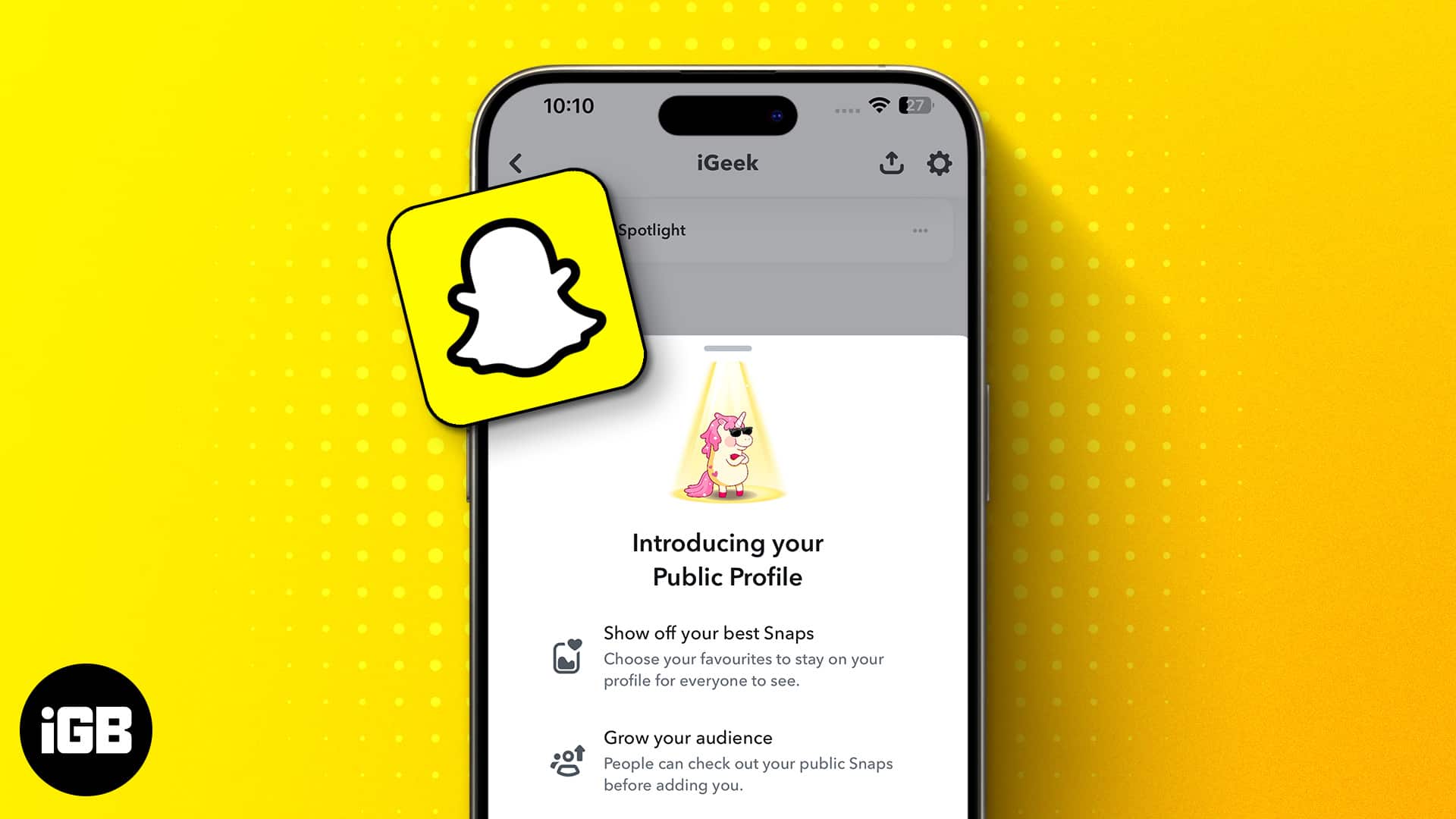
Learn how to create a Public Profile on Snapchat and unlock new features to grow your presence.

Apple has officially responded to the DoJ’s antitrust lawsuit, pushing back against claims of monopolistic behavior and defending its control over iPhone features.

Instagram's new standalone Edits app is designed for content creators, blending intuitive tools with AI-powered features—here's everything you need to know.

Apple has released iOS 18.6 with key security fixes and EU-specific App Store changes. Learn what's new and why this update matters for your iPhone.

Apple’s 2021 iMac redesign dropped the iconic front logo, but not without debate. A new leak reveals Apple tested logo placements before settling on a cleaner, logo-free look.
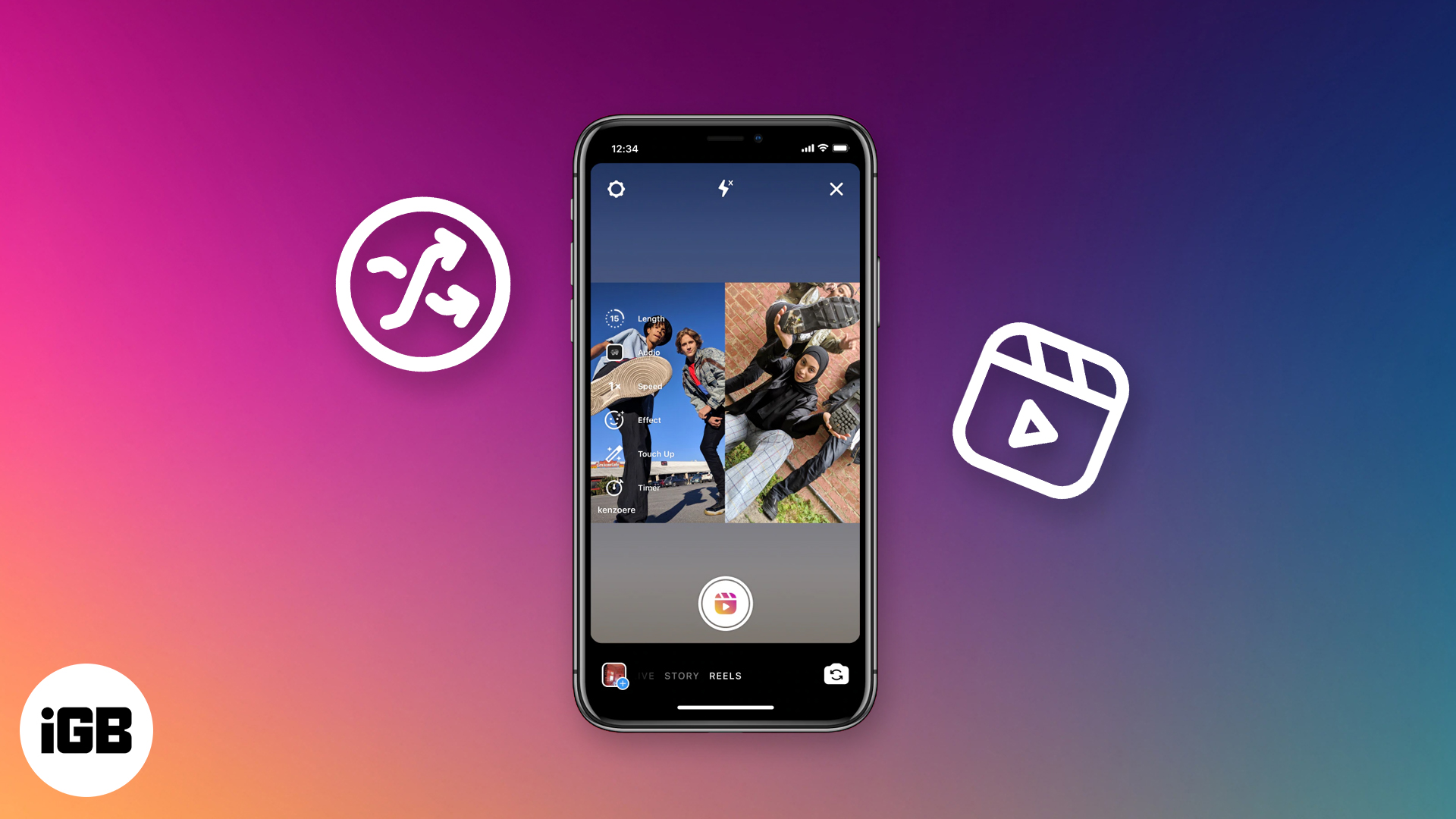
Remixing Reels on Instagram lets you react, collaborate, or join trends with your own twist. Here’s how to use the Remix feature like a pro.

Want to repost an Instagram Story? Whether you’re tagged or not, this guide shows how to do it easily with built-in tools or trusted third-party apps.

Lisa Bodenburg sued Apple, claiming she should have received a total of 205 GB of iCloud storage: 200 GB from the upgraded plan, plus the original 5 GB free tier.

Apple just dropped the iOS 26 Public Beta, bringing a sleek new interface and powerful AI tools. Here’s everything you need to know before installing it.

Google is bringing powerful AI video editing tools to Google Photos and YouTube Shorts, letting users turn photos into animated videos, remix styles, and more.