FaceTime Like a Pro
Get our exclusive Ultimate FaceTime Guide 📚 — absolutely FREE when you sign up for our newsletter below.

FaceTime Like a Pro
Get our exclusive Ultimate FaceTime Guide 📚 — absolutely FREE when you sign up for our newsletter below.


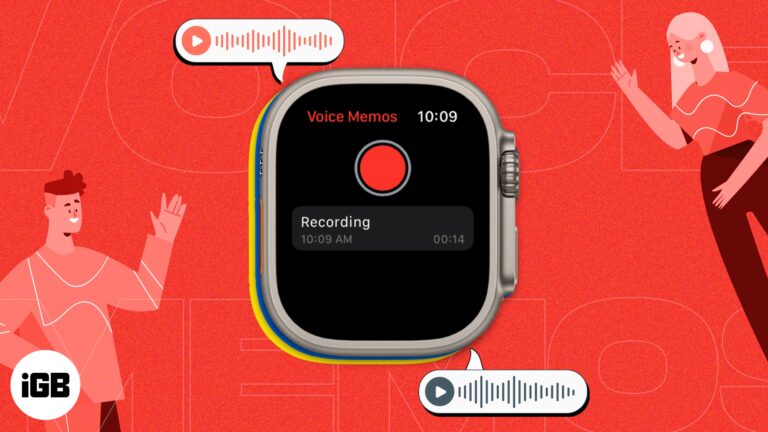
Whether you’re a busy professional who needs to keep track of important ideas or simply someone who wants to capture a moment of inspiration, the voice memo feature on Apple Watch can help you stay organized and productive. Additionally, when…
The introduction of watchOS 9 has made Apple Watch even more user-friendly and adaptable, providing a range of ways to engage with your device. Whether you’re a regular user or a new one, there are always innovative and fun methods…
With the increasing prevalence of e-commerce, people have come to depend on package delivery services for various items, including groceries and electronics. However, monitoring packages can be a burdensome and time-consuming chore, especially when awaiting numerous packages from multiple carriers.…

If you’re looking to inject a bit of drama into your Instagram story or convey a genuine emotion, using a sad face filter can help. Instagram’s filters can assist you in expressing a variety of emotions, including sadness, disappointment, or…
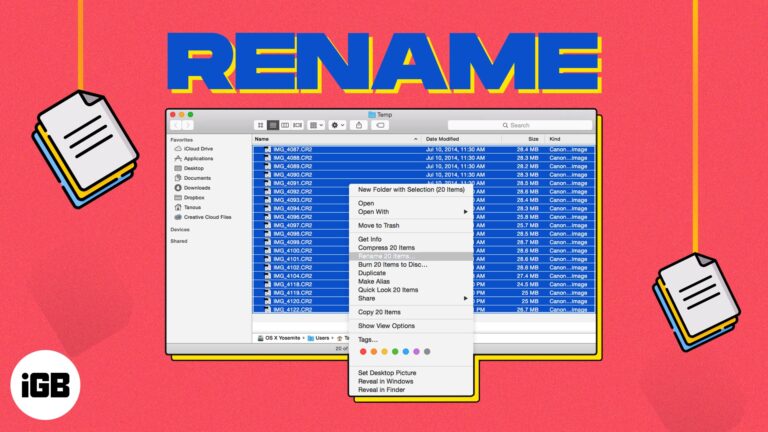
On your Mac, giving your files recognizable names makes it easier to find the one you need when you need it. If you have items like screenshots that have default names when you save them or files you’ve received from…

Things you require to clean an Apple Watch Microfiber cloth (lint-free or non-abrasive cloth) Cotton swabs Clean water It’s not new that Apple Watch is one of the best-selling smartwatches for fitness. However, your Apple Watch has to go through…
A monochrome screen is almost always an accidental Grayscale or color filter toggle. These eight fixes locate the setting responsible and stop it from switching on again by accident.

HRV is one of the better indicators of recovery and stress. Here is why it matters, how to record readings on Apple Watch, where to view the data on iPhone, and what skews the numbers.
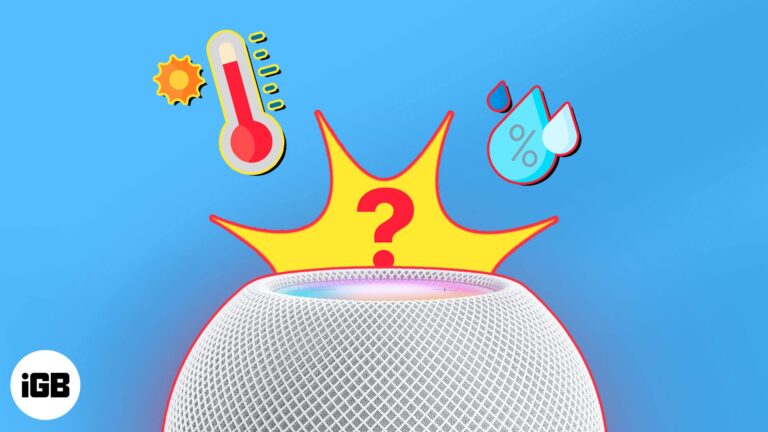
If you have a smart home setup and use your HomePod along with the Home app and Siri to manage it, you’ll love the climate feature. You can find out the temperature and humidity in rooms with a HomePod and…
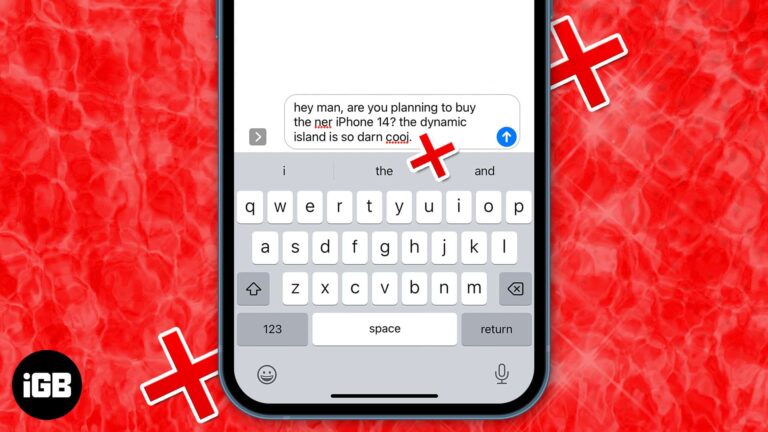
When messaging anyone on your iPhone, the best way to type out the words is by utilizing the Auto-Correction and predictive text features. Auto-Correction uses the dictionary on your iPhone to check for spellings you type and corrects them if…
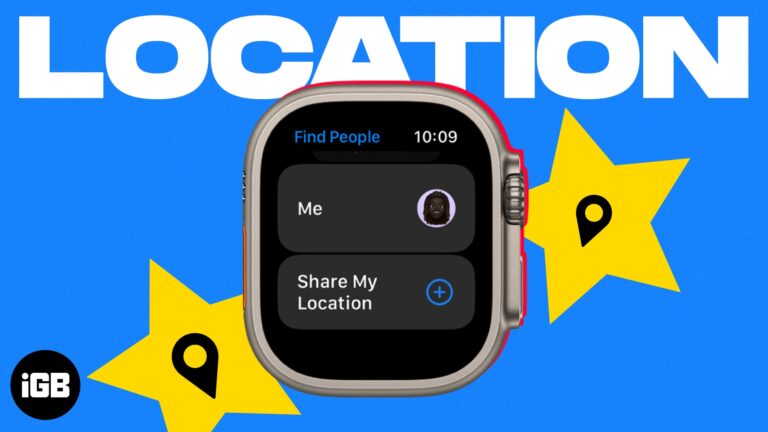
Sharing your location from your wrist is faster than reaching for a phone. Here is how to enable location sharing on Apple Watch, send it through Find People or Messages, and turn it off.
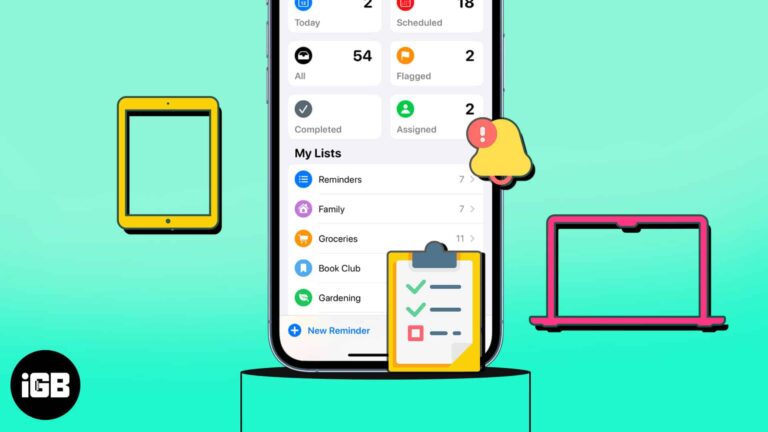
Do you find yourself reusing the same lists in the Reminders app? Maybe it’s a grocery, packing, or back-to-school list. You can avoid creating the same list repeatedly by using a template. In this article, I’ll show how you can create…

Switching from Android leaves your contacts stranded in Google. Here are two ways to bring them onto an iPhone, and the fixes for when Gmail contacts refuse to appear.
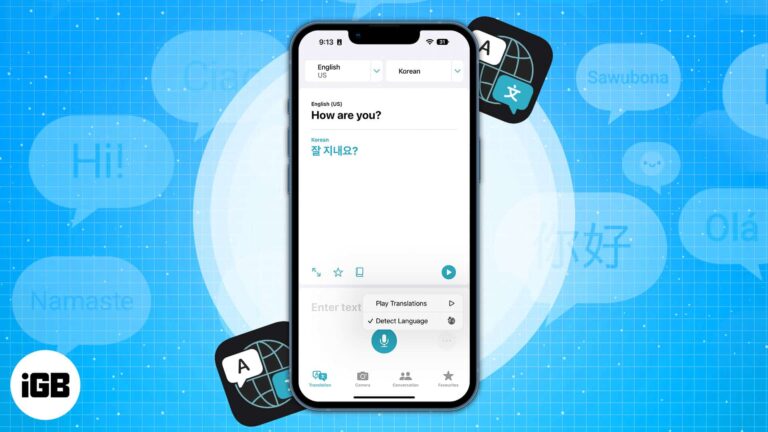
Apple Translate handles typed text, spoken conversation, and text captured through the camera. Here is which languages it supports and how to use every mode on iPhone.
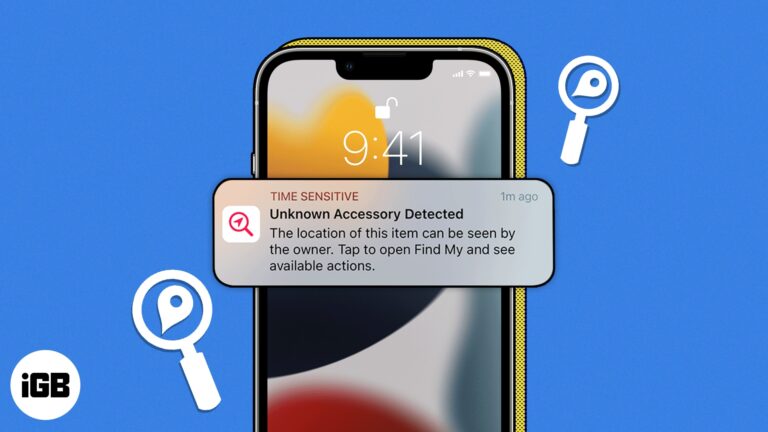
If you’ve ever lost your keys, wallet, or something similar, I’m sure you’ve silently wished for a way to find it faster, like playing a sound or detecting its current whereabouts. This is the concept behind Bluetooth tracking devices like…
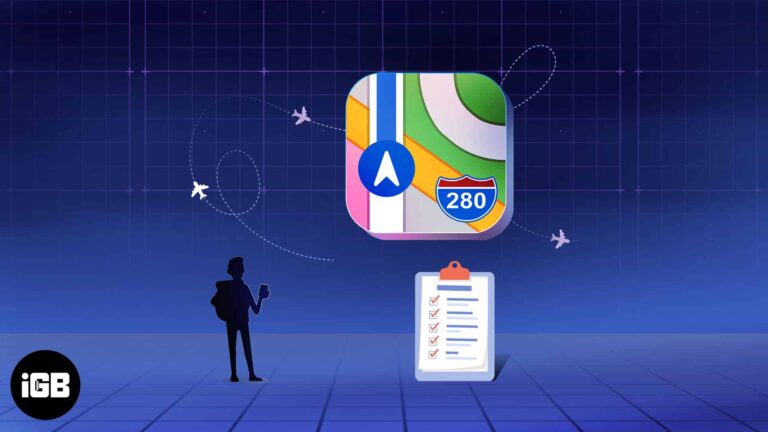
Whether you’re planning a weekend getaway or a lengthy vacation, you likely want to find places to visit while you’re there. Using Guides in Apple Maps, you can not only collect the locations you want to see but also have…

The rapid advancement of technology has enabled us to access powerful tools. No, I’m not referring to Siri but to the viral conversational search tool, ChatGPT. With the help of your iPhone and Apple Watch, you can now easily integrate…
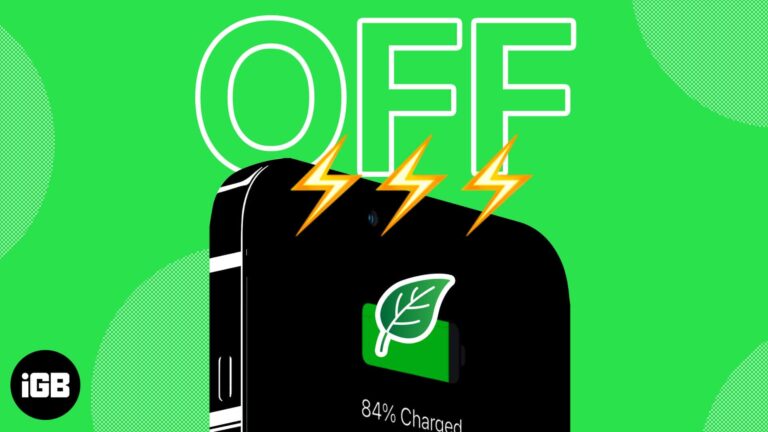
Things to you should know before using Clean Energy Charging on your iPhone: The feature is only available in the USA. Your iPhone must be running iOS 16.1 or later. The following settings must be enabled Location Services, System Services,…
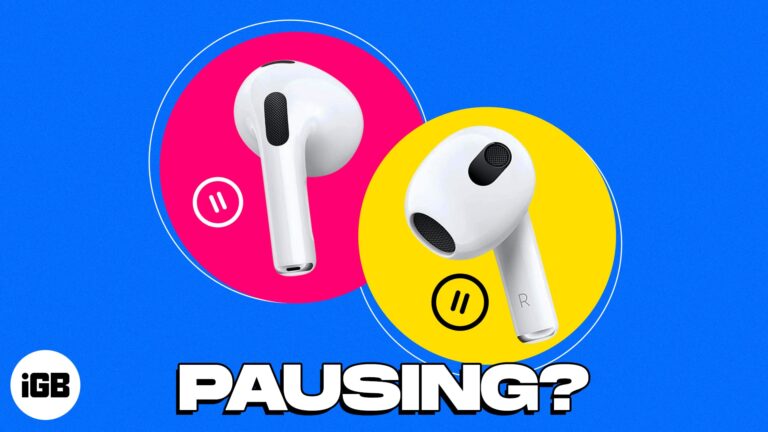
When you’re listening to your favorite podcast or music on your AirPods or AirPods Pro, if the audio pauses abruptly, it is bound to annoy you! There can be several reasons behind that erratic silence. In this article, I’ve discussed…

Visual Look Up is an excellent feature that allows iPhone users to identify objects from photos on their devices. The app is great at identifying animals, famous destinations, books, and even plants, so you can learn more about anything that…

Have you been working with multiple tabs in Safari and suddenly hearing a sound coming from an unknown source? With the autoplay feature in Safari on Mac, advertisement videos can start playing without any action. Whether you despise the feature or…
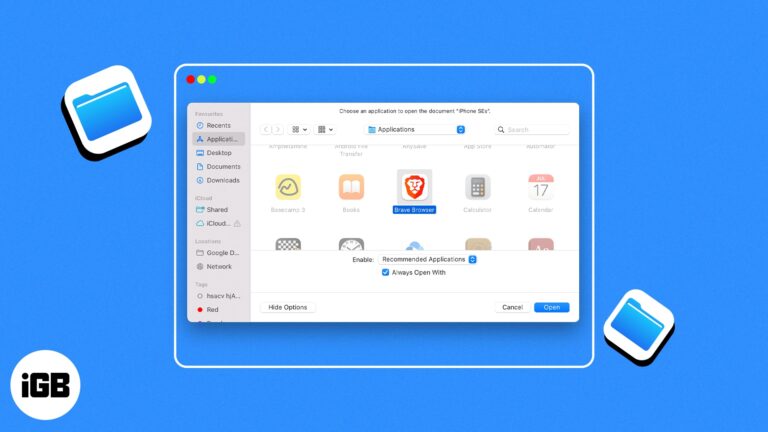
Macs have always been loved by professionals thanks to their ease of use. However, there are instances where you might get a headache because of how it is tuned. One such issue that many, including me, have faced is a…
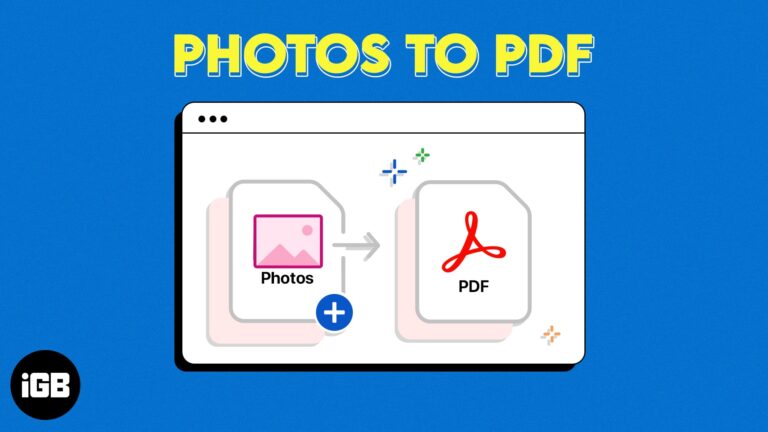
Your Mac may have many images you want to convert to PDF. At first, it might look like only a good third-party tool can convert photos to PDF. Well, let me tell you that a simple, native Mac app can…

Whether you’re learning a new language or frequently visit sites that display in another dialect, you can translate a web page in Safari on Mac. Without a third-party tool, you can take advantage of Safari’s built-in translation feature. Read along to…
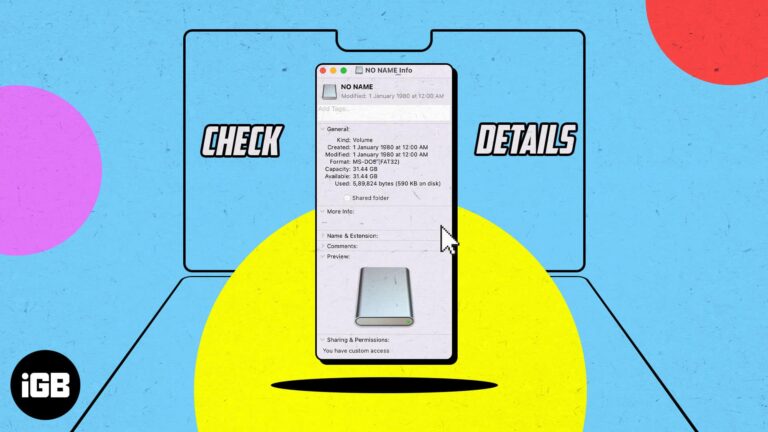
MacBook is a great machine for managing files, and it supports multiple external drives. However, you need to know the type of your file system to manage them appropriately when needed. So, read along how to determine the file system…

When you purchase products from Apple, whether a new MacBook or an Apple Watch band, you likely want to keep an eye on your order. Has it been processed? Did it ship yet? We’ll show you different ways to track…
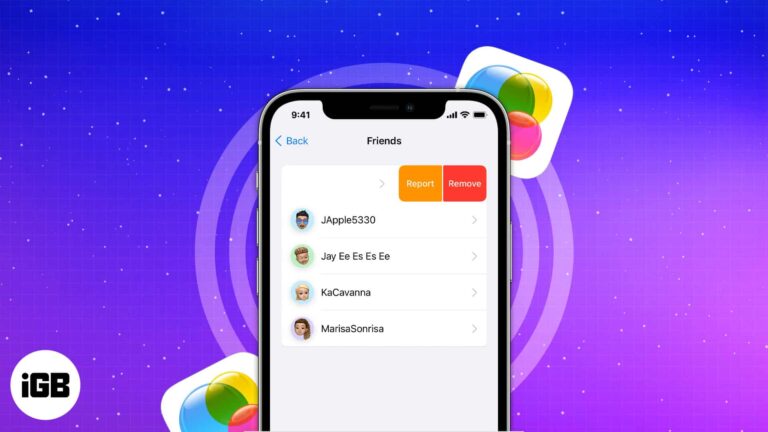
Game Center links your App Store games into one social layer with friends, achievements, and leaderboards. Here is how to set it up, manage your friends list, and send challenges.
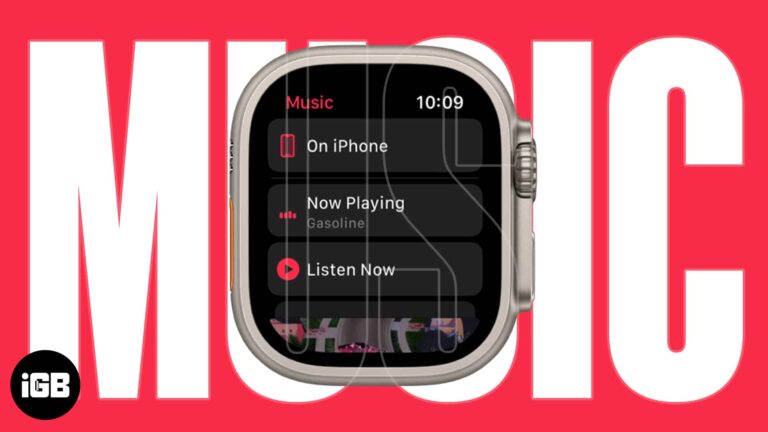
The Apple Watch speaker does not play music, so headphones are required. Here is how to play from the watch, use Siri, control your iPhone remotely, and listen with no phone nearby.
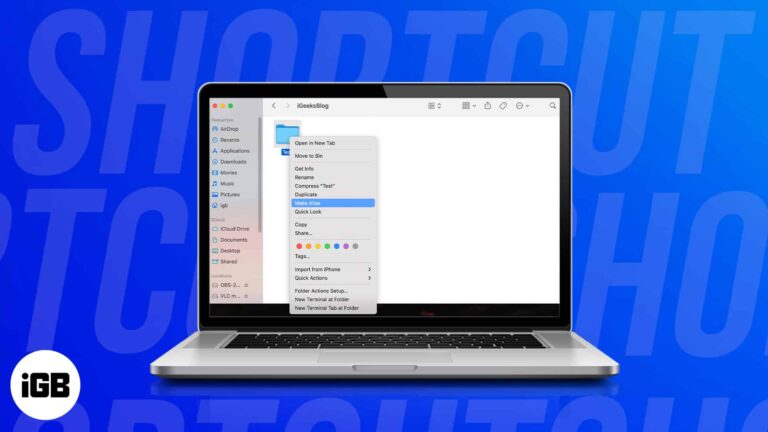
macOS does not create desktop shortcuts automatically the way Windows does. Here are four ways to make your own for apps, files, folders, and even websites.