
FaceTime Like a Pro
Get our exclusive Ultimate FaceTime Guide 📚 — absolutely FREE when you sign up for our newsletter below.

FaceTime Like a Pro
Get our exclusive Ultimate FaceTime Guide 📚 — absolutely FREE when you sign up for our newsletter below.



Devices like iPhones and Macs have woven themselves so seamlessly into our routines that stepping out without them seems unthinkable. Given these devices are constantly with you, you’d most probably leverage its Location Services for things like food delivery or…

Broadcast channels are a powerful Instagram feature that lets creators connect with their audience in a more personalized way. It also lets creators share specific content with certain people, which can be a great way to build relationships and drive…

You’ve got the popcorn, the drink, and the lights dimmed. You are ready for an evening of shows on Apple TV. Suddenly, you notice a blinking light on a black screen, and you’re unable to turn on your Apple TV.…

Snapchat is a fun and creative app that is always innovating. In the world of AI, Snapchat is no slouch. With My AI, the social media platform can help you with a variety of tasks, such as finding new friends…

Hands down, ChatGPT is one of the most popular AI chatbots available out there. You can use it to brainstorm ideas, create travel itineraries, generate code, and much more. Plus, with the release of the official ChatGPT app for iOS,…

Did you know that you can drop a pin on any location in Apple Maps and come back to it later? Oh yes, mark it up to use it as you see fit, from saving the location for a future…

The Notes app is a very useful tool that allows you to take notes, jot down ideas and make lists. The app also comes with a tagging feature, which makes it easy for you to ping a particular person or…
Copy-pasting has become so deeply integrated into our interactions with desktop devices that we use it instinctively. I’d even argue that it’s the most used feature on Mac — no, on any desktop computer. So it’s a huge hassle when…
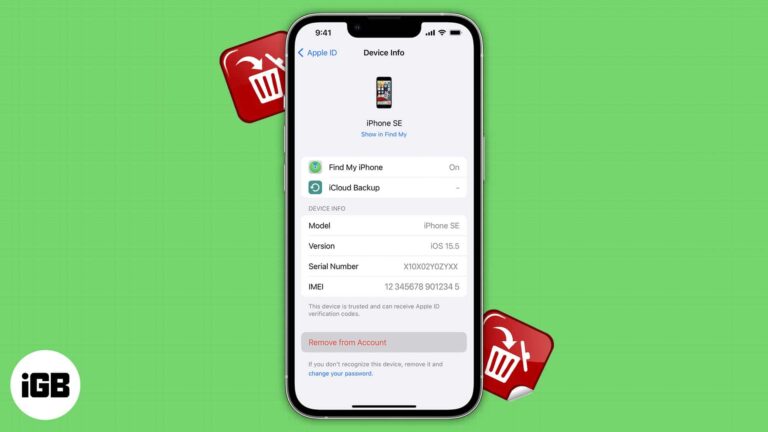
An Apple ID is a must to let your Apple devices work perfectly. Most people, including me, use a single ID to enjoy the famed ecosystem. However, it is vital to remove a device that is associated with Apple ID…
As a university instructor in the past, being able to create Keynote presentations from scratch or make quick changes directly from my iPhone — usually while traveling — is pretty convenient. But one of Apple’s known downsides is its exclusive ecosystem,…
With the ever-increasing digital marketing and online tracking, privacy-conscious users like me seek ways to protect their digital footprints. So, Apple has rescued us with an enhanced privacy feature called Advanced Tracking Protection on iPhone, iPad, and Mac. Now, Safari will automatically remove tracking…

Detailed review of Waveroom: Record and edit videos seamlessly across browsers with ease and precision

The Apple Developer Program allows individuals and businesses to create innovative apps for iOS, iPadOS, macOS, tvOS, and watchOS. Previously, users paid a fee to join, but after WWDC23, Apple made Beta versions free for all users with compatible devices.…
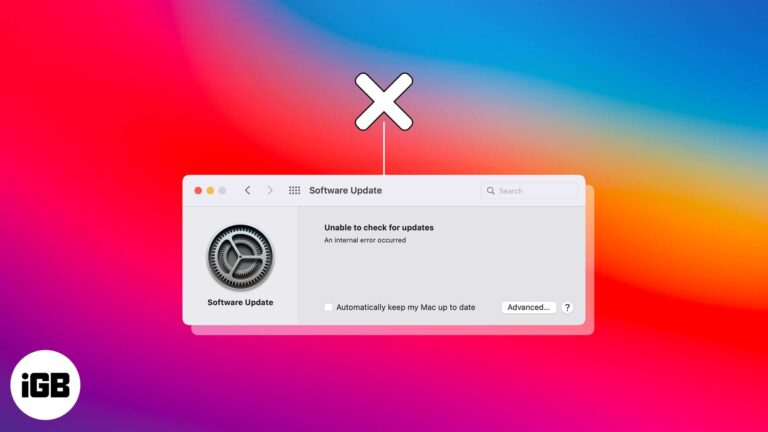
Picture this scenario. Apple finally releases a major macOS update to the public, and you want to get your hands on it. You checked for updates but only got an error, “Unable to check for updates.” You brush it off…

Emojis have become an integral part of our chatting, allowing us to express emotions and add a touch of personality to our messages. And iPhone users enjoy using emojis more thanks to the predictive emoji feature. Whenever you type, your keyboard…

Whether you have hundreds or tens of thousands of pictures in the Photos app on Mac, finding the one you want can be time-consuming. Luckily, Apple provides a variety of ways to locate the photo you need. We’ll show how…

iPadOS 17 comes with a number of new features, and everyone’s attention was drawn to the revamped Lock Screen. The Lock Screen on your iPad can now be uniquely customized like never before. And if that’s not enough, you can…

The mystical world of Teyvat invites you to a captivating realm and embark on an enchanting journey in Genshin Impact. However, this immersive experience was solely dedicated to PC and Console players, leaving Mac users dry with boredom. That’s not…

Are you tired of losing your brilliant content because there’s no easy way to save Instagram drafts on your iPhone? Look no further! In this guide, I’ll reveal the secret to saving Instagram posts and reels as drafts on your…

Are you facing issues with loading images in the Mail app on your Mac? If so, you’re not alone. Recently, I faced email attachment issues while using the app, too. The situation is frustrating, especially because you don’t want to deprive…

Apple has finally made Final Cut Pro – the gold standard of video editing – available for iPad and iPad Pro. In this article, I’ll take you through the complete guide to using Final Cut Pro on iPad with its…

Instagram saves every expired Story to a private archive, and archiving a post hides it without deleting it. Here is where the archive lives on iPhone, and how to archive and unarchive posts.

OpenAI’s ChatGPT service has made its way to iOS. With this handy tool’s artificial intelligence, you can get answers to questions, receive creative suggestions, find inspiration, or learn something new. You can download and install the official ChatGPT app on…
Apple Maps offers convenient voice-guided directions to help iPhone users navigate to their desired destinations without constantly looking at their screens. However, there can be instances when the voice navigation feature may encounter glitches and fail to function as expected.…

Whether you are a social butterfly, a busy professional, or an avid traveler, get ready to unlock a whole new level of convenience and connectivity by using the same WhatsApp account across multiple devices. Yes, you heard that right! Accessing…
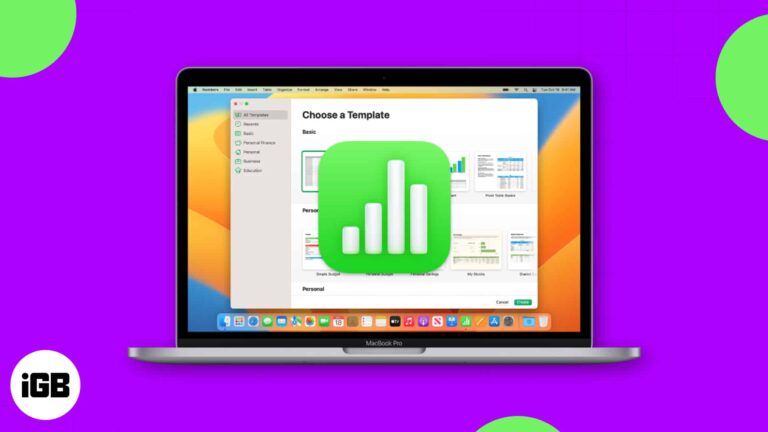
Not sure how to get started in Apple Numbers on Mac? For business and personal use, Numbers is a handy spreadsheet application that comes with macOS. But there’s more reasons to use Numbers – it offers useful features that might…

While setting up the Mac for the first time, it asks for an admin name to make it easily identifiable in local networks. However, recently I noticed that my Mac’s default name would pop up while connecting to a network…
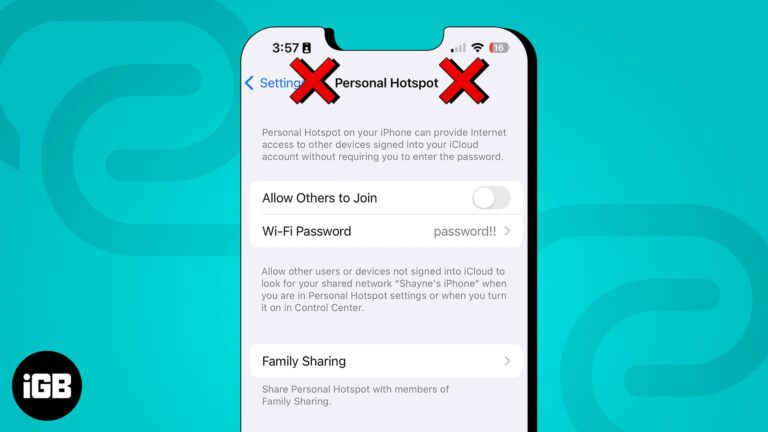
Hotspot failures are usually carrier provisioning or a network settings glitch. Here is how to check your plan, update carrier settings, switch the Wi-Fi band, and reset the network on iPhone.

The Slide to Type or QuickPath feature on iPhone allows you to swipe your finger over a series of letters on the keyboard to type a word quickly instead of tapping on letters individually. Although this feature can be quite…

If you use Face ID or Touch ID to sign in to your account on iPhone, iPad, and Mac, then you’ll appreciate this method for logging in to your Google account as well. Using a passkey, you can sign in…


