
FaceTime Like a Pro
Get our exclusive Ultimate FaceTime Guide 📚 — absolutely FREE when you sign up for our newsletter below.

FaceTime Like a Pro
Get our exclusive Ultimate FaceTime Guide 📚 — absolutely FREE when you sign up for our newsletter below.


If you wish to share your Mac with someone else, creating a new user account that works independently from your personal account can be helpful. However, on the downside, switching between different user accounts every now and then can be…
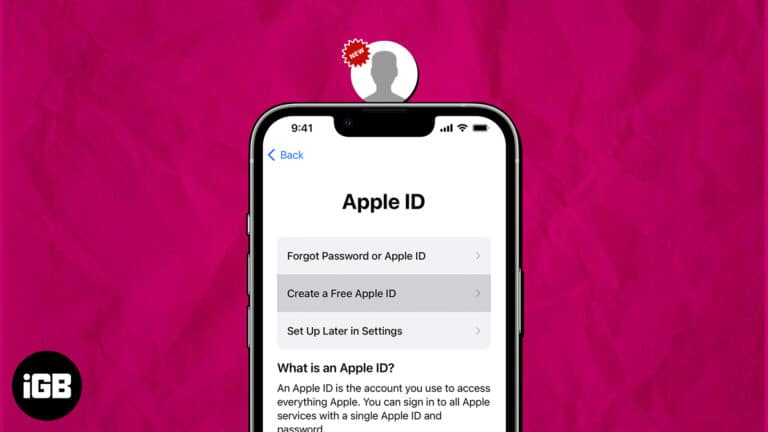
If you are a pro Apple user, you might already have an Apple ID. But if you are someone who is not well-versed with the ecosystem and just wants to try out a few of Apple services, you are welcome,…
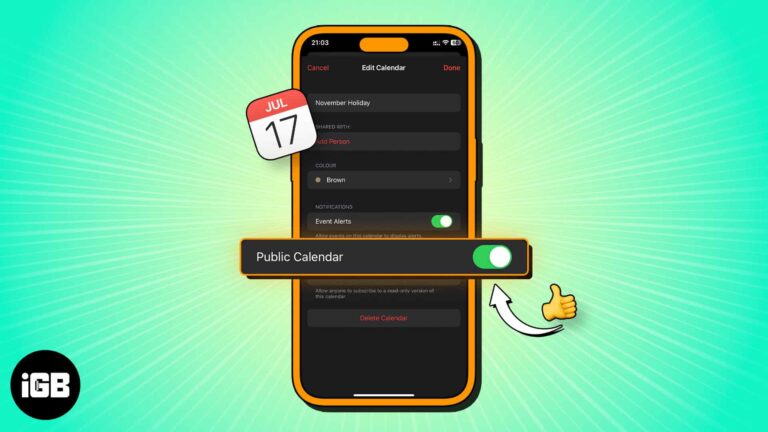
A public calendar produces a link anyone can subscribe to, including non-Apple users. Here is what a public calendar is, how to create one on iPhone, and how to share the subscription link.
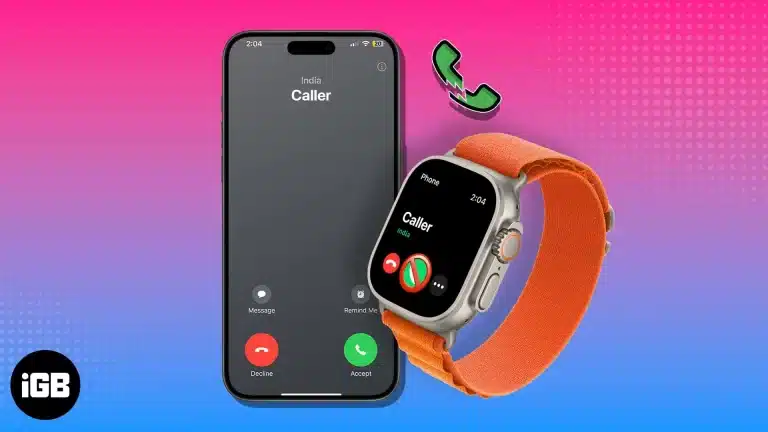
Missed calls on Apple Watch usually trace back to a dropped iPhone connection, wrist detection, or a Focus mode. Work through these checks to get calls ringing and answerable on your wrist again.
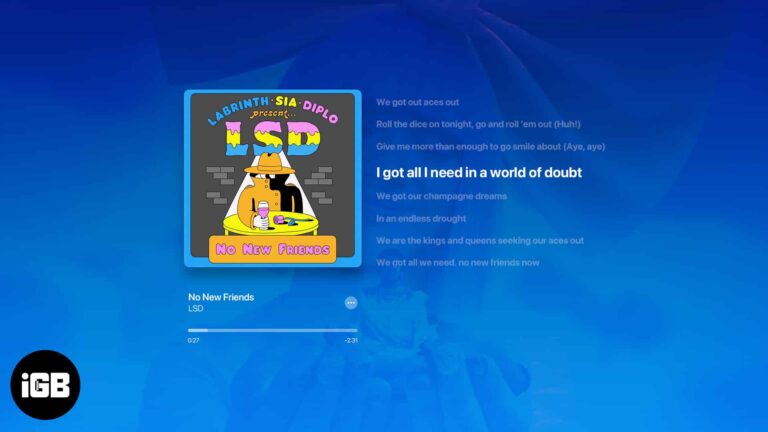
What about jamming with your friends or singing along to your favorite songs with time-synced lyrics? Luckily, Apple Music lets you see the song lyrics on the full screen. Sounds interesting, right? In this guide, I’ll show you how to…
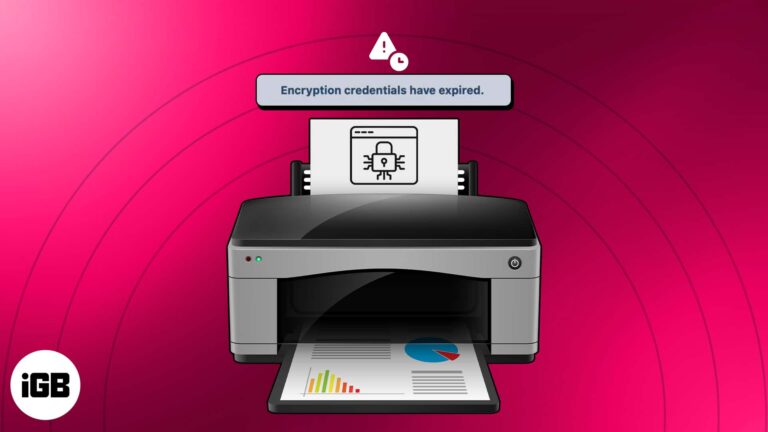
Have you encountered the “Printer’s Encryption credentials have expired” error message on your Mac when trying to print a document? Don’t worry! In this tutorial, I will share how to fix expired printer encryption credentials on your Mac. Let’s get started…
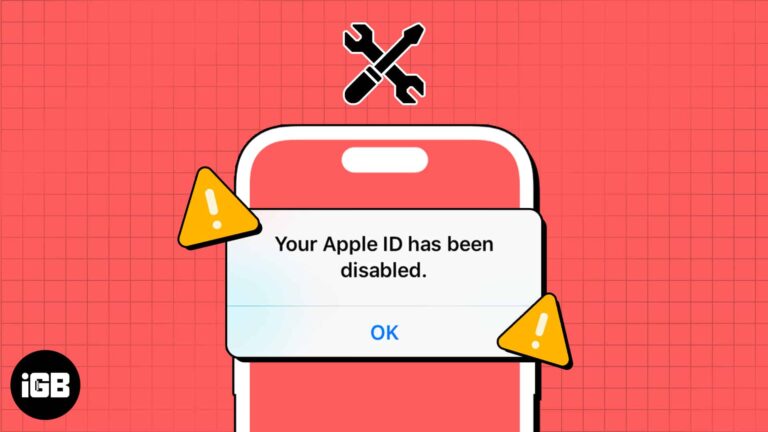
Apple ID is essential to use Apple products fully, as it facilitates all Apple services on your devices. However, being locked out of your Apple ID can be troublesome. If you find your Apple Account is disabled, don’t worry. In…
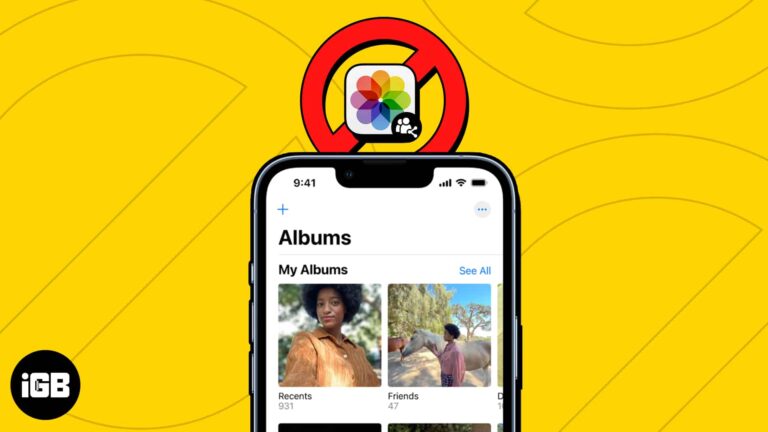
Shared Albums have made sharing precious memories and photos with loved ones easier than ever. However, it can be frustrating when you can’t share your favorite photos or access your shared albums. In this article, I’ll address possible reasons why…
We’ve all been there when you’re all set to dive into your favorite podcast, but your trusty Podcast app decides it’s time for a coffee break. Well, fret not because in this guide, I’ll walk you through some simple methods…
Wondering when the alarm system was turned off or who unlocked the door after curfew? Using Activity History in the Apple Home app, you can see these types of actions – when they took place, and by whom. Here’s our…
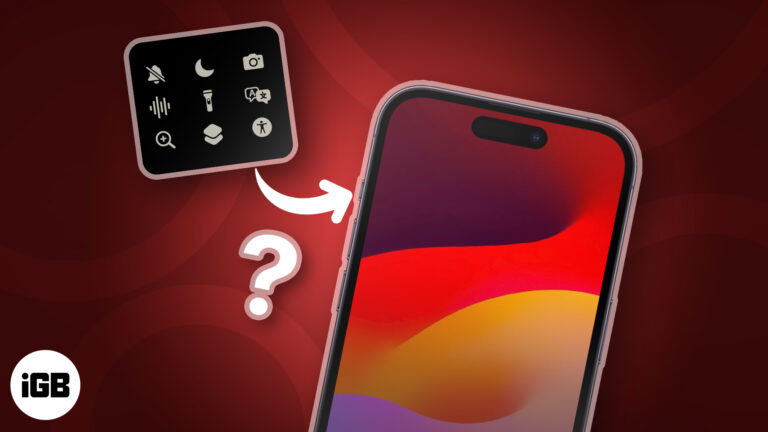
The Action Button is a welcome addition to the iPhone 15 Pro series, letting you do all sorts of things with just a tap. Rocking an older model? Don’t feel bad! There’s a nifty workaround for you to get a…
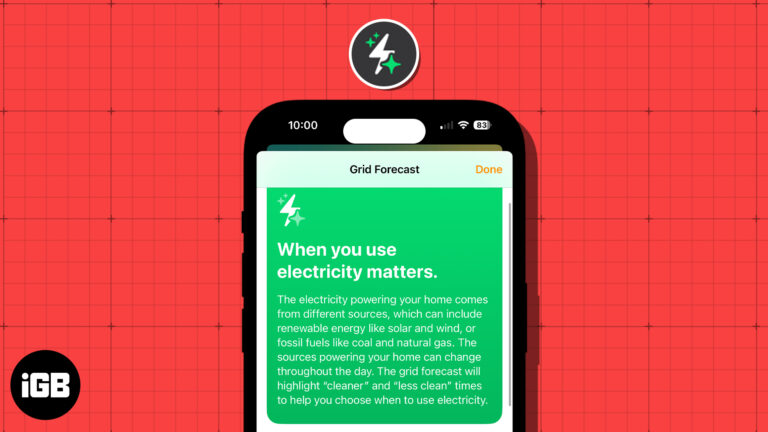
These days, people are more concerned about energy and its sources than ever before. With this in mind, Apple introduced the Grid Forecast feature in the Home app with iOS 17. This allows you to see the best times for…
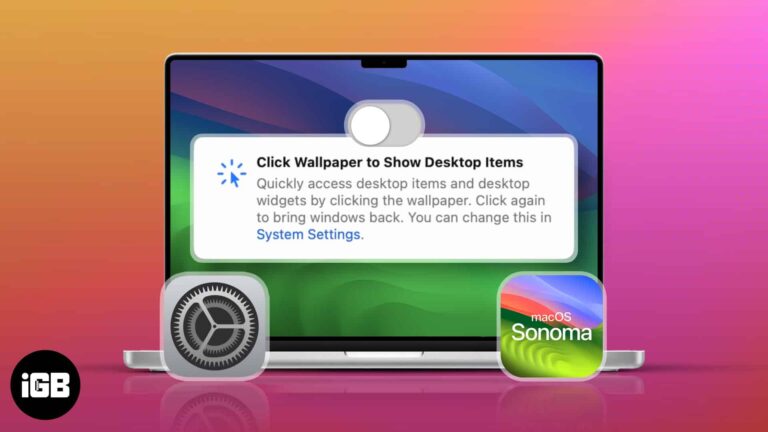
Updated to macOS Sonoma? You might’ve scratched your head, noticing how your windows quickly slide to the side whenever you click the desktop. Don’t worry; this isn’t a glitch. It’s a new feature that comes with the macOS upgrade. If…
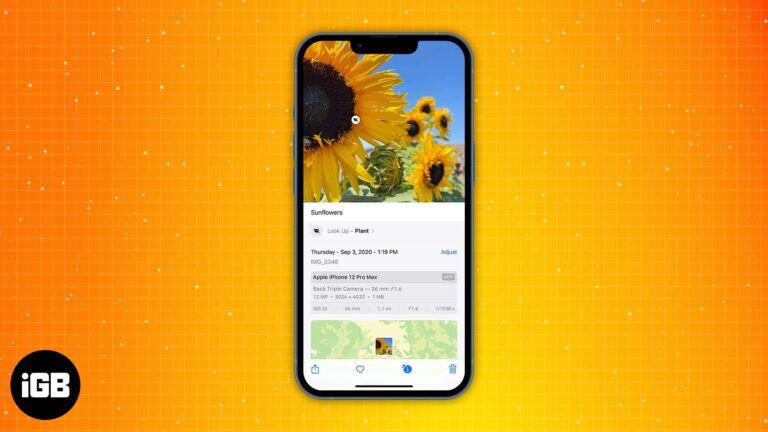
Captions make a huge photo library actually searchable. This guide shows how to add a caption to any photo or video, edit or remove it later, and find images by searching your caption text.
Learn how to forward calls on your iPhone with any carrier in just a few simple steps.
Snapchat is built around disappearing content, so saving takes deliberate steps. Here is how to save your own Snaps to the camera roll, automate it, and keep the ones people send you.
If you multitask and have hands full of work, you can make Siri read whatever text is on your screen aloud. It’s like turning your iPhone, iPad, or Mac into your personal storyteller. In this guide, I have shared how…
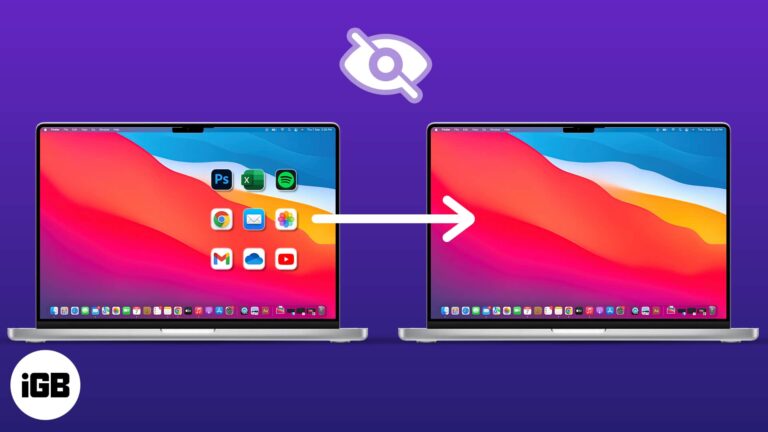
A cluttered desktop looks bad on every screen share. Here are three ways to hide Mac desktop icons, from a Finder preference to a Terminal command that clears everything instantly.
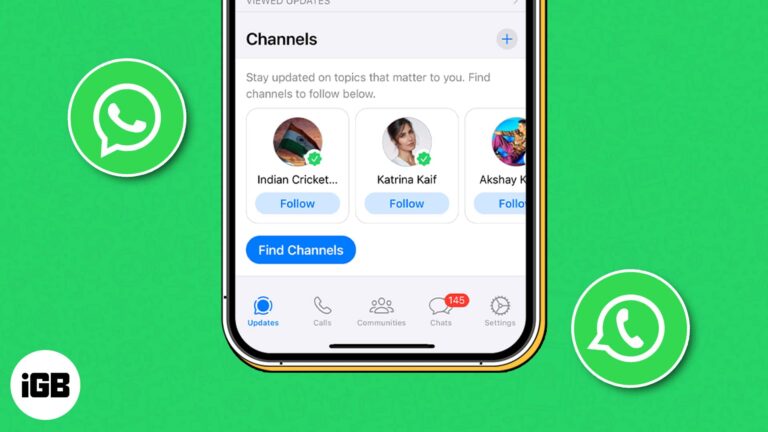
WhatsApp has been slowly rolling out its new Channels feature in different countries, and after a long wait, it’s now available in 150 countries. If you don’t know what WhatsApp Channels are and how to use them, then you’re in…
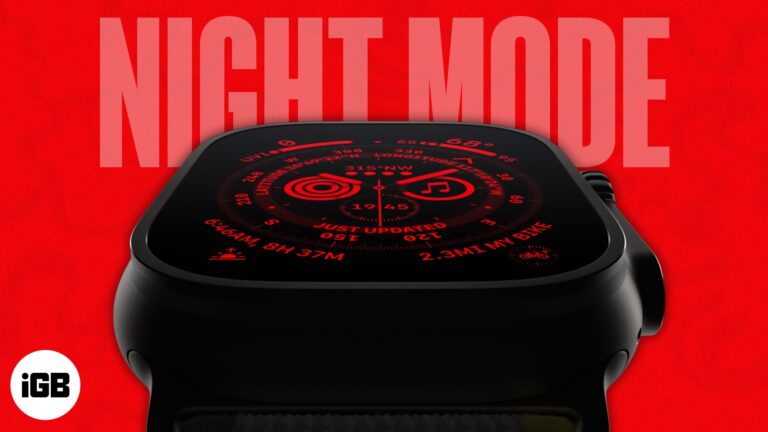
The Apple Watch Ultra and Ultra 2 are meant for athletes, hikers, divers, and other extreme adventurers. The Watch includes a Night Mode to help them move in the dark without straining their eyes or distracting them from the bright…
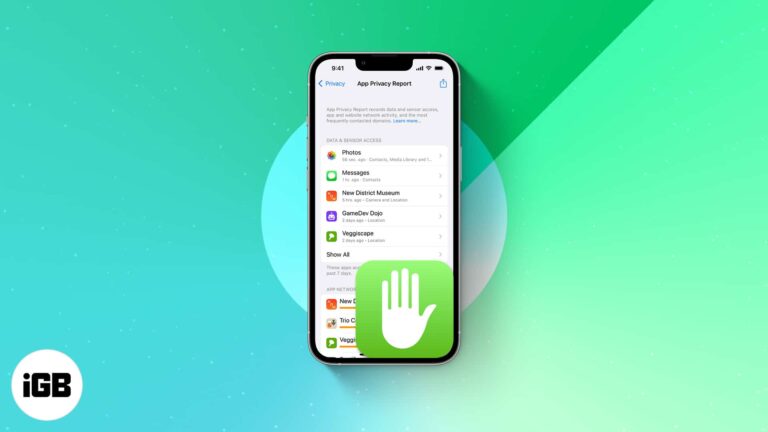
Apple’s App Privacy Report is a tool that provides insights into how often apps have accessed your location, contacts, photos, and other sensitive information. In this blog post, I’ll demonstrate how to turn on App Privacy Report and how to…
Welcome to the world of iOS 17, where innovation meets simplicity. Apple has announced the latest software update for our beloved iPhones and blessed us all with a plethora of new features and enhancements. However, during the keynote, some important…
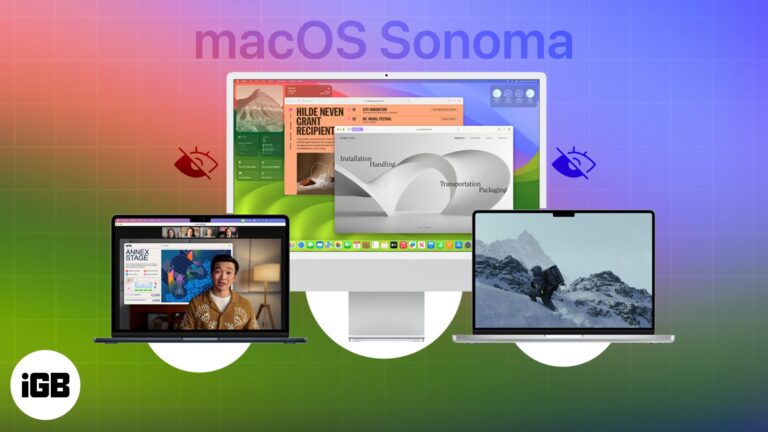
From making your work easier to providing user-friendly tools, macOS Sonoma has been carefully designed to empower you in ways you might not have imagined. You must already be aware of some of the most impressive features of the latest…
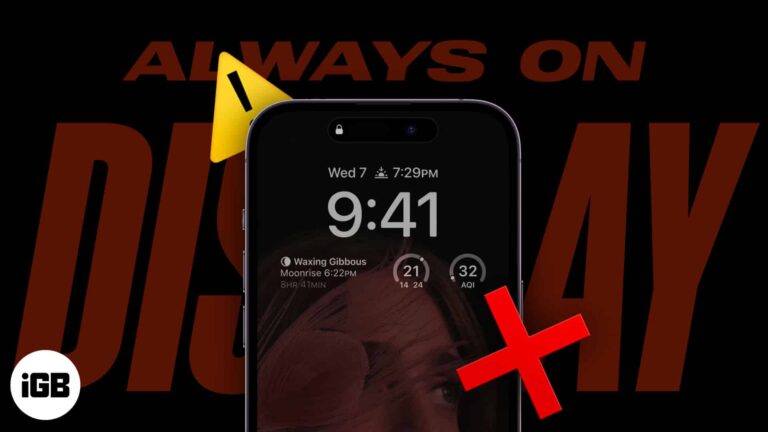
Scenarios when iPhone 15 Pro models and 14 Pro models AOD turns off automatically: The Always-On display on the iPhone 15 and 14 Pro models is a great way to get information at a glance. But what if it’s not…
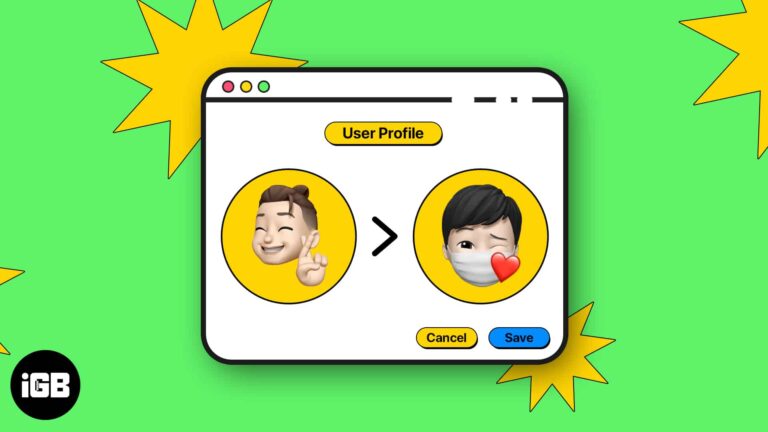
The account picture on your Mac login screen is easy to change once you know where it lives. This guide covers Memoji, emoji, a Camera snapshot, or any image from your own library.
A triple-click can toggle Zoom, VoiceOver, or another accessibility feature instantly. Here is how to configure the shortcut from your watch or iPhone, and which features it can trigger.
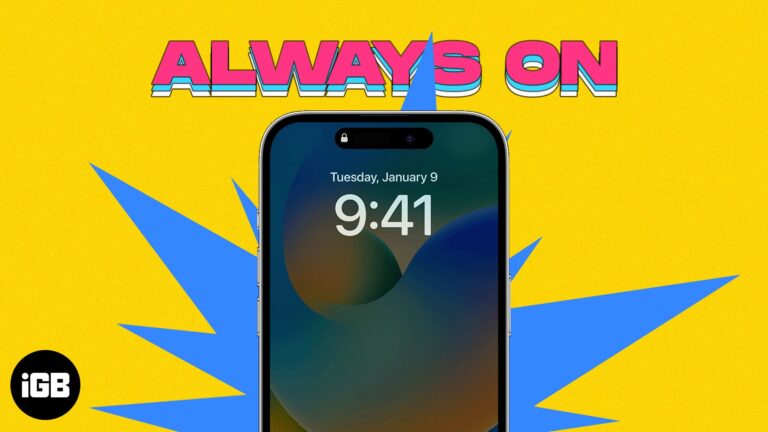
Apple has introduced the automated Always-On display feature for the iPhone 14 and 15 Pro/Pro Max. This feature allows you to keep your screen on for a desired time frame, showing important information such as the time, date, and notifications…
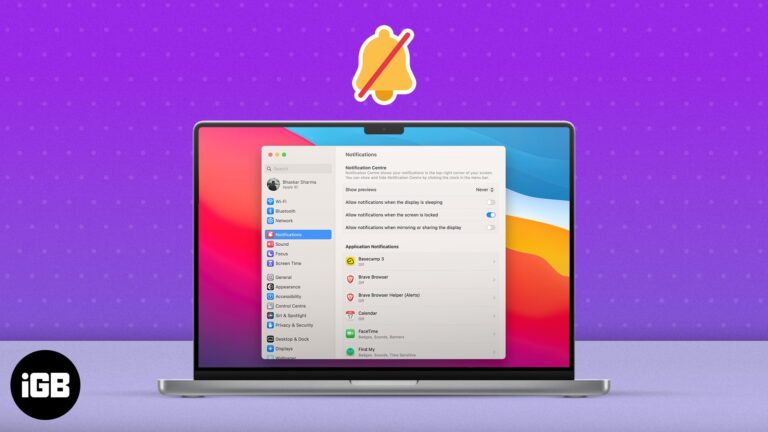
Notification overload wrecks concentration. Here are four ways to quieten macOS, from a scheduled Focus and Do Not Disturb through to switching off alerts for individual apps.
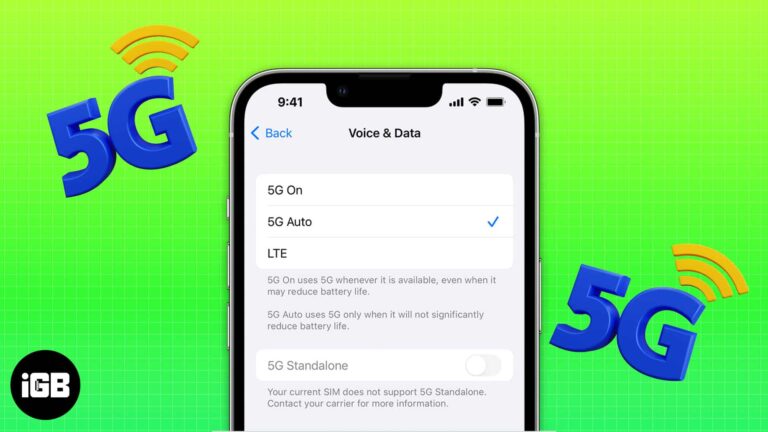
5G is faster but hungrier. Here is which iPhones support it, what each 5G data mode actually does, how to switch it on or off, and when dropping to LTE saves meaningful battery.
YouTube is undoubtedly one of the best video streaming platforms out there. You can use it to learn anything you like, catch up on news, watch music videos, and much more. Yet, several users complain that YouTube keeps crashing on…


