
FaceTime Like a Pro
Get our exclusive Ultimate FaceTime Guide 📚 — absolutely FREE when you sign up for our newsletter below.

FaceTime Like a Pro
Get our exclusive Ultimate FaceTime Guide 📚 — absolutely FREE when you sign up for our newsletter below.


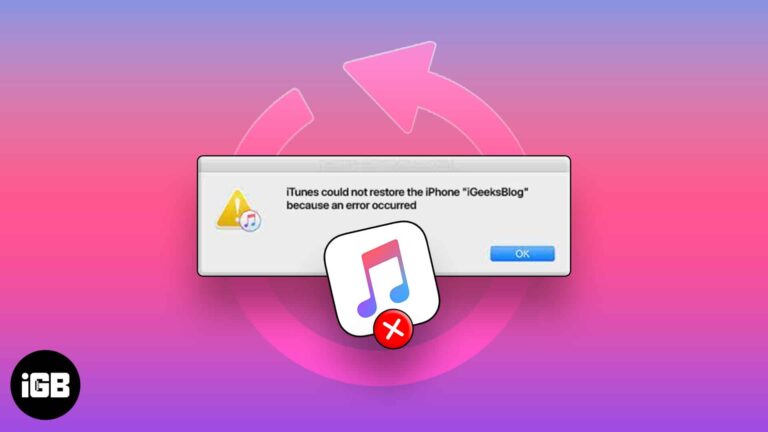
A failed restore usually traces to the cable, a version mismatch, or insufficient space. These seven fixes work through each cause so your backup actually loads onto the device.
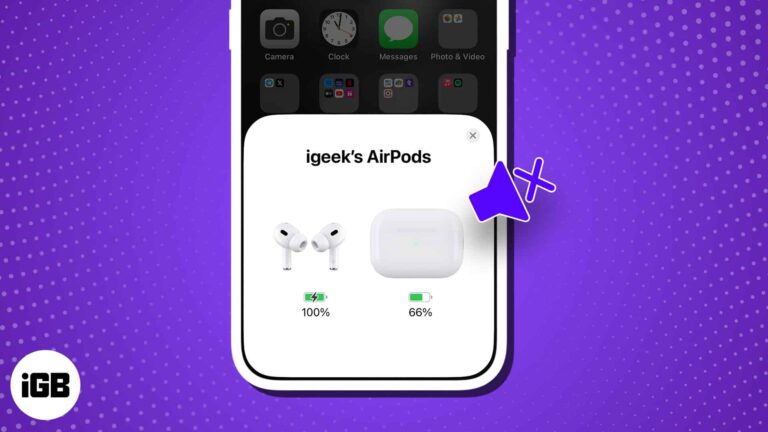
Apple’s AirPods are known for their versatility and innovation, making them a premium choice in the earbuds market. Given the hefty price tag, it’s reasonable to expect flawless performance. A frequently reported concern among users is the problem of AirPods being…

WhatsApp recently experienced a data breach that affected 500 million users, leading to increased fraud and scam calls. WhatsApp responded promptly by introducing a helpful feature within the app that allows you to silence unknown callers on iPhone. Here’s how to do…

If you don’t want to be constantly distracted by alert banners, app notification badges are great. Thus, it can be annoying when notification badges are not showing on your Mac. Worry not! I will share quick solutions to fix this…

A laggy Camera app usually means low storage or too many apps held in memory. These nine fixes address each cause so you stop missing shots while the viewfinder loads.
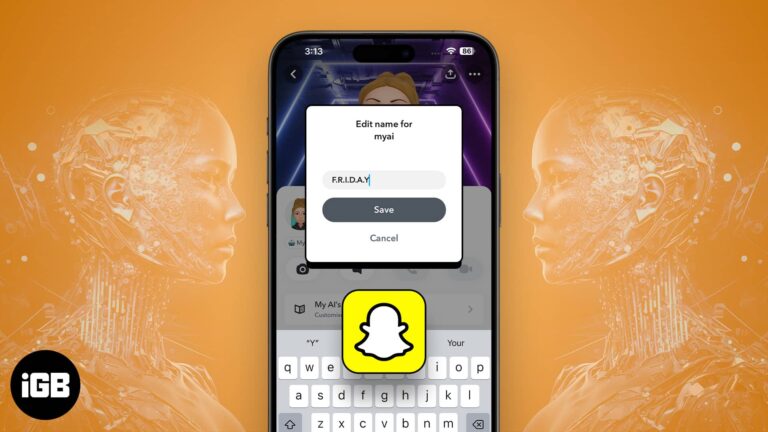
If you, too, are bored of the dull look of My AI on your Snapchat, then you’re in for a treat. Allow me to introduce you to a simple and effective way to change My AI gender and name in…
Are your iPhone or iPad backups taking up much storage space on your Mac? Finder stores your iTunes backups in a default location on your Mac. However, you may move those files to an external hard drive and back up…

You might be familiar with cleaning iPhones with aluminum or stainless steel. However, it’s the first time Apple used a titanium frame in the iPhone 15 Pro series, and if you have your hands on one, you’d be cautious about…

Pinching to zoom works differently in playback and in the editor. Here is how to zoom a video while watching it in Photos on iPhone or iPad, and how to crop and zoom while editing.
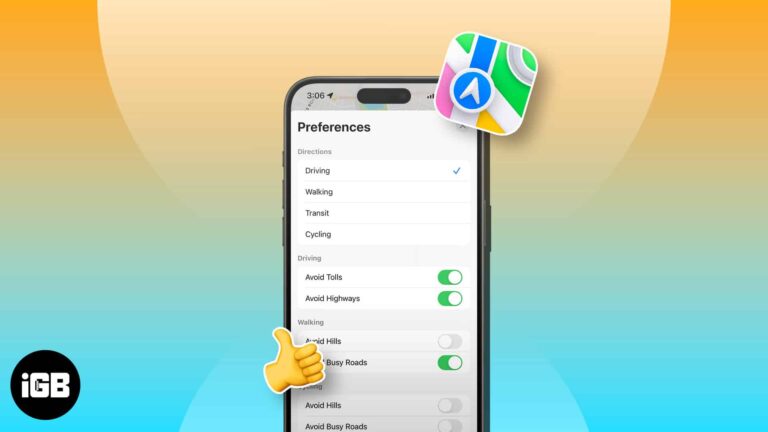
Opened Apple Maps to get navigation but only got driving directions? Don’t worry! You may change this to walking, cycling, or public transit mode. Here, I’ll show you how to change the default direction type in Apple Maps on your…
Deleted photos sit in Recently Deleted for 30 days and still occupy storage. Here is how to erase them for good, and how to recover an image before that window closes.

Unfriending removes a connection quietly, while blocking cuts off all contact and visibility. Here is exactly what each one does, how to do both on iOS, and how to reverse a block.
If callers cannot hear you, the mic is usually blocked, muted by an app permission, or hijacked by a Bluetooth device. These seven fixes work through each cause on iPhone.
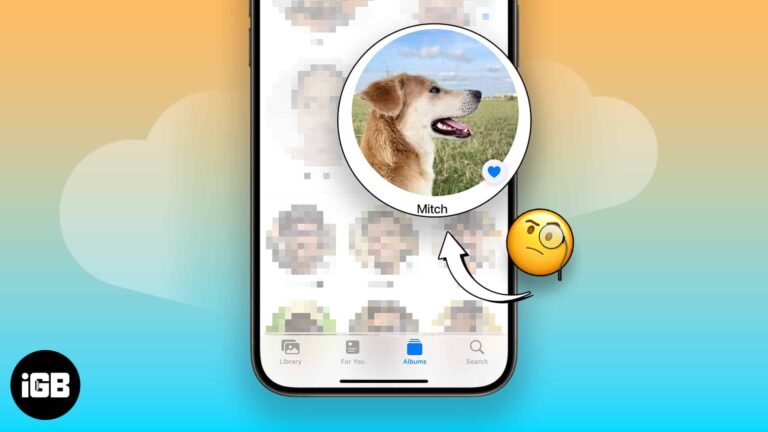
You’ll take many photos of your pet if you’ve got one. Before iOS 17, it was harder to find your pet’s photos individually. Apple introduced the People & Pets album with iOS 17, iPadOS 17, and macOS Sonoma, categorizing photos…
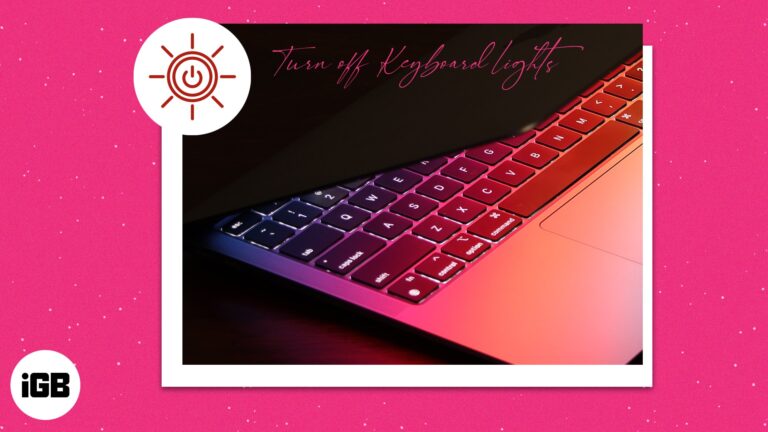
Aside from its pristine-looking finish and brilliant display, the Mac also comes equipped with a stylishly illuminated keyboard. Mac’s backlit keyboard automatically turns brighter in low-lit conditions and dims in brighter ones—making working with a Mac easy on the eyes.…
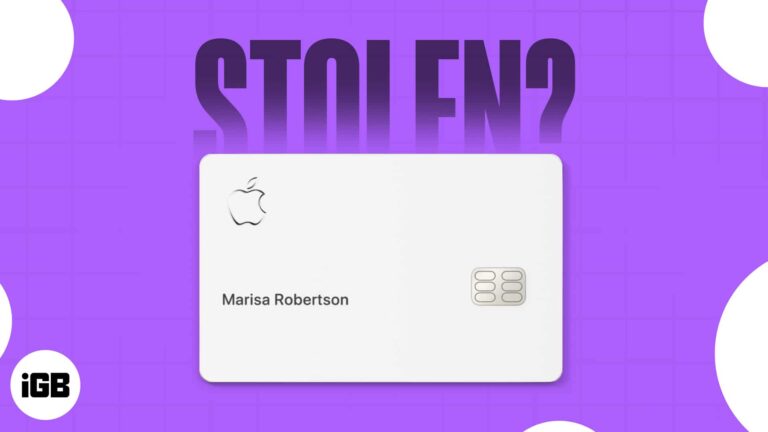
A missing Apple Card is less alarming than a normal card, since the number lives in your iPhone. Here is how to lock it, order a replacement, and what to do if the phone is gone too.
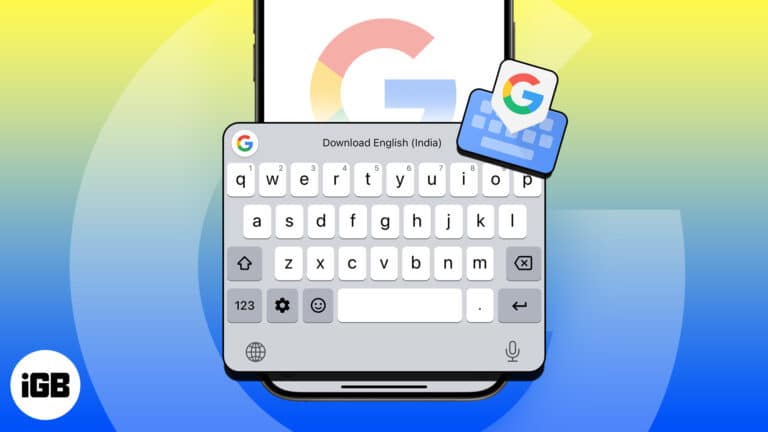
Gboard adds glide typing, search, and translation to the iOS keyboard. Here is how to install it, grant full access, set it as your keyboard, and remove it if you change your mind.
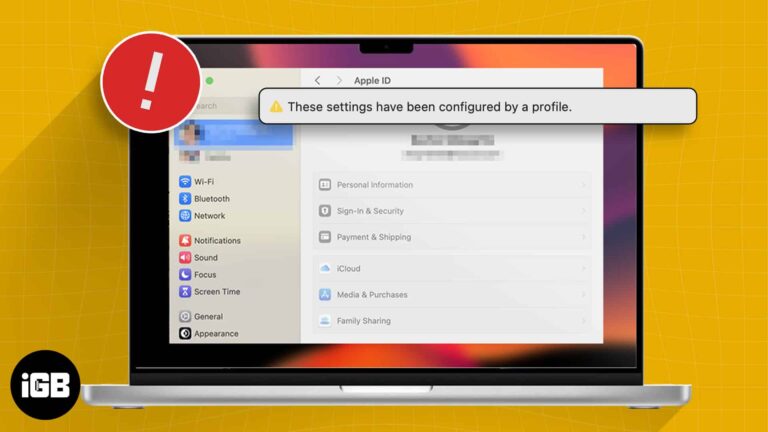
After installing macOS Sonoma, many users have expressed disappointment on forums regarding their Apple ID settings being greyed out. Accompanying this issue is an alert or error message reading, “These settings have been configured by a profile.” If you are having…
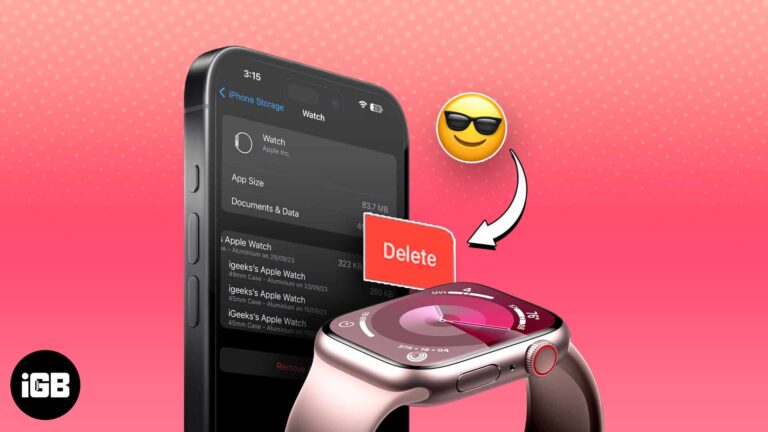
Apple Watch backups ride along with your iPhone backup and quietly consume iCloud space. Here is how watch backups work and how to remove the old ones you no longer need.

Your Mac stores every network password you have ever used. Here are three ways to read them back, from the System Settings panel to Keychain Access and a one-line Terminal command.
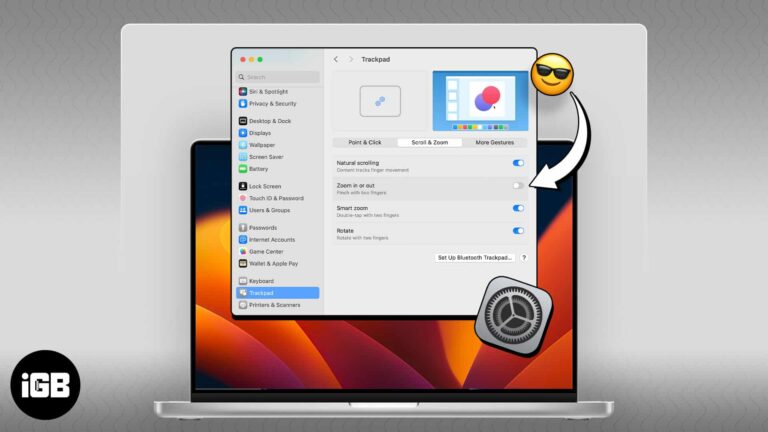
Accidental pinches on the trackpad zoom the whole screen at the worst moments. Here is where the gesture setting lives on Mac and how to switch it off for good.
Slow mobile data is often the phone's configuration rather than the network. These 16 tips cover network mode, carrier settings updates, background data, VPN checks, and a network reset.
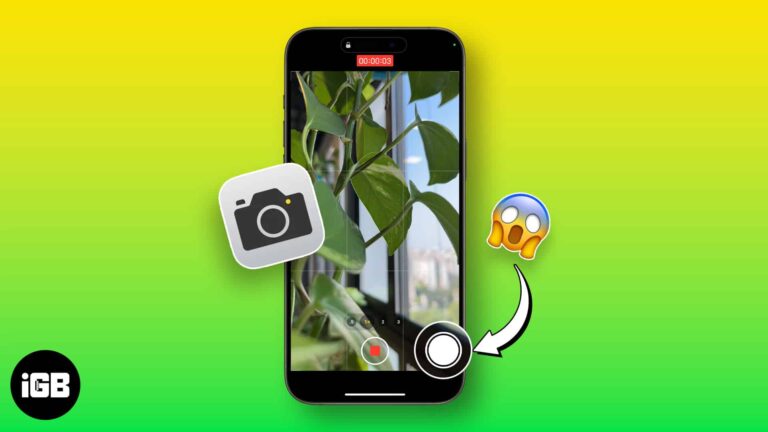
You can capture a still mid-recording without stopping the video. Here is where the button hides in the Camera app, and why those photos are lower quality than a normal shot.

Telegram has no global disappearing messages toggle like Signal or WhatsApp. Here are two ways to get the same effect on iPhone, using Secret Chats and self-destructing media timers.

Whether you’re a dog mom or a cat dad, you love your pet and probably snap tons of photos of them. Using the newly introduced feature of pet recognition with iOS 17, iPadOS 17, and macOS Sonoma, you can now…
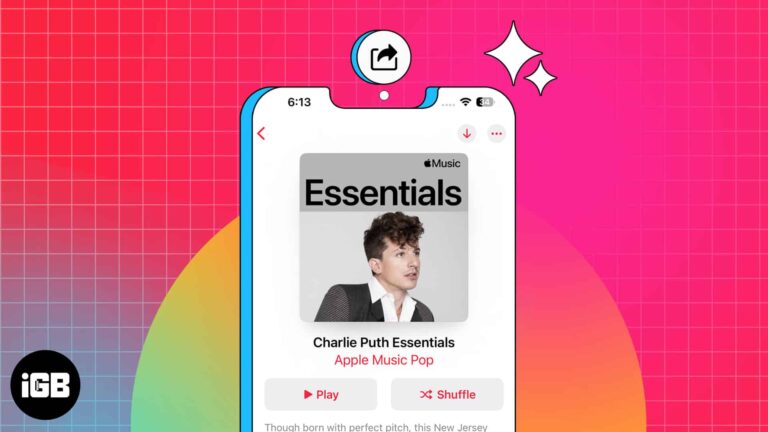
Apple Music is among the best online music streaming apps that lets you create and share playlists with your friends and family. You can pick your desired melodies from various genres, create playlists, and share them with other Apple Music…
Dark Mode on iOS is an excellent feature to reduce glare on your screen, preserve battery life, or even just to switch things up a little. As the name suggests, it darkens the visual appearance of your iPhone or iPad’s…
Slide-showing your pictures is one of the best ways to create stories with your memories. You can pull this up with your iPhone to entertain your friends and family members when they visit. The Photos app on your iPhone not…
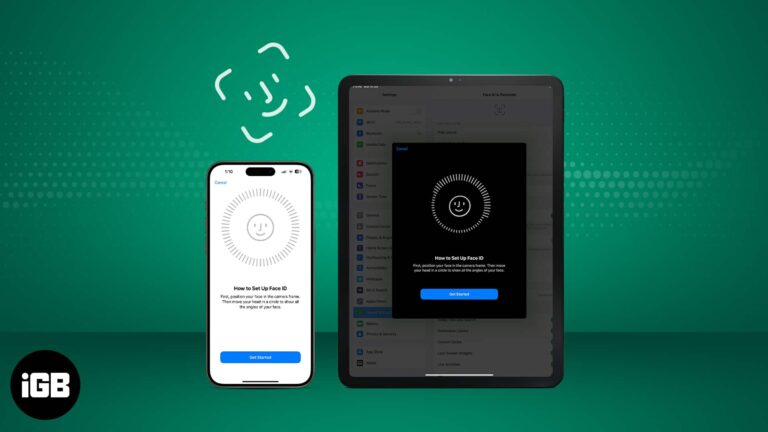
It’s advisable to use Face ID on your iPhone and iPad Pro because it’s a smart, fast, and highly secure way of unlocking your device. According to Apple, there is only a one in a million chance of someone else being…
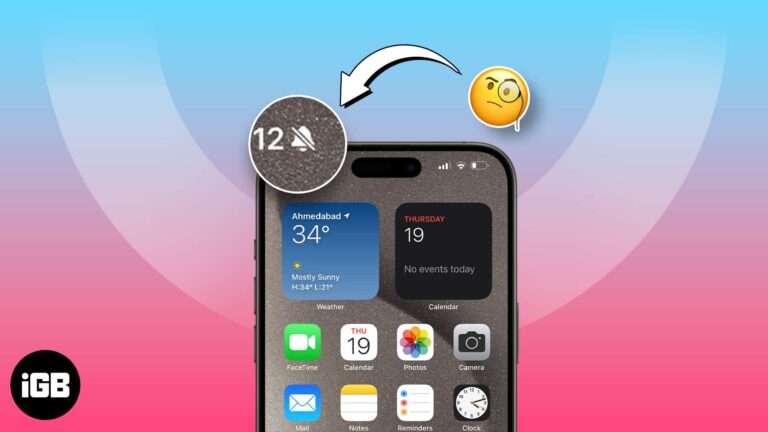
With the iPhone 15 Pro series, Apple removed the mute switch and replaced it with an Action button. Unlike the mute switch, the Action button doesn’t indicate the mute status. To solve this, Apple added a bell icon in the…


