FaceTime Like a Pro
Get our exclusive Ultimate FaceTime Guide 📚 — absolutely FREE when you sign up for our newsletter below.

FaceTime Like a Pro
Get our exclusive Ultimate FaceTime Guide 📚 — absolutely FREE when you sign up for our newsletter below.


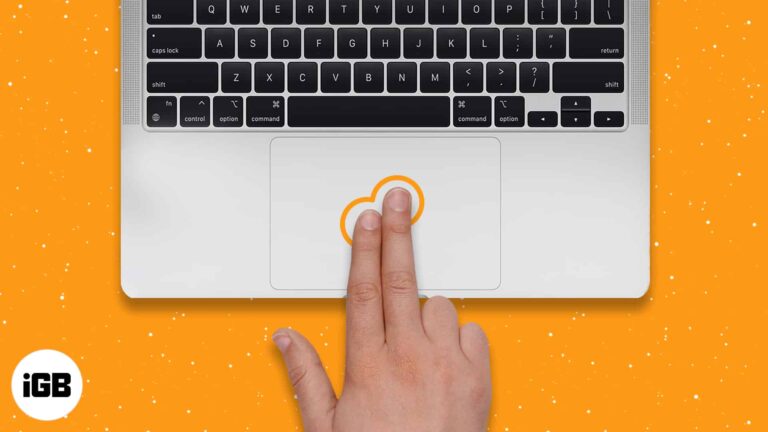
Switchers from Windows often assume Macs cannot right-click. They can, in five different ways. Here is how to do it on a trackpad, Magic Mouse, third-party mouse, and with the keyboard.
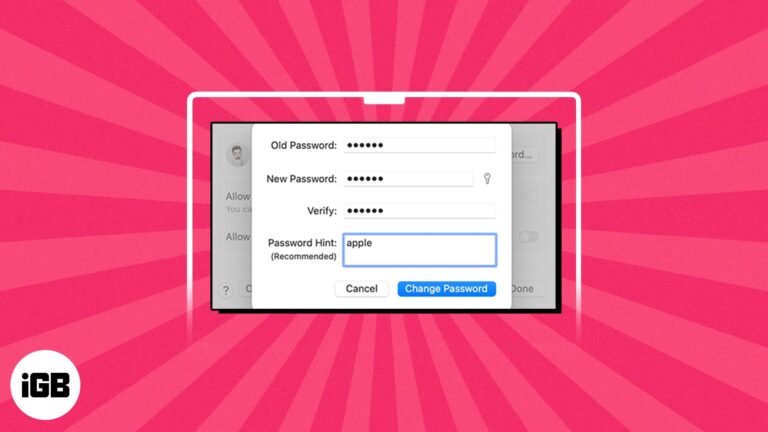
Your Mac login password is crucial to protect your data from unauthorized access. However, if the Mac password is compromised, you must reset it immediately. Don’t worry; it is a simple task. This guide will walk you through how to…
If you’re trying to move the files and folders on your Mac, to make your Mac a bit organized. We have a variety of ways to move your items, you can create a file structure that increases your productivity or…
Slow Wi-Fi is often the phone, not the router. These 10 fixes work through placement, forgetting and rejoining the network, removing a thick case, updating iOS, and resetting network settings.
Private browsing is useful, but you may want it disabled on a shared or family Mac. Here is how to close private windows, block the mode with Screen Time, and restrict Guest accounts.
Preview encrypts PDFs natively, so paid software is often unnecessary. Here is why protection matters, how to add a password on Mac, the third-party options, and how to open a locked file.

Instagram has no undo for deleted DMs, but your downloadable data archive may still contain them. Here is how to request and search it, and what genuinely cannot be recovered.
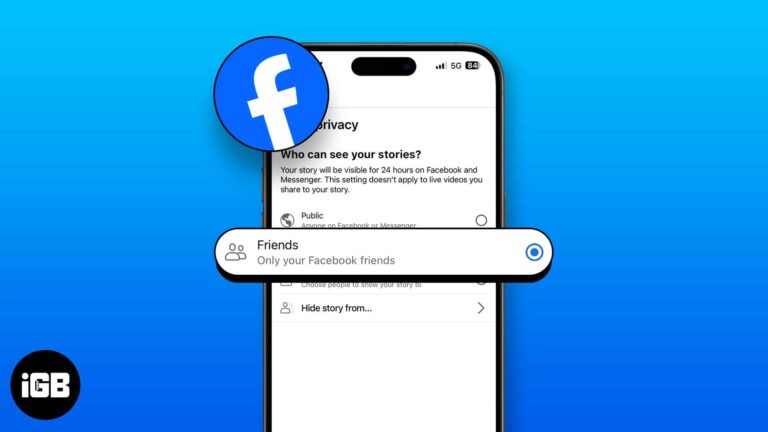
Stories default to your whole friends list, which is rarely what you want. Here is how to hide yours from specific people, control the audience, mute other people's, and undo any of it.
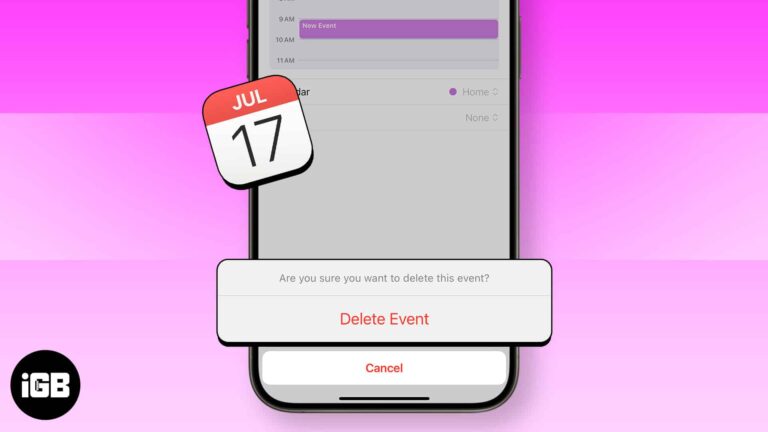
The Calendar app on the iPhone and iPad is a handy tool that lets you add, edit and delete events. It makes sure you do not miss birthdays, anniversaries, holidays, and special days. What’s even better is that once you…

Sweat, lotion, and grit work their way under the Digital Crown and make it grind. Here is what to check first, and four safe ways to clean and free it without damaging the watch.

I fancy music and love to carry my friends along the melody lines whenever I hear resounding harmonies. I do this in many ways, but I find my Facebook profile and Story handy for sharing music with my followers and…
Safari is the browser that comes with your iPhone — and all Apple devices, for that matter. But what if Safari isn’t quite your cup of tea? The good news is Apple not only lets you download a different browser…

A Mac that sleeps mid-download or mid-render wastes your time. Here are four ways to keep it awake, from the built-in settings to a Terminal command you can run for a set duration.
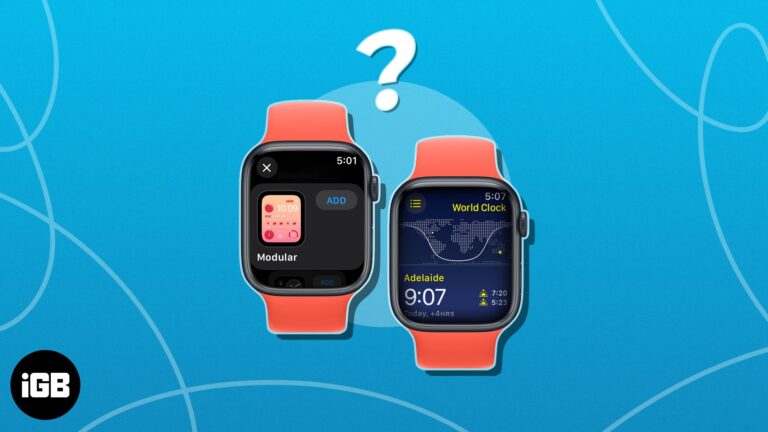
If you work across time zones, World Clock on Apple Watch saves constant mental arithmetic. Here is how to add cities, view them, place them on a watch face, and customize the abbreviations.
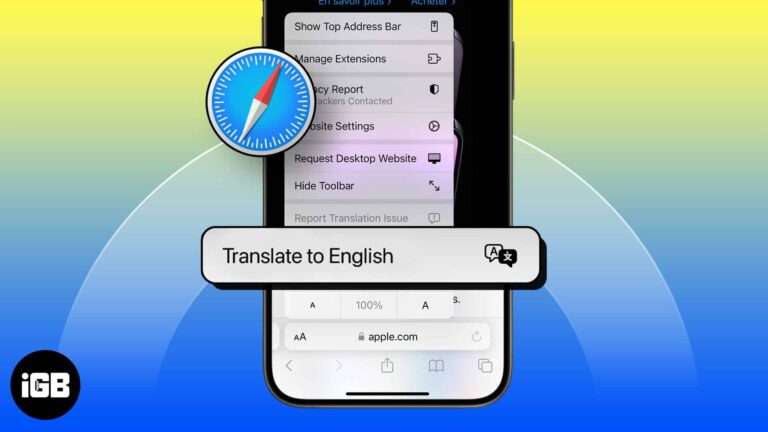
Safari translates whole pages natively on iOS. Here is how to use it, how to add languages to the list, why the translate button sometimes disappears, and what to do about it.
Whether you have a pair of AirPods Max, AirPods Pro, or AirPods, they are the best audio companion for your Apple devices. The ease of using these audio devices makes the experience more intuitive. However, when connected to your iPhone,…
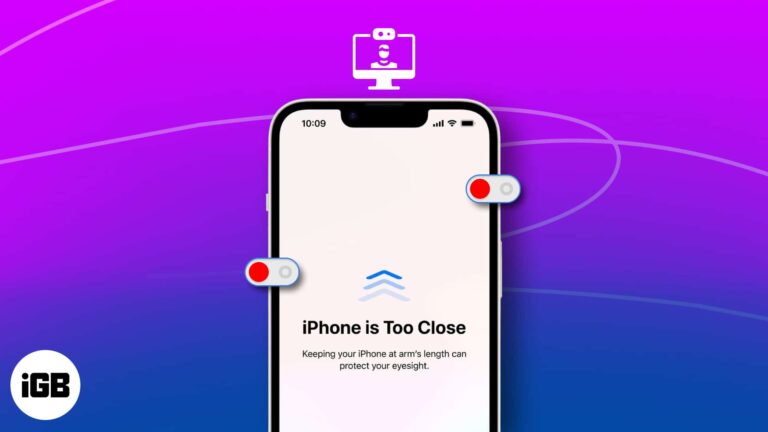
The Screen Distance feature helps you break the habit of holding your device too close to your face. It’s a helpful feature that uses Face ID and your device’s camera to alert you about the proximity. In this guide, I’ll…
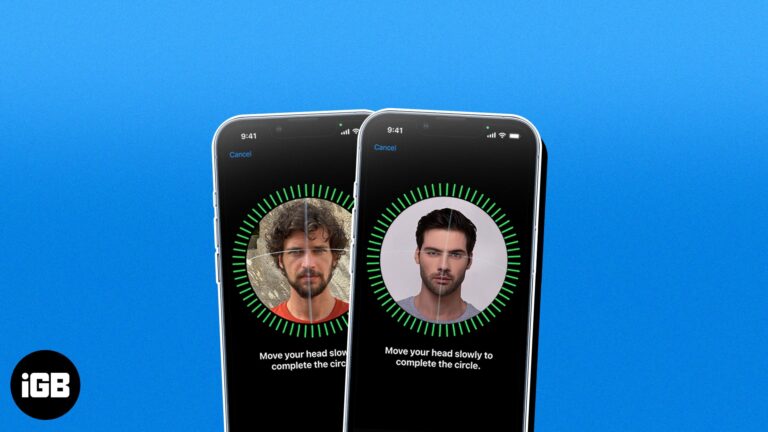
Face ID supports one alternate appearance, which doubles as a way to enrol a second person. Here is why you might want that, how to set it up, and how to remove the extra face later.
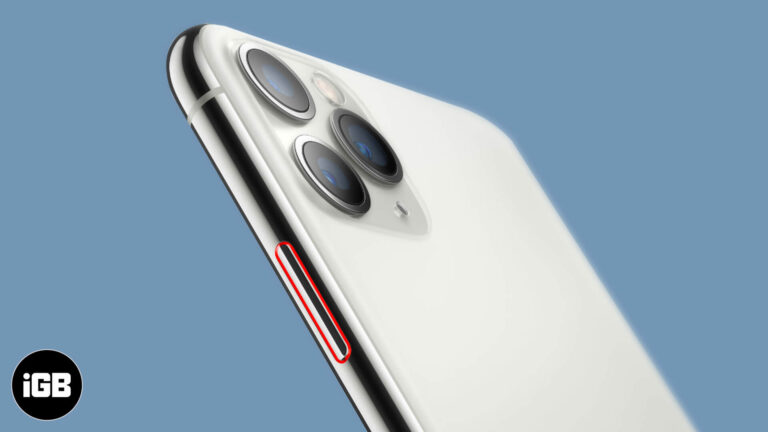
A stuck power button is often dust or a tight case rather than a broken switch. Here is how to keep using your iPhone with AssistiveTouch, adjust the click speed, and when to book a repair.
With so many distractions popping up on your screen every now and then, it’s pretty hard to stay focused while working on your Mac. If you’re anything like me and love avoiding distractions, it’s time to get yourself familiar with…
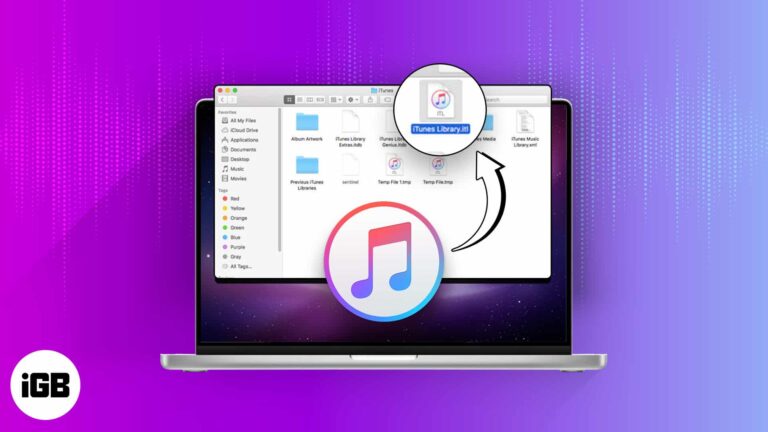
A broken iTunes library shows missing tracks and duplicate entries. Here is what to save first, how to delete and rebuild the library on Mac and Windows, and what a reset actually fixes.
There’s nothing more disappointing than realizing the iPhone keyboard has disappeared right when you want to use it. From what I’ve gathered, the problem can occur due to a variety of reasons, but most notably these three: the iPhone is…
Maps stops working when location permissions are denied, the cache is corrupted, or the app is out of date. These fixes work through each setting so navigation and search behave again.
A network reset clears Wi-Fi passwords and custom configurations along with the problem. Here is how to do it on recent macOS versions, what it wipes, and gentler fixes to try beforehand.

With the new iOS 17 update, Apple has introduced enhanced medication reminder features on both iPhone and Apple Watch, making it easier than ever to stay on top of your medication schedule. In this blog post, we’ll guide you through…
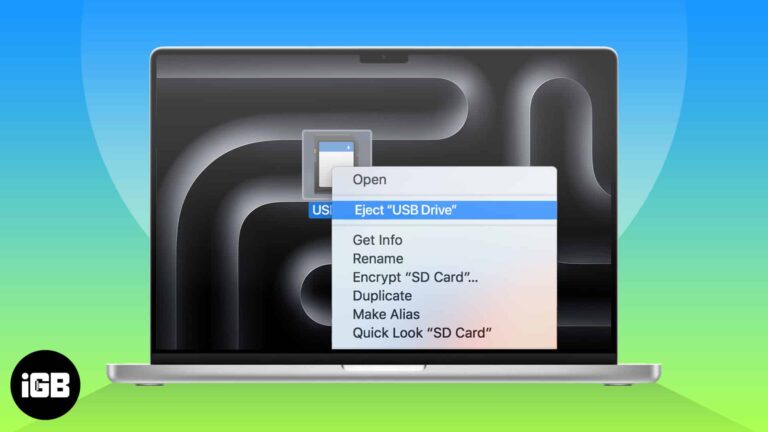
When transferring files using an external USB drive or an SD Card on your Mac, it’s essential to properly eject the drive once you’re done. Improperly ejecting these drives can lead to data corruption or even physical damage to the…
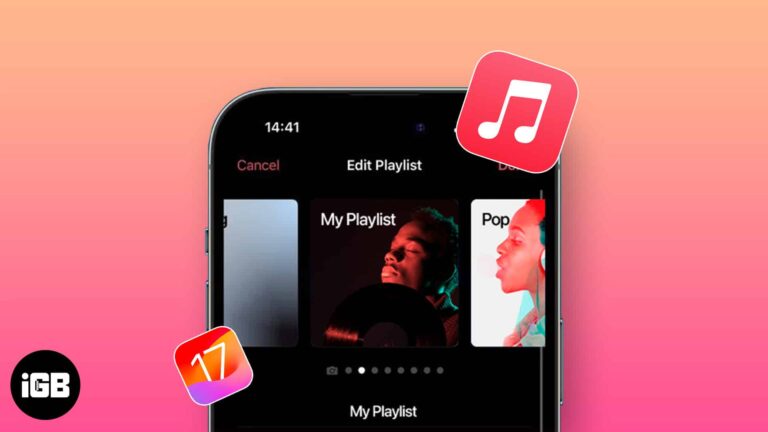
There’s more to the music you love than just listening. You can add custom artwork in Apple Music on iPhone. In the past, you’ve been able to use a photo of your own for a playlist. But with iOS 17.1,…
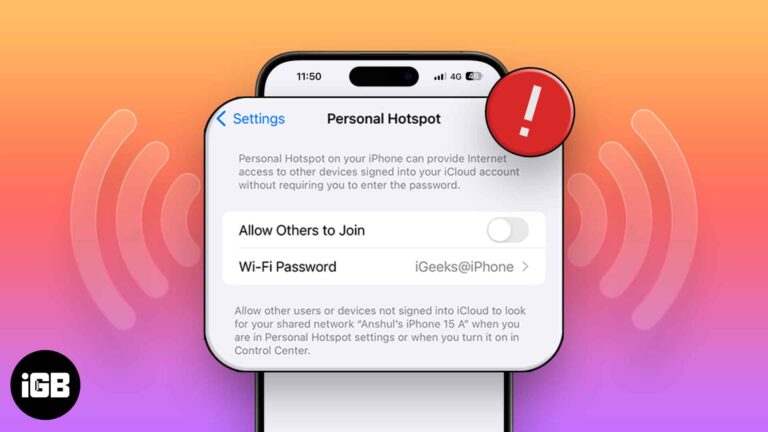
A vanished Personal Hotspot is nearly always a carrier provisioning issue. These 12 fixes cover carrier settings updates, APN certificates, plan checks, and a full network settings reset.