FaceTime Like a Pro
Get our exclusive Ultimate FaceTime Guide 📚 — absolutely FREE when you sign up for our newsletter below.

FaceTime Like a Pro
Get our exclusive Ultimate FaceTime Guide 📚 — absolutely FREE when you sign up for our newsletter below.


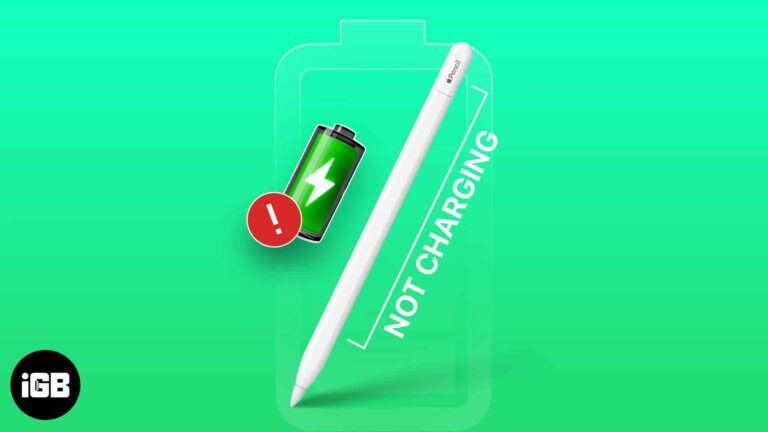
Apple Pencil is working, but unable to charge it? If so, you’re not alone. Many iPad users have complained about the same. To take your worries away, I come bearing a series of simple yet effective solutions to fix the…
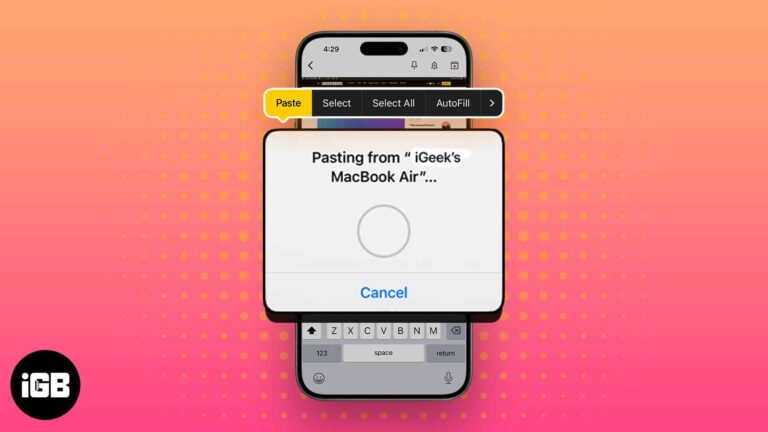
Saving a screenshot you only need to paste once just clutters your desktop. Adding Control to the usual shortcuts sends the capture to the clipboard instead. Here are all the combinations.
Cross-posting breaks when the account link lapses or permissions change. These five fixes cover relinking Instagram to Facebook, checking Accounts Center, and resetting the sharing setting.
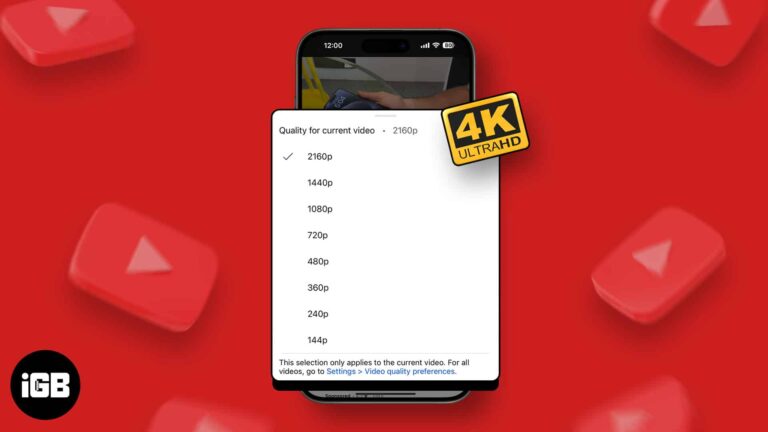
4K offers superior video quality and sharper details. If you have a fast, unlimited internet plan, you may naturally want to stream YouTube videos in the absolute best 4K resolution. Here’s how you can play YouTube videos in 4K on…
Automatically connecting to a saved Wi-Fi network saves time. However, it may be annoying when your device keeps auto-joining known Wi-Fi without permission. Also, this can raise security threats if you’re on the move and your device connects to public…
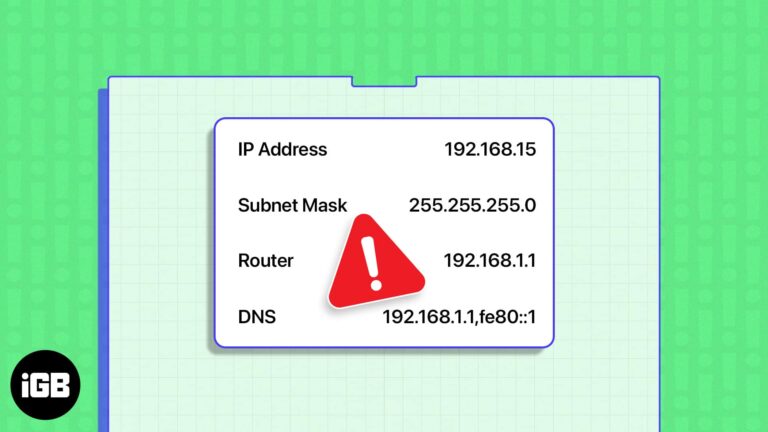
The another device is using your IP warning means two machines claimed the same address. These seven fixes cover DHCP renewal, Private Relay, VPNs, static addressing, and a network reset.
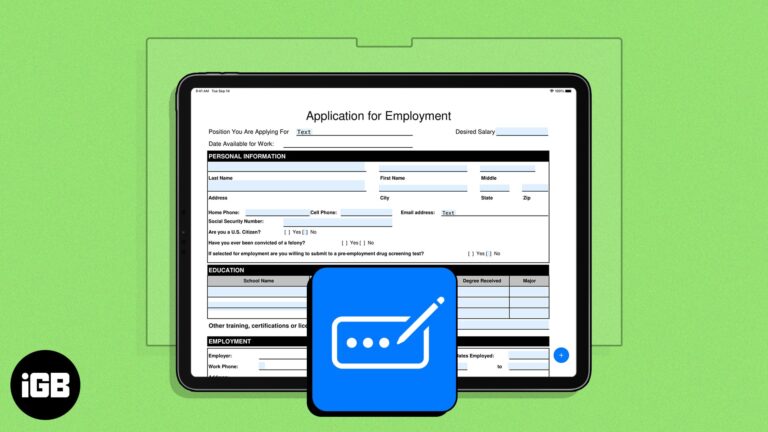
Earlier limited to the Safari app, Apple’s enhanced AutoFill feature has now branched out to PDF files across the system. Unlike Safari, there isn’t a specific setting you need to enable. All you need to do is ensure you have…

Key Takeaways Users need to use built-in hand and eye gestures rather than hardware controls to interact with Apple Vision Pro. Apple has unveiled six hand gestures, such as Tap, Double tap, Pinch and hold, Pinch and drag, etc., to…
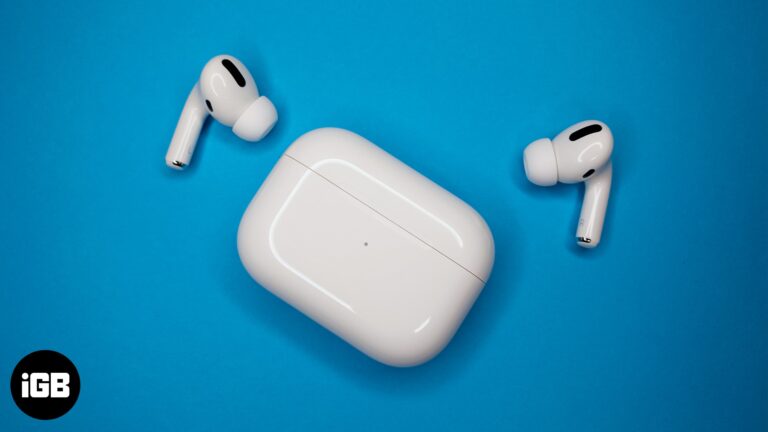
Key Takeaways To find the model number of your AirPods, go to iPhone Settings > Select Bluetooth > Tap the info (i) icon. Here, in the About section, you’ll find the Model Name, Model Number, and Serial Number. Alternatively, you…
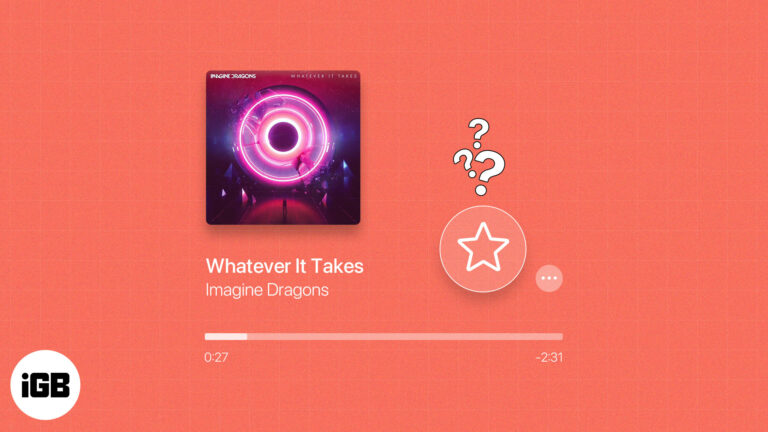
You can have favorite contacts, websites, and locations, so why not music? If you subscribe to Apple Music, you can take advantage of the Favorites feature. Introduced with iOS 17.1, iPadOS 17.1, and macOS Sonoma 14.1 and then expanded, you can…
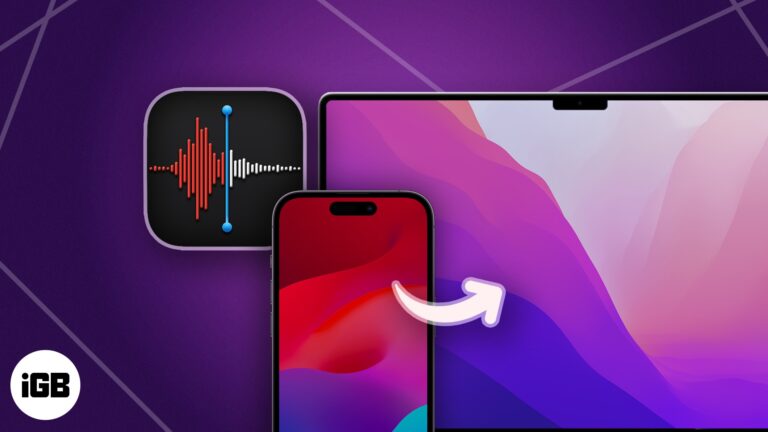
Voice Memos of meetings and ideas deserve a backup off your phone. Here are six ways to move recordings to a computer, from automatic iCloud sync to AirDrop and cloud storage.
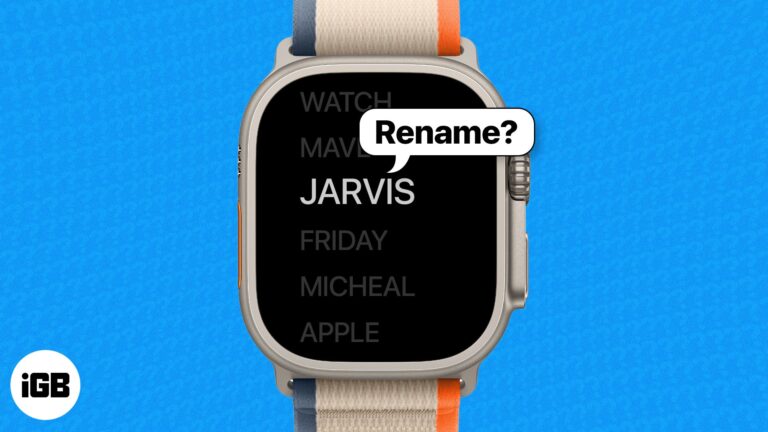
If you are using two or more Apple Watches with the same Apple ID, all of those will appear under the same name on your paired iPhone. Thus, changing the name of your Apple Watch becomes a necessity. Wondering how…
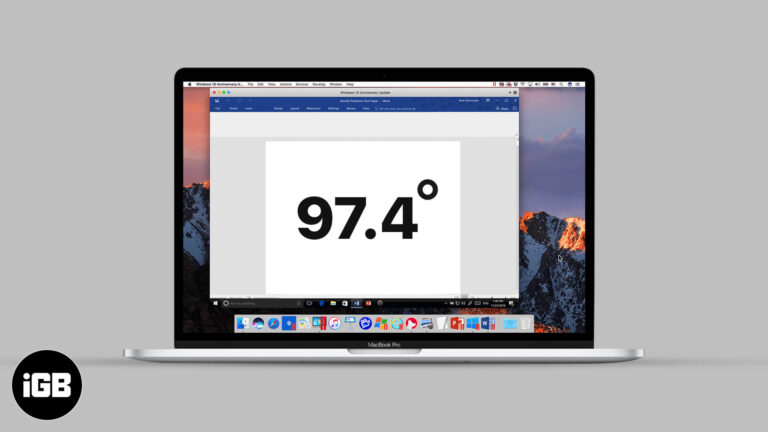
Nobody remembers the degree shortcut until they need it. Here is the key combination that produces it on Mac, and how to insert one through the Emoji and Symbols picker instead.
Is your iPhone struggling to connect to Wi-Fi signals or establish a stable cellular connection? Resetting Network Settings on your iOS device can resolve the issue indefinitely. In this blog post, we will be discussing how to reset Network Settings…
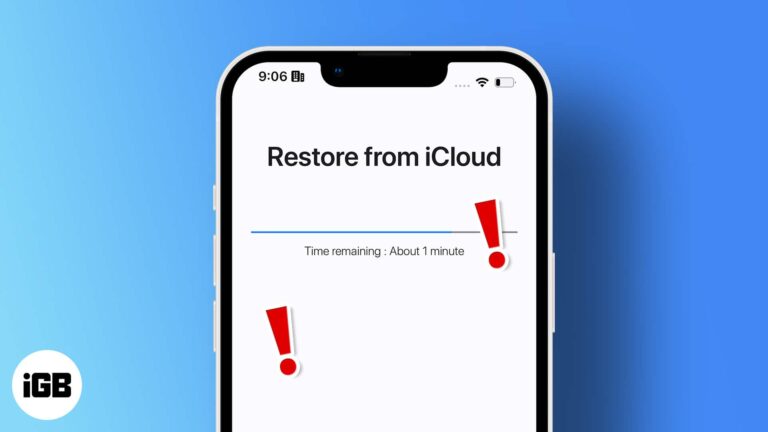
A restore that sits at the same percentage for hours is usually a connection or Apple server issue. Here is what causes the stall and how to get the restore moving again safely.
I'll show you how to access and use Gmail while offline.
Notes handles simple tables well, which suits lists and comparisons. Here is how to insert a table on any Apple device, add and remove rows and columns, rearrange them, and format the text.

With advancements in technology, our devices are prone to malicious cyber-attacks. It’s important to keep our data secure now more than ever. That’s where Security Keys for Apple ID come in. These keys are an easy and efficient way to…
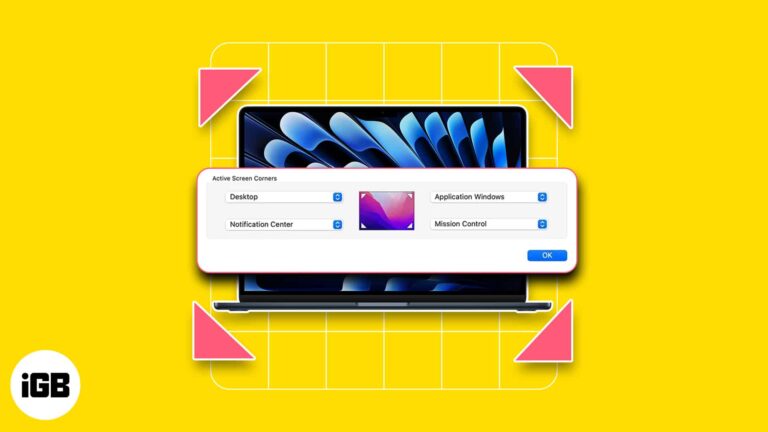
One of the reasons people love Mac is its ability to streamline your workflow and make your life easier. One low-key yet awesome macOS feature is hot corners. It basically allows you to run an action by moving your pointer…
There are instances where the negativity from social media platforms like Instagram may affect your mental health. Hence, limiting comments becomes crucial. If you are facing a similar problem and looking to turn off comments on Instagram from your iPhone,…

Welcome to the world of PUBG/BGMI, where your imagination meets reality in the form of a first-person shooter game. If you’re an active iPhone gamer, it would be impossible for you to stay away from the most popular battle royale…
Apps freeze or refuse to open because of outdated versions, server outages, connection problems, or Screen Time restrictions. These 11 fixes work through each cause in order of how quickly it can be ruled out.
Odd screen colors are usually an accessibility filter or True Tone setting rather than a failing display. These seven fixes work through the software causes before you suspect hardware.
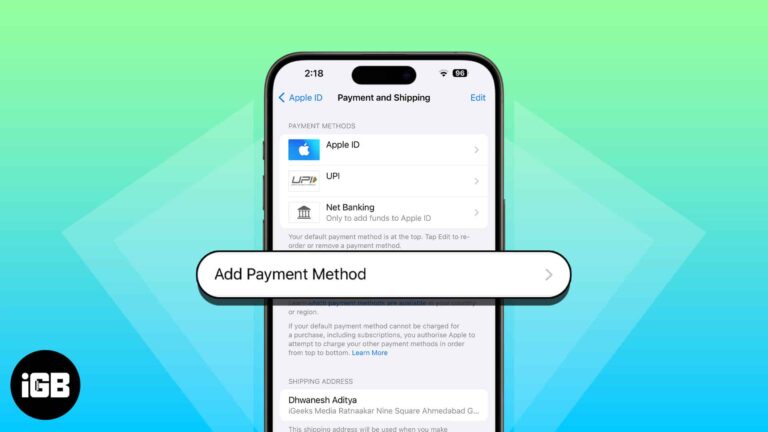
There are all sorts of reasons why you may want to change the Apple ID payment method. Perhaps, your credit/debit card has expired, or you just want to update the existing information so that your incessant shopping of cool games…
Gone are the days when you had to rely on the limited storage of iCloud to access your files across all Apple devices. Today, I’ll share how to sync iPhone and iPad to Mac. Let’s get your photos, documents, movies,…
A SIM PIN stops anyone moving your number to another phone. Here is why it matters, how to change the carrier default in Settings, and what to do if you forget it and need the PUK code.
The loading and flawed working of Facebook has been pretty common issues on the iPhone. Numerous users facing the problem reached out to us via different mediums and complained about it. Thankfully, it is something that can be successfully addressed.…
Shared notes ping you every time someone types. Here are five ways to silence those alerts on iPhone and iPad, from per-note settings to muting Notes notifications entirely.