
FaceTime Like a Pro
Get our exclusive Ultimate FaceTime Guide 📚 — absolutely FREE when you sign up for our newsletter below.

FaceTime Like a Pro
Get our exclusive Ultimate FaceTime Guide 📚 — absolutely FREE when you sign up for our newsletter below.


Key Takeaways Cropping a screenshot on a Mac can help focus on specific details or improve the aesthetic appeal of the image by removing unwanted and distracting elements. You can directly take a cropped screenshot on Mac, eliminating the need…
Key Takeaways You can use the F keys on Mac to perform the actions printed on them. You can also assign customized functions to them. To use the function keys for different actions, you can enable a setting to require…
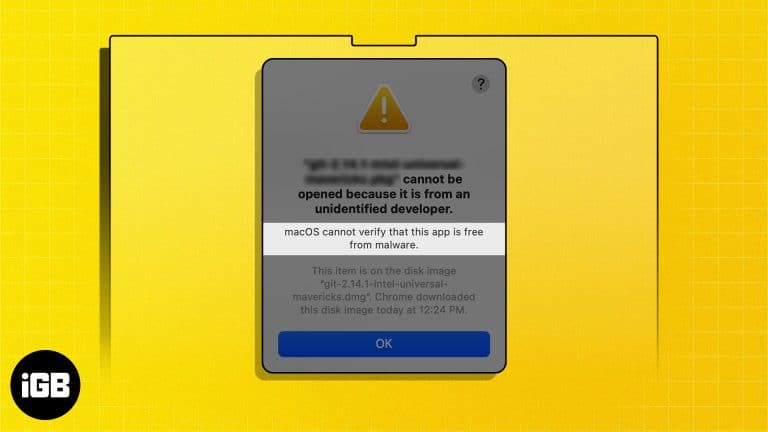
Key Takeaways The “macOS cannot verify that this app is free from malware” error generally occurs when you try to install apps downloaded from the internet, and Gatekeeper quarantines them. It’s generally safe to open apps that macOS cannot verify…
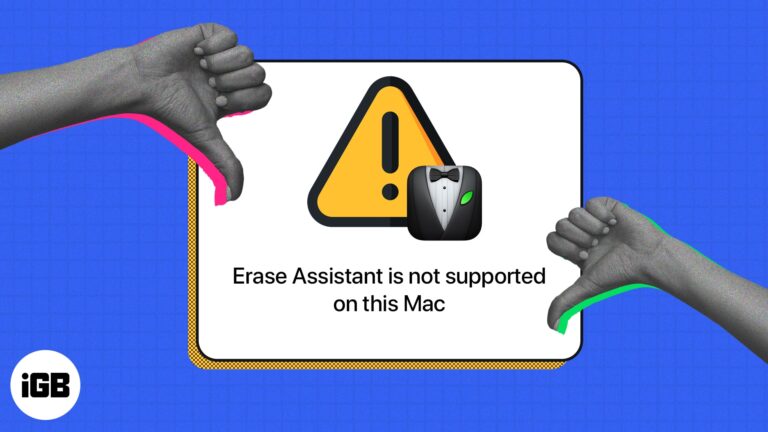
Several users who want to erase their Macs have reported being hindered from doing so by an error message that reads “Erase Assistant is not supported on this Mac.” If you are one such user, read on to learn what…
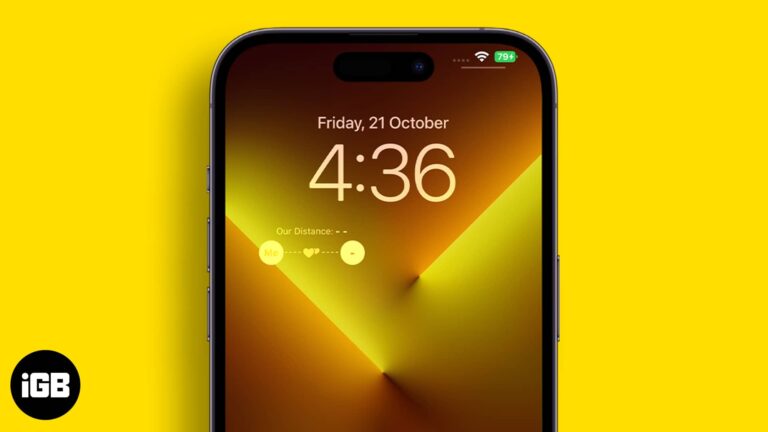
A single day doesn’t go by when I don’t see a tweet about iOS Lock Screen customization. The internet is filled with depth effect wallpapers, lock screen widgets, and more. Recently, a TikTok video made one such lock screen widget viral…
Key Takeaways You can access Gemini AI on your iPhone via the official Google app. To use Gemini AI on iPhone, open the Google app > Tap the Gemini (three stars) icon > Insert your prompt in the text field. If you don’t find the Gemini…
Key Takeaways If you’re facing any issues with your Apple Vision Pro after installing a software update, you can downgrade visionOS using Apple’s Developer Strap. To downgrade visionOS, connect the headset to your Mac using a USB-C cable > Attach Vision Pro’s…
With the help of iPhone GPS, apps for maps, weather, and social media can work better and give you information based on where you are. So, if the iPhone GPS stops working when you are trying to use it for…
Need the definition of an isosceles triangle? Want recipes for a low-sodium diet? Looking for a unique way to ask your date to the prom? No request is too outrageous for AI assistants nowadays. By using Microsoft Copilot on your…

Key Takeaways To create a Vision Pro Persona, go to Settings > Select Persona > Tap Get Started and follow the on-screen instructions. After creating a digital Persona on Apple Vision Pro, you can use it to virtually represent yourself in video calls. Additionally, this feature…

In this modern era of digital convenience, electronic wallets are becoming a necessity. Venmo, a mobile payment service owned by PayPal, is one of the most popular e-wallet services in the world. If you have an Apple device such as…
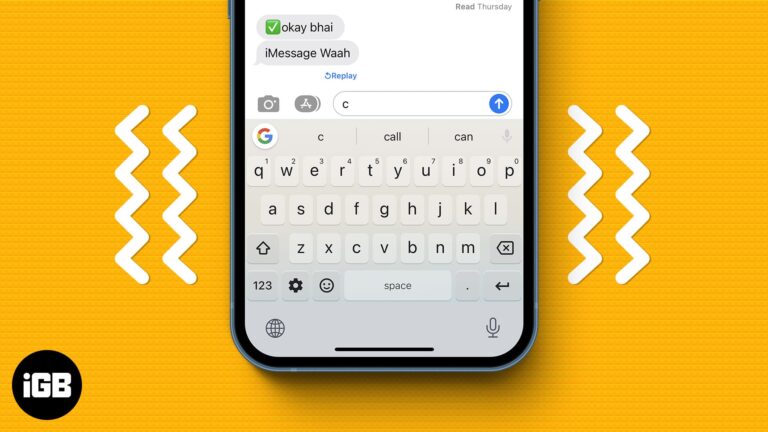
Not everyone likes to keep their keypad mute while typing. For some, it’s the keypad sound that motivates them to chat. For others, it’s the tingle that comes from the vibration of their iPhone keyboard. While you had to depend…
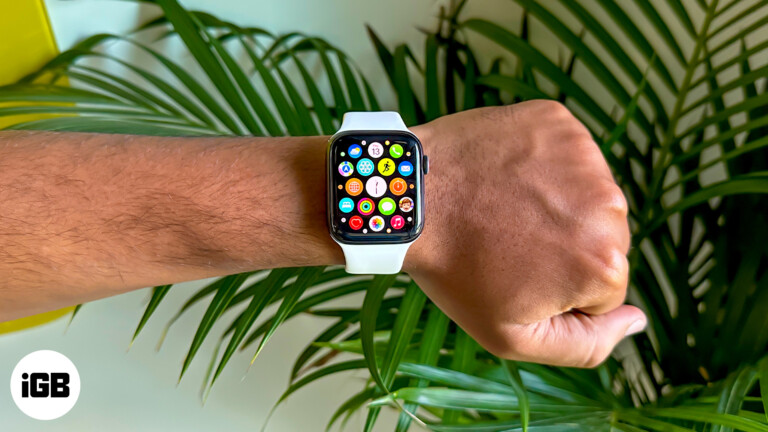
Wearing the watch on your right wrist means the crown ends up upside down unless you change a setting. Here is how to switch the wrist and crown orientation for left-handed use.
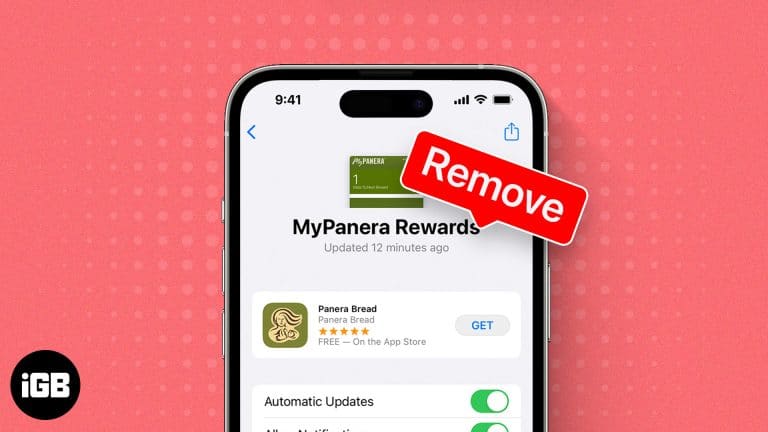
When you use your iPhone or Apple Watch to access a boarding pass or event ticket, you want to find it quickly in your Wallet app. To be able to do that, it’s essential to remove expired or unwanted passes…
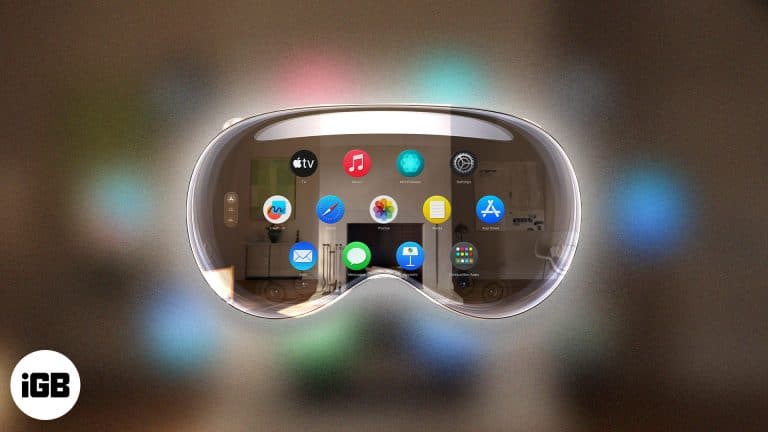
Have you finally got your hands on your magical Apple Vision Pro? Now, it’s time to unbox and activate the spatial computer. However, as visionOS is a new operating system, you may wonder how to set up your Apple Vision…
Key Takeaways You can choose to update the Vision Pro software either manually or automatically. Furthermore, you can install beta updates of visionOS to try out the newest features. If you wish to manually update visionOS on your Apple Vision…
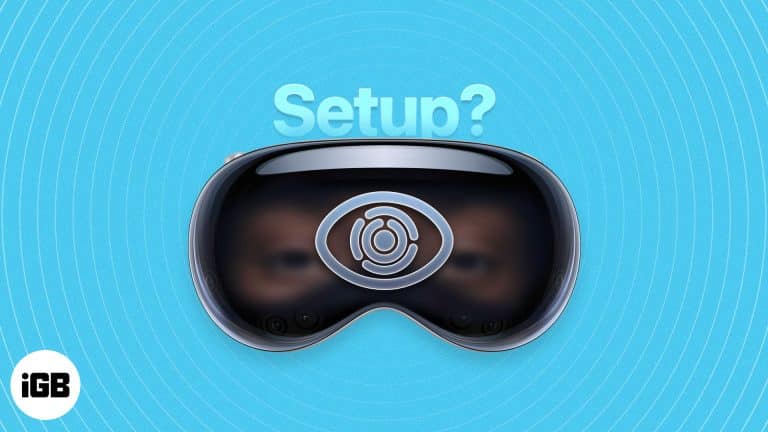
Key Takeaways To set up Optic ID on Apple Vision Pro, go to Settings > Optic ID & Passcode > Set up Optic ID > Complete the scan > Enter the device passcode. You can also enable the Nearby iPhone Enables Optic ID option to unlock your Vision Pro…
Key Takeaways If you’ve forgotten your Apple Vision Pro passcode or selling your device, you must factory reset it to erase all your content and settings. To factory reset Apple Vision Pro, go to Settings > General > Transfer or Reset Apple Vision Pro > Erase All…
Partitioning lets you run a second operating system or keep data separate. Here is why you might want to, how to create a partition in Disk Utility, and how to switch, erase, or remove it.
A frozen Touch Bar leaves you without volume, brightness, or Escape. Here is what causes it and how to restart the Touch Bar processes, reset the controller, and stop it recurring.
A silent Siri on your wrist usually means a connectivity or settings problem. Here is how to troubleshoot Raise to Speak, network connection, language settings, and watchOS updates.
iCloud backup makes it convenient to keep your data secure and within reach. Therefore, it can be annoying to run into the ‘iCloud Backup Failed’ error. This is relatively common, but the good news is that you can try several…
Tethering allows you to share the internet connection on your iPhone with another compatible device. While the Personal Hotspot from your iPhone makes the job easier, tethering comes in handy if the Wi-Fi on the Mac or PC isn’t working.…
Calling is one of the primary functions of your iPhone. However, sometimes during regular or FaceTime calls, you may not hear much or any sound coming from your speakers. You may notice the call on the other end’s voice breaks…
Key Takeaways If your MacBook headphone jack is not working, first ensure the headphone is in good condition and try restarting your Mac. Clean your MacBook’s headphone jack port and plug your headphones again to see whether they work. Check…
Key Takeaways If you wear visual correction glasses, you must get a pair of ZEISS Optical Inserts prescription lenses to use your Apple Vision Pro. To set up ZEISS Optical Inserts for Apple Vision Pro, Look for the inscription L…
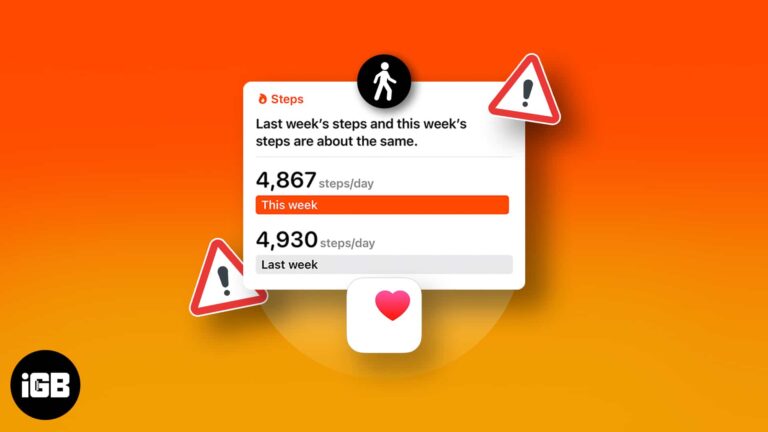
Apple has developed the Health app for iPhone so advanced that you don’t need any additional fitness tracking services. It offers a convenient way to count the number of steps you take in a day and running or walking distance…
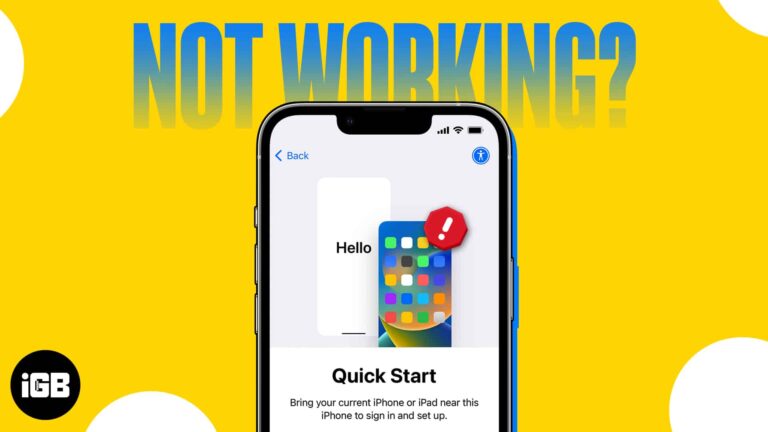
If you’re a traditional Apple user, then you must have encountered a situation where you had to transfer your data from your old iPhone to a new one. Thankfully, the company has made this process very simple with its Quick…
Email communication is crucial in both personal and professional settings. Moreover, saving important Apple Mail conversations as PDF files offers significant benefits, such as record-keeping, sharing emails as attachments, and archiving for future reference. If you also wish to manage…
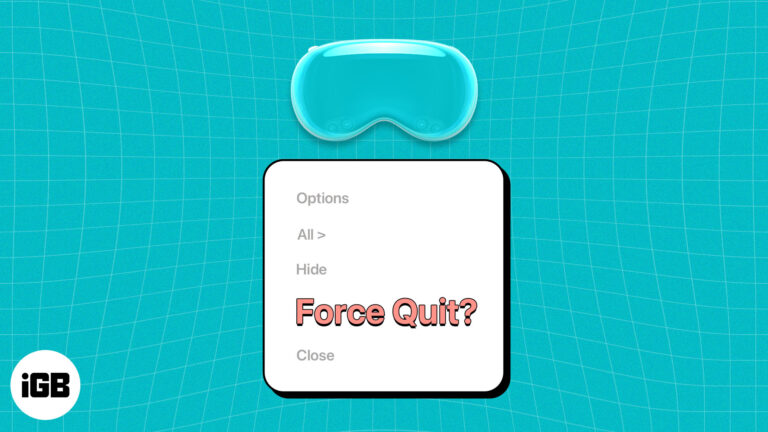
Key Takeaways You can close apps on your Apple Vision Pro by tapping the Close (X) button beside the horizontal bar at the bottom. If apps are not responding, you must force-quit the app. To force quit apps on Apple Vision Pro,…


