
FaceTime Like a Pro
Get our exclusive Ultimate FaceTime Guide 📚 — absolutely FREE when you sign up for our newsletter below.

FaceTime Like a Pro
Get our exclusive Ultimate FaceTime Guide 📚 — absolutely FREE when you sign up for our newsletter below.


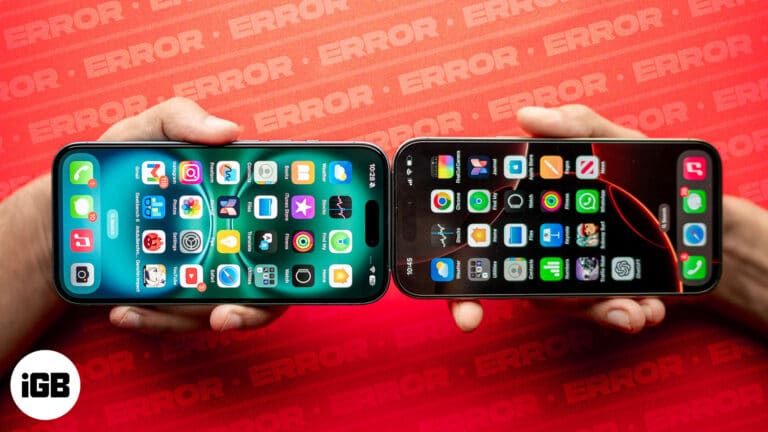
Explore common reasons why NameDrop may not be functioning on your iPhone and discover effective troubleshooting steps to resolve the issue.
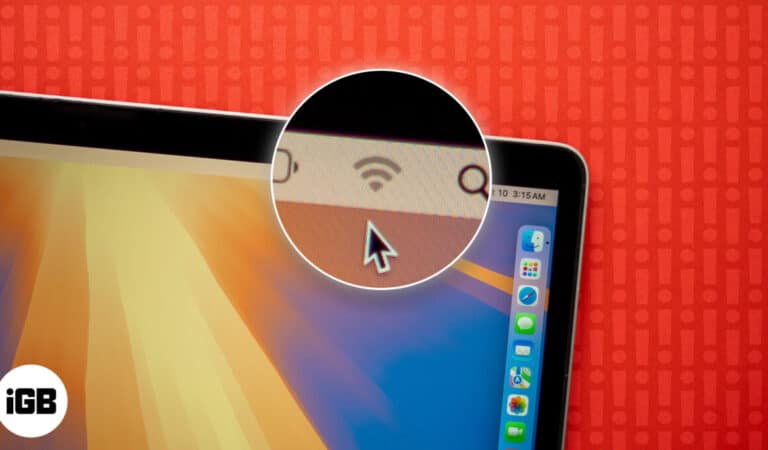
It’s frustrating to experience Wi-Fi issues on your Mac when you’re trying to stay productive or enjoy a seamless online experience. From slow connections to frequent dropouts, Wi-Fi problems can occur due to a variety of reasons. Sometimes, it may…
Technology was introduced to make everyday life easier, but it has also been criticized for being a source of distraction and reducing productivity. As a result, many (including me) spend much of their day staring endlessly at the rectangle they…
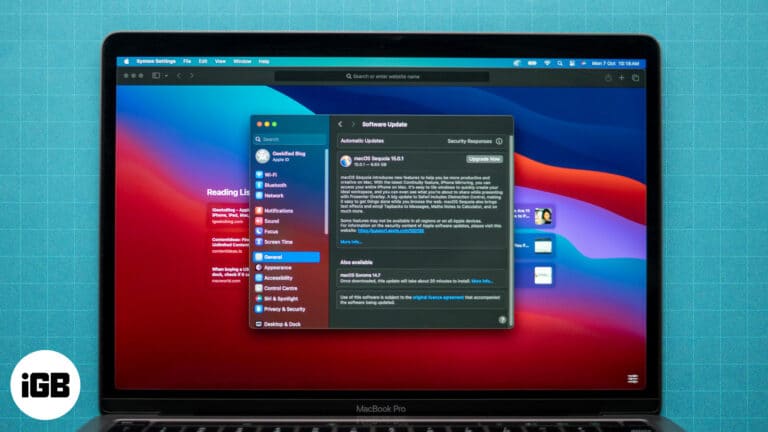
Safari is the default web browser on your Mac, known for its speed and seamless integration with macOS. It’s important to keep Safari up to date to maintain a safe and efficient browsing experience. Regular updates provide important security patches…
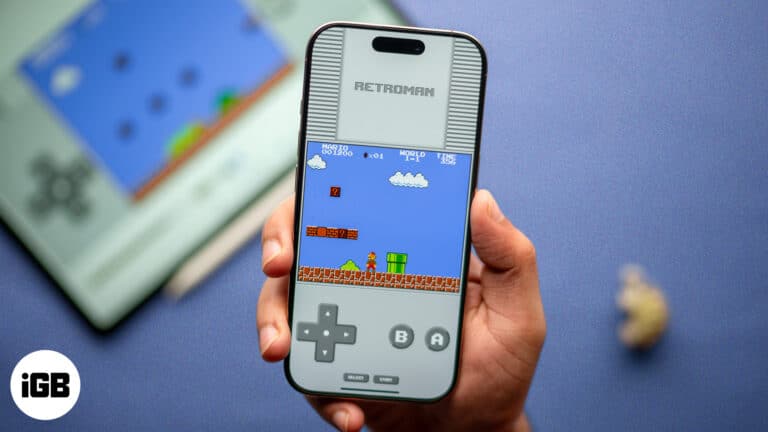
If you are a fan of classic Mario or Pokemon games like me, you probably want to revisit them and relive your childhood. However, getting your hands on the original GameBoy or NES console is nearly impossible, and even if…
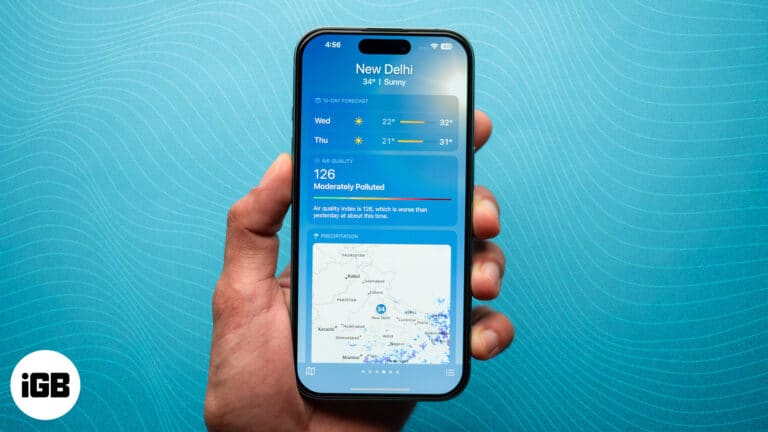
Key Takeaways The Air Quality Index or AQI is a measure of the quality of the air and the pollution levels in your environment. You can check the AQI on your iPhone and Apple Watch. On the iPhone, open the…
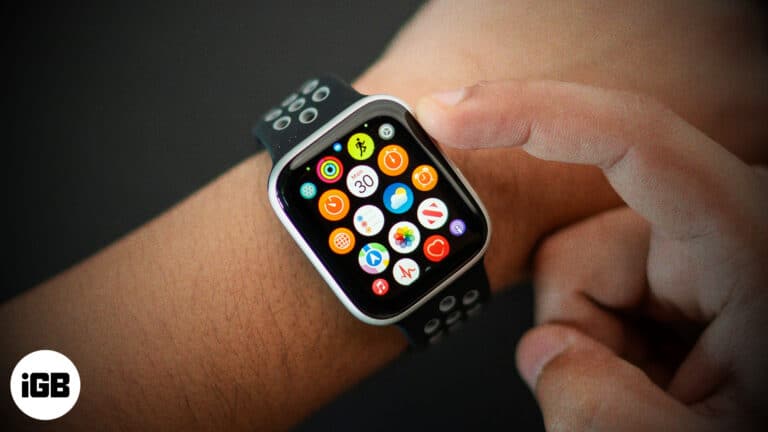
With too many apps installed on your Apple Watch, locating and accessing the ones you use most can get a bit challenging. Fortunately, you can organize apps on your Apple Watch to make accessing your favorite apps much easier. Keep…
Key Takeaways Apple lets you remove the default “Sent from my iPhone” email signature and add a custom one. To change the email signature on iPhone Mail app, go to Settings > Apps > Mail > Signature. Moreover, you may…
Key takeaways macOS’ Split View feature lets you use two apps simultaneously in full-screen mode, allowing you to enhance multitasking, on your Mac. You can also resize the split windows, switch app positions, and quickly switch between apps for better…
File paths matter for Terminal commands, scripts, and support requests. Here is what a path is, why you need it, and eight ways to find or copy one on macOS.
Key Takeaways: Battery Conservation with Low Power Mode: On MacBook, Low Power Mode cuts background activity, lowers brightness, and slows CPU/GPU performance to extend battery life. How to Enable Low Power Mode: You can turn it on from System Settings…
Want to open a link anonymously on your iPhone? Chrome for iOS lets you open any external link in incognito mode. Moreover, if you prefer Chrome over Safari, you might want to open all your links automatically in Chrome. While…
The Apple Watch already has excellent capabilities that allow you to use it differently. Most of these involve using your other hand to control the Apple Watch, but what if it’s occupied with something else? To counter this issue, Apple…
Tried and tested ways to fix iPhone Mirroring not working problems.
Restarting your iPhone is a common troubleshooting method that helps resolve many glitches and app crashes. But what if the Power or Home button of your iPhone is not responding or not working? Don’t worry. Even if you can’t restart your…
Do you plan to upgrade to the all-new iPhone 16 series and are anxious about the switch? Don’t worry, as Apple makes it pretty easy to transfer all your old data from your old iPhone to the new one. Whether…
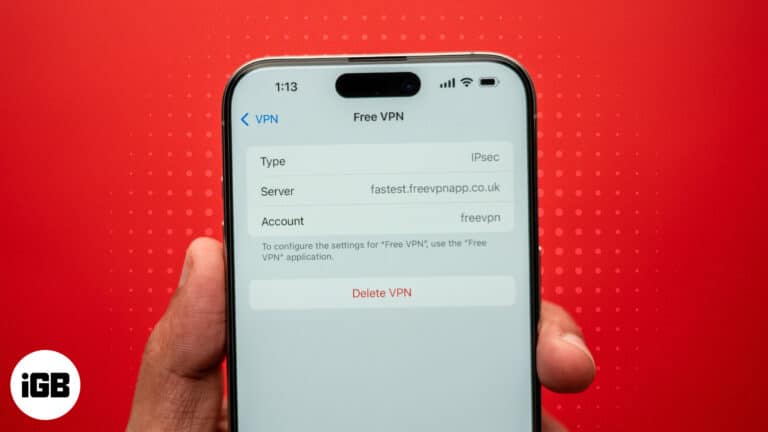
Key Takeaways While your iPhone asks for your consent to install certificates/profiles, you may want to remove the ones you’ve unknowingly approved. Similarly, you may sometimes see a certificate or profile that carries a “Not Trusted” error tag. You’d want…
Is your flashlight not working after the iOS update? Here are effective ways to troubleshoot and fix the iphone flashlight not working issue.
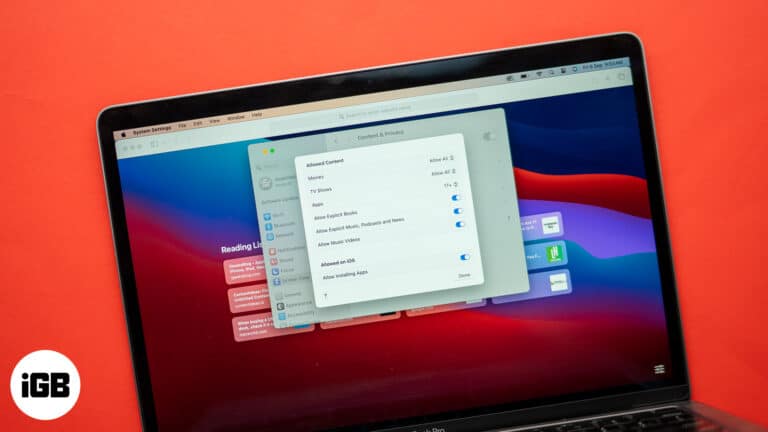
Blocking sites helps with focus and child safety. This guide covers Screen Time content restrictions on Mac, iPhone, and iPad, plus the third-party apps worth using when you need firmer limits.
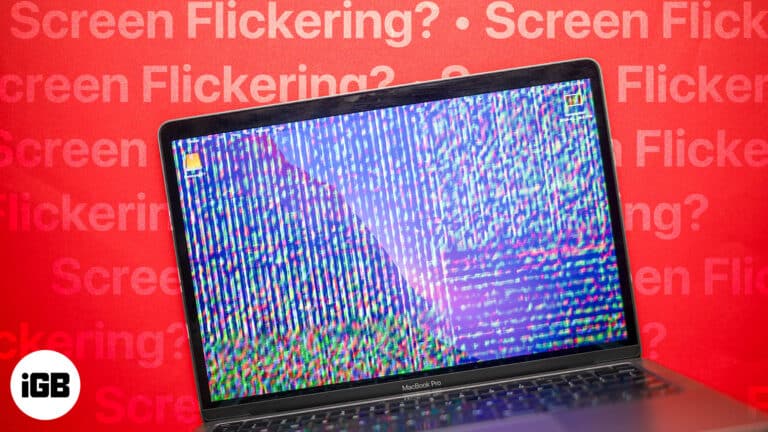
Have you ever experienced your MacBook screen flickering randomly, disrupting your work or entertainment? I have, and it can be super annoying, especially when it happens at the worst possible times. Whether it’s a brief flicker or a persistent issue,…
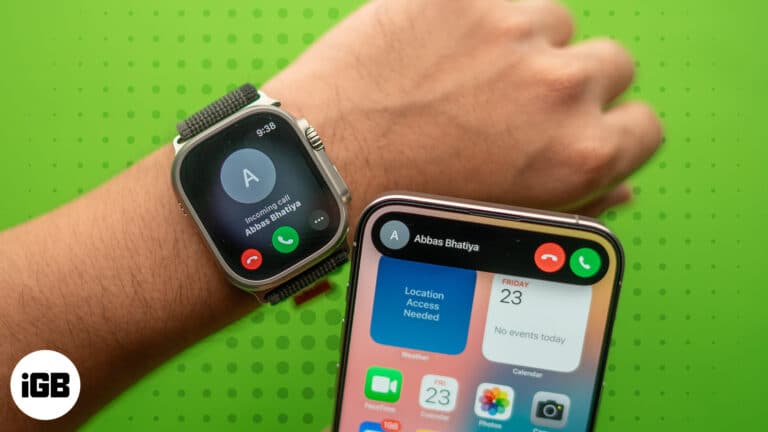
Learn how to quickly transfer calls between your iPhone to your Apple Watch. Find out when this feature is most helpful and ensure your conversations flow smoothly.
Are you among those stargazers or amateur astronomers who often look at the beautiful night sky and wish you could seize the moment and capture its beauty? Well, if you have an iPhone, you indeed can. Capturing the night sky…
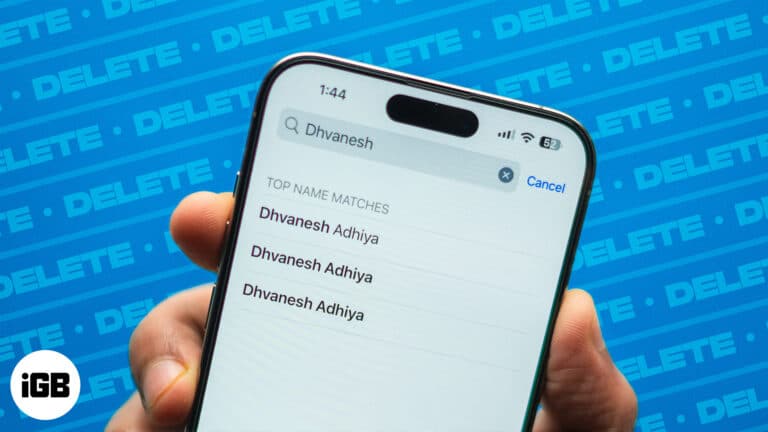
The contacts list on your iPhone can easily get cluttered with duplicates if you have contacts streaming in from multiple sources. Thankfully, with iOS 16, Apple introduced the ability to merge duplicate contacts on the iPhone. But what if your…
Apple Watch gives you quick glances at incoming app notifications, which can be extremely handy on the go. However, several users have faced issues with notifications after updating to watchOS 10.6.1. This detailed guide showcases a series of tested solutions…
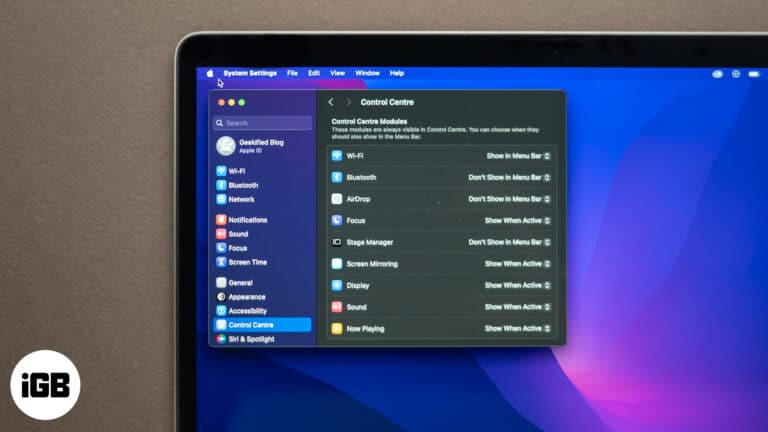
Learn how to customize your Mac’s menu bar by adding, removing, and rearranging icons for a more efficient and personalized experience.
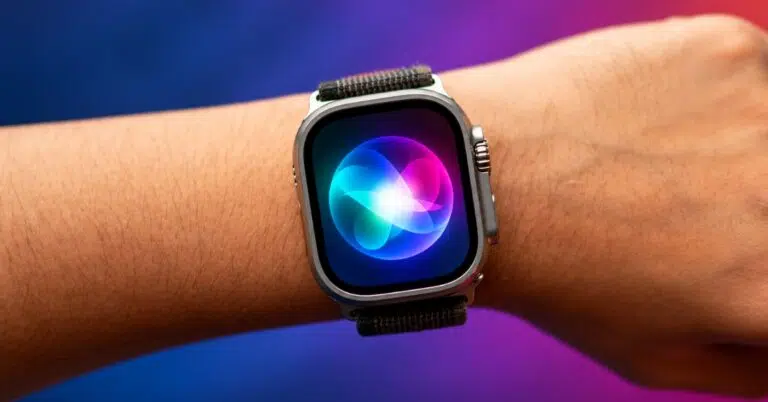
Master Siri on your Apple Watch with essential voice commands and discover how the new Siri AI features make your smartwatch smarter than ever.
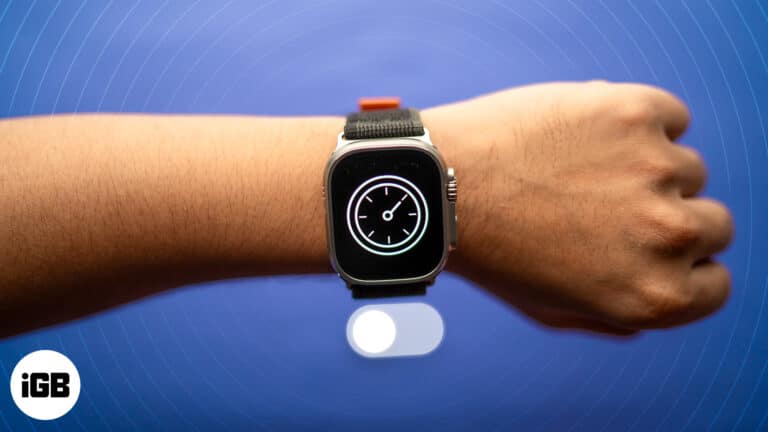
A quick guide to turning off Downtime on Apple Watch in three simple methods.
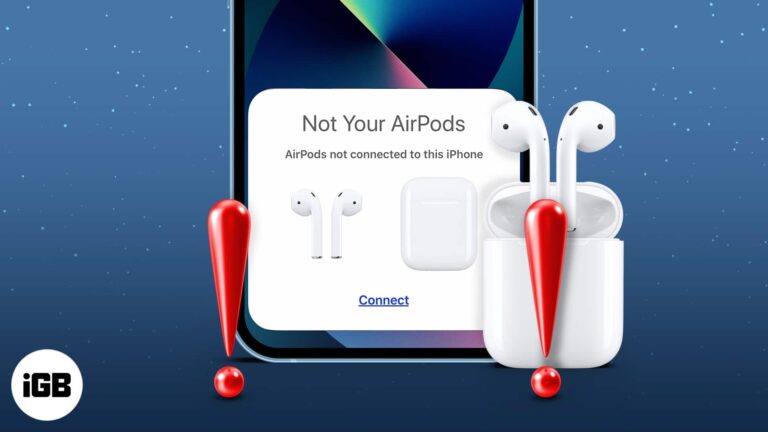
AirPods are undoubtedly the best when it comes to true wireless earphones. However, even the best can sometimes encounter issues. One common issue many AirPods users have encountered is the problem of AirPods not connecting to their iPhones after updating…
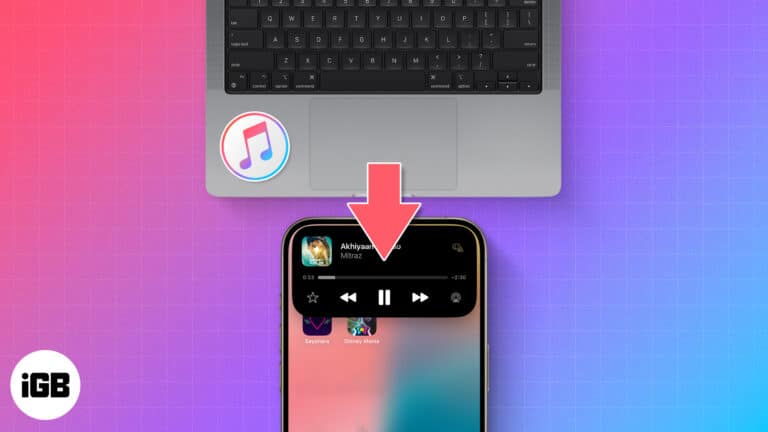
Best and most reliable ways to transfer songs from PC to iPhone.
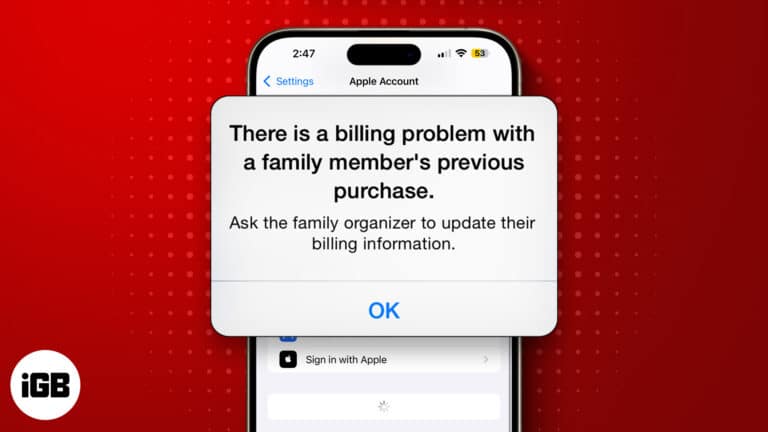
This App Store error means an earlier charge did not go through, usually because of an expired card or outdated billing details. Here is why it happens and how to clear it for good.


