FaceTime Like a Pro
Get our exclusive Ultimate FaceTime Guide 📚 — absolutely FREE when you sign up for our newsletter below.

FaceTime Like a Pro
Get our exclusive Ultimate FaceTime Guide 📚 — absolutely FREE when you sign up for our newsletter below.


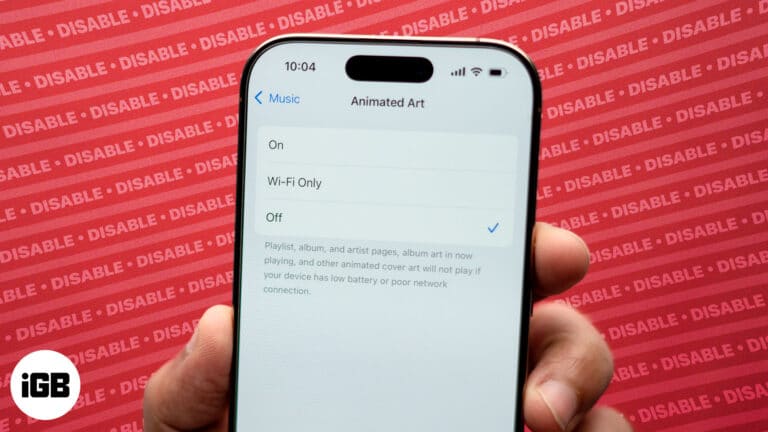
To make using Apple Music more entertaining, you can view animated cover art while listening to your favorite tunes on your iPhone. Unfortunately, not everyone will like this feature—maybe you think it’s distracting, it could be draining your battery, or…
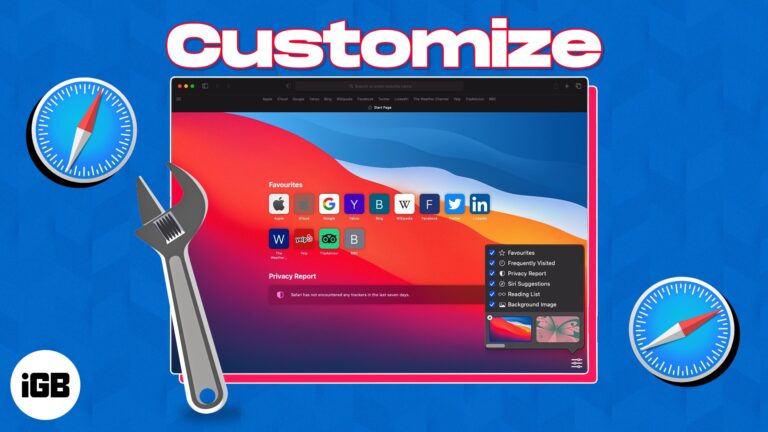
Learn how to change the look of your Safari start page on Mac. This guide shows you how to add background images and choose which sections you want to see.
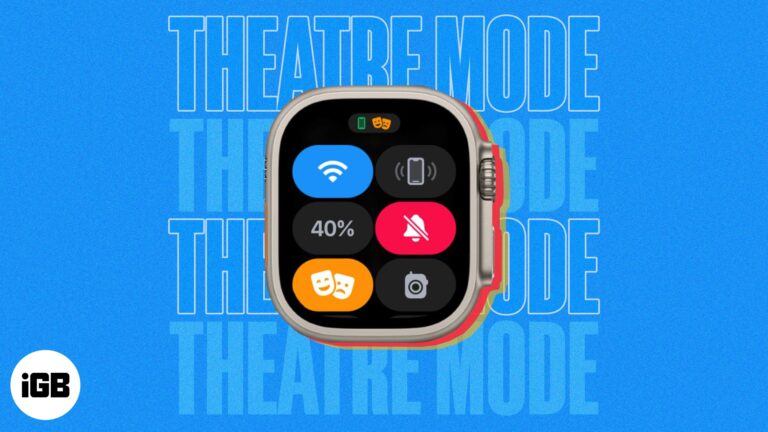
Everything you need to know about using Theater Mode on Apple Watch.
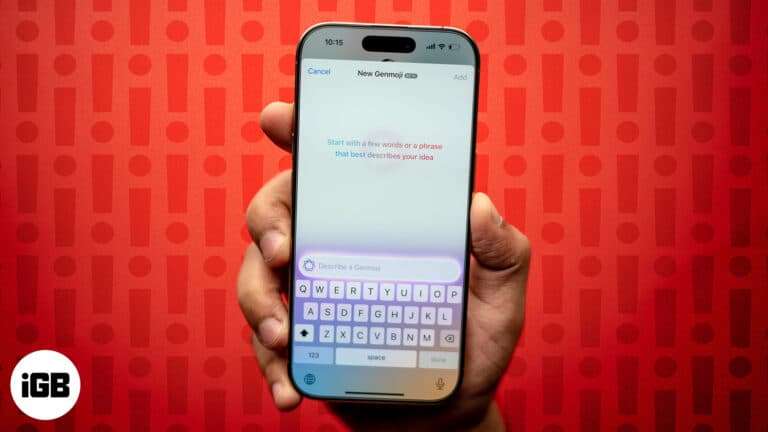
Genmoji not working on your iPhone? You’re not alone. Here’s why it’s happening and 6 proven ways to fix the issue fast.
Have your iPhone contacts disappeared after the iOS update? Here are possible solutions to restore all the missing contacts on the iPhone.
Personalize your Apple Watch with animated Memoji and stickers.
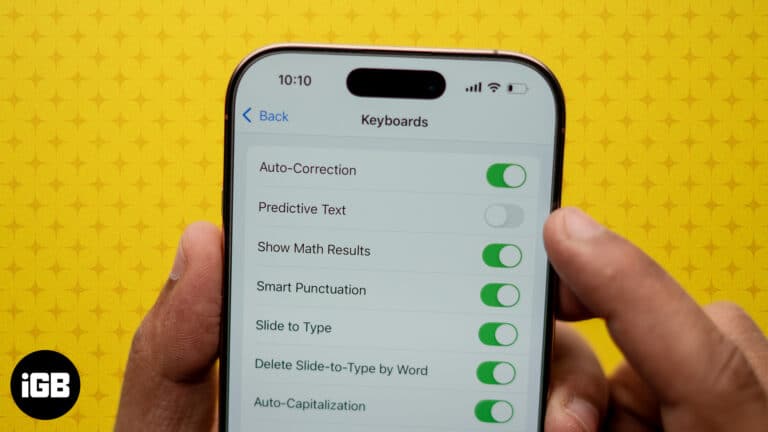
While the predictive text feature helps you type faster on your iPhone, it can sometimes become frustrating if the suggested words differ from what you want, especially if they are typos or personal terms you no longer use. Sadly, it…
Essential tips for safely charging your iPhone 16 while on the go.
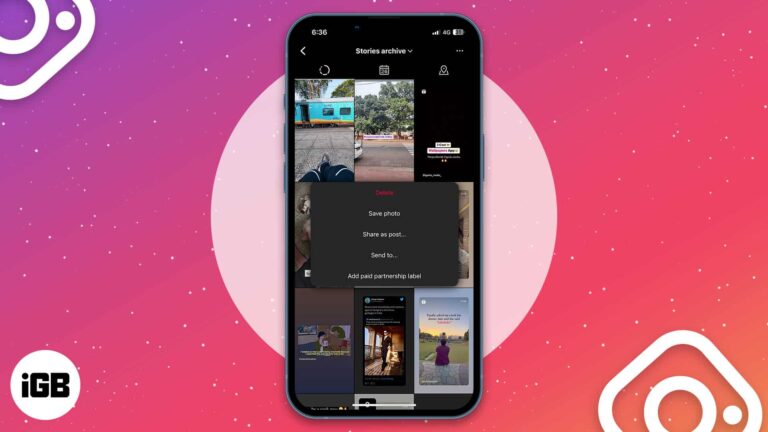
Taking a walk down memory lane can be refreshing, but some Instagram stories may no longer be worth revisiting. If you’re wondering how to delete archived stories on Instagram from your iPhone, read on to find out! How to delete…
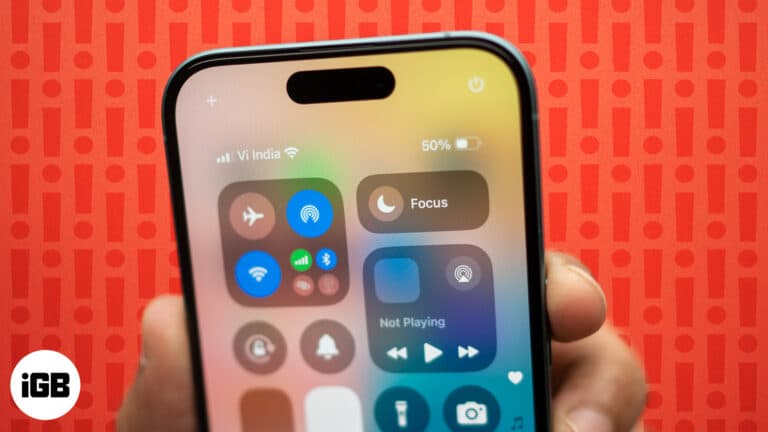
Troubleshoot Focus mode and get back to distraction-free living.
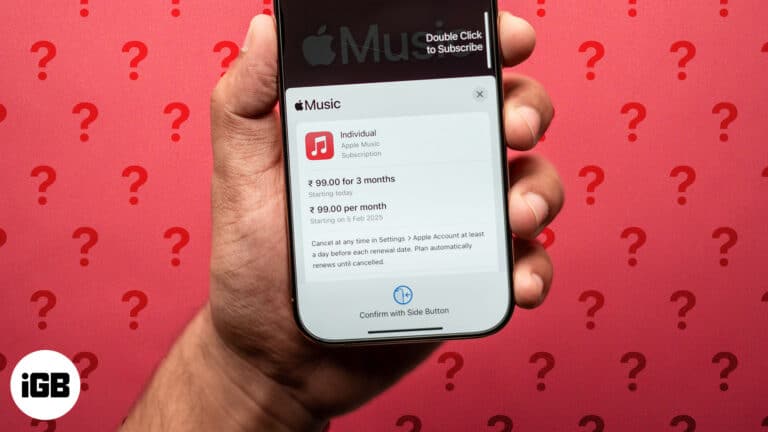
From Individual to Family Plans: Apple Music costs explained.
There’s nothing worse than heading out of your house only to realize your AirPods are low on battery. That’s why it’s important to check the battery life of your AirPods regularly. Keep reading to learn how to check your AirPods’…
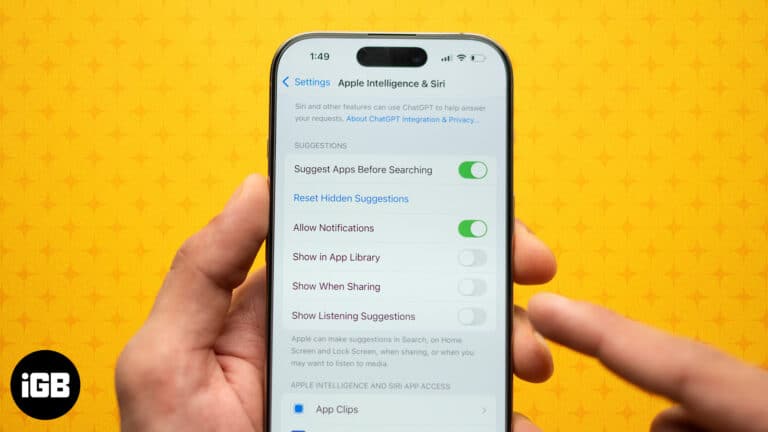
Simplify your iPhone and Mac experience by reducing Siri's Input.
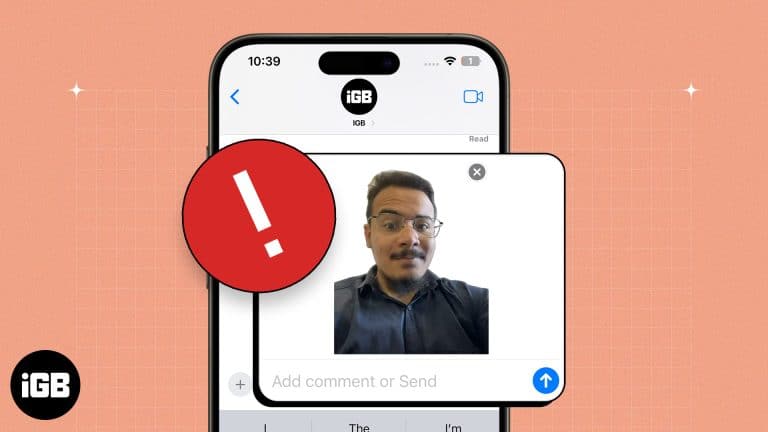
Key takeaways Live Stickers feature was introduced with iOS 17, so ensure your iPhone is updated and running the latest iOS version if it is not working. If Live Sticker isn’t working, make sure that the Live Photo feature is…
Troubleshoot the issue and enjoy music with friends and family.
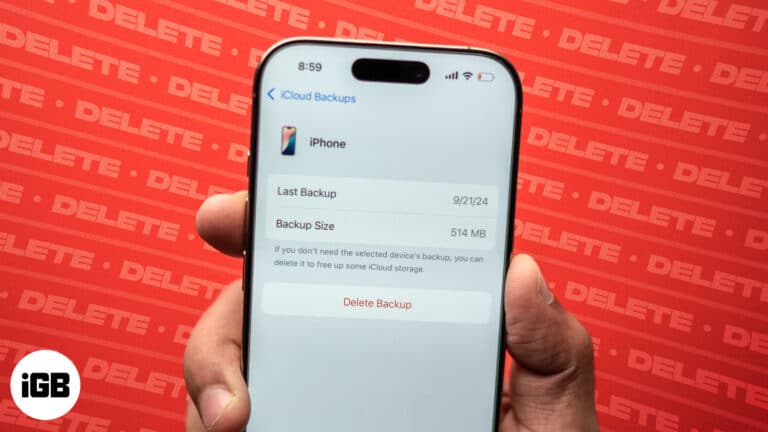
Always clear old iCloud backups to optimize space for newer ones.
If you heavily use your Mac, it quickly catches fingerprints, dust, grease, etc. So, cleaning MacBook regularly is essential for its longevity and optimal performance. In this blog, I’ll give you step-by-step instructions on how to clean your MacBook screen.…
Add personality to messages on a Mac with Memoji.
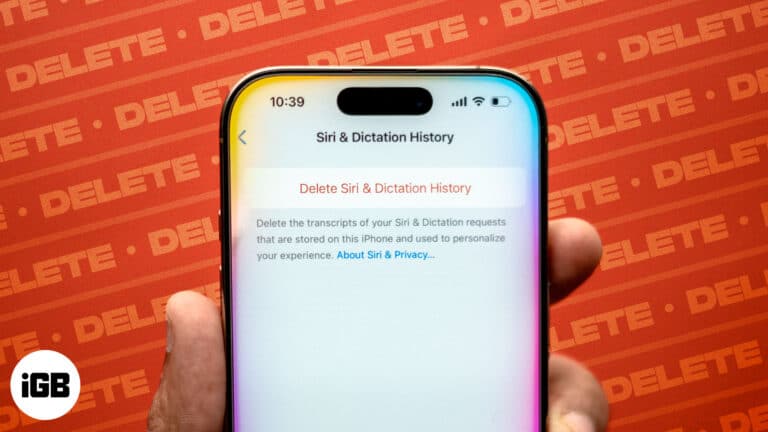
Protect your privacy by clearing Siri history on your iPhone, Mac, Apple Watch, HomePod, and Apple TV.
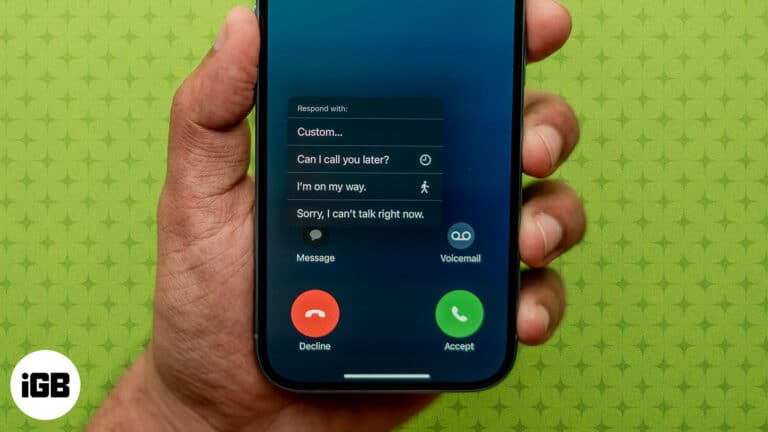
Decline calls with text messages to give a quick heads-up.
Make your iPhone alerts uniquely yours.
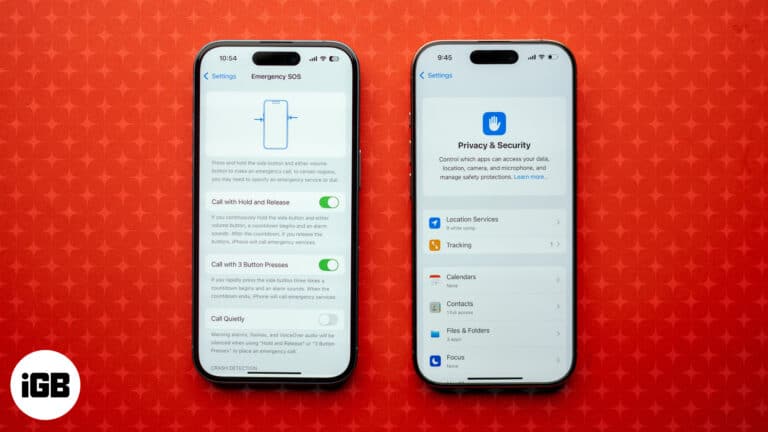
As more and more data leak reports surface regularly, evaluating your digital safety is more important than ever. Fortunately, if you use an iPhone, the various security and emergency features available onboard ensure your private and sensitive data remains secure.…

 Ava Biswas and Yash Wate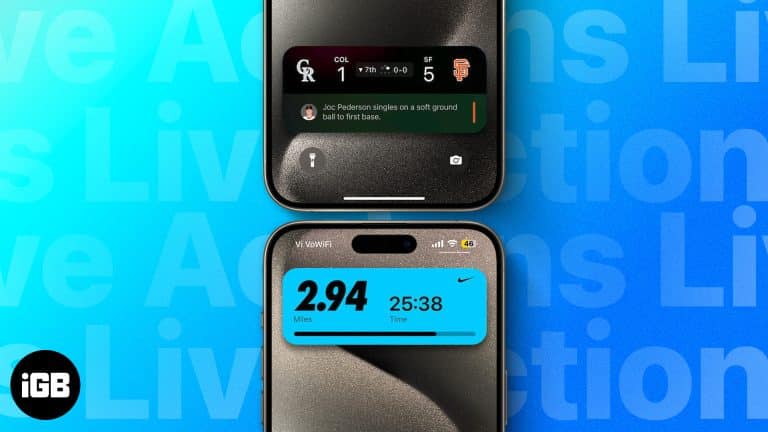
Track real-time updates on your iPhone Lock Screen with Live Activities.
 Ayush Patel and Yash Wate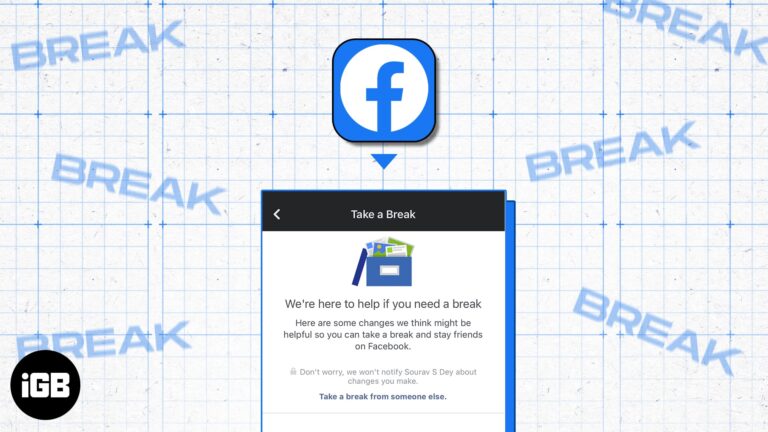
The “Take a Break” feature enables you to limit your engagement with someone on Facebook. You will see very few posts from them, and vice versa. So, it’s an ideal method to mute users without blocking or unfriending them. In…
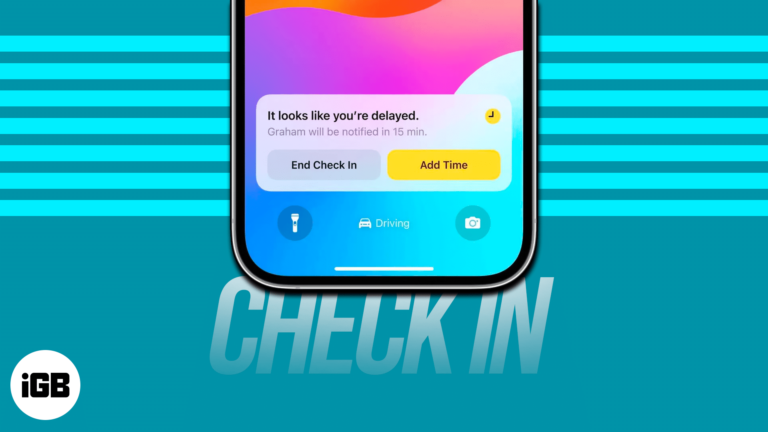
Let your friends know you’ve arrived with iPhone Check In.
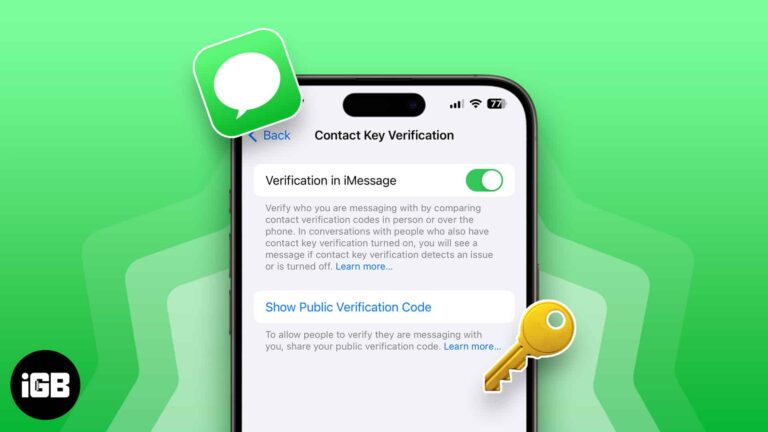
Protect your iMessage conversations with Contact Key Verification.
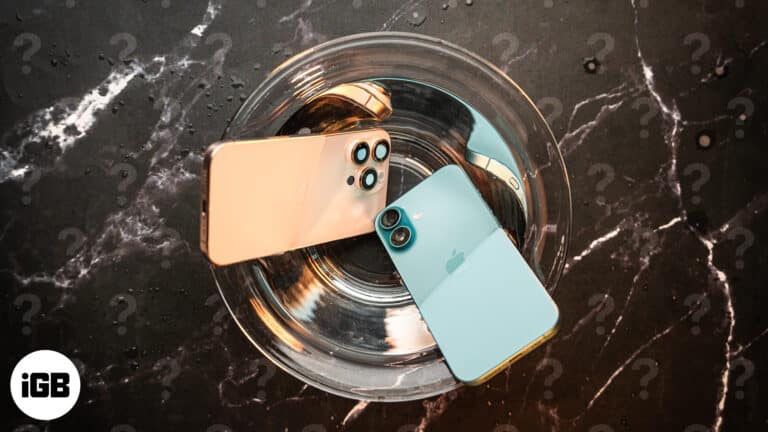
Like all the previous iPhone lineups, all the models in the iPhone 16 lineup have IP68 water resistance, but are they waterproof?

Quickly get rid of annoying predictive text on your iPhone or iPad. Here's how.
Turning off distractions like app notifications and peer texts can be what we need to wind down to sleep or prevent us from waking up too early—this is what the iPhone’s Sleep Mode does. But sometimes, muting these off too…