FaceTime Like a Pro
Get our exclusive Ultimate FaceTime Guide 📚 — absolutely FREE when you sign up for our newsletter below.

FaceTime Like a Pro
Get our exclusive Ultimate FaceTime Guide 📚 — absolutely FREE when you sign up for our newsletter below.


Learn how to turn on Action mode on your iPhone and get super smooth footage in high-motion scenarios.

Get the most out of your earbuds with these essential AirPods tips and tricks. Learn how to customize controls, improve battery life, and use hidden features to enhance your listening experience.

Safely clean your iPhone's charging port if it stops charging by following these simple steps.

Secure your iPhone and iPad with these essential privacy tips. Learn to manage permissions and lock down your data to stay protected.
Know how to add, manage, and switch between multiple Instagram accounts on your iPhone.
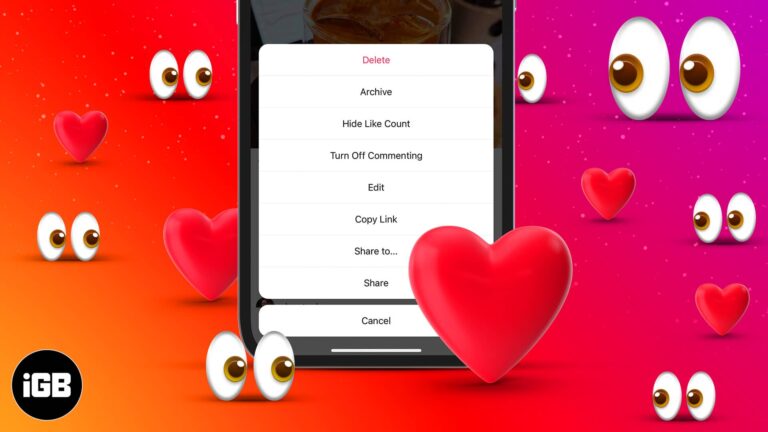
Instagram lets you hide like and view counts on your posts. While these metrics may be helpful for determining how well your content is resonating with your followers, the lack of validation might also hamper your mental health. I can…

Add essential widgets to your Mac desktop for quick access to weather report, sports scores, and more.
Stop iPhone battery from draining while you sleep.

Everything you need to know about Medical ID on iPhone.
Learn simple methods to send multiple images at once on WhatsApp.
How to get the most out of App Clips on your iPhone.
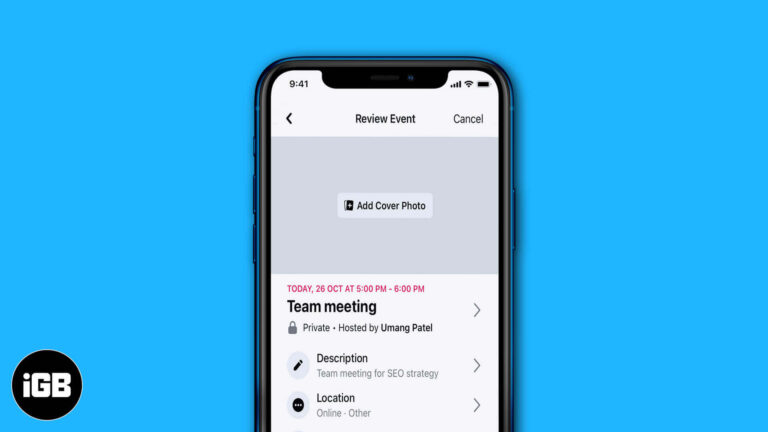
Facebook events keep the details, guest list, and updates in one place. This guide covers creating an event on iPhone, inviting friends, editing it afterwards, and syncing it to your Calendar.
Understand your mental health: How to track anxiety and depression on your iPhone
Apple released a feature called Shared With You to help you find shared media more easily. Learn what this feature is on your iPhone and how to use it.
Learn how to manage multiple calls on your iPhone like a pro.

 Ava Biswas and Yash Wate
Add new fonts on Mac from Apple and third-party sources.

Learn how to keep your iPhone protected with proxies — hide your IP, boost online privacy, and browse securely while avoiding tracking.
If you are an avid iMessage user, you’d definitely use emojis to add a touch of color and emotion to your messages. But what if you want to express yourself by combining two or more emojis on an iPhone? Yes,…
Everything you need to know about Live Wallpapers on iPhone.
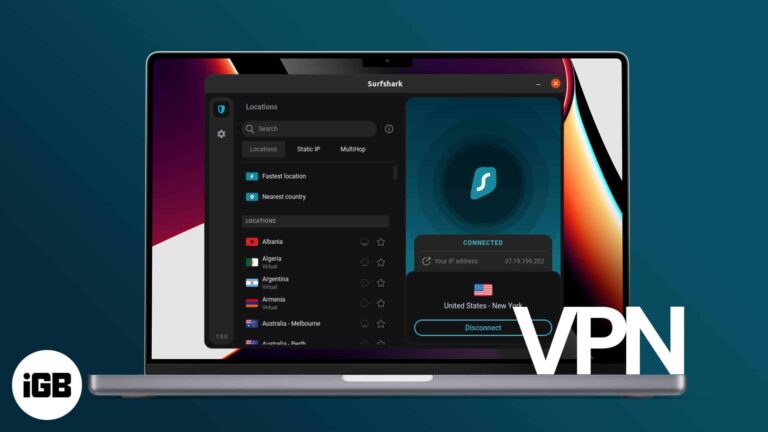
With so many available options, choosing the best virtual private network (VPN) can be daunting. It’s essential to know what features to look for to ensure the service you select matches your needs and preferences. If you’re still on the…

Step-by-step guide on how to block ads in iPhone and iPad apps or games for smoother, ad-free usage and fewer interruptions

Seamlessly connect and collaborate with another Mac.
Get back the classic full screen incoming call interface and customize it.

Step-by-step guide to authorize/deauthorize a Mac with Apple Music.
Navigate your iPhone with one hand effortlessly with a simple gesture.
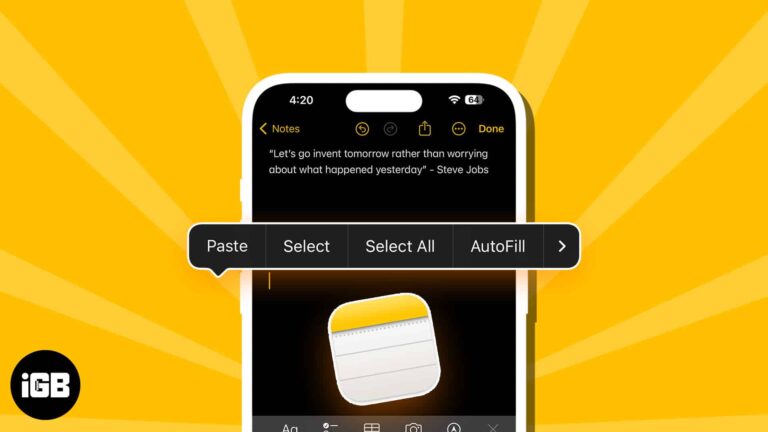
Learn how to access your iPhone clipboard. Use the Notes app to paste content, the "Adjust Clipboard" shortcut, or third-party keyboards like SwiftKey.
Shake to Undo is enabled by default, but it’s easy to turn off if you prefer not to use it.
Easily type special characters and symbols on Mac.

Mac has a lot to offer, but we often fail to use it to its optimum. That’s because we don’t tweak enough the macOS to suit our requirements. Over the years of using my Mac, I’ve found customizations that have…