FaceTime Like a Pro
Get our exclusive Ultimate FaceTime Guide 📚 — absolutely FREE when you sign up for our newsletter below.

FaceTime Like a Pro
Get our exclusive Ultimate FaceTime Guide 📚 — absolutely FREE when you sign up for our newsletter below.



When you have many tasks to take care of, it’s easy to lose track of time. But with a simple setting, you can hear your Mac speak the time out loud to keep you on task. You can set the…

iMessage effects make messaging on a Mac far more fun and expressive. You can now add emphasis, personality, and emotion to any conversation using animated bubbles and full-screen visuals that transform simple texts into more meaningful moments. If you already…

WhatsApp hides plenty of useful behavior behind long presses and settings. These 25 tips cover pinning messages, formatting text, editing what you sent, dark mode, wallpapers, and more.
While there is no doubt that Soap2Day offers free access to otherwise paid streaming content, this notorious website has gained much attention due to its questionable practices. Using this pirated website on your iPhone or Mac can expose the device…
The best thing about memories is that you can share them with people. The iCloud’s Shared Albums allow you to bond over your best photos and videos with friends, family, or whoever you like. But are you making the most…
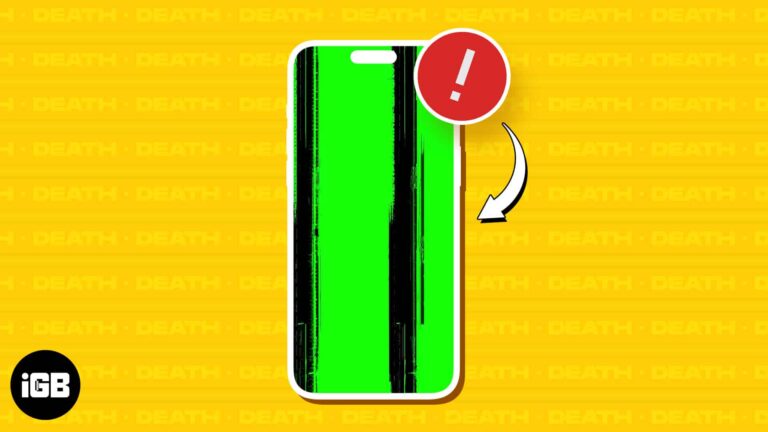
Your iPhone can get stuck on a green screen due to specific hardware or software issues, and the severity can range from subtle flickering green lights and lines to a complete screen immersed in a green hue. In most cases,…
For seasoned Windows users, it’s common to launch Task Manager and close apps and background activities to speed up the system. But if you have recently switched from Windows to Mac, you might wonder where the task manager on Mac…
Apple’s Migration Assistant is a lifesaver for transferring data from an old Mac, Windows PC, or an existing backup to a new Mac. However, it’s prone to errors and crashes. So, in this blog, I will share why Migration Assistant stops working…
While using your Mac for regular activities, you might often come across images you wish to save and use later. Whether it’s for drawing inspiration, completing ongoing assignments, or simply personalizing your desktop background, learning how to save images on…
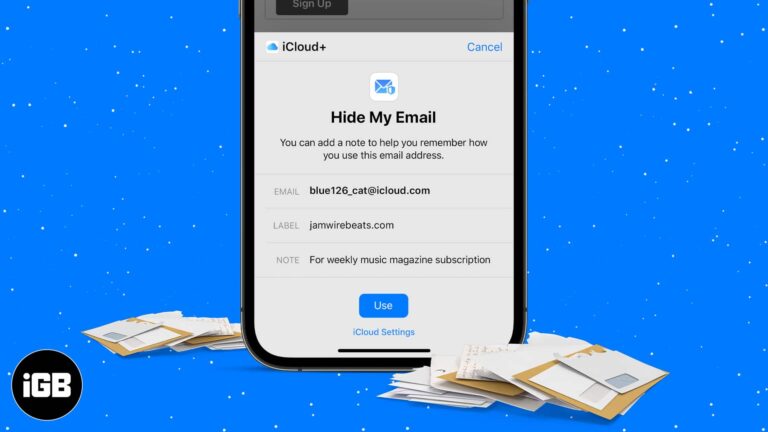
Hide My Email generates random forwarding addresses so sites never see your real inbox. Here is how it works, how to create and manage addresses on iPhone, and what iCloud Plus unlocks.
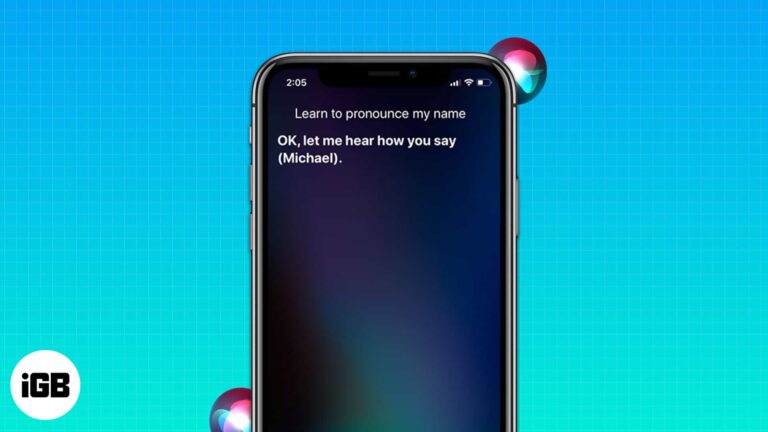
Experiencing difficulties with names is nothing new. Anyone, including our beloved Siri, can encounter it. It is one of the most trusted virtual assistants, and I understand how frustrating it can be when Siri mispronounces names. Today, I’ll explain how you…
Whether you have misplaced or lost your iPhone or want to keep tabs on your family members’ location, knowing how to track an iPhone’s location from an Android phone can be incredibly convenient. While many of you might assume it…
Resetting wipes your settings and returns the speaker to factory state, which fixes stubborn problems and prepares it for sale. Here are three ways to do it, including a full Finder restore.
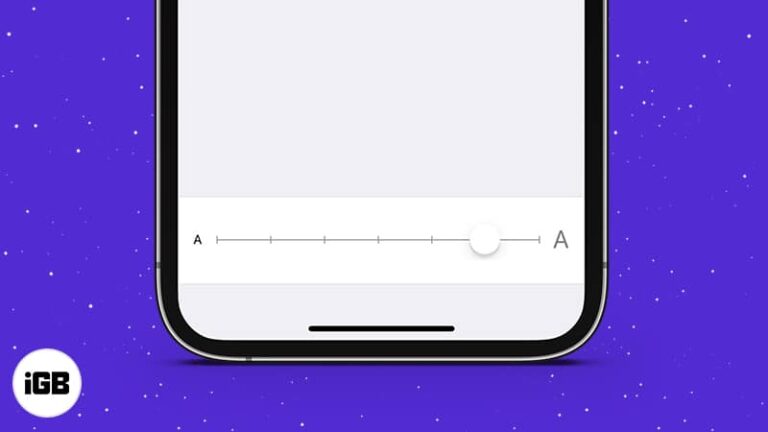
Bigger text makes an iPhone far easier to read. Here is how to change the system size, use Accessibility for even larger text, turn on bold, and set a different size for specific apps.
As a power Apple user, having seamless access to your important emails across your iPhone, iPad, and Mac is necessary to stay on top of your schedule. That’s exactly where your iCloud Mail steps in. It offers a simple &…
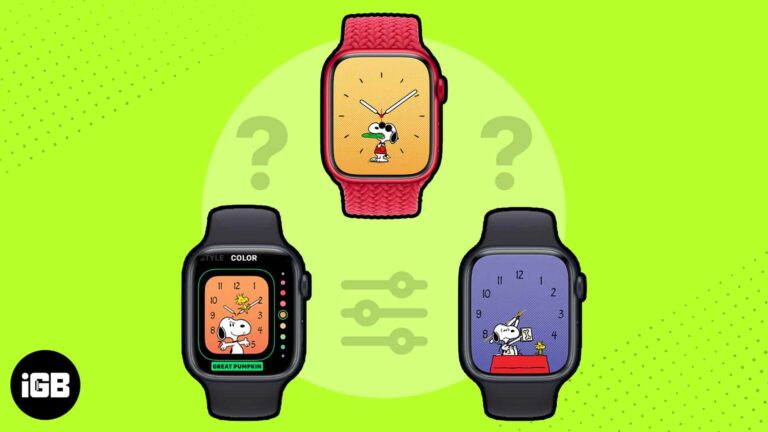
Apple doesn’t release new watch faces very often, but when they do, it’s a big deal. With watchOS 10, Apple introduced two faces: Palette and Snoopy. The Snoopy watch face is a fun and playful way to show your love…
If you’re new to Mac, you might have noticed that its trackpad or mouse scrolling direction differs from other operating systems. The default scrolling direction on Mac is called Natural scrolling, which can confuse some users. However, you can easily change…

Music that starts the moment you plug in is a persistent annoyance. These fixes cover Handoff, force quitting the app, your car stereo settings, and a Shortcuts automation that silences it.
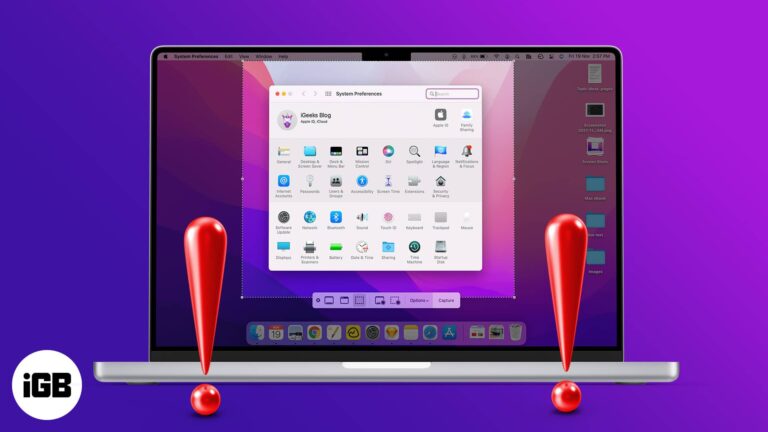
Screenshots can be an asset; for me to show you how to perform certain tasks and for you to show me the exact problem you’re facing. But what if the problem is that the screenshot is not working on Mac?…

We can’t all be world travelers, but with map apps, we can feel like we are. Using Google Maps Immersive View on iPhone, you can enjoy breathtaking scenes of the cities and landmarks you’ve always wanted to see in person.…
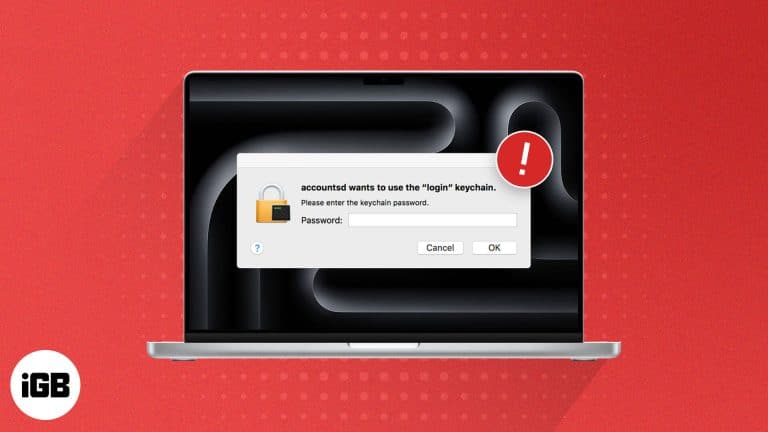
Having a cryptic message “accountsd wants to use the login keychain” frequently pop up on your Mac can be confusing, especially if you don’t recognize the process or aren’t sure why it needs to access your Keychain. In this troubleshooting…
In the early stages of the internet, maintaining data privacy was relatively easy. While the internet and access to most websites were free, companies had to monetize something to earn money. As a result, they started collecting your data, which…

In today’s pulsating world of digital technology, VPNs, which provide online privacy and security, are more popular than ever. With the VPN market projected to reach a staggering $350 billion by 2032, it’s clear that our dependence on this technology…
There is no denying that the iPhone is considered the best when it comes to user privacy. However, even the best piece of tech can fall prey to privacy theft. Once someone gets hold of your iPhone remotely, everything from…

WhatsApp formatting relies on symbols around your text rather than a toolbar. Here are the characters for bold, italic, strikethrough, and monospace, plus how to build lists in a chat.
Your Mac has a multitude of apps and processes running in the background at any given time, and CCXProcess is one such process that stems from Adobe Creative Cloud. However, a handful of Mac users are alarmed by the CCXProcess…
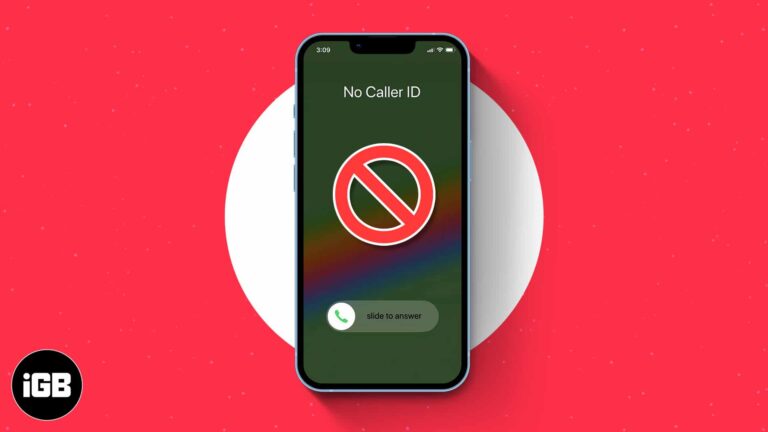
Key Takeaways >To block no caller ID on iPhone, use the Silence unknown callers feature. Go to Settings > Phone > Silence Unknown Callers > Turn on Silence Unknown Callers. Additionally, Do Not Disturb mode is another way to stop no caller ID on iPhone.…