FaceTime Like a Pro
Get our exclusive Ultimate FaceTime Guide 📚 — absolutely FREE when you sign up for our newsletter below.

FaceTime Like a Pro
Get our exclusive Ultimate FaceTime Guide 📚 — absolutely FREE when you sign up for our newsletter below.


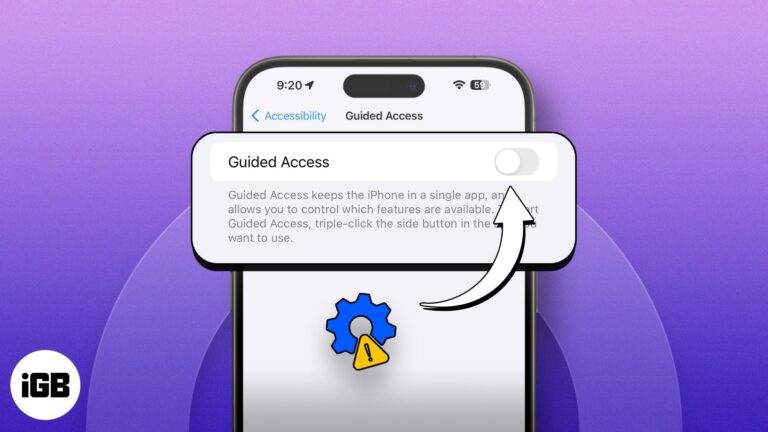
Guided Access is a feature that limits your iPhone or iPad to a single app and lets you decide which features are accessible. It comes in handy for many situations, like keeping kids from accidentally buying things or assisting individuals…
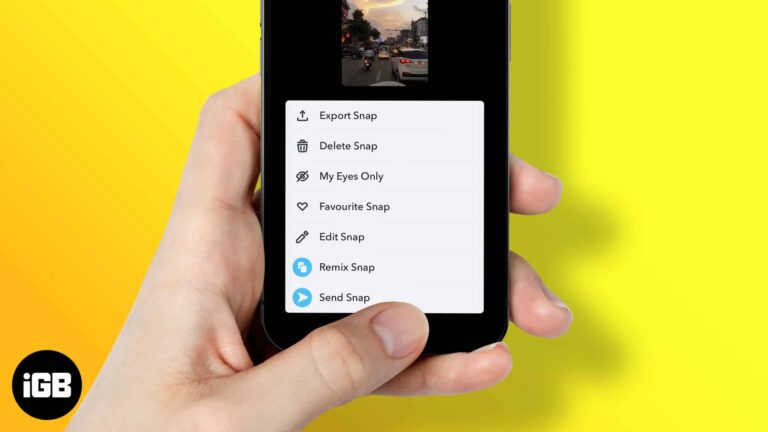
Remixing snaps on Snapchat is easier than you think — follow these instructions to add creative elements, edit clips, and share personalized remixed snap content.

Facebook Live is the fastest way to reach followers in real time. Here is how to start a broadcast from iOS, stream into a group, and six practical tips for better video and audio.
Getting photos out of iCloud differs on every platform. This guide covers downloading originals to iPhone, Mac, and Windows, plus using iCloud.com when you are on someone else's computer.
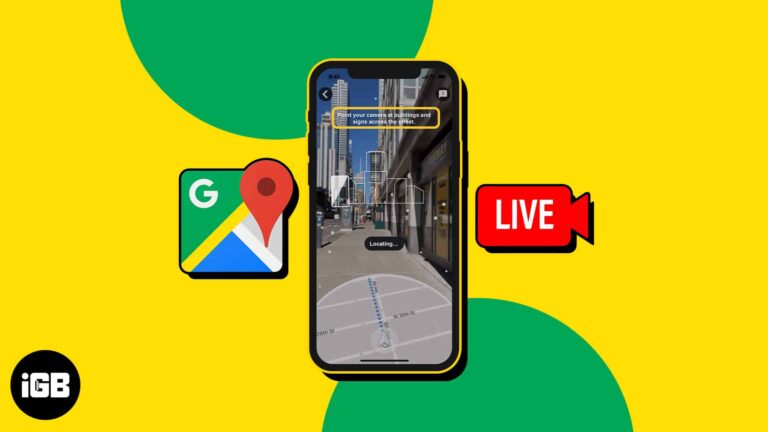
Live View overlays arrows on the real street through your camera, which beats reading a map on foot. Here is where it is available, how to use it on iPhone, and how to improve accuracy.
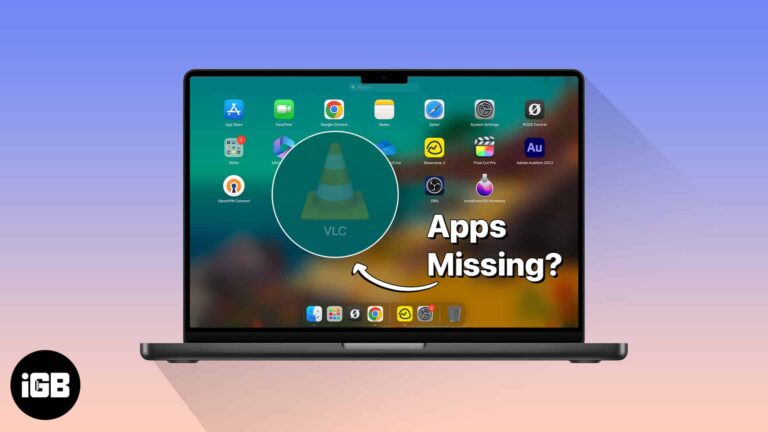
When Launchpad stops listing installed apps, the culprit is usually a corrupted database rather than a missing app. Here are three fixes, including the Terminal commands that rebuild Launchpad cleanly.
Do you want to check your Mac usage but can’t find Screen Time? Screen Time sometimes does not show up or stops working for unknown reasons. But fret not! Here, I present a series of solutions to help you resolve…
Are you struggling to accommodate all your precious images in the available storage space on your Mac or iCloud? In this case, the image compressors can help you reduce your image’s file size without compromising its quality. Here, I will…
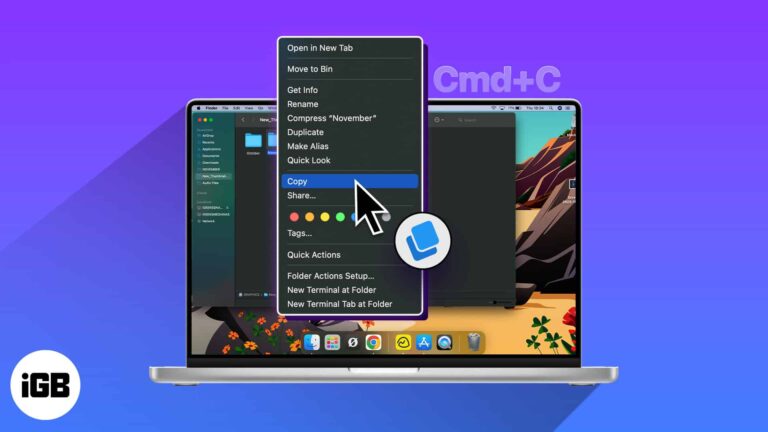
If you want to copy a file or folder on a Mac, you have various ways to do so. You might want to create a backup copy, edit a different file version, or maintain separate folders you share. Whatever the…

Frustrated by your Apple TV Remote app not working on your iPhone? You’re not alone. This common issue can arise from various factors, from software glitches to connectivity issues. Fortunately, the quick fixes in this guide can help you get…
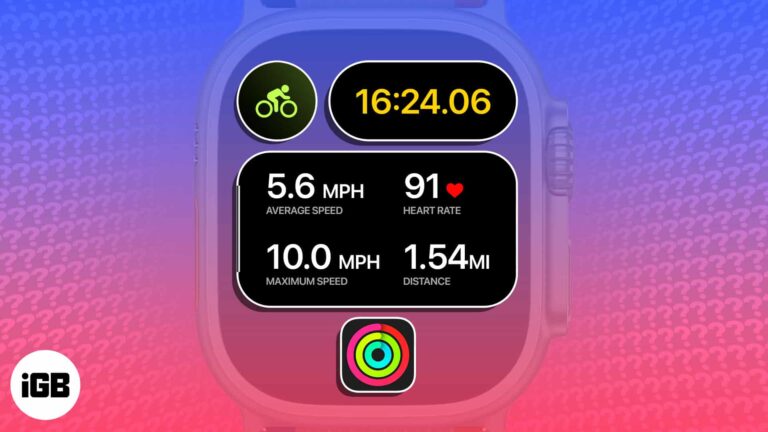
Apple just dropped a game-changing feature for cyclists. You can now view the Apple Watch’s live cycling metrics – heart rate, speed, distance, elevation, and more – directly from the iPhone’s Live Activities. To unlock this native feature, you need…
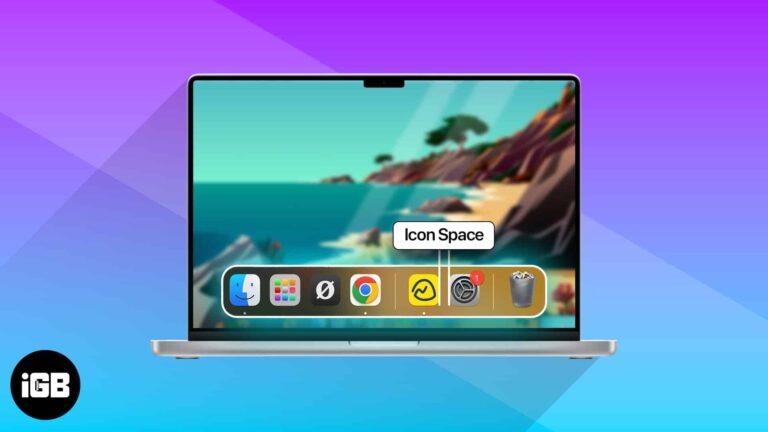
A crowded Dock is hard to scan. A short Terminal command inserts blank spacer tiles so you can group apps into sections. Here is the command, plus how to remove spacers when you are done.
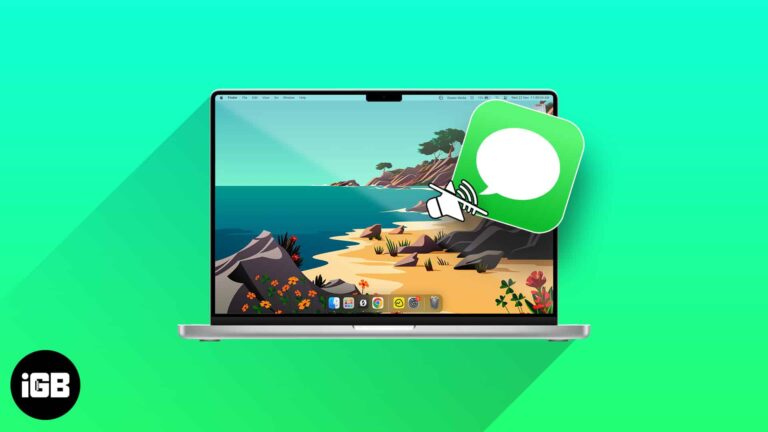
The Messages notification sound gets old quickly on a Mac you work at all day. Here is where the setting lives and how to silence sent and received message sounds.
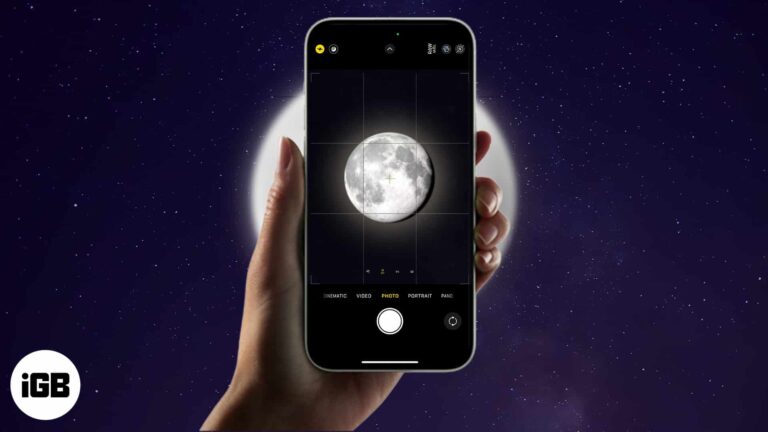
The idea of capturing the close-up pictures of the Moon with your iPhone sounds fantastic. But it requires patience, extreme carefulness, and advanced techniques. To simplify this, I will share how to take a picture of the Moon with your…

A camera that shows a black screen usually means an app has claimed it or permissions are denied. Here is what causes it, how to fix the built-in camera, and what to try with an external webcam.
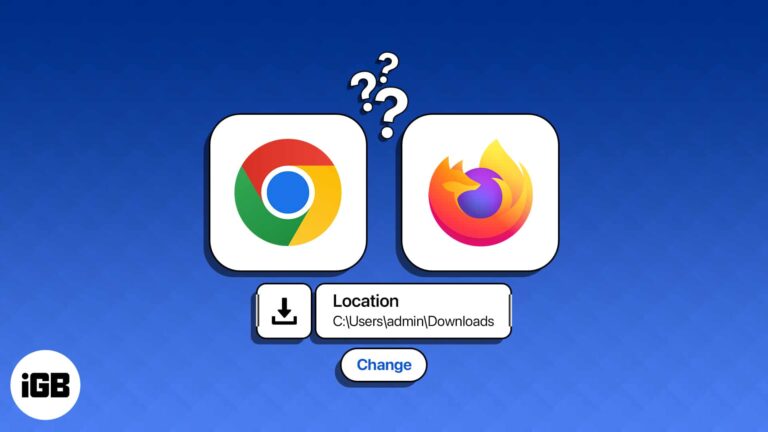
Everything landing in Downloads gets messy fast. Here is how to set a different default save folder in Chrome and Firefox on Mac, or have the browser prompt you for each file.

Has your Mac’s trackpad or external mouse stopped working? Worry not! Macs have a helpful accessibility feature that lets you move the mouse cursor in any direction and simulate clicks with the keyboard. In this guide, I’ll demonstrate how to…
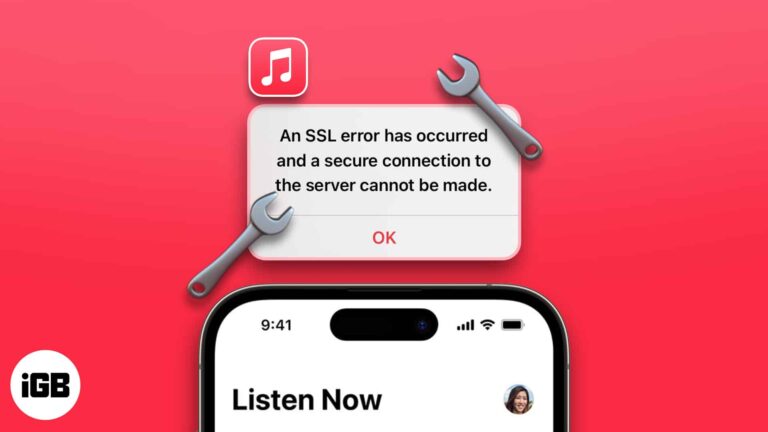
Being a music lover, I understand the importance of uninterrupted access to our favorite tunes. And nothing can be more frustrating than encountering technical hurdles in this experience. If you are bothered by an SSL error in Apple Music on…
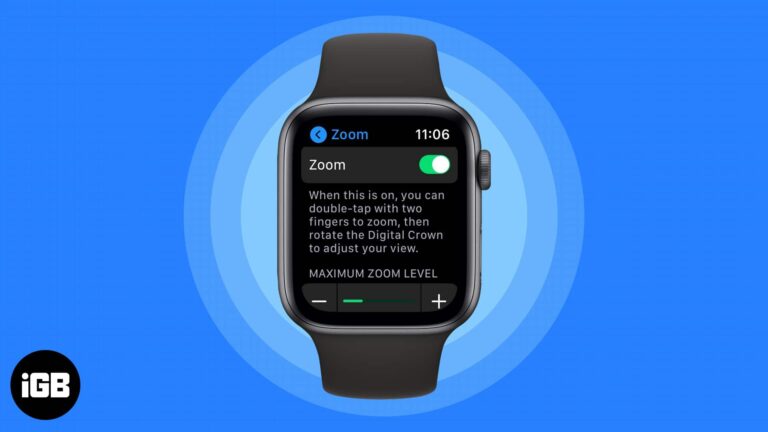
The Apple Watch screen is small enough that magnification genuinely helps. Here is how to enable Zoom from either device, control it with the Digital Crown, and bind it to an Accessibility shortcut.
Your iPhone helps you to generate strong passwords on Safari automatically and syncs with iCloud Keychain. But those may be too long with special characters and don’t always satisfy some website criteria. But you can alter them effortlessly. Let’s learn…

Android TV has no native AirPlay, but several apps bridge the gap. Here are four ways to mirror an iPhone screen, plus what to do when video jumps to an AirPlay device unprompted.

Truth be told, macOS Sonoma’s live wallpapers are nothing short of gorgeous. These stunning screensavers show slow-motion videos of places worldwide — including underwater. It’s pretty hard not to get hooked and download a bunch just to see how they…
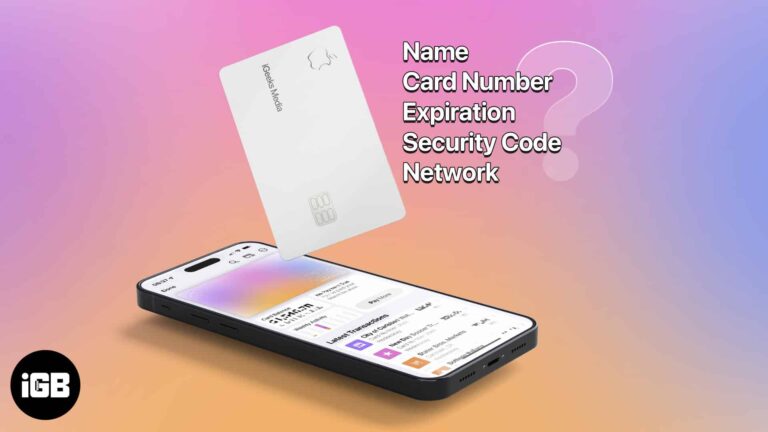
You probably noticed when you received your titanium Apple Card that it’s not just pretty but pretty bare as well. You can’t see the card number, expiration date, or security code. While this is a wonderful security feature, what do…
Apple Notes is far more capable than its plain interface suggests. These tips cover folders and tags, formatting and headings, tables, note links, password protection, and sharing with others.
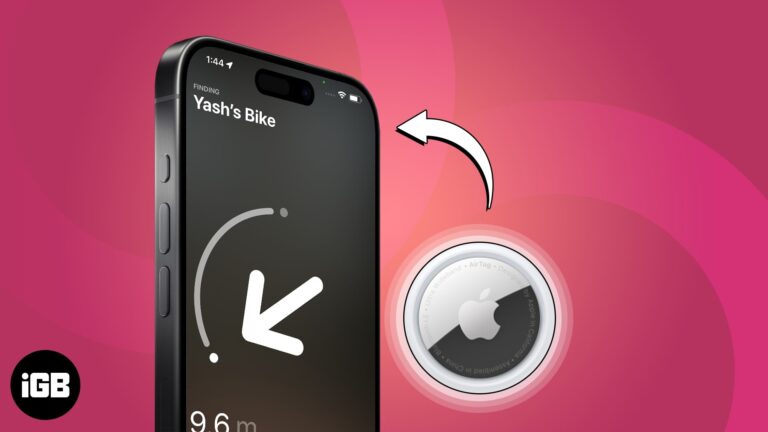
Apple AirTags are Bluetooth trackers that can be attached to your keys, wallet, backpack, or other belongings. The tags use the Find My network to help you track down your lost items. In this guide, I will provide a comprehensive…
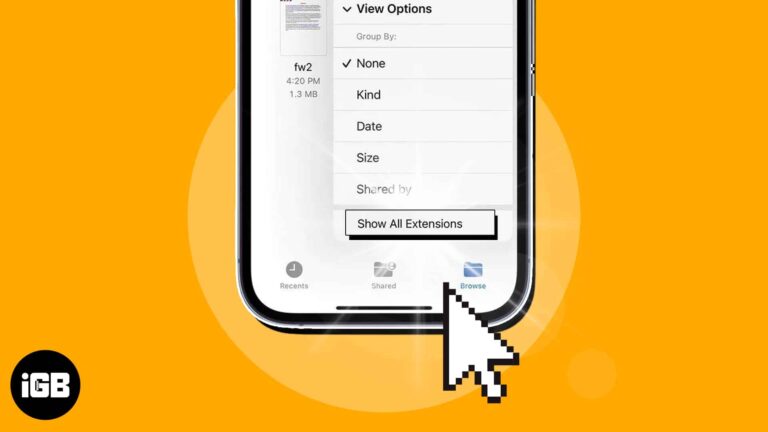
Want to use a file in a specific app on your iPhone, but the format is not supported? Worry not! Using the built-in Files app on your iPhone, you can quickly view the file extension and save them in a…
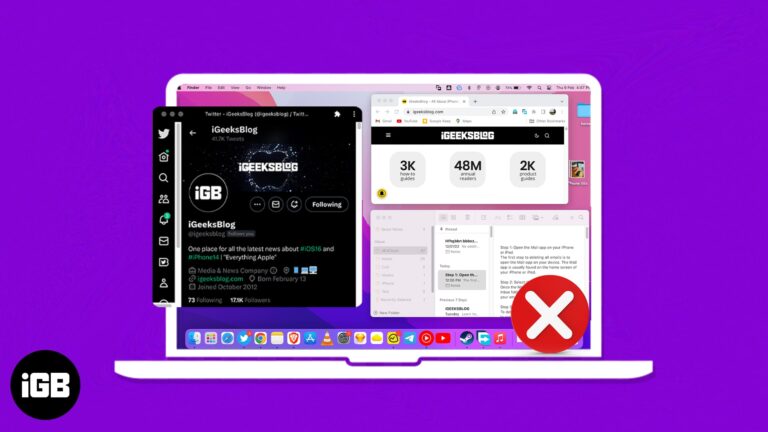
If you are somewhat like me, you must be using several tabs and apps on your Mac at once. However, this can produce a cluttered system environment, making it challenging to modify the app in accordance with its requirements. So,…
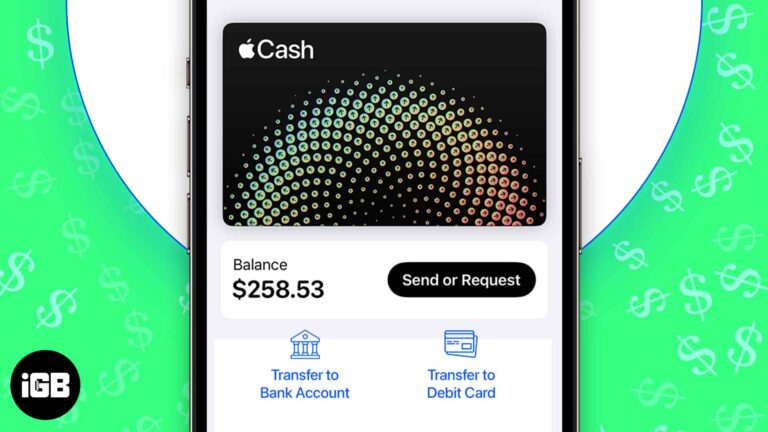
Whether you earn Daily Cash from using your Apple Card or receive funds from others via Apple Pay, your Apple Cash balance can build up over time. While you can use your Apple Cash to make certain purchases, you may…
Find My tracks every device signed in to your Apple Account. Here is how to set it up, add a new device, remove one you have sold, and erase a lost device remotely.