
FaceTime Like a Pro
Get our exclusive Ultimate FaceTime Guide 📚 — absolutely FREE when you sign up for our newsletter below.

FaceTime Like a Pro
Get our exclusive Ultimate FaceTime Guide 📚 — absolutely FREE when you sign up for our newsletter below.



A loud shutter draws attention you may not want. Here are five ways to silence it on iPhone and iPad, and a note on why some regions block the setting entirely.
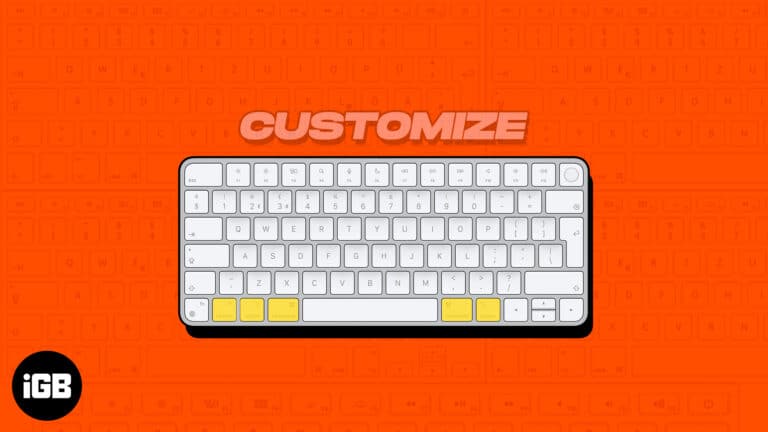
Most of us prefer the QWERTY keyboard layout, as it’s more popular. But that doesn’t mean this input source can fit into the needs of everyone. This is where customization becomes the need of the hour. macOS has support for…
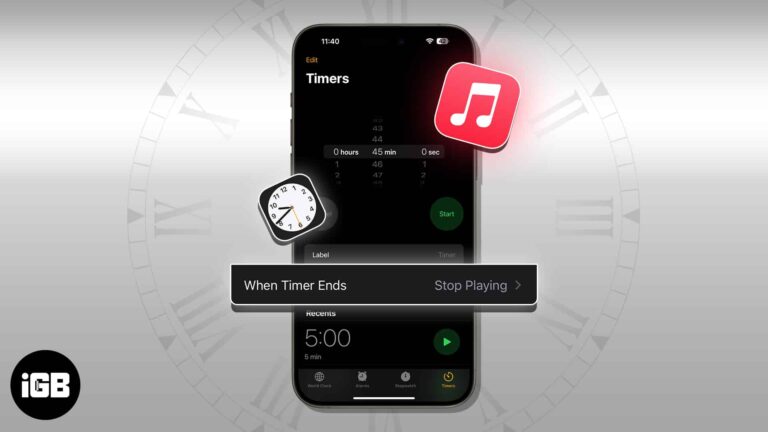
The Music app has no sleep timer of its own, so the Clock app does the job on iPhone. Here is how to set one on iPhone, Mac, and HomePod, and why it is worth doing.
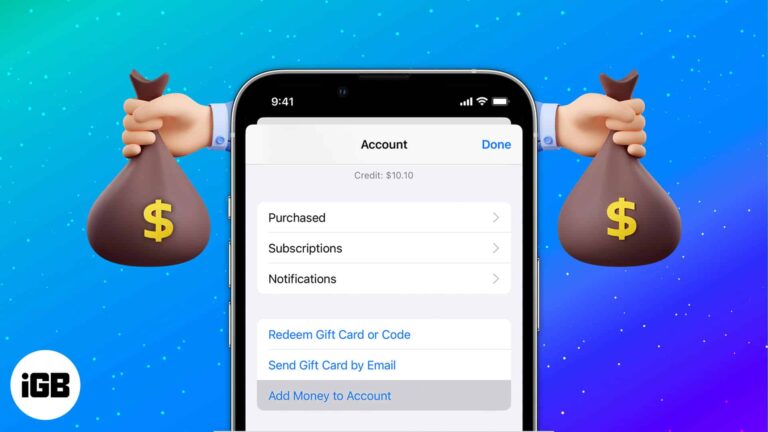
Loading your Apple Account balance keeps App Store spending separate from your card and helps you budget. Here is how to add money on each device and schedule automatic top-ups.
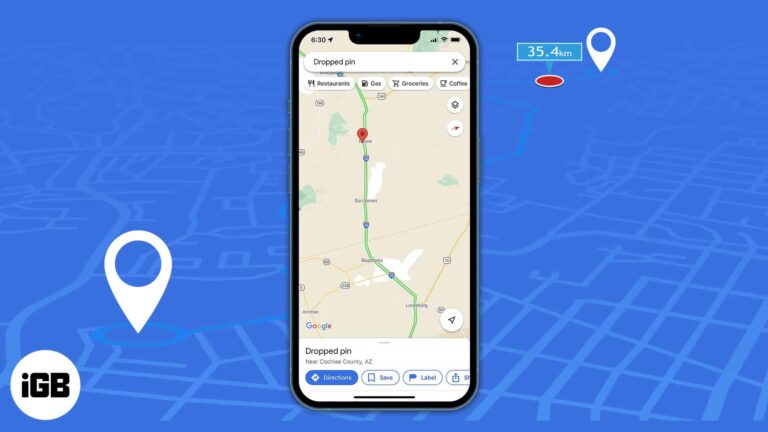
We all use Google Maps to get directions and the distance between our starting point and destination. Furthermore, Google Maps allows you to measure the real-world distance between two points as the crow flies. You can drop a pin at the starting…
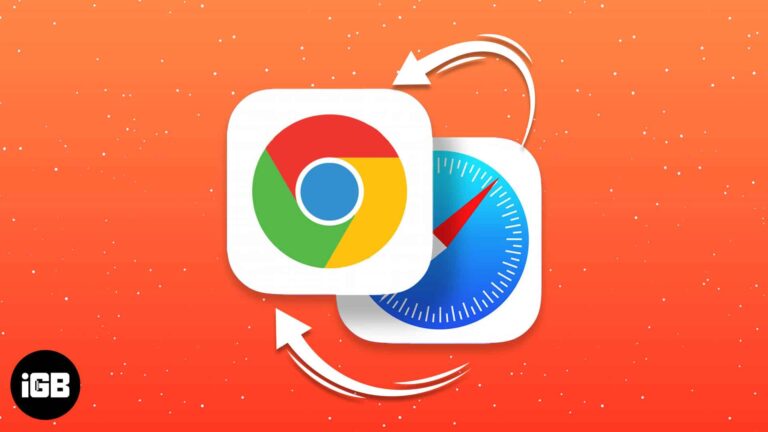
Since iOS 14, links can open in a browser other than Safari. Here is how to make Chrome your default on iPhone and iPad, and how to add it to your dock and Home Screen.
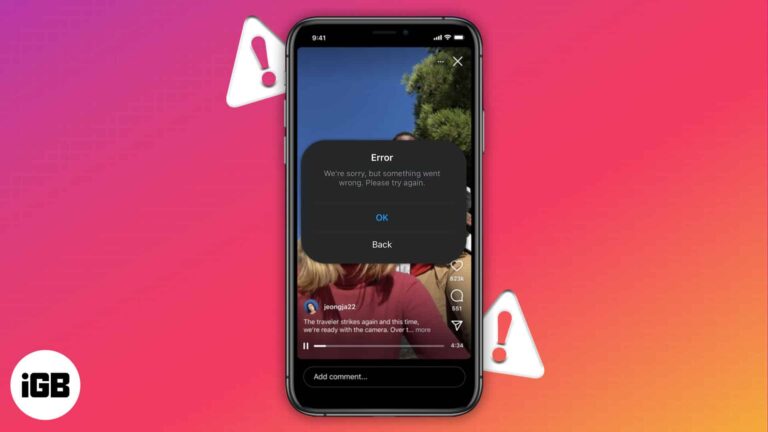
We all love watching reels on Instagram in our leisure time. But what if these videos are not auto-played? It obviously gets frustrating. So, let’s explore 10 ways to fix Instagram not playing videos automatically on iPhone. 1. Fix the…
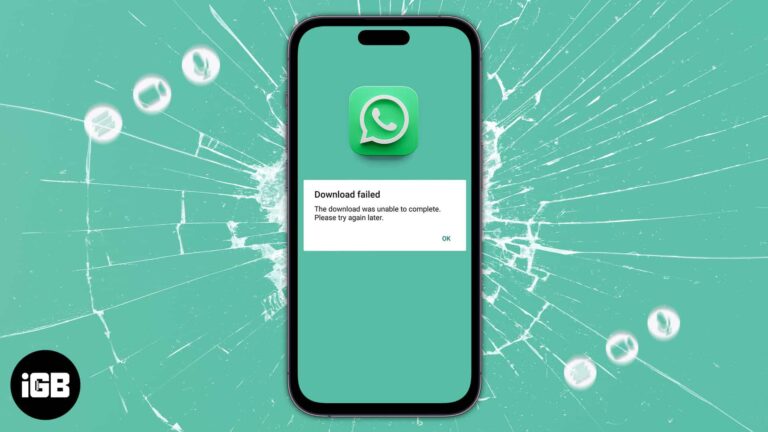
WhatsApp is one of the most popular messaging platforms, and it lets you send multimedia messages and stay connected with your dear ones. If you’re wondering why WhatsApp media is not downloading on iPhone, there are many reasons. I have…
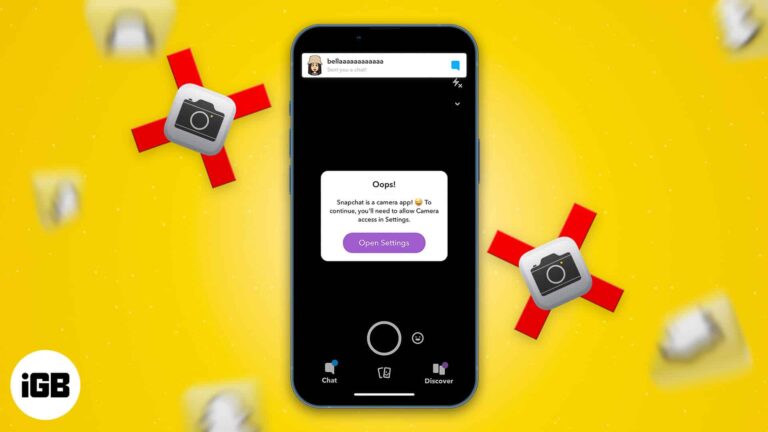
The main purpose of using Snapchat is to click beautiful images and videos. So, if the camera stops working, the app becomes worthless. There can be reasons why your Snapchat camera is not working or showing a black screen. Therefore,…
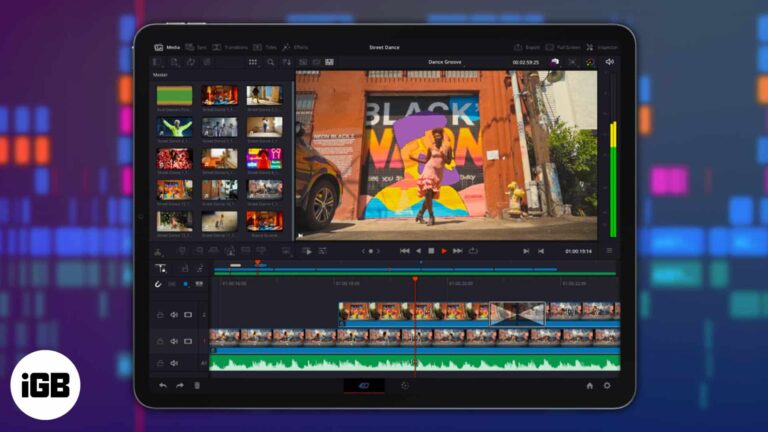
DaVinci Resolve is a color correction, audio post-production, and high-quality video editing software that has been used for years by Mac, Windows, and Linux users. Well, DaVinci Resolve is now available to iPad users as well. Explore our complete guide…
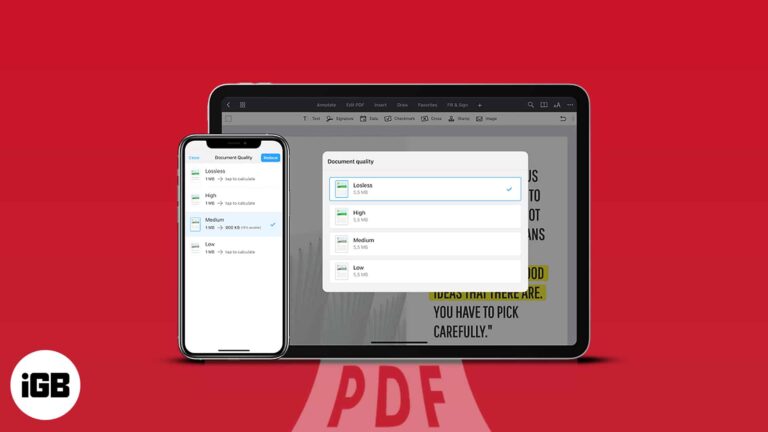
Compressing huge PDF files is one of the greatest ways to save space on your iPhone. However, in most methods, there is a high chance that the quality of the file may get hampered in the compressed version. So in this…
Your Apple ID is your key to accessing Apple services such as the App Store, Apple Music, iCloud, etc. Besides, it contains your contact, payment, and security information you use across these services. Therefore, you need to keep your Apple…
This error usually means the handset is carrier locked or the SIM is not seated properly. These nine fixes work through locks, physical SIM and eSIM checks, restarts, and carrier updates.
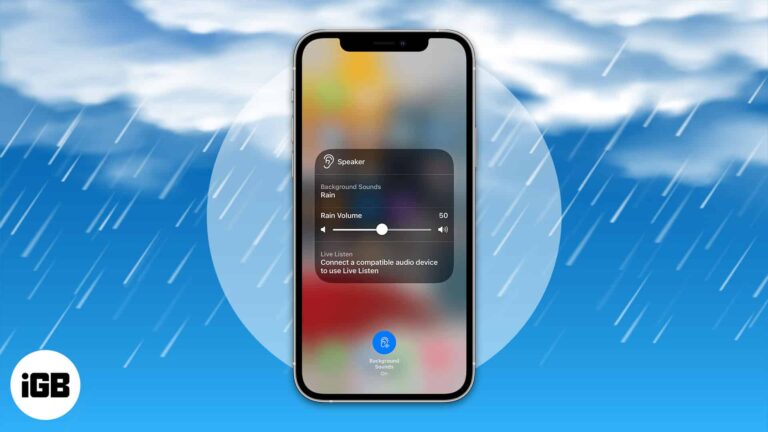
It is easy to get distracted by the noises around you while doing something or even trying to sleep. So what is the best solution? The answer is white noise! Did you know that now, you can enable white noise…
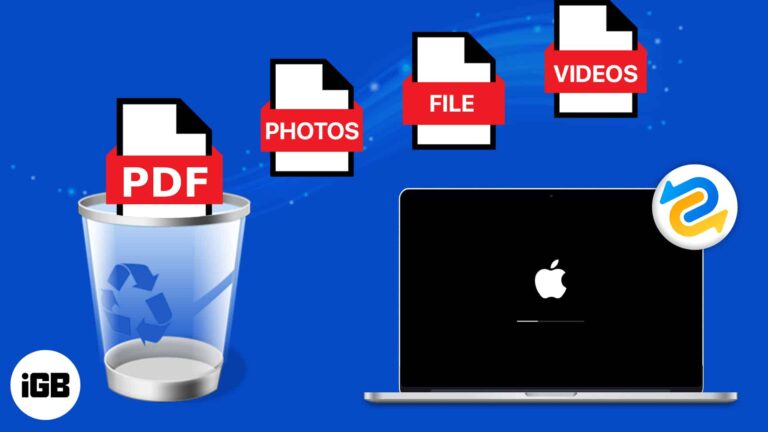
We may all have deleted files without intention. If you have deleted any critical documents by accident, you should look through the trash to see if there is any chance to recover trash on Mac. However, you shouldn’t be concerned…
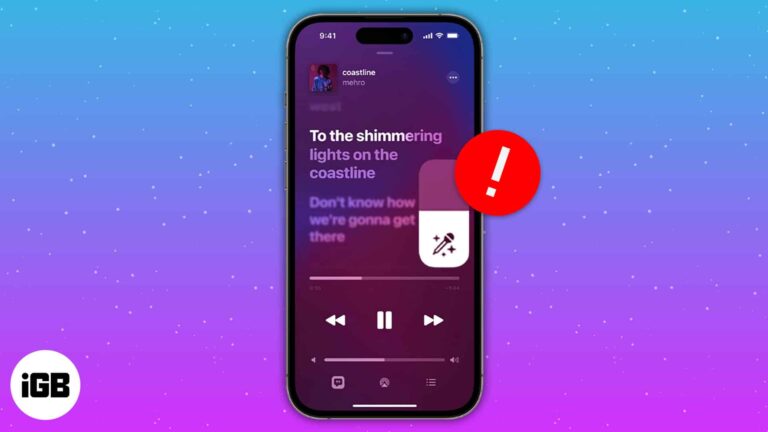
Love listening to music? Then it’s pretty evident that you may have hummed your favorite song at least once. Folks at Apple Music know about your love for music and have introduced Apple Music Sing. Unfortunately, many users have faced…
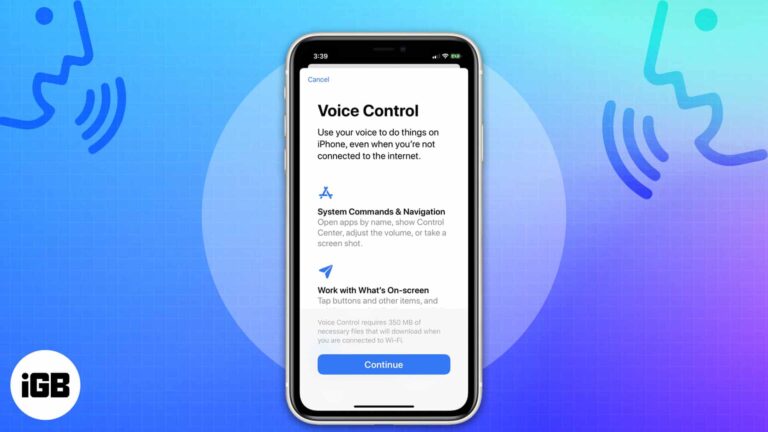
Voice Control lets you navigate, tap, and dictate hands-free, which matters for accessibility and injury alike. Here is who it helps, how to turn it on, and the commands worth memorizing.
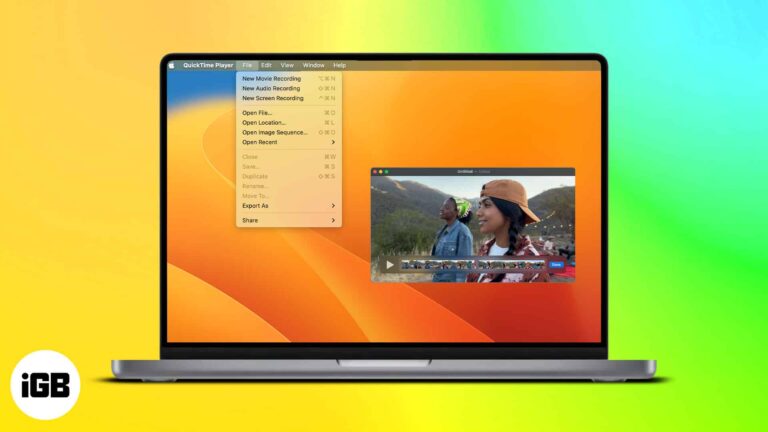
QuickTime Player is a multimedia player introduced back in 1991. Since then, it has been holding up as the go-to media player for many Mac users. Every new macOS update adds new features to the application, which is consistent with…
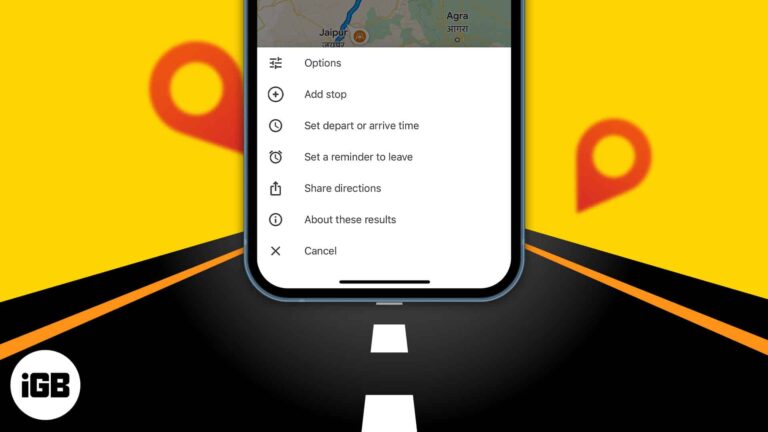
How about planning your long drive beforehand and choosing places to explore.? Now you can set future travel time and make a route plan with multiple stops using Google Maps trip planner. It shows the traffic conditions for the day…
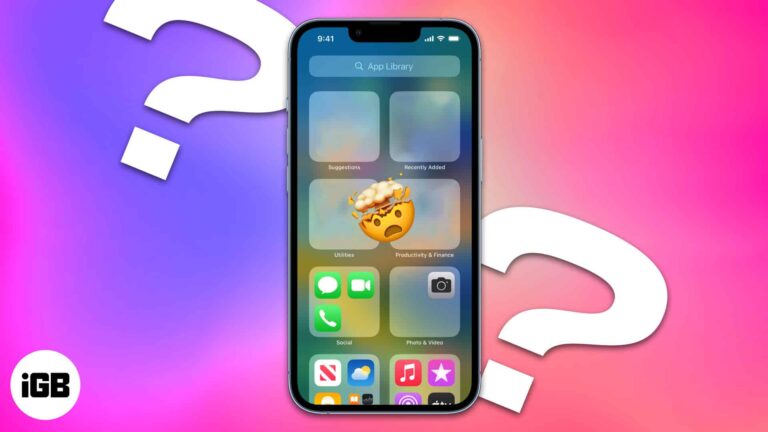
After downloading an app, you might discover that it has disappeared from your iPhone home screen when it is time to open it. It can be frustrating to have apps seemingly disappear on your device, but fear not. In this…
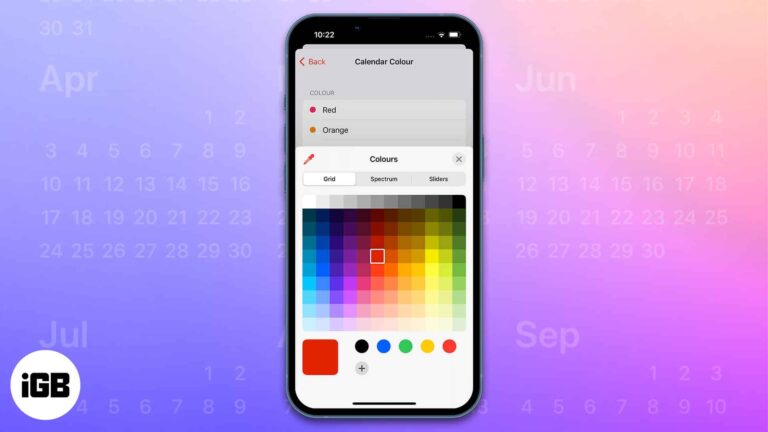
The Calendar app on Apple devices has several beneficial features like sharing the calendar with other users, creating and editing events, sending or replying to invitations, and much more. My favorite feature among them all is the ability to color…
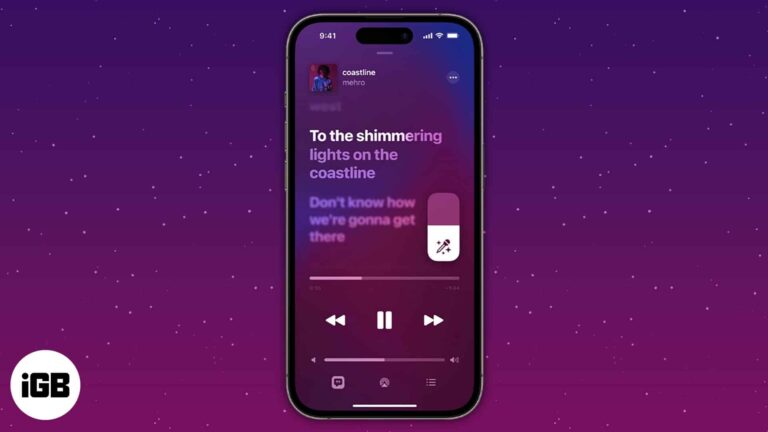
Things to know: Apple Music subscription is a must. It’s available on iOS 16.2 or later. Apple Music Sing is a new function that offers karaoke for many of your favorite tracks. However, because the function is currently available only on…
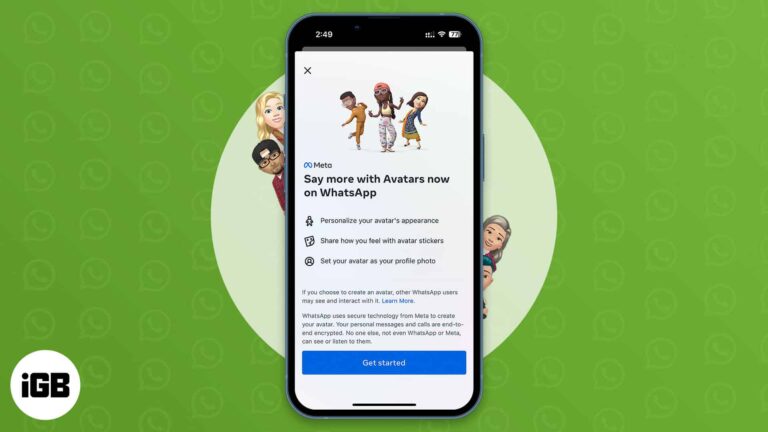
We all have experienced Avatars on Facebook, Instagram, and Messenger for quite a long time. Now, WhatsApp has rolled out the same feature. So, you can create a WhatsApp Avatar on your iPhone by choosing various outfits, hairstyles, and facial…

Apple Watch comes with activity and health sensors whose results get affected by how you put it on. The company has given clear instructions on how the smartwatch band should be put on. As the article progresses, I’ll teach you how…
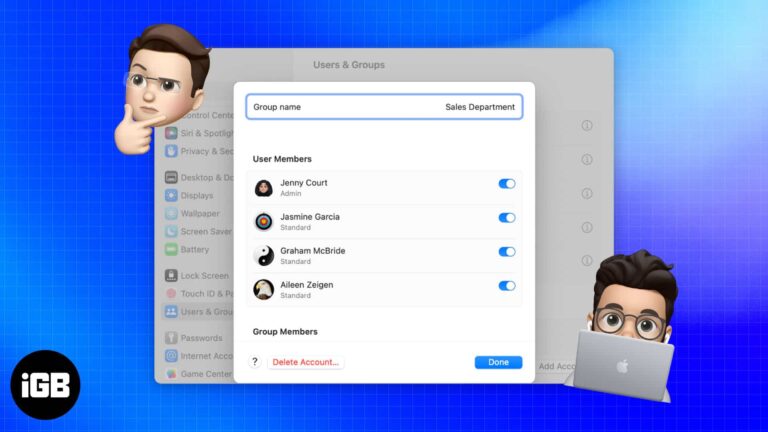
Concerned about privacy on your Mac, which your family also uses? Why not give them some breathing room? You may accomplish this by creating a new user profile on your Mac for them. Stay tuned to learn how to add…

Remote Play streams your console to an iPhone or iPad over your home network. Here is what you need first, how to register your device, and how to get a stable, playable connection.
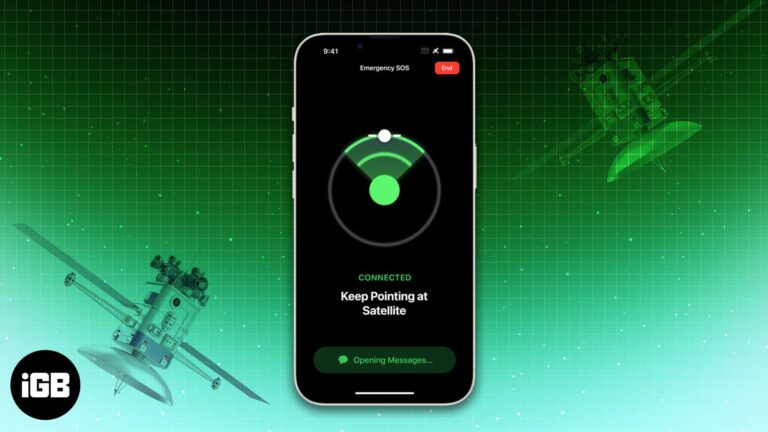
The emergency SOS via satellite feature was unveiled during the launch of the iPhone 14 lineup. And the feature is now available on iOS 16.1 or later. While writing, I also tested the demo of this service. However, Apple suggests…
Google Drive is a godsend for Mac users wishing to sync and manage a document, workbook, or PowerPoint file. You can view your files from anywhere when connected to the internet. But is it possible to access your Google Drive…
When using AirDrop, ensure your name is professional and accurate, making it easy for others to identify your device.
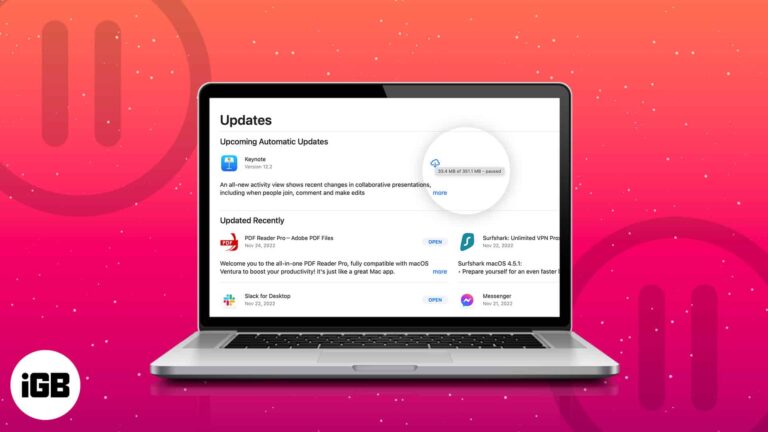
A large download at the wrong moment can saturate your connection. Here is how to pause or cancel App Store downloads and updates on Mac, and how to disable automatic updates entirely.


