
FaceTime Like a Pro
Get our exclusive Ultimate FaceTime Guide 📚 — absolutely FREE when you sign up for our newsletter below.

FaceTime Like a Pro
Get our exclusive Ultimate FaceTime Guide 📚 — absolutely FREE when you sign up for our newsletter below.


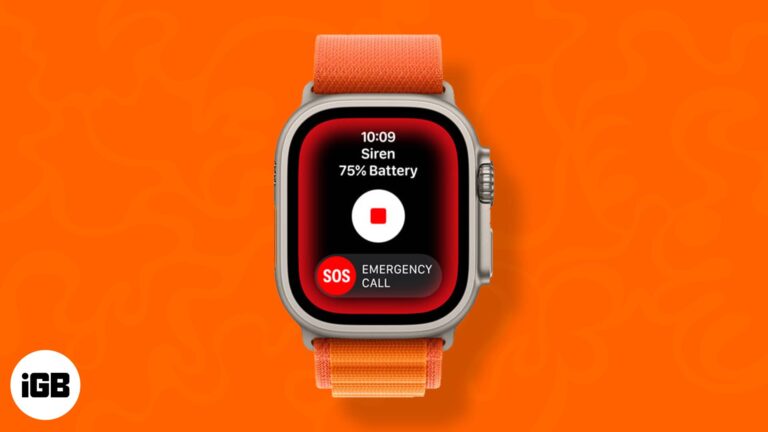
The Apple Watch Ultra is a brand-new flagship watch especially crafted for athletes and adventurers. The Siren is a distinct, high-pitched sound with two alternative rhythms. The first pattern indicates trouble, while the second is the SOS signal. When you…
On various occasions, I am required to convert PDF files to Word on my Mac. These files are necessary for our duties and for storing official data. Today, I am going to share five easy methods to convert PDF to…
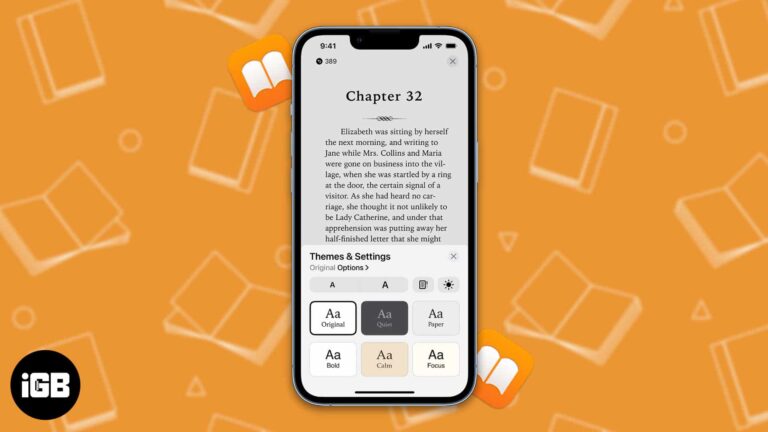
Do you want to treat your eyes to a pleasant experience on the Books app? Then you have come to the right place. In this article, I’ll explain how you can customize themes for the Books app on iPad and…
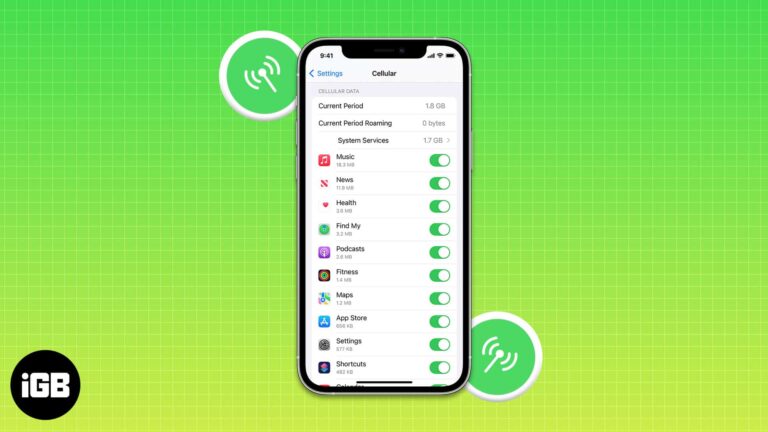
In most parts of the world, cellular data plans are costly, and there is a cap on the data limit. Once you cross your usages, the additional charges are very high. To ensure you do not pay a hefty fee,…
Storage is and always has been one of the biggest problems with iPhones. To solve the storage issue, Apple upgraded the base variant of the iPhone 13 series to 128GB and the upper limit of storage to 1TB (one terabyte)…

While preparing for your next international journey, get your iPhone ready. To be secure, connected, and stress-free, you must know essential iPhone settings for international travel. This will help you avoid receiving unexpectedly high bills upon your return. Here, I…
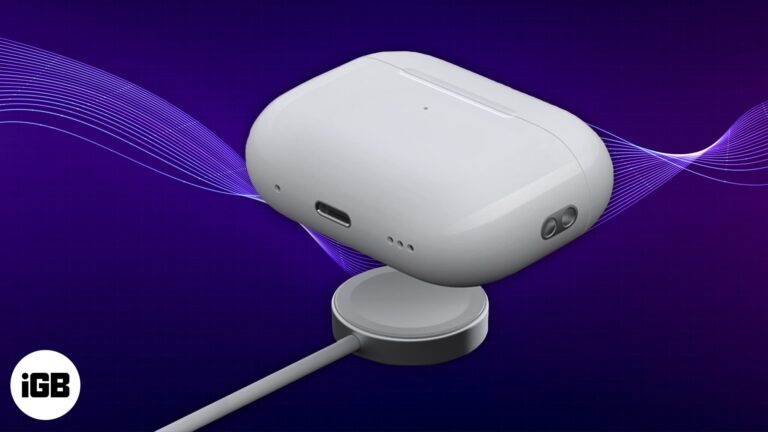
Apple’s recently-launched AirPods Pro 2 offers a lot more features than its predecessors. One of the significant upgrades exclusive to the new buds is its charging case. It now has a speaker that plays an audible chime for specific alerts. …
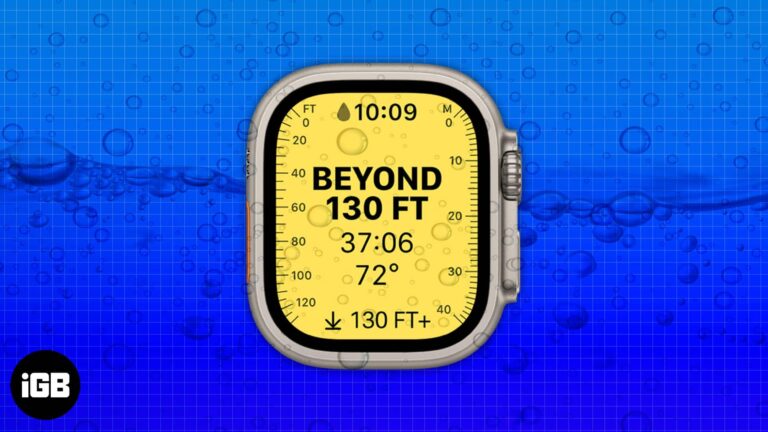
The Apple Watch Ultra’s trailer at the Far Out event was packed with the exciting addition of new features. And with the hands-on experience, we are exploring more applications of the watch. Recently, Apple has posted a support page on…
The Apple Watch is a smartwatch with integrated fitness features. It brings the best of both worlds together and works as a replacement for your iPhone in several situations. You can reply to messages, ask Siri to search for something,…
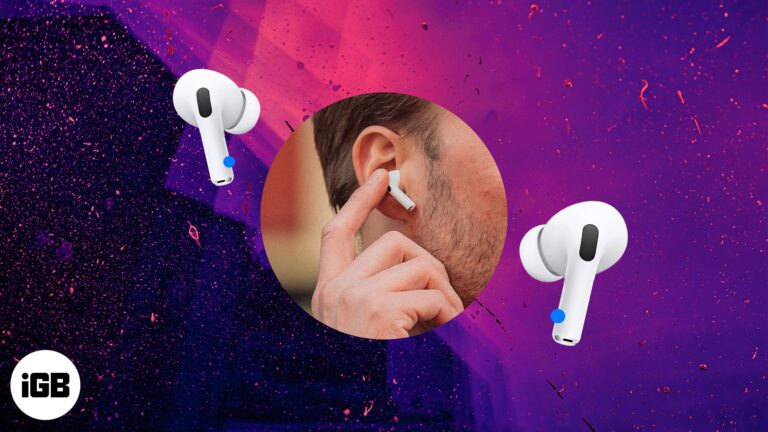
There’s no better alternative to AirPods if you’re invested in the Apple ecosystem, as you can switch between multiple devices seamlessly. When you take AirPods out of the case, they automatically pair with your nearest Apple device. Thankfully, the controls…
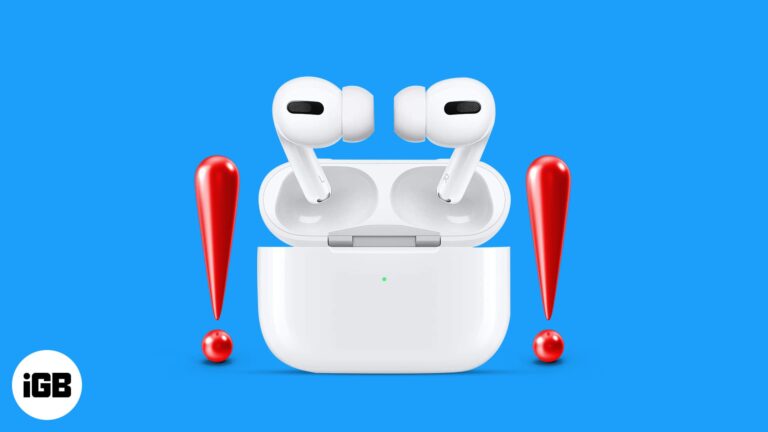
Are your new AirPods Pro 2 randomly getting disconnected? Here's the solution you need.
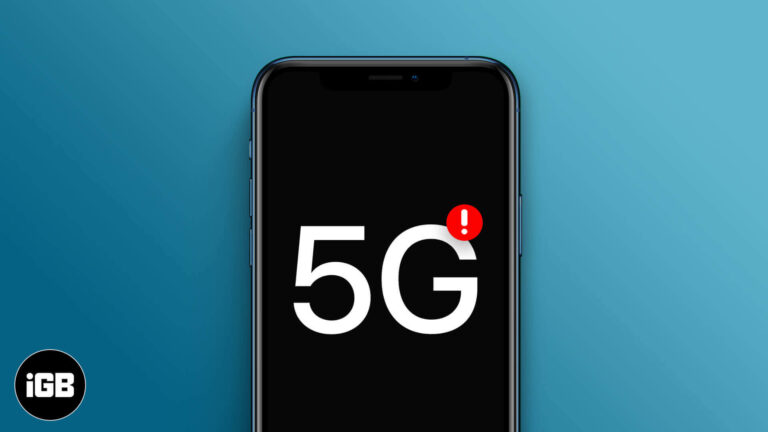
Every iPhone 12 and newer supports 5G, but coverage, carrier settings, and Low Data Mode can quietly force you back to LTE. Here are the usual culprits and the settings that restore a 5G connection.

The Nintendo Switch is a revolutionary device in gaming. It’s been around for a while, and although gamers have been enjoying its benefits, a few may not have much of an idea about its compatibility and versatility. So, I’m going…

Neither console pairs with AirPods directly, so a Bluetooth transmitter in the controller jack is the workaround. Here is what hardware you need and how to get audio working on both.

Things to know before using Detection Mode: Detection mode only works on iPhones and iPads with LiDAR sensors. Your iPhone needs to be running on iOS 16/iPadOS 16 or later to use all the features of Detection Mode. You can…
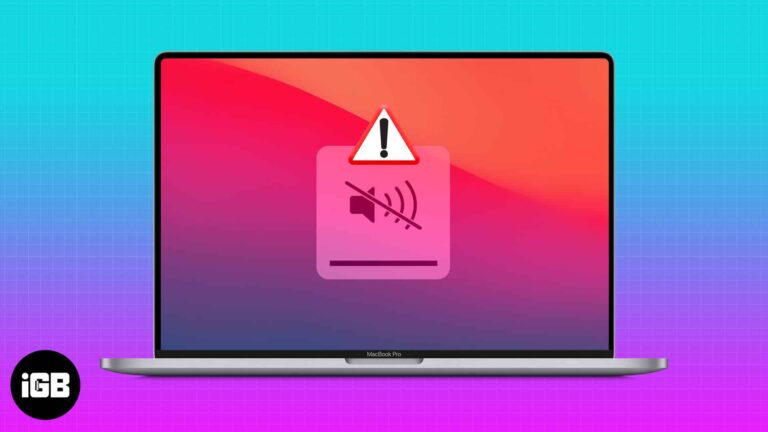
Silent speakers usually mean audio is routing to the wrong output rather than a hardware fault. Here is how to check the output device, rule out external audio, and reset the sound system.

Stock trading has become an integral part of our lives. Whether you’re trading stocks for a side income or are venturing into the industry full-time, constant monitoring of your stocks is a necessity. Thankfully, Apple has included a Stocks app…
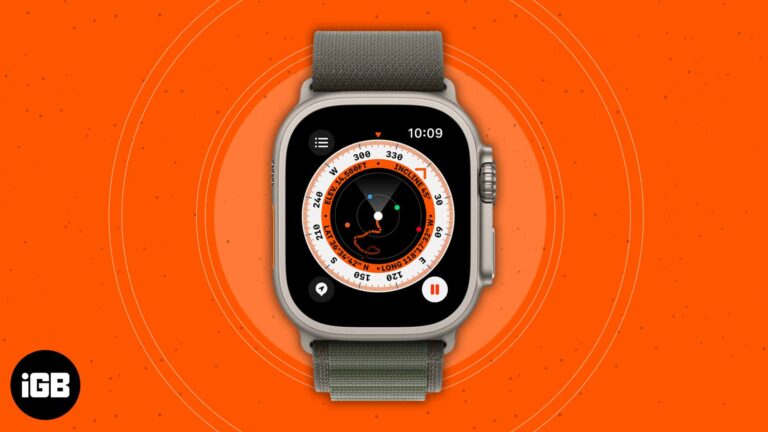
The Apple Watch tops the charts of the best-selling smartwatches worldwide, and for a good reason. In the Far Out event on September 7, 2022, the tech giant unveiled the Apple Watch Ultra, Apple Watch SE, Apple Watch Series 8,…
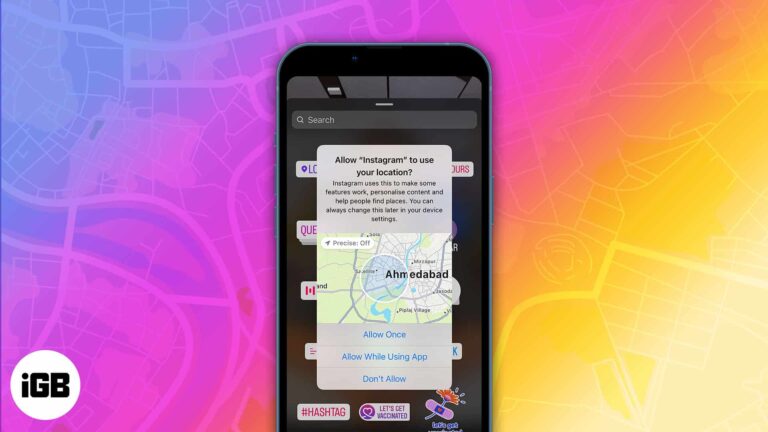
We share high-quality photos, reels, and live videos on Instagram with many people. But many times, you add location tags too. While these are crisp features, the information you share travels beyond your friends’ list or mentions. You can’t tell…
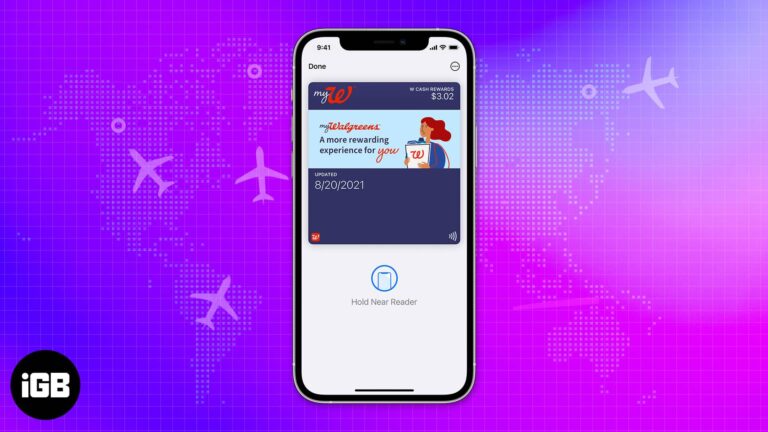
We have been using the Apple Wallet for a while, and it’s been a quality-of-life addition. Apple Wallet is an app for many purposes like payments, saving keys, etc. You can even integrate your IDs and boarding passes/tickets into it.…
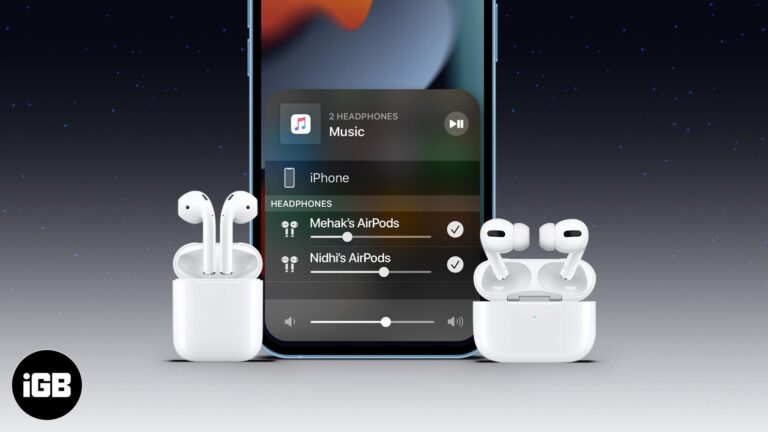
Share Audio lets two people listen to the same film or playlist from one device. Here is which devices support it, how to connect a second pair of AirPods, and how to manage volume for each.
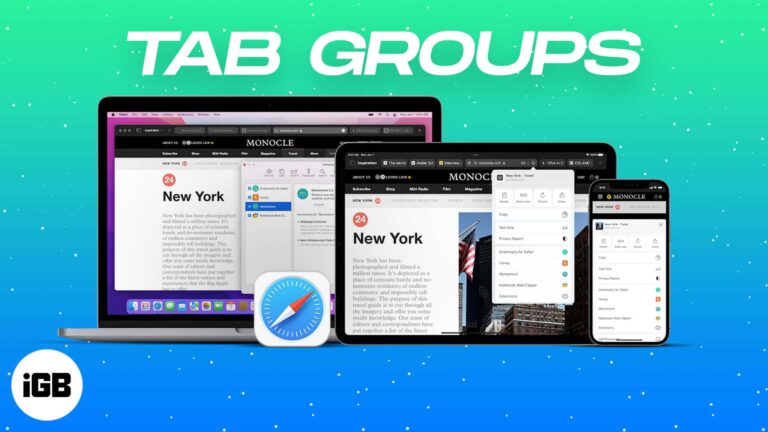
Tab Groups turn an unmanageable wall of tabs into named, syncing collections. Here is how to create, switch, and share them in Safari on iPhone, iPad, and Mac.
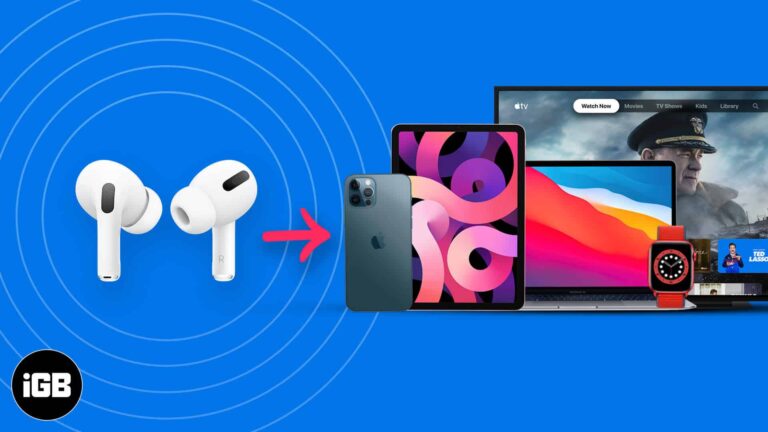
iCloud usually pairs AirPods everywhere at once, but each device has its own quirks. Here is how to connect and disconnect them across the whole Apple lineup and on non-Apple hardware.
Aside from their devices, one of the things I love the most about Apple is their stellar customer support and service. Apple Support has got you covered regardless of the kind of Apple device you have and the help you…
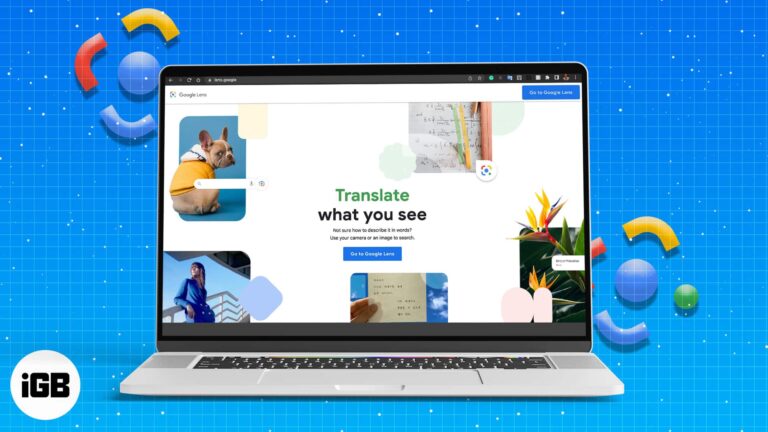
Google Lens is a tool powered by object recognition technology that allows users to do many things with images, including reverse searching anything you see in front of you or on the internet. While Android and iOS users have been…
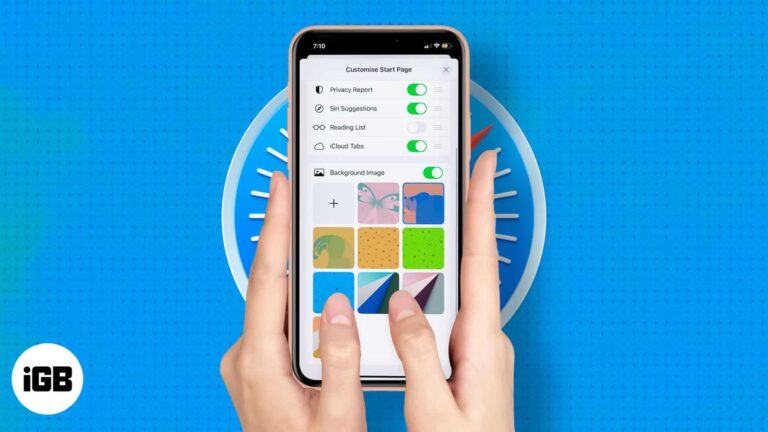
Safari lets you decide what appears when you open a new tab. Here is how to reorder or hide sections like Favorites and Privacy Report, and add a custom background image on iPhone or iPad.
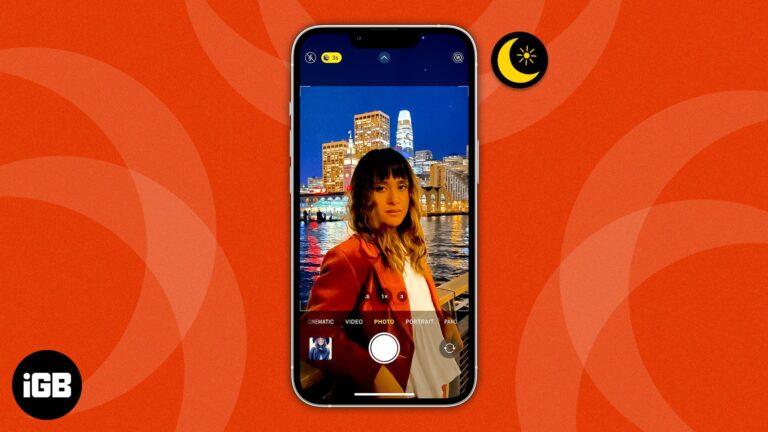
The iPhone camera has been constantly updated with every new iteration of the iPhone. Whether these are major changes in pixel count or subtle changes for a better user experience, the iPhone is lauded as one of the best camera…
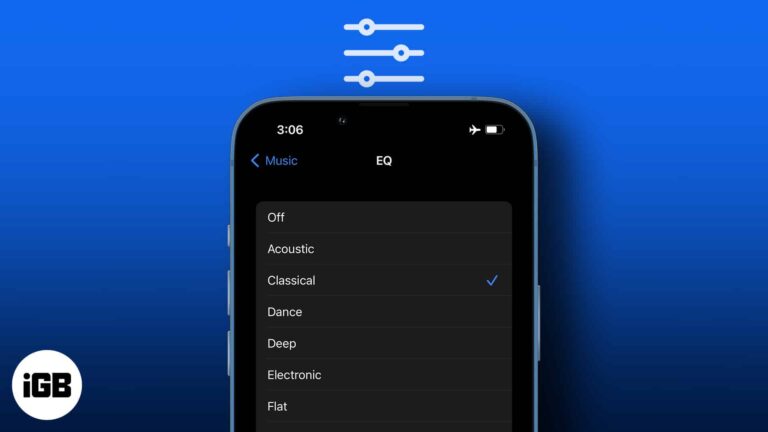
iOS hides its EQ presets in Settings rather than the Music app. Here is where to find them, what each preset does to the sound, and which ones are worth using with headphones or speakers.
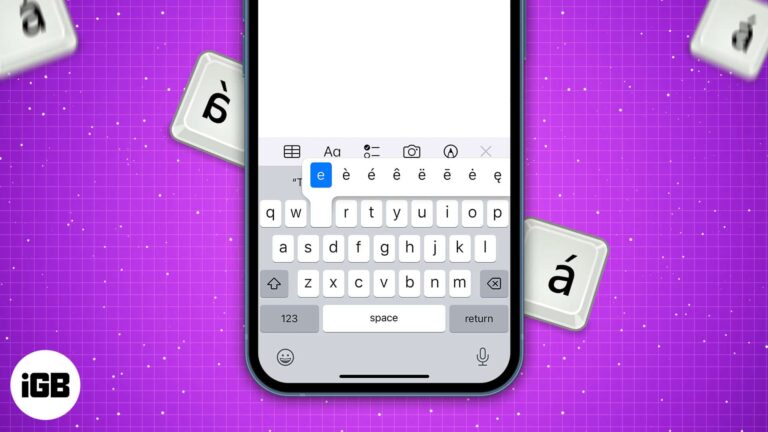
Did you know there are many hidden special characters on your iPhone, iPad, and Mac keyboard? The standard keyboard only provides a few character alternatives at first glance. But you can type special characters such as accented characters (like é…
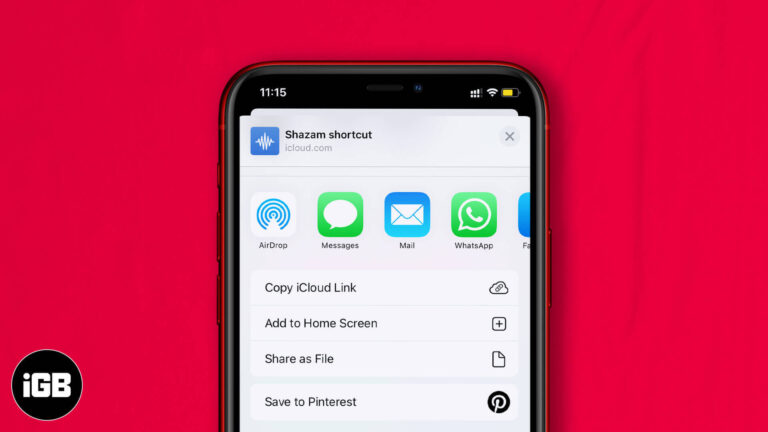
A good shortcut is worth passing on. Here are three ways to share one from iPhone or iPad, how to send a link from your library, and how to revoke a shared shortcut later.


