
FaceTime Like a Pro
Get our exclusive Ultimate FaceTime Guide 📚 — absolutely FREE when you sign up for our newsletter below.

FaceTime Like a Pro
Get our exclusive Ultimate FaceTime Guide 📚 — absolutely FREE when you sign up for our newsletter below.



Learning to code? Have you ever been told you can run a web server on your iPhone? Well, I bring you good tidings, as I’ll show you how to do that in this post. But mind you, this isn’t meant…

iOS 16 brings some revolutionary changes, at least to the Lock Screen. It is now extremely customizable with widgets and even allows you to stack notifications at the bottom of the screen. But there are many welcome changes with iOS…
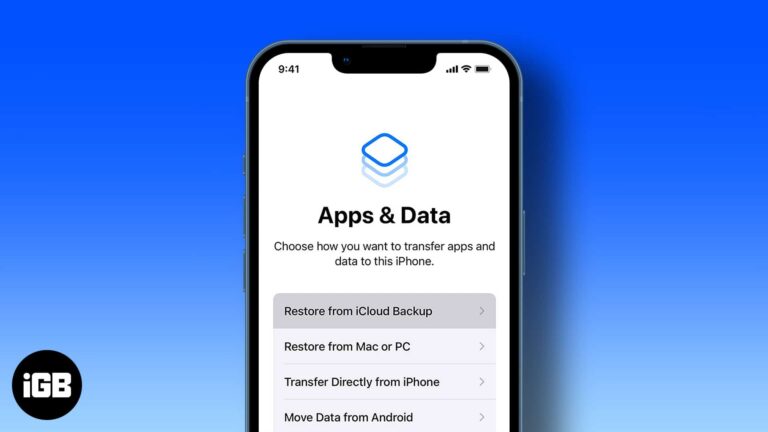
Restoring resolves persistent problems and moves everything to a new device. Here is when it makes sense, plus step-by-step instructions for iCloud, Finder on Mac, and iTunes on Windows.

While the latest macOS Ventura comes with many features such as Stage Manager, Spotlight with new and improved searches and quick actions, and the Mail app with support to undo and schedule emails, it’s still in the Developer Beta phase.…
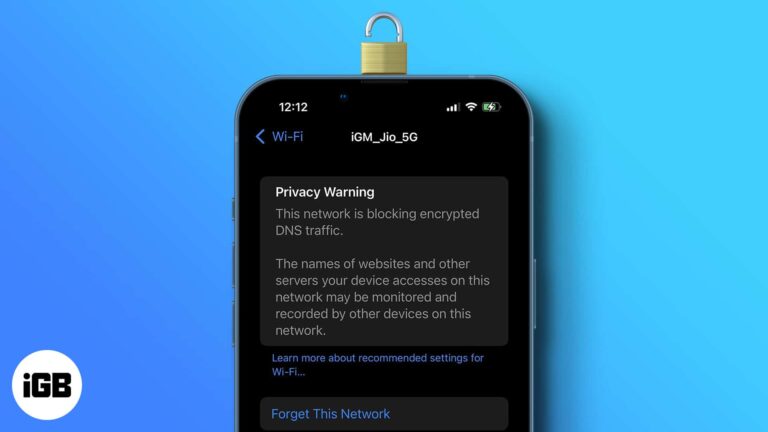
Maybe you’re checking your connection and see the warning “This network is blocking DNS traffic.” You’re further alerted by the note, “The names of websites and other servers your device accesses on this network may be monitored and recorded by other devices…
A dead USB port is often a software issue rather than a broken connector. Here is how to test the drive and port, check System Information, and reset the controllers that manage USB.
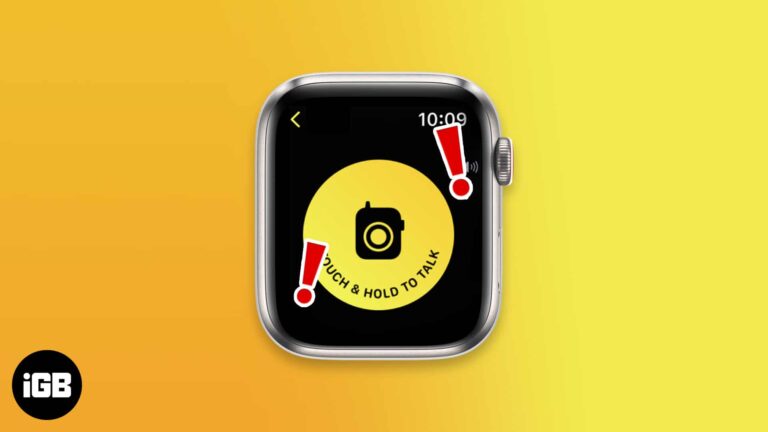
The Walkie-Talkie feature on the Apple Watch helps you communicate with your friends without even placing calls. But if the Walkie-Talkie app on your Apple Watch is not working or repeatedly displaying the message ‘Walkie-Talkie connection failed,’ the fixes below…

iPad is the best device for artists, productivity users, and those who prefer to binge-watch movies and shows. But it all becomes useless if your iPad’s touch screen is not working anymore. There are many reasons for this issue, and…
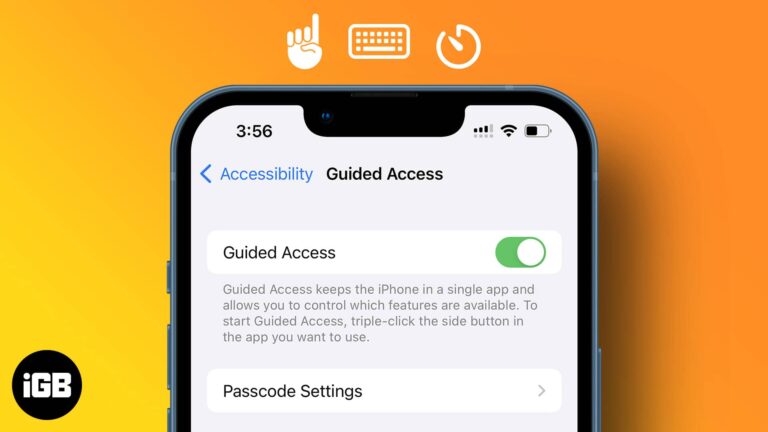
Guided Access is the right tool for handing your phone to a child or a customer. Here is what it does, how to set it up, which controls you can disable, and how to exit a session.
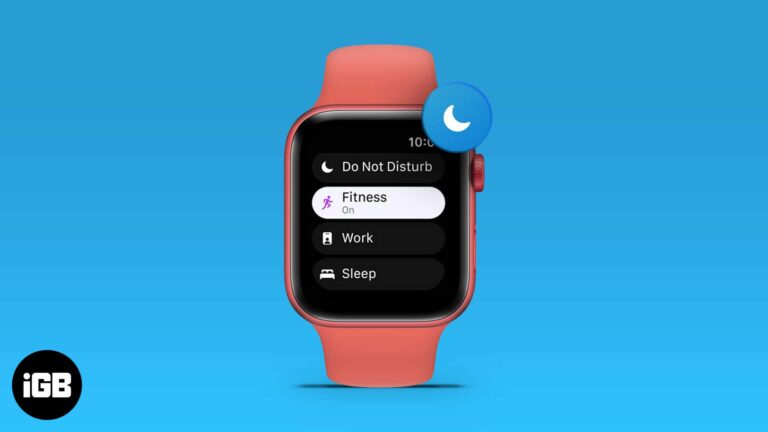
I’m sure you’d agree that the utility the Apple Watch provides is unmatched, but it is a tool of distraction in numerous instances. Apple offered a solution to this with the introduction of Focus; a feature similar to DND with more…
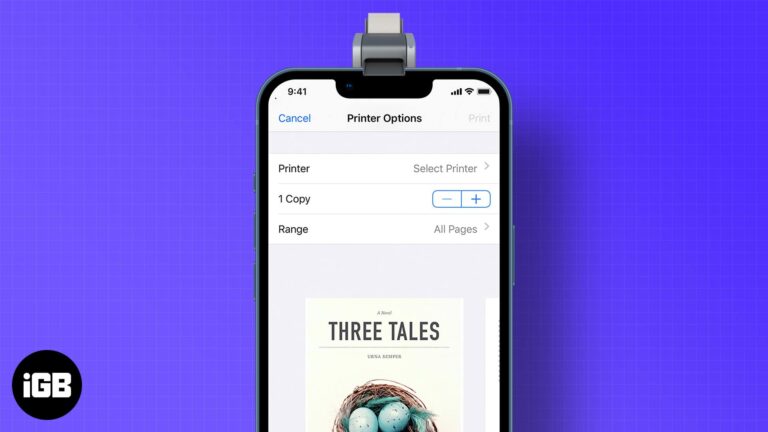
AirPrint makes wireless printing straightforward when your printer supports it. Here is how to print from iOS, how to print without a shared network, and your options for older printers.
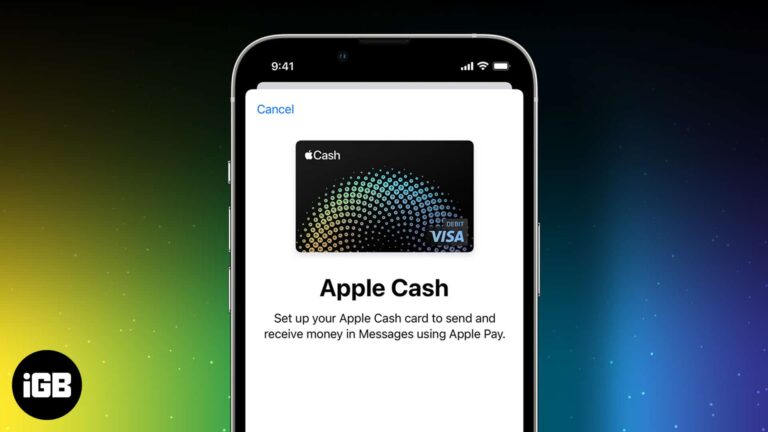
Apple Cash turns iMessage into a payment app for splitting bills and sending money. Here is how it works, what you need to qualify, and how to set it up, load it, and send or request funds.
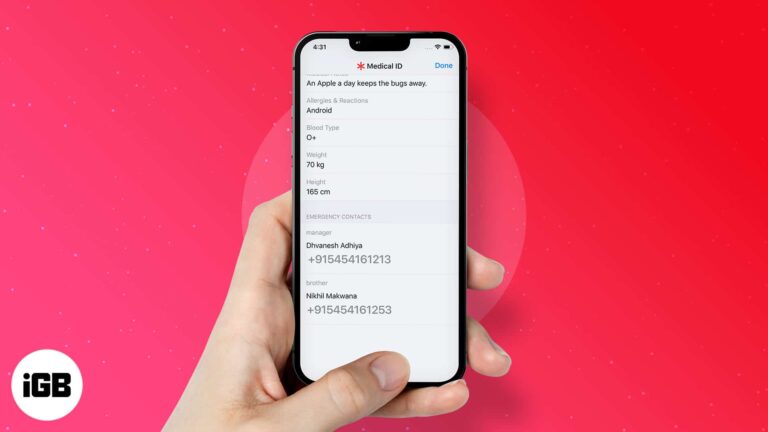
Returning a lost iPhone is harder than it should be. Here is how to reach the owner when the device is unlocked, what to do when a passcode blocks you, and the legal cautions worth knowing.
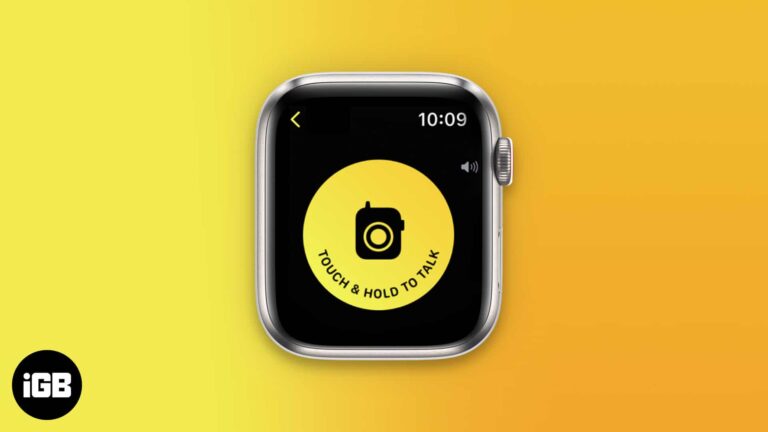
Walkie-Talkie gives you push-to-talk audio between two Apple Watches over Wi-Fi or cellular. Here is which models support it, how to add friends, accept an invite, and start talking.
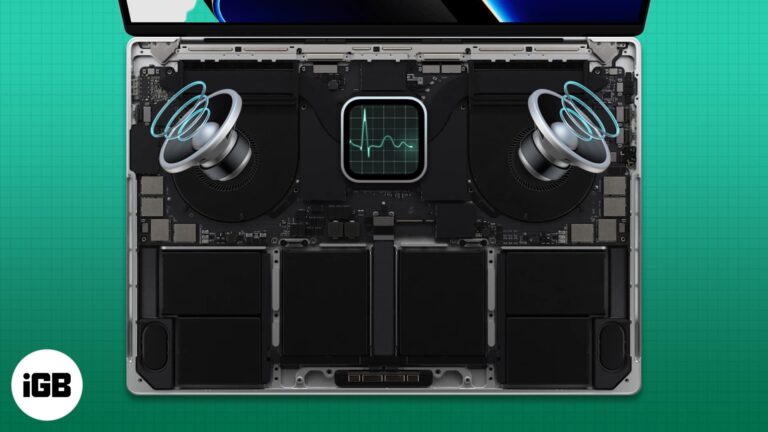
Apple designers are known for choosing function over form. Macs offer decent cooling performance despite being thin and sleek. However, sometimes the MacBook fan starts making a loud noise. A noisy fan running for a long duration is a telltale…

A botched migration means redoing hours of setup. Here is what to prepare first, how to run Migration Assistant properly, and when using iCloud instead makes more sense.

macOS handles ZIP files but ignores RAR entirely. Here is why, plus how to extract RAR archives online without installing anything and how to set up The Unarchiver for regular use.
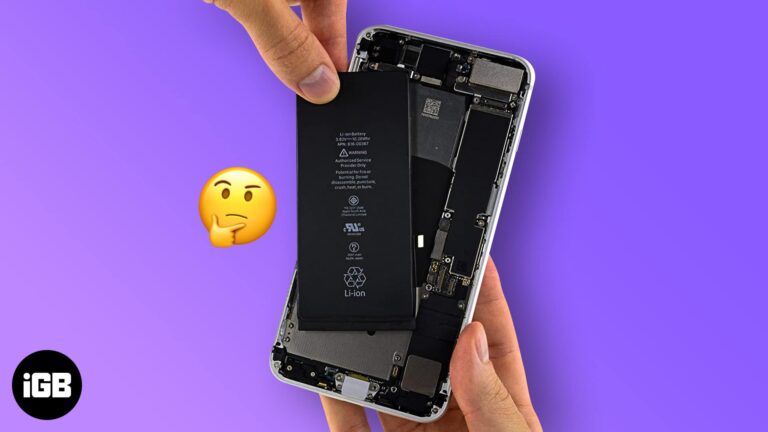
Random shutdowns and rapid drain usually mean a worn battery rather than a failing phone. Here is how to read Battery Health, interpret the usage data, and decide when replacement is worth it.
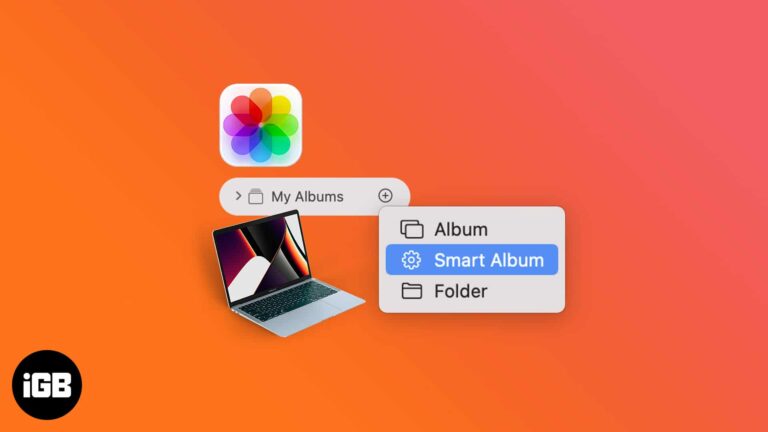
Looking for specific photos can be difficult when your Photos app is cluttered and disorganized. If you’re not a fan of organizing and sorting photos manually and find it time-consuming, I have some good news. You can create Smart Albums that…

Mission Control gives you an overview of every open window and desktop. This guide covers the gestures and shortcuts that open it, managing Spaces, customizing behavior, and fixing common problems.

As changing mouse pointers is a niche area of interest, Apple is notorious for making it incredibly difficult to change your mouse pointer. That being said, we are not saying it can’t be done. If you wish to change the…

If you share your Netflix account with someone else, it’s always good to know how to change the Netflix password because you never know when it might come in handy. Additionally, it often becomes difficult to remember the password. So…
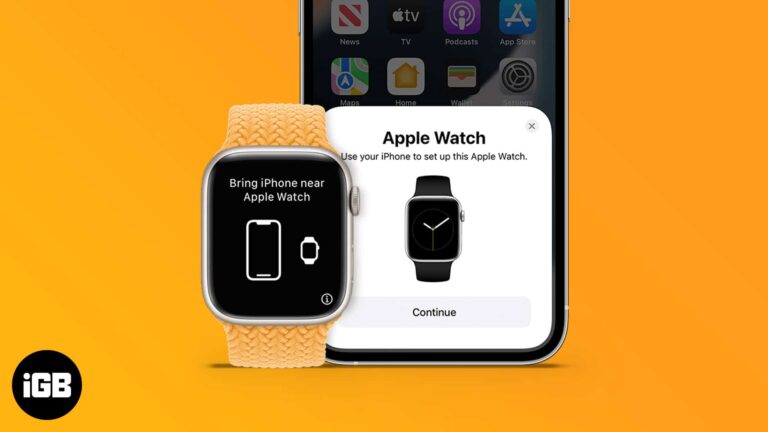
Setup is usually quick, but a new iPhone or a second watch complicates it. Here is how to pair automatically or manually, restore from a watch backup, and what to do when pairing fails.
It’s a headache to figure out why your Mac suddenly slows down or shows issues while opening apps. But, the good guys at Apple have seen through these issues and added safe mode, a safer and liter version of macOS…

Thanks to the Apple ecosystem, all your devices interact with each other seamlessly. This unique interdependence is highlighted in how Macs and iPhones work together perfectly. But what if you don’t want them to work together? Don’t worry! You can always disconnect…
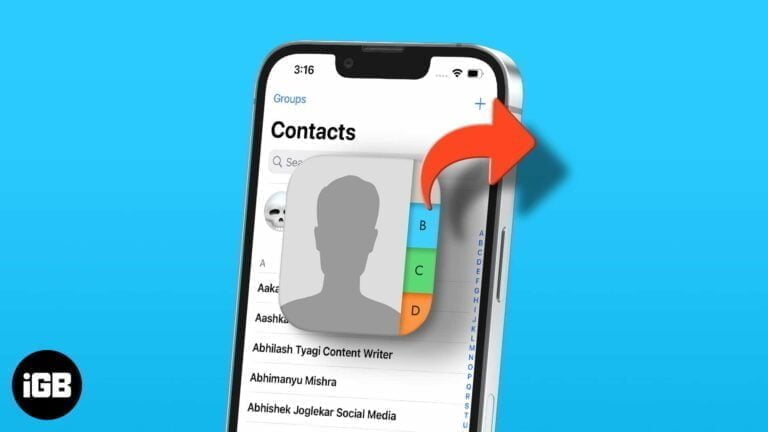
Whether you are handing over one number or migrating an entire address book, there is a method to suit. Here are four ways to share contacts from an iPhone, from a single card to full sync.

Apple’s iPad is a revolutionary device that lets you do more than ever before. The invention of the iPad has changed the way we think about tablets and their functionality. And if you possess one, you know how enjoyable it…

Whether an artist, a corporate employee, or a student, Apple Pencil, and iPad are a perfect combo to work efficiently. However, like most gadgets, Apple Pencils don’t last a lifetime. Their tips wear out or stop responding over time. Luckily,…
If a device is gone for good, wiping it protects your data. The simplest route is iCloud.com, but managed devices offer other options. Here is how each method works and what erasing removes.

Silent calls, alerts, or video usually mean audio is routing elsewhere or the speaker is blocked. These 12 fixes work through output settings, the silent switch, cleaning, and software resets.


