
FaceTime Like a Pro
Get our exclusive Ultimate FaceTime Guide 📚 — absolutely FREE when you sign up for our newsletter below.

FaceTime Like a Pro
Get our exclusive Ultimate FaceTime Guide 📚 — absolutely FREE when you sign up for our newsletter below.


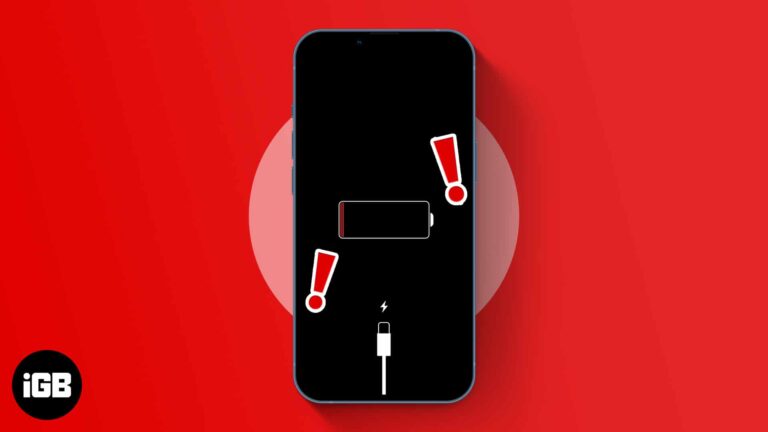
Charging failures are usually lint in the port or a damaged cable, not a dead battery. These nine fixes start with the cheap checks and escalate only if the simple ones do not work.
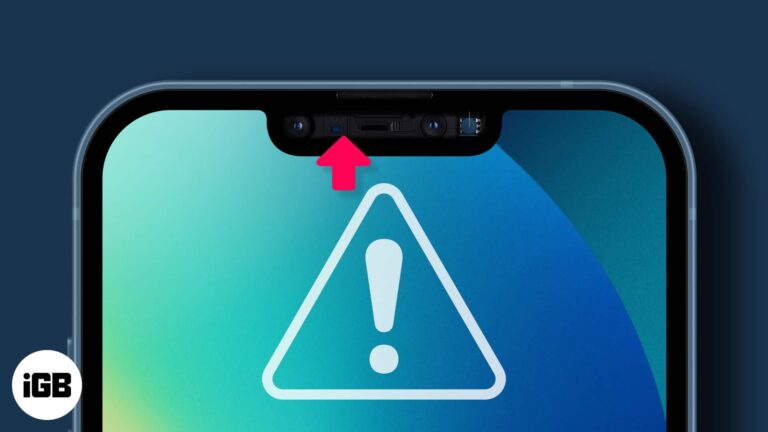
When the proximity sensor fails, your cheek starts pressing buttons mid-call. Here is what the sensor does, why it stops working, and the fixes that restore it on iPhone.
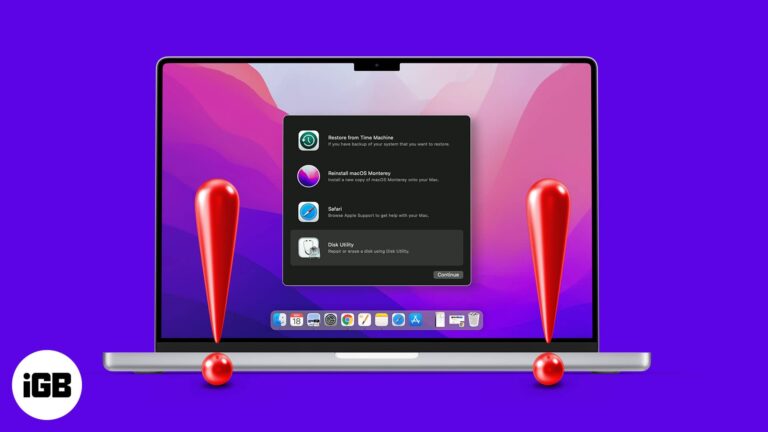
If Recovery Mode will not load, you cannot reinstall macOS or run Disk Utility. Here is why Command R fails, what to do about a deleted recovery partition, and the alternatives per macOS version.

Topics inject tweets you never asked for into your timeline. Here is how to follow the ones you want, unfollow the rest, and switch off the recommendation notifications that come with them.

Discord is a platform where a person usually joins servers to connect with other people over mutually shared interests. While the overall experience is great on the iPhone app, one particular issue irks many; Discord notifications stop working on iPhone…

Fear makes most people gullible. And the scary sight of a ‘pornographic virus alert’ can make users desperate to save their device, data, and confidential information. But don’t act out just yet, the seemingly real message is a scam, and…
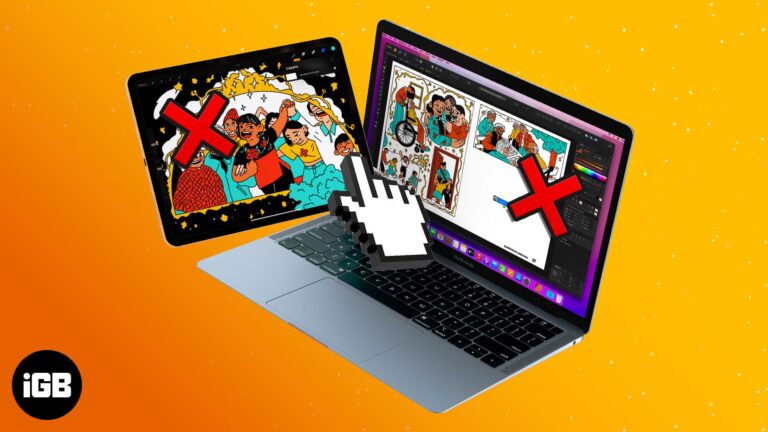
Universal Control has held my fancy since its initial introduction during WWDC2021. And I must say, it is a magical feeling to swiftly move between an iPad and Mac or Mac and iMac. But if you’re not able to experience…

Which email ID sounds more professional, arshmeet.igeeksblog@gmail.com or arshmeet@igeeksblog.com? The latter, right? And thanks to the iCloud+, you can now create your custom domain with iCloud Mail on iPhone, iPad, and Mac. Read on to understand what it is and…
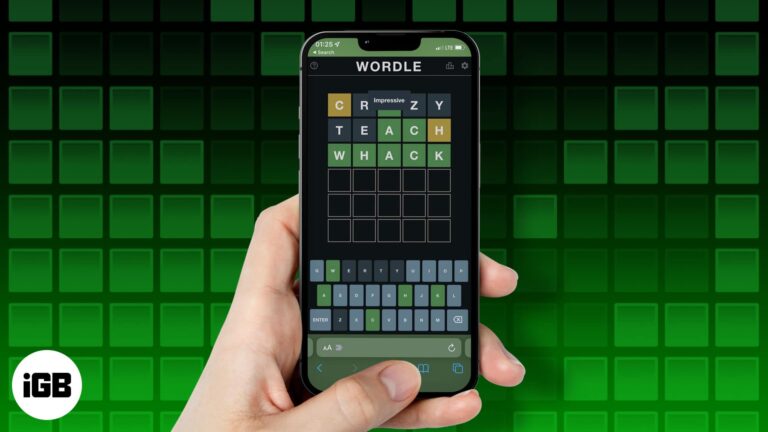
Every now and then, we have this extremely viral casual game that everyone is hooked to. This time around, it is Wordle. The free-to-play letter guessing game has skyrocketed in popularity. My Twitter timeline is filled with people sharing their…
Contacts spread across iCloud, Google, and Exchange accounts create duplicates fast. Here is how to merge them on iPhone, move entries between accounts, and clean the list up on a computer.
Retyping a password every time you open a document gets tiresome. Here are three ways to strip the protection from a PDF on Mac once you have legitimate access to it.
Apple hit a home run with the AirPods lineup. The true wireless buds offer exceptional sound quality in a compact form factor. However, Apple recently added a new feature to Find My that warns if you leave your AirPods behind.…
If callers cannot hear you or audio is silent, the phone may be stuck in headphone mode or routing to another device. Here is how to diagnose it and the fixes in order of effort.
Missed calendar alerts usually trace to notification permissions or a missing default alert time rather than a broken app. These 12 fixes work through every setting that silences them.
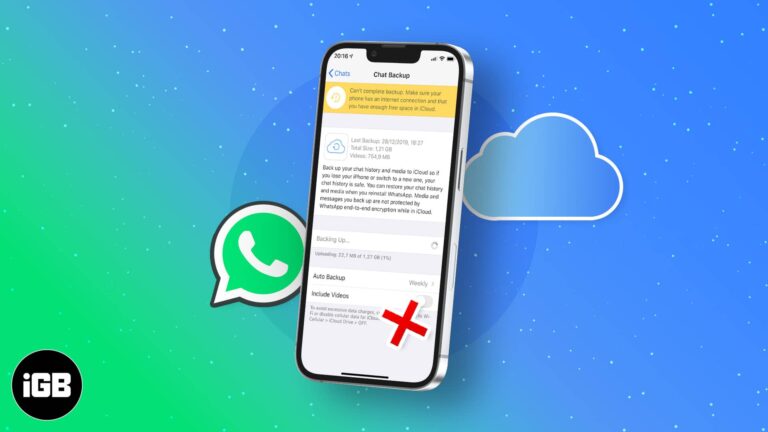
While Android stores your WhatsApp data locally, the iPhone stores it remotely on iCloud. Thus, WhatsApp failing to back up to iCloud might mean losing your data when you change your device or uninstall and reinstall WhatsApp. It also means…
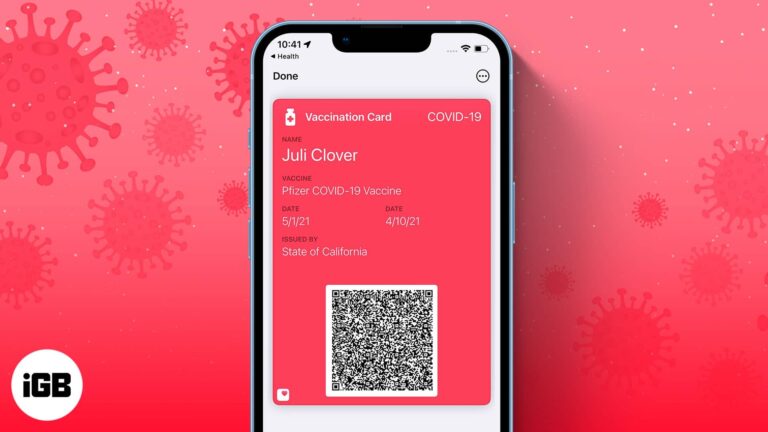
iOS 15 added a multitude of features to your iPhone. This includes the ability to add verifiable COVID-19 vaccination records to your Apple Wallet. With the increasing mandates for COVID-19 vaccines issued by employers and venues, this feature comes in…
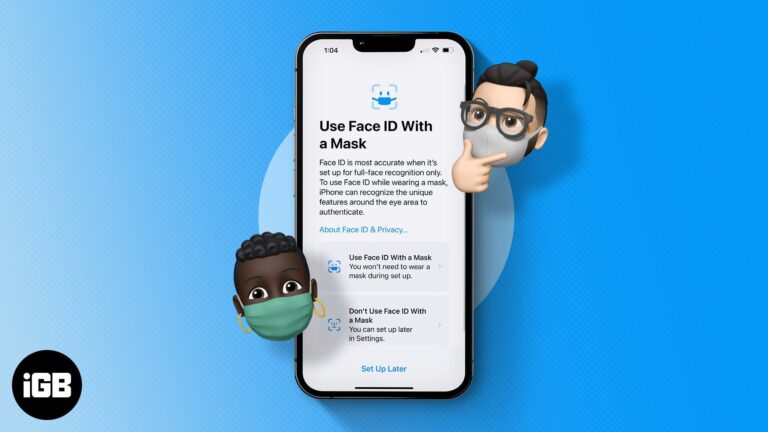
Face ID and face masks were a miserable combination until Apple added mask support. Here is how to set it up in iOS 15.4 or later, and how the Apple Watch unlock method works.

Screen recording fails because of Screen Time restrictions, low storage, or apps that block capture. These nine fixes work through each cause so you can record again.
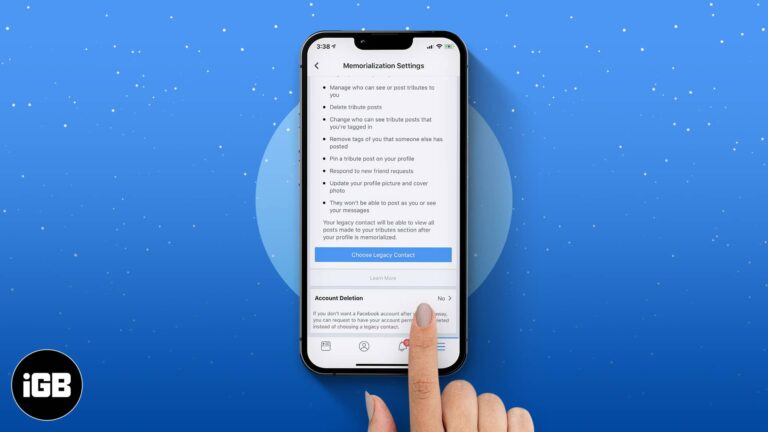
Our lifestyles have changed a lot since the advent of smartphones. Services like Facebook, Instagram, and WhatsApp have become indispensable. The majority of us use these platforms to stay connected. But have you ever wondered what happens to the Facebook…
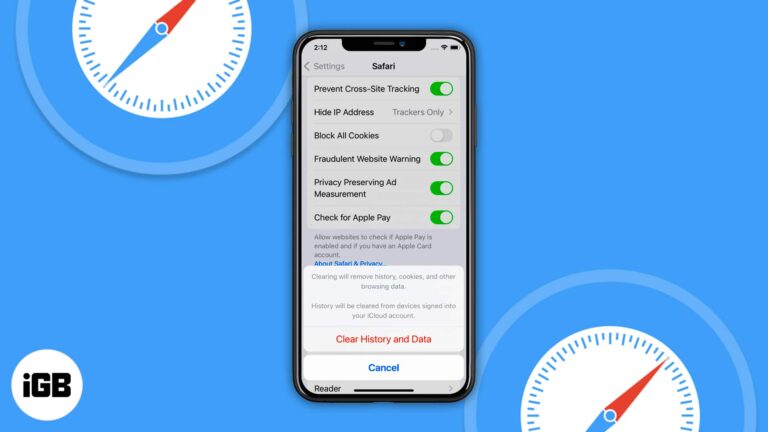
When Clear History and Website Data is dimmed, a Screen Time web content restriction is nearly always the cause. These four fixes cover restrictions, a restart, workarounds, and a settings reset.

An upside-down camera preview is a software glitch, not a hardware fault. These solutions cover force quitting the app, orientation lock, restarts, and iOS updates to get the view the right way up.
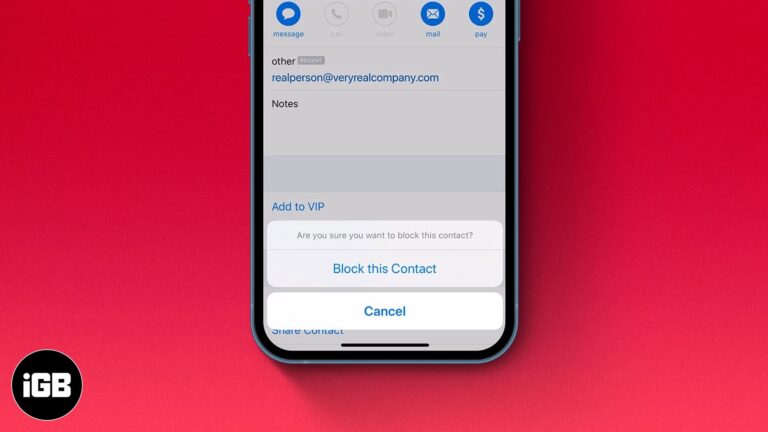
While you don’t see spam emails in your primary mail directory or receive notifications for them, some emails evade spam detection and land in your primary folder. If you are as tired of receiving such emails as I am, there’s…
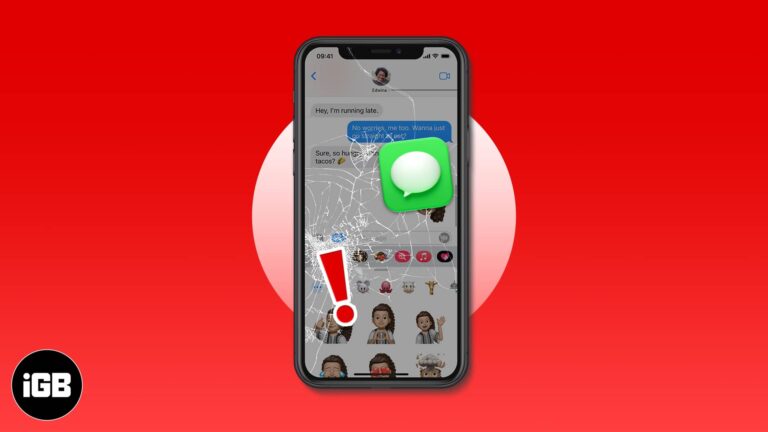
A Messages app that freezes is often choking on years of stored threads and attachments. These fixes cover force quitting, auto-deleting old messages, trimming iMessage apps, and iOS updates.
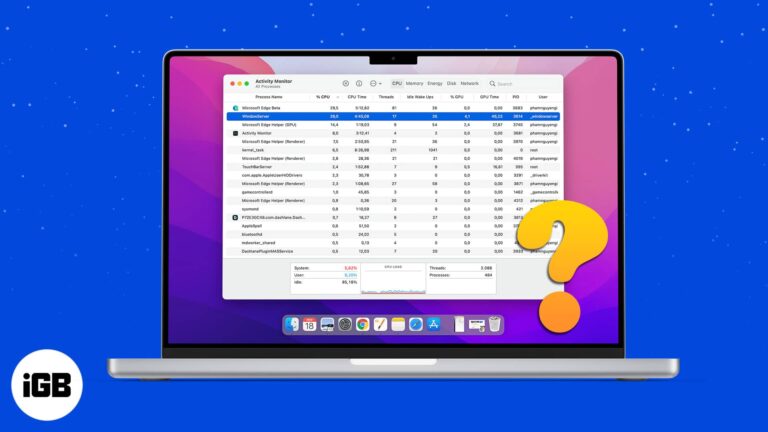
Most times, we hardly pay any attention to background processes running on the Mac. However, if you check the Activity monitor on a rare day to fix the slow-down issues, you might be surprised to see the WindowServer process perched…
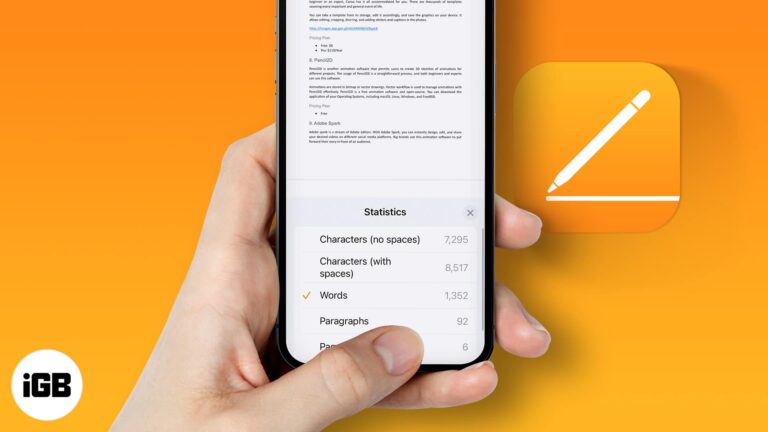
Pages hides the word count by default on every platform. Here is how to turn it on for iPhone, iPad, and Mac so you can track length as you write.
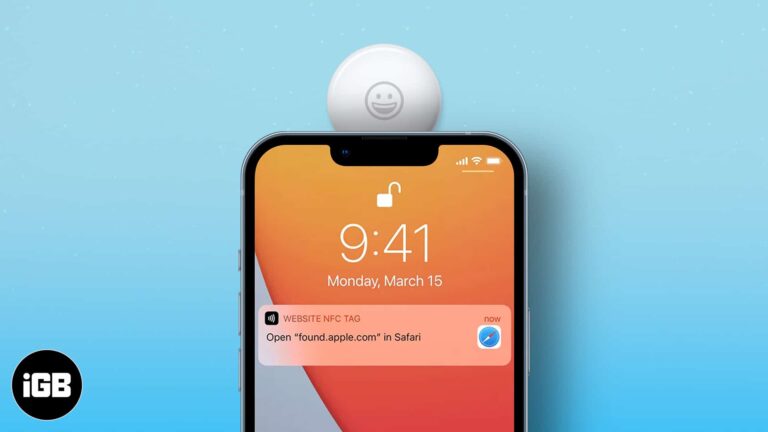
AirTags are proving to be a gift that keeps giving. Alongside keeping track of precious belongings, it can also double as an NFC trigger and assist you in day-to-day tasks, like calling someone, shopping lists, etc. I will show you…
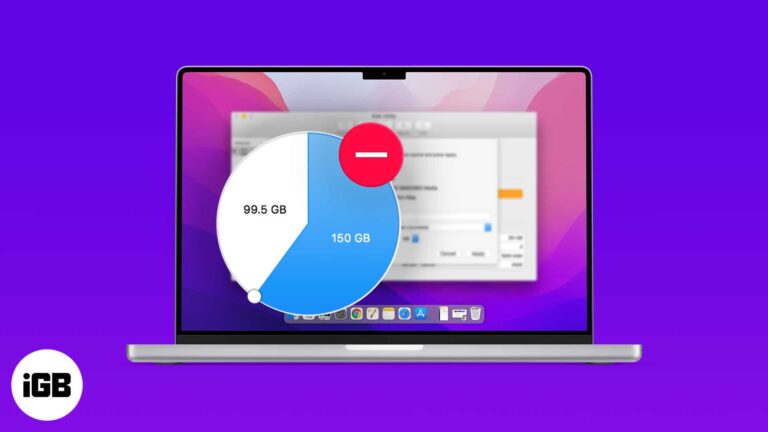
Old partitions strand storage you could be using. Here is how to delete one with Disk Utility, the Terminal route when the graphical tool refuses, and how to remove a Boot Camp volume safely.
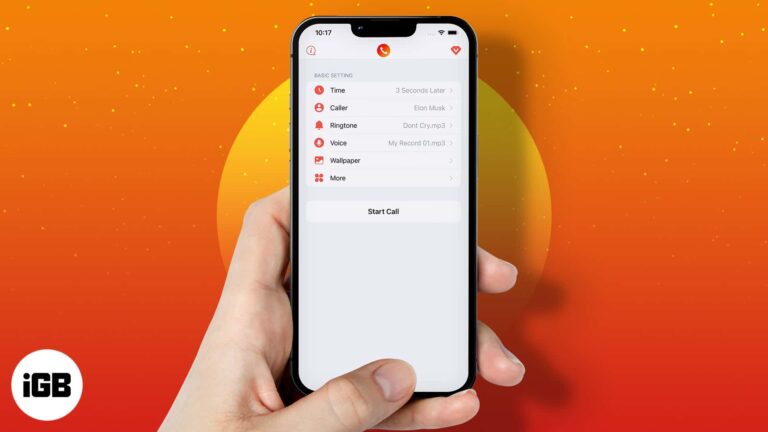
A well-timed fake call is a graceful exit from a bad date or a dull meeting. These iPhone apps let you schedule realistic incoming calls with custom caller names, photos, and ringtones.
Small Finder text is a strain on any large display. Here is the quickest way to increase the font size for file and folder names on Mac, and how to set it per view.
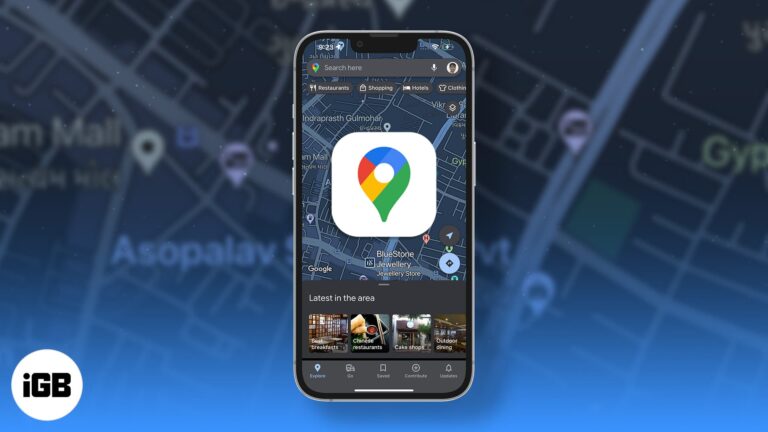
Dark mode has become increasingly popular over the last few years primarily because it offers increased readability and lower eye strain. Google Maps is one such app where dark mode is in full effect, and many people want to try…


