
FaceTime Like a Pro
Get our exclusive Ultimate FaceTime Guide 📚 — absolutely FREE when you sign up for our newsletter below.

FaceTime Like a Pro
Get our exclusive Ultimate FaceTime Guide 📚 — absolutely FREE when you sign up for our newsletter below.


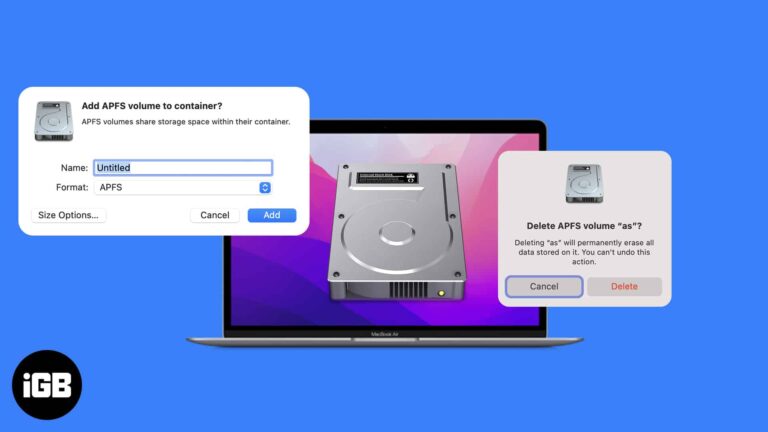
Things you need to know: If you are a person who prefers creating partitions in your storage for various needs, then check out APFS volume on a MacBook. And If you don’t know how to add, delete or erase APFS…
Missing calls when your phone is locked is a genuine problem. These 12 fixes cover the silent switch, volume, Focus modes, custom ringtones, and per-contact settings that silence callers.
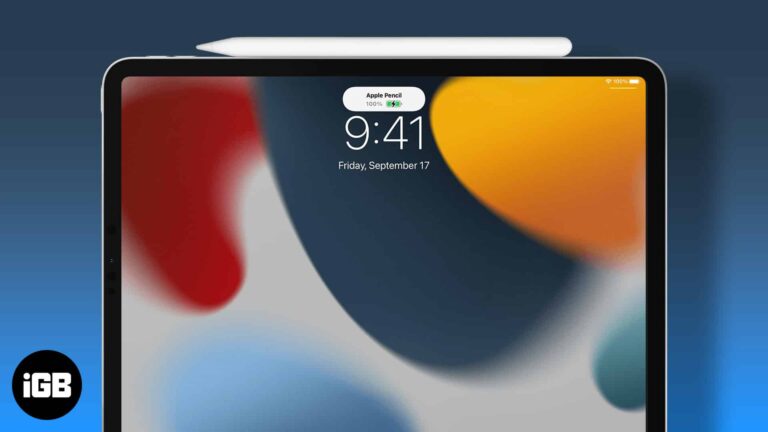
Apple Pencil gives no battery indicator of its own. Here is how to see the charge level via the Batteries widget or Settings, and how to check a second-generation Pencil while it charges.
A clean Home Screen shows off your wallpaper and cuts distraction. Here is how to hide every app page using App Library and Home Screen editing, and how to restore your apps afterwards.
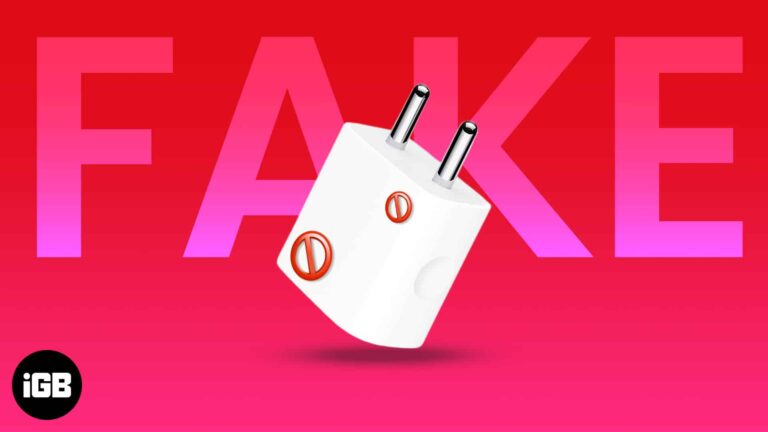
Counterfeit chargers can damage your device or start a fire. Here is what genuine Apple markings look like, the physical details fakes get wrong, and the problems a counterfeit causes.
An aging Apple Watch bogs down under accumulated apps and background activity. These 15 tips cover the settings and habits that restore responsiveness without buying a new watch.
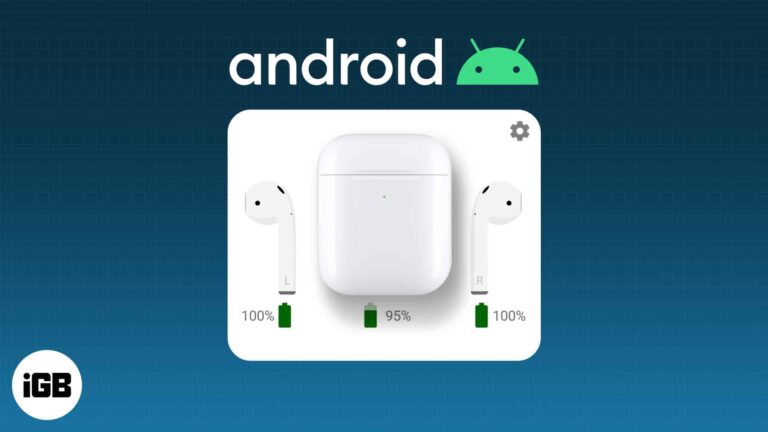
AirPods pair with Android like any Bluetooth earbuds, though automatic switching and some controls do not carry over. Here is how to pair them and what you give up in practice.
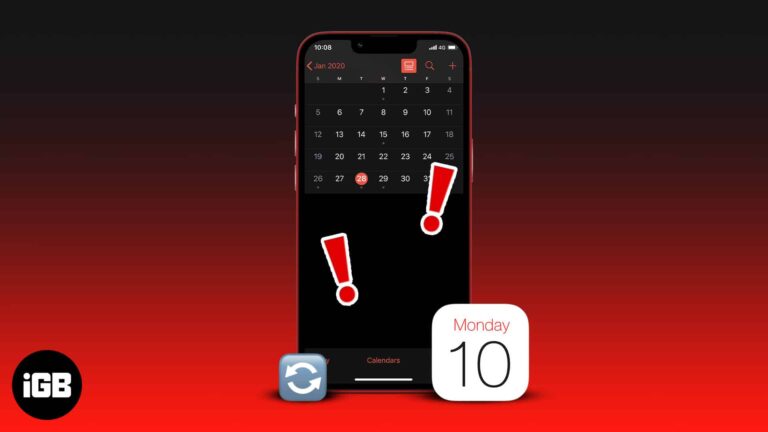
Syncing your iOS calendar with Outlook lets you quickly view and respond to schedules. However, if the iPhone calendar is not syncing with Outlook, you’ll miss your calendar schedules and meetings. Now, that can cost you a lot, depending on…
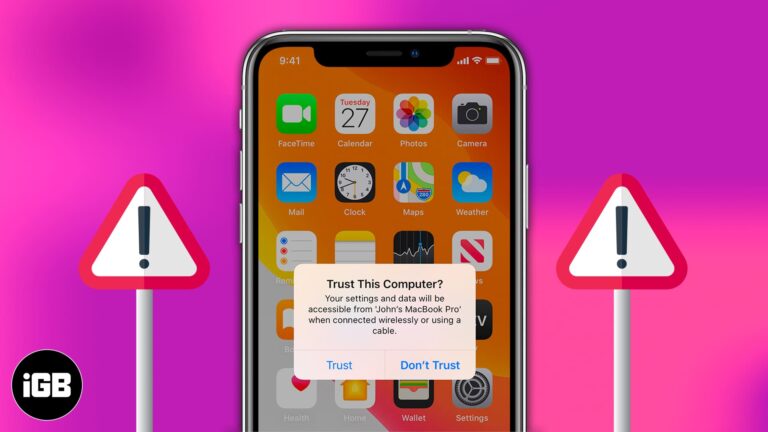
The trust prompt is a security feature, but a repeating one signals a problem. Here is why it keeps appearing on iPhone and iPad and how to stop it or reset your trusted computers.
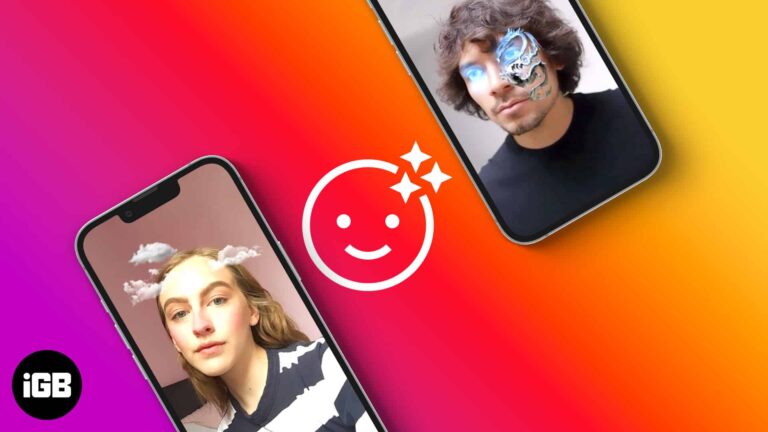
Augmented Reality (AR) filters have a spectacular visual effect that makes almost anyone want to view them. Many create and use them to spike brand awareness. Unfortunately, most people don’t know how to make Instagram AR filters since there’s no…
Time Machine, Apple’s built-in backup feature, is an extremely handy tool that lets you backup files and folders regularly. These backups typically take time to finish. However, Time Machine gets stuck on preparing backup when you back up for the…
When the Phone app fails, you cannot call or see who called. Here is what causes it, from software glitches to a crowded call log, and the fixes in order of how quickly they work.
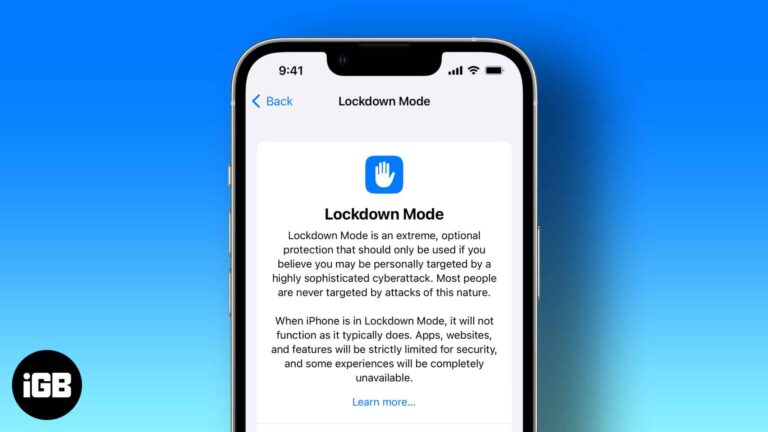
Apple has strict security protocols, and that is one of the several reasons we use its products. The company constantly keeps implementing new features to strengthen its security and privacy. Apple has introduced Lockdown mode with the Third Developer Beta…

The Apple Watch has many features and functions as a substitute for your iPhone. You can make calls, respond to messages, listen to music or podcasts, etc. However, since your Apple Watch can perform many functions without breaking a sweat,…
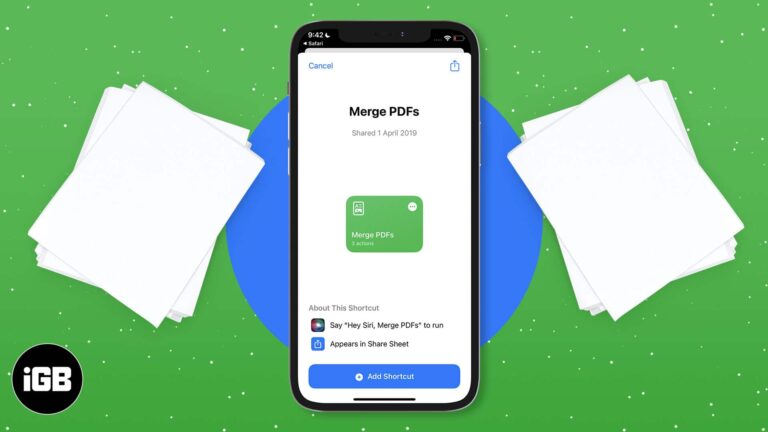
Combining PDFs on iOS is possible without third-party software. Here is the Files app method that handles two documents, and the Shortcuts approach for merging several at once.
A Mac that never sleeps wears its battery and wastes power. Here is how to find what is keeping it awake, from Bluetooth accessories and sharing services to apps that block sleep deliberately.
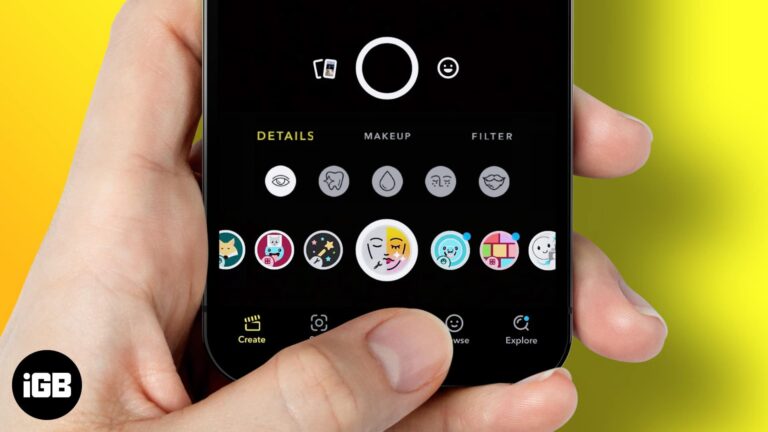
While Snapchat is considered the pioneer in introducing and integrating filters and lenses to its platform, it did so by acquiring a startup. And dare I say, this has been one of the most commendable acquisitions considering how extensively people…
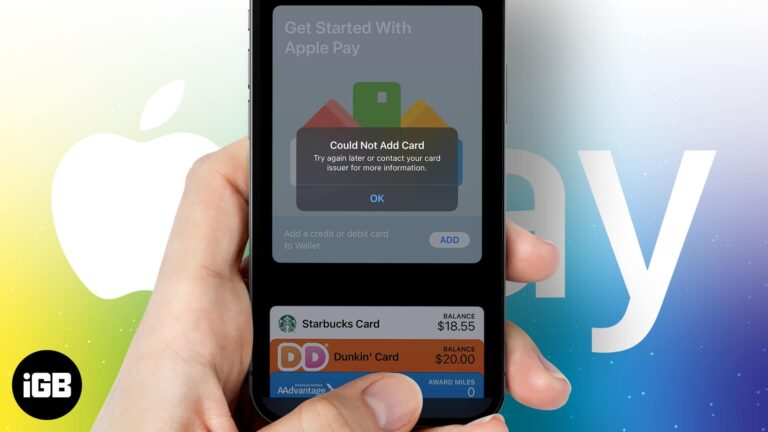
Apple Pay allows you to add cards and make payments through your iPhone and iPad. It also enables NFC payments, easing the process of paying bills in stores by tapping your device at the POS machine. Besides, it also looks…
A failed Zoom call before a meeting is genuinely stressful. These 10 fixes move fast, from checking Zoom's server status and macOS permissions through to a clean reinstall.
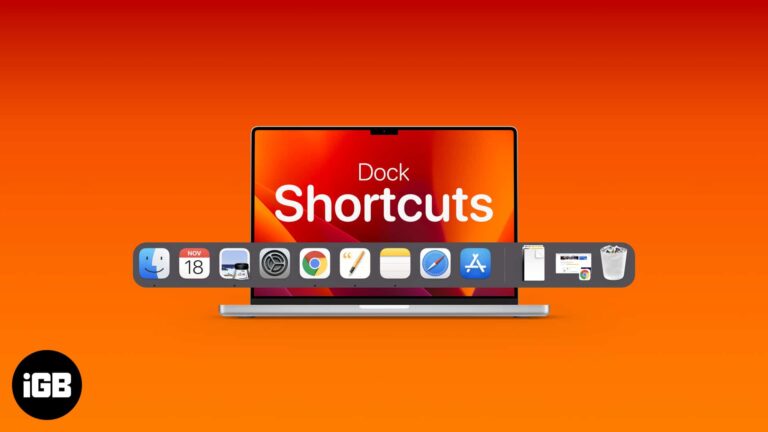
The Dock is faster than it looks once you learn its shortcuts. Here are the general and Dock-specific key combinations, plus how to add, rearrange, remove, and customize items.
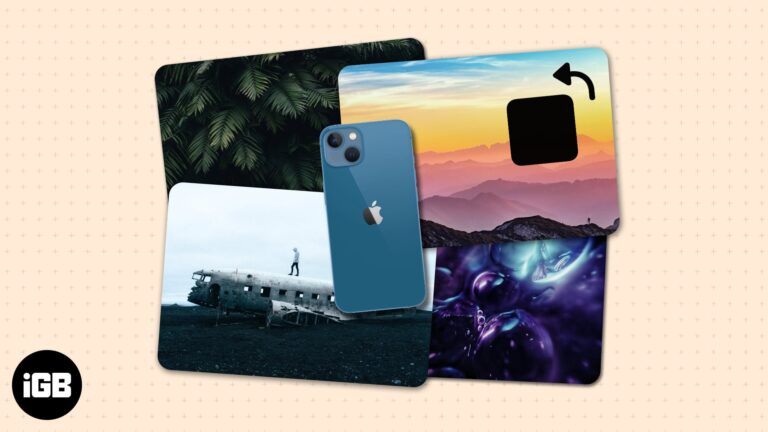
If you took an image or received one oriented the wrong way, it’s pretty easy to rotate the image on your iPhone—a few taps on the Photos app would solve your problem. The headache starts when you have dozens of…
You may have noticed a prompt to activate Low Power mode after spending a few hours browsing or playing on your iPhone. Among the dozens of tips and tricks to help delay battery drain, Low Power mode is one of…

It is easier to blur a picture than a video because you need to apply the blurring effects for every individual keyframe in a video. Unless you are using a PC with some high-tech software, it wouldn’t be easy to…
A screen that stays on drains the battery fast. These eight fixes cover Auto-Lock settings, Attention Aware Features, AssistiveTouch, Raise to Wake, and a full settings reset.
When your iPhone thinks headphones are still plugged in, the speaker goes silent. Here is what causes it, usually debris or a Bluetooth hangover, and nine fixes that clear it.
Texting is fun, but it’s not for everyone. Some might not prefer typing more than a couple of lines on their iPhone, while some might not have the time and liberty to do so. That is where Dictation comes to…
Things to know: Google Drive has a policy about what data it backs up. This means in some situations, you may think that Drive’s backup is not working, but in reality, it is working, but it just doesn’t back up…

Apple is set to make its Maps app reliable or even better than its competitors. Recently, as you may have noticed, the navigation, as well as the overall UI has been overall improved after the updates. During WWDC 2022, Apple…
Apps that quit unexpectedly usually need an update or a clean reinstall rather than a factory reset. These six fixes escalate from a force quit through reinstalls and an iOS update.
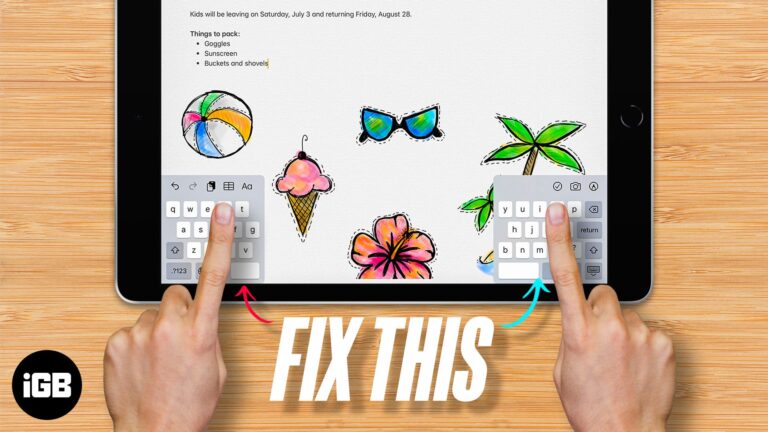
As we all know, keyboards are an important tool to input information into our devices, including iPads. Since it has a big screen real estate, typing on an iPad may not be a good experience. That’s why Apple has introduced…


