
FaceTime Like a Pro
Get our exclusive Ultimate FaceTime Guide 📚 — absolutely FREE when you sign up for our newsletter below.

FaceTime Like a Pro
Get our exclusive Ultimate FaceTime Guide 📚 — absolutely FREE when you sign up for our newsletter below.


A vanishing cursor is a known macOS quirk rather than a hardware fault. Here is the shake gesture that brings it back instantly, plus the fixes for when it keeps disappearing.
Finder is an essential feature on macOS to find and organize files and folders on your Mac. It’s constantly running in the background, contributing to your workflow. But do you know how to customize Finder preferences to speed up daily…
Apple Music launched in 2015 and was only compatible with Apple devices. It’s been half a decade now, and Apple has changed. It now allows users to stream this service on several devices. In this article, I’ll take you through…
External hard drives are among the perfect storage solutions to locally save gigabytes of data. You just have to plug the drive into your Mac and access them on the desktop or Finder. However, when an external drive fails to…
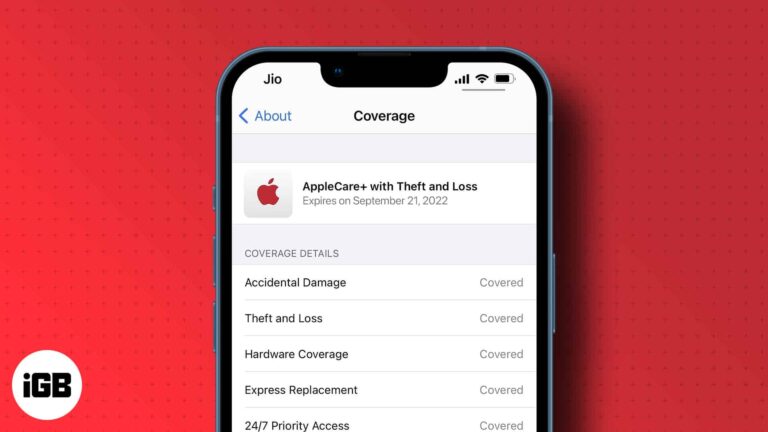
When you initially bought your Apple device from the Apple Store, an Apple specialist would’ve likely asked if you’d want to purchase an Apple Care+ Plan or AppleCare Protection Plan to protect your product. If you initially declined but realized…
Tracking pixels tell senders when you opened an email and often where you were. Here is how tracking works, why it matters, and how to block it in Apple Mail, Gmail, and Outlook.
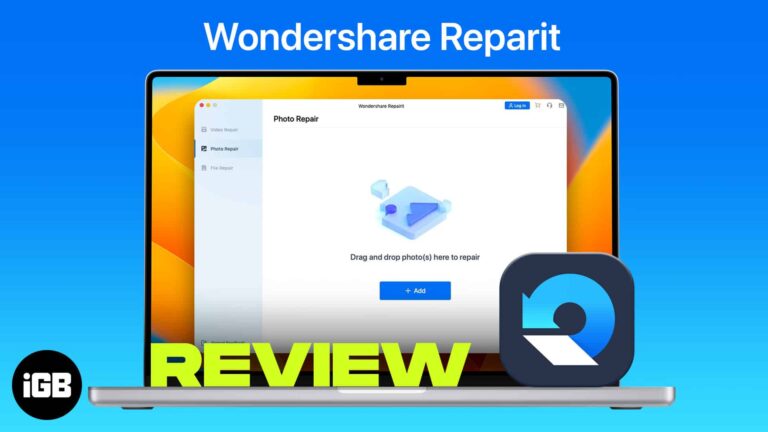
Wondershare Repairit is a powerful and easy-to-use software that repairs corrupted photos, videos, audio, and files on your PC or Mac regardless of the level of damage. It boasts a high recovery rate and can restore even the most severely…
Gmail failures on iOS often trace to IMAP settings or a security block on the Google side rather than the app. These 14 fixes work through server status, account alerts, CAPTCHA resets, and re-adding the account.

Apple is known for optimizing its devices well. The newer generation of iPhones is in perfect sync in terms of hardware and software, making them great for gaming. However, nothing comes easy and perfect! You’ll have to make a few…
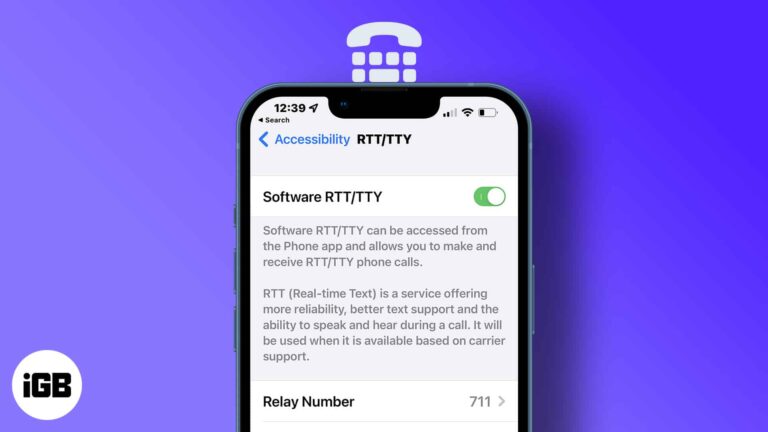
Key takeaways It’s only available for specific regions and carriers in the U.S. and Canada. You’ll need iOS 10 or later. Turning on Answer All Calls as RTT/TTY, you won’t get voice calls anymore. If you can’t hear audio during…
Often we forget to include an attachment or add a CC when in a hurry. And we realize this only after hitting send. Well, worry no more. With the introduction of iOS 16, iPadOS 16, and macOS Ventura, you can…
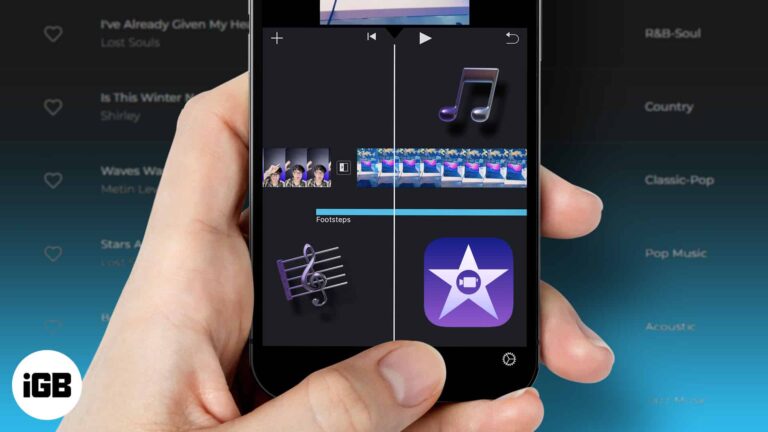
iMovie ships with very little music, and the wrong track gets your video muted. Here is what royalty-free actually means, where to find safe tracks free, and how to import them into iMovie.
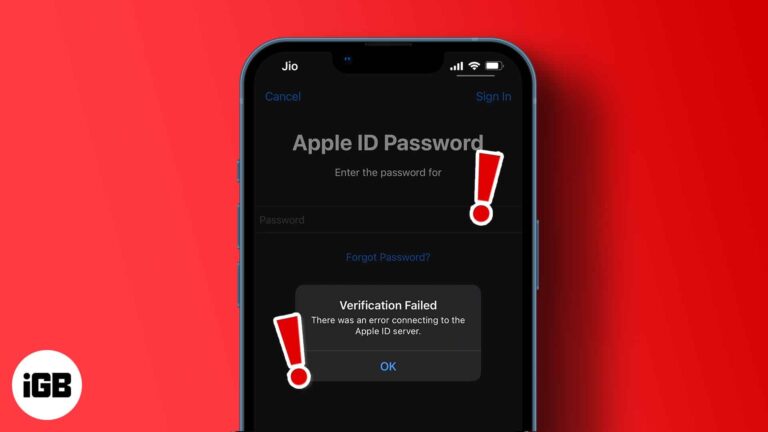
"There was an error connecting to the Apple ID server" is one such annoying error. The following solutions are proven ways to fix the verification failed error.
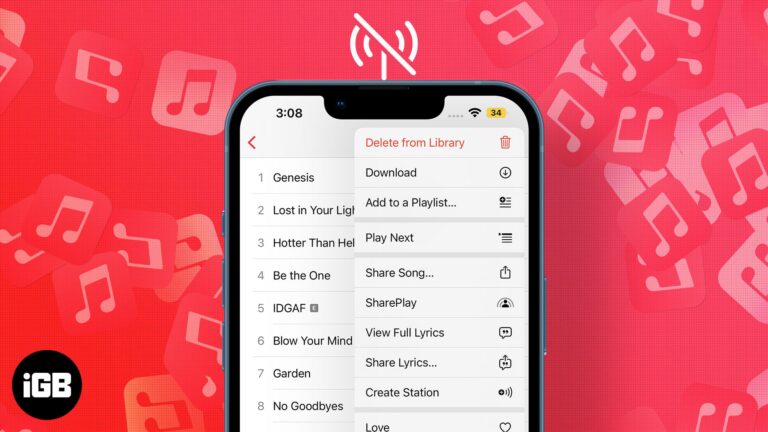
Apple Music is a popular music streaming service that provides us with a plethora of songs and features such as Hi-Res lossless and Spatial Audio (with Dolby Atmos). It takes our music listening experience to a whole new level, but…
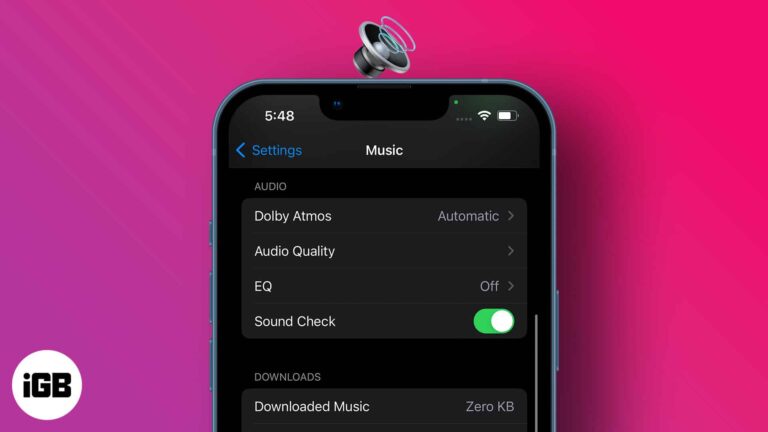
Each music piece carries its own studio record volume; thus, some are louder than others. However, sound fluctuations can hamper your listening experience and mental state. So, maintaining a consistent sound regardless of the music volume is much needed, and…
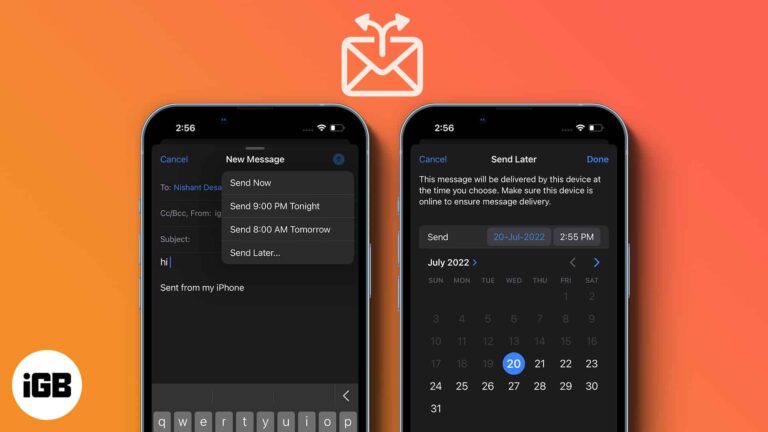
Timing changes whether an email gets read. Apple Mail can hold a message until a time you choose. Here is how to schedule one on iPhone, iPad, and Mac, and how to change your mind later.
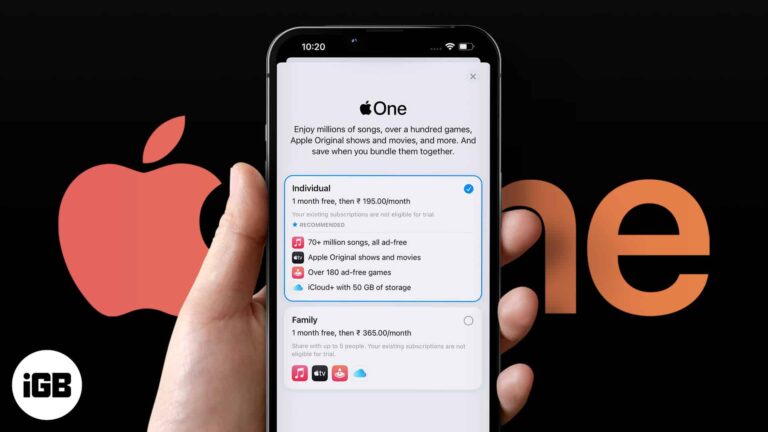
Apple One bundles Music, TV Plus, Arcade, and iCloud storage at a discount. Here is what each tier includes, where to subscribe, how to change plans, and whether the maths works for you.
Safari blocks cross-site trackers by default, but several settings go further. Here is how to tighten tracking prevention, deny location access, and read the Privacy Report on iPhone and iPad.
MKV videos are a container format for multimedia files. However, Apple’s built-in video player app on iPhone only supports video formats like MP4 and MOV. Luckily, there is a workaround to play MKV files on your iPhone and iPad, and…
If you’re an Apple user, chances are you’re using iCloud Keychain to store all of your passwords. The most significant limitation of this feature is that it only does this on synced Apple devices and when using Safari as your…
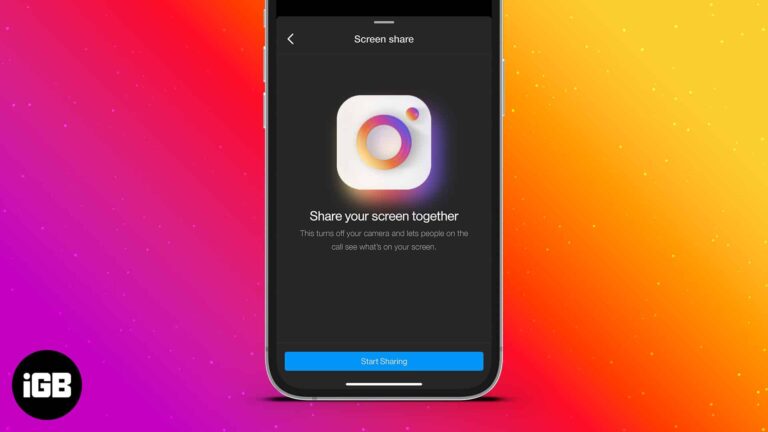
Instagram constantly improves its platform and regularly provides users with new features. Screen sharing is another feature Instagram announced back in January. It allows users to share their screens while on video calls. Several apps like FaceTime and Discord already…
You stash files on iCloud to avoid clogging your iPhone’s local storage. So you can download just what you need from there at will. But what happens when iCloud file download isn’t working? It means you can’t access your files…
Mac has become one of the most essential parts of our life. No day goes by without opening Mac’s lid. But, What to do if your Mac stops working? What to do if your Mac seems like booting but never…
Choosing the wrong format leaves a card unreadable on other devices. Here is why formatting matters, how to do it on Mac, which file system to pick, and what to try when formatting fails.
A dead iPhone is often a software hang rather than a hardware failure. Here is how to force restart it, rule out charging problems, use recovery mode, and when a repair is the real answer.
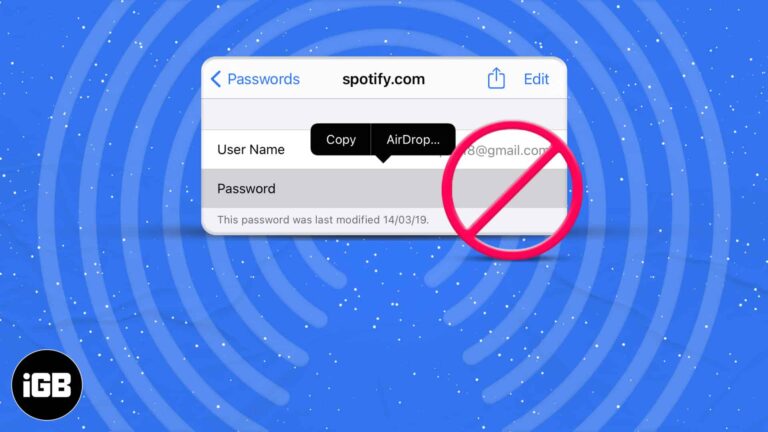
AirDropping a saved password requires iCloud Keychain, the right AirDrop visibility, and the recipient in your contacts. These nine fixes work through every requirement that commonly blocks it.
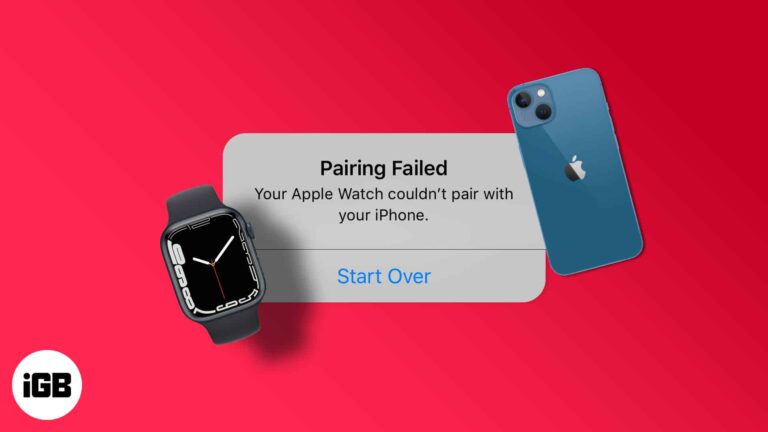
Pairing failures are almost always a software or Bluetooth issue rather than faulty hardware. These six fixes cover compatibility checks, network toggles, restarts, updates, and unpairing to start clean.
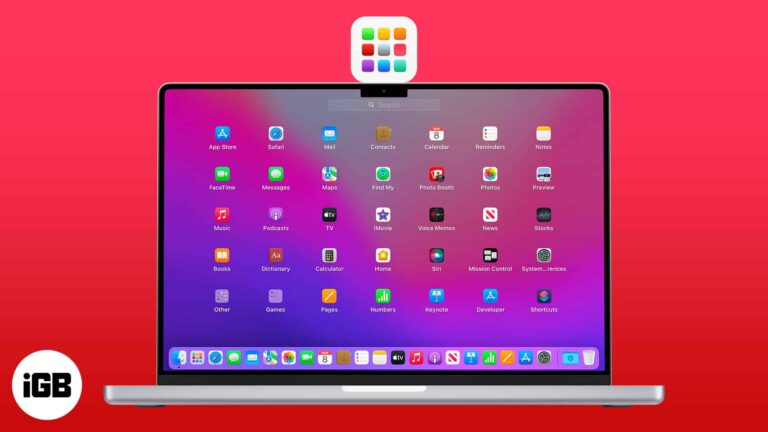
Whether pre-installed or downloaded, apps make lives easier and workflows more seamless. To make things smoother, Apple has made Launchpad an essential part of macOS. Launchpad houses all our apps and is the best place to view, access, and manage them.…
You do not need a Mac to sync an iPhone. Here are the options across Windows and macOS, from iTunes and iCloud to File Explorer and Bluetooth, with the strengths of each.
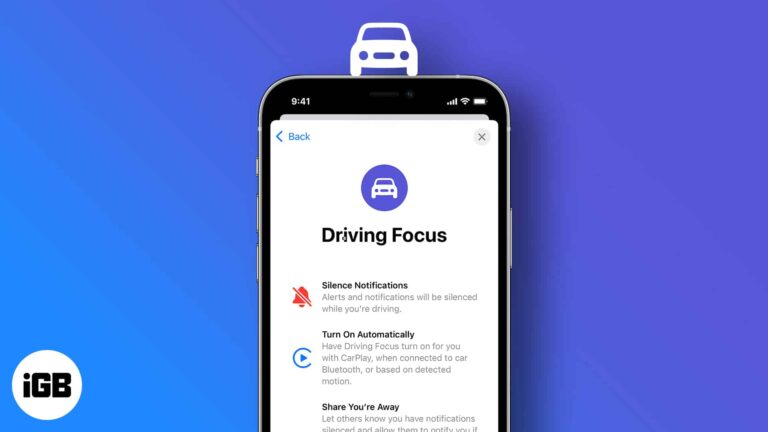
When it comes to driving, there’s one thing you should never do: “check your phone,” and you should surely do is use Driving Focus on your iPhone. Most people drive because they enjoy the freedom of cruising down the road…


