
FaceTime Like a Pro
Get our exclusive Ultimate FaceTime Guide 📚 — absolutely FREE when you sign up for our newsletter below.

FaceTime Like a Pro
Get our exclusive Ultimate FaceTime Guide 📚 — absolutely FREE when you sign up for our newsletter below.


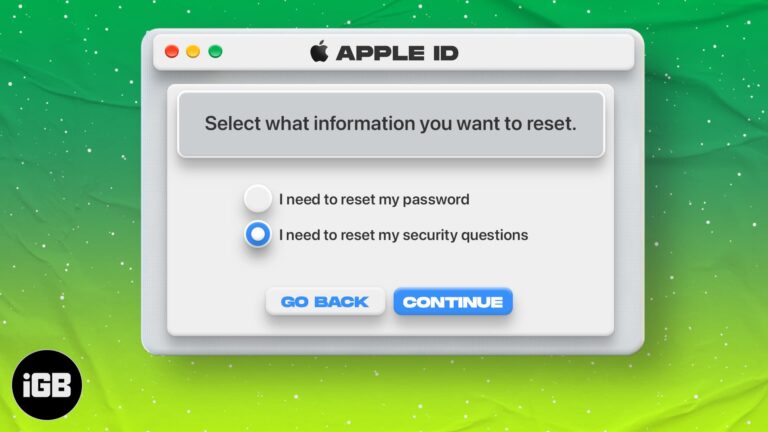
Security questions are easy to forget and hard to reset. Here is how to change them from any device, what to do when you cannot recall the answers, and how to resolve Apple's reset error.
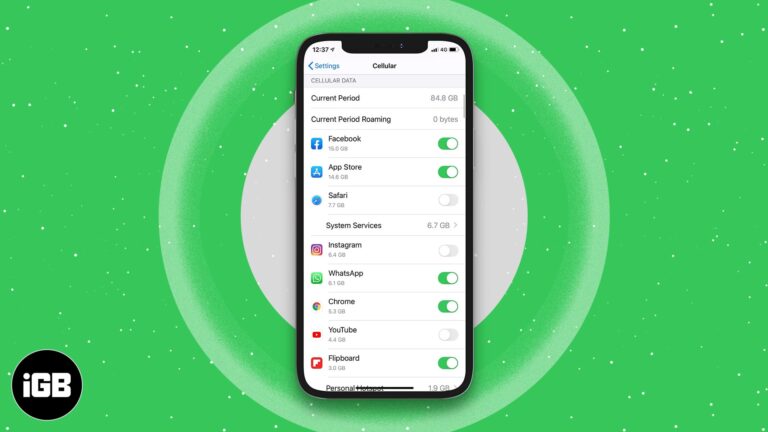
A handful of apps consume most of your data allowance. Here is how to restrict individual apps to Wi-Fi only on iPhone and iPad, and how to block their cellular access completely.
Finder buries frequently used folders behind endless clicks. Here are four ways to pin them, from the Favorites sidebar and Dock to desktop aliases and Smart Folders that update themselves.

Instagram deliberately prevents you enlarging a profile picture. Here are two ways to get a closer look at someone's profile photo from an iPhone.
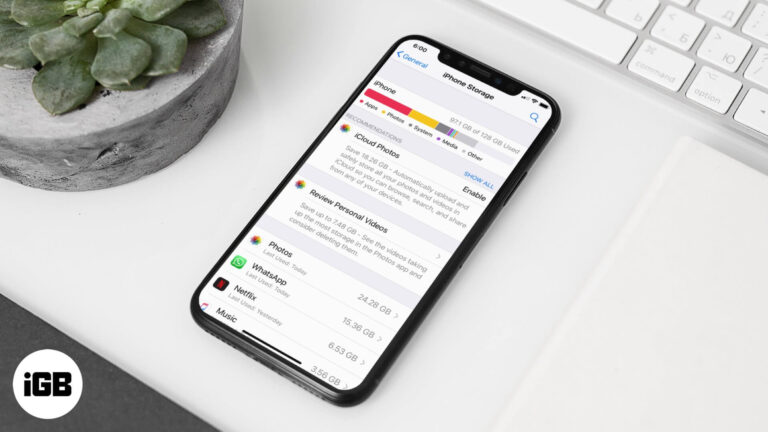
Documents and Data is cached app content that quietly consumes gigabytes. This guide explains why apps cache, how to see what each one stores, and the safest ways to clear it on iPhone and iPad.
A white page at midnight is punishing. Here is how to enable dark mode in the Google Docs app on iPhone and iPad, and how to get a dark editor in Chrome on Mac.
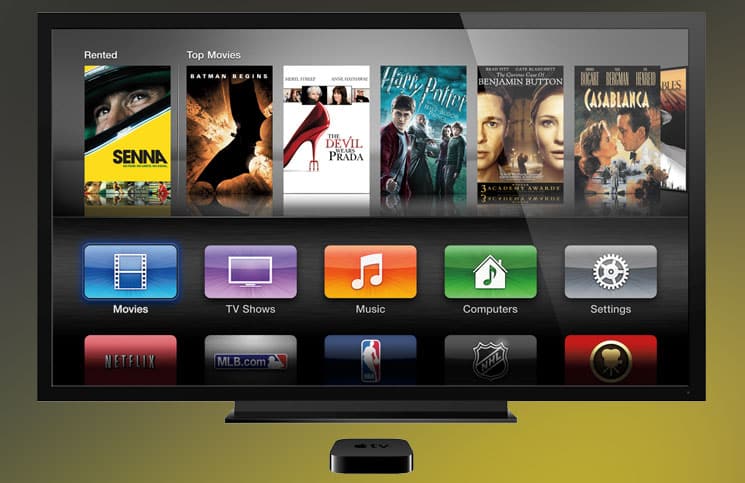
tvOS has no built-in screenshot function, so the capture happens on a connected Mac. Here is how to do it with QuickTime Player, and the Xcode method for older Apple TV software.
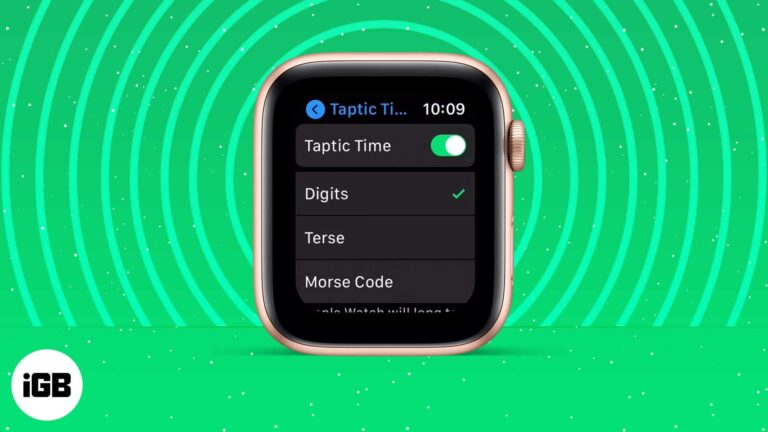
Taptic Time taps out the hour and minutes so you can check the time discreetly or without sight. Here is what it is, how to enable it, how Taptic Chime differs, and what to do if it fails.
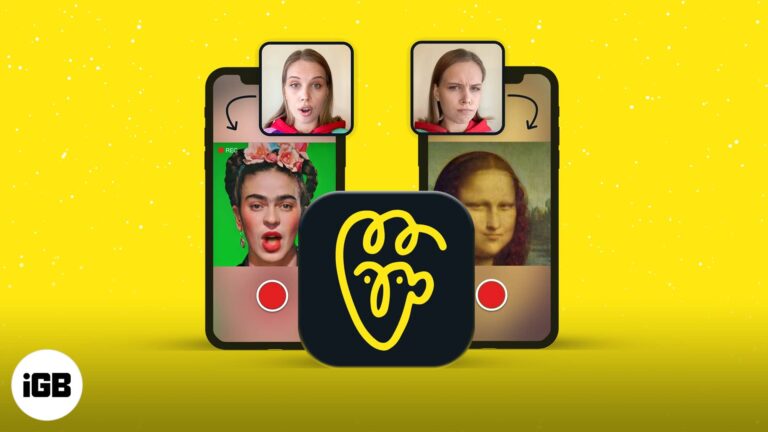
Avatarify maps your expressions onto a still portrait, producing the animated memes filling social feeds. Here is what the app does and how to create your first clip on iPhone.
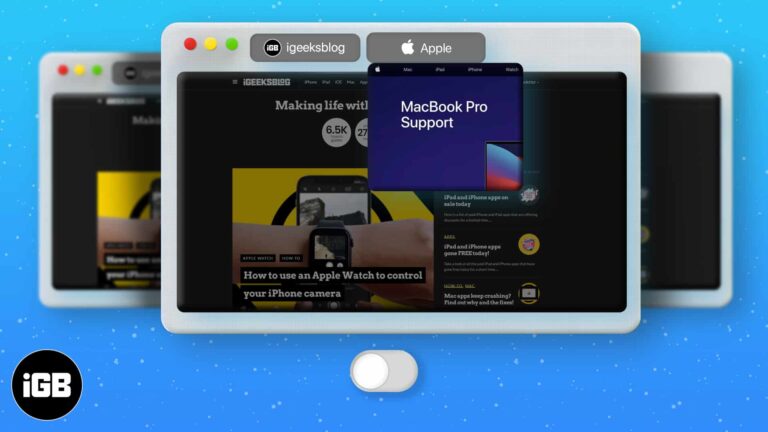
Hovering a Safari tab pops up a preview that some people find distracting. This guide covers granting Terminal access, the command that disables previews, and how to switch them back on.
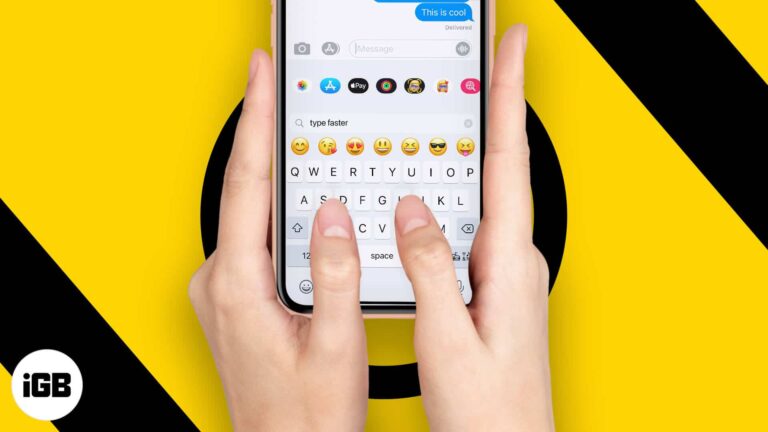
Small keyboard habits compound into real time saved. These tips cover double-tapping space for a period, quick capitals, long-pressing for domain endings, shake to undo, and text replacement.
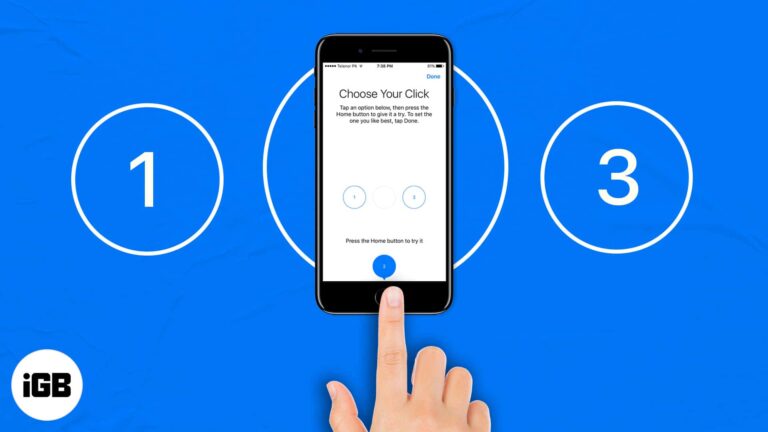
Whether you own an iPhone 6s (or earlier) or iPhone 7, 8, or SE powered by an enhanced Taptic Engine, the Home Button can at times be challenging to deal with (like missing to double-press the Home button fast enough).…

Audible has no dedicated Mac app, which trips up plenty of listeners. Here is how to play your library in a browser, import titles into Apple Books, and the other options available.
Accessibility Zoom leaves the screen enlarged and hard to navigate. The three-finger double tap is the fastest way out. Here are five fixes, including turning Zoom off through Finder.
Netflix only offers its own avatars in the app. Here is how to swap your profile picture on iPhone, plus the browser extension route if you want to use a custom image instead.
One Google account controls Gmail, Drive, Photos, and YouTube, which makes it a high-value target. Here is how 2-step verification works, how to enable it, and how to set up Authenticator.
A macro records a sequence of actions and replays it on demand, which kills repetitive work. Here is how macros function on macOS, how to create one, and the three best recorder apps.
Apple offers a direct transfer tool that copies your library to Google Photos without downloading everything first. Here is how to use it, and the manual route if you want more control.

Scrolling back years in Messenger is painful. Here is how to search your chat history on iPhone and in a browser, find hidden message requests, and download a complete archive.
Screen Curtain turns off the display without turning off the device, protecting privacy for VoiceOver users. Here is what it does and how to enable it on iPhone, Apple Watch, and Mac.
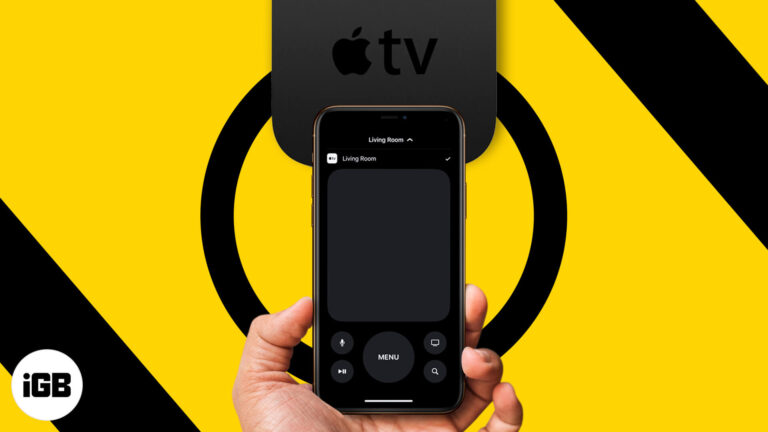
The Apple TV remote is small and easily lost. Your iPhone does the same job. Here is how to add the remote to Control Center and use every function from your phone or iPad.
Crashes on macOS usually come from an outdated app, a corrupted preference file, or low memory. Here is how to identify the cause and the troubleshooting order that resolves most freezes.
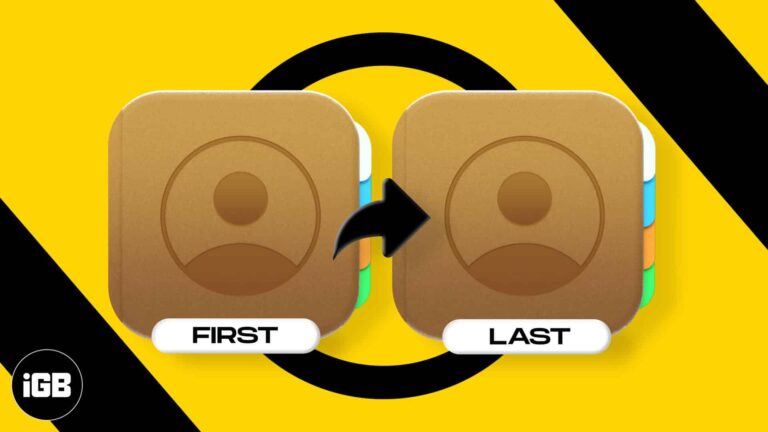
Sort order and display order are two separate settings on iPhone, which explains a lot of confusion. Here is how to change both, and the other options for organizing a large contact list.
Clubhouse is audio-only and works differently from every other social app. Here is how to get in, set up a profile that gets you invited to speak, join clubs, and decode the terminology.
Moving content between the two apps means saving it locally first. Here is how to get a Snap onto your Instagram Story from iPhone, and how to share Instagram posts back to Snapchat.
Apple Silicon Macs run iOS apps natively, but developers can hide them from the Mac App Store. Here are three ways to install iPhone and iPad apps on an M1 Mac, including the sideload routes.
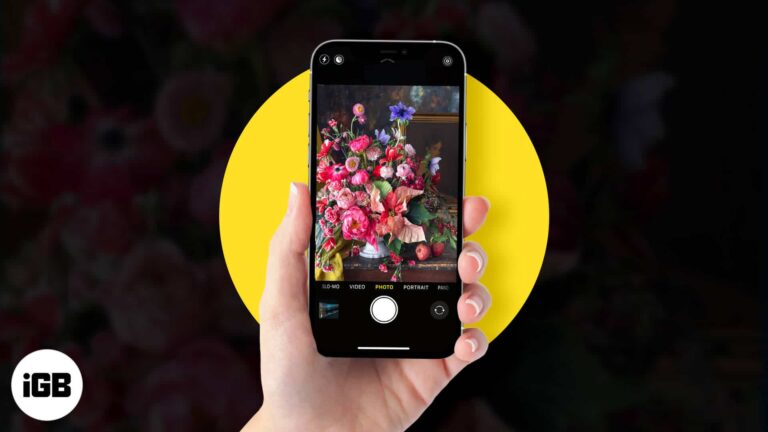
Flowers are harder to shoot well than they look. These tips cover lighting and setup, framing a strong composition, capturing in ProRAW, and editing the result in the Photos app.
Chrome hides a lot of speed behind shortcuts most people never find. These 36 Mac tips cover tab groups, Omnibox tricks, session recovery, profiles, and settings worth changing today.

A VPN encrypts your traffic and hides your location, which matters most on public Wi-Fi. Here is how VPNs work on iPhone, the features that count, and how to configure and use one.
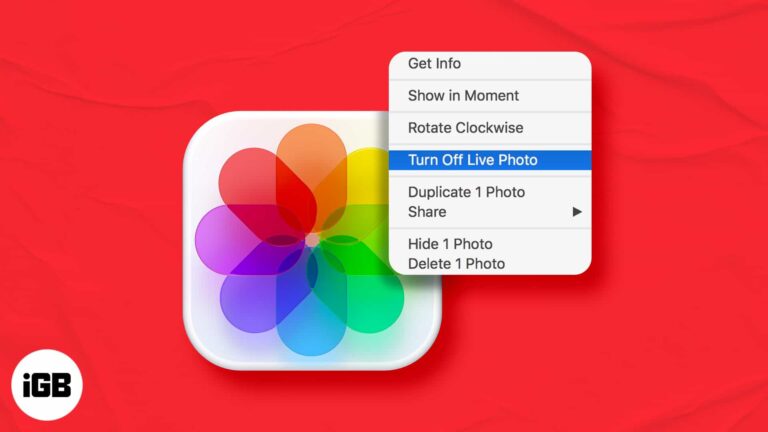
Live Photos take more space and behave oddly when shared. Here is how to turn one into an ordinary still on Mac, and how to keep the original motion in case you want it back later.


