FaceTime Like a Pro
Get our exclusive Ultimate FaceTime Guide 📚 — absolutely FREE when you sign up for our newsletter below.

FaceTime Like a Pro
Get our exclusive Ultimate FaceTime Guide 📚 — absolutely FREE when you sign up for our newsletter below.


Autoplaying video ambushes you in a background tab. Here is how to mute an individual Chrome tab on Mac and Windows, and how to restore its audio when you need it.

SIP blocks changes to protected system files, which occasionally gets in the way of legitimate work. Here is what it guards, how to turn it off from Recovery Mode, and why to switch it back on.
Announce Calls reads out who is ringing so you can decide without looking. Here is how to enable it on iPhone and choose when it activates, from headphones only to always on.
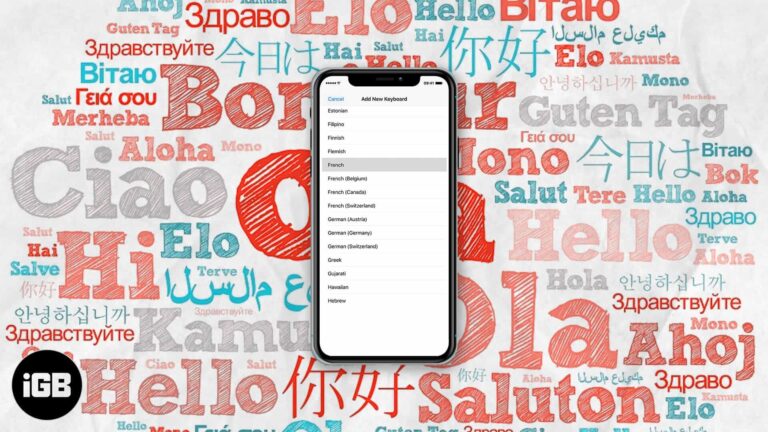
The iOS keyboard can autocorrect two languages simultaneously, so you stop switching mid-sentence. Here is which languages support it, how to set it up, and how to fix it when it fails.
Apple rates most iPads at around ten hours, but real use rarely matches that. These settings changes cut background drain from brightness, refresh, location, and wireless radios.
Face ID gets slower with poor angles and awkward lighting. These adjustments, including turning off Require Attention and setting an alternate appearance, cut the delay before your phone unlocks.

Siri Suggestions learn from your habits, so they break quietly when settings reset. Here is how to restart the feature, toggle it properly, and update iOS to get recommendations back.
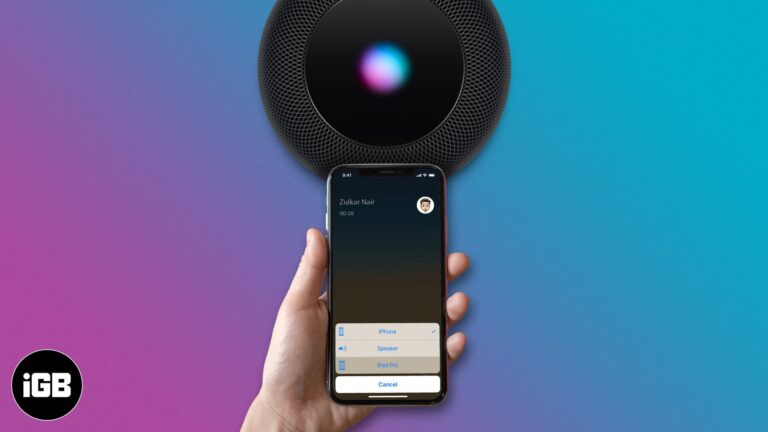
Calls jumping to the wrong speaker is a constant annoyance. Here is how to set a Bluetooth headset or speaker as your default call audio output on iPhone so routing behaves predictably.
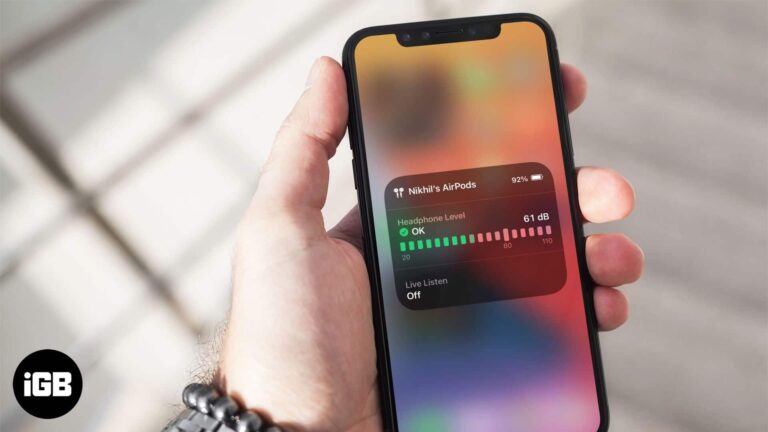
Sustained volume above 80 decibels damages hearing over time. iPhone can measure headphone levels live. Here is how to add the Hearing control and check your listening history in Health.
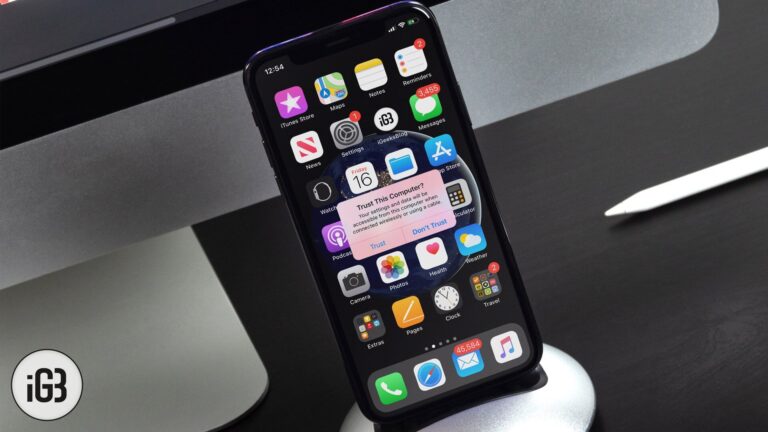
When you connect your iPhone or iPad to a Mac or Windows PC, you might see a pop-up on your device that asks – Trust This Computer. If you accidentally tapped on Don’t Trust, here are some ways to undo…
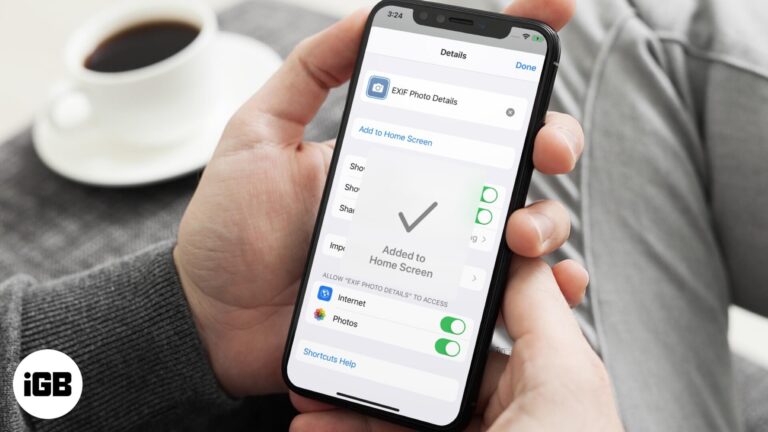
Shortcuts are far more useful when they are one tap away. This guide shows how to place any shortcut on your iPhone Home Screen as a custom icon, complete with your own name and image.
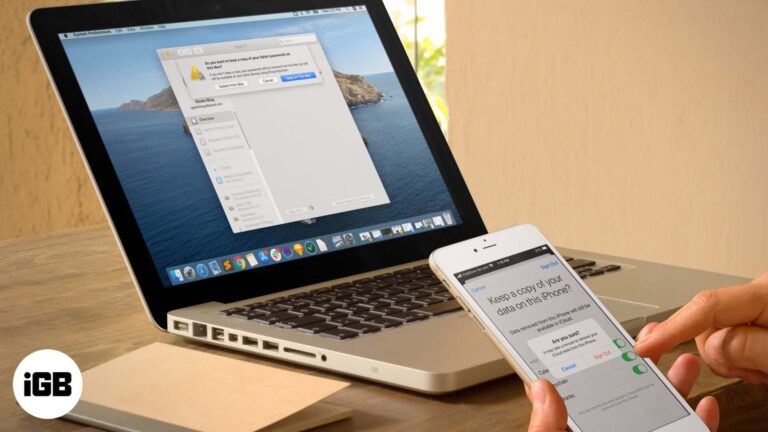
Signing out disables Find My and can remove locally stored data. Here is why you might want to, exactly what you lose, and how to sign out safely on each Apple device.
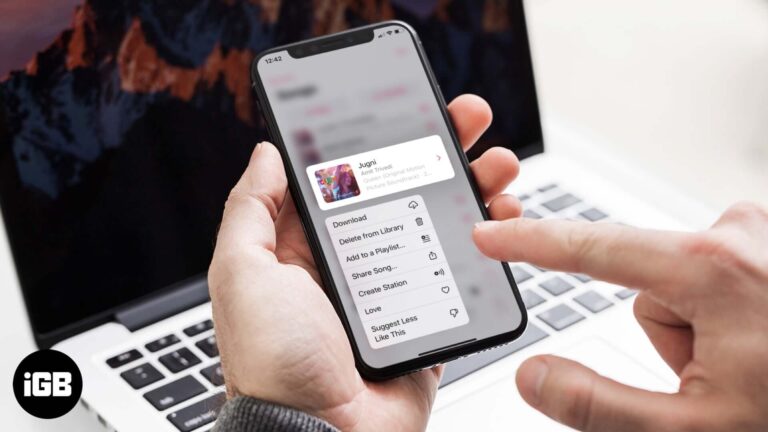
Removing a download and removing a song from your library are two different actions. Here is how to do both on iPhone and Mac, and which one actually reclaims storage space.
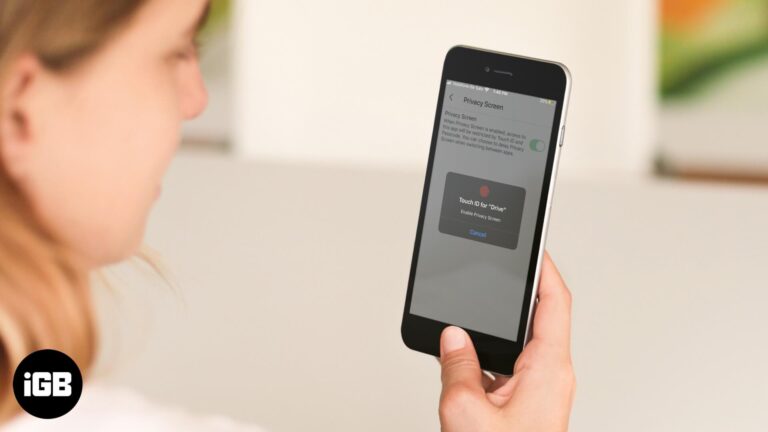
Google Drive's Privacy Screen adds Face ID or Touch ID protection on top of your device passcode. Here is how to enable it on iPhone and iPad, and how to turn it off again.
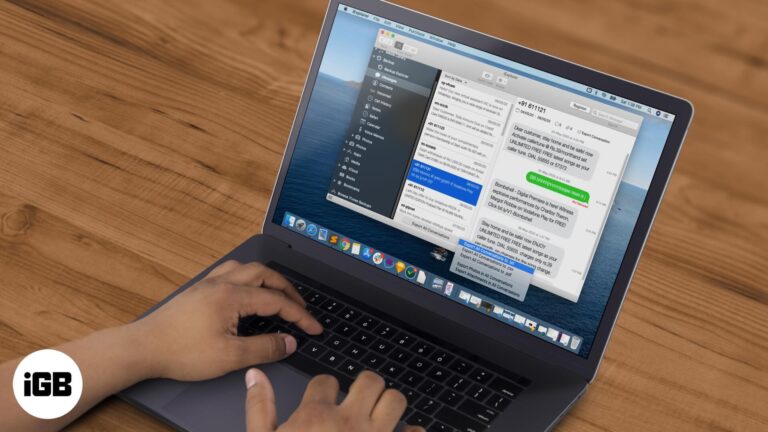
Follow this detailed guide to extract text messages from your iPhone backup to a computer. Export your messages as txt or pdf files and save your photos and videos.
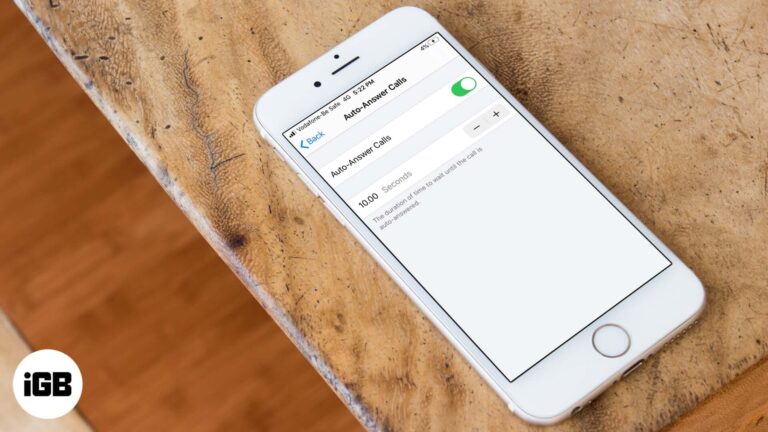
Auto-answer is buried in Accessibility settings and picks up calls after a delay you choose. Here is how to enable it on iPhone and set the timing that suits you.

watchOS lets you set the duration of a breathe session on your Apple Watch. Learn how to change breathe session time and breathe rate.
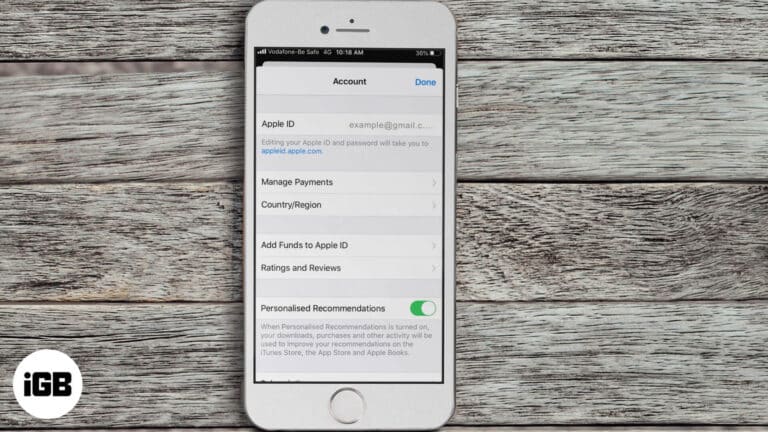
Not able to purchase or download apps on iPhone? Here are some solutions to fix the issue of unable to purchase apps in iOS 13 and iPadOS.

Take a quick look at how to create strong password on your iPhone and iPad using iCloud Keychain.
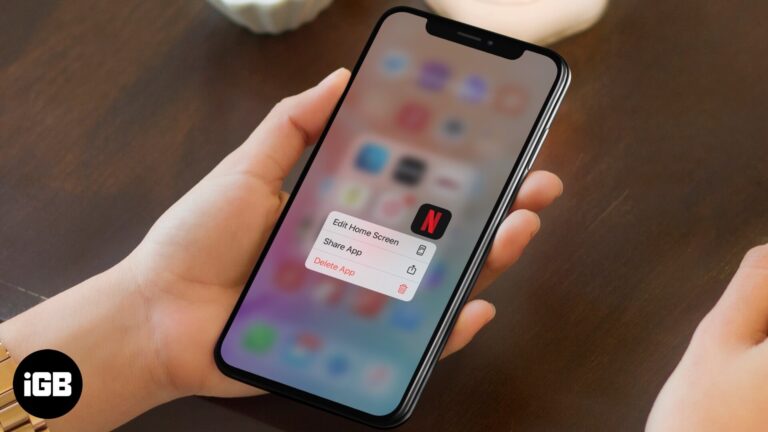
Netflix failures split between problems on your device and outages on their end. These 10 fixes check server status first, then work through the app, network, and device settings.

If downloaded or purchased audiobooks not showing up in the Books app. Here are 8 ways to solve this issue on your iPhone or iPad.
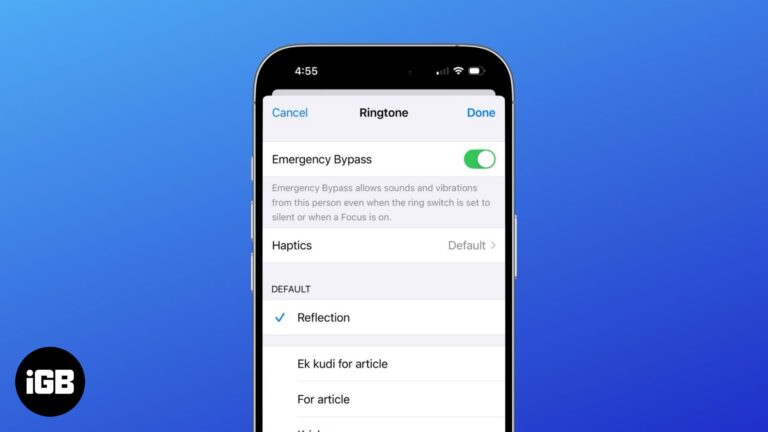
Never miss an important call or message—even in DND mode with Emergency Bypass!
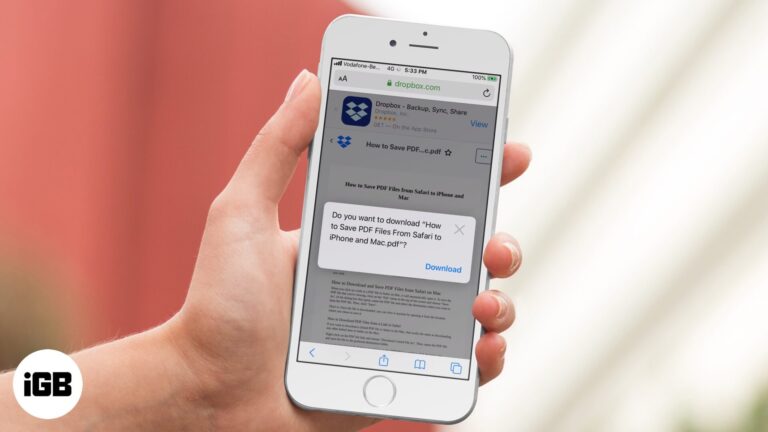
Safari displays PDFs in the browser rather than saving them, which confuses people looking for the file afterwards. Here is how to save one properly on every Apple device.
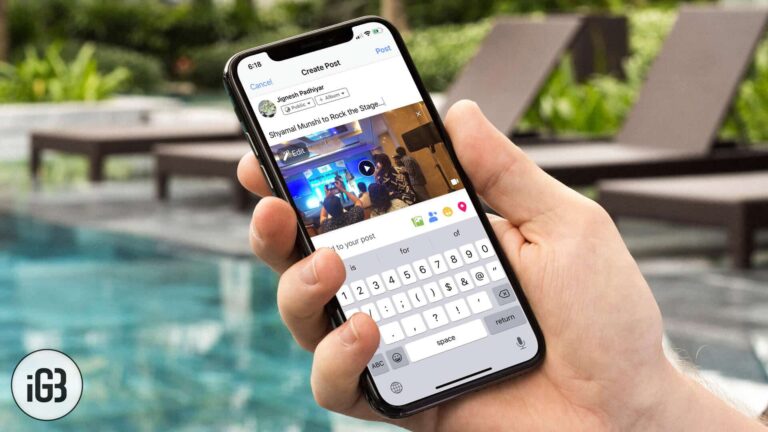
There are two routes to Facebook from an iPhone, and one is faster than the other. Here is how to upload photos and video through the Photos app share sheet and from within Facebook.
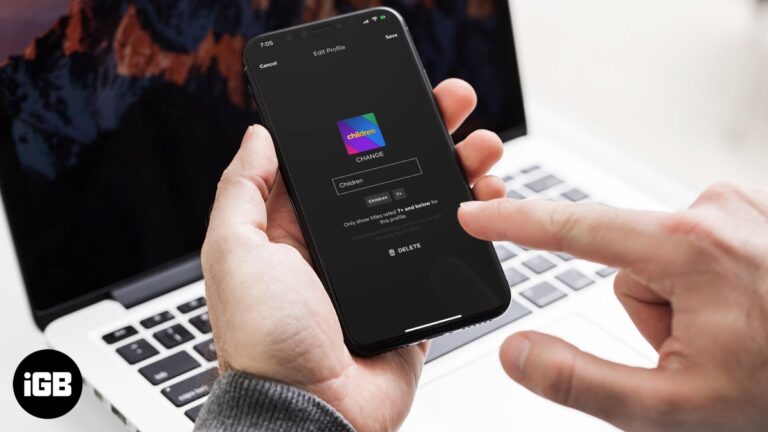
Sharing an account means profiles accumulate. Here is how to remove one from every Apple device and from a smart TV, plus what you lose when a profile is deleted.

Mail on Mac supports iCloud, Gmail, Outlook, and any IMAP account. Here is how to add one, configure it correctly, and remove an account without losing messages you still need.
A failing Zoom call before a meeting is stressful. These fixes work through your connection, Zoom's server status, camera and microphone permissions, app updates, and a device restart.
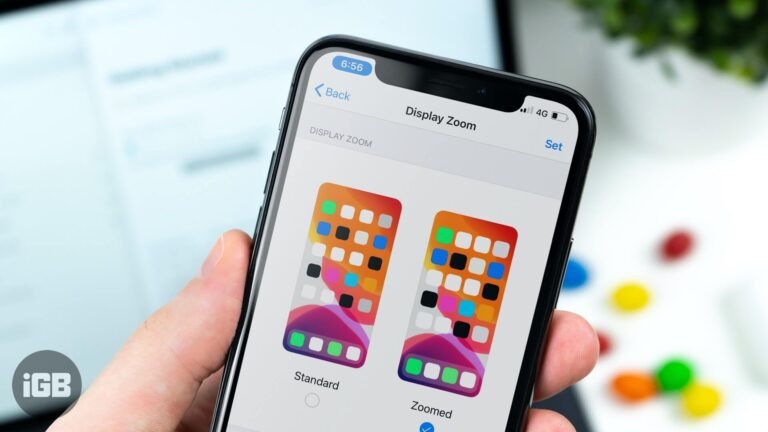
Display Zoom enlarges everything at the cost of showing less on screen. Here is how to switch back to the standard view on iPhone and what changes when you do.
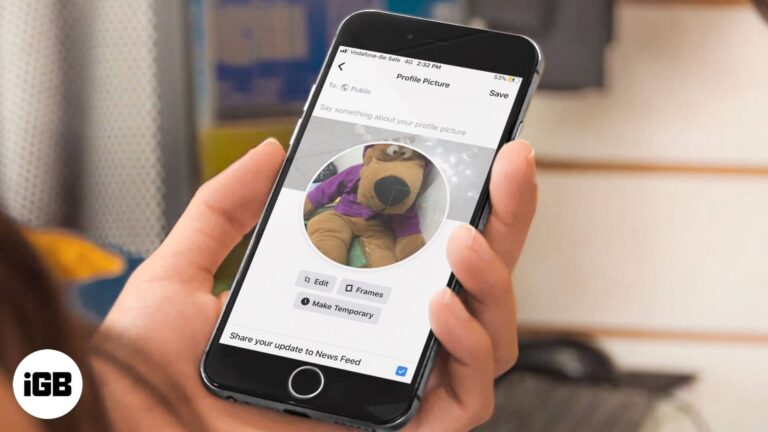
Facebook can switch your profile photo back automatically after a set period, which suits causes and celebrations. Here is how to set a temporary picture on iPhone and from a web browser.