FaceTime Like a Pro
Get our exclusive Ultimate FaceTime Guide 📚 — absolutely FREE when you sign up for our newsletter below.

FaceTime Like a Pro
Get our exclusive Ultimate FaceTime Guide 📚 — absolutely FREE when you sign up for our newsletter below.



Moisture inside the ear cups worries plenty of AirPods Max owners. Here is what actually causes condensation, how to check for it, the safe way to dry them, and four habits that prevent it.
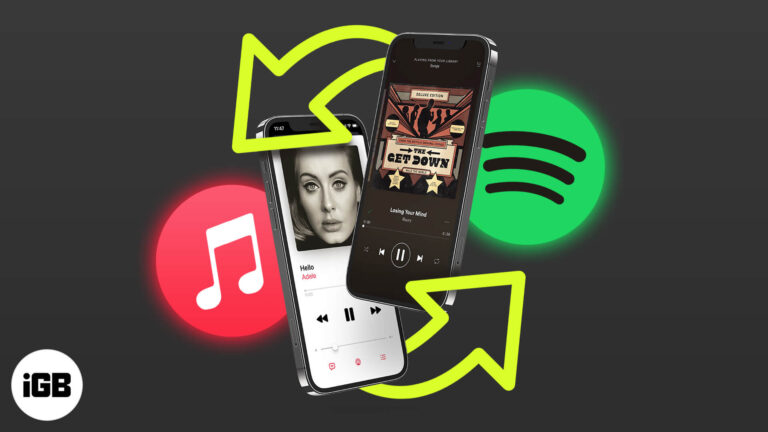
Siri can learn which music service you prefer, so requests route to Spotify or another app instead of Apple Music. Here is how to set it, and the limits of what the change actually does.
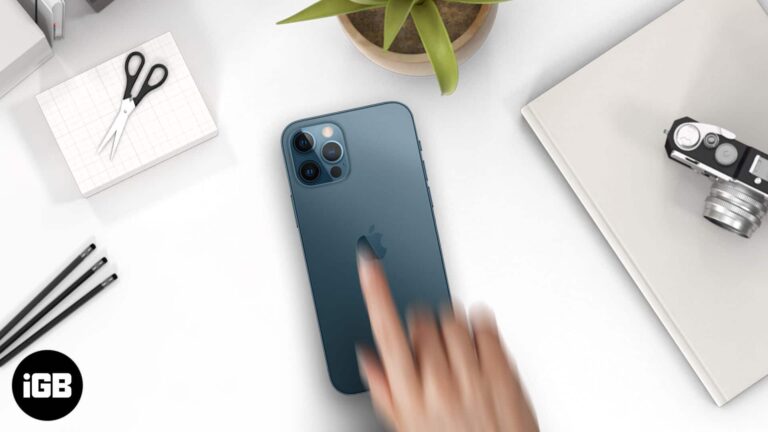
Back Tap needs iPhone 8 or later and can be blocked by a thick case. These six fixes cover compatibility, case interference, settings checks, iOS updates, and a full settings reset.
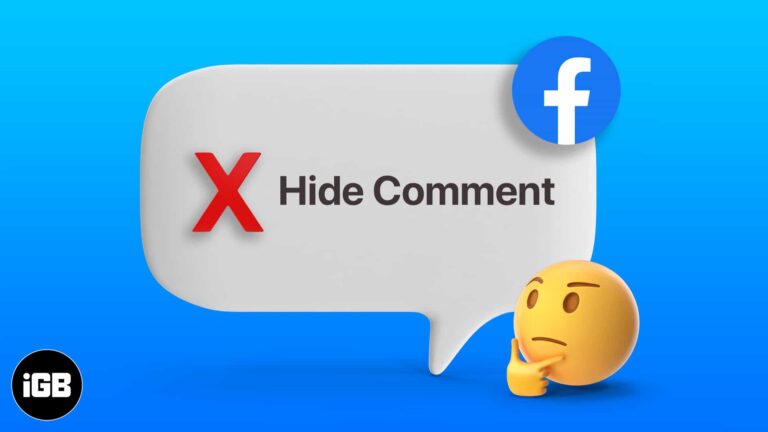
Hiding a comment removes it from public view while leaving it visible to its author and their friends, which avoids a confrontation. Here is how to hide, unhide, and the alternatives worth considering.
How do I organize albums on my Spotify? Are you wondering the same thing? For all the super-organized folks, Spotify allows you to make playlist folders. They neatly organize your playlist and ensure you quickly find what you’re looking for.…
WhatsApp gives no official way past a block, but two workarounds sometimes reach the person. Here is how the group chat method and the account reset approach work, and their real limitations.
macOS hides thermal data by default, so loud fans leave you guessing. Here is how to read CPU temperature and fan speed with free tools, plus the ranges that indicate a genuine problem.
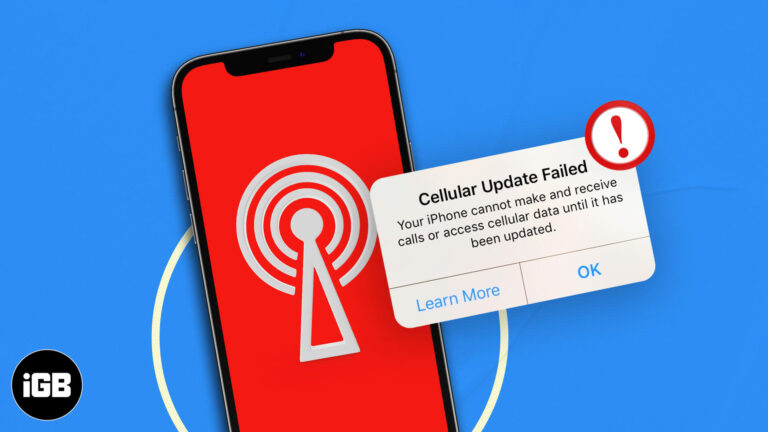
This error usually appears alongside No Service and points to a carrier settings problem. Here is what triggers it and how to fix it without a trip to the store.

Stadia streamed games from Google's servers to a browser, sidestepping the App Store entirely. This guide covers how it worked on iPhone and iPad, though the service has since closed.
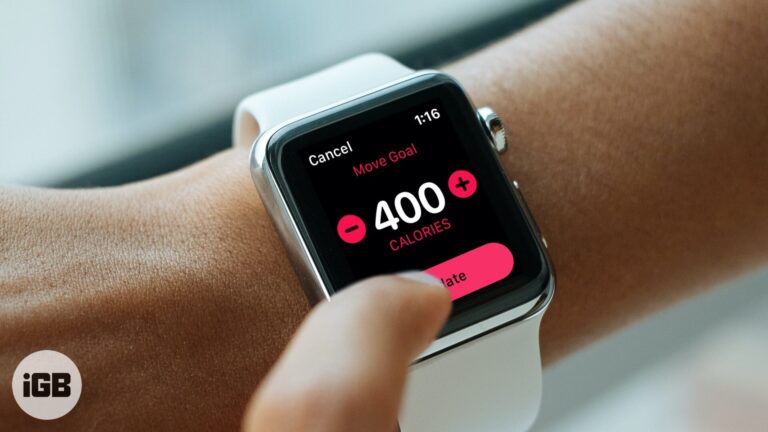
An unrealistic Move goal is demotivating either way. Here is how to adjust the daily calorie target on your Apple Watch, and how to pick a number that suits your real activity level.
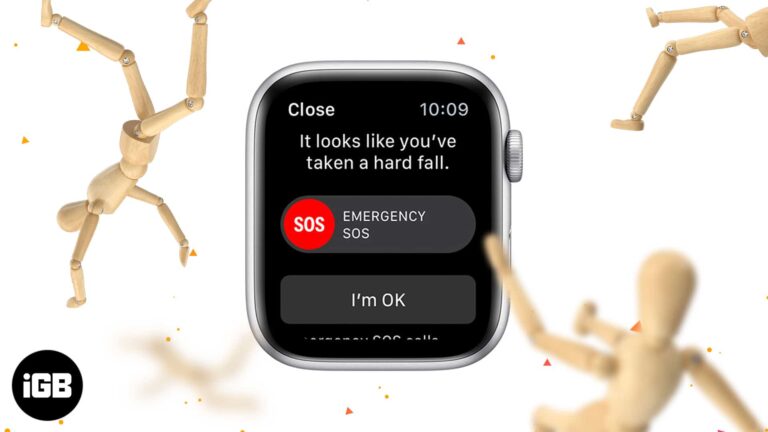
Fall detection can summon help when you cannot. Here is which Apple Watch models include it, how the sensors decide a fall occurred, how to switch it on, and where to see past events.
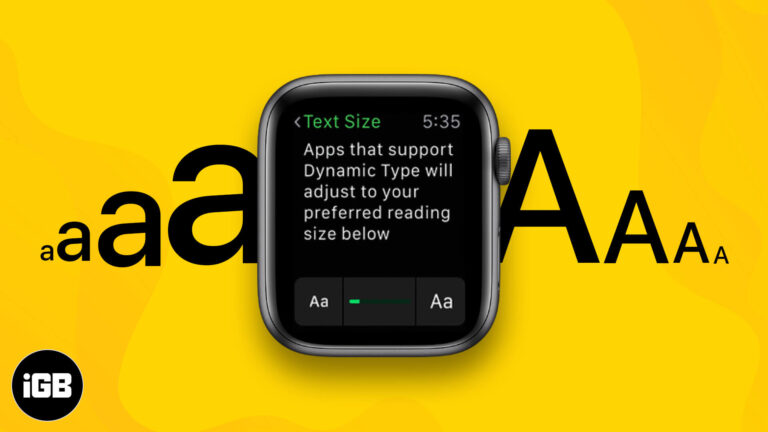
Default watchOS text is small enough to strain most eyes. Here is how to increase font size directly on Apple Watch or through the iPhone Watch app, plus the bold text and accessibility settings.

Mac gaming has improved, but the Windows library is still far larger. Here are the practical routes, from cloud streaming and compatibility layers to running Windows itself.

A phone code alone is weak protection for Telegram. This guide covers enabling 2-step verification on iPhone, choosing a recovery email, turning it off, and what to do if you forget the password.
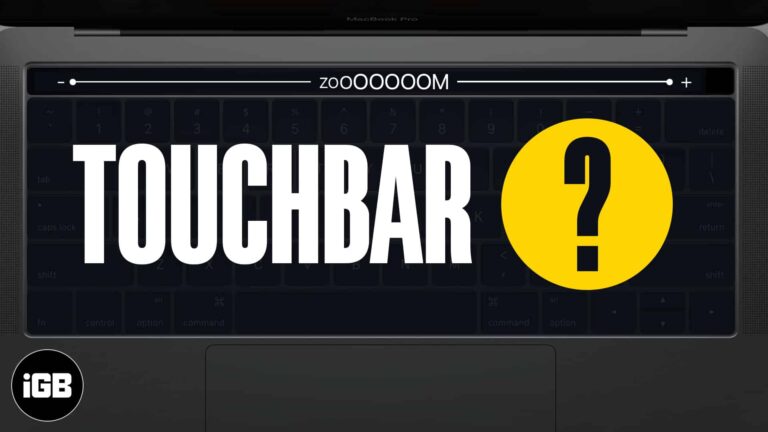
The Touch Bar is small and unlabeled in ways that frustrate many users. Touch Bar Zoom mirrors it enlarged on your screen. Here is how to enable and use it on MacBook Pro.

Shazam is built into more places than most people realize. Here is how to identify and play music through Apple Music, Snapchat, Spotify, and Deezer, and keep a record of your Shazams.
Deleting Telegram removes your messages, contacts, and group memberships for good, with no way back. Here is what you lose, plus the exact steps to close the account permanently from your iPhone.
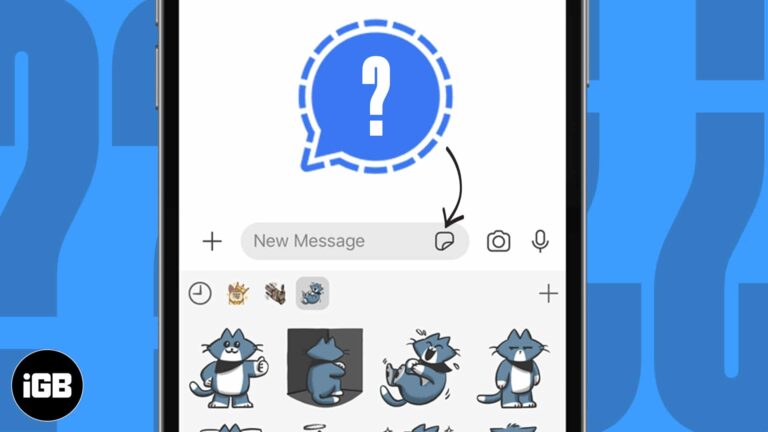
Signal supports stickers without giving up its privacy model. Here is how to use the built-in packs on iPhone, add third-party ones, and send your own Memoji stickers in a conversation.
The minimum brightness slider is still too bright in a dark room. Here are three ways to dim an iPhone further, including the Accessibility shortcut that enables ultra-low brightness.
AirPods Max keep sipping power unless they enter low-power mode properly. These tips cover Smart Case use, firmware updates, and Bluetooth habits that stop batteries emptying overnight.

Signal ships private by default, but its best protections sit behind settings. These tips cover disappearing messages, read receipts, typing indicators, link previews, and view-once media.
App Library organizes your apps automatically, so a broken one is genuinely disruptive. These fixes cover restarts, iOS updates, list and grid view settings, and a full settings reset.
A large music library will not fit on a small SSD. Here is what splitting a library means, why it helps, how to move part of it to another drive, and how to create and switch between libraries.

Adobe ended Flash support in January 2021, and leaving it installed is a security risk with no upside. Here is why it should go and how to remove it completely from your Mac.

The Signal app has become the hot topic of the town! People are rushing to download and take it for a spin. And my friends and family have taken it to the next level by calling me incessantly to install…
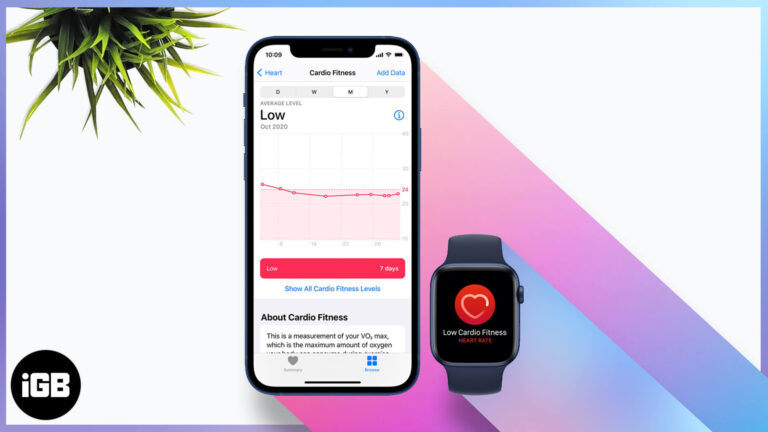
Cardio fitness is one of the better long-term health markers your watch records. Here is how Apple estimates it, how to set it up, enable notifications, and view your levels over time.
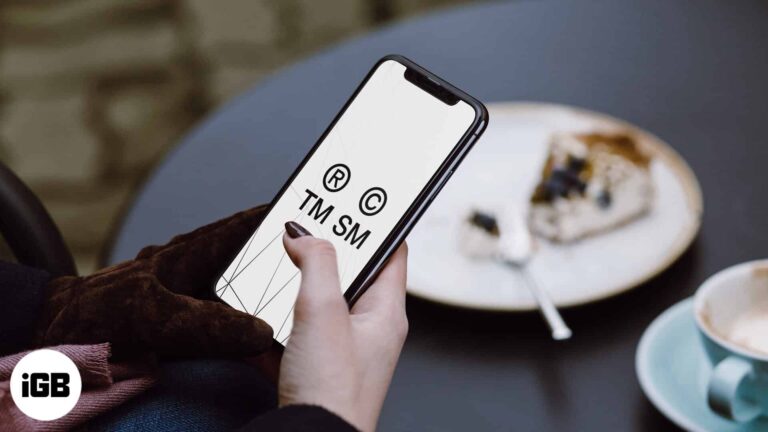
These symbols are not on the standard iOS keyboard. Here is how to insert the trademark, copyright, and registered marks on iPhone, set up text replacements, and the keyboard apps that help.
Siri controls Apple Music far more precisely than most people ask it to. Here are the commands for finding music by chart or genre, building playlists, tuning radio, and training its suggestions.
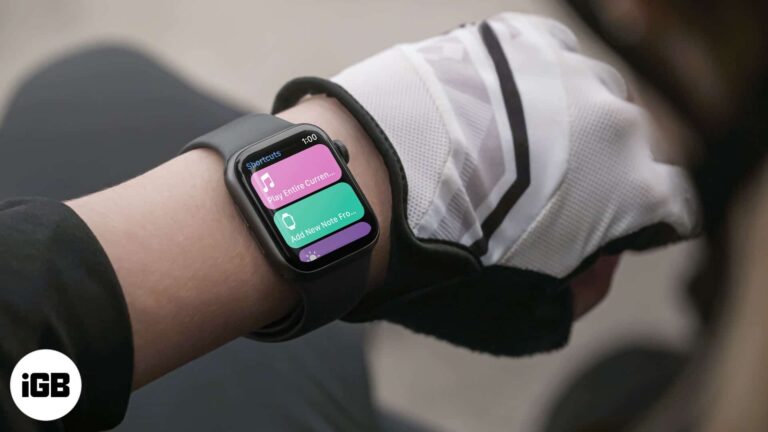
Shortcuts on the watch turn multi-step tasks into a single tap. Here is how to add them, run them from your wrist, remove ones you do not use, and add a shortcut complication to a face.