FaceTime Like a Pro
Get our exclusive Ultimate FaceTime Guide 📚 — absolutely FREE when you sign up for our newsletter below.

FaceTime Like a Pro
Get our exclusive Ultimate FaceTime Guide 📚 — absolutely FREE when you sign up for our newsletter below.


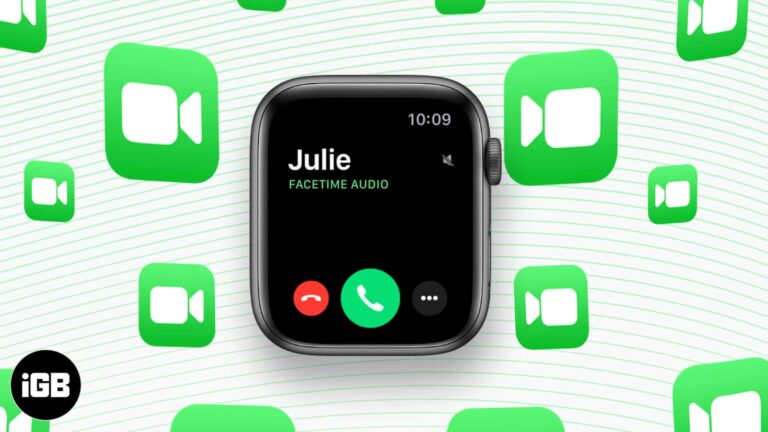
Apple Watch has no camera, so FaceTime means audio calls. Here are three ways to start one from your wrist, how to call over Wi-Fi, and how to transfer a call from iPhone mid-conversation.

AirPods Max hide plenty of useful behavior behind settings you have to go looking for. These tips cover audio sharing, LED meanings, Digital Crown direction, head detection, and device switching.
A frozen Apple Watch will not respond to taps, so the buttons are your only route. Here is how to restart it normally and how to force a hard reset when the screen is completely unresponsive.

When your Apple Watch stops ringing, it is often due to sound settings or notification syncing issues. Here are 9 proven ways to fix it fast.
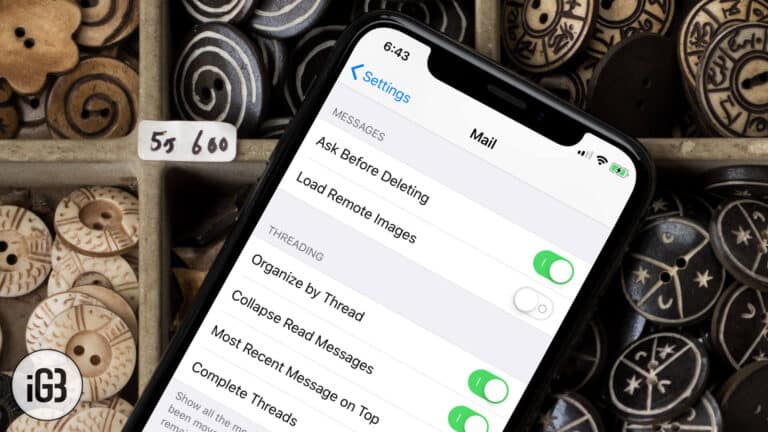
Auto-loading images burn data and tell senders you opened the message. Here is how to turn off remote image loading in the Mail app on iPhone and iPad, and what changes when you do.

Dropped calls point to the SIM, carrier settings, or network coverage far more often than a faulty phone. Here is how to work out which one it is and the fixes for each.
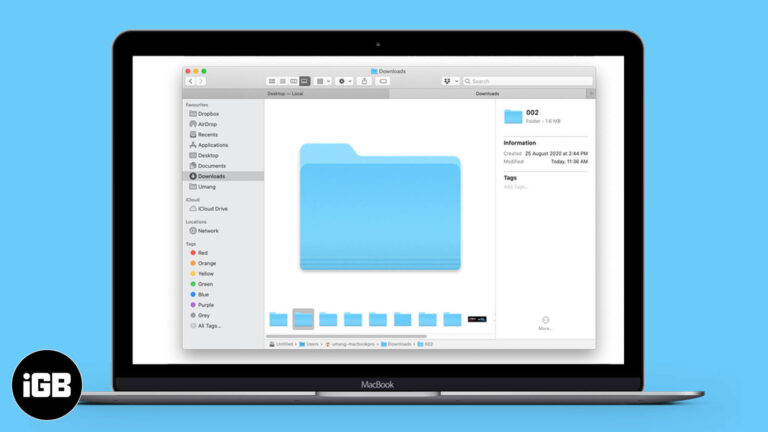
Finder hides folder sizes by default, which makes tracking down storage hogs awkward. Here are three ways to see how much space any folder occupies on your Mac.
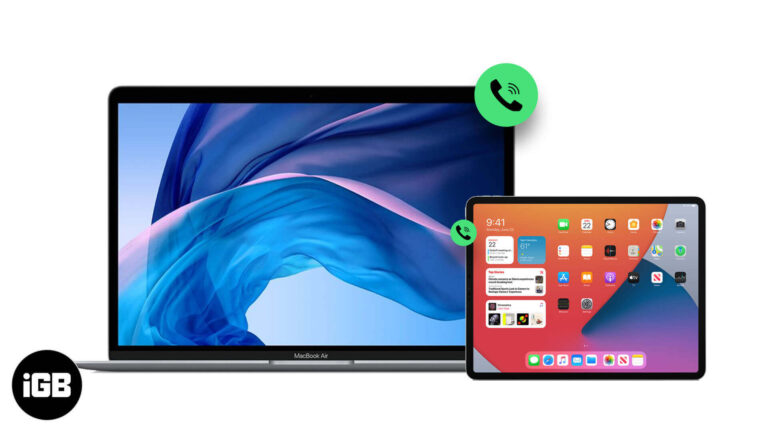
Continuity lets your Mac and iPad ring alongside your iPhone. Here is how to enable Calls on Other Devices, place and answer calls on each, and hand a live call between devices.
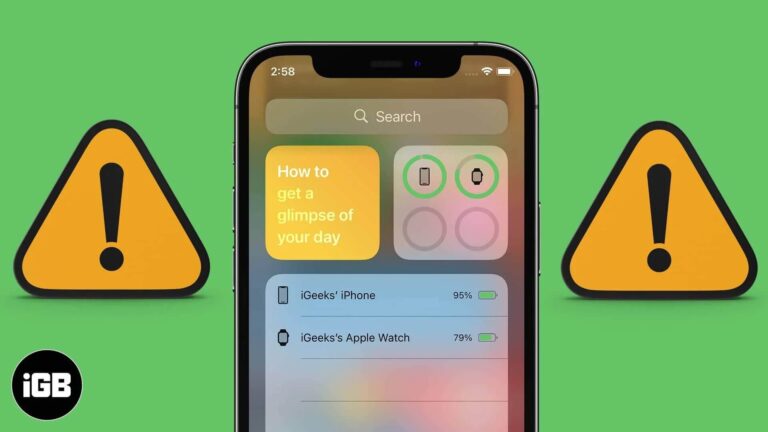
The Batteries widget only appears once a Bluetooth accessory is paired, which catches many people out. These fixes cover adding the widget, lock screen access, iOS updates, and a settings reset.
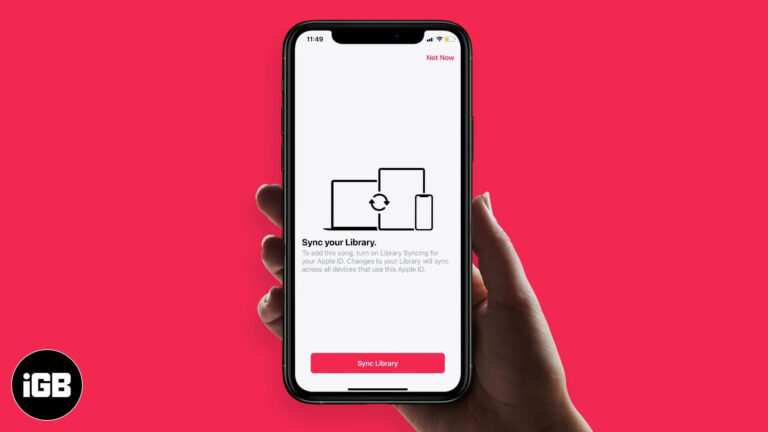
iCloud Music Library keeps your songs, playlists, and matched tracks identical on every device. Here is how it works, how it interacts with Apple Music and iTunes Match, and how to enable it.
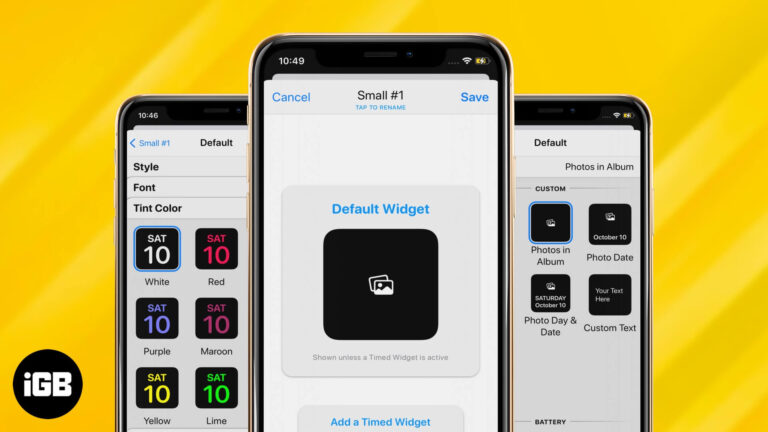
Widgetsmith is the app behind most custom iPhone Home Screens. Here is how to design a widget with your own styling, add a photo widget, and place the result on your Home Screen.
Shared Albums let you send photos to specific people without filling their storage. Here is how to enable or disable the feature on every platform, and how it differs from iCloud Photos.
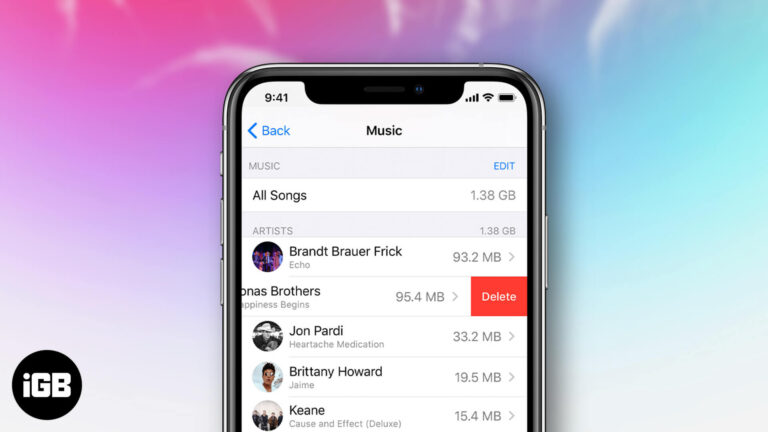
Purchased tracks stay in your library forever unless you hide them. Here is how to hide, unhide, and permanently delete purchased music across iPhone, iPad, and the Music app on Mac.

Internet Recovery downloads macOS directly from Apple when the built-in recovery system will not load. Here is what it does, the key combination to start it, and what to try when it fails.
Messages in iCloud keeps every conversation identical on all your devices and frees up local storage. Here is how to enable it on iPhone, iPad, and Mac, plus what to do when syncing stalls.
The red dot signals an unread notification, and it nags until you deal with it. Here is exactly what it means, how to view the notifications behind it, and how to turn the indicator off.
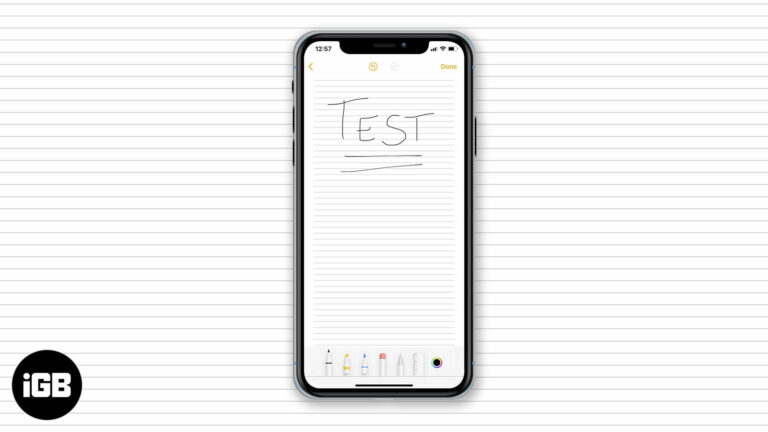
Lined and grid backgrounds make handwritten notes far neater on iPad. Here is how to apply a paper style, remove it from an existing note, and set your preferred default for every new note.
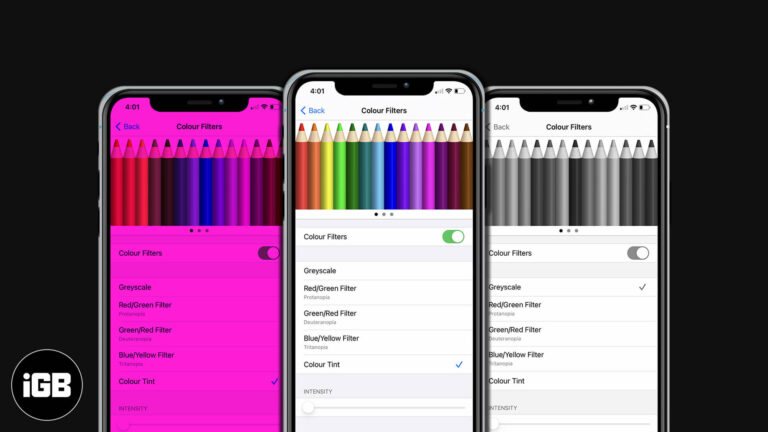
Color Filters shift how iOS renders color to help with color vision differences. Here is how to enable them on iPhone and iPad, pick the right filter, and fine-tune tint and intensity.

Schooltime restricts a child's Apple Watch to the time and their activity rings during school hours. Here is what you need first, how to set a schedule, how to exit it, and how to read reports.

Blood oxygen readings give a snapshot of how well your blood is oxygenated. Here is how to set the app up, take a reliable measurement, and the technique that improves accuracy.
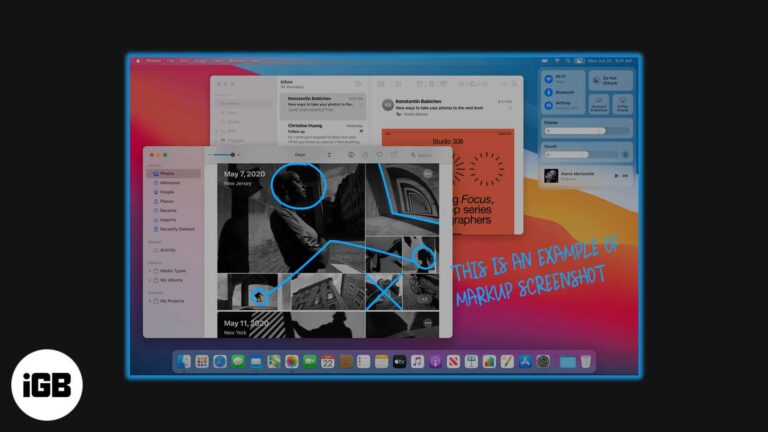
Preview's Markup tools handle most screenshot editing you will ever need. Here is how to annotate a capture on Mac with arrows, text, shapes, and redactions before you share it.
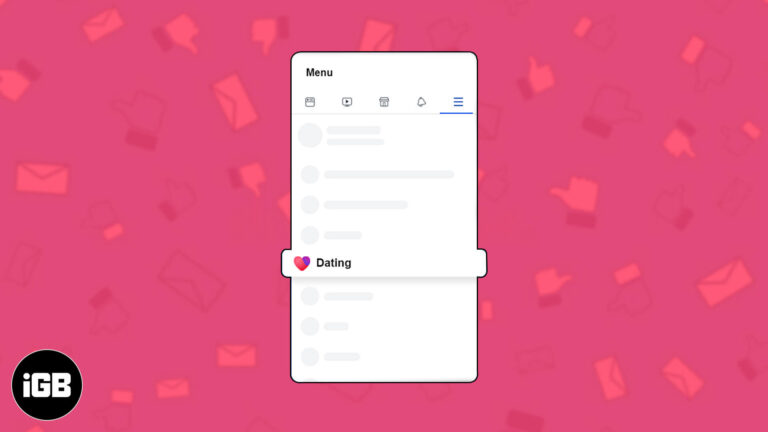
Facebook Dating runs inside the main app but keeps a separate profile. Here is how it works, how to set yours up on iPhone, what Secret Crush does, and the settings worth changing.
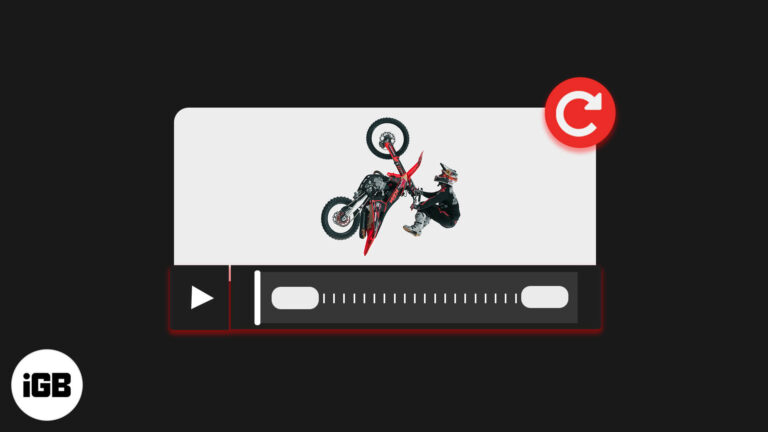
A video shot in the wrong orientation is fixable without a computer. Here is how to rotate one in the Photos app on iOS, and how to do it in iMovie for more control.
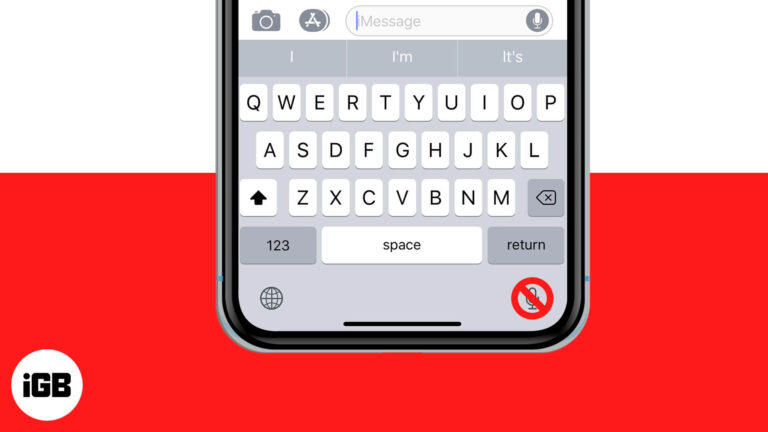
The dictation key sits next to the space bar and gets pressed by accident constantly. Here is how to remove it from the iPhone and iPad keyboard by disabling Dictation.
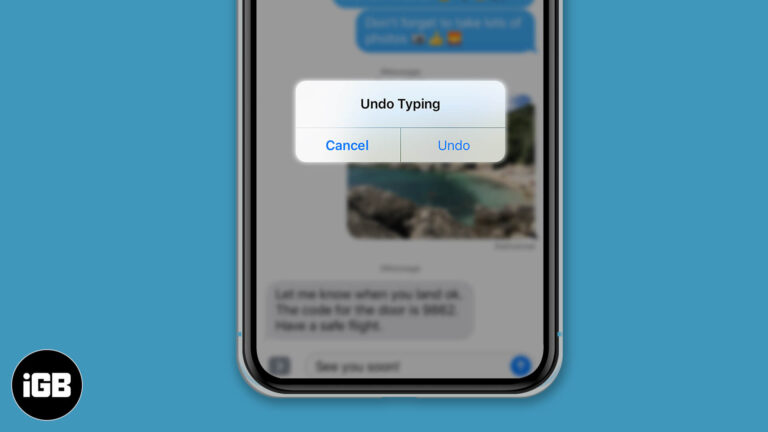
Here's how to fix mistakes fast with undo and redo features on iPhone and iPad.
Shared Albums are the easiest way to collect photos from several people in one place. Here is how to enable the feature on Mac, build an album, add media, and manage who can contribute.

Faxing might sound like an outdated means of communication or sharing documents, but it is still as respected as it used to be. While there are myriad options for sharing documents today, including emails and instant messaging applications, faxing remains…

Moving WhatsApp between iPhone and Android normally means abandoning your history. iCareFone transfers chats and media across platforms. We look at how it works, its backup tools, and the price.