
FaceTime Like a Pro
Get our exclusive Ultimate FaceTime Guide 📚 — absolutely FREE when you sign up for our newsletter below.

FaceTime Like a Pro
Get our exclusive Ultimate FaceTime Guide 📚 — absolutely FREE when you sign up for our newsletter below.


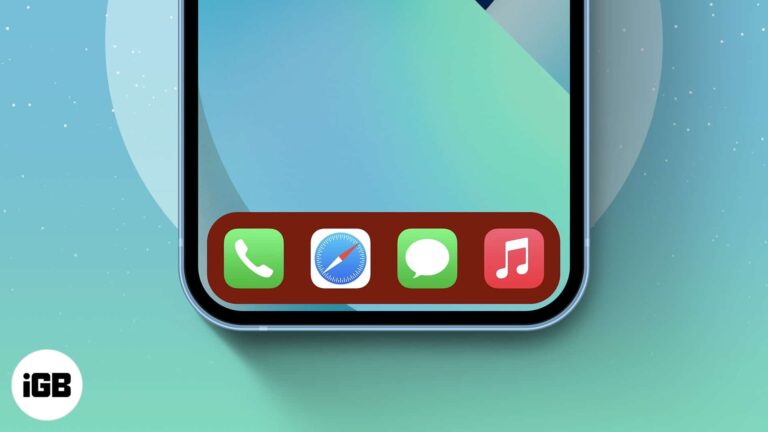
iOS gives no official Dock color control, but the Dock tints itself based on your wallpaper. Here is how to exploit that to get the Dock shade you want on iPhone or iPad.
AirPlay on watchOS is more limited than on iPhone, which surprises people. Here is what it can actually do, how to pick an output device, and how to control a HomePod from your wrist.
Apple buried plenty of useful behavior in iOS 15. These 25 lesser-known features cover cross-app drag and drop, widget suggestions, Private Relay settings, and Home Screen customization.
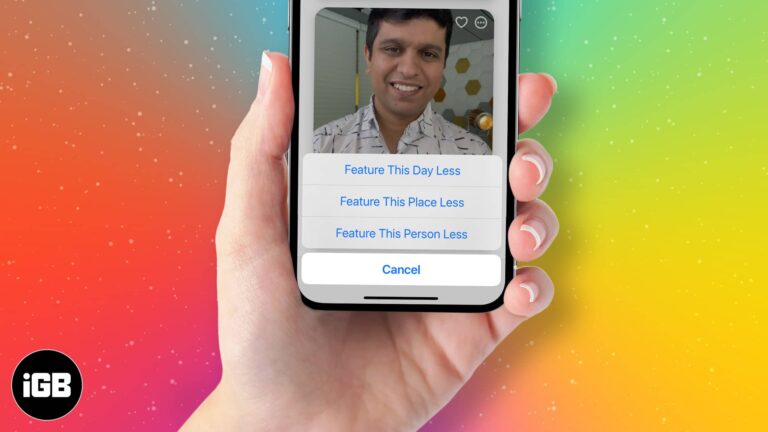
Memories can resurface people or events you would rather not see. Here is how to block someone from appearing, show a day or place less often, and restore them to your Memories later.
A Mac too old for current macOS can still run Chrome OS comfortably. Here is why it is worth doing, what you need before starting, and the full installation process step by step.
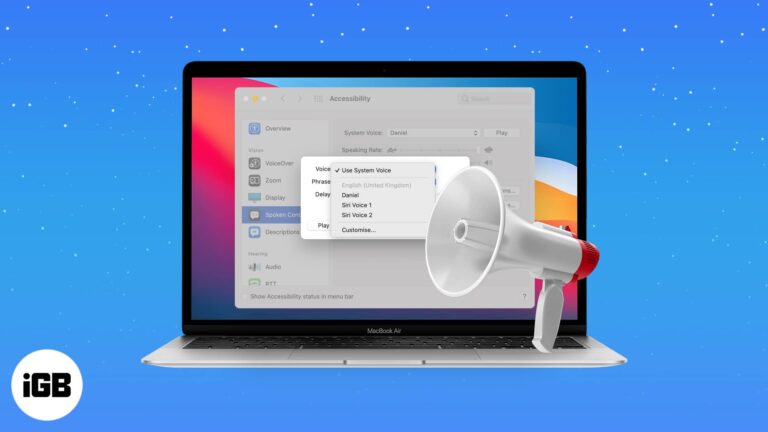
If you work with the Mac out of view, spoken alerts stop you missing important dialogs. Here is why the feature is useful and how to enable it across current and older macOS versions.
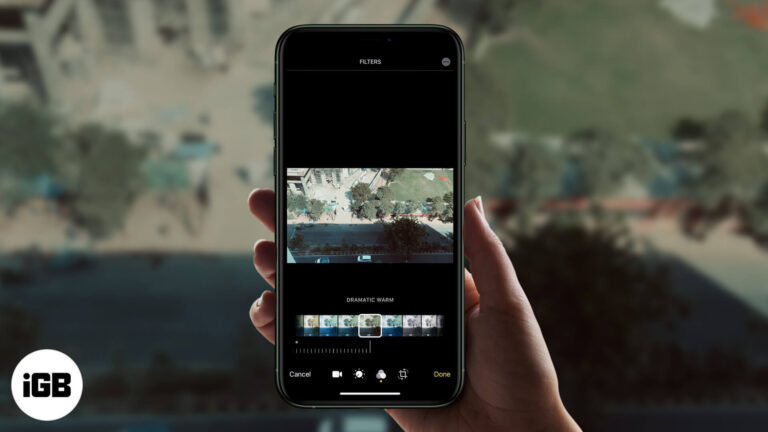
The Photos app applies filters to video, not just stills, and the change is fully reversible. Here is how to do it on iPhone, along with the third-party apps worth using for stronger looks.
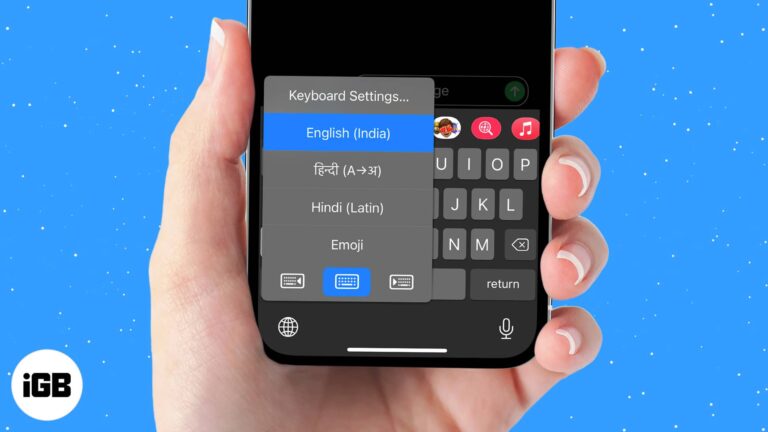
iOS lets you install extra language and third-party keyboards and swap between them mid-sentence. Here is how to add one, set your preferred default, and switch quickly with the globe key.
A phone that will not appear in iTunes is usually a driver or trust-prompt problem, not a cable fault. These six fixes cover drivers, the Location and Privacy reset, and a clean iTunes reinstall.
Apple News crashes are usually caused by a stuck app process or an outdated iOS build rather than a damaged install. These four fixes escalate from a force quit to a clean reinstall.
Alexa handles some requests better than Siri and controls a wider range of smart home gear. Here is how to set up the iPhone app, use it day to day, and add a Home Screen widget.
Anyone with your email address can share files into your Drive, spam included. Here is how to block a sender on iPhone and Android, what blocking actually prevents, and how to undo it.
With multiple Apple accessories paired, the default names become useless. Here is how to rename your Magic Mouse on Mac so you can tell your devices apart at a glance.
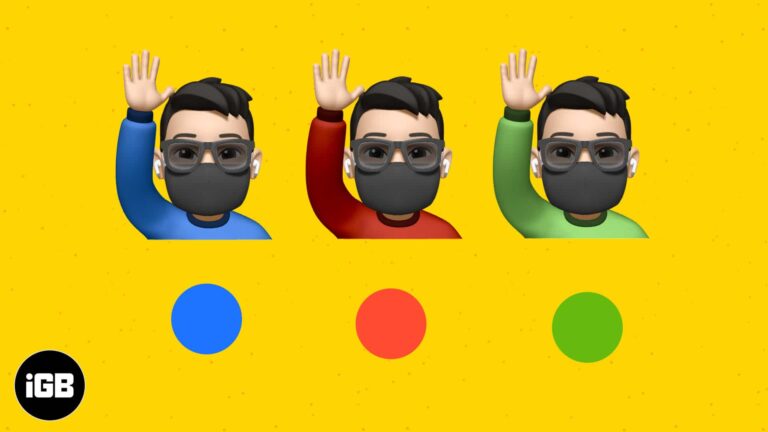
Memoji customization goes well beyond hair and eyes. This short guide shows exactly where the clothing options live in Messages and how to change your Memoji shirt color on iPhone or iPad.
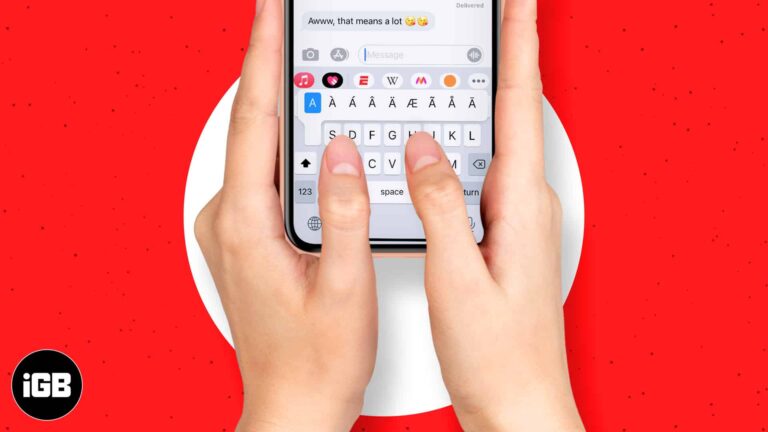
Accented characters are hidden behind a long press on the iOS keyboard. Here is what diacritical marks are and how to type every accent your iPhone or iPad keyboard offers.
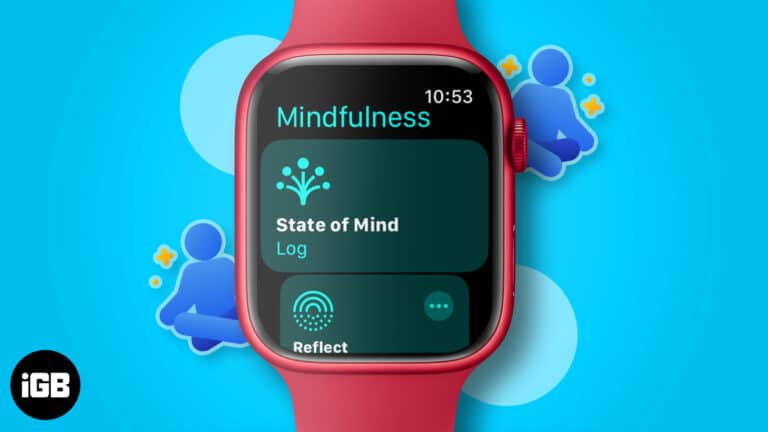
The Mindfulness app offers two session types, Reflect and Breathe, and takes a minute each. Here is how the app works, how to run each session, and how to schedule reminders on Apple Watch.
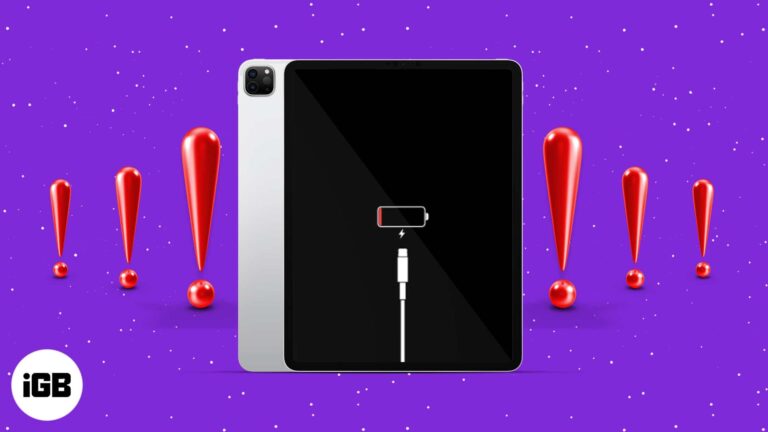
A charging failure is usually the cable, adapter, or a clogged port rather than the battery. Here is how to test each one in order and the software fixes worth trying before a repair.
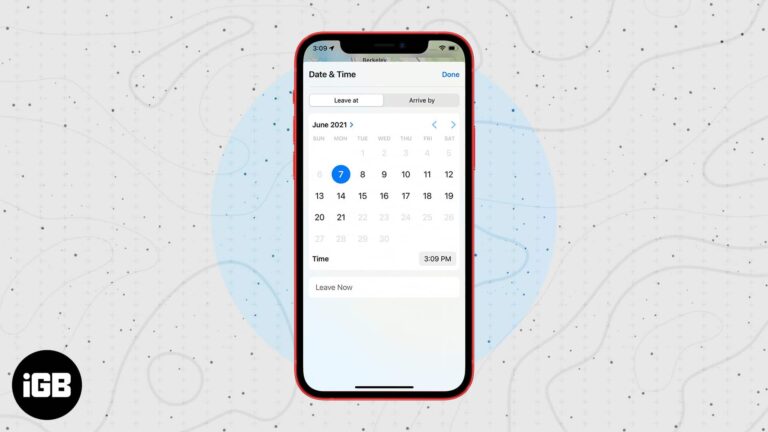
Apple Maps can work backwards from when you need to arrive, factoring in expected traffic. Here is how to set a leaving or arrival time on iPhone and use it to plan your trip.

Not every app supports Split View, and a couple of display settings block it entirely. Here is what to check first, plus six fixes that restore side-by-side multitasking on macOS.
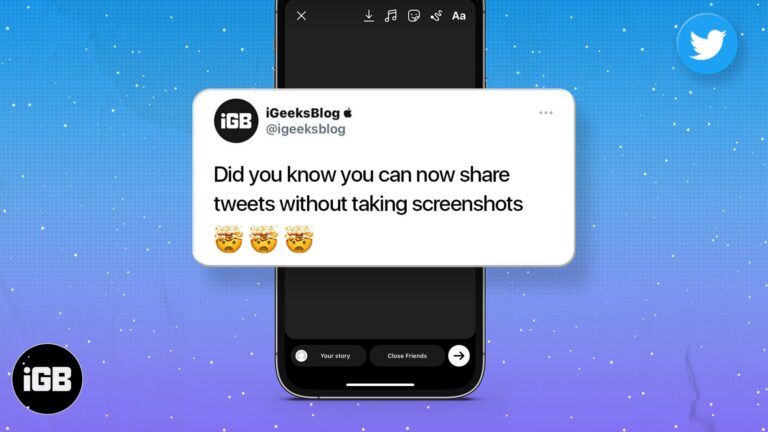
Screenshotting a tweet gives you an awkward crop. Here is how to share a post from X directly to your Instagram Story on iPhone and Android, keeping the formatting clean.
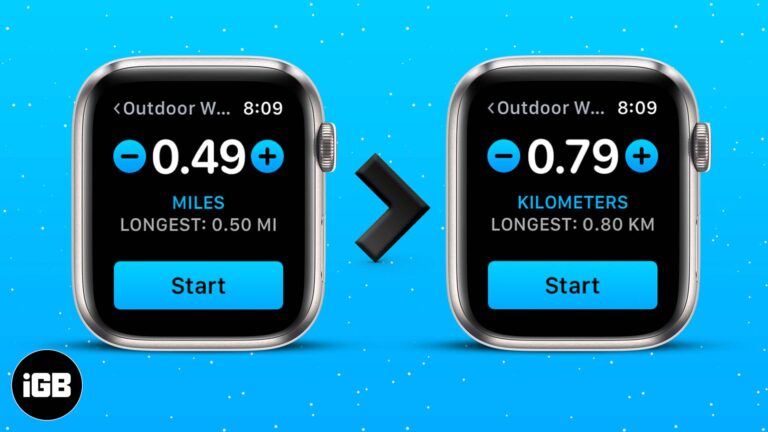
The distance unit follows your region setting by default, which is wrong for plenty of people. Here is how to change miles to kilometers on Apple Watch and in the Health and Fitness apps on iPhone.
While Apple was nearly two years behind Tidal and Amazon in releasing lossless audio on Apple Music, it still somehow managed to stir the music streaming industry. For starters, it is free for all Apple Music subscribers. Moreover, every one…
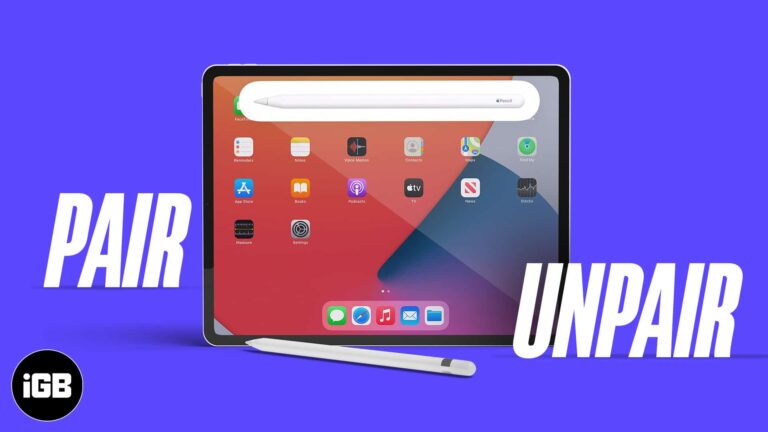
First and second generation Apple Pencils pair and charge completely differently. Here is which iPads support each, how to connect and charge them, and what to do when pairing fails.
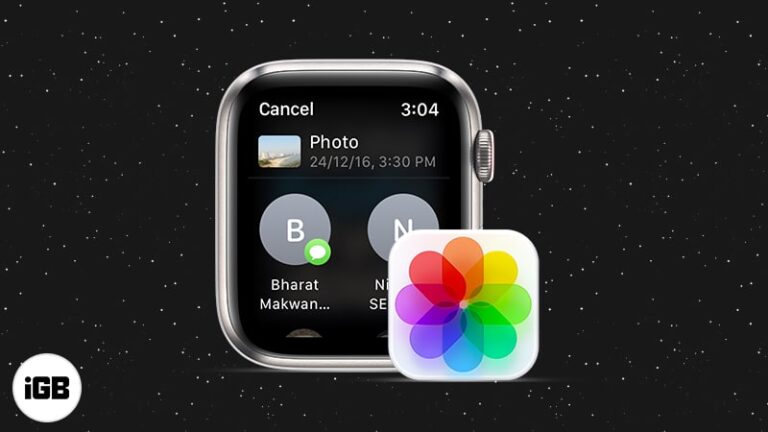
watchOS lets you send images straight from your wrist, though the process is not obvious. Here is how to share a synced photo through Messages or Mail directly on Apple Watch.

A touch strip with no tactile feedback is difficult without sight. VoiceOver reads it aloud. Here is what VoiceOver does, how to enable it on a Touch Bar MacBook Pro, and how to use the two together.
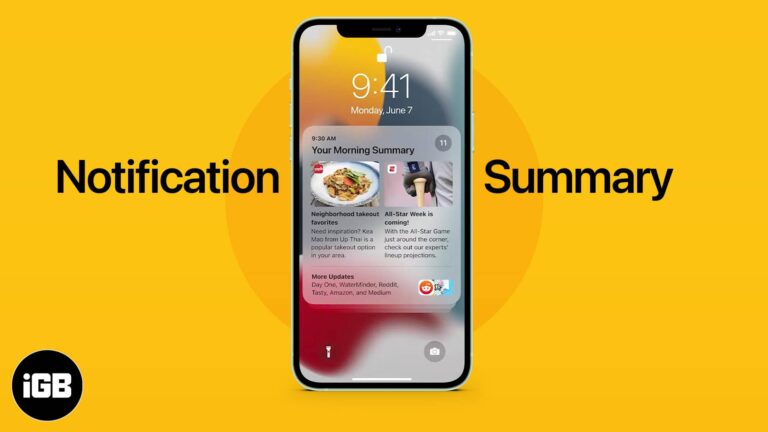
Notification Summary holds low-priority alerts and delivers them at times you choose. Here is what it does, how to enable it on iPhone, which apps to include, and how to set the schedule.
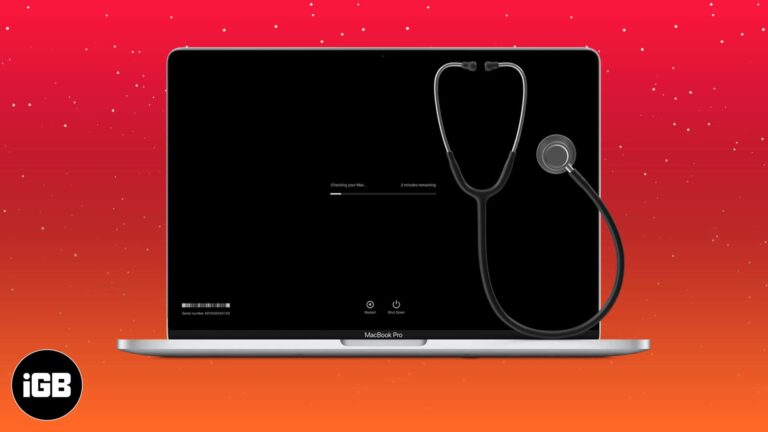
Apple Diagnostics tests memory, storage, and logic board hardware in minutes. Here is how to run it on modern and pre-2013 Macs, what the common reference codes mean, and your next steps.
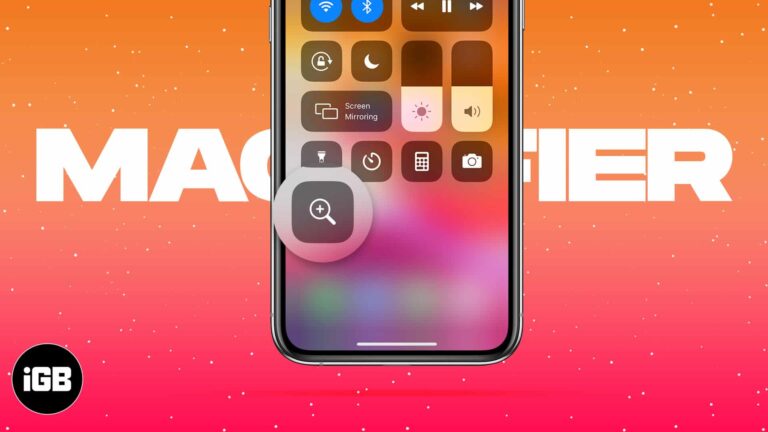
Magnifier turns your camera into a magnifying glass with adjustable zoom, filters, and freeze frame. Here is how to enable it, reach it fast, save images, and tailor its controls.
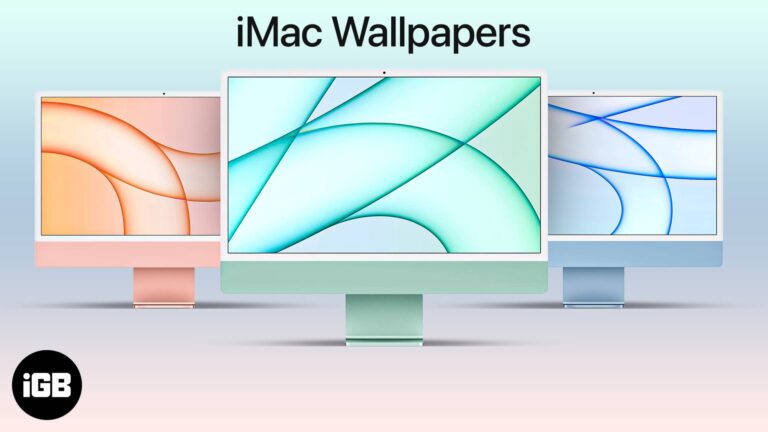
The M1 iMac shipped with wallpapers matched to its seven colors. Here is how to get them on any Mac, plus direct downloads sized for iPhone and iPad backgrounds.
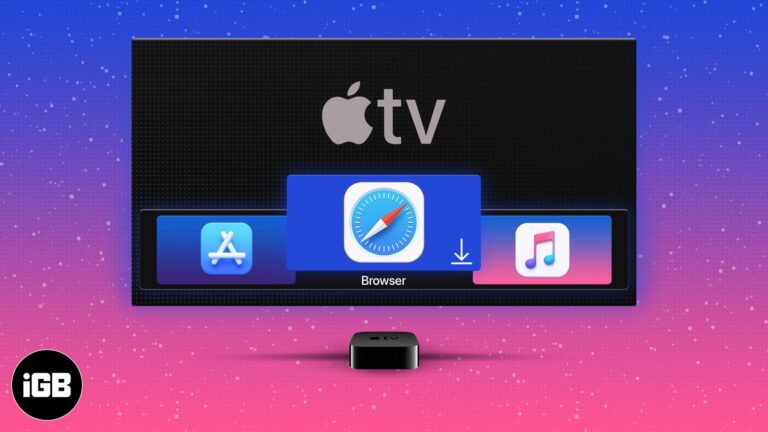
tvOS ships without a browser, which frustrates plenty of Apple TV owners. Here is what you need to browse anyway, how to use the available tvOS browser, and the alternatives worth considering.


