
FaceTime Like a Pro
Get our exclusive Ultimate FaceTime Guide 📚 — absolutely FREE when you sign up for our newsletter below.

FaceTime Like a Pro
Get our exclusive Ultimate FaceTime Guide 📚 — absolutely FREE when you sign up for our newsletter below.


Wondering how to restore your Mac? Whether you’re using Time Machine, iCloud, or have no backup, this guide walks you through every recovery method.

Done with Apple Music subscription? Here’s how to cancel it fast—on iPhone, Android, or desktop.

Unified Memory isn't just smarter RAM. It’s a breakthrough built into Apple Silicon that powers faster performance, smoother multitasking, and longer battery life across today's Macs.
Apple removed Launchpad in macOS 26 Tahoe, replacing it with an enhanced Spotlight. If you miss the classic app grid, here’s how to bring Launchpad back—and what you’ll lose in the process.

Annoyed by Search Marquis hijacking your browser on Mac? Learn how to remove this redirect virus from Safari, Chrome, and Finder with this step-by-step guide. Protect your data and restore your Mac’s performance.
Browse smarter and stay private—discover how Apple’s Privacy Preserving Ad Measurement works on iPhone and Mac to keep your data safe and ads relevant.
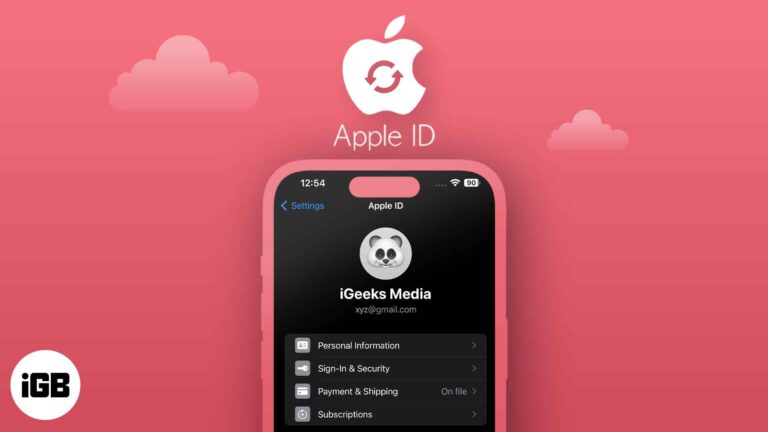
Want to update your Apple ID email? Learn how to change Apple ID on iPhone, iPad, or Mac—without losing data or access.
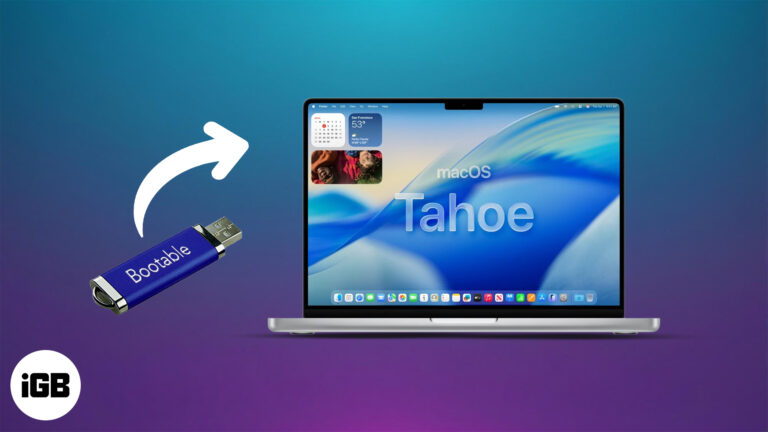
Want to install or test macOS Tahoe 26 on your Mac? This guide shows you how to create a bootable USB installer for clean installs, recovery, and more.
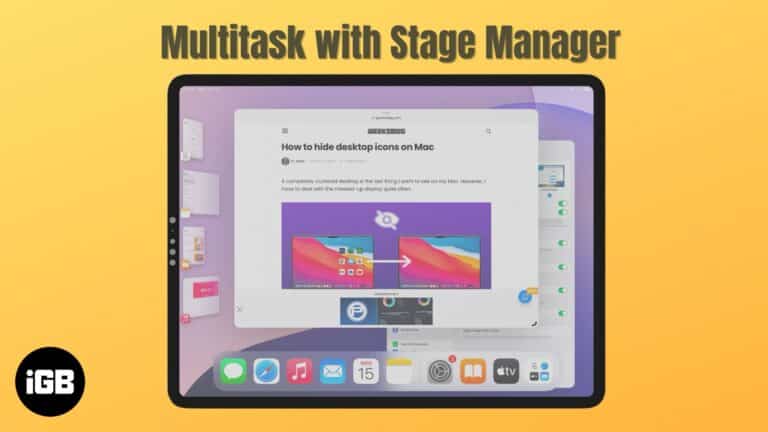
Become a multitasking pro with Stage Manager on your iPad and Mac.

Spotlight in macOS 26 Tahoe is more than just a search bar—it’s your new productivity sidekick. From running shortcuts to finding iPhone apps, here’s what’s new.
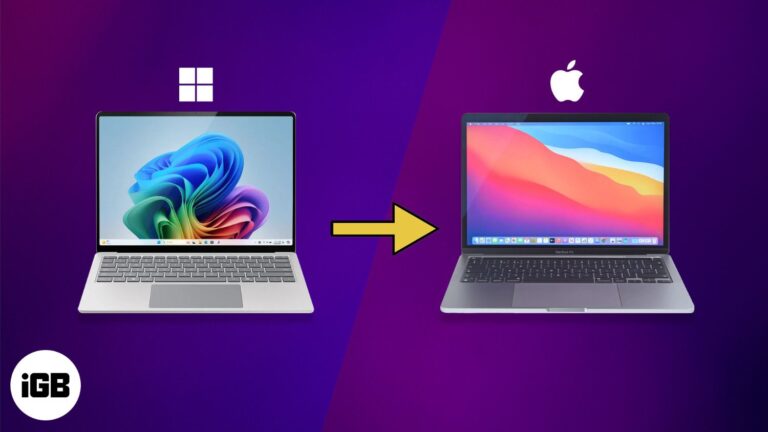
Switching to a Mac and worried about your files? Don’t stress. This guide walks you through 6 simple ways to transfer everything from your Windows PC—no tech headaches.
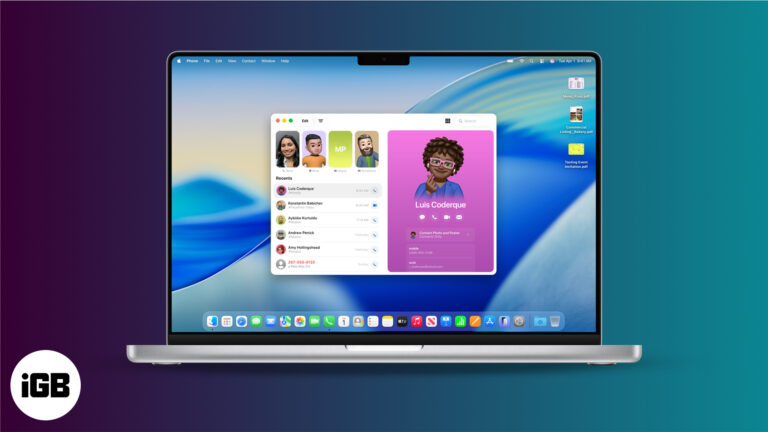
macOS 26 Tahoe introduces a full-fledged Phone app on Mac, featuring Live Translation, Call Screening, Hold Assist, and more.
Master your Mac with the all-new Control Center in macOS 26—customizable, powerful, and just a click away.
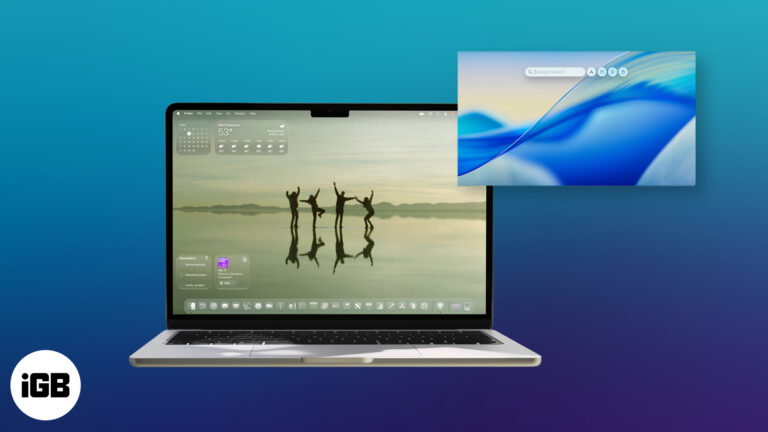
macOS 26 Tahoe brings a fresh design, smarter AI, and deeper iPhone integration to your Mac. Here’s a closer look at everything new coming this fall.
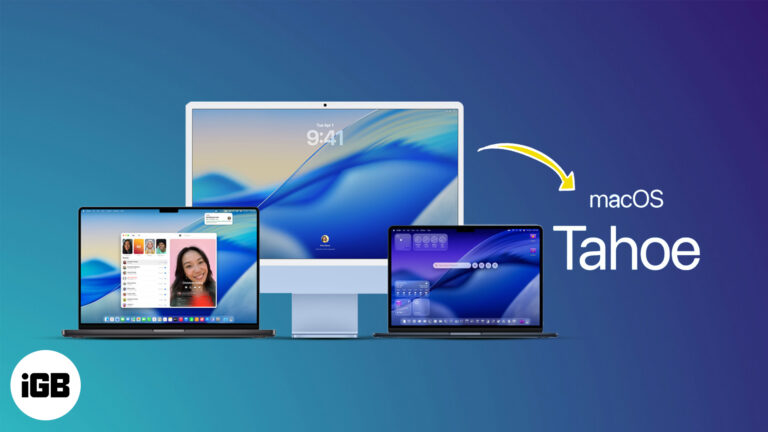
Apple has unveiled macOS 26 Tahoe with major upgrades—but not all Macs can run it. Here’s the full compatibility list and what to do if yours isn’t supported.
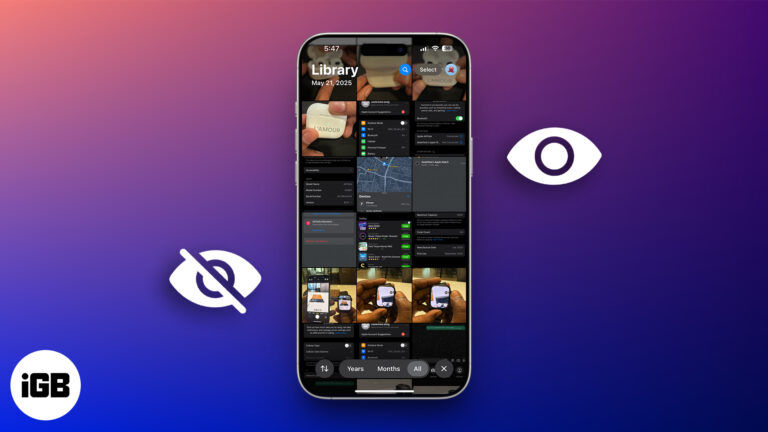
Want to keep certain photos and videos private? Learn how to hide and lock sensitive media on your iPhone, iPad, or Mac using Apple’s built-in tools.
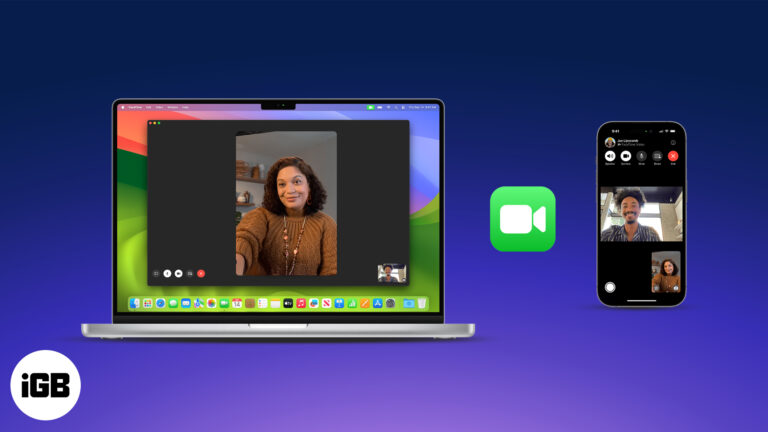
Master FaceTime on iPhone, iPad, and Mac, from setup to group calls, screen sharing, and pro tips in one easy guide.
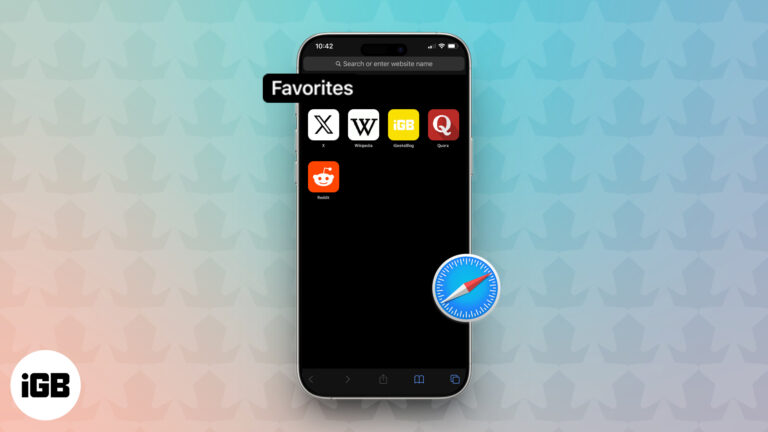
Tired of typing the same web addresses? Learn how to add and sync your favorite websites in Safari across iPhone, iPad, and Mac for quick, seamless access
Is your Mac slow or freezing up? From long startups to spinning beach balls, we’ve got proven fixes to speed it up—no tech skills needed.
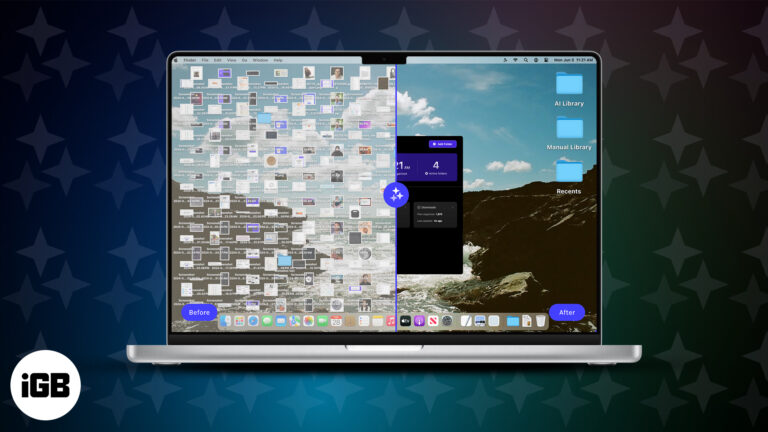
Sparkle is an AI-powered app that helps you declutter and organize your Mac in just minutes. Say goodbye to messy files and hello to a smarter workspace.
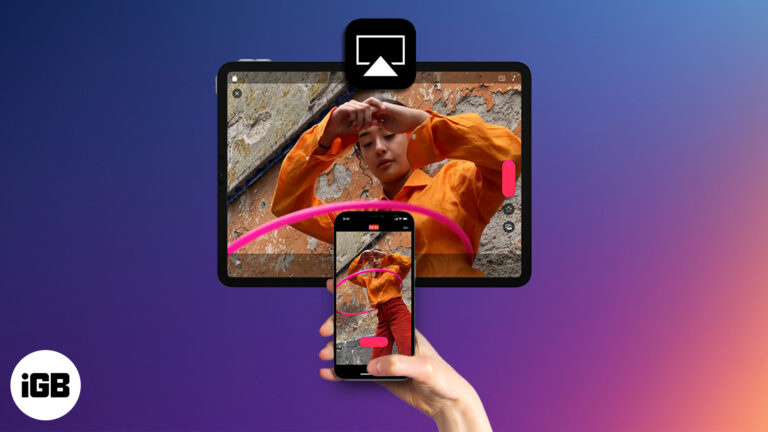
Stream videos or mirror your Apple device to any compatible screen using AirPlay. This guide covers setup steps, supported devices, and troubleshooting tips.
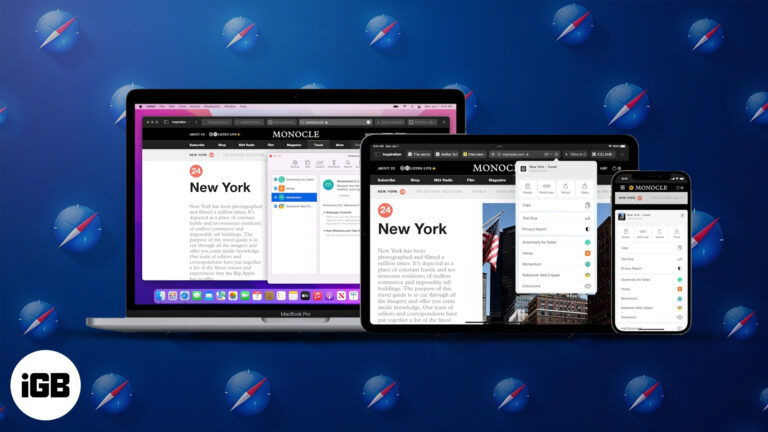
Discover how to install and use Safari extensions on your iPhone, iPad, and Mac to enhance privacy, boost productivity, and customize your browsing experience.
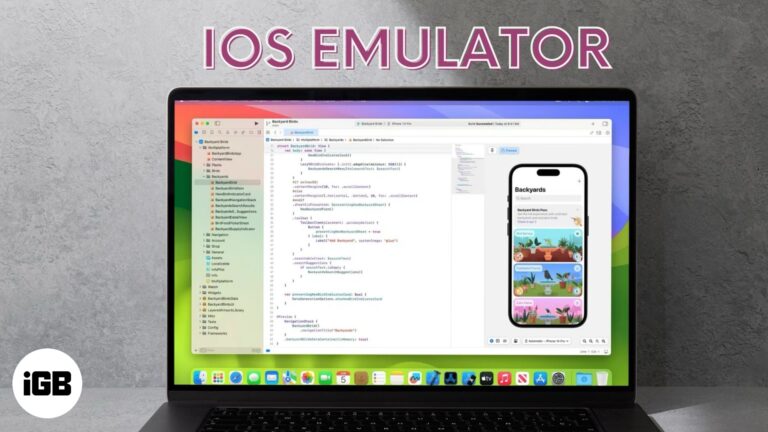
Experience iOS on your PC or Mac—test apps, play, and explore Apple's world without an iPhone. Discover the top iOS emulators now!
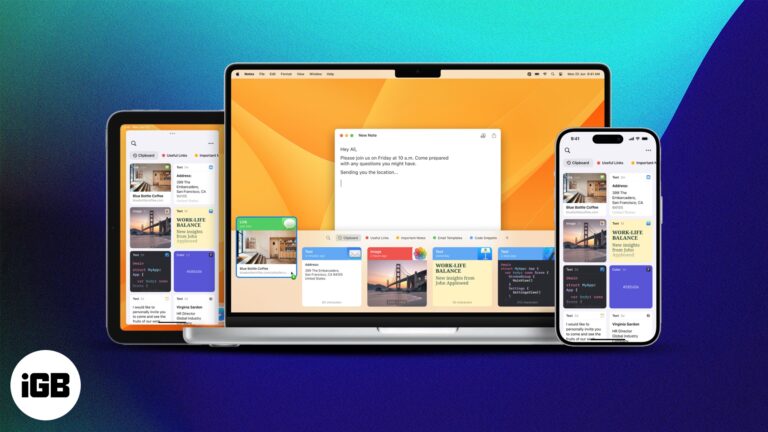
Jump between your Apple devices without skipping a beat—learn how to copy and paste text, images, and files effortlessly using Universal Clipboard.

 Arshmeet Kaur and Vikhyat
Learn all the ways to show or hide extensions for a single file or all your Mac files.

 Ava Biswas and Yash Wate
Accidentally spilled water on your MacBook? Don’t panic. This quick guide walks you through exactly what to do—and what to avoid—to protect your device.
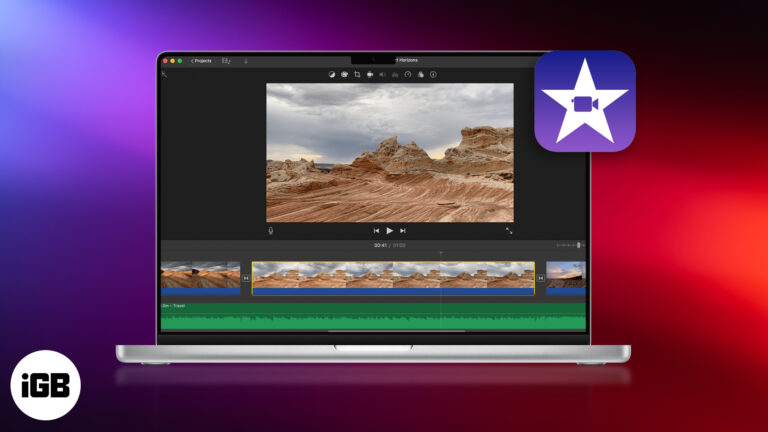
Want to make pro-level videos with zero editing experience? Learn how to master Apple iMovie on your Mac—from project setup to Hollywood-style trailers!
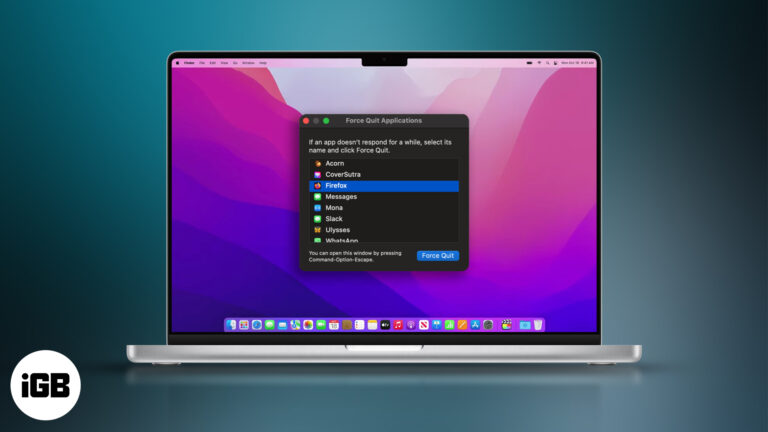
Quick ways to force quit unresponsive apps on your Mac and keep things running smoothly.
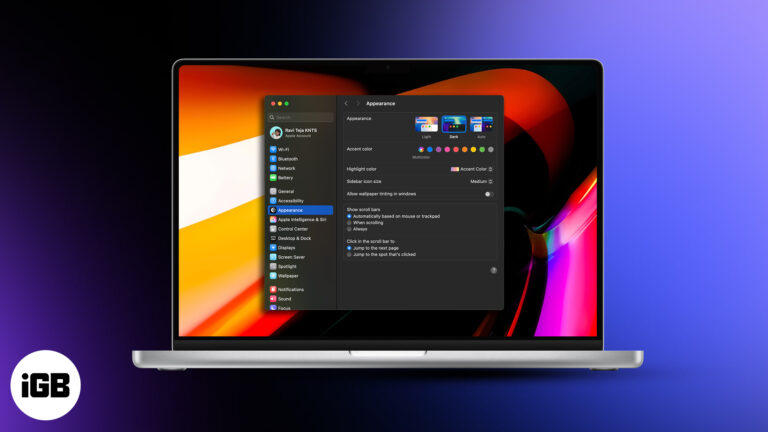
Reduce eye fatigue and improve focus by enabling Dark Mode on your Mac.
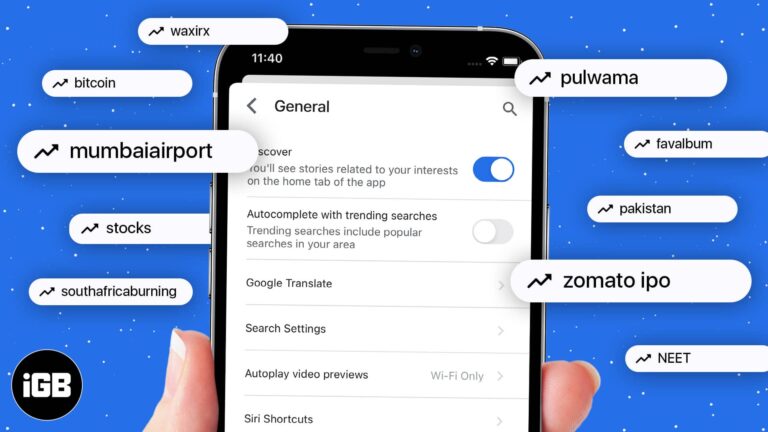
Get a cleaner, distraction-free search experience by disable trending searches.


