
FaceTime Like a Pro
Get our exclusive Ultimate FaceTime Guide 📚 — absolutely FREE when you sign up for our newsletter below.

FaceTime Like a Pro
Get our exclusive Ultimate FaceTime Guide 📚 — absolutely FREE when you sign up for our newsletter below.



Apple's Notes app allows you to create links between notes. Learn how to link notes in Apple Notes on iPhone and Mac, and explore the benefits of linking notes.

X Premium (formerly Twitter Blue) offers features like editing posts, fewer ads, and monetization tools. Plans start at $3/month across three tiers.
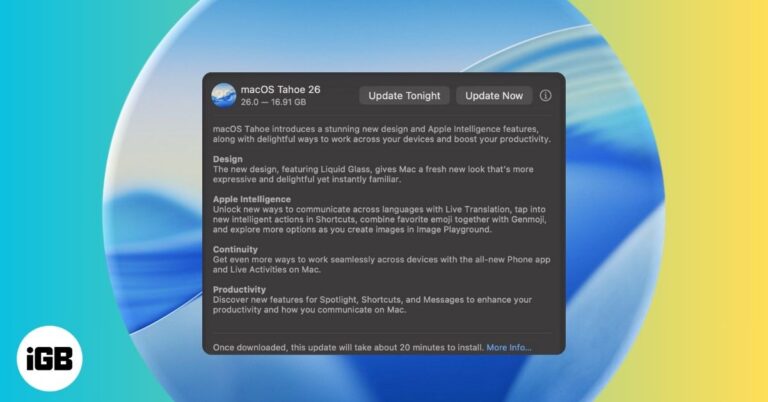
Apple’s macOS 26 Tahoe is here with Liquid Glass UI, Apple Intelligence, and more. Learn which Macs support it and how to install the update safely.

macOS Sequoia added several genuinely useful additions rather than cosmetic ones. Here are the eight worth knowing, from iPhone Mirroring and window tiling to the standalone Passwords app.

 Ayush Patel and Yash Wate
Scrolling Facebook in the dark? Switch to dark mode for a stylish, eye-friendly feed. Here’s how to enable it on iPhone, Android, desktop, and Messenger.
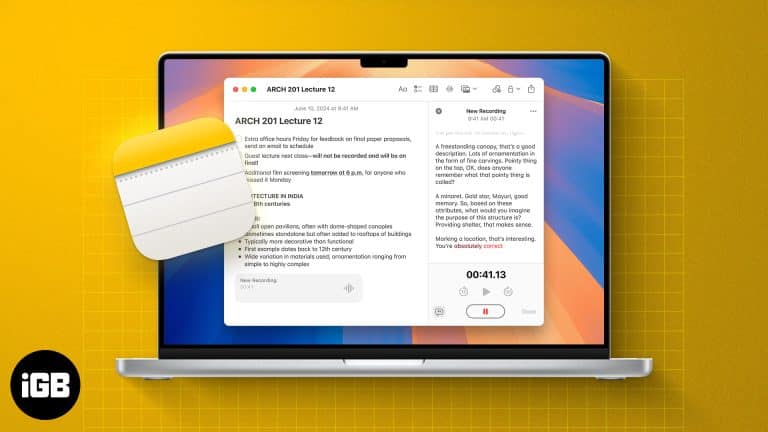
With iOS 18 and later, Apple's Notes app now supports live audio transcription. Learn how to use live transcriptions in Apple Notes on iPhone and Mac.
 Ava Biswas and Yash Wate
If AirDrop not working on your iPhone, iPad, or Mac, be it due to wrong AirDrop settings or compatibility issues, we've got you covered.
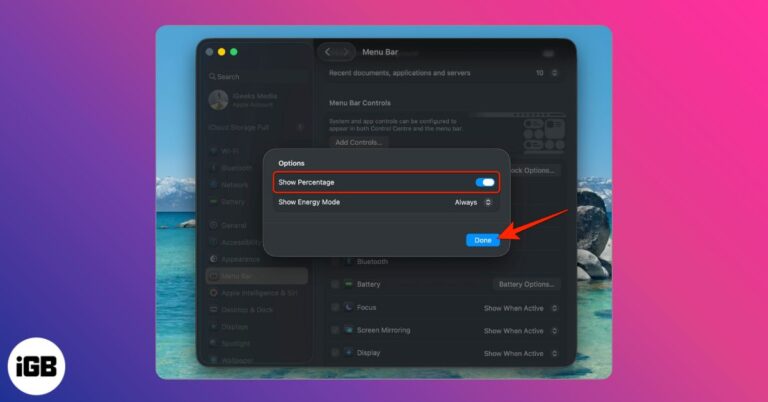
Want to see your Mac’s exact battery level? Here’s how to enable battery percentage in the menu bar on macOS Tahoe, Sequoia, Monterey, and older versions.
Lock notes on your Mac with Touch ID or a password and keep your private info secure in macOS Tahoe.

Is Ask to Buy not showing up in Family Sharing? Here are 8 proven fixes to restore purchase approval requests on iPhone, iPad, and Mac.
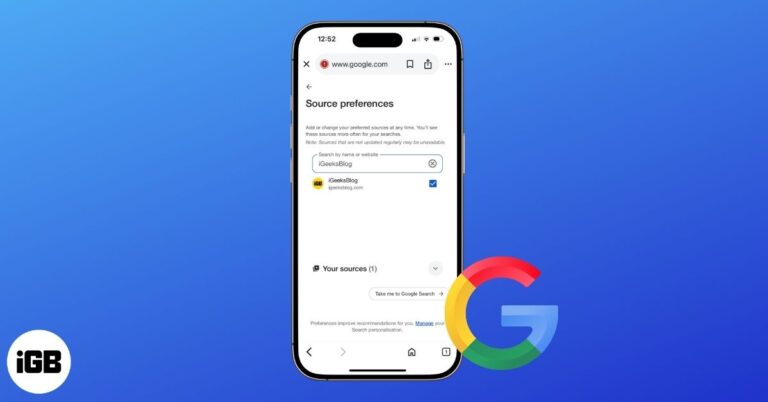
Google’s new Preferred Sources feature lets you highlight trusted websites so their stories appear more often in your search results. Here’s how to set it up on mobile and desktop.
Preview merges PDFs natively, so third-party tools are rarely necessary. Here is how to combine multiple documents on Mac, rearrange the pages, and save a single tidy file.

Learn about Apple's use of HEIC for photos and how to easily convert HEIC to JPG on iPhone, Mac, and PC to avoid compatibility issues.
The Mac Dock is useful but can get in the way. Luckily, macOS lets you hide, show, resize, or even speed up the Dock. From simple shortcuts to advanced Terminal commands, here’s how to take full control and make your Dock fit your workflow perfectly.

Sharing your Mac doesn’t have to mean sharing your files. Here’s how to set up Guest User on macOS for quick, secure access without risking your data.
Learn how to lock Safari’s Private Browsing tabs with Face ID or Touch ID on iPhone, iPad, and Mac, plus extra privacy tips and troubleshooting fixes.
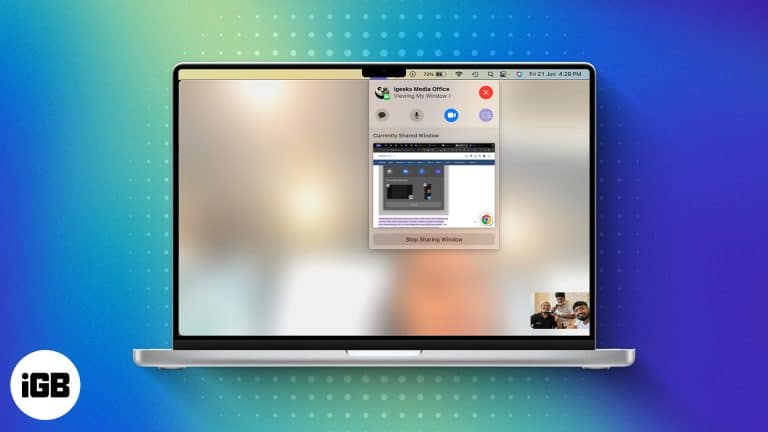
Sequoia lets you preview a window before sharing it and swap your video call background. Here is how to use Presenter Preview and background replacements on Mac during calls.
Ayush Patel and Yash Wate
Your Mac’s gone silent—right when you need it most. Don’t worry, we’ve got the fixes to get your mic talking again in no time.

See your most-used apps on iPhone and Mac, track usage, and set limits to stay productive.

 Ankur Thakur and Vikhyat
Stop chasing your camera during video calls—learn how to stay perfectly in frame with Apple’s Center Stage on iPad and Mac.

Tired of hitting replay on YouTube? Learn how to loop videos and playlists on any device, plus smart tips to make the most of it.

Apple’s trade-in program lets you exchange an iPhone, iPad, Mac, or Apple Watch for credit, but timing and device condition heavily affect the payout.

Resetting a Mac is more than just erasing files - It involves backing up data, deauthorizing Apple services, and preparing the device for a fresh start or new owner.

This error means macOS cannot complete a copy or paste, usually because the pasteboard server has hung. Here is what causes it and five fixes, including the Terminal command that resets it.

Only subscriptions billed through your Apple Account can be cancelled in Settings. Here is how to do that on every device, plus what to do about services like Netflix billed directly.
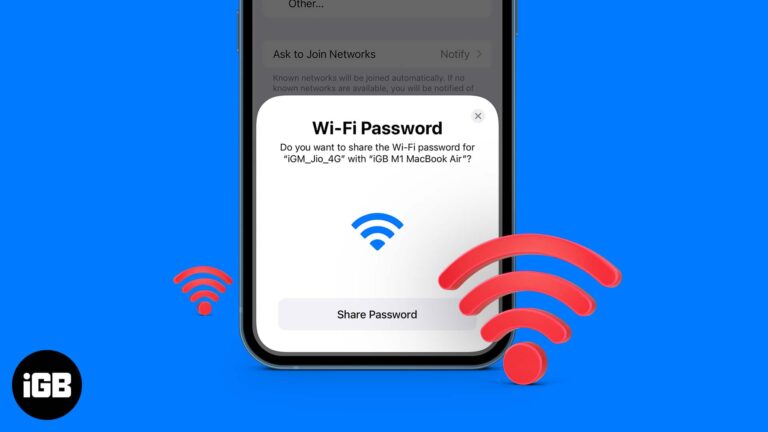
This post details how to share Wi-Fi password on iPhone, iPad, and Mac. Trust me, nothing is more frustrating than spelling out your complex Wi-Fi password to a friend visiting your home.

Want to delete your old backups from Time Machine on a Mac? Here are three methods to delete Time Machine backups and snapshots on Mac.
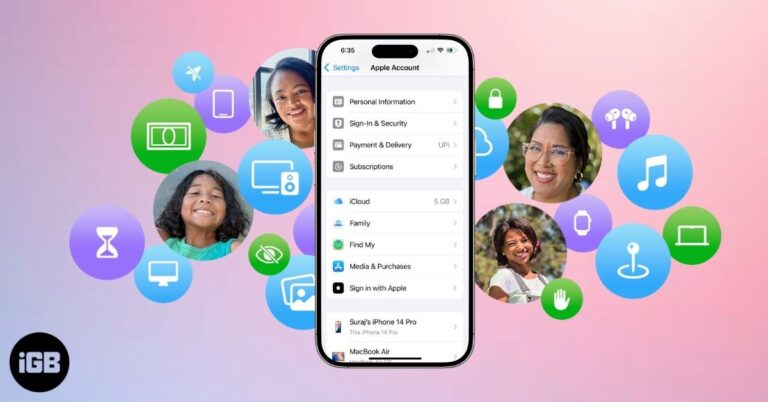
Apple Family Sharing lets you share apps, music, iCloud, and subscriptions with up to six people. Learn setup steps, features, and tips to manage it.
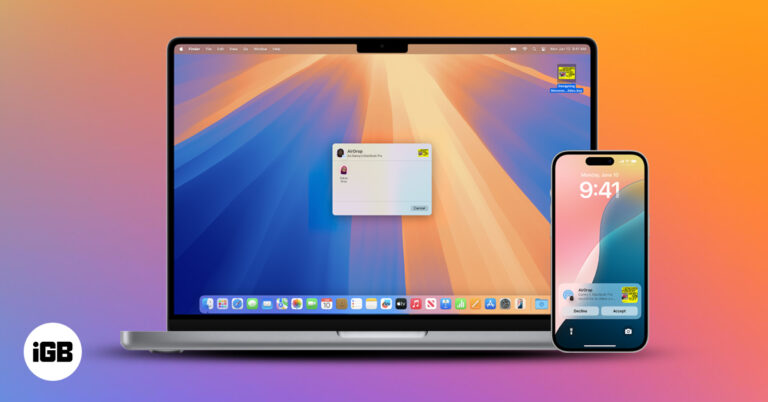
Use Continuity features to connect your iPhone and Mac, switch tasks seamlessly, share content instantly, and boost productivity across devices.
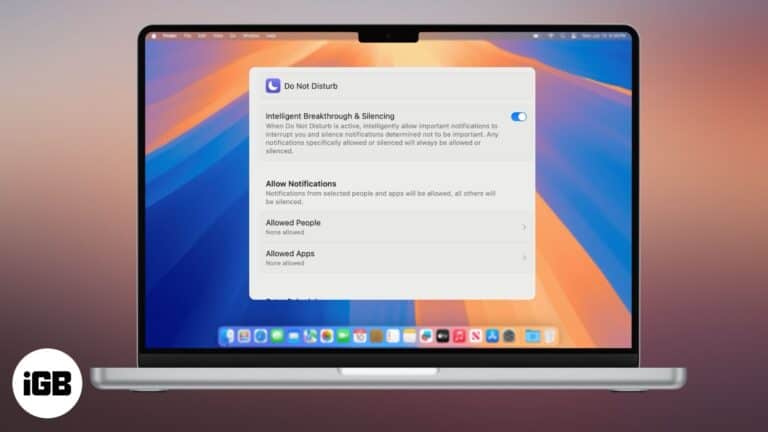
Stay productive and eliminate distractions.


