FaceTime Like a Pro
Get our exclusive Ultimate FaceTime Guide 📚 — absolutely FREE when you sign up for our newsletter below.

FaceTime Like a Pro
Get our exclusive Ultimate FaceTime Guide 📚 — absolutely FREE when you sign up for our newsletter below.


Ready to monetize your Roblox game? Find out how to make and sell Game Passes to offer perks like VIP access, skins, and boosts, and grow as a creator.


Roblox isn’t just a place to play games; it’s also a platform where creators can earn Robux and grow their projects. One of the most popular ways to monetize a game is with a Game Pass, which lets you offer players exclusive perks like VIP access, unique skins, faster movement, or bonus rewards.
It’s a simple feature, but it can turn a fun experience into a rewarding one for both players and developers. If you’ve built your first Roblox game and are ready to take it further, here’s a step-by-step guide to creating a Game Pass in Roblox.
A Game Pass is an item players can buy with Robux to unlock extra benefits in your game. Unlike developer products (which are bought multiple times), a Game Pass is a one-time purchase that stays with the player forever.
Creating one involves three main parts:
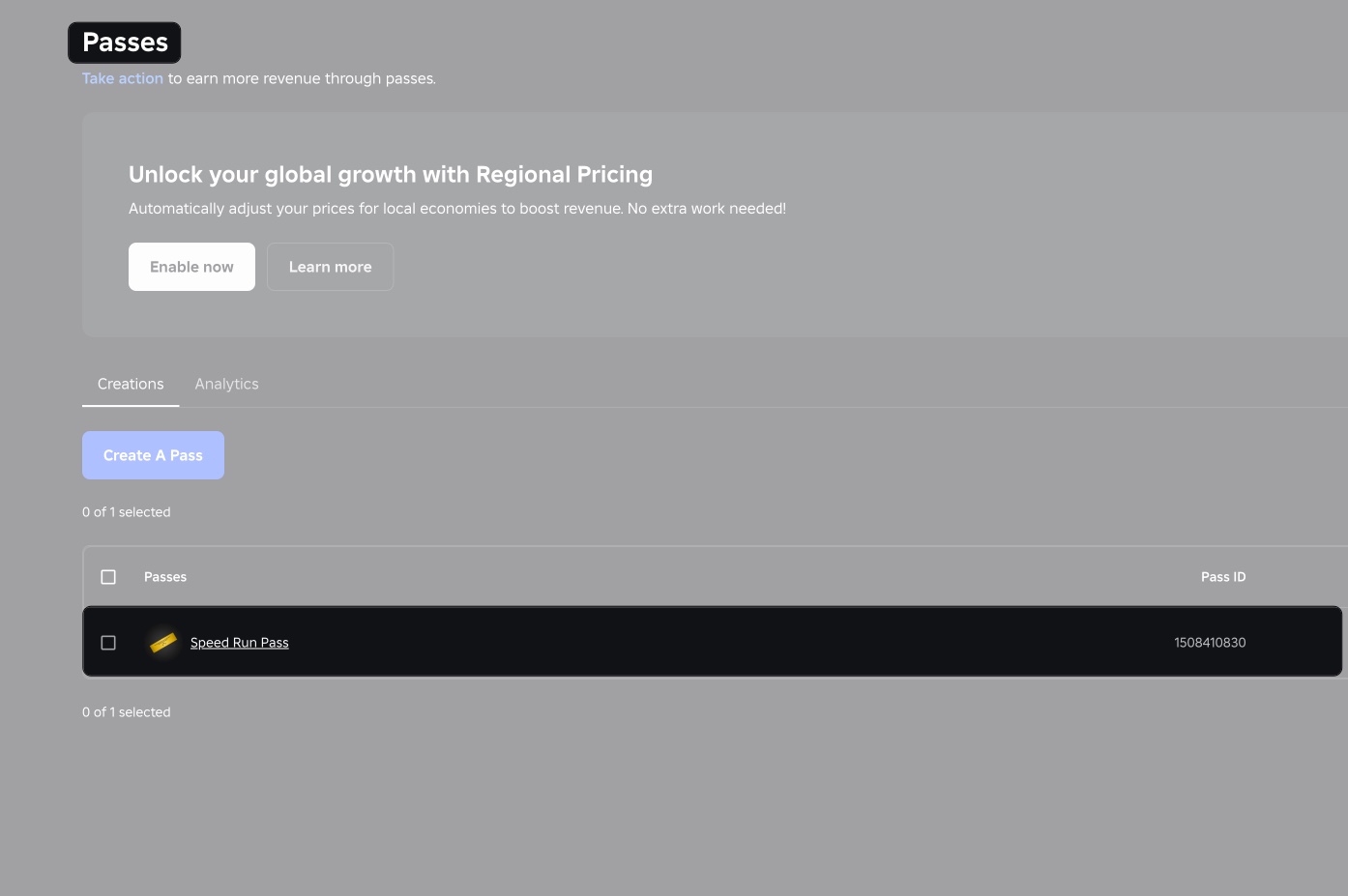
You can create a Game Pass either through the Roblox website or Roblox Studio. Both methods are quick, but your game must already be published before you can add passes.
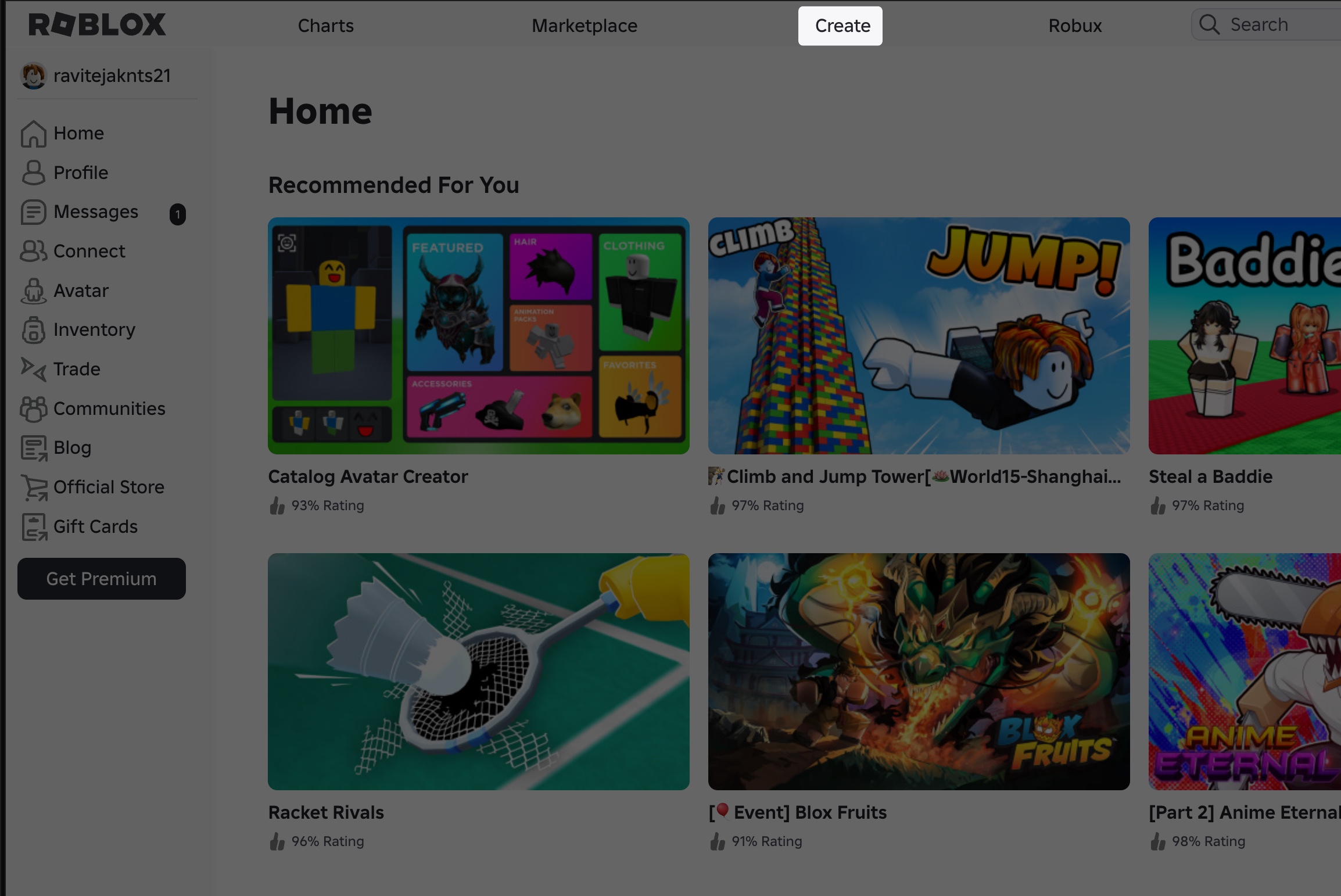
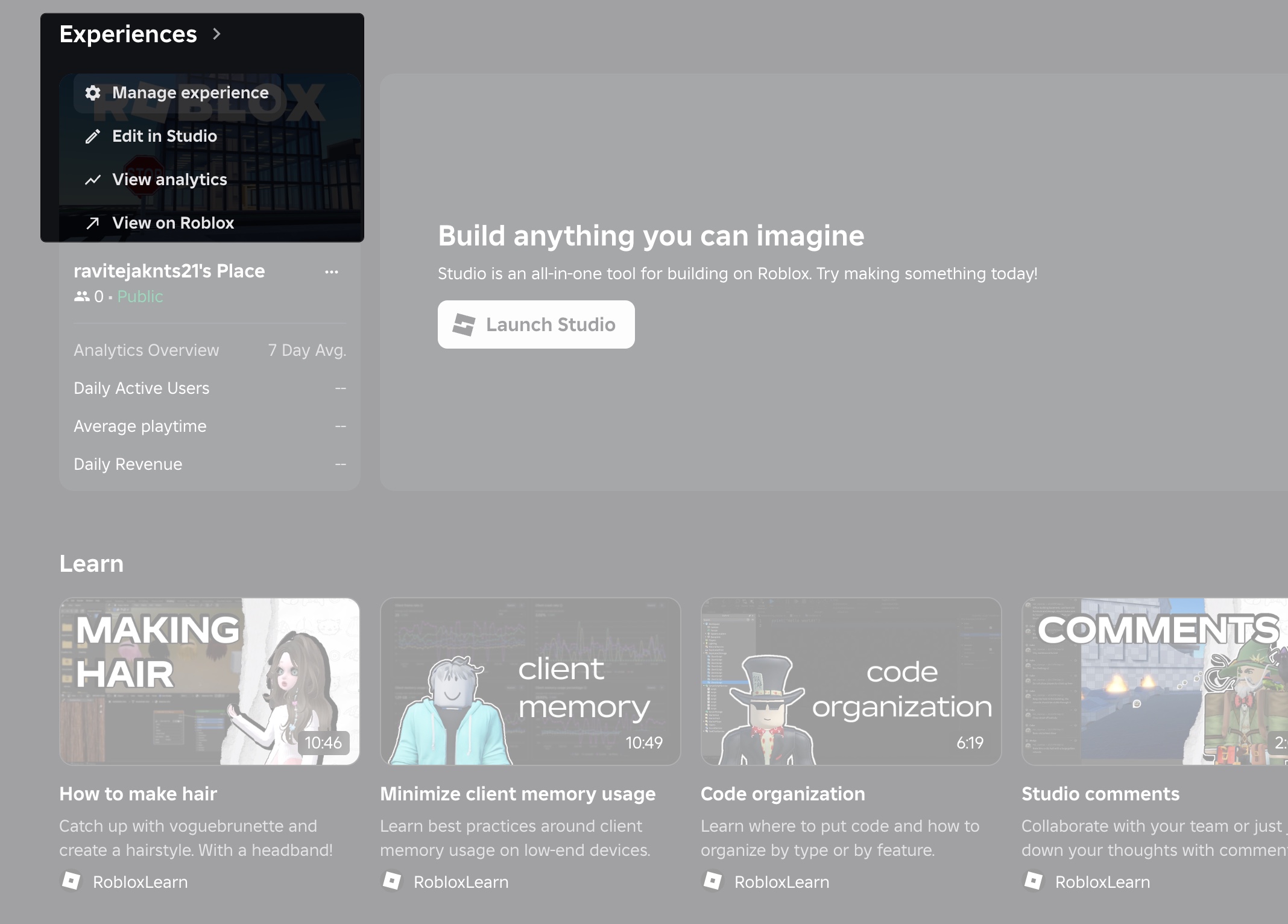
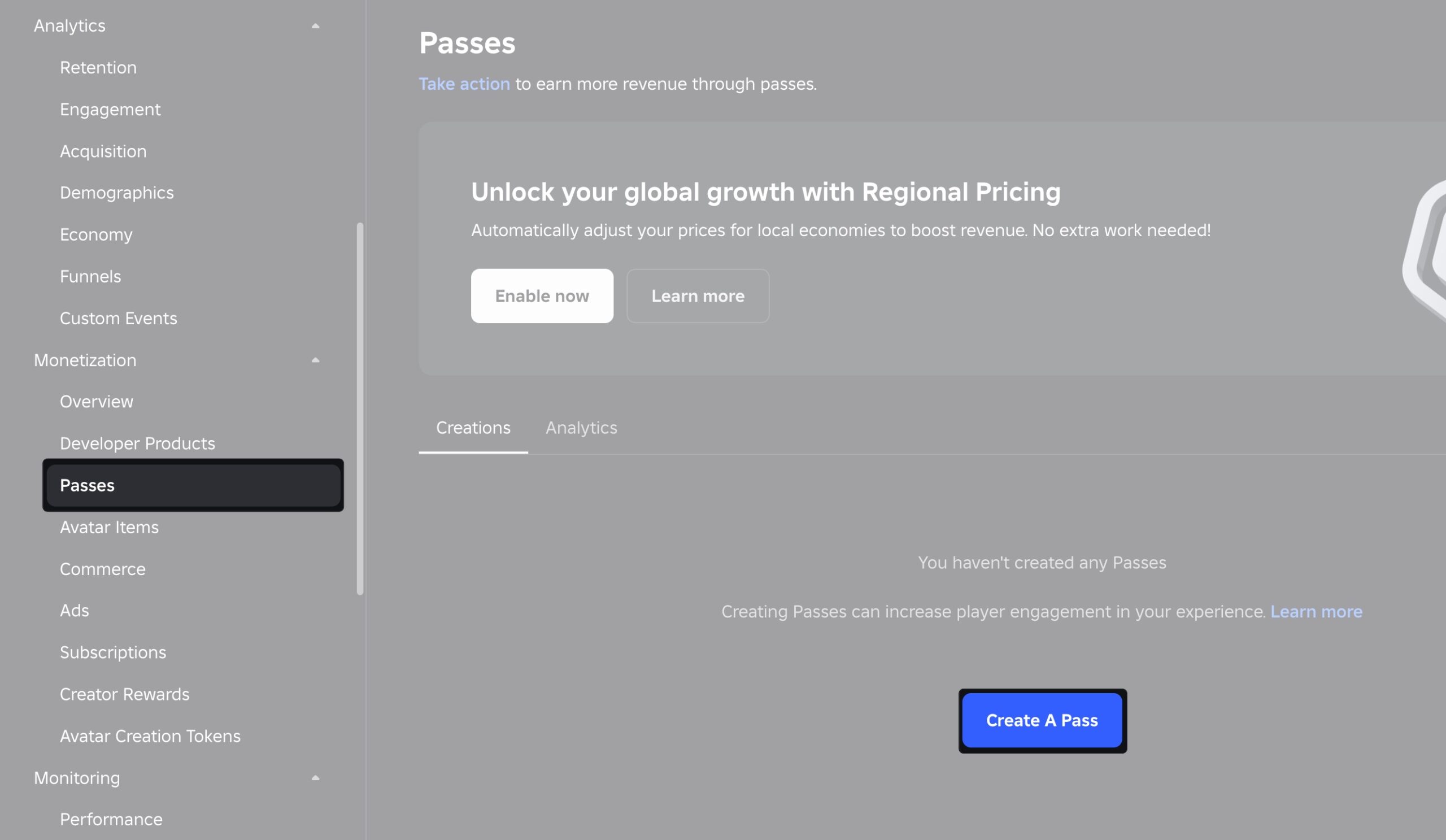
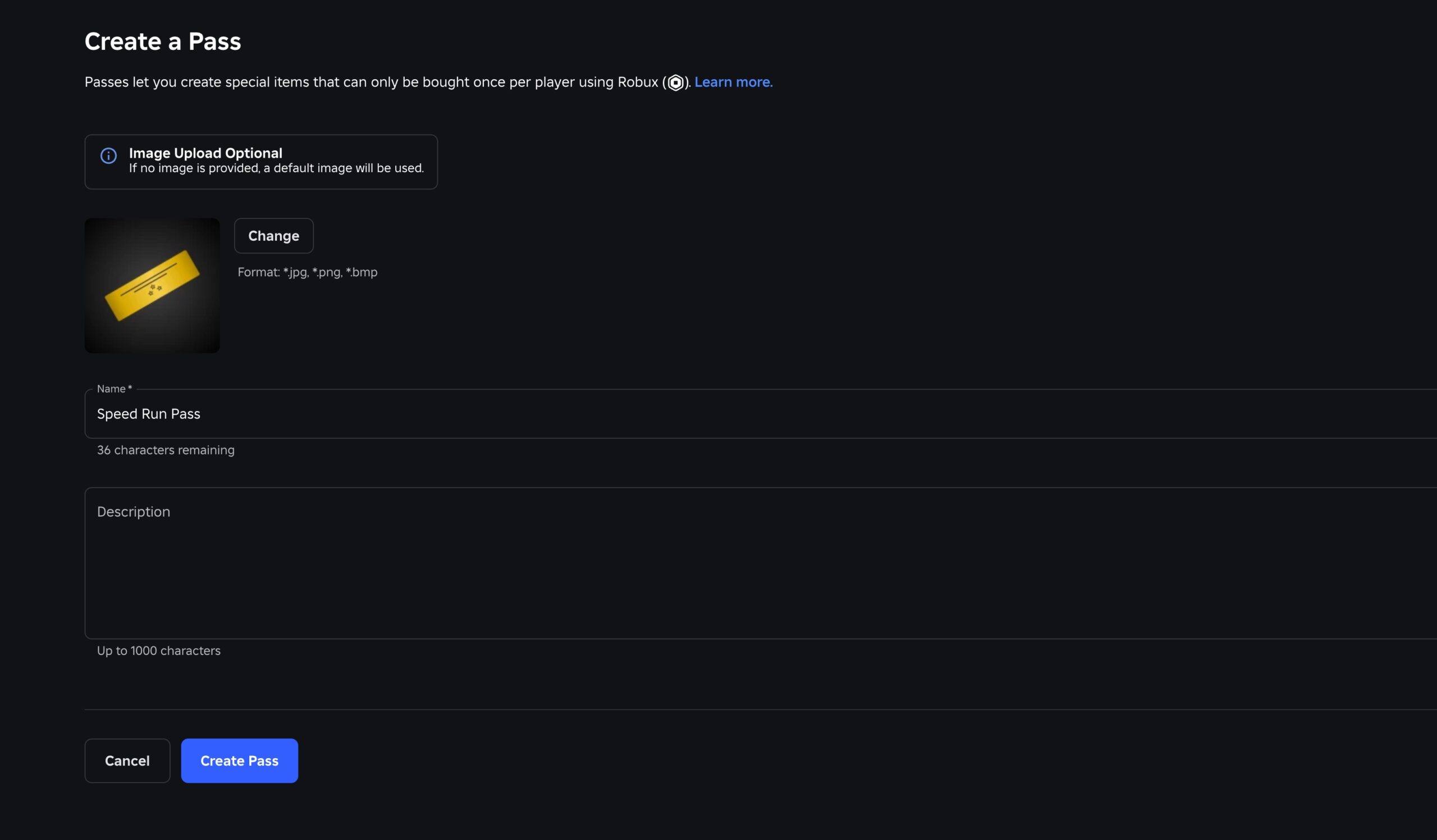
Creating a pass isn’t enough; it won’t give perks until you connect it with your game using a script. Roblox uses Lua for scripting.
Here’s a sample script:
local MPS = game:GetService("MarketplaceService")
local GamepassID = 12345678 -- Replace with your Gamepass ID

game.Players.PlayerAdded:Connect(function(player)
    if MPS:UserOwnsGamePassAsync(player.UserId, GamepassID) then
        print(player.Name .. " owns the Gamepass!")
        -- Add your custom rewards here, like access to VIP rooms or tools
    else
        print(player.Name .. " does NOT own the Gamepass.")
    end
end)
This allows you to reward players who purchased the pass, such as teleporting them to exclusive areas, unlocking custom skins, or giving them in-game tools.
Also Read: How to Redeem a Roblox Gift Card and Check Balance
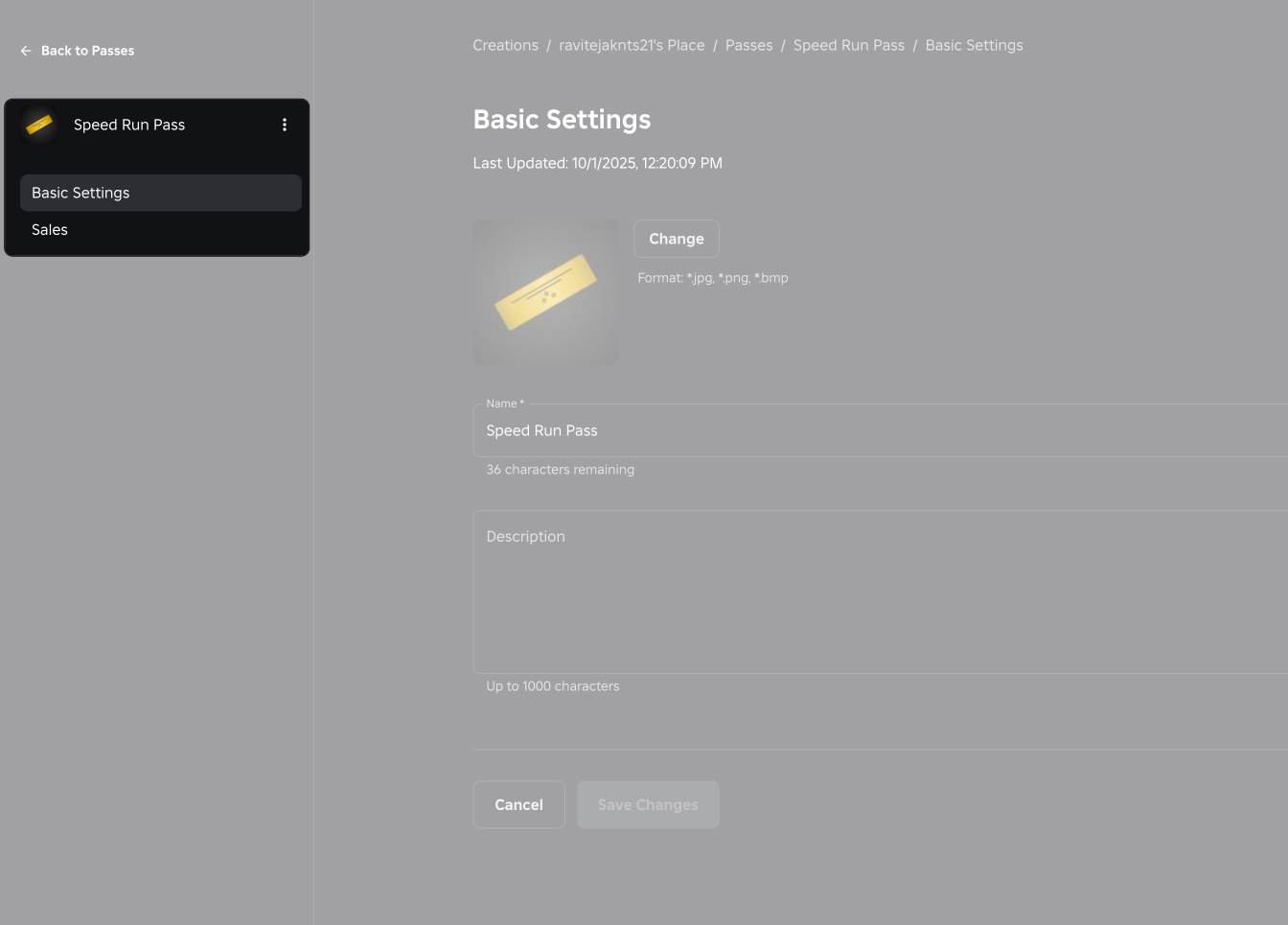
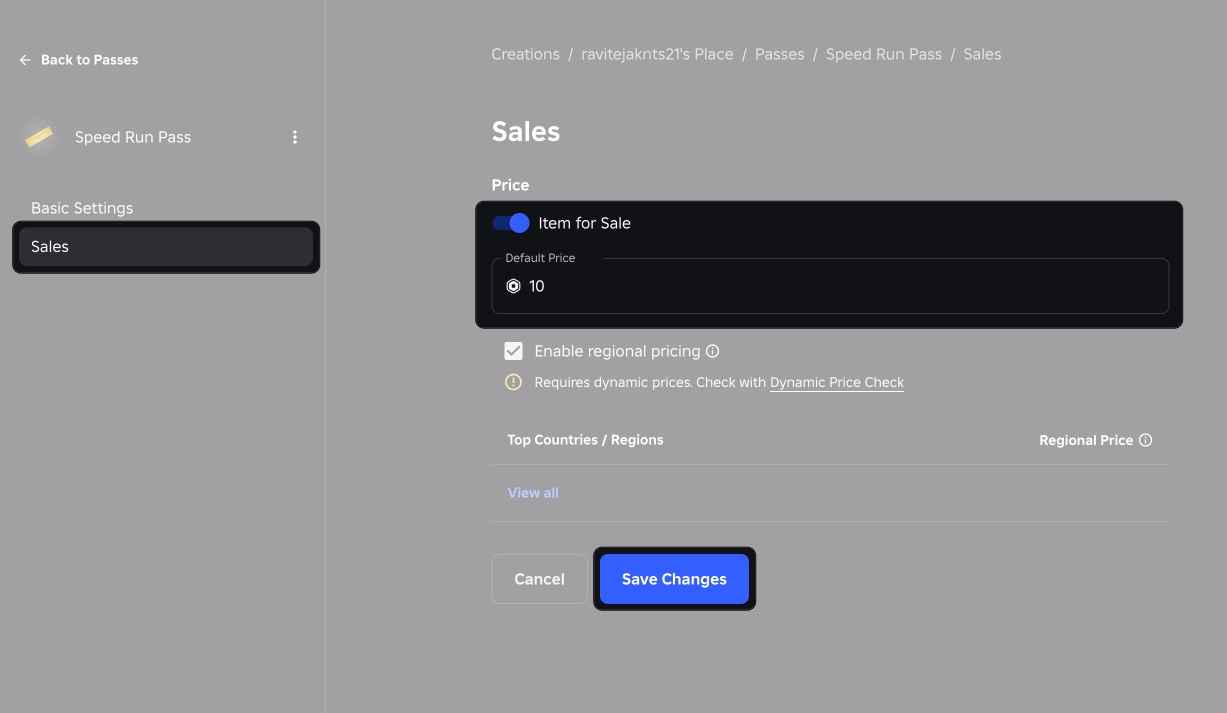
By default, the game pass will be available for free. But you can make it available for purchase. Even if you create it in Studio, you must set up the sale through the Roblox website.
Sometimes, things don’t go smoothly. Here are common problems and solutions:
Before wrapping up, keep these important points in mind so you don’t miss any key details when creating and selling your Game Pass:
Making a Game Pass on Roblox is one of the easiest ways to bring your game to life while also earning from it. The full flow is simple: create the pass → link it with scripts → sell it for Robux. Done right, it not only gives players fun extras but also helps you grow as a creator while building a loyal player base.
Related articles worth reading: