
FaceTime Like a Pro
Get our exclusive Ultimate FaceTime Guide 📚 — absolutely FREE when you sign up for our newsletter below.

FaceTime Like a Pro
Get our exclusive Ultimate FaceTime Guide 📚 — absolutely FREE when you sign up for our newsletter below.


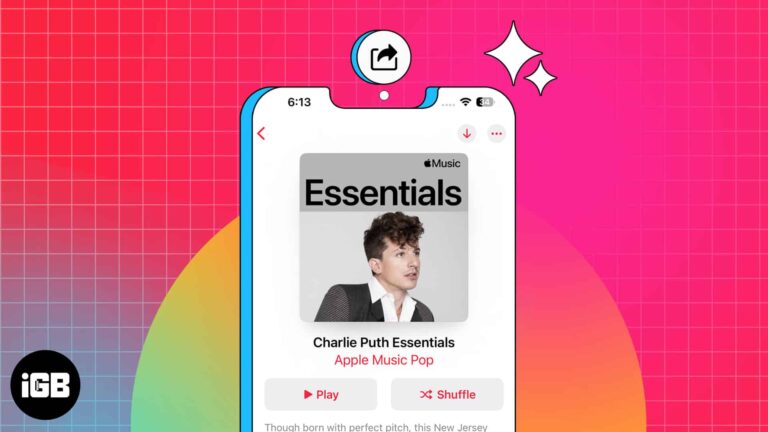
Apple Music is among the best online music streaming apps that lets you create and share playlists with your friends and family. You can pick your desired melodies from various genres, create playlists, and share them with other Apple Music…
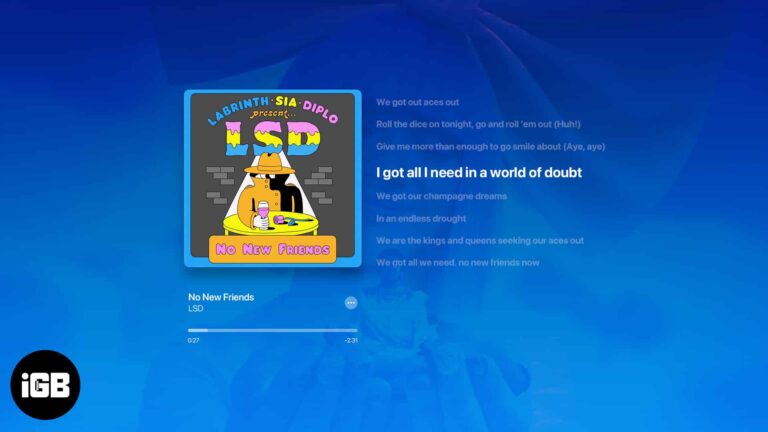
What about jamming with your friends or singing along to your favorite songs with time-synced lyrics? Luckily, Apple Music lets you see the song lyrics on the full screen. Sounds interesting, right? In this guide, I’ll show you how to…
While Apple Music has turned out to be a successful music streaming giant, going head-to-head against Spotify, it still needs several optimization. It’s common for Apple Music to spew out errors such as ‘Resource Unavailable’ when trying to play songs,…
A quiet iPhone usually has a setting to blame, not a failing speaker. These seven fixes cover the EQ, volume limit, Reduce Loud Sounds, Bluetooth output, and clearing debris from the speaker grille.
Apple Music Library is handy, especially for people like me who have a plethora of Apple devices and want to access their playlists across all of them without manually transferring the tracks. However, it can be frustrating when your Apple Music…
As a music lover and iPhone user, I’ve recently tested out two of the most popular music streaming services available on the App Store – Apple Music and Amazon Music. Both apps offer extensive music libraries, personalized playlists, and offline…
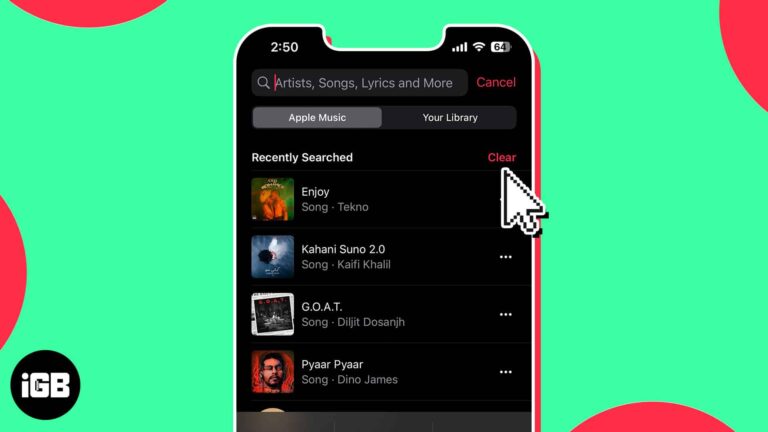
While using Apple Music to listen to songs and artists, you might want to keep your preferences a secret. However, the Music app maintains a history of your searches, and at times, it might embarrass you in front of others.…
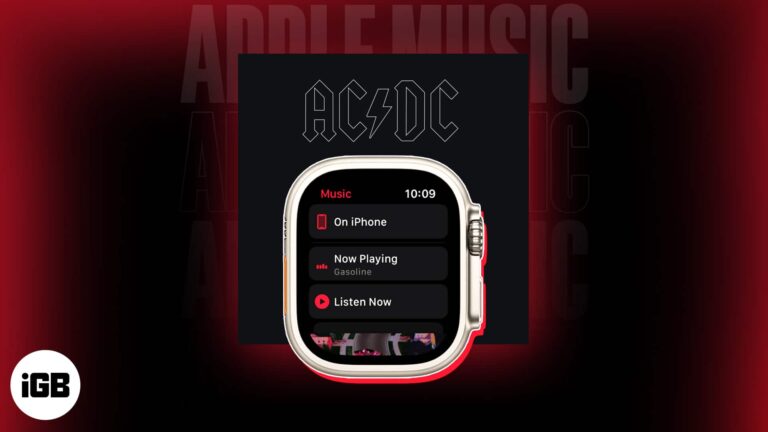
Requirements to use Music app on Apple Watch: You can access favorite songs and playlists right from your wrist by using the Music app on your Apple Watch. Whether you’re working out, traveling, or just taking a break, the Music…
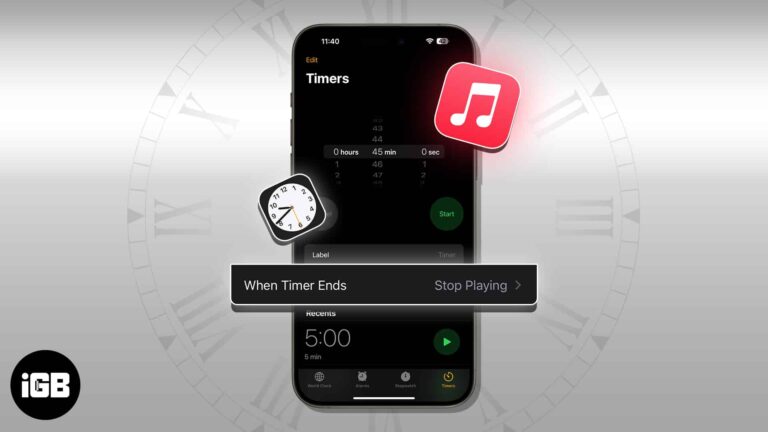
The Music app has no sleep timer of its own, so the Clock app does the job on iPhone. Here is how to set one on iPhone, Mac, and HomePod, and why it is worth doing.
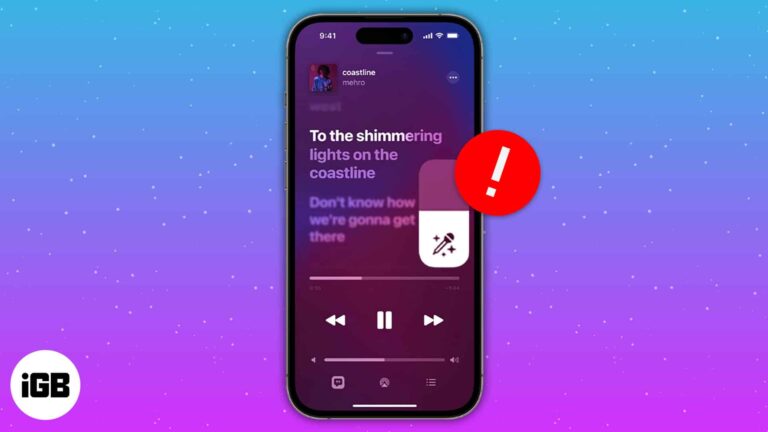
Love listening to music? Then it’s pretty evident that you may have hummed your favorite song at least once. Folks at Apple Music know about your love for music and have introduced Apple Music Sing. Unfortunately, many users have faced…
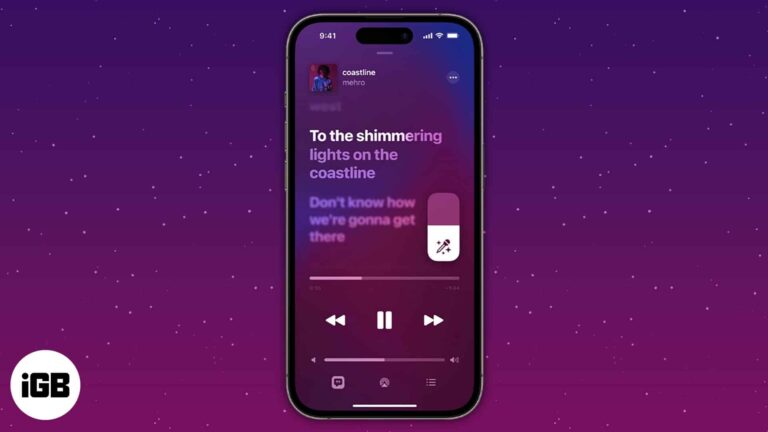
Things to know: Apple Music subscription is a must. It’s available on iOS 16.2 or later. Apple Music Sing is a new function that offers karaoke for many of your favorite tracks. However, because the function is currently available only on…
Many iPhone users like me have relied on Apple Music as their primary music provider. For years, my experience of enjoying different music has been smooth. But recently, I have been facing issues where Apple Music keeps pausing. So, I…
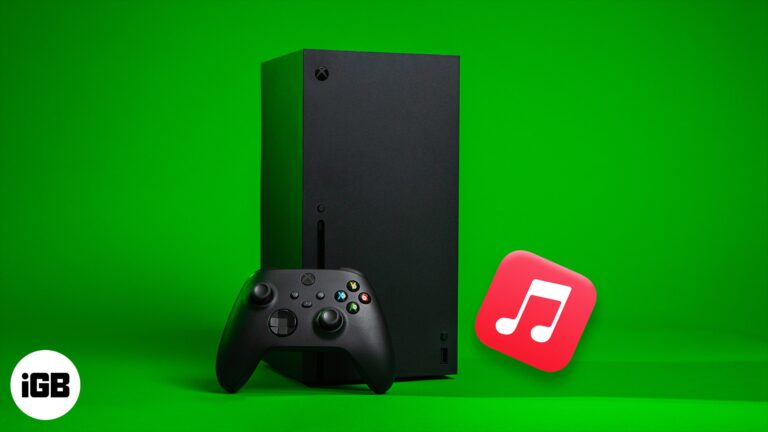
Apple Music has an official Xbox app, so your library and playlists work on console. Here is how to install it, sign in, and get music playing over your games.
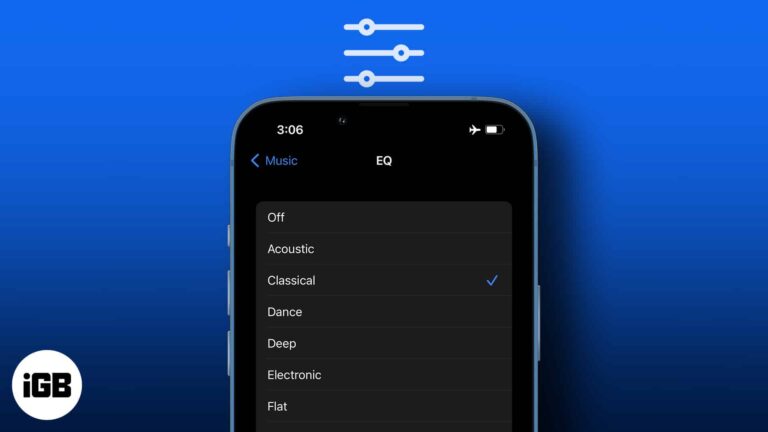
iOS hides its EQ presets in Settings rather than the Music app. Here is where to find them, what each preset does to the sound, and which ones are worth using with headphones or speakers.
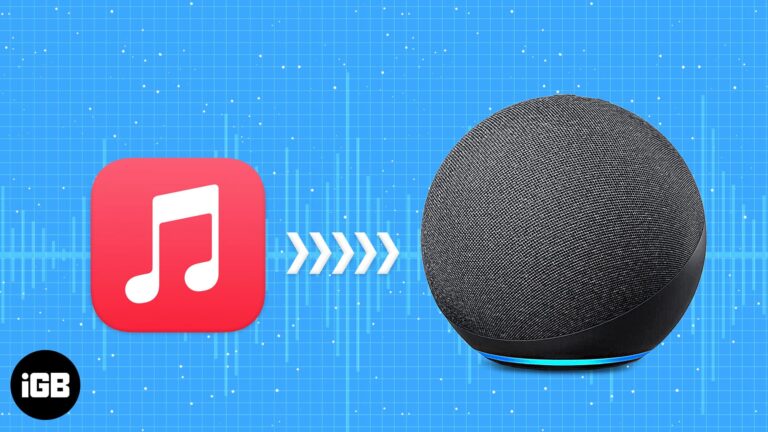
Apple Music launched in 2015 and was only compatible with Apple devices. It’s been half a decade now, and Apple has changed. It now allows users to stream this service on several devices. In this article, I’ll take you through…
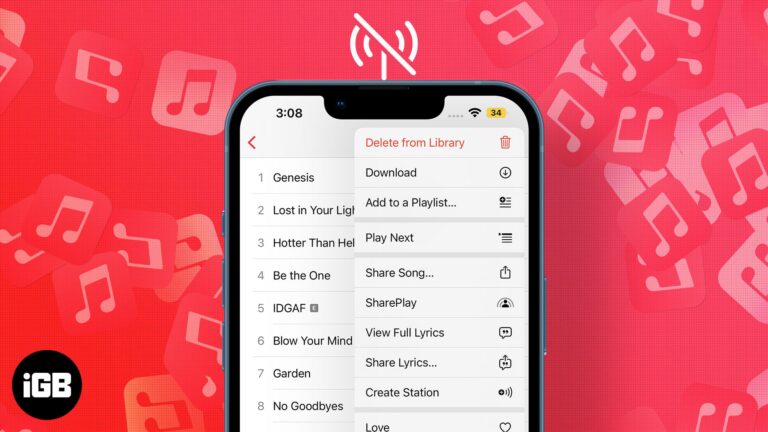
Apple Music is a popular music streaming service that provides us with a plethora of songs and features such as Hi-Res lossless and Spatial Audio (with Dolby Atmos). It takes our music listening experience to a whole new level, but…
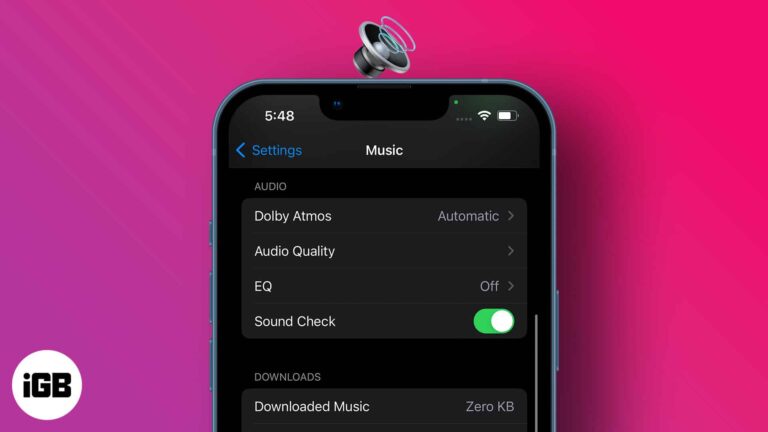
Each music piece carries its own studio record volume; thus, some are louder than others. However, sound fluctuations can hamper your listening experience and mental state. So, maintaining a consistent sound regardless of the music volume is much needed, and…
A media widget that will not disappear usually means an app kept an audio session open. These fixes cover force quitting the culprit, clearing the Music app, and preventing a repeat.
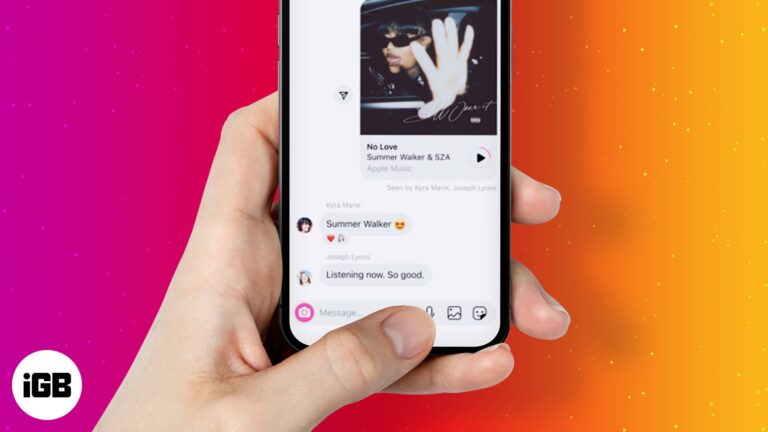
Are you tired of convincing your friends to listen to a song stuck in your head? Instagram’s new feature, Play, pause, and re-play, is what you should try. This feature allows you to share a 30-second preview of any song from…
While Apple was nearly two years behind Tidal and Amazon in releasing lossless audio on Apple Music, it still somehow managed to stir the music streaming industry. For starters, it is free for all Apple Music subscribers. Moreover, every one…
Siri controls Apple Music far more precisely than most people ask it to. Here are the commands for finding music by chart or genre, building playlists, tuning radio, and training its suggestions.
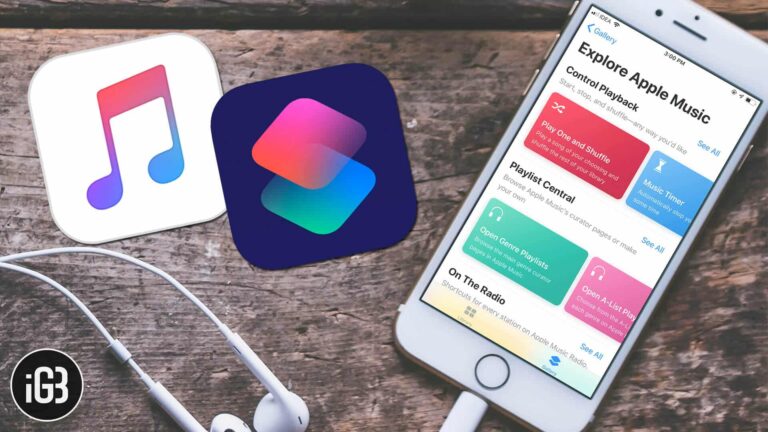
Though I’ve always enjoyed listening to Apple Music, the music-streaming service seems to have become more pleasant to my soul recently. And it’s all thanks to the Shortcuts that have added a new dimension. After trying out several hacks, I’ve…
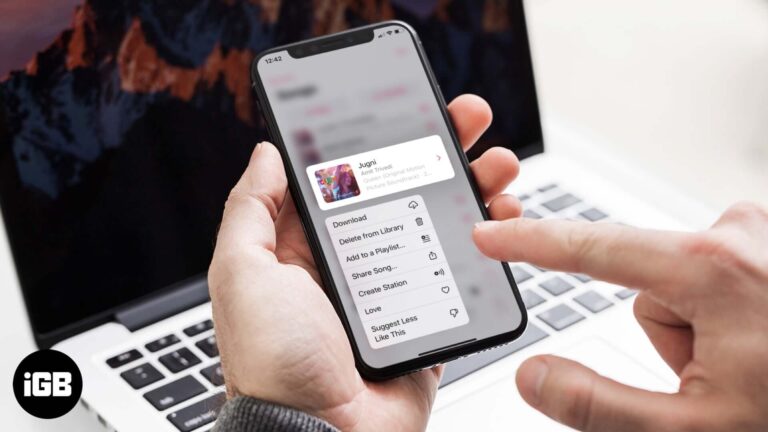
Removing a download and removing a song from your library are two different actions. Here is how to do both on iPhone and Mac, and which one actually reclaims storage space.
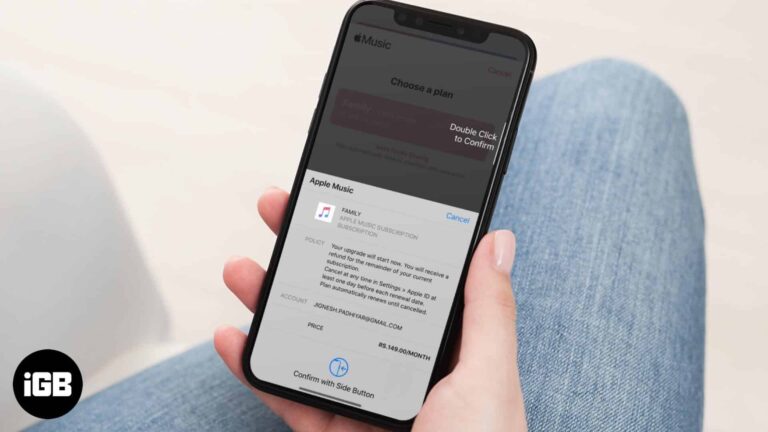
Changing plans is straightforward once you know where the setting lives. Here is how to move from Individual to Family, back again, or leave a family plan for your own subscription.
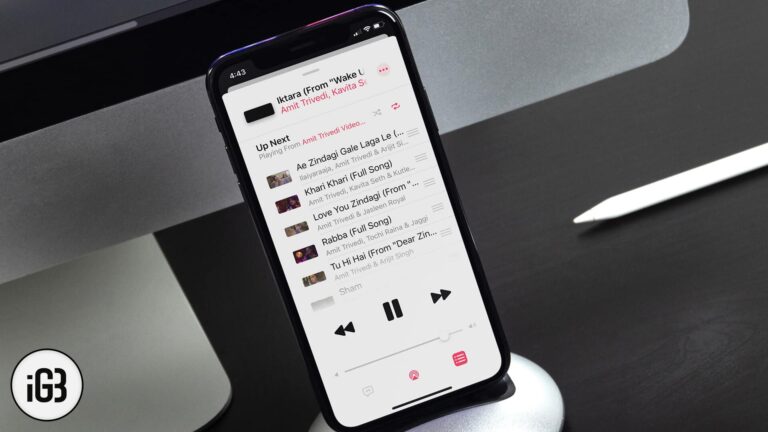
Want to shuffle songs, albums, or playlists in iOS 13? Here is how to shuffle songs or playlists in Apple Music on iPhone and iPad.
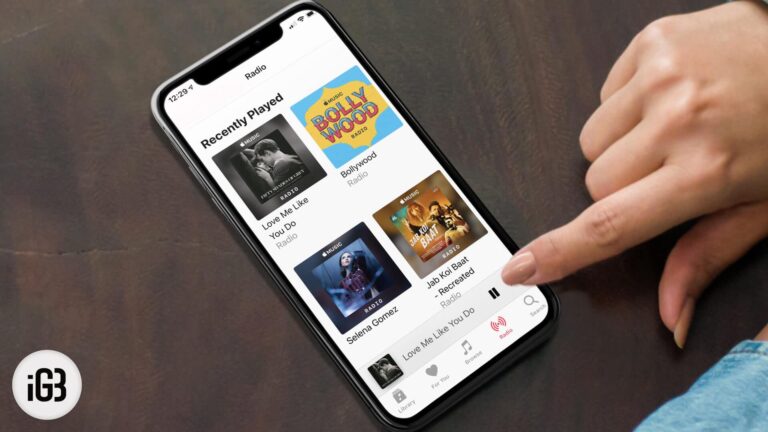
Apple Music builds an endless station around any track or artist you pick. Here is how to start one on iPhone, Mac, or Android, create it hands-free with Siri, and shape the results.


