
FaceTime Like a Pro
Get our exclusive Ultimate FaceTime Guide 📚 — absolutely FREE when you sign up for our newsletter below.

FaceTime Like a Pro
Get our exclusive Ultimate FaceTime Guide 📚 — absolutely FREE when you sign up for our newsletter below.



Can you mute someone in FaceTime? Learn what’s possible, plus smart ways to control audio and stop interruptions during calls.

FaceTime hand gestures lets to send confetti and hearts reactions and make video calls more fun!

Unable to make or receive FaceTime calls? Try these proven methods to fix FaceTime issue on your iPhone.
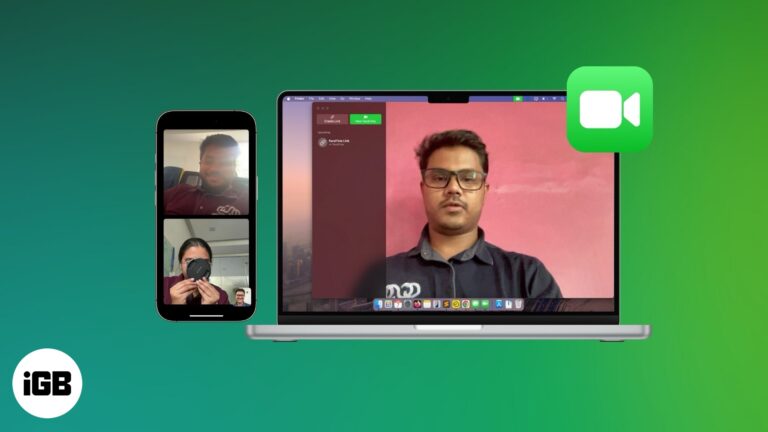
Connect with friends or family members over a group FaceTime call on your Apple devices.
Learn how to use Portrait Mode to blur your background in FaceTime. Hide clutter, stay in focus, and keep your calls private.

Start a FaceTime call on iPhone, finish it on your Mac—no hang-ups, just handoff. Learn how to switch devices mid-call like magic!
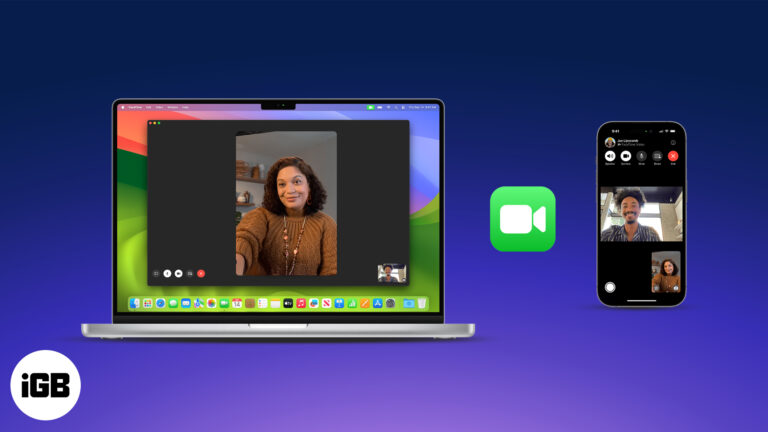
Master FaceTime on iPhone, iPad, and Mac, from setup to group calls, screen sharing, and pro tips in one easy guide.
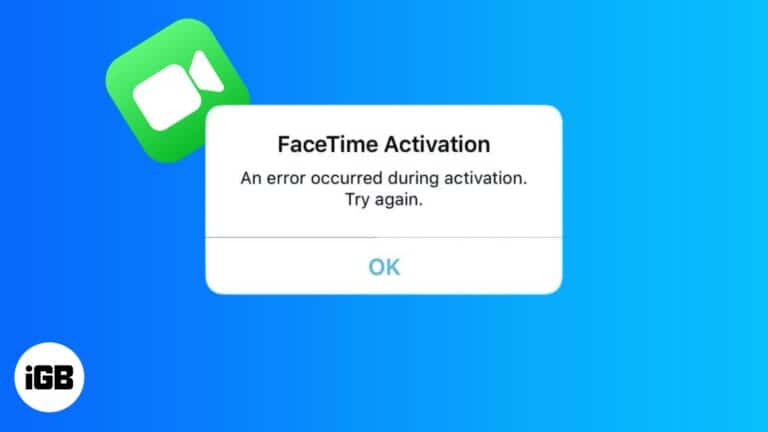
Get FaceTime working on your iPhone again.

Apple has been more generous in recent updates, allowing better interaction between iOS, macOS, Android, and Windows. With iOS 18, Apple enabled RCS messaging on iMessage. Previously, iOS 15 introduced partial FaceTime support for Android and Windows. In this article,…

 Abhinav and Parvez Mulla
Here's the quick steps to record FaceTime calls with sound and get its transcription.

FaceTime failures on Mac usually trace to sign-in problems, camera permissions, or a bad update. These fixes cover each cause, including the issues that appeared after the macOS Sonoma release.

FaceTime now works on Android and Windows via links, closing a longstanding gap with Zoom. We compare both on quality, participant limits, grid layouts, sharing features, and cost.

Apple Watch has no camera, so FaceTime means audio calls. Here are three ways to start one from your wrist, how to call over Wi-Fi, and how to transfer a call from iPhone mid-conversation.


