
FaceTime Like a Pro
Get our exclusive Ultimate FaceTime Guide 📚 — absolutely FREE when you sign up for our newsletter below.

FaceTime Like a Pro
Get our exclusive Ultimate FaceTime Guide 📚 — absolutely FREE when you sign up for our newsletter below.


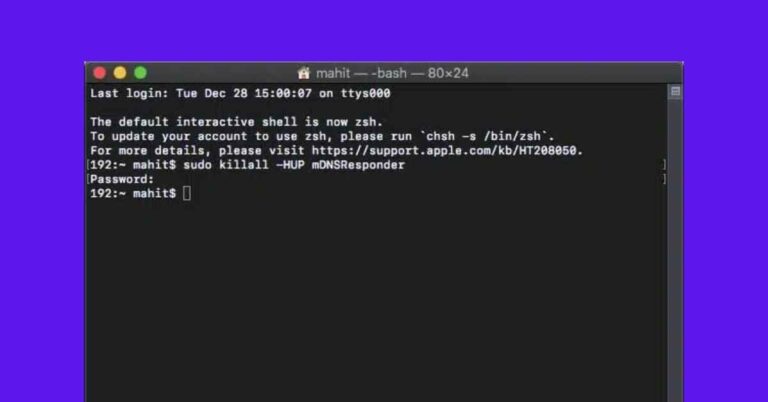
Wondering which Terminal commands are most useful on macOS? This guide breaks down the essentials with clear, practical examples.

Power up your Mac with these Shortcuts and boost your productivity

Mac has a lot to offer, but we often fail to use it to its optimum. That’s because we don’t tweak enough the macOS to suit our requirements. Over the years of using my Mac, I’ve found customizations that have…
No matter how advanced the Mac is as a computing device, it can sometimes experience issues like any other tech product. One such issue that many Mac users have been facing is a cryptic message that says, “An error occurred…
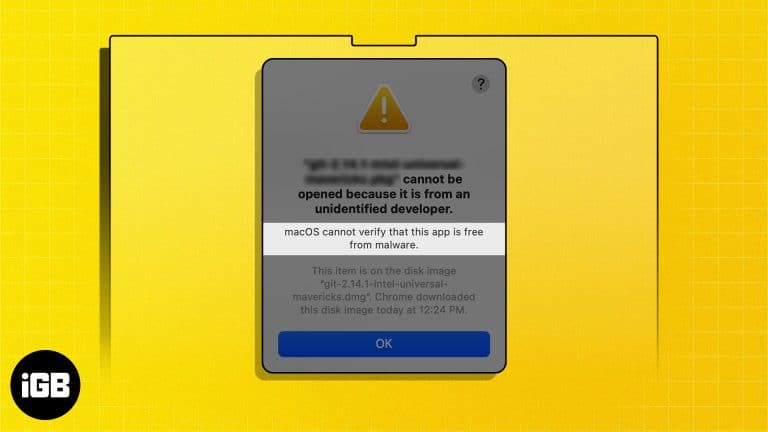
Key Takeaways The “macOS cannot verify that this app is free from malware” error generally occurs when you try to install apps downloaded from the internet, and Gatekeeper quarantines them. It’s generally safe to open apps that macOS cannot verify…

The mystical world of Teyvat invites you to a captivating realm and embark on an enchanting journey in Genshin Impact. However, this immersive experience was solely dedicated to PC and Console players, leaving Mac users dry with boredom. That’s not…

macOS handles ZIP files but ignores RAR entirely. Here is why, plus how to extract RAR archives online without installing anything and how to set up The Unarchiver for regular use.

Situations like data leaks, identity theft, account hacking, etc., are no more an anomaly. So user security measures like two-factor authentication (2FA) are a wise plan. Maybe that’s why Apple has jumped onto the wagon and integrated two-factor authentication in…
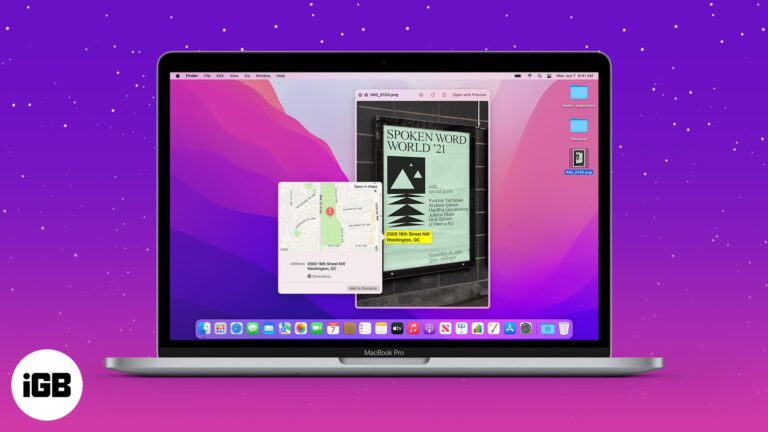
What would you prefer – clicking/downloading a picture or manually jotting down everything? While the first option is more lucrative, clipping text from images can be typical. Or is it? You can easily select, copy, paste, translate, save, share, and…

This article will teach you two simple ways to prevent your MacBook from sleeping when you close the lid.

The emulator method this guide originally covered no longer works, since Snapchat now blocks emulators. Here is what changed and what alternatives remain for Snapchat on a Mac.

The Finder smiley has not changed in decades. Here is how to swap it for any image of your choosing using a simple copy and paste in the Get Info panel, and how to undo it.

Mail quietly caches every attachment you receive, which adds up to gigabytes. Here is how to change the download setting on Mac so attachments only arrive when you ask for them.
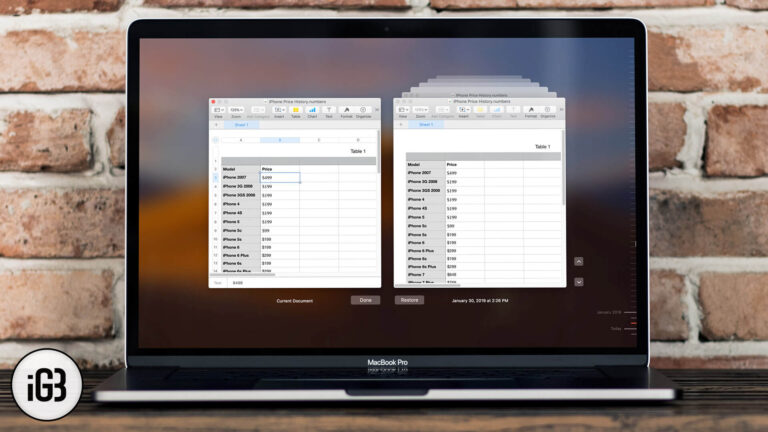
macOS quietly saves earlier versions of your documents, so a bad edit is recoverable. Here is how to browse version history and roll a file back to how it looked before.


