
FaceTime Like a Pro
Get our exclusive Ultimate FaceTime Guide 📚 — absolutely FREE when you sign up for our newsletter below.

FaceTime Like a Pro
Get our exclusive Ultimate FaceTime Guide 📚 — absolutely FREE when you sign up for our newsletter below.


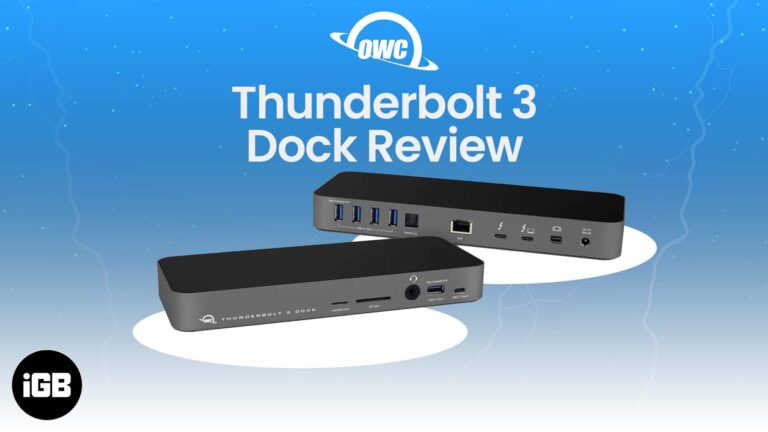
Modern MacBooks are short on ports. This OWC dock adds 14, plus laptop charging, over a single Thunderbolt cable. We look at power delivery, real transfer speeds, build quality, and value.
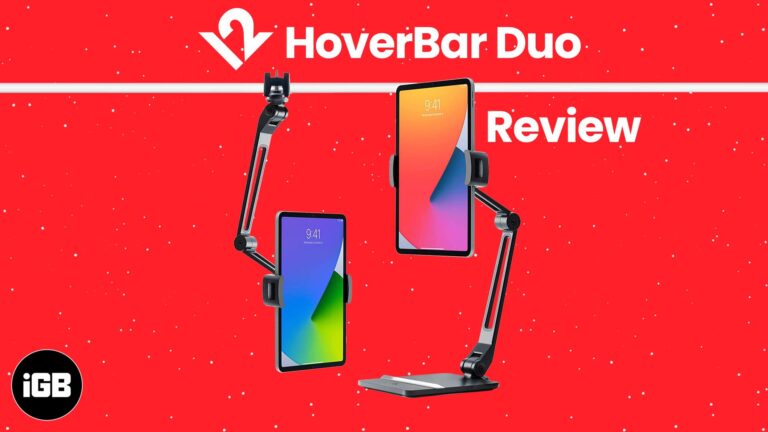
The HoverBar Duo positions an iPad at almost any angle and height, on a weighted base or clamped to a desk. We look at the mechanics, setup, best use cases, and whether it is worth the money.
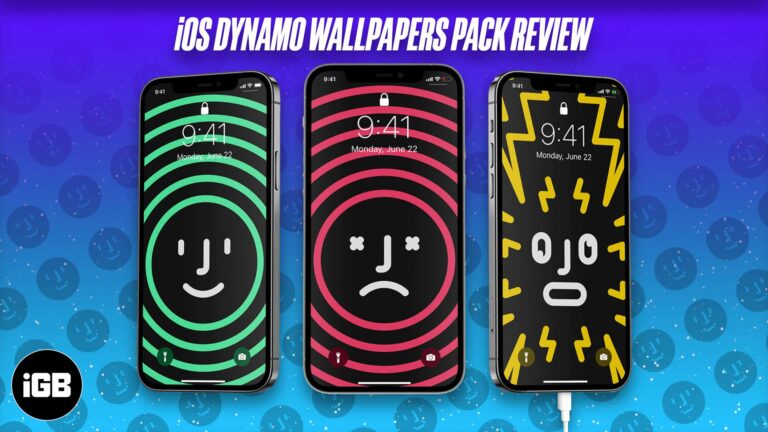
Are you constantly worried about your iPhone battery running low? Well, here’s an ingenious way to track it and never be caught unaware. In this article, I’ll tell you about a pack of Dynamo wallpapers for iOS that automatically change…
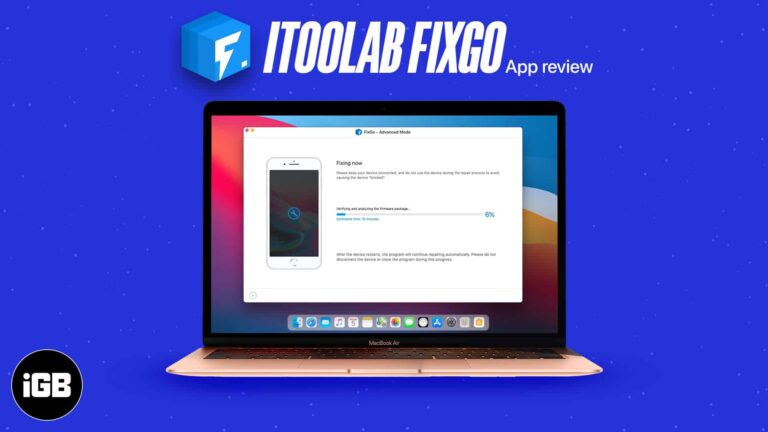
FixGo tackles boot loops, frozen screens, and recovery mode problems from a Mac. We cover the issues it handles, supported devices, both repair modes, and whether it lives up to the claims.
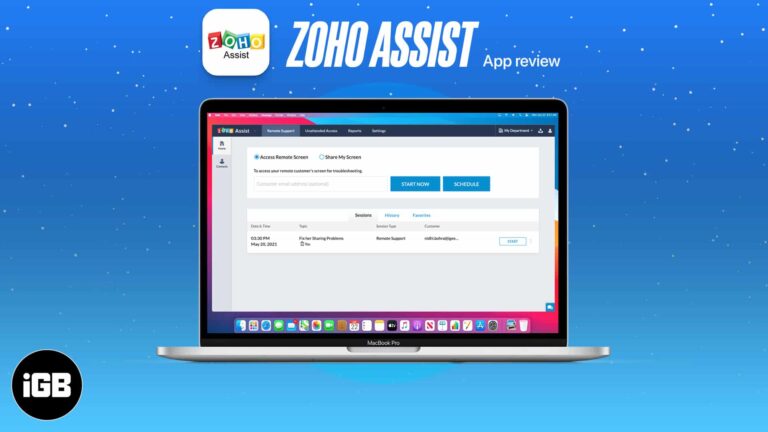
Remote support beats a support article when a customer is genuinely stuck. Zoho Assist offers attended sessions and unattended access from a Mac. We look at its features, ease of use, and price.
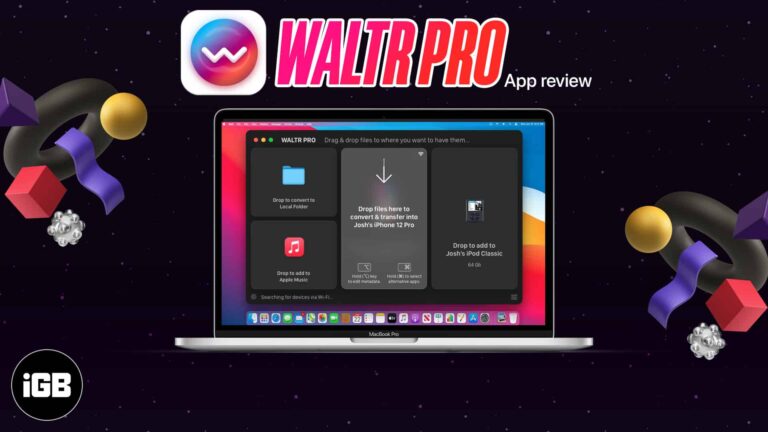
WALTR PRO converts unsupported formats on the fly as you drop them onto a device, sidestepping iTunes entirely. We cover the workflow, supported formats and devices, and give a verdict.
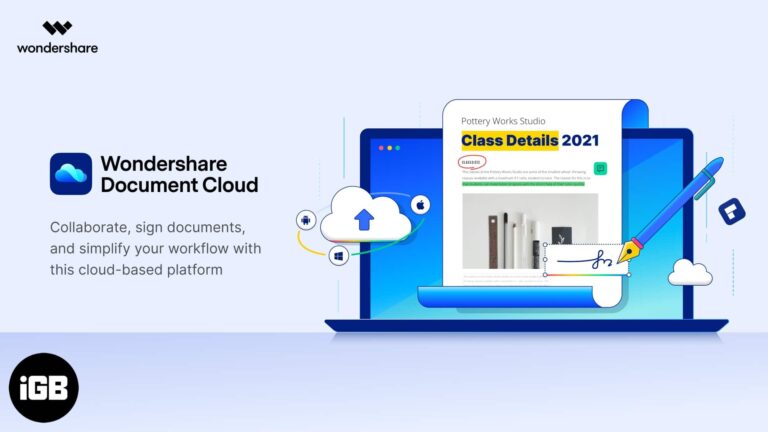
Contracts and invoices increasingly need signing without printing. Document Cloud stores, shares, and e-signs PDFs from a browser. We look at its key features and who it suits.
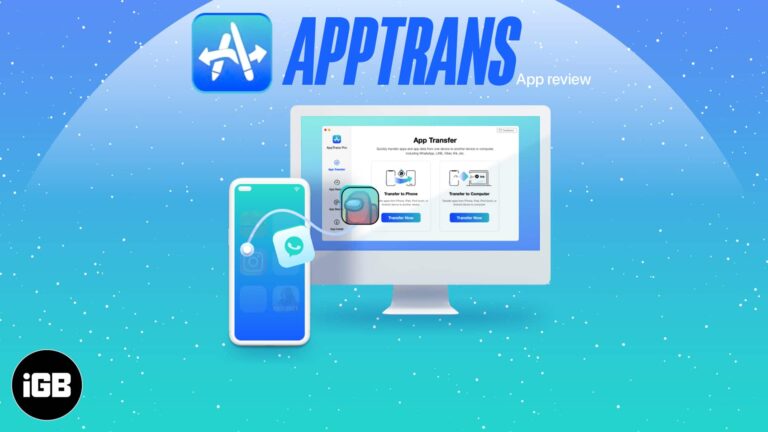
Switching phones normally means losing app data. AppTrans transfers apps and their data between iOS and Android, with dedicated WhatsApp support. We look at what it handles well and its limits.
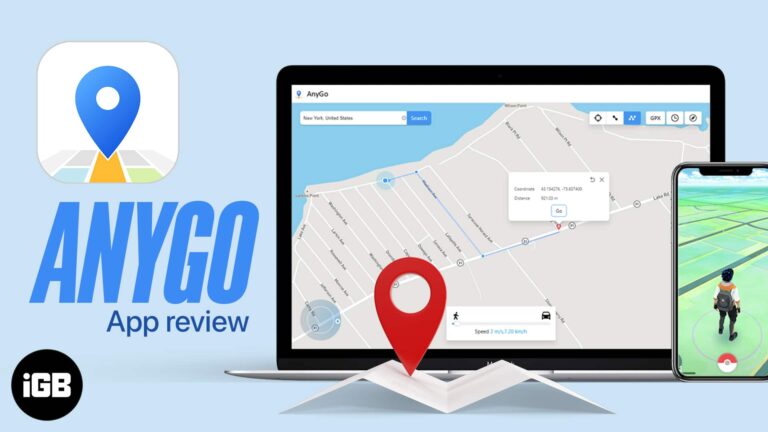
AnyGo spoofs your iPhone location and can simulate movement along a route, which suits location-based games and testing. We look at its features, ease of use, and give a verdict.
Deleted files stay recoverable until the space is overwritten. Super Eraser wipes files, whole drives, and free space to defeat recovery tools. We test its modes and give a verdict.
Unclutter puts a file drop zone, quick notes, and clipboard history behind a single gesture at the top of your screen. We look at how it works and whether it earns a permanent spot.
Recovery software promises more than physics allows. Here are the two conditions that determine whether data is recoverable, and the myths about damaged phones and backups worth abandoning.
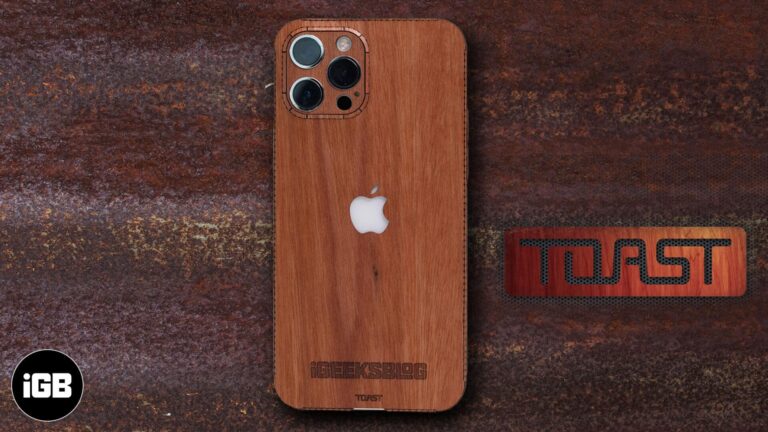
Toast makes a wood cover thin enough to feel like a skin rather than a case. We look at how it achieves that, how it applies, how it wears over time, and whether protection is a fair trade.
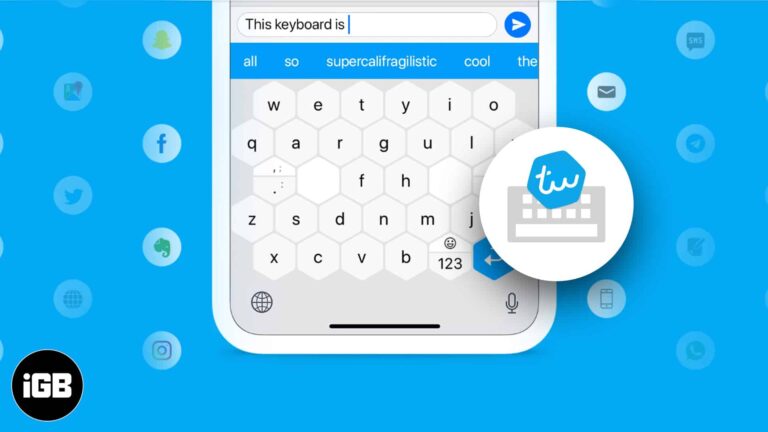
Typewise replaces the standard key grid with larger hexagonal keys to reduce mistyping. We look at its distinctive features, the privacy claims, how to install it on iPhone, and whether it works.
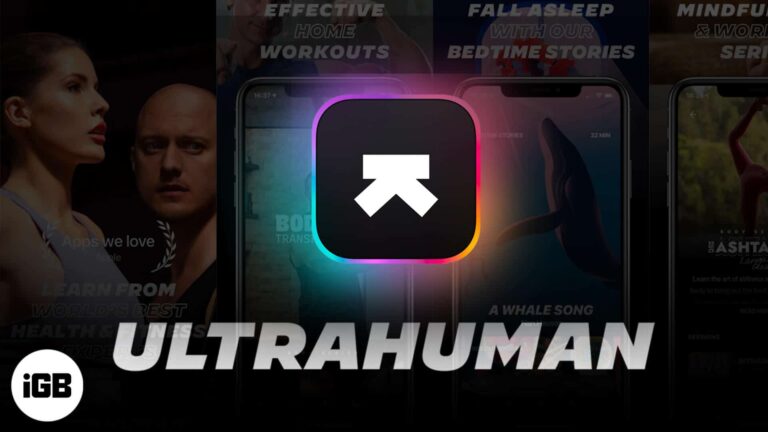
Ultrahuman treats fitness as body, mind, and sleep rather than workouts alone. We cover its programs, sleep tracking, and mindfulness content, then say who will actually stick with it.
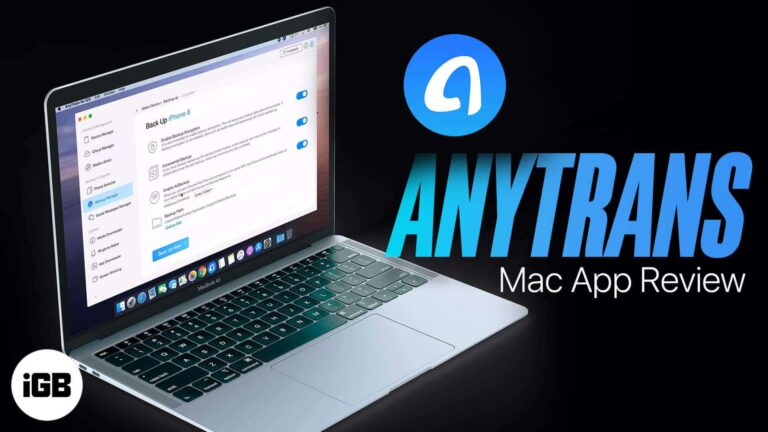
AnyTrans handles full iPhone backups, selective restores, and device-to-device transfers from one window. We look at compatibility, its backup manager, and how it compares to relying on iTunes.
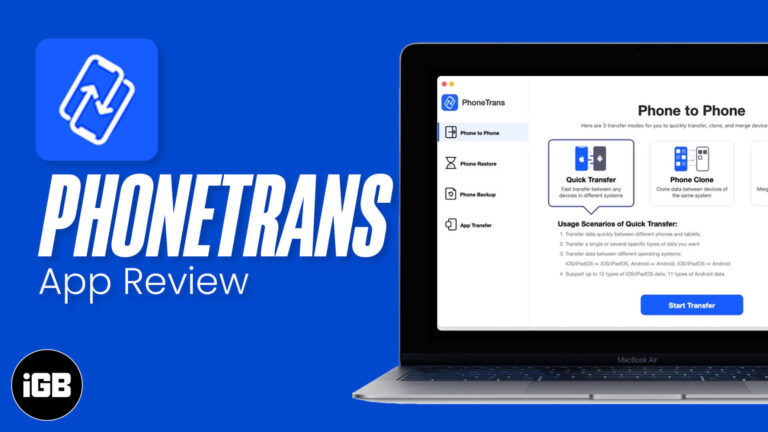
Setting up a new phone should not mean losing data. PhoneTrans copies contacts, photos, messages, and files between devices across platforms. We look at what it supports and how fast it is.
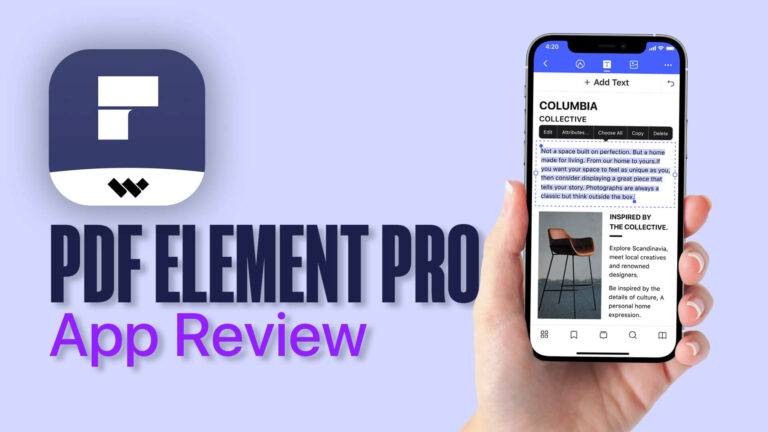
Portable Document Format (PDFs) are universal, and we use them in our daily life in college, office, homes, and elsewhere. Your teacher may share notes in this format. You may have your lease agreement, several office essentials like payslips, etc.,…
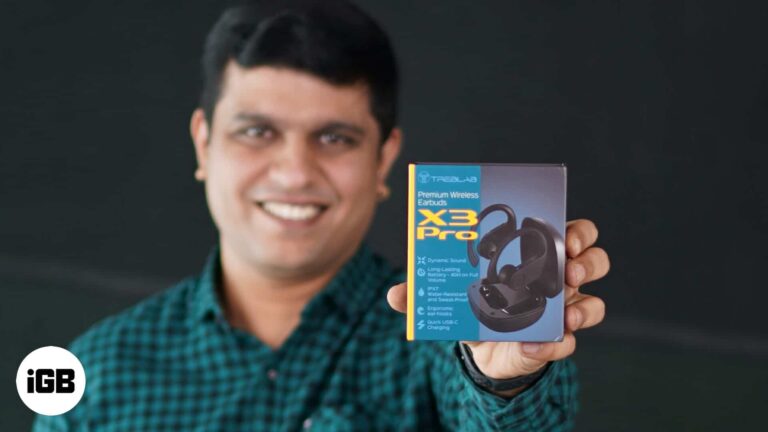
Workout earbuds live or die on fit and sweat resistance. We test the Treblab X3 Pro on secure fit, water resistance, sound signature, and battery life across real training sessions.
Art Text 4 turns plain text into polished graphics with materials, 3D effects, and ready-made presets. We walk through the workflow, highlight its best features, and give a verdict for Mac designers.
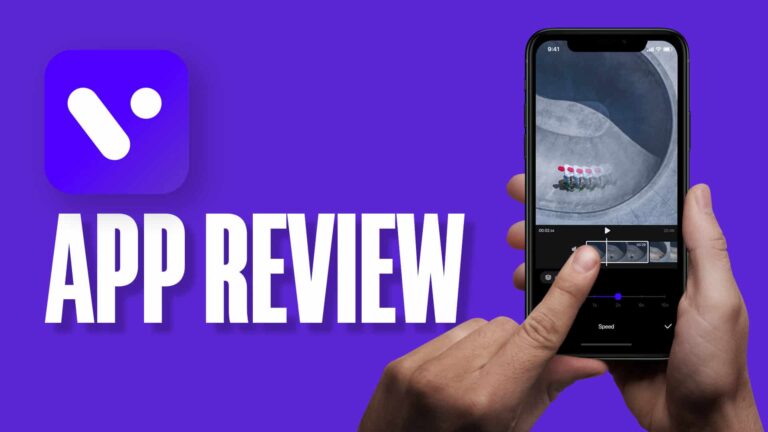
Short-form video demands quick, good-looking edits. VITA offers templates, transitions, and effects at no cost. We cover its feature set, the editing workflow, and where the free tier ends.
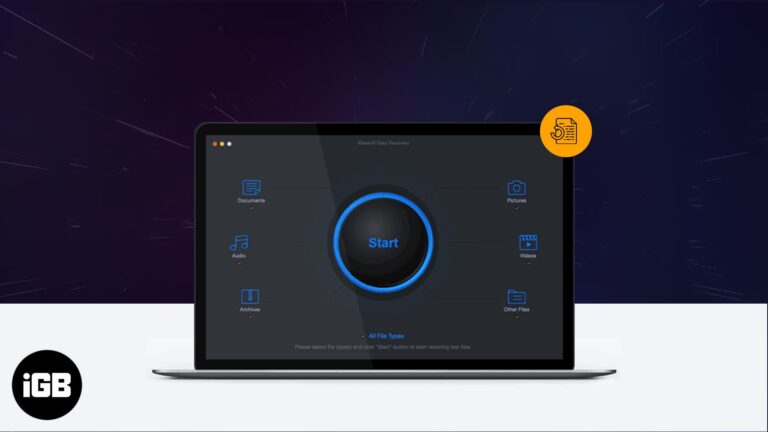
Accidental deletion happens to everyone eventually. iBeesoft scans drives and cards for recoverable files. We cover its feature set, system requirements, the recovery process, and how well it works.
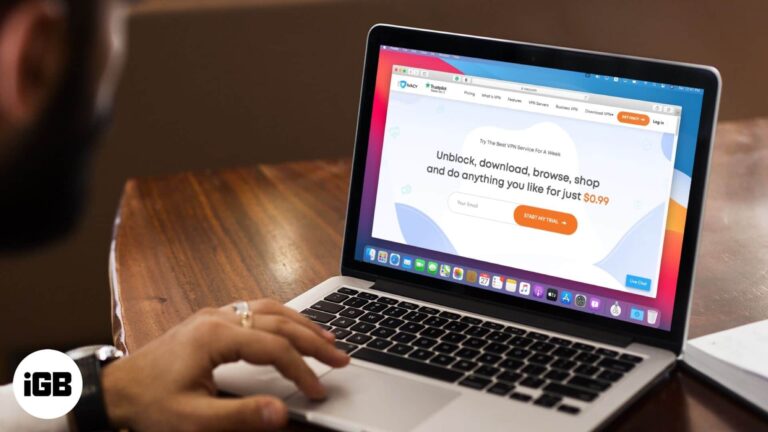
Ivacy positions itself as a cheap way to stay private online. We look at connection speeds, server spread, streaming reliability, and its logging policy to see what the low price costs you.
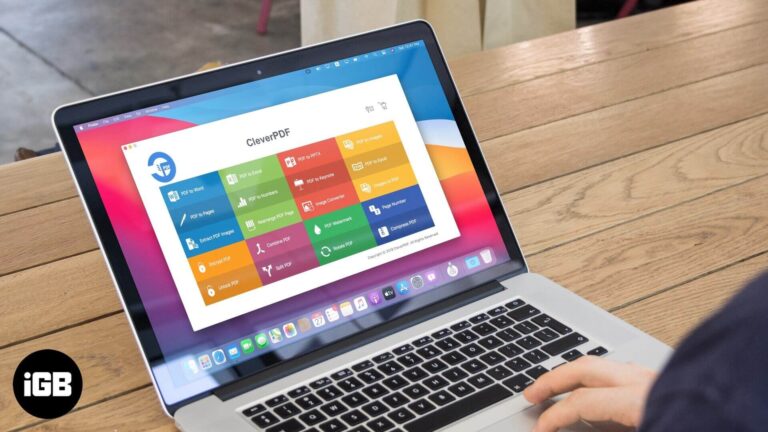
CleverPDF handles conversion, merging, splitting, compression, and password removal without uploading files to a server. We walk through the tools, the download process, and give a verdict.
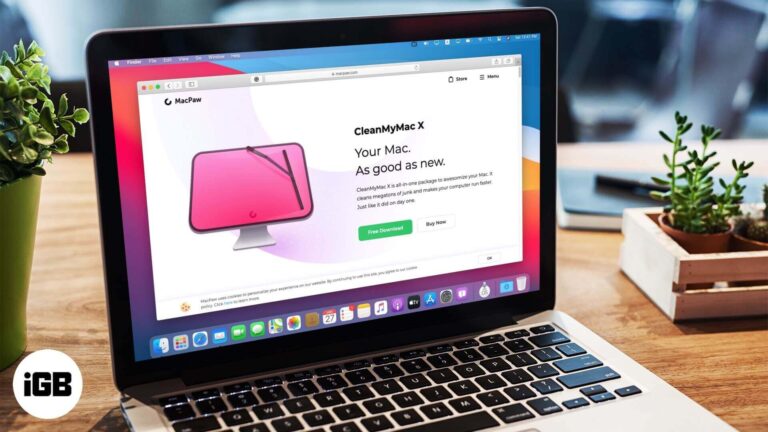
CleanMyMac X bundles junk scanning, malware removal, an uninstaller, and maintenance scripts into a single interface. We look at what it actually reclaims and whether it justifies the subscription.
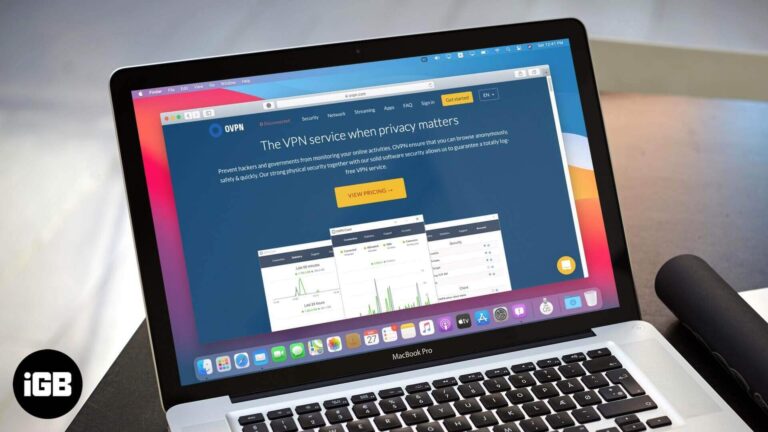
OVPN builds its pitch on infrastructure that cannot retain logs. We look at how the service is secured, how the no-logs claim holds up, its speeds, and whether the privacy focus is worth the price.
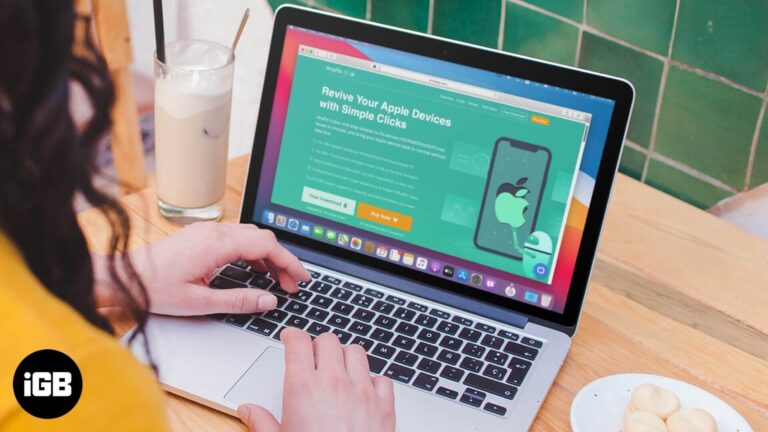
AnyFix promises to fix recovery mode loops, frozen screens, disabled devices, and hundreds of iTunes errors without data loss. We tested its repair modes to see whether it earns a place in your toolkit.

Hubstaff tracks hours, activity levels, and project budgets, then feeds the data into payroll and invoicing. We look at its monitoring features, reporting, and who the tool genuinely suits.
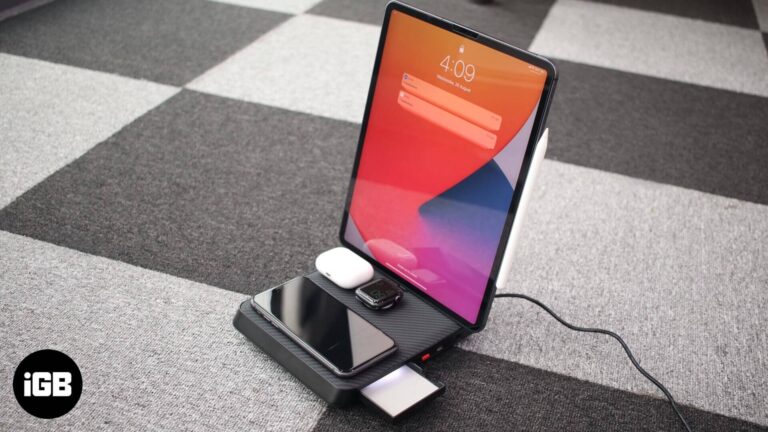
Charging several devices means several cables unless a dock does the work. The Air Omni handles six at once. We look at its build, charging speeds, device compatibility, and whether it earns its price.
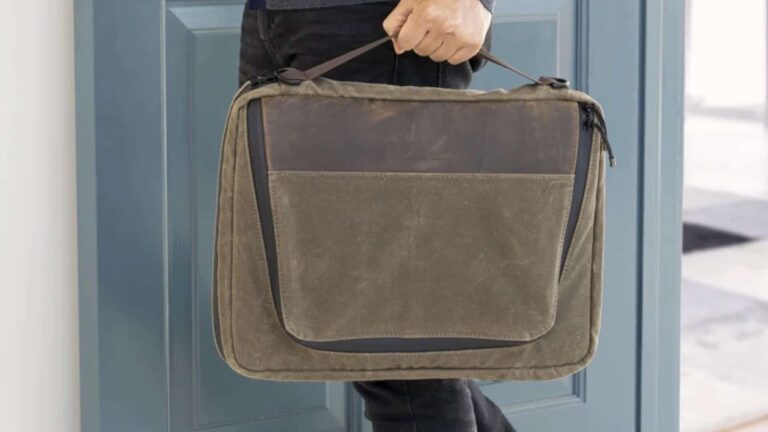
Loose cables and adapters make a bag a mess. The Tech Folio Plus gives each item a place. We look at its build quality, how much it holds, everyday usability, and whether it justifies the price.


