
FaceTime Like a Pro
Get our exclusive Ultimate FaceTime Guide 📚 — absolutely FREE when you sign up for our newsletter below.

FaceTime Like a Pro
Get our exclusive Ultimate FaceTime Guide 📚 — absolutely FREE when you sign up for our newsletter below.


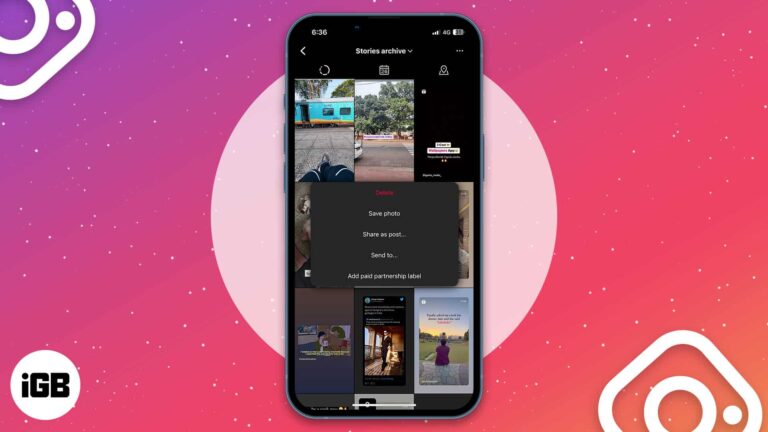
Taking a walk down memory lane can be refreshing, but some Instagram stories may no longer be worth revisiting. If you’re wondering how to delete archived stories on Instagram from your iPhone, read on to find out! How to delete…

The “Take a Break” feature enables you to limit your engagement with someone on Facebook. You will see very few posts from them, and vice versa. So, it’s an ideal method to mute users without blocking or unfriending them. In…

Thanks to WhatsApp’s latest update, gone are the days of fretting over quality loss when sharing media. Now, iPhone and Mac users can choose their quality preference – Standard and HD – before sending images on WhatsApp or set for…

As we all know, Instagram has been caught ripping off features on Snapchat in daylight multiple times, and even after that, they don’t seem to take any chill pill. Meta recently rolled out the Bitmoji, oops, Avatars to Instagram, a…

WhatsApp formatting relies on symbols around your text rather than a toolbar. Here are the characters for bold, italic, strikethrough, and monospace, plus how to build lists in a chat.

Missing likes and messages usually means notifications are blocked at the iOS level or muted inside Instagram. Here is how to check both, plus Focus modes and background refresh.

Facebook added clicks and pops to ordinary scrolling. Here is where the in-app sound setting hides in the Facebook app on iOS, and how to silence Messenger sounds too.

Key Takeaways You may quickly see who unfriended you on Facebook on your iPhone by visiting that friend’s profile or searching your Facebook friend list. There are several third-party apps like Who Deleted Me and Who Unfriended Me to find…

If you always link your Instagram account with almost every app and website, you have compromised its security, and there is a high chance of it being hacked. Even if you are not that kind of a person and always…
There are instances where the negativity from social media platforms like Instagram may affect your mental health. Hence, limiting comments becomes crucial. If you are facing a similar problem and looking to turn off comments on Instagram from your iPhone,…
The loading and flawed working of Facebook has been pretty common issues on the iPhone. Numerous users facing the problem reached out to us via different mediums and complained about it. Thankfully, it is something that can be successfully addressed.…

Instagram follows the system appearance rather than offering its own switch on iPhone. Here is how to force dark mode from iOS Settings, and how to enable it on the desktop web version.
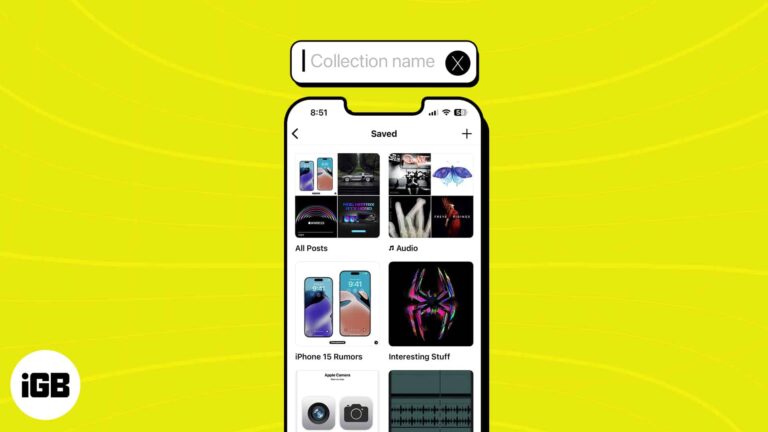
A long saved list is useless without structure. Here is how to build Instagram collections on iPhone, sort posts into them as you save, and manage or rename collections later.
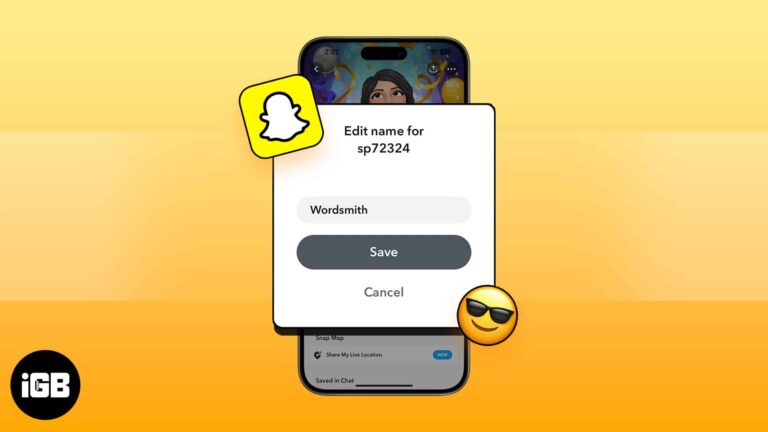
Be it Facebook, Twitter or any other social media, your name is the most important thing. People know you by your name and more significantly; using a real name makes interaction better. While most people use their real names, there…
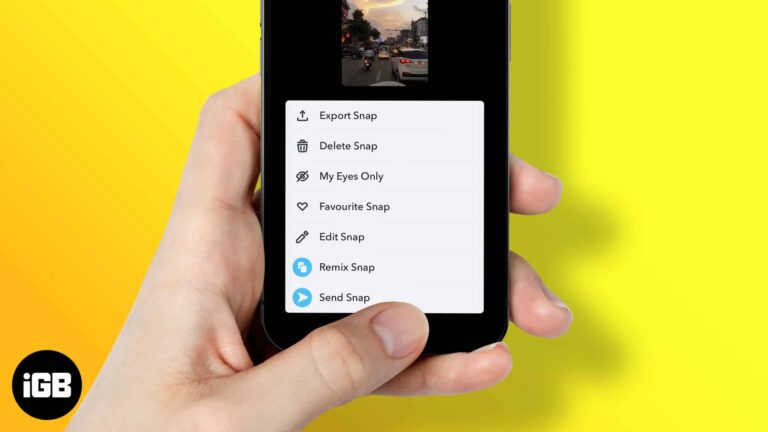
Remixing snaps on Snapchat is easier than you think — follow these instructions to add creative elements, edit clips, and share personalized remixed snap content.
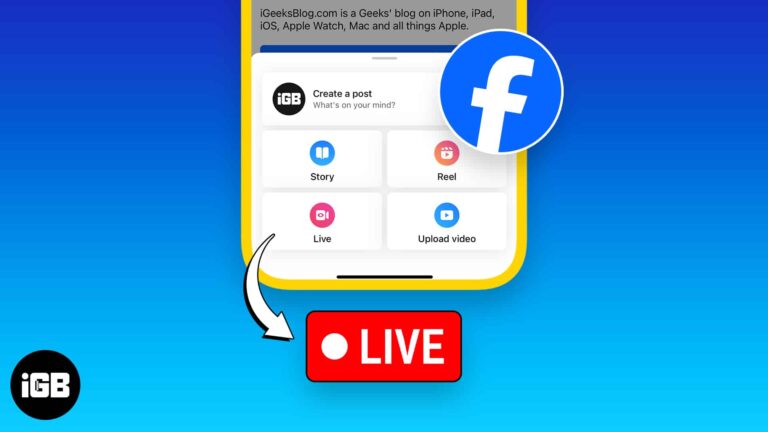
Facebook Live is the fastest way to reach followers in real time. Here is how to start a broadcast from iOS, stream into a group, and six practical tips for better video and audio.

I fancy music and love to carry my friends along the melody lines whenever I hear resounding harmonies. I do this in many ways, but I find my Facebook profile and Story handy for sharing music with my followers and…

WhatsApp recently experienced a data breach that affected 500 million users, leading to increased fraud and scam calls. WhatsApp responded promptly by introducing a helpful feature within the app that allows you to silence unknown callers on iPhone. Here’s how to do…

Telegram has no global disappearing messages toggle like Signal or WhatsApp. Here are two ways to get the same effect on iPhone, using Secret Chats and self-destructing media timers.

Snapchat is built around disappearing content, so saving takes deliberate steps. Here is how to save your own Snaps to the camera roll, automate it, and keep the ones people send you.
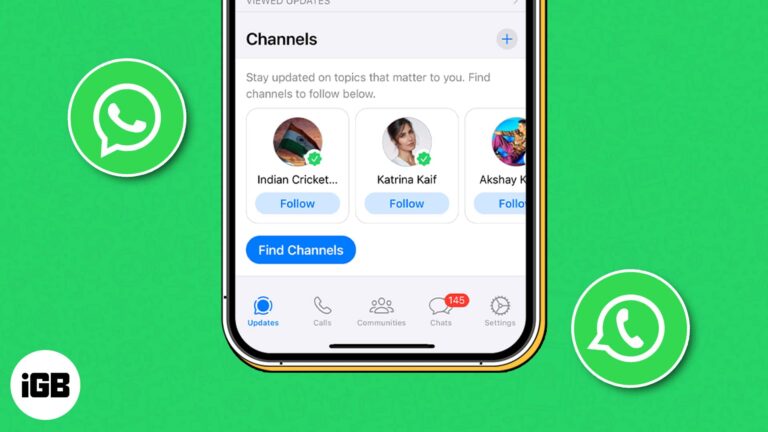
WhatsApp has been slowly rolling out its new Channels feature in different countries, and after a long wait, it’s now available in 150 countries. If you don’t know what WhatsApp Channels are and how to use them, then you’re in…

YouTube is undoubtedly one of the best video streaming platforms out there. You can use it to learn anything you like, catch up on news, watch music videos, and much more. Yet, several users complain that YouTube keeps crashing on…

Are you a budding influencer, or do you love creating unique content with friends on Instagram? If so, I strongly suggest using Instagram’s new Collab feature. It’s all about creating engaging posts together with fellow Instagrammers. Here, I’ll explore what the Collab feature is…
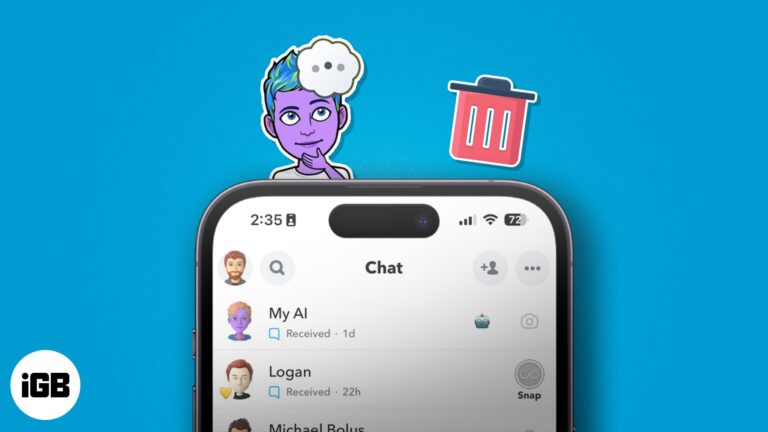
Even though the Snapchat My AI chatbot offers cool features and creative options, you may be fed up seeing it at the top of your chat box. The good news is you can get rid of Snapchat AI. In this…

Losing access to your Instagram account can be a frustrating experience, especially if you forget the password or associated email address. Don’t worry! Here, I will walk you through how to recover your Instagram account on your iPhone, whether it’s…
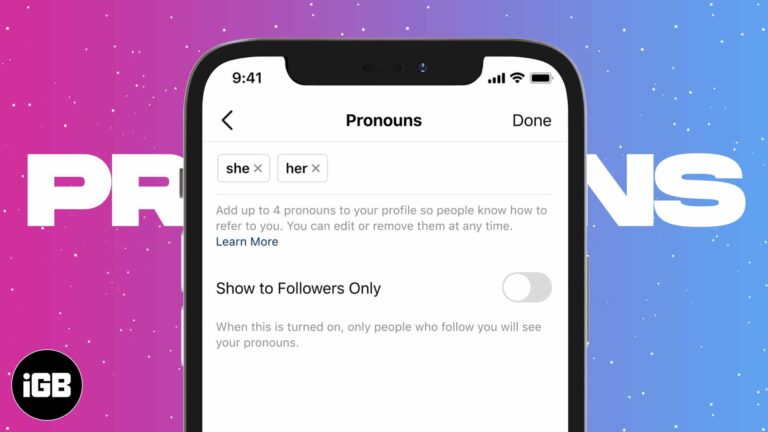
Instagram gives pronouns their own field, separate from your bio, and lets you choose who sees them. This walkthrough shows where the setting lives on iPhone and how to edit or hide it later.
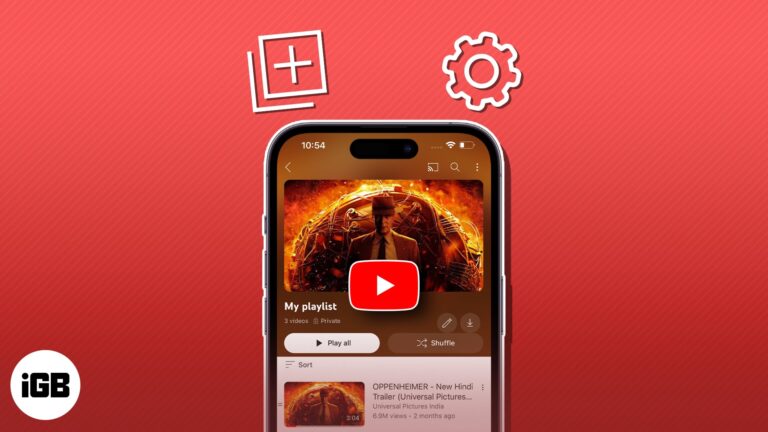
YouTube playlists offer a seamless way to curate and enjoy personalized collections of content. But unfortunately, many still find it hard to effectively create and manage YouTube playlists on iPhones and iPad. Whether you’re a passionate content creator, a music…
WhatsApp is dedicated to enhancing effective communication through innovative means. In line with this commitment, the Meta-owned app recently introduced a new feature – the ability to create and send short video messages. If the concept of sharing short videos…
Protecting our personal information and private conversations while using messaging apps like WhatsApp is crucial. Thankfully, WhatsApp rolled out a helpful feature called Privacy Checkup that allows you to review and manage your privacy settings. Here, I will share how to start…

We want to keep our WhatsApp chats private and protect them from prying eyes, right? Thankfully, WhatsApp offers a handy feature to lock your chats on your iPhone. So, if anyone gets access to your WhatsApp, they can’t read those chats until…


