FaceTime Like a Pro
Get our exclusive Ultimate FaceTime Guide 📚 — absolutely FREE when you sign up for our newsletter below.

FaceTime Like a Pro
Get our exclusive Ultimate FaceTime Guide 📚 — absolutely FREE when you sign up for our newsletter below.



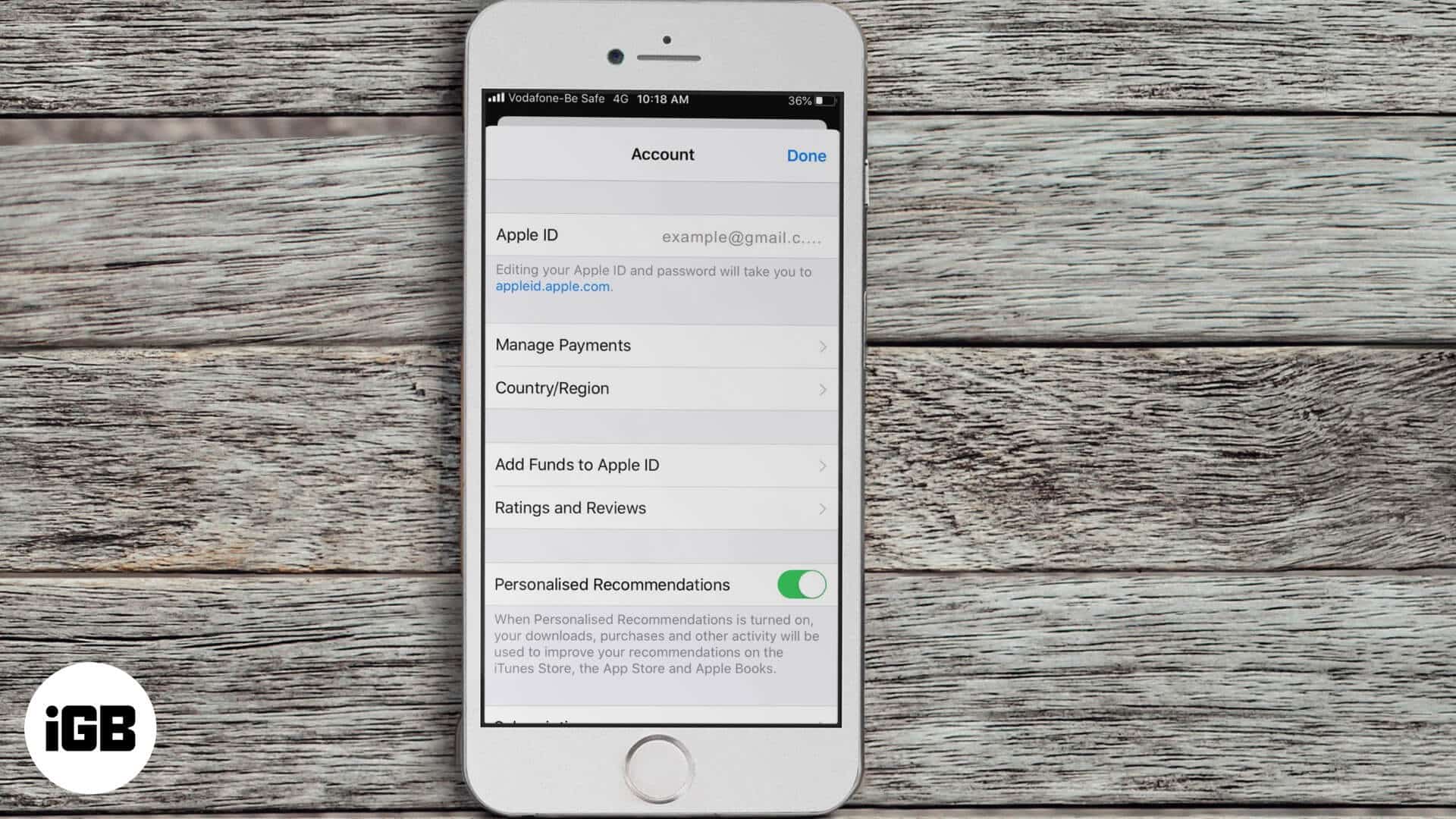
Not able to purchase or download apps on iPhone? Here are some solutions to fix the issue of unable to purchase apps in iOS 13 and iPadOS.
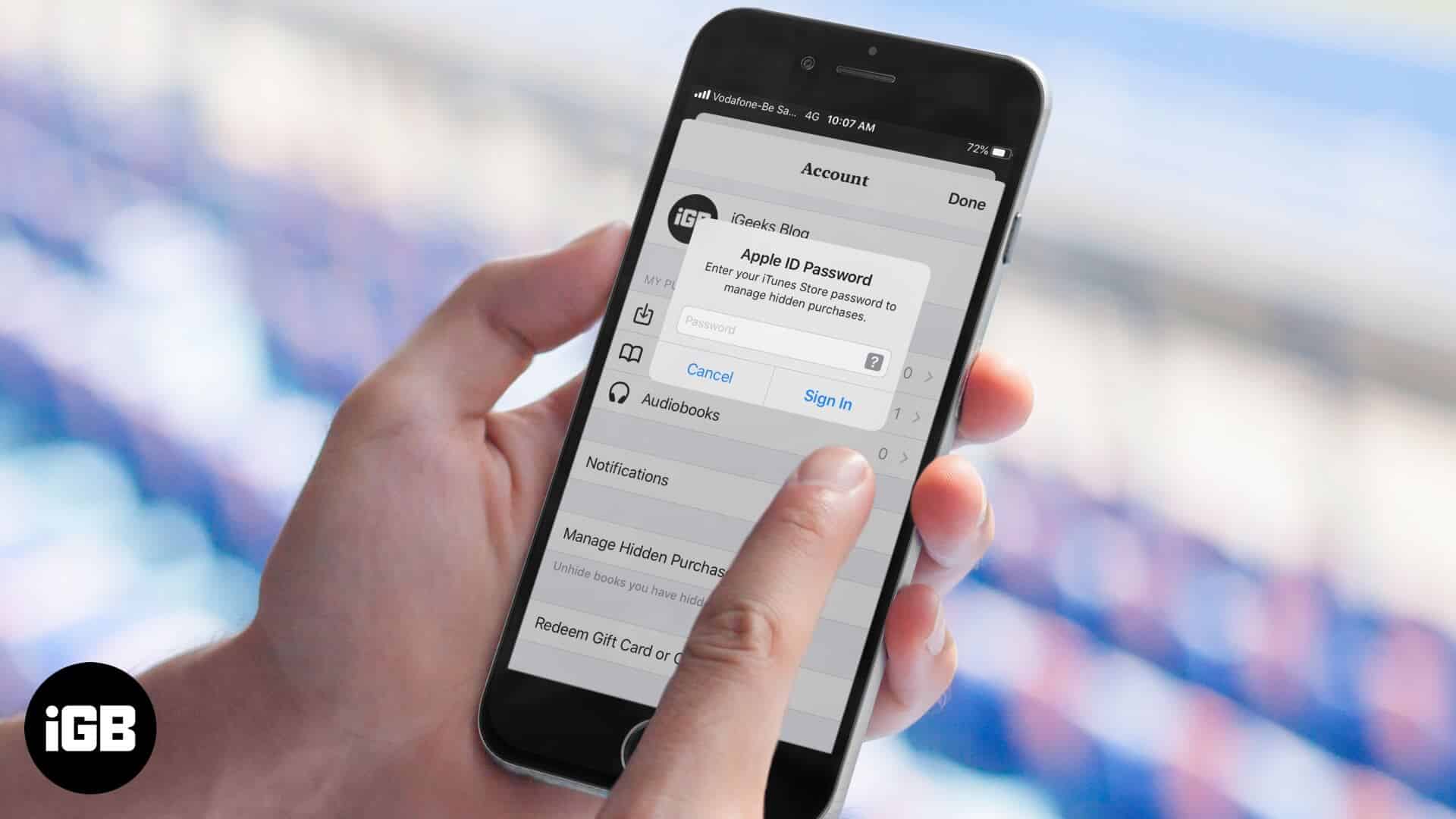
If downloaded or purchased audiobooks not showing up in the Books app. Here are 8 ways to solve this issue on your iPhone or iPad.
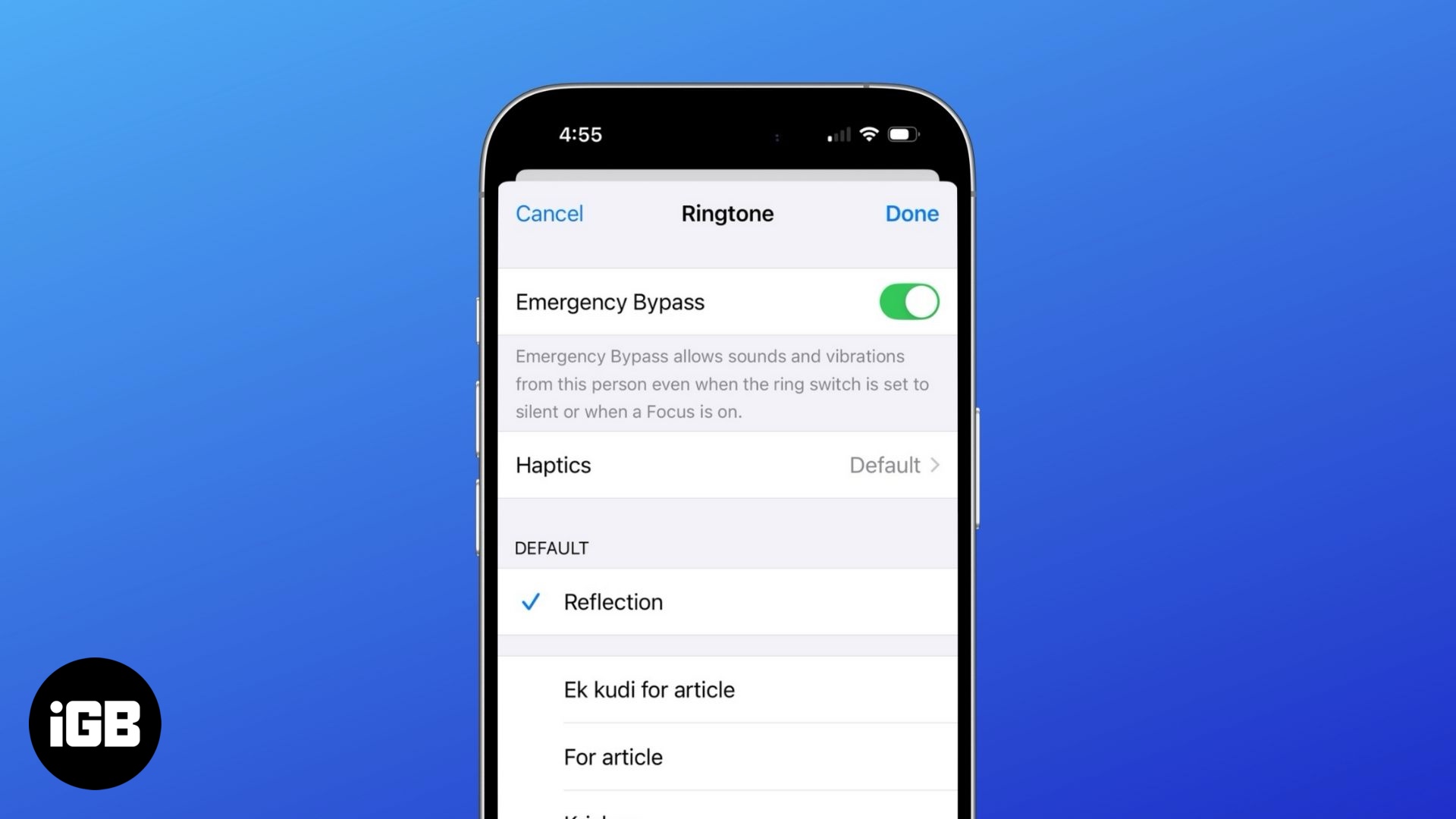
Never miss an important call or message—even in DND mode with Emergency Bypass!
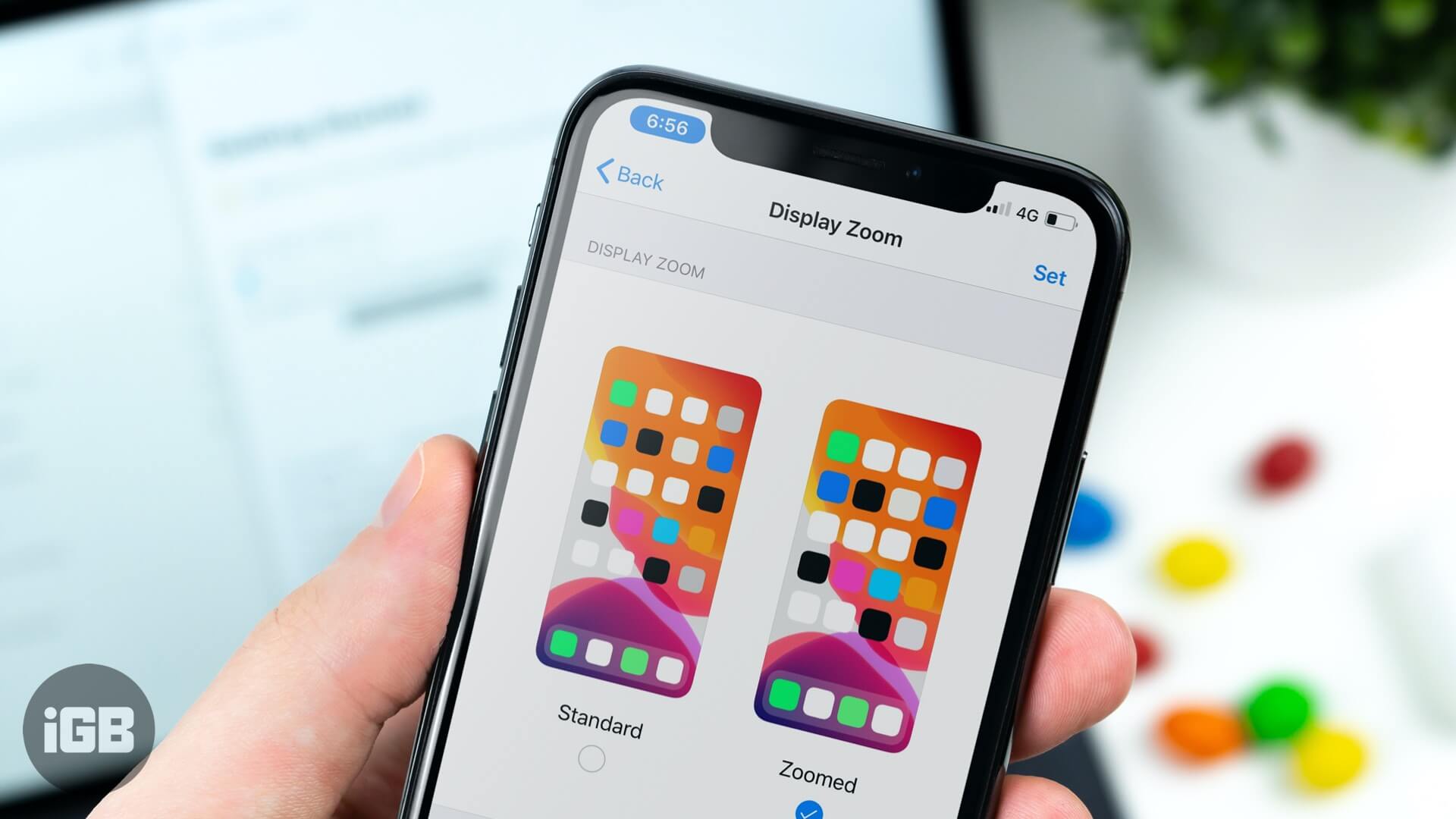
Display Zoom enlarges everything at the cost of showing less on screen. Here is how to switch back to the standard view on iPhone and what changes when you do.
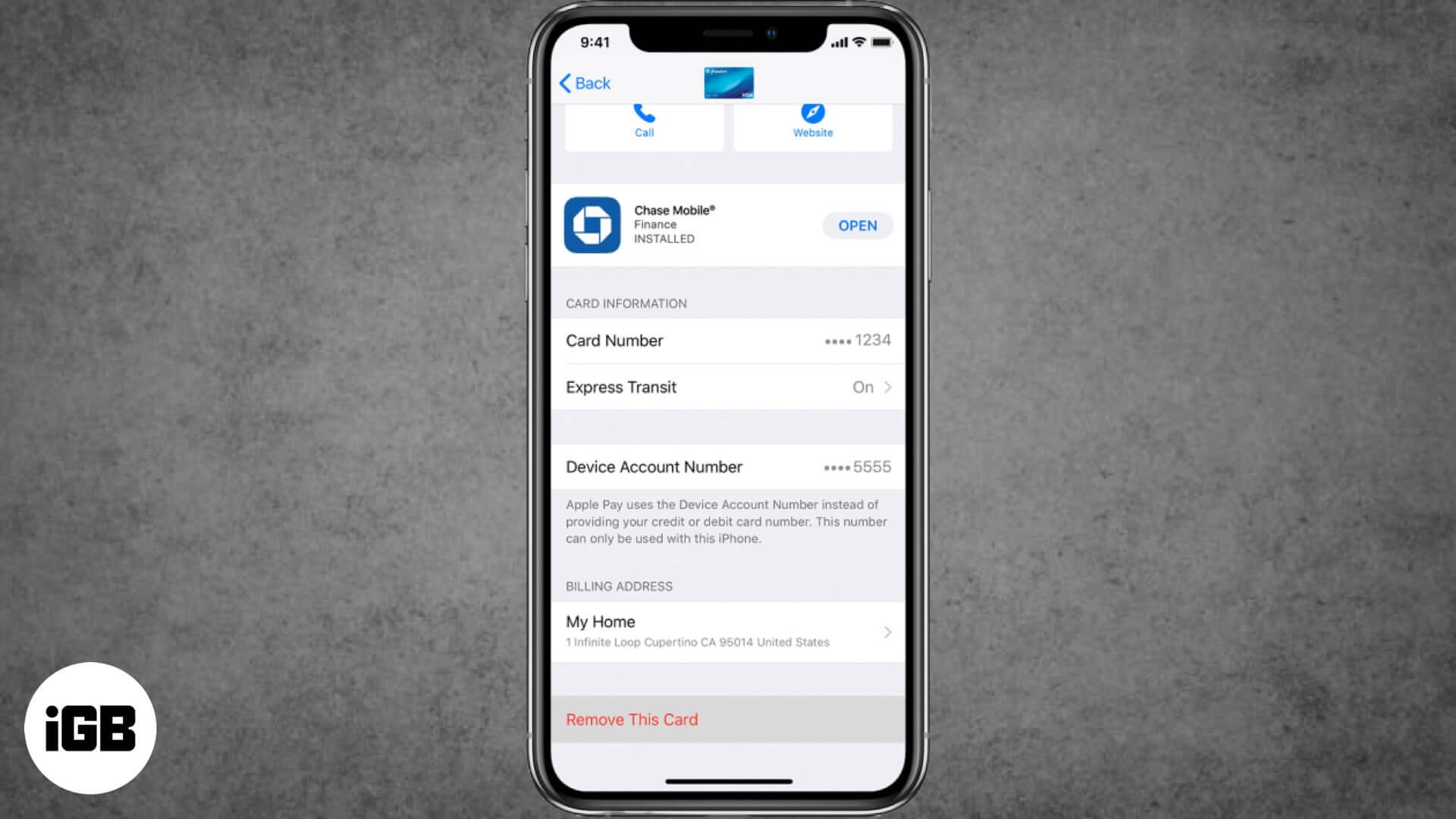
If you've lost your iPhone or your credit card is not valid anymore, here are the ways to remove credit or debit cards from Apple Pay on iPhone, iPad, and Mac.
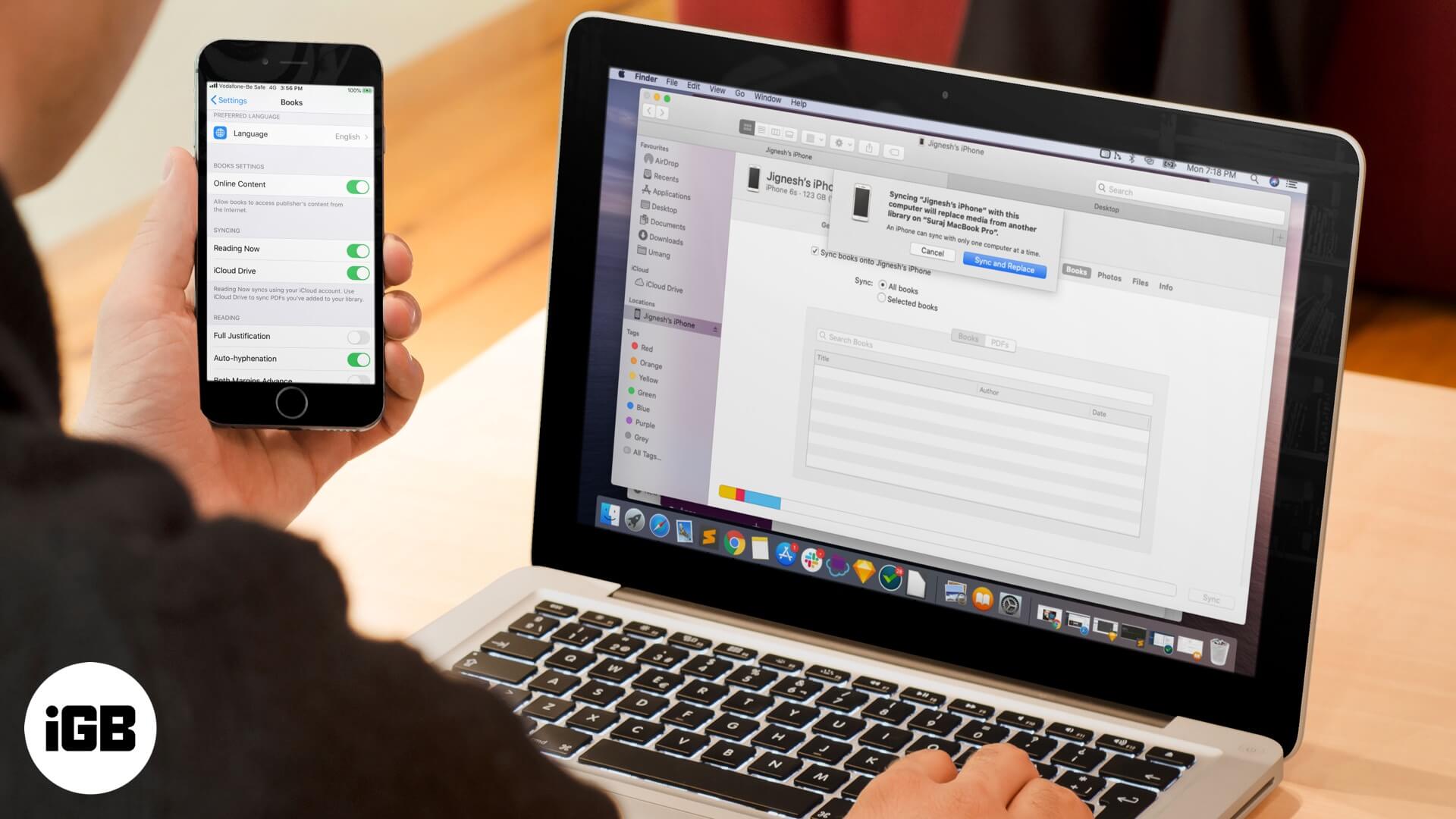
A library that differs on every device defeats the point of Apple Books. These fixes cover iCloud sync toggles, Apple ID mismatches, hidden purchases, and syncing through Finder or iTunes.
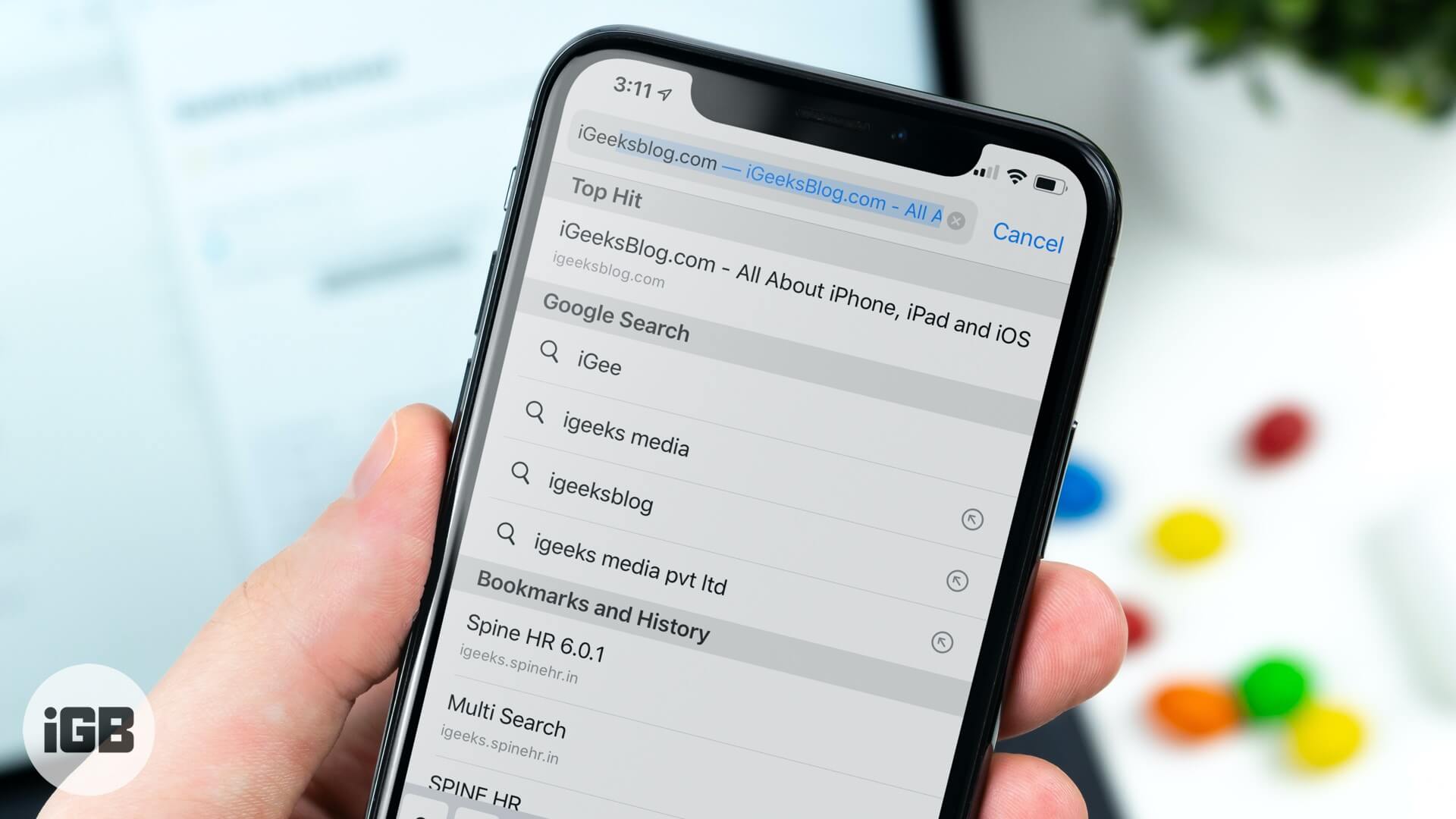
Safari fetches its top search result before you tap it, burning data on pages you never visit. Here is how to turn off Top Hit preloading on iPhone and iPad.
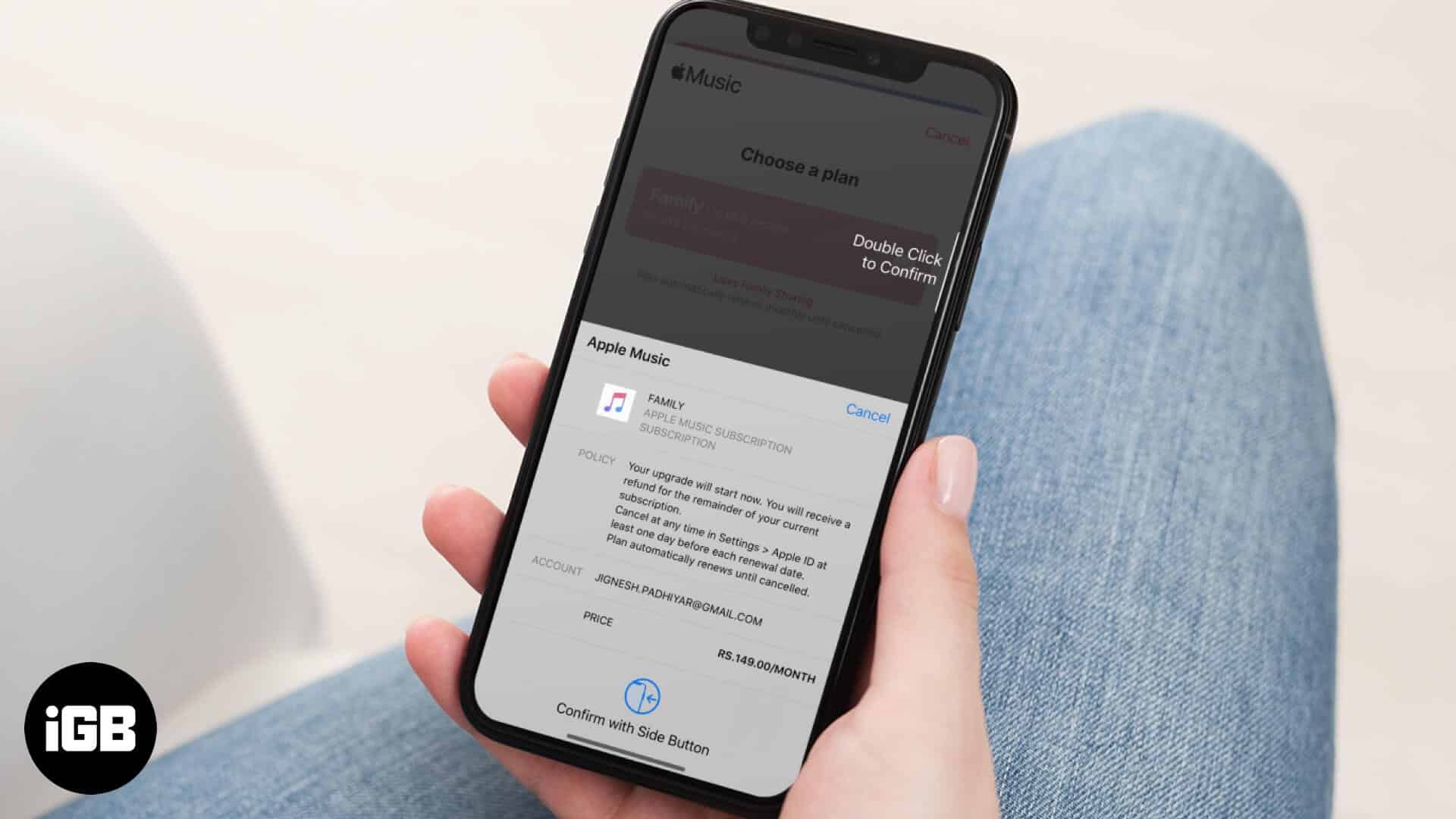
Changing plans is straightforward once you know where the setting lives. Here is how to move from Individual to Family, back again, or leave a family plan for your own subscription.
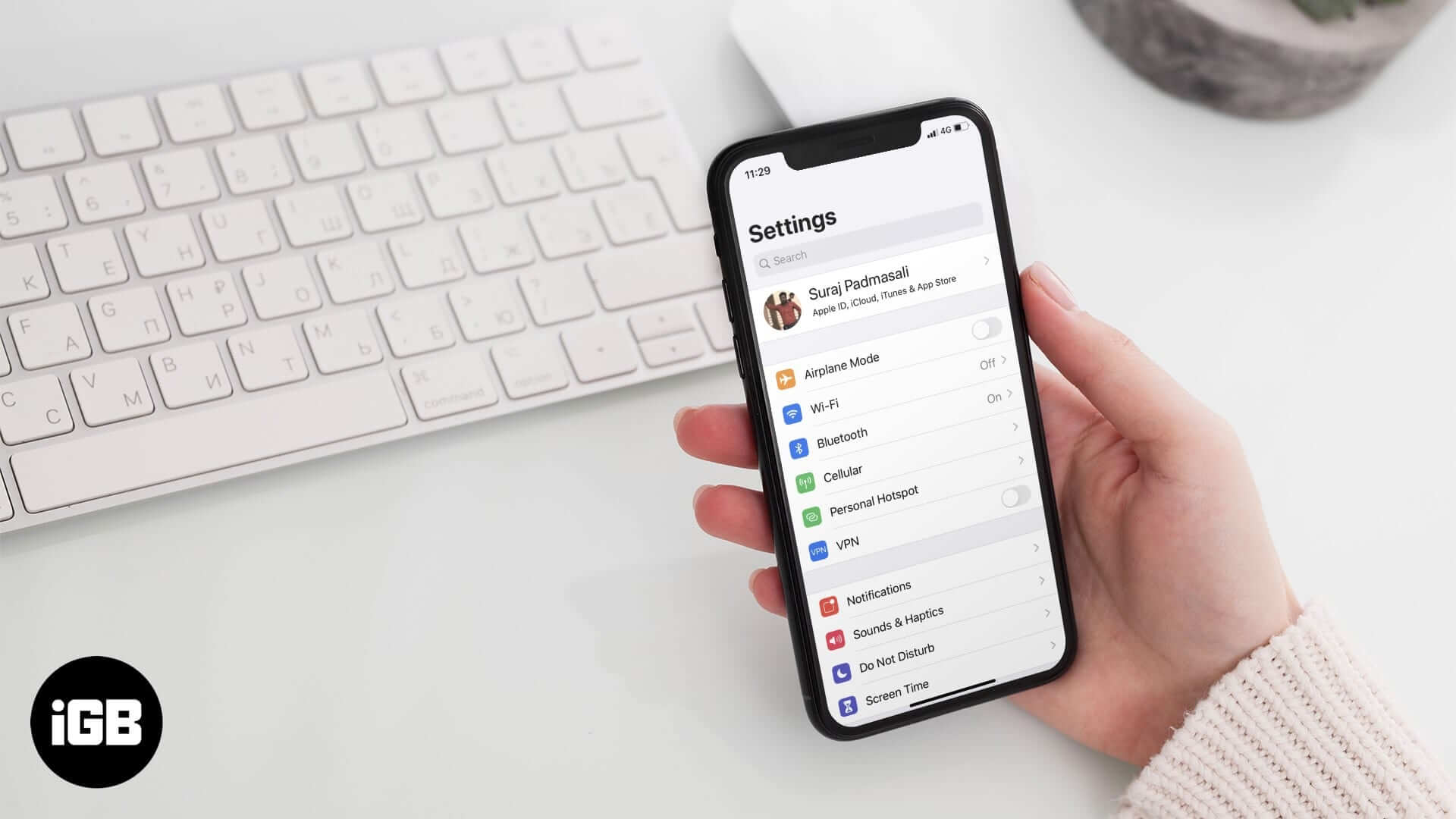
A looping iCloud sign-in prompt makes the phone unusable and often ignores the correct password. Here is what causes it and the fixes that break the cycle without erasing your device.
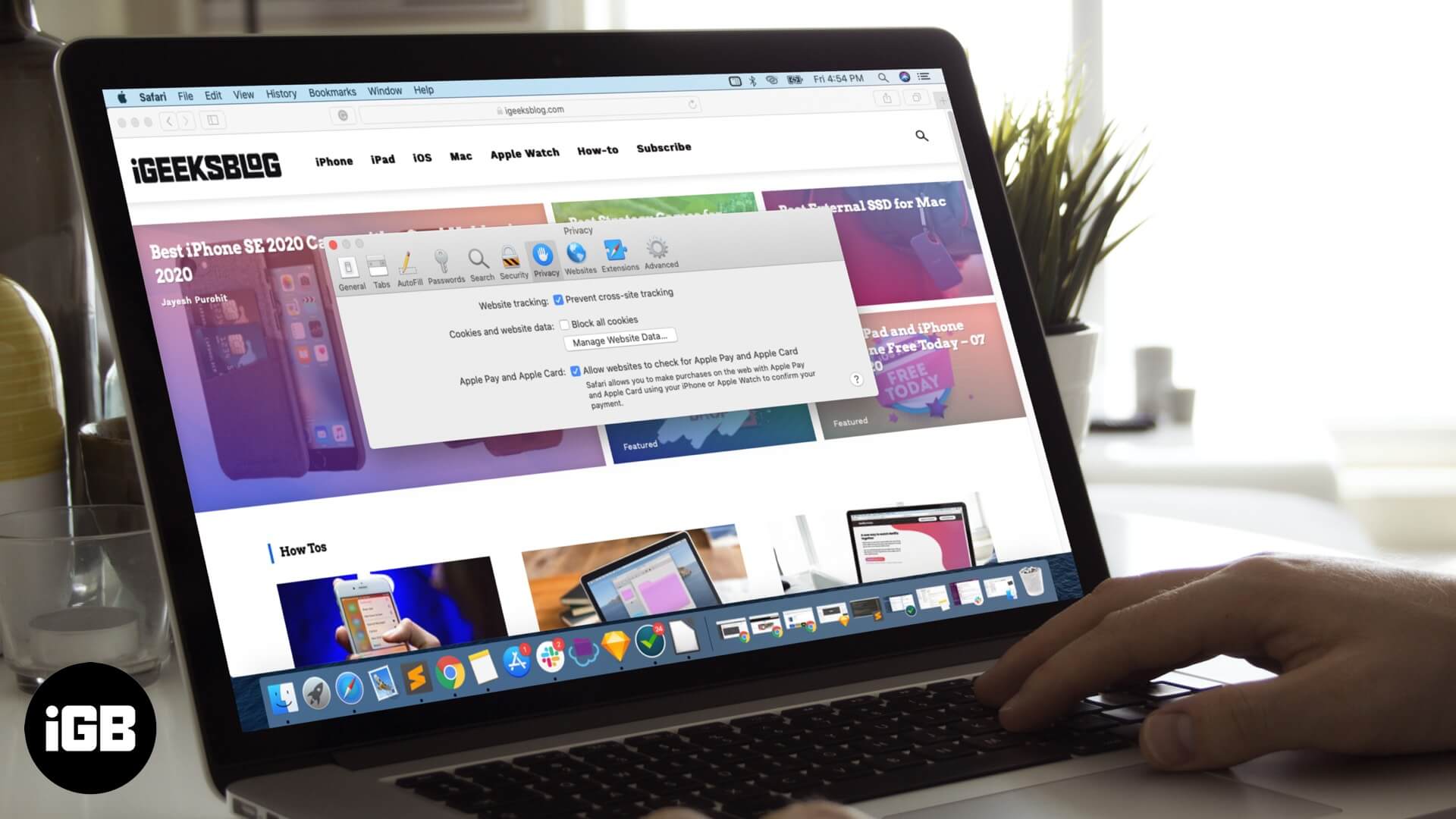
Blocking all cookies breaks logins on most sites. Here is how to allow them in Safari on Mac, and how that differs from the cross-site tracking prevention setting sitting next to it.
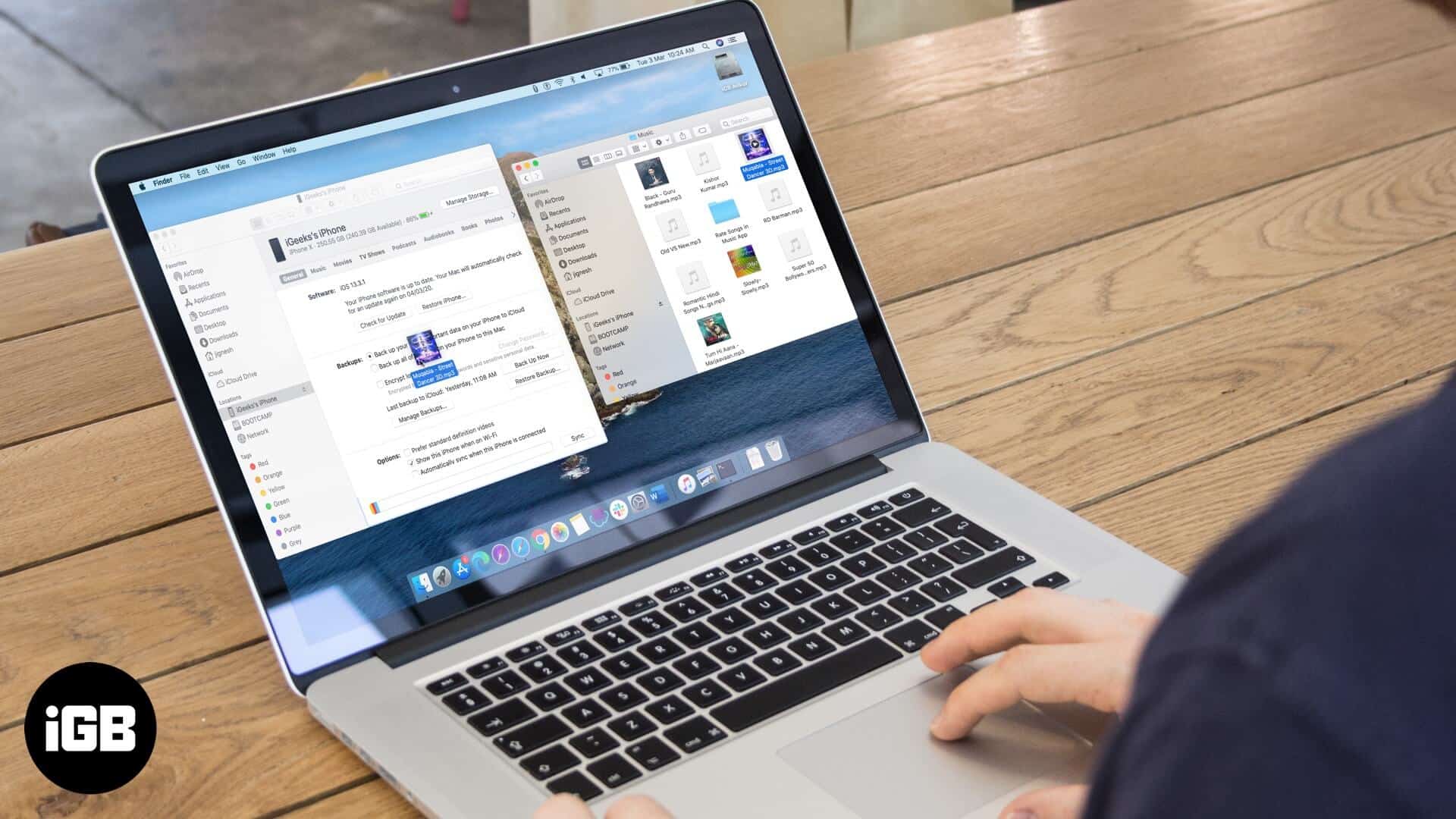
macOS Catalina moved device syncing from iTunes into Finder, which caught many people out. Here is how to sync your music library, manage tracks manually, and clear old media from the device.
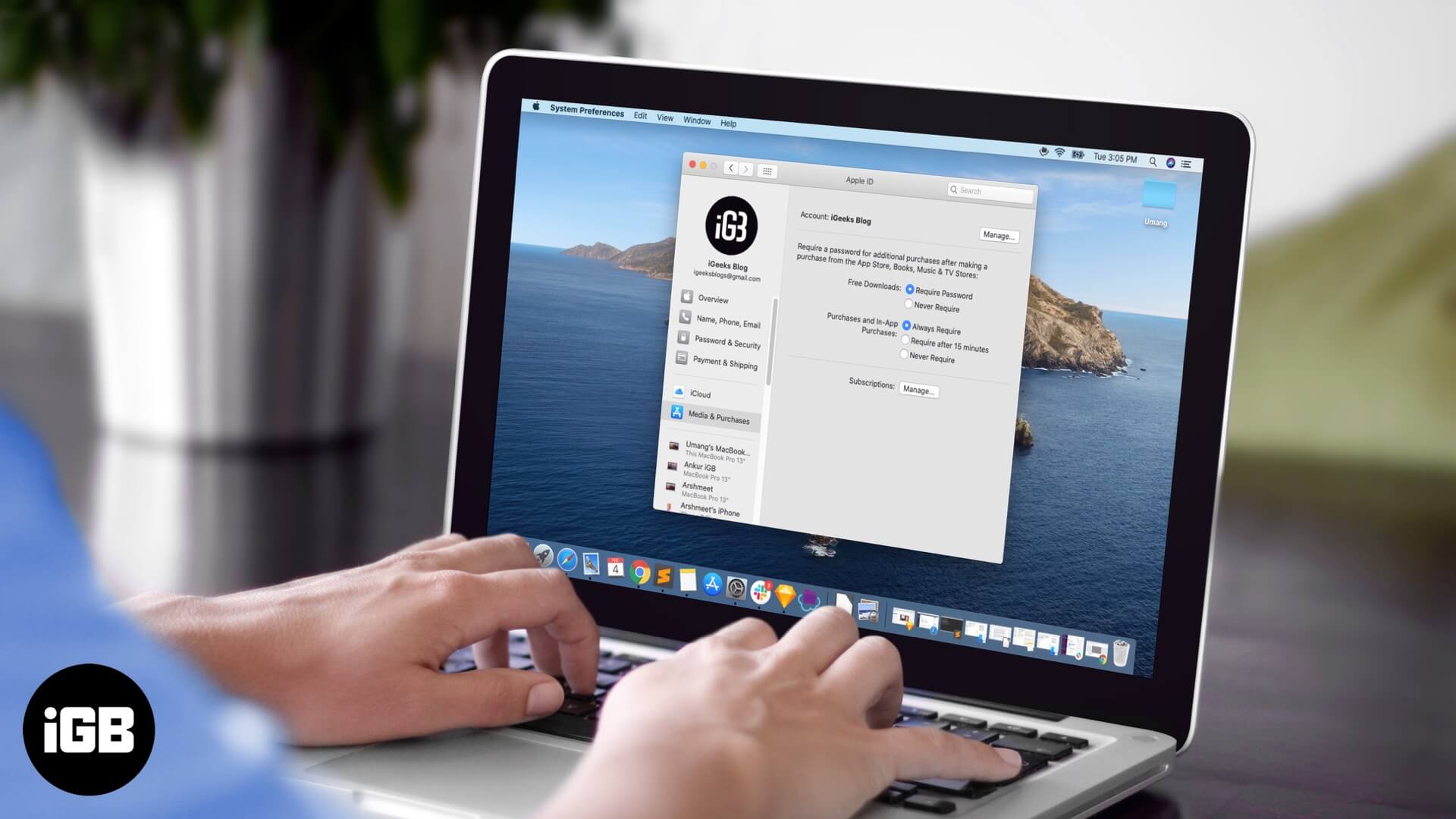
Typing a password for a free app is needless friction. Here is how to turn off the password prompt for free downloads on Mac while leaving paid purchases properly protected.
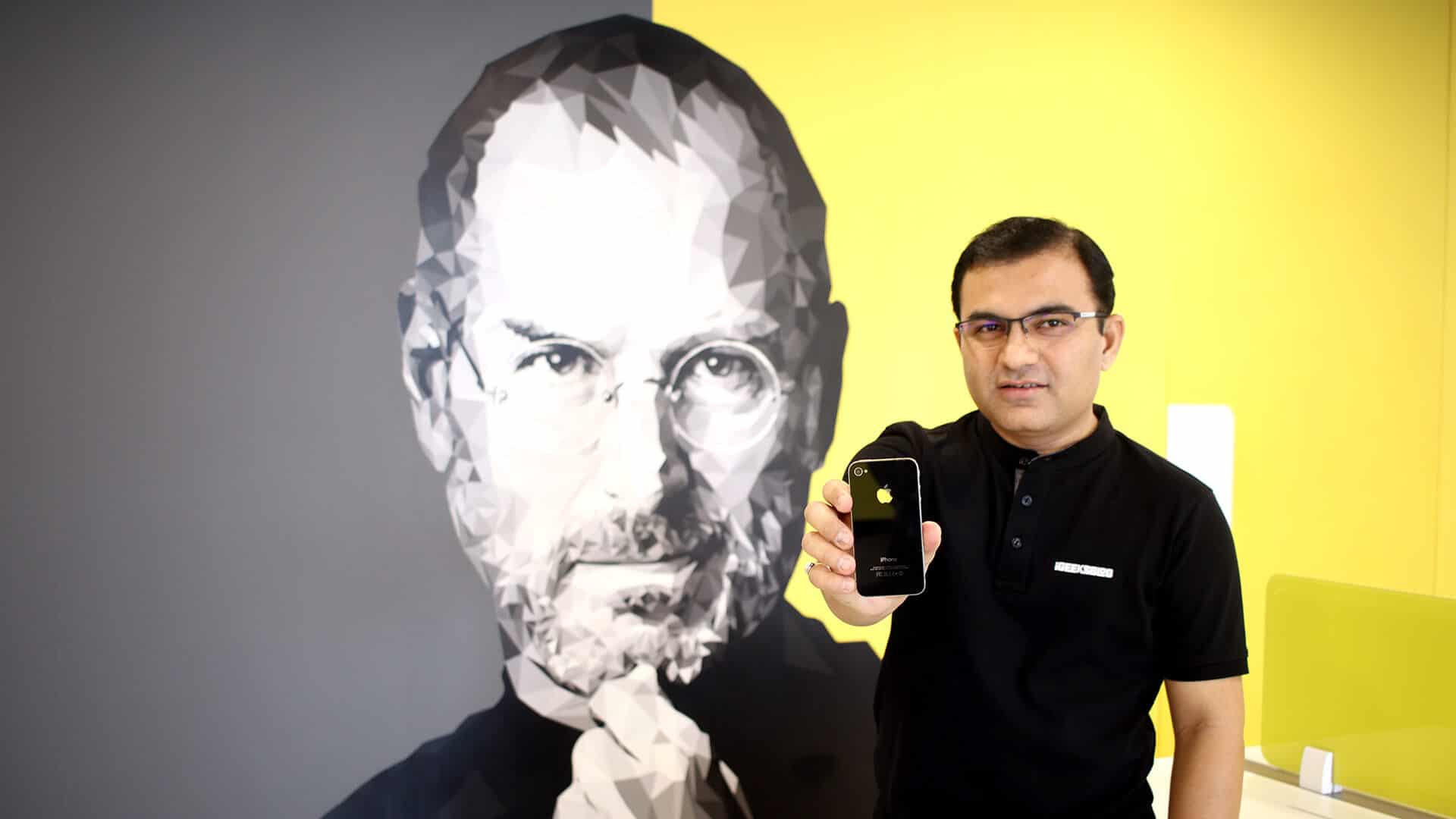
Some gadgets change what you expect from technology. This is a personal account of why the iPhone 4, with its glass and steel design and Retina display, remains the standout device of its decade.
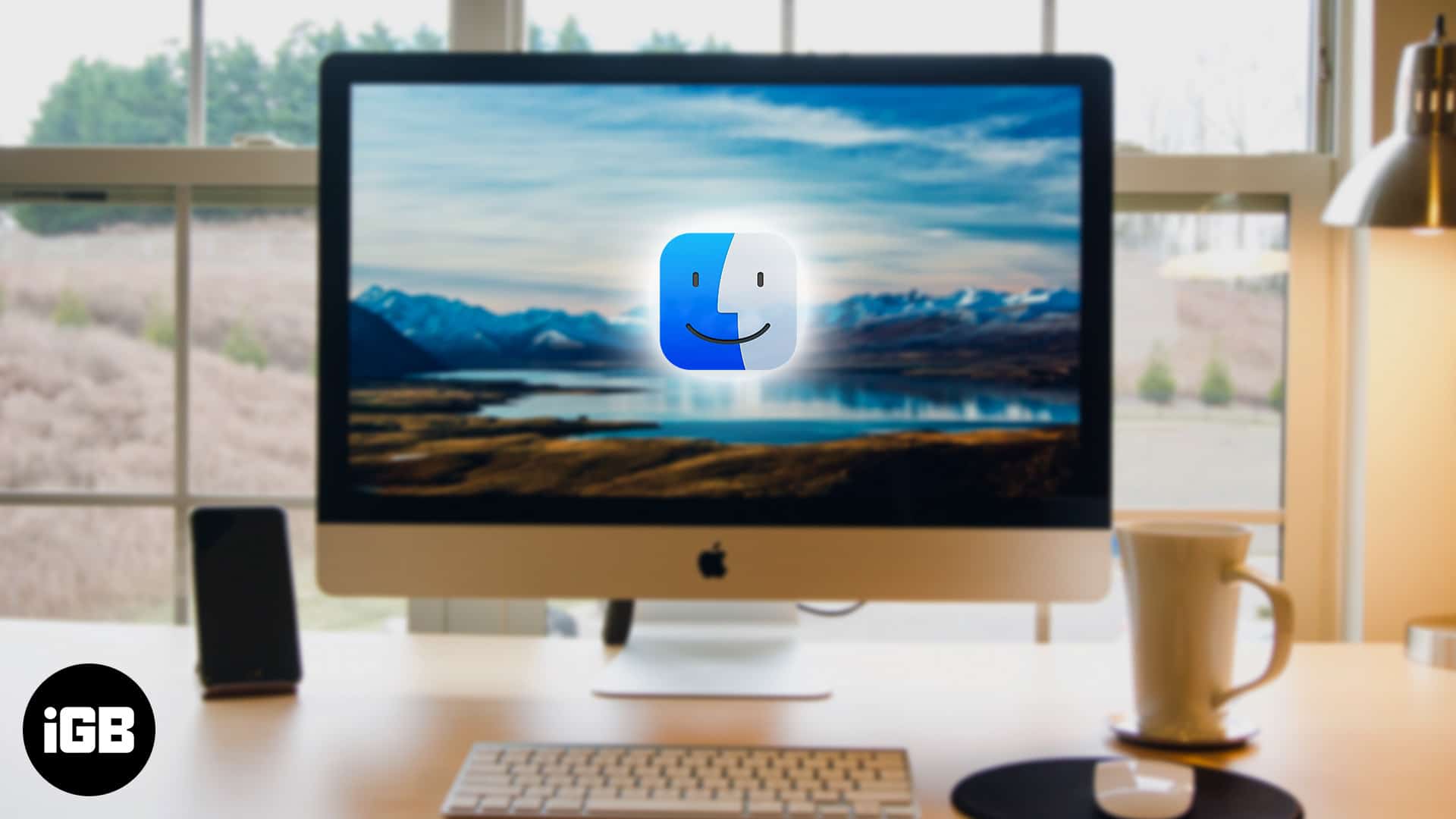
The Finder smiley has not changed in decades. Here is how to swap it for any image of your choosing using a simple copy and paste in the Get Info panel, and how to undo it.
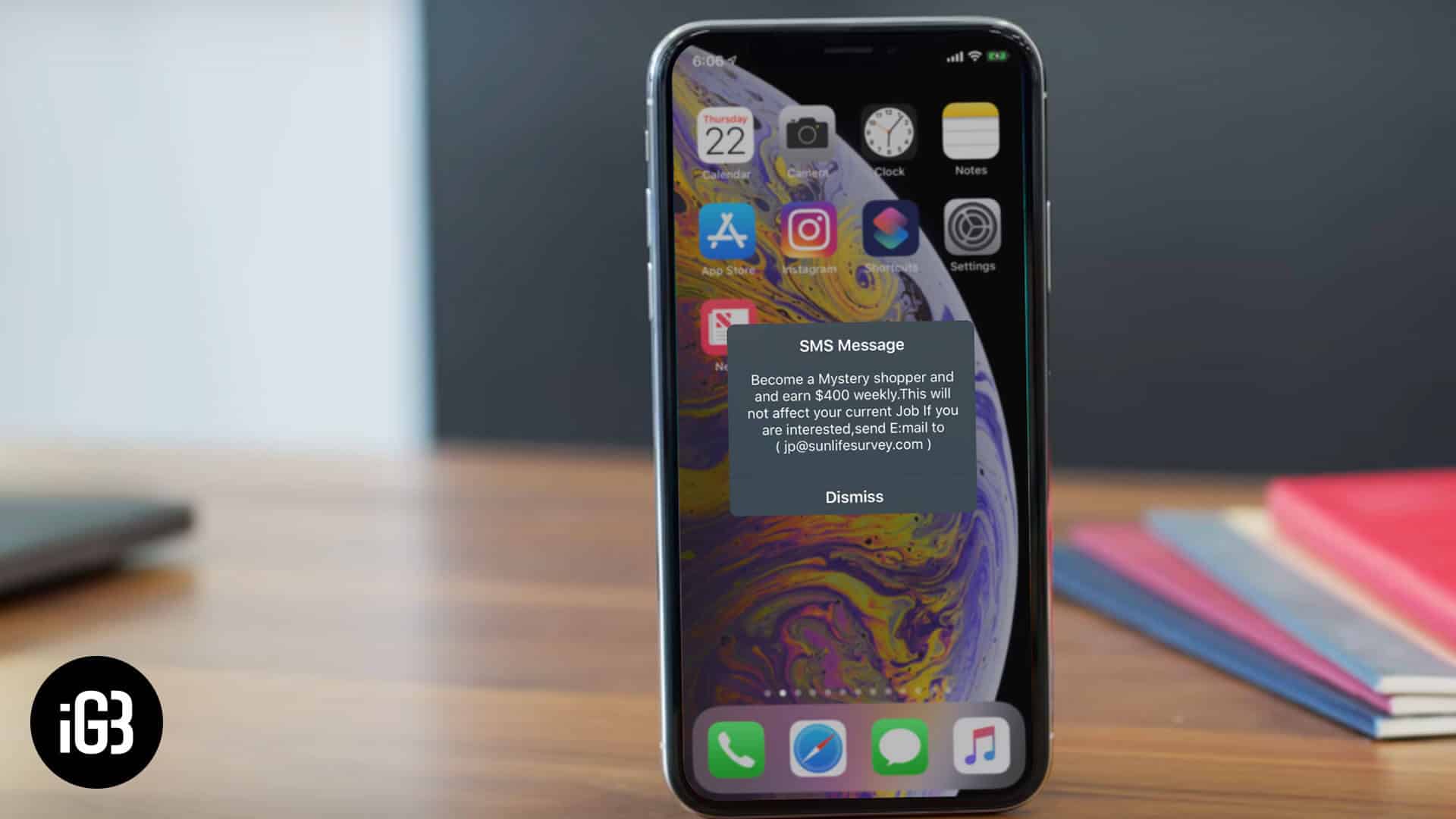
This carrier flash message interrupts you repeatedly for no useful reason. Here is what triggers it on iPhone and how to disable SIM tone alerts so it stops appearing.
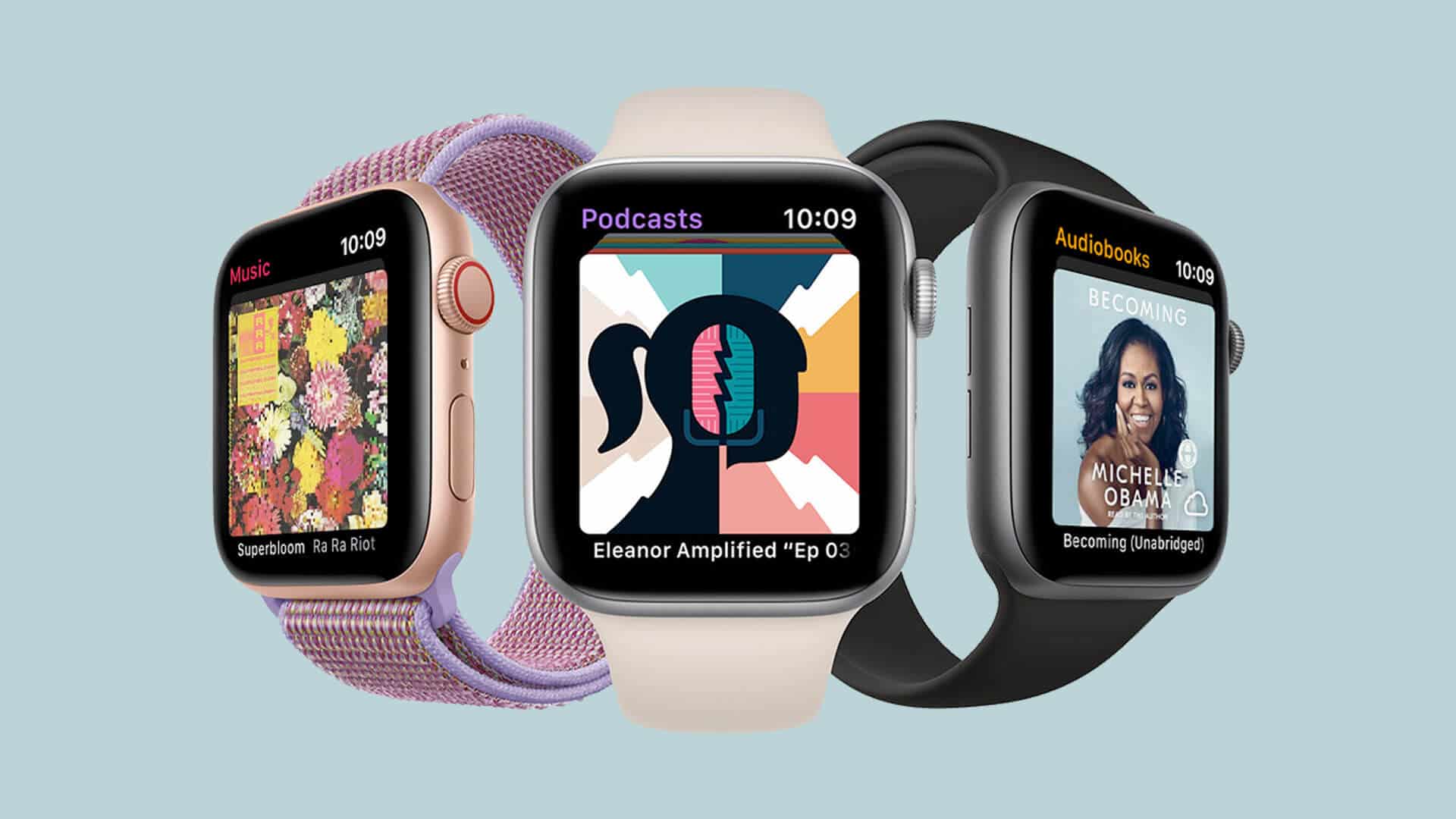
watchOS can store audiobooks locally so you can listen on a run with no phone. Here is how to sync titles to Apple Watch and play them through your Bluetooth headphones.
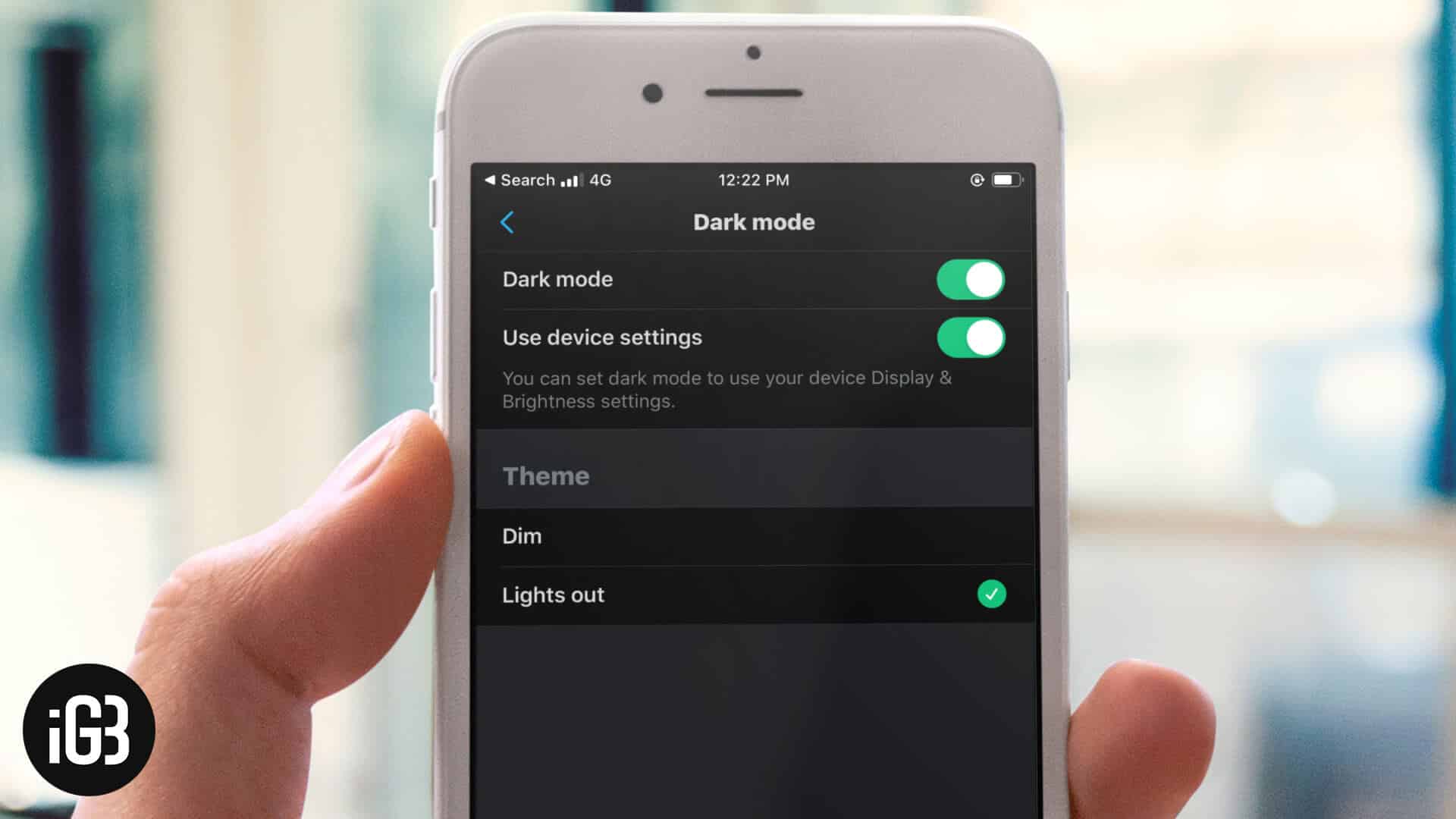
X offers two dark themes, including a true black Lights Out mode that saves power on OLED screens. Here is how to enable either on iPhone and iPad, or match your system setting.
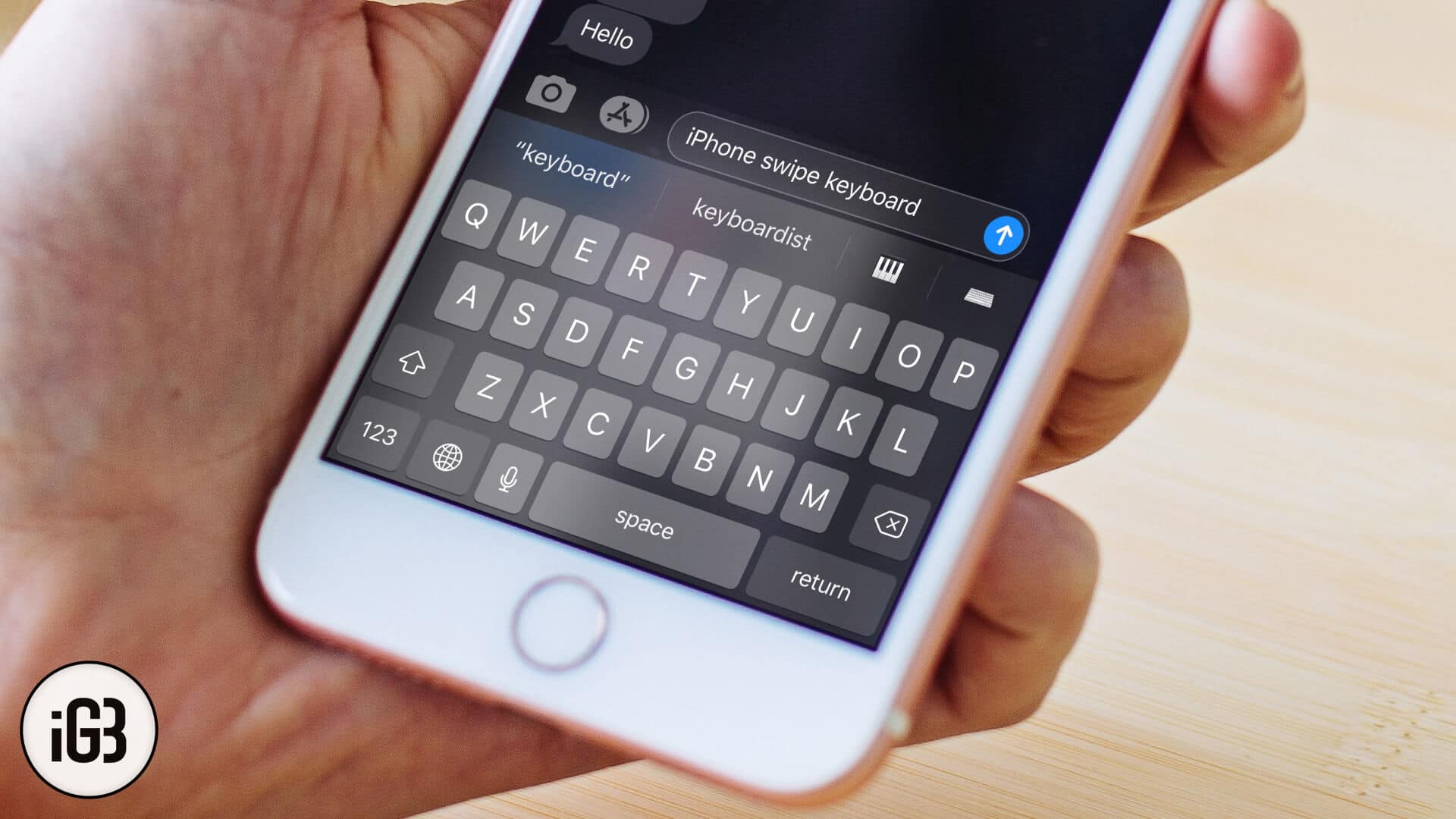
QuickPath brings glide typing to the stock iOS keyboard, and it is faster than tapping once you adjust. Here is how to use it on iPhone and iPad and what to do when a word comes out wrong.
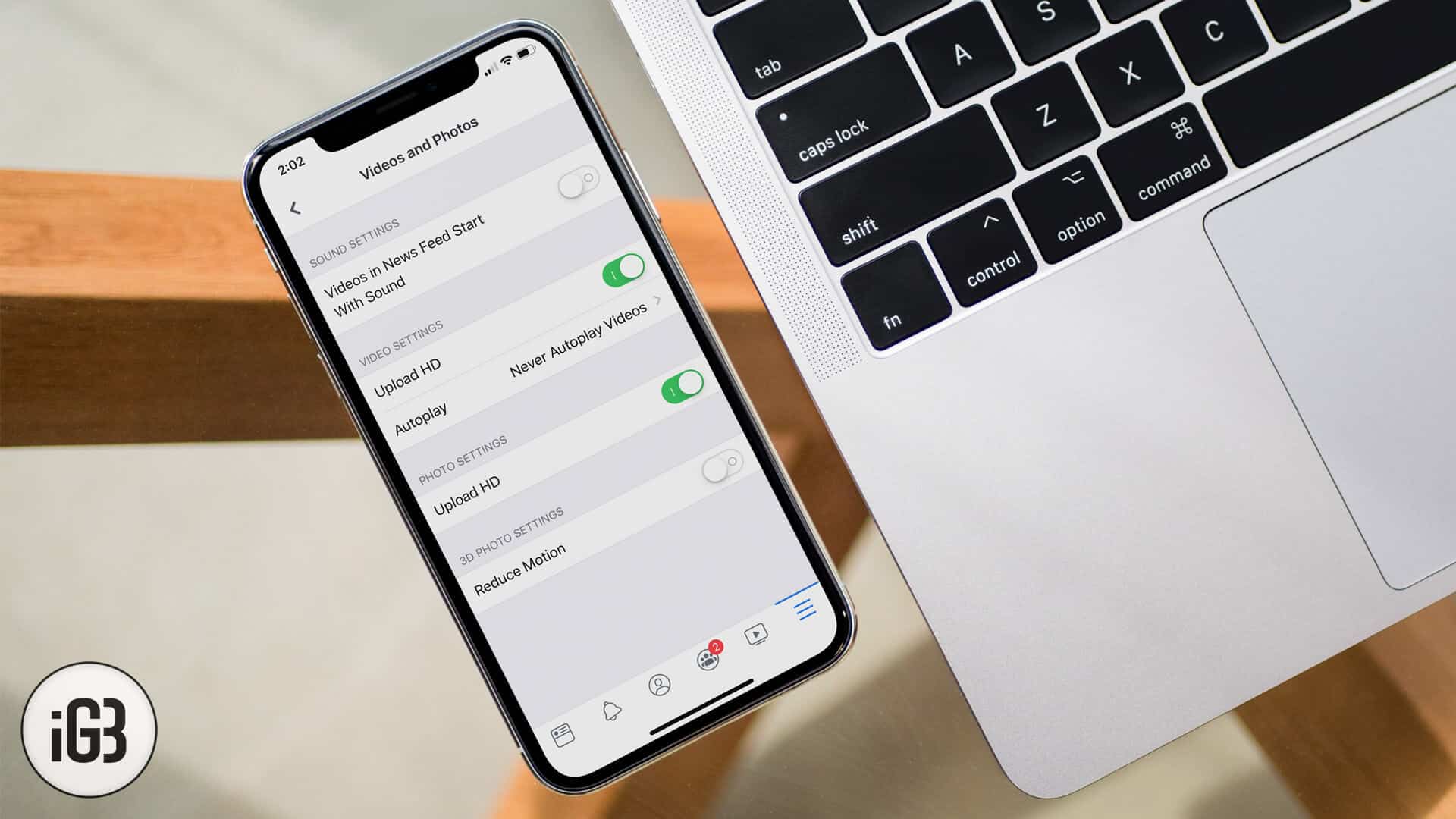
Facebook compresses uploads aggressively unless you change one setting. Here is where the HD upload option lives in the iOS app and how to enable it for both photos and video.
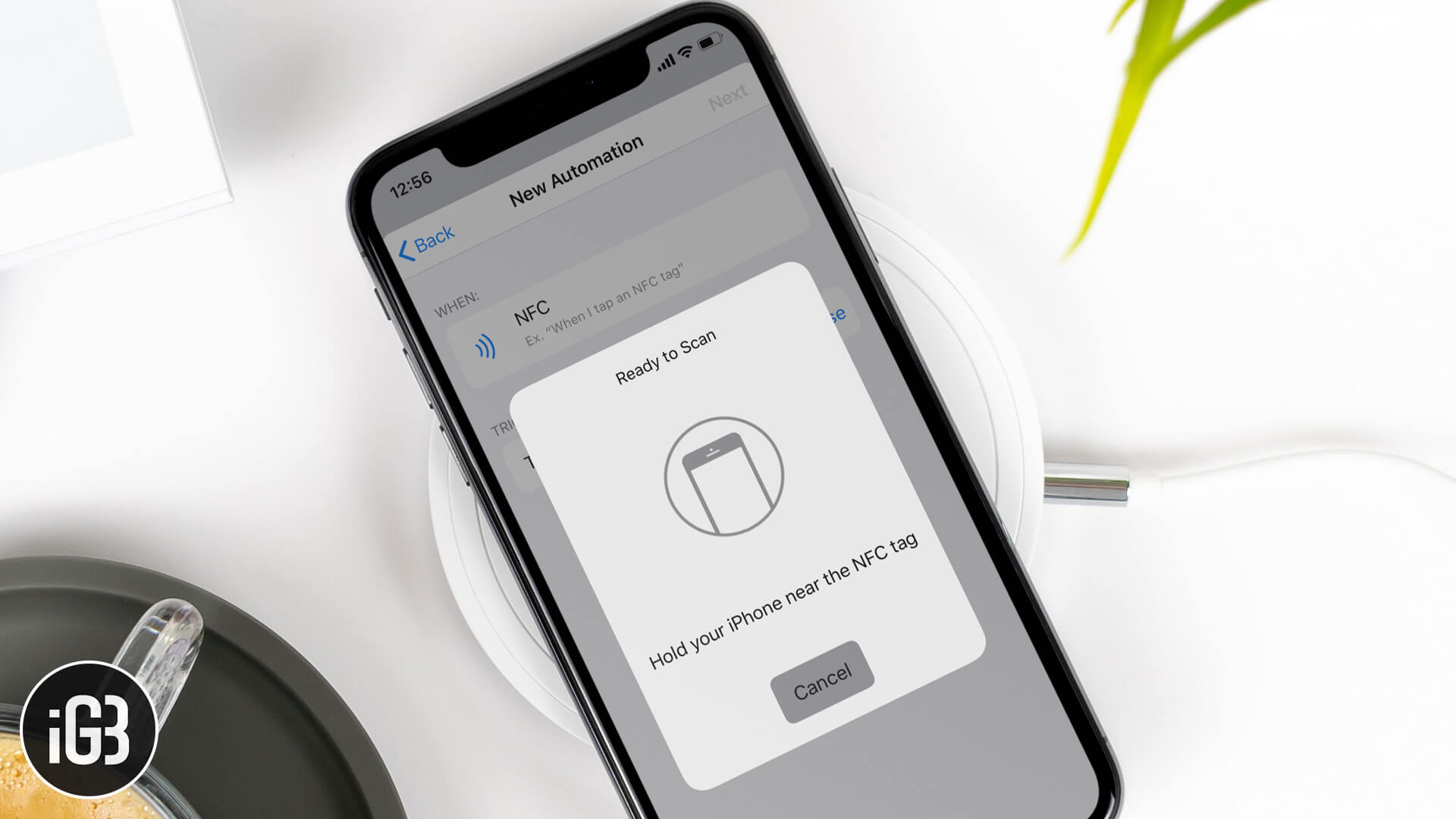
Near Field Communication or NFC is a set of communication protocols that wirelessly transfers data and interacts between two NFC-enabled…
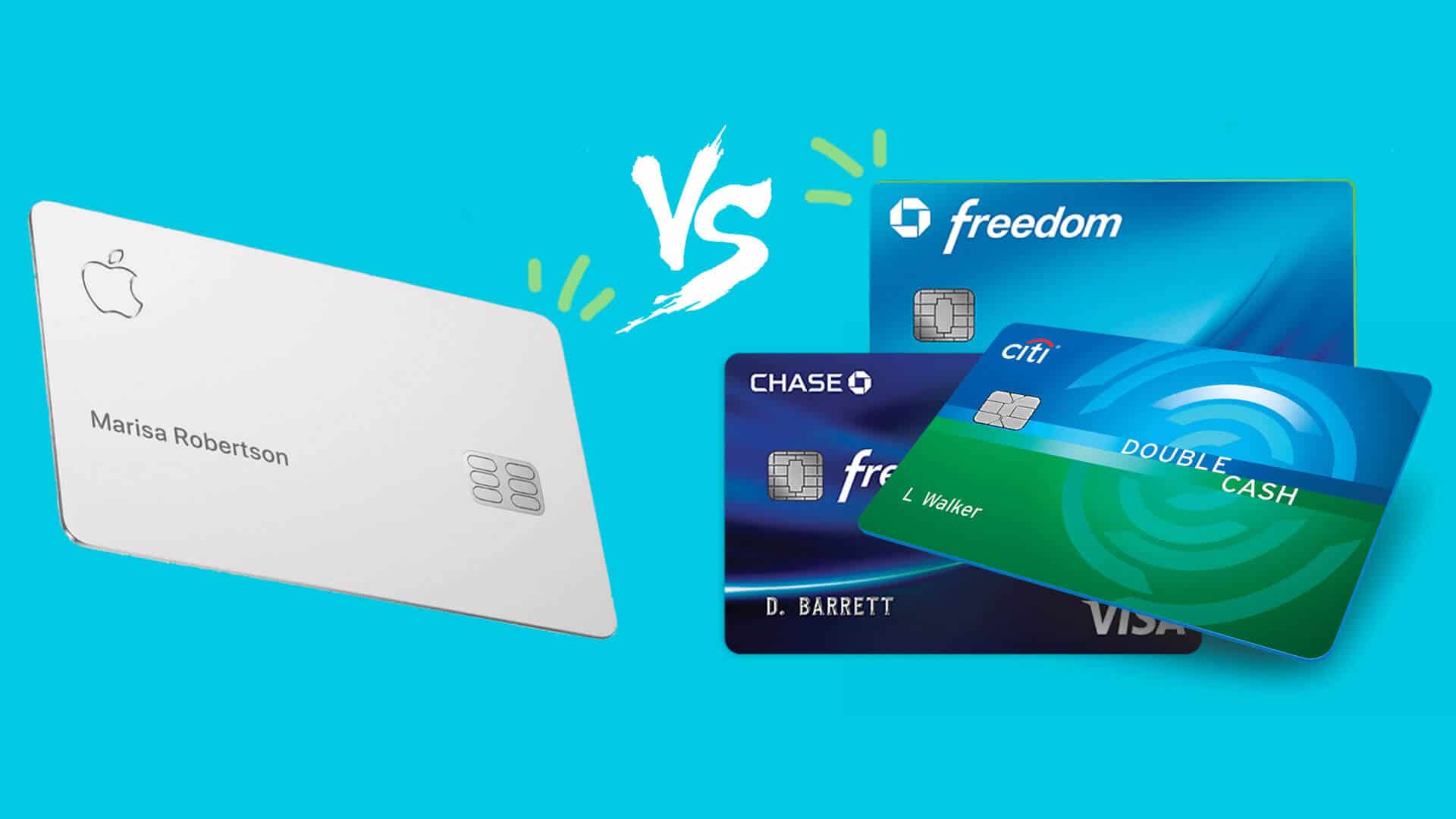
Apple Card sells itself on no fees, daily rewards, and privacy. We compare it side by side with mainstream credit cards on cash back, interest, perks, and the situations where a rival card wins.
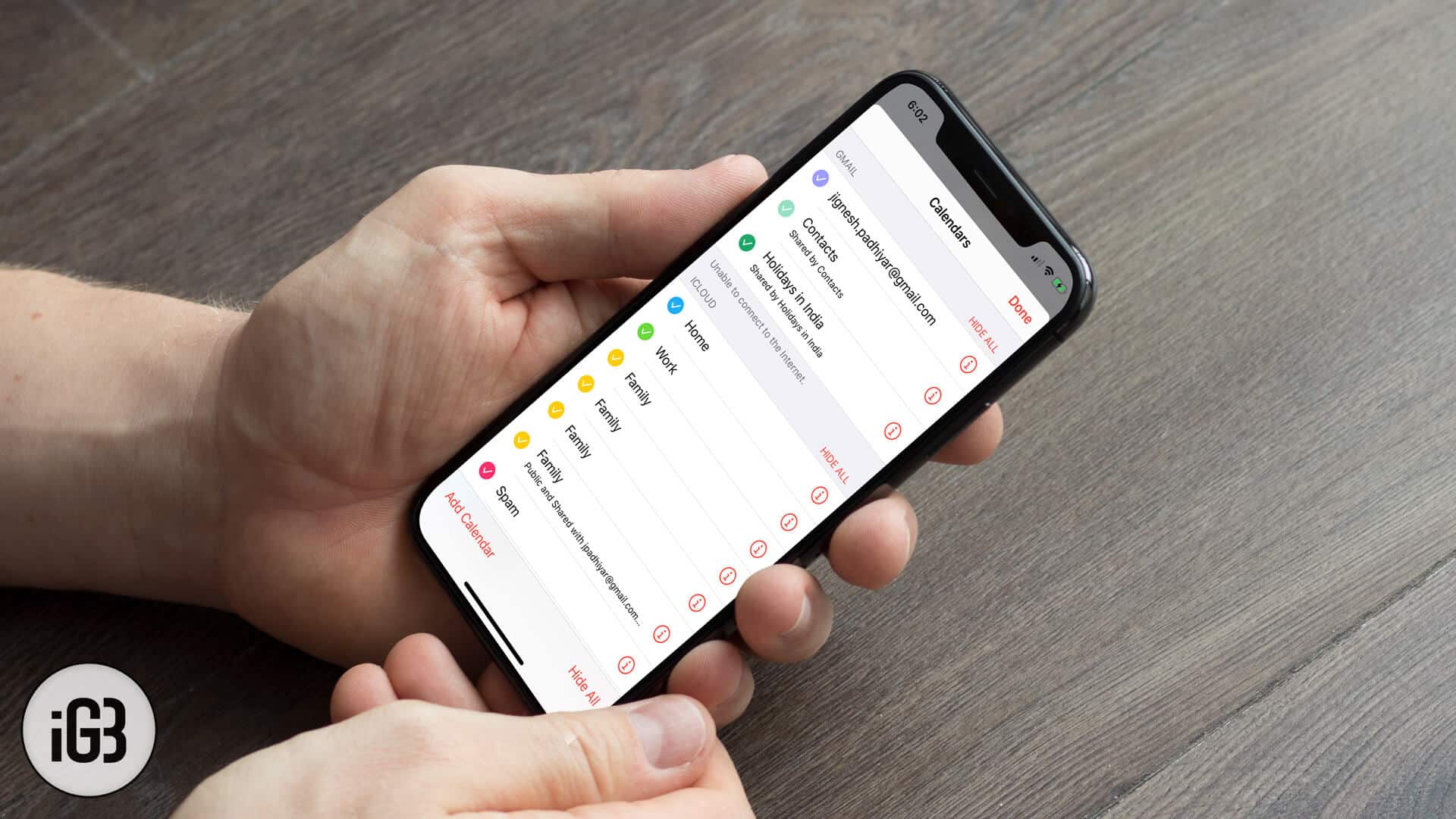
The settings for the Calendar app might get reset when you upgrade or restore or reset your iDevice. That reset…
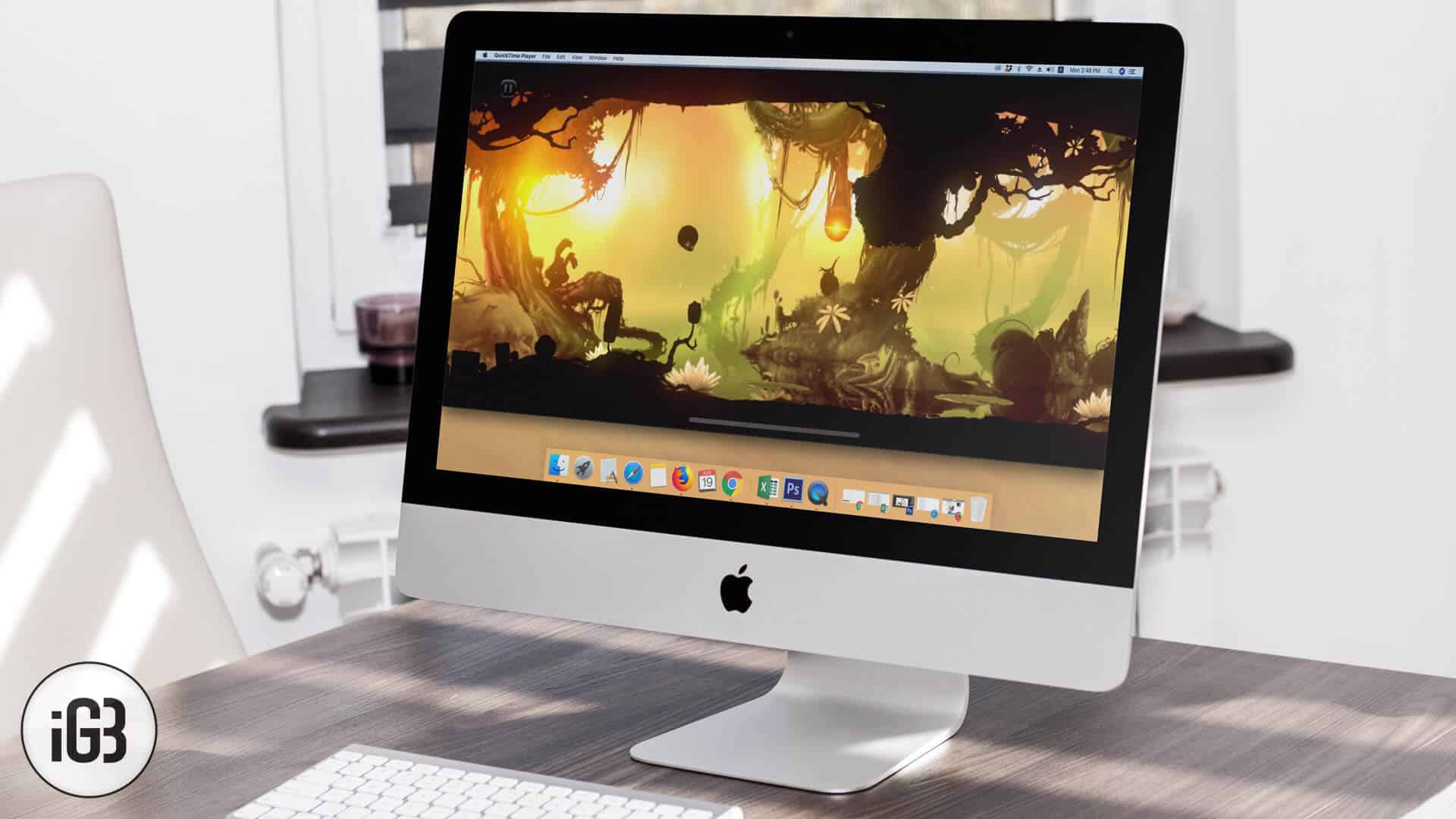
A Mac makes a far better screen for mobile gaming. Here is how to mirror an iPhone or iPad to macOS with QuickTime Player and play on a larger display.
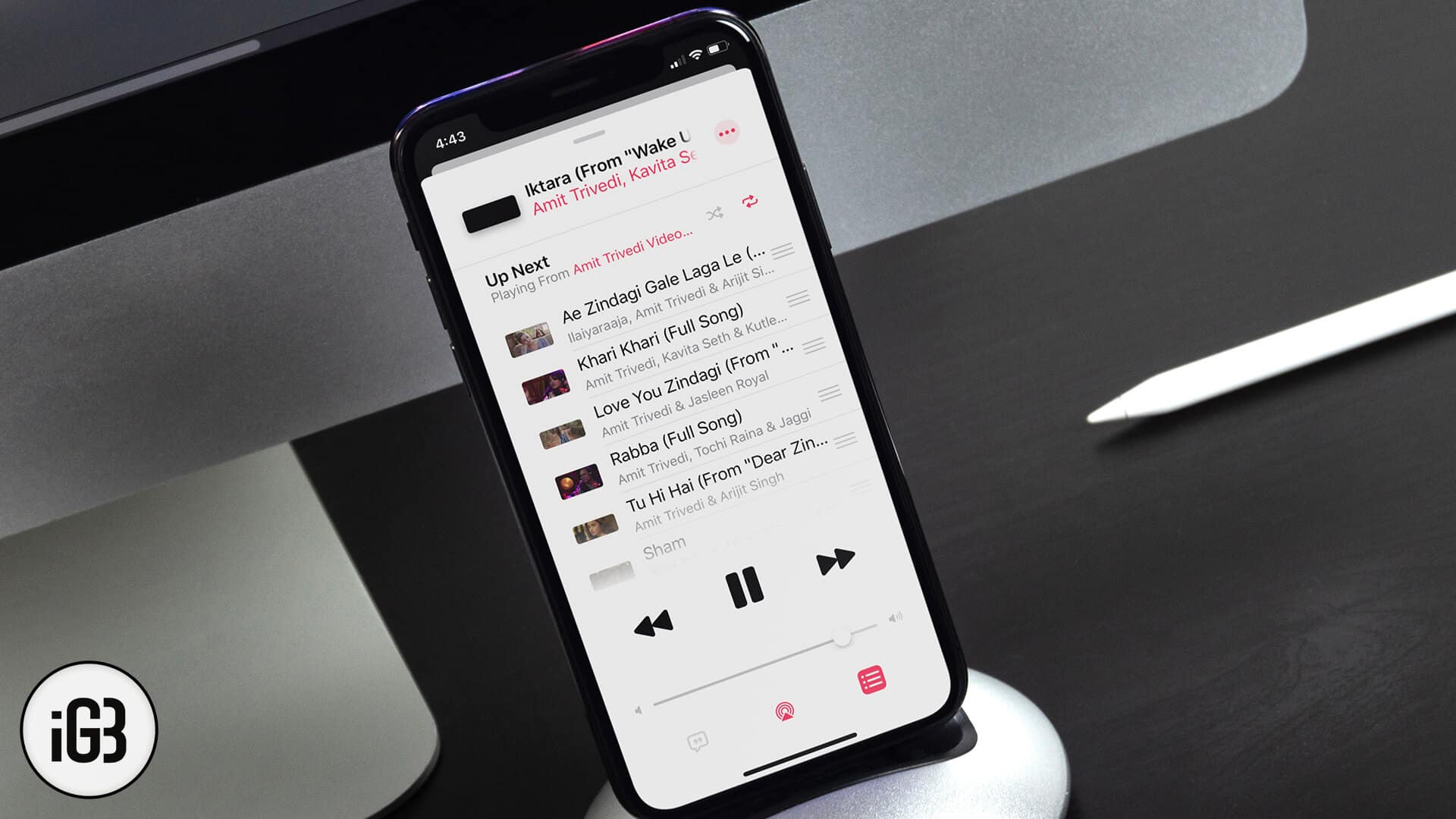
Want to shuffle songs, albums, or playlists in iOS 13? Here is how to shuffle songs or playlists in Apple Music on iPhone and iPad.
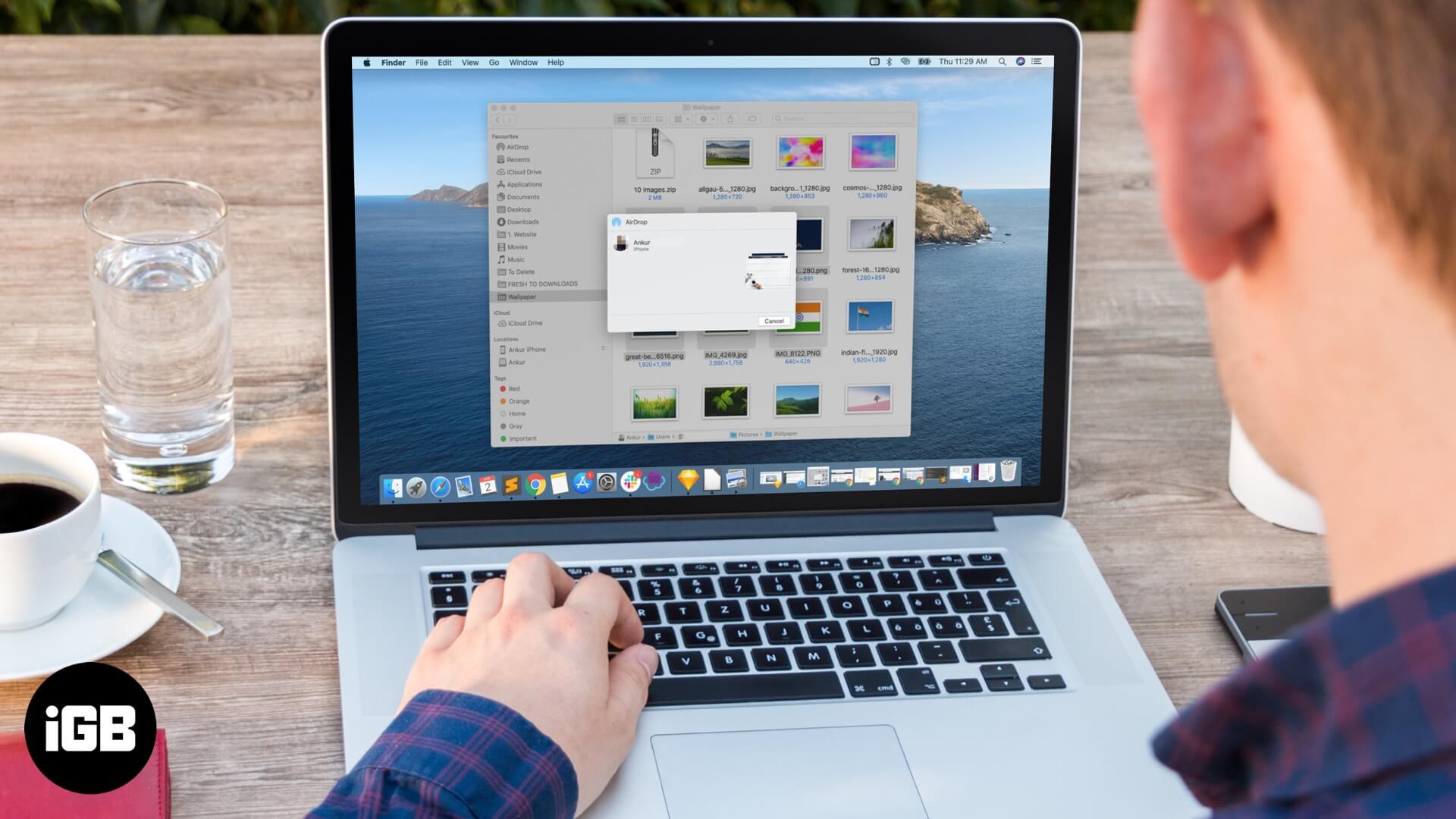
There is no single best way to move photos onto an iPhone. This guide covers AirDrop, iCloud Photos, iCloud Drive, and the iTunes and Finder routes, with the pros of each for Mac and Windows.
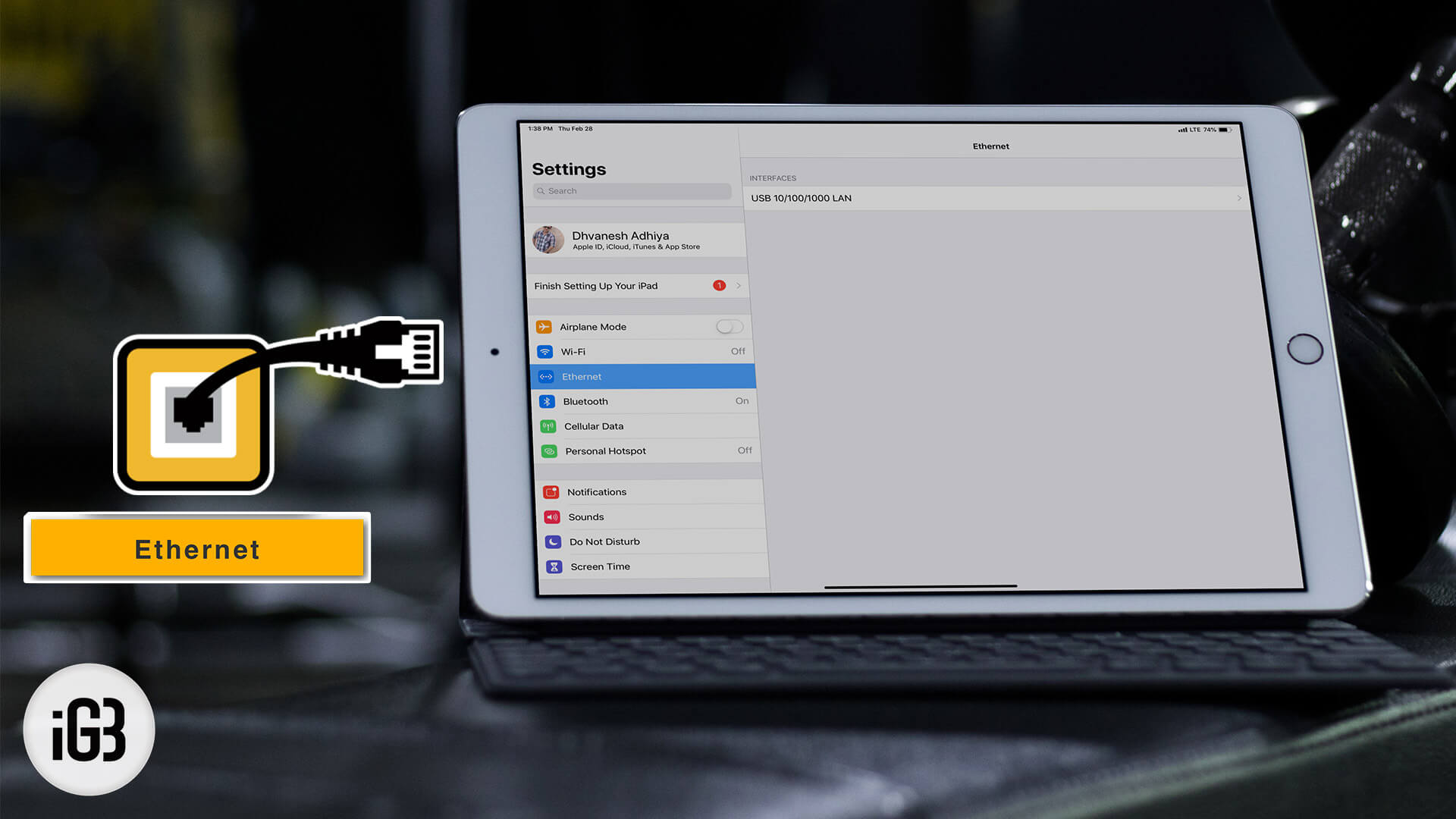
Wired networking beats Wi-Fi for large transfers and stable video calls. Here is what adapter an iPad Pro needs to join an Ethernet LAN and how to configure the connection.
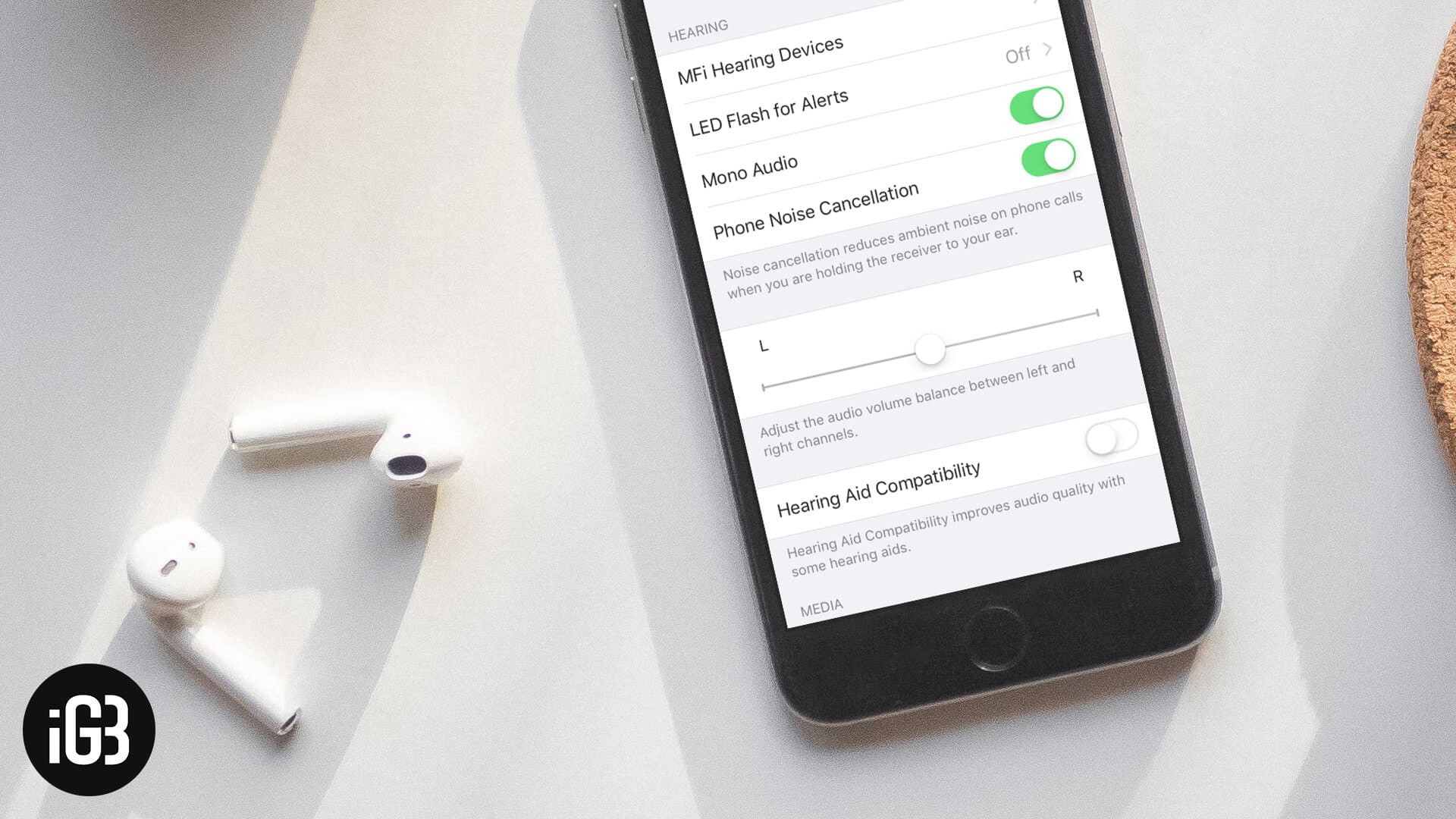
Stereo splits sound across two channels, which is a problem if you use one earbud or have hearing loss in one ear. Here is how to switch AirPods to mono audio on iPhone and iPad.
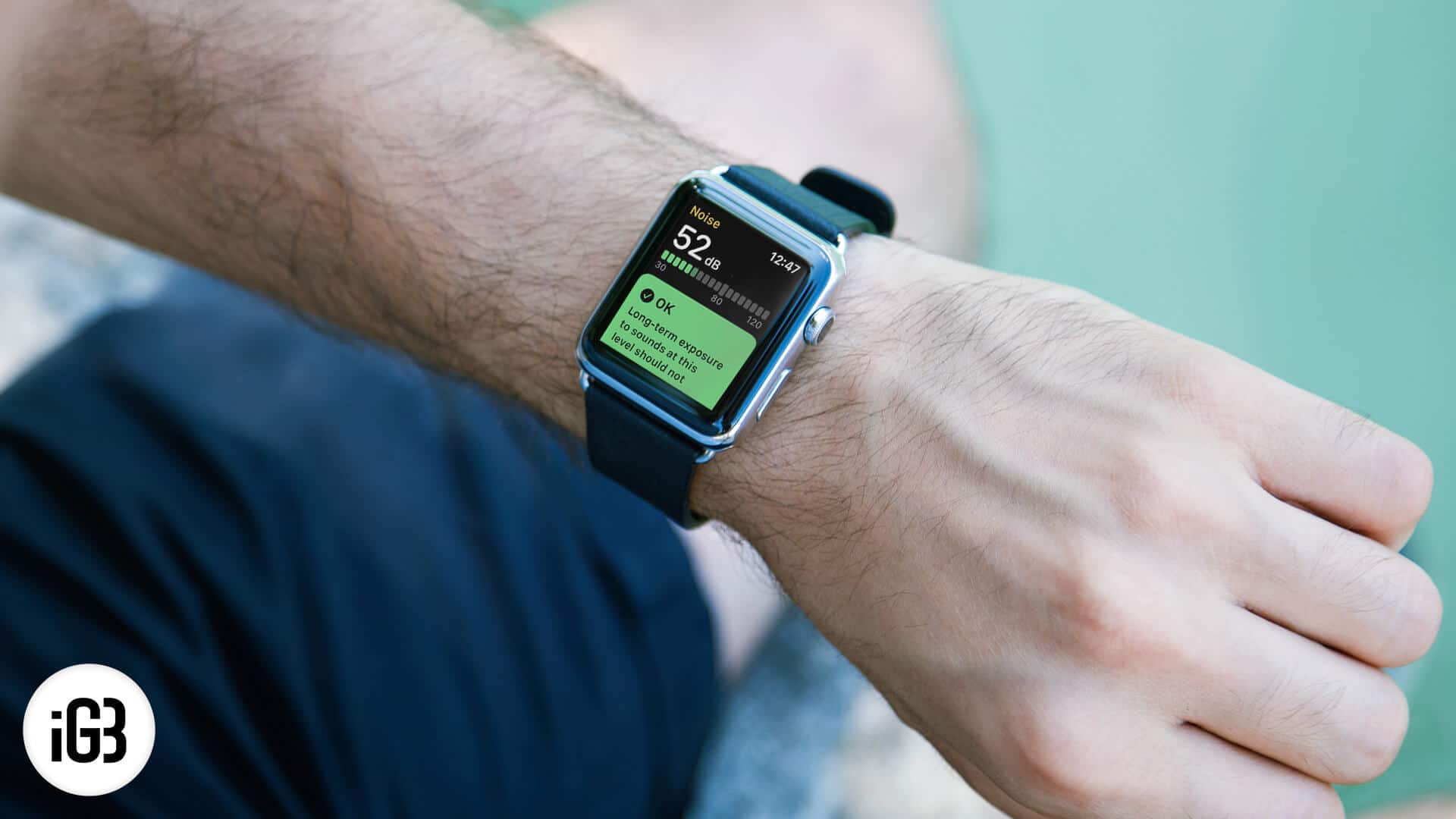
Started just as an accessory in 2015 which can display iPhone notifications, today Apple Watch has evolved to the stage…
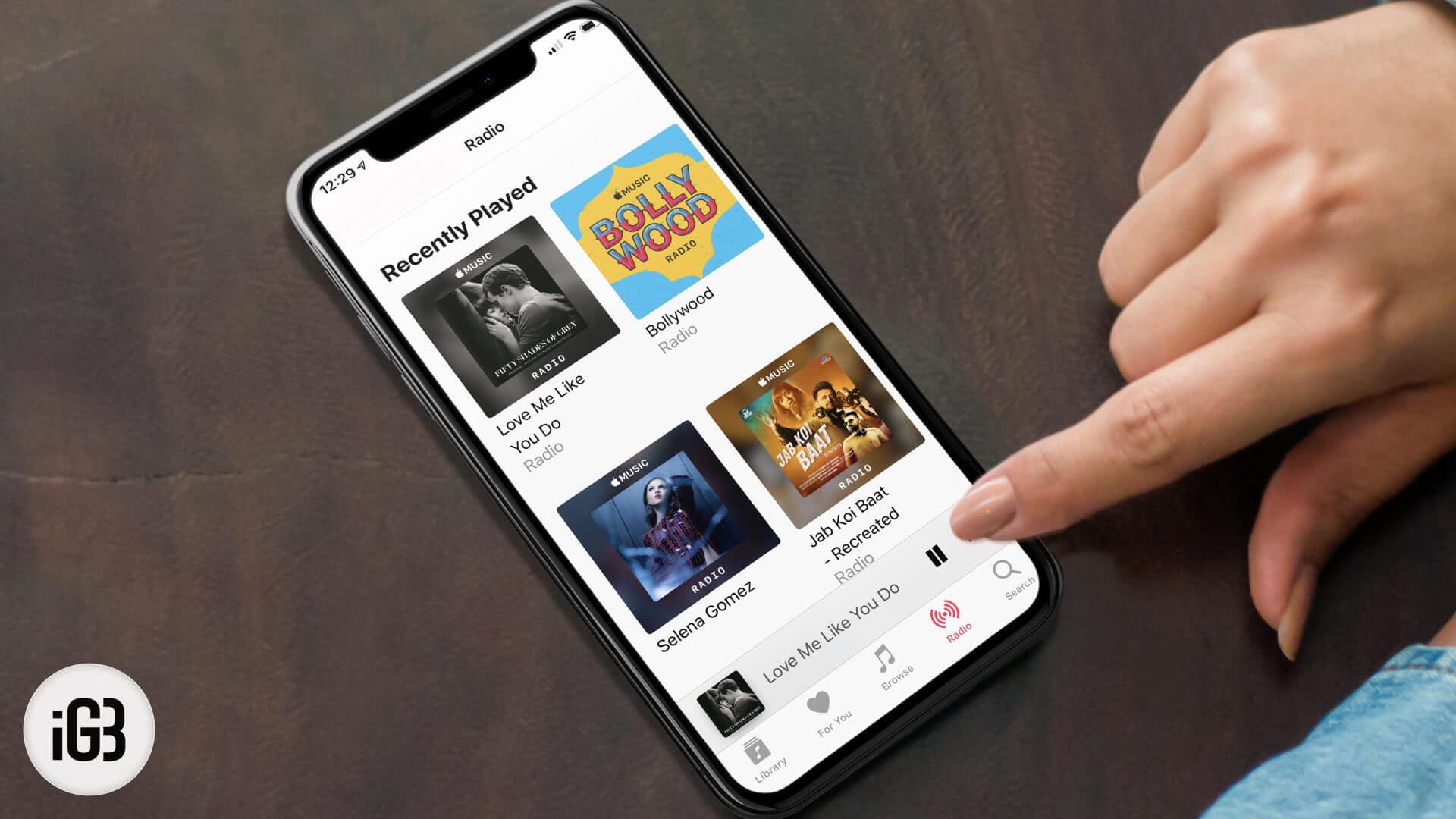
Apple Music builds an endless station around any track or artist you pick. Here is how to start one on iPhone, Mac, or Android, create it hands-free with Siri, and shape the results.