
FaceTime Like a Pro
Get our exclusive Ultimate FaceTime Guide 📚 — absolutely FREE when you sign up for our newsletter below.

FaceTime Like a Pro
Get our exclusive Ultimate FaceTime Guide 📚 — absolutely FREE when you sign up for our newsletter below.



The account picture on your Mac login screen is easy to change once you know where it lives. This guide covers Memoji, emoji, a Camera snapshot, or any image from your own library.
Roaming keeps you connected overseas and can cost a fortune if configured badly. Here is how to enable it on iPhone, and the additional settings that keep the bill under control.
Wi-Fi Assist quietly switches to cellular when Wi-Fi degrades, which helps connectivity and hurts data caps. Here is what it does, how to toggle it, and when leaving it off makes sense.

HRV is one of the better indicators of recovery and stress. Here is why it matters, how to record readings on Apple Watch, where to view the data on iPhone, and what skews the numbers.
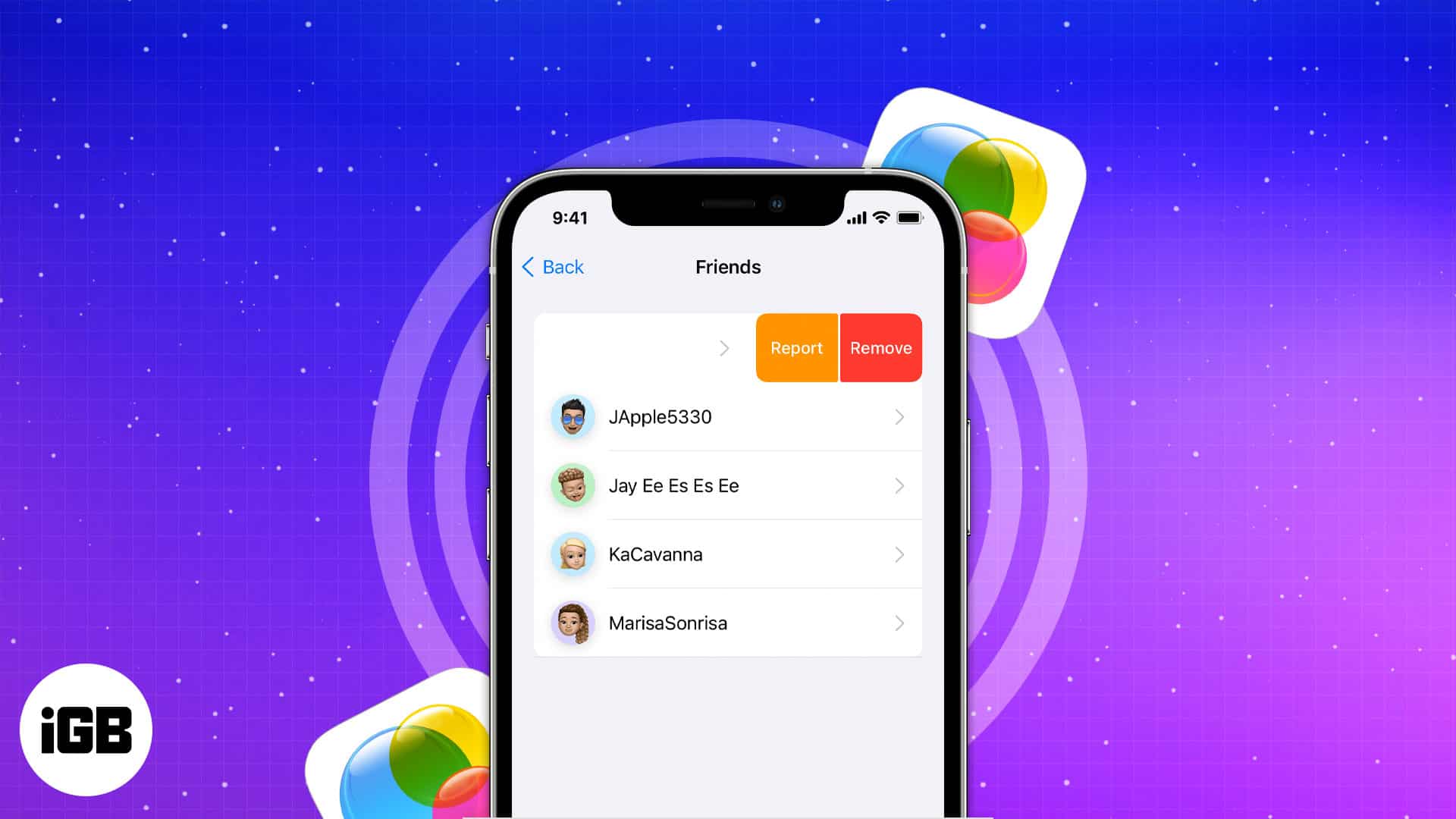
Game Center links your App Store games into one social layer with friends, achievements, and leaderboards. Here is how to set it up, manage your friends list, and send challenges.
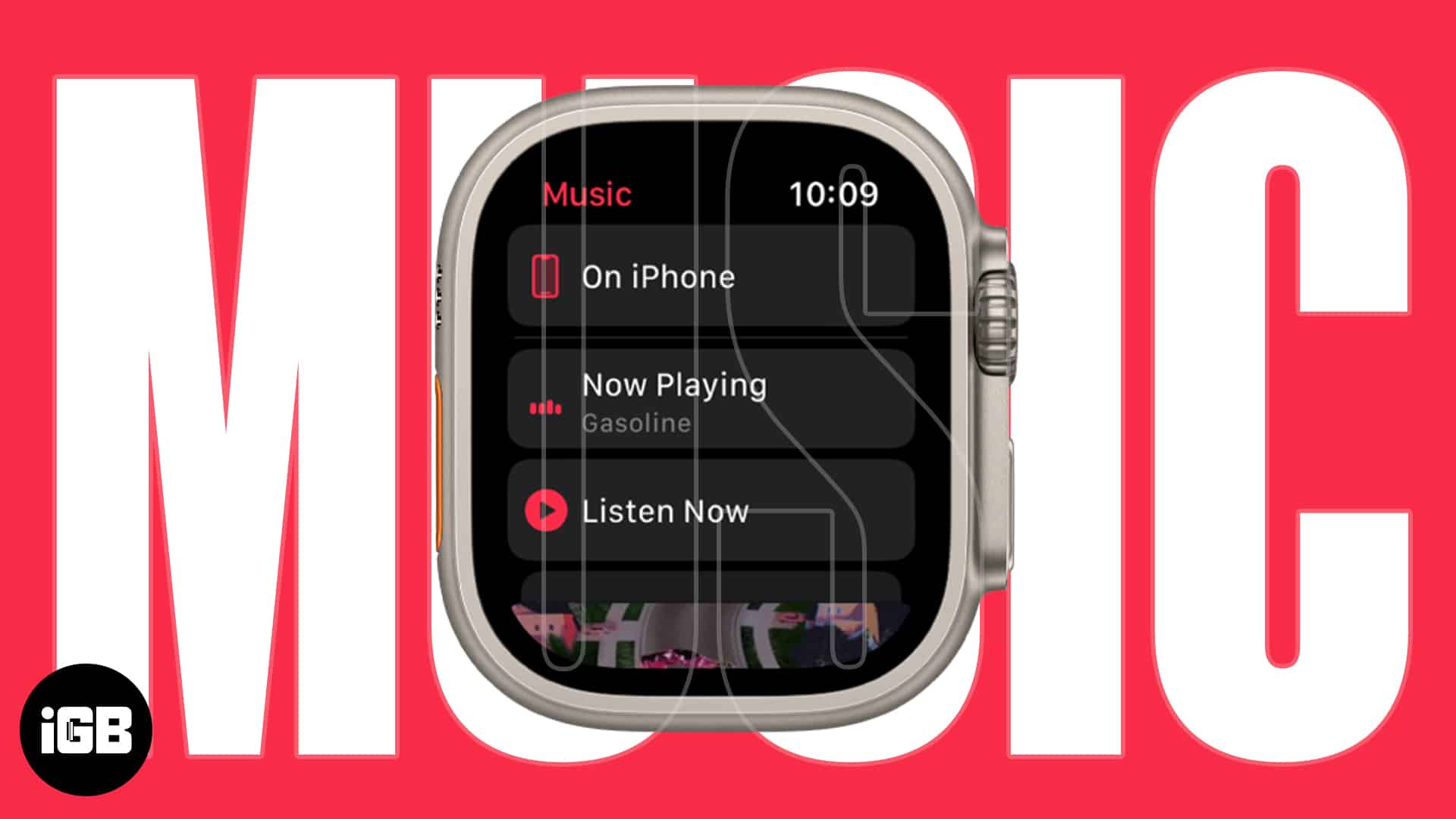
The Apple Watch speaker does not play music, so headphones are required. Here is how to play from the watch, use Siri, control your iPhone remotely, and listen with no phone nearby.
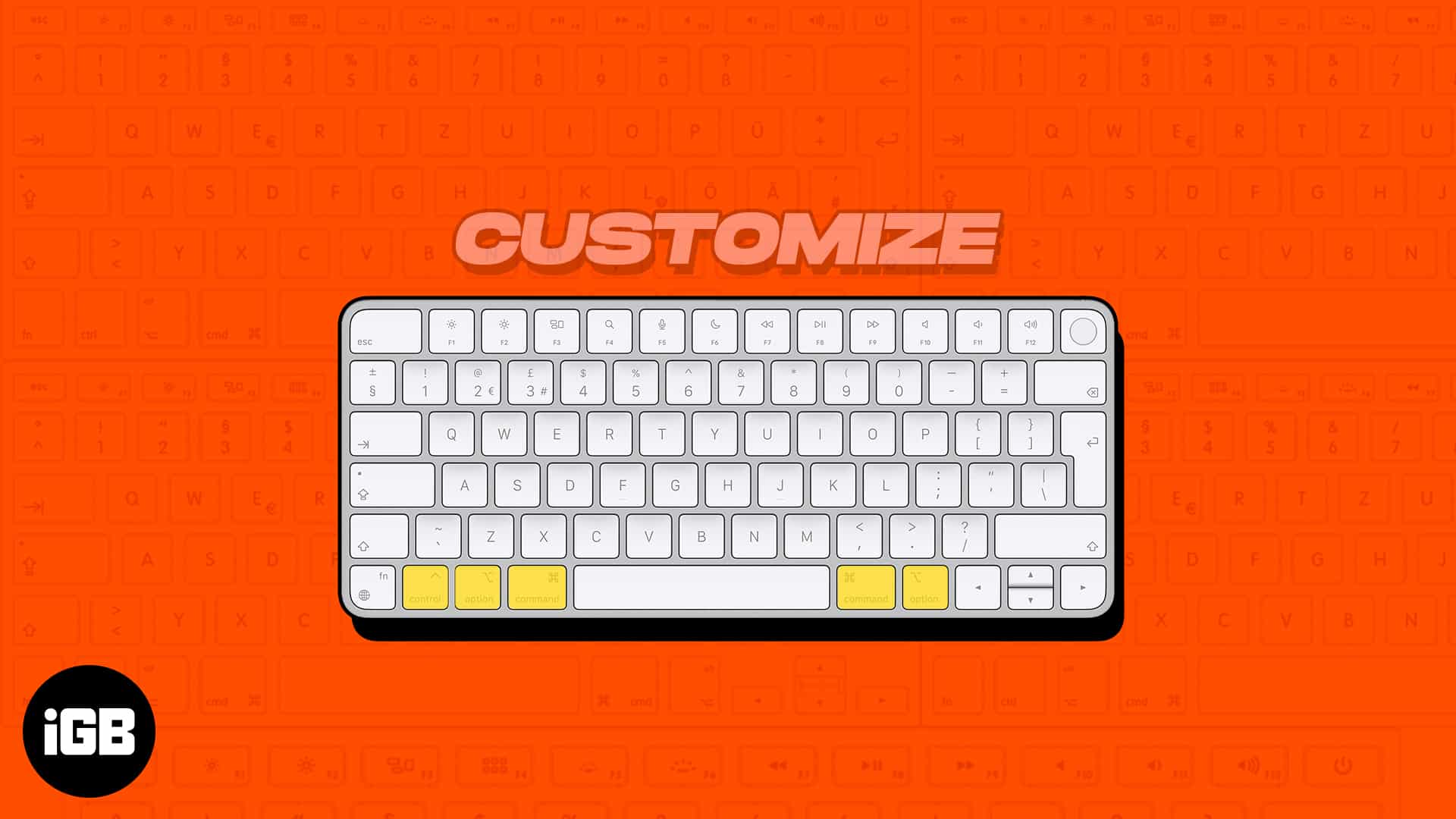
Most of us prefer the QWERTY keyboard layout, as it’s more popular. But that doesn’t mean this input source can…
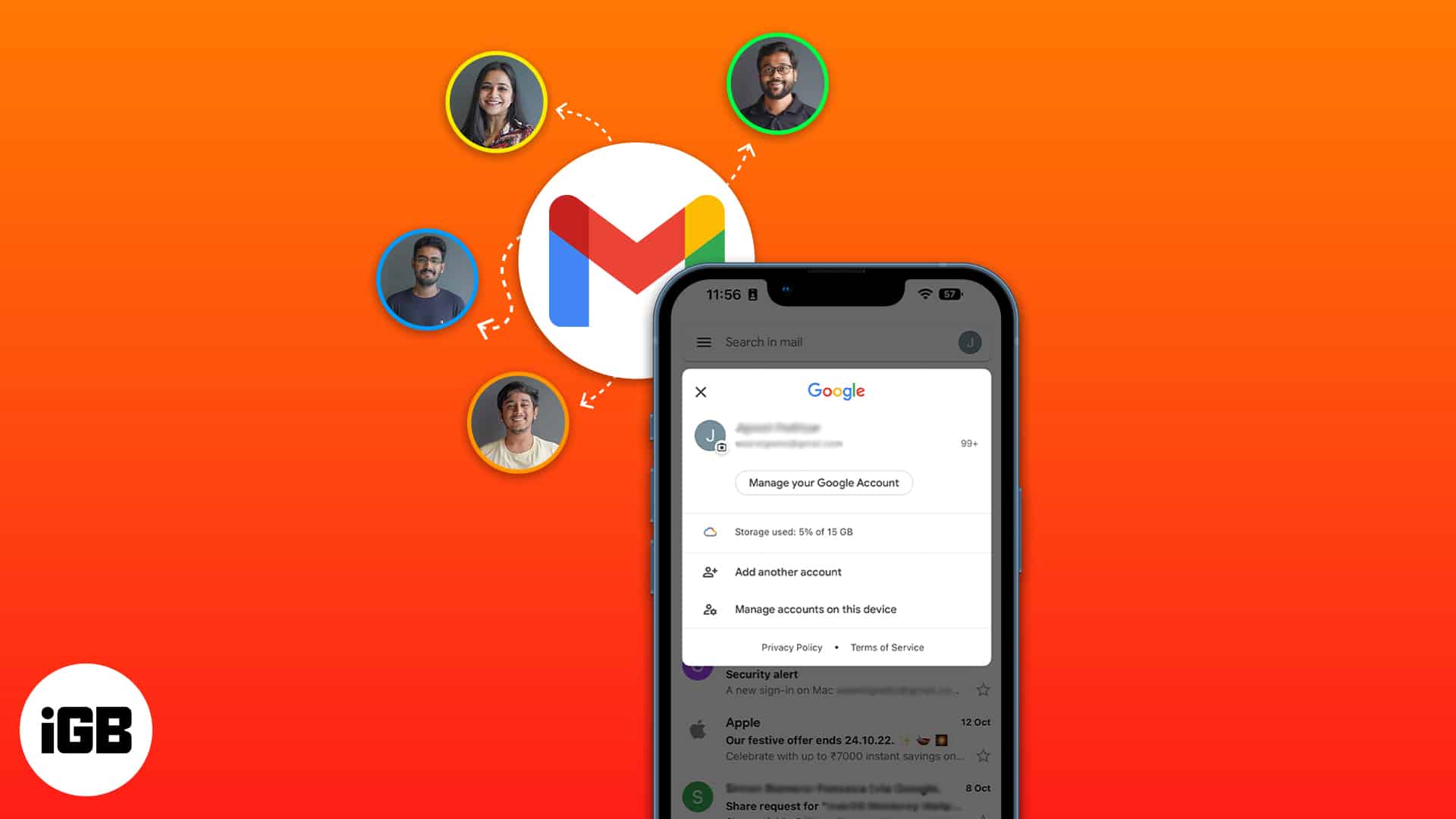
Most people juggle a work and a personal address. Here is how to add several Gmail accounts to the Gmail app on iPhone, and how to manage the same accounts inside Apple Mail.
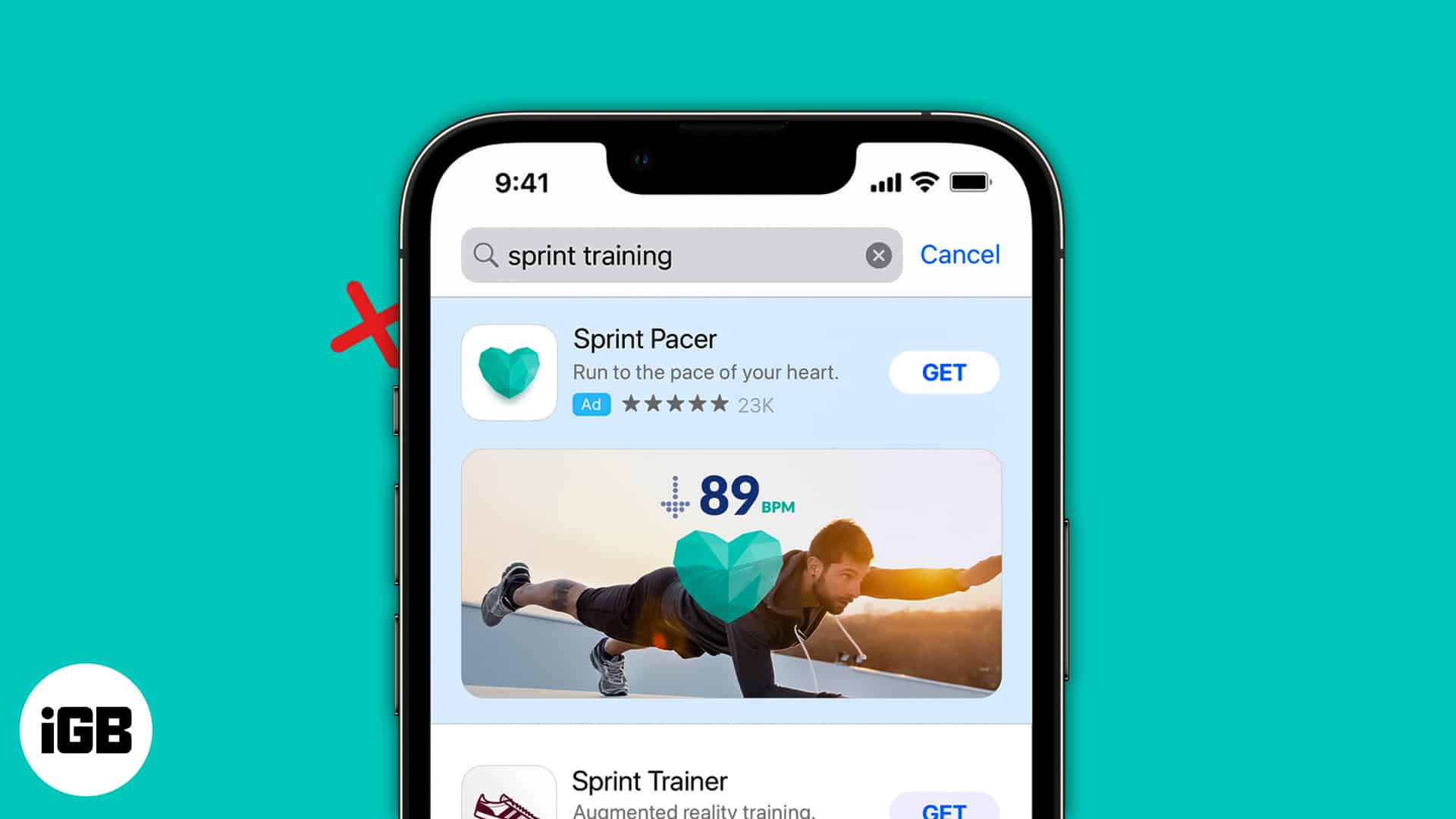
Apple serves its own ads and lets apps request tracking permission. Here is how Apple's advertising works, how to disable personalized and location-based ads, and how to block app tracking.
On various occasions, I am required to convert PDF files to Word on my Mac. These files are necessary for…
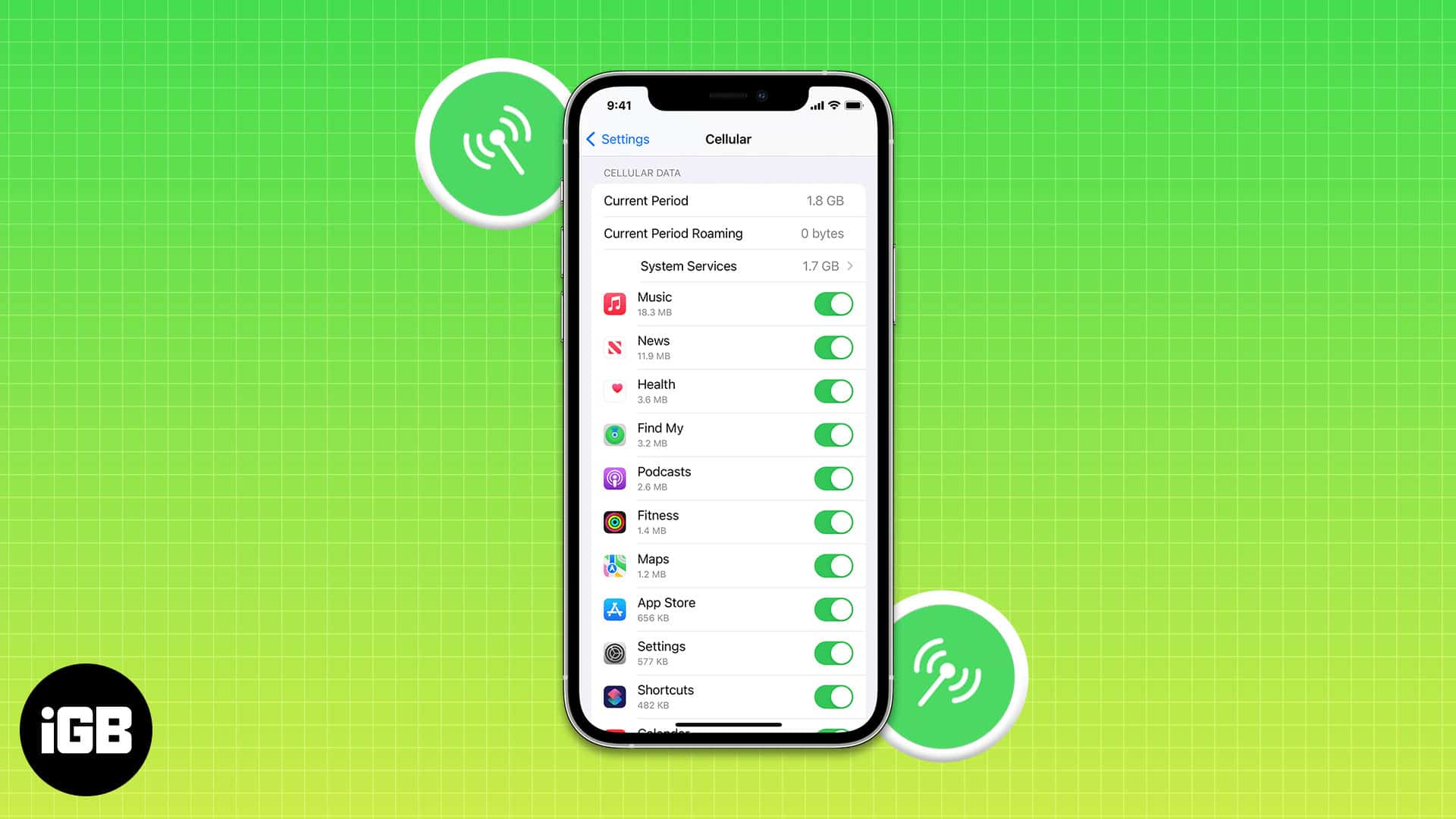
In most parts of the world, cellular data plans are costly, and there is a cap on the data limit.…
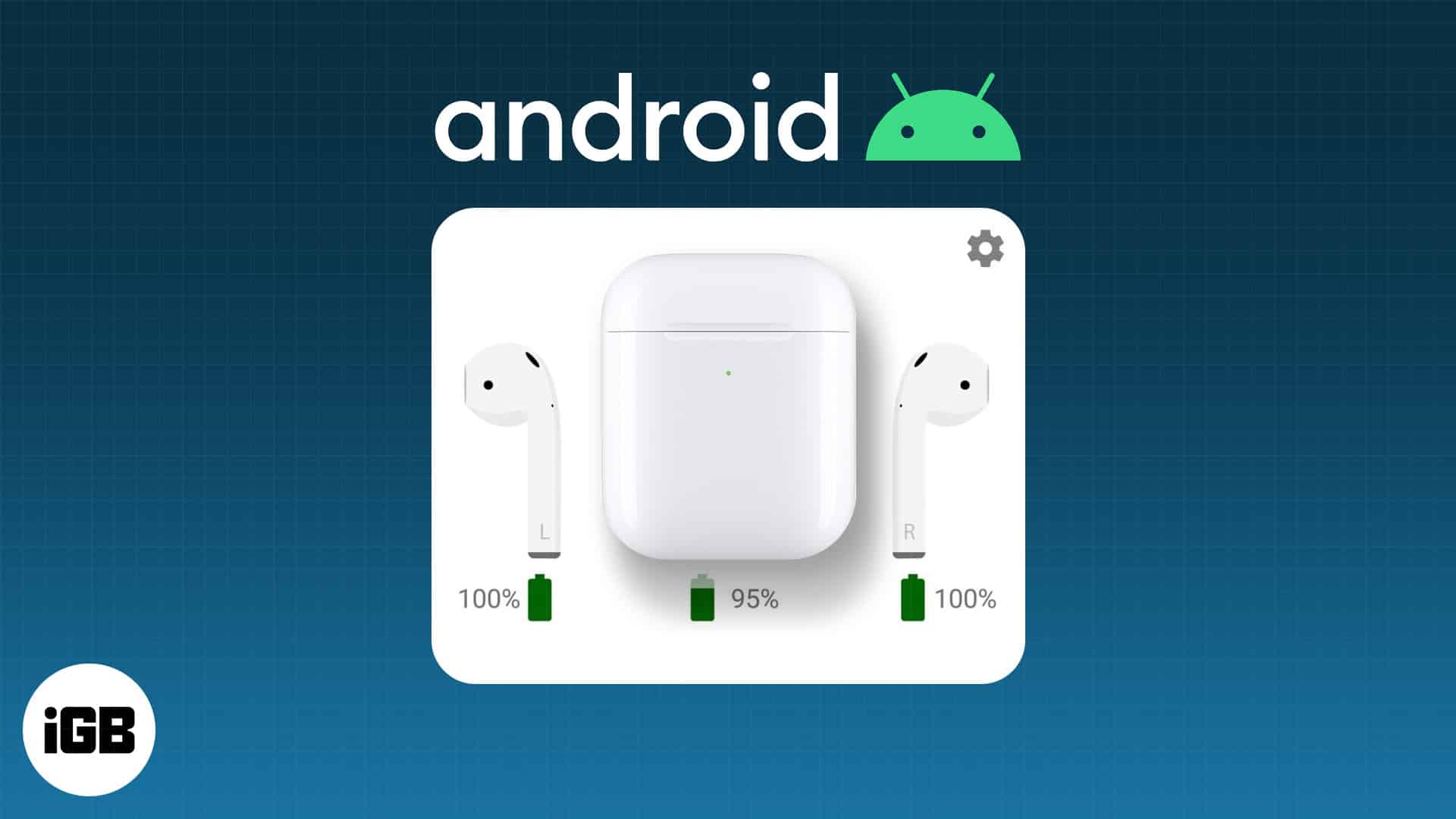
AirPods pair with Android like any Bluetooth earbuds, though automatic switching and some controls do not carry over. Here is how to pair them and what you give up in practice.
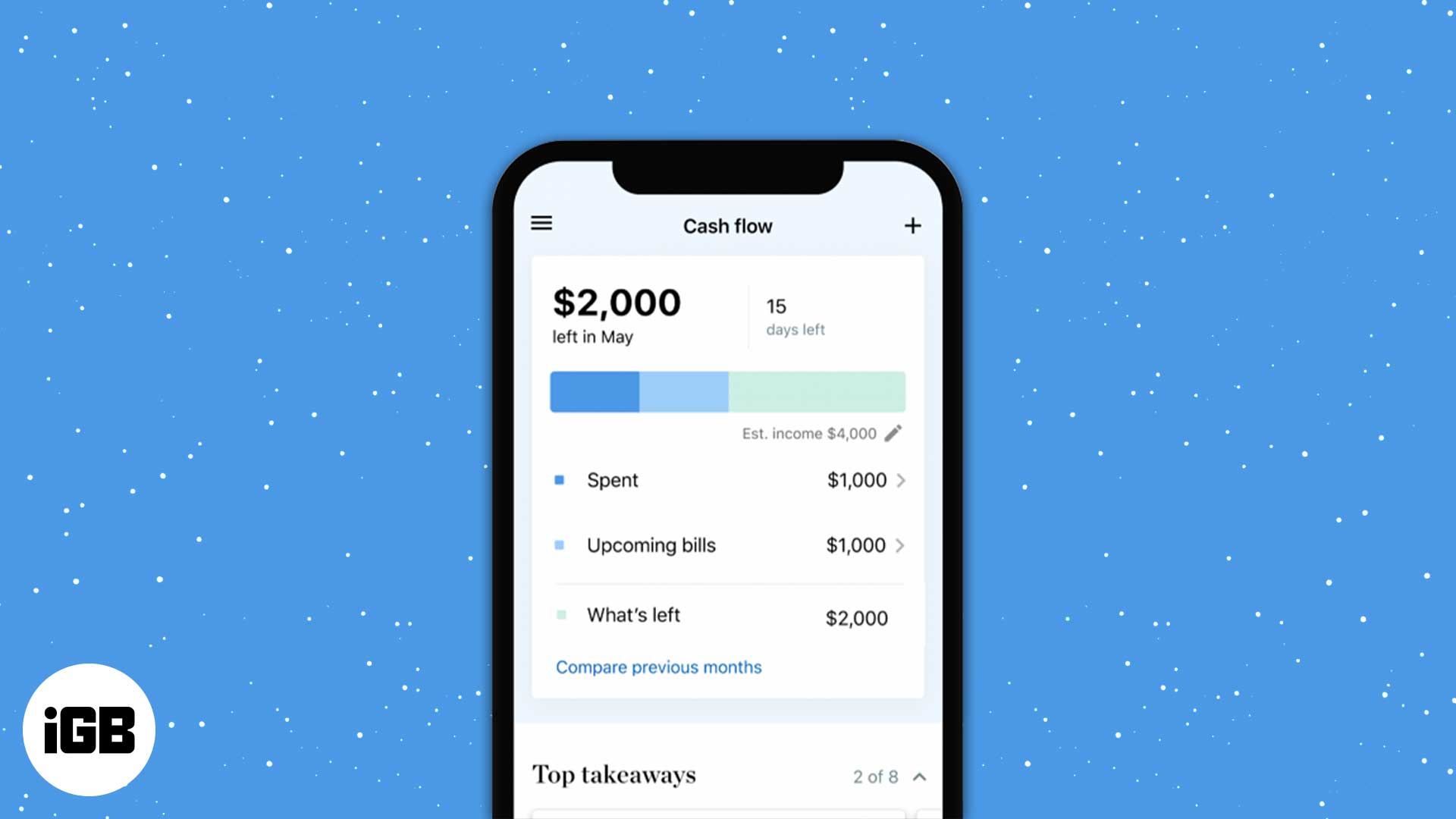
Want to manage your money on iPhone or iPad? These personal finance apps help you track spending, budget smarter, and watch savings grow.
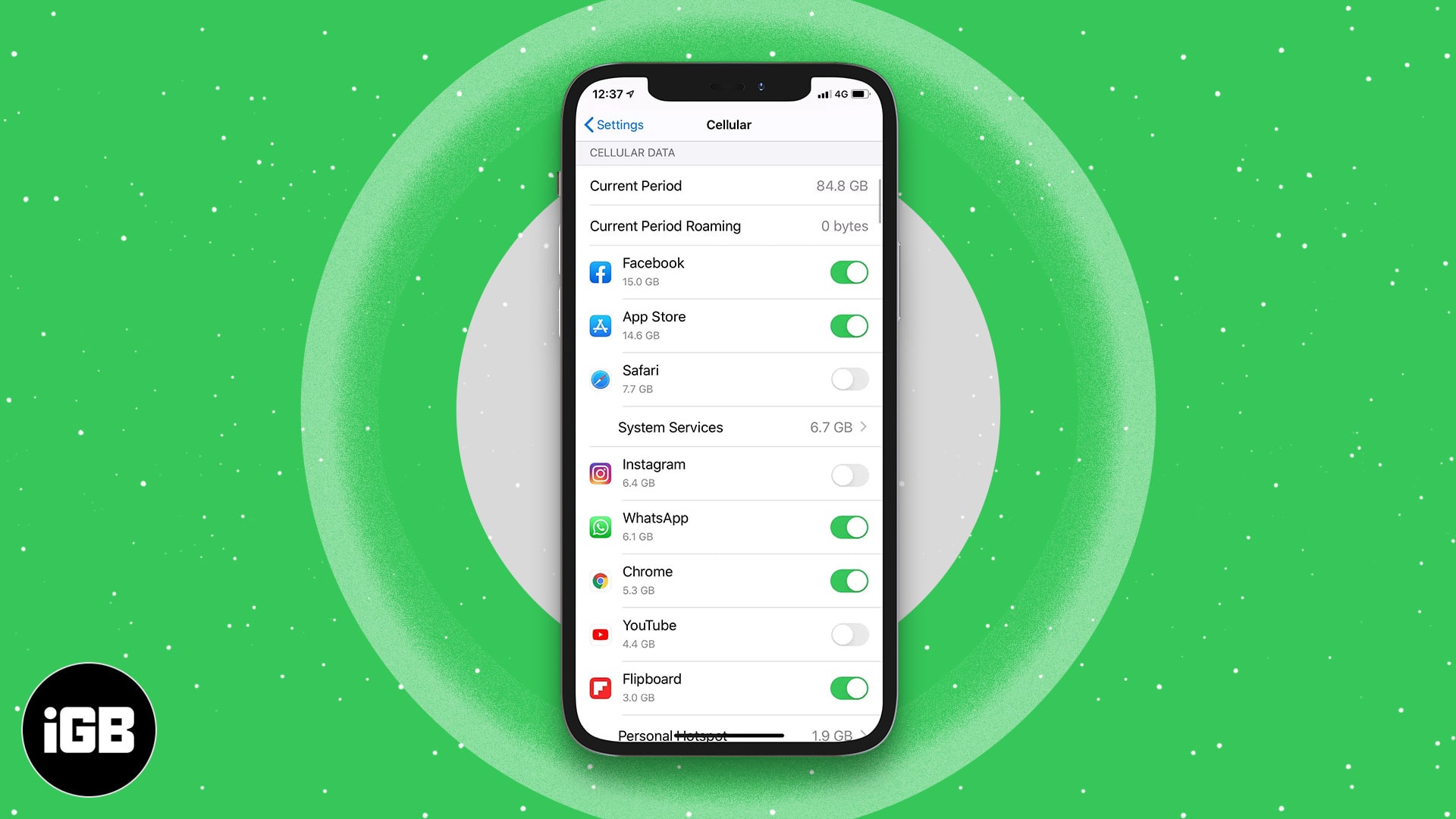
A handful of apps consume most of your data allowance. Here is how to restrict individual apps to Wi-Fi only on iPhone and iPad, and how to block their cellular access completely.
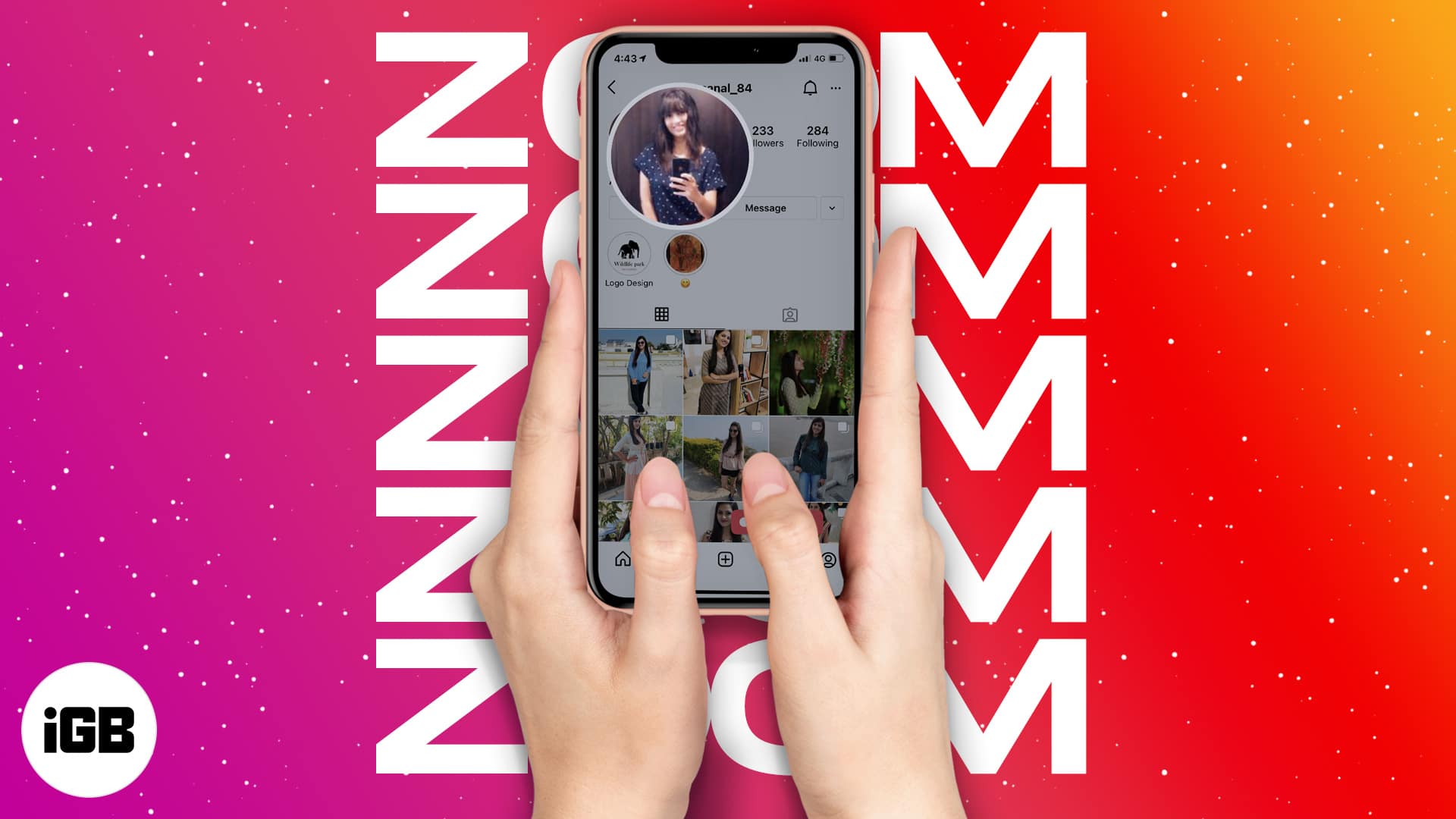
Instagram deliberately prevents you enlarging a profile picture. Here are two ways to get a closer look at someone's profile photo from an iPhone.
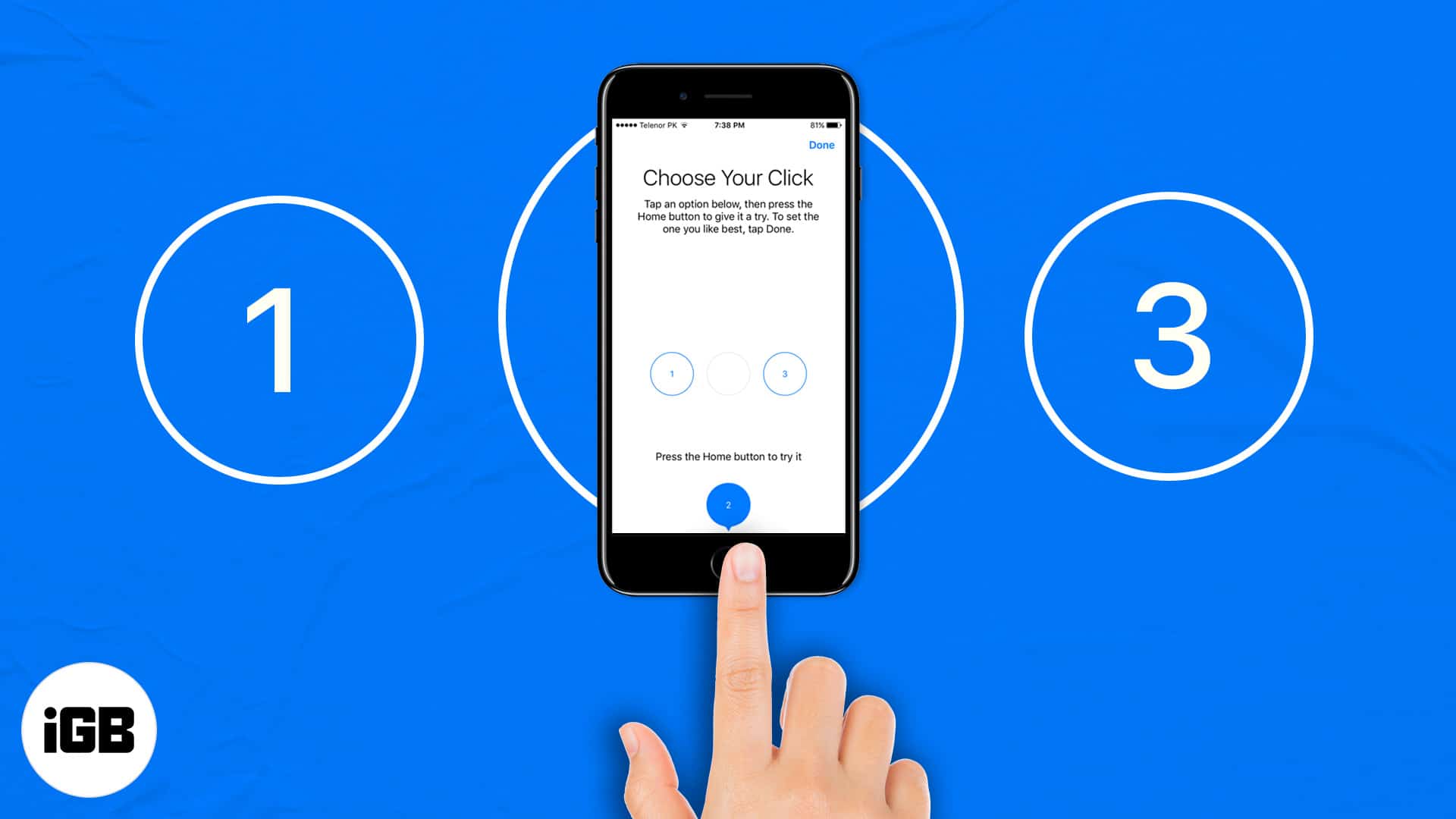
Whether you own an iPhone 6s (or earlier) or iPhone 7, 8, or SE powered by an enhanced Taptic Engine,…

House sigils, dragons, and Westeros landscapes, collected for your lock screen. These free Game of Thrones wallpapers are sized for iPhone displays and ready to download in a couple of taps.
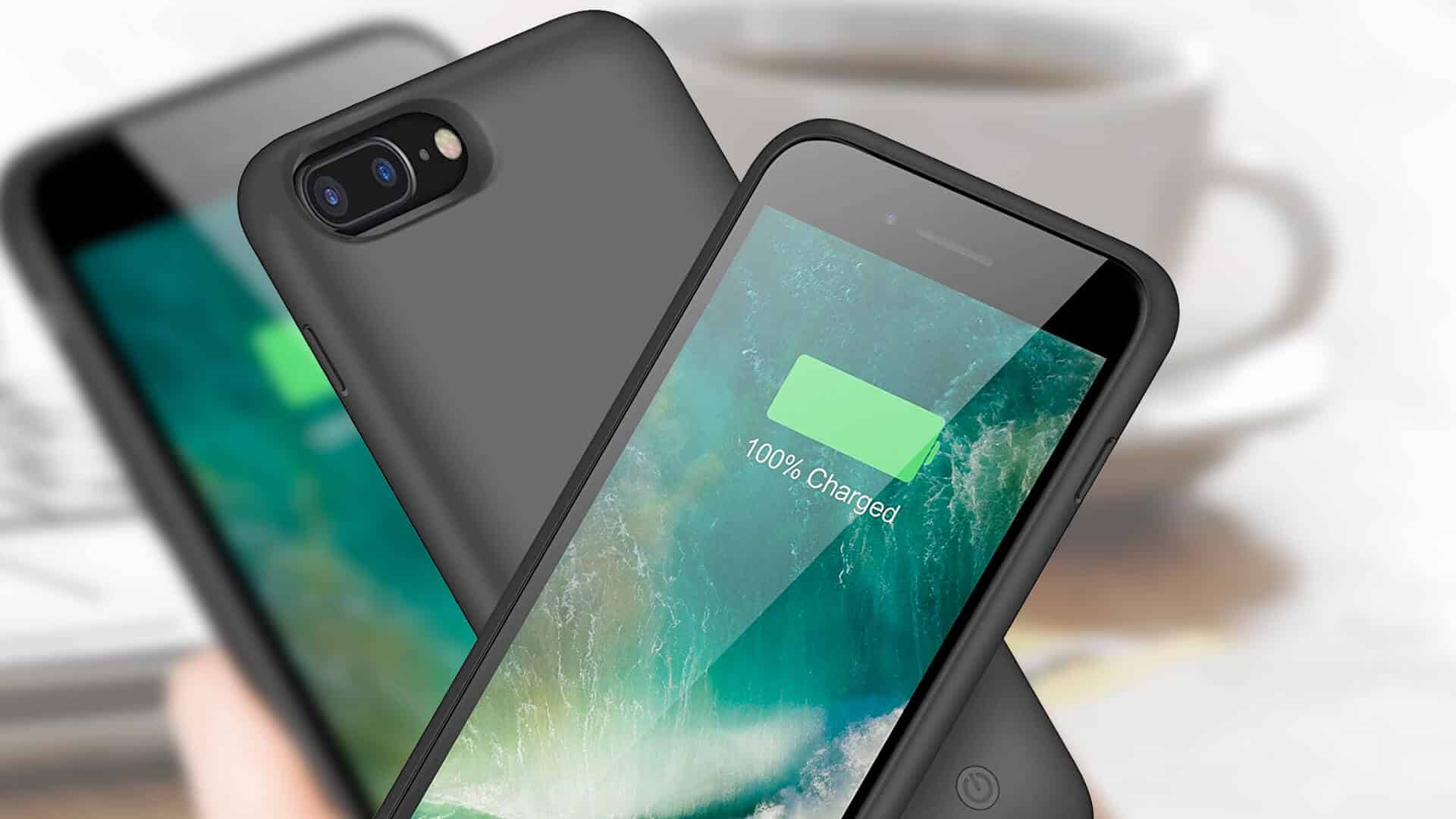
As an iPhone 7 Plus battery ages, a case with its own cell is the simplest fix. We compare capacities, thickness, and charging options so you can get through a full day again.
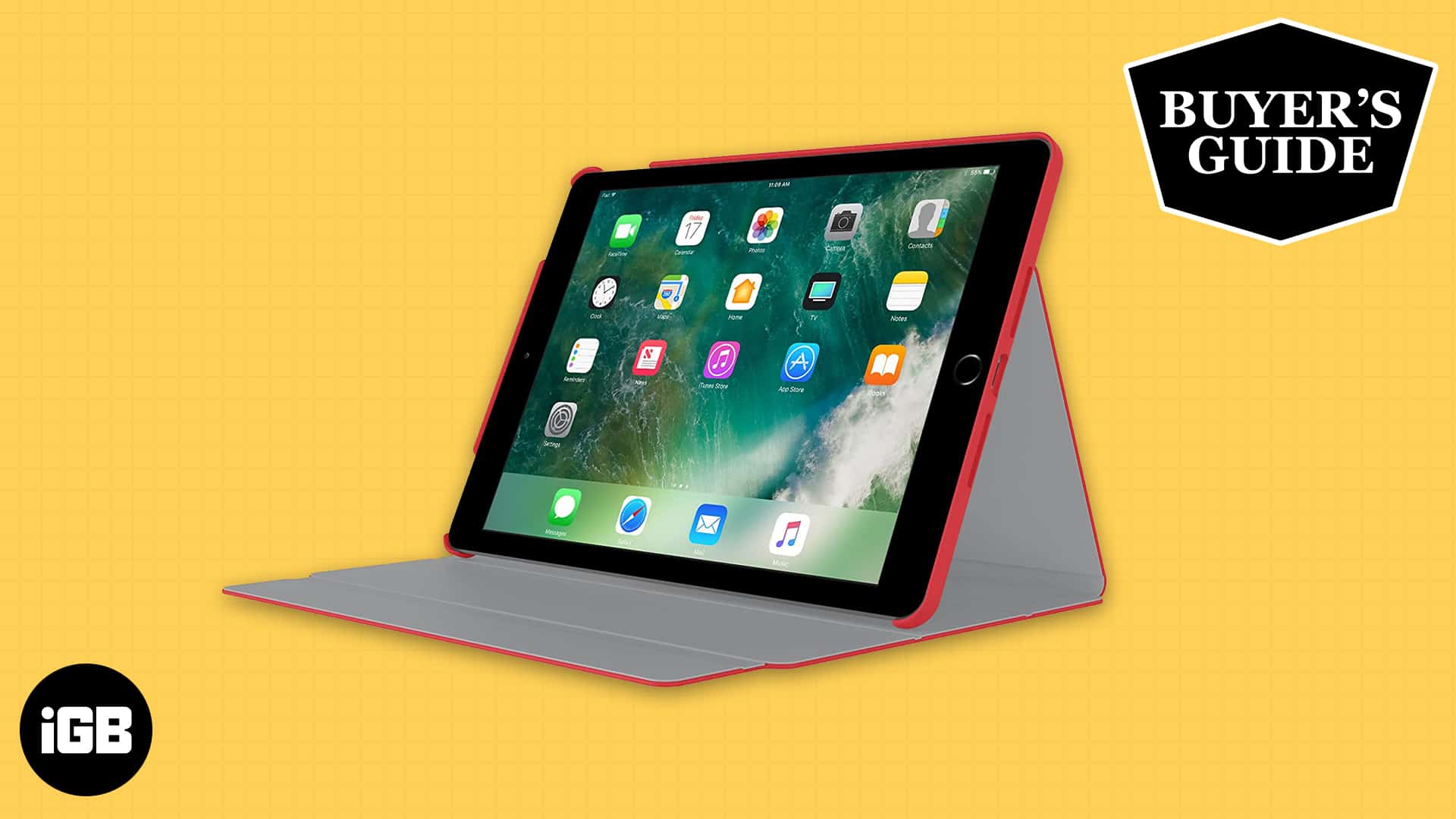
A good folio protects the screen, props the iPad at usable angles, and does not add bulk. These picks for the 10.5-inch iPad Pro cover budget options through premium leather builds.
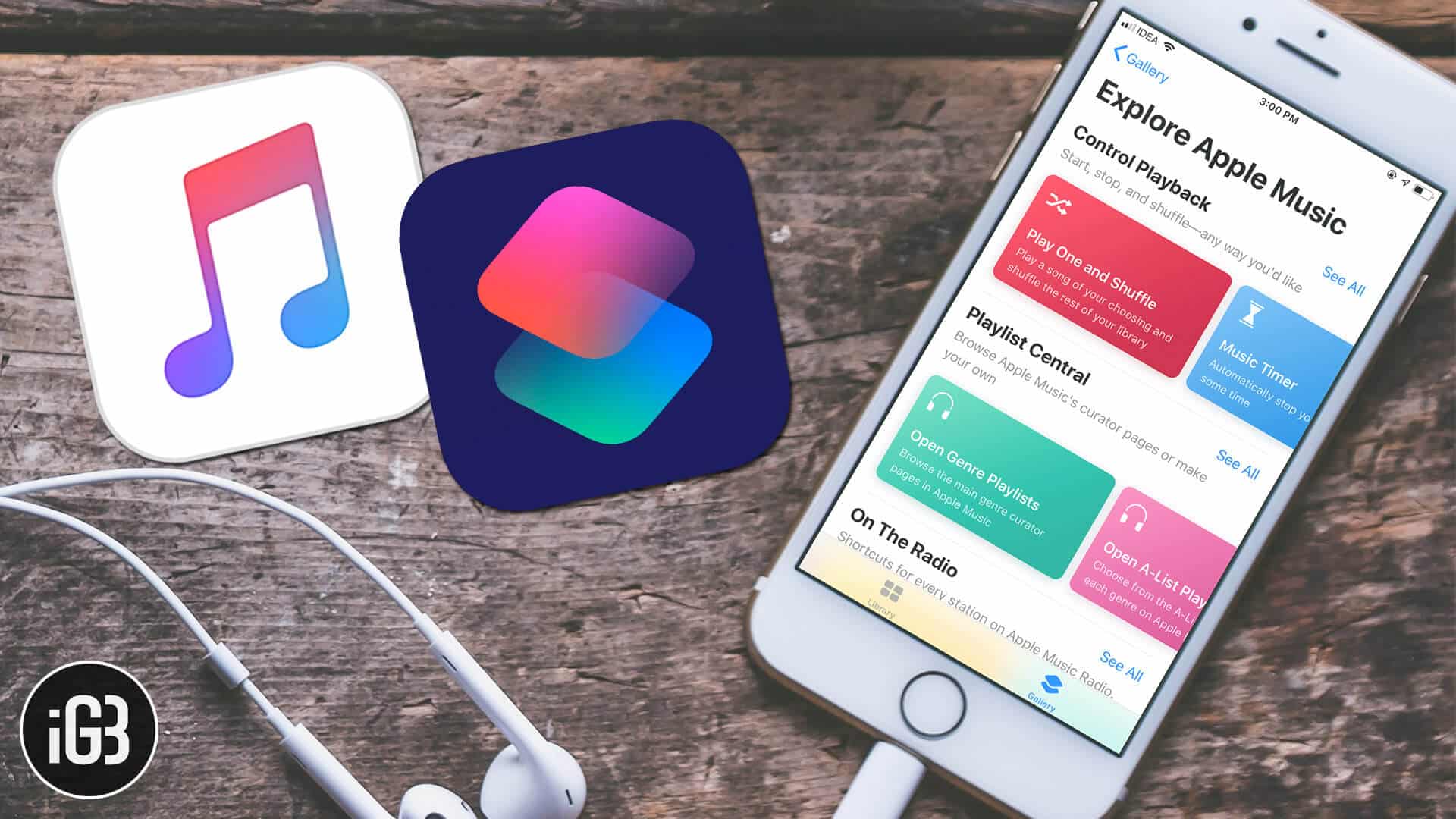
Though I’ve always enjoyed listening to Apple Music, the music-streaming service seems to have become more pleasant to my soul…

Converting 4K footage is slow without hardware acceleration. WinX leans on GPU encoding to speed it up. We look at conversion speed, output quality, the editing tools, and whether it delivers.
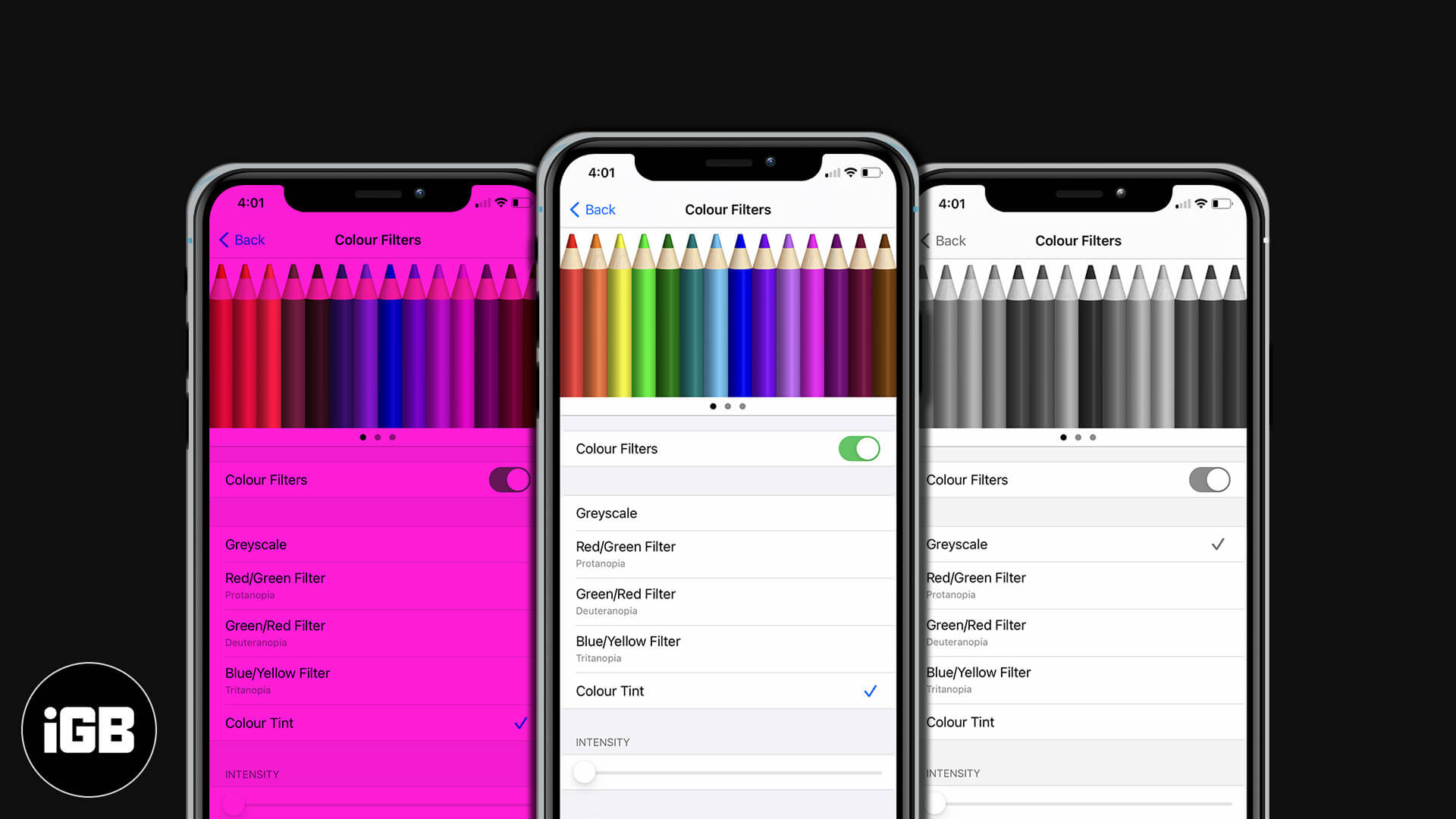
Color Filters shift how iOS renders color to help with color vision differences. Here is how to enable them on iPhone and iPad, pick the right filter, and fine-tune tint and intensity.
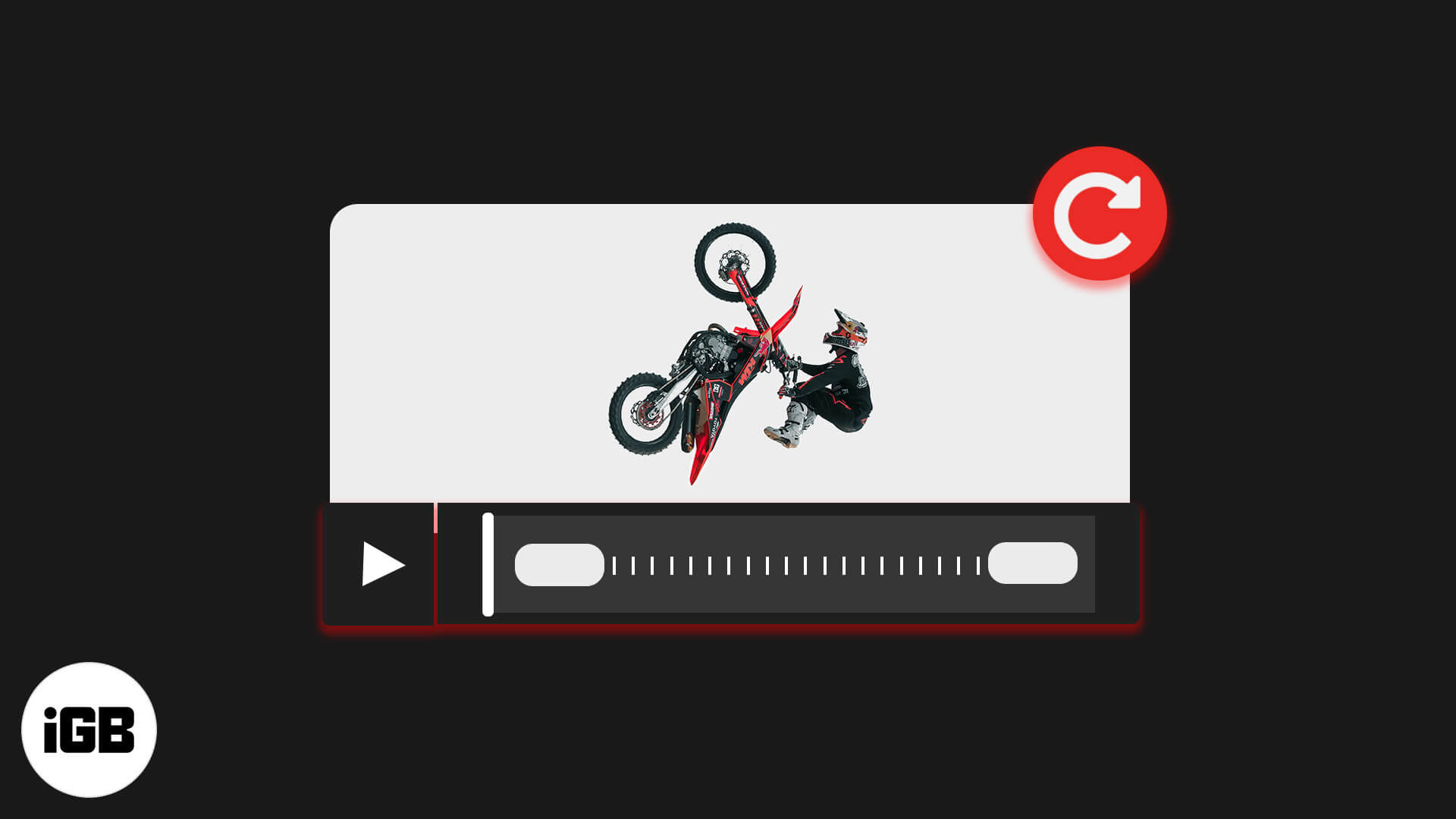
A video shot in the wrong orientation is fixable without a computer. Here is how to rotate one in the Photos app on iOS, and how to do it in iMovie for more control.
SIP blocks changes to protected system files, which occasionally gets in the way of legitimate work. Here is what it guards, how to turn it off from Recovery Mode, and why to switch it back on.
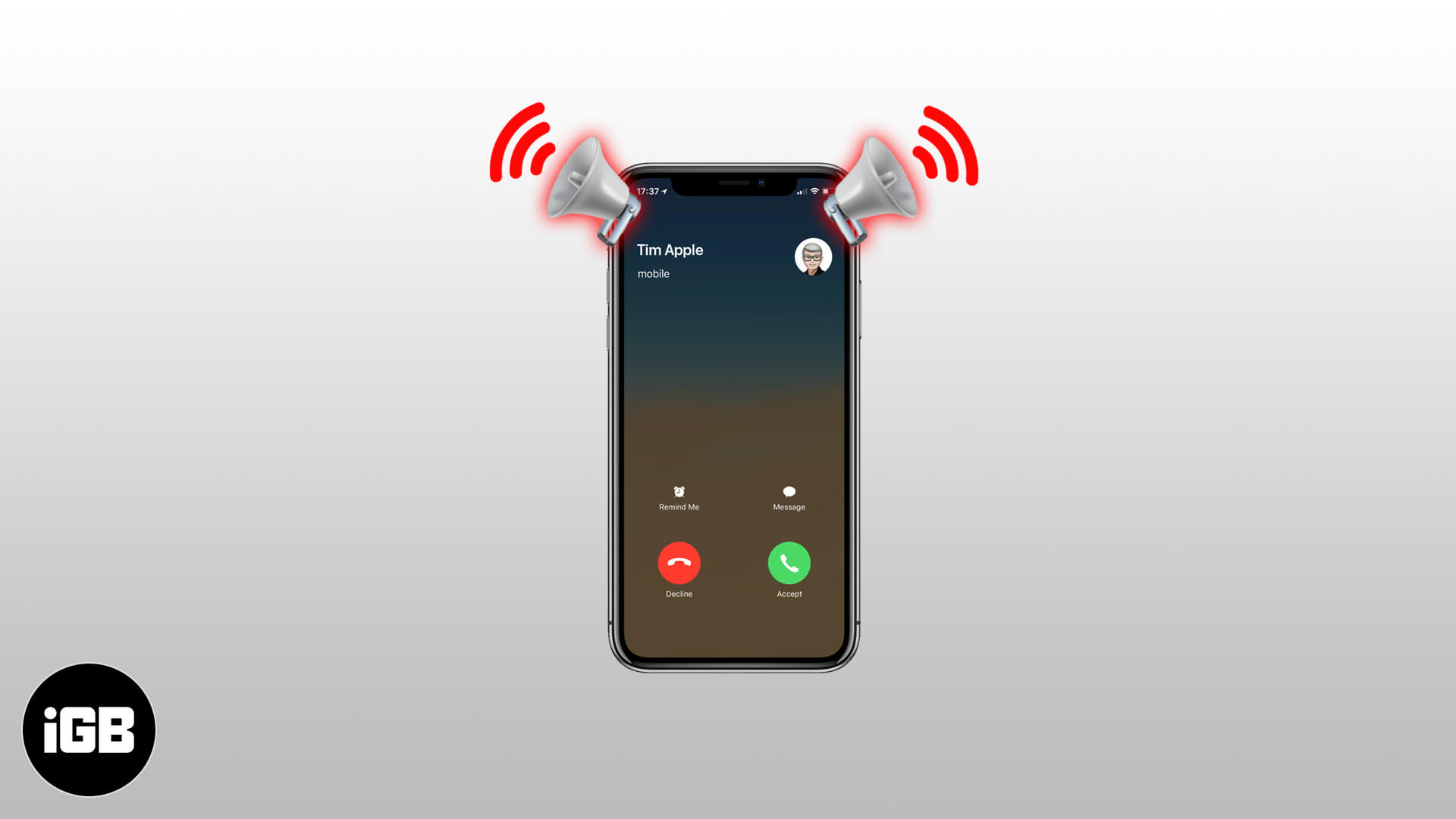
Announce Calls reads out who is ringing so you can decide without looking. Here is how to enable it on iPhone and choose when it activates, from headphones only to always on.
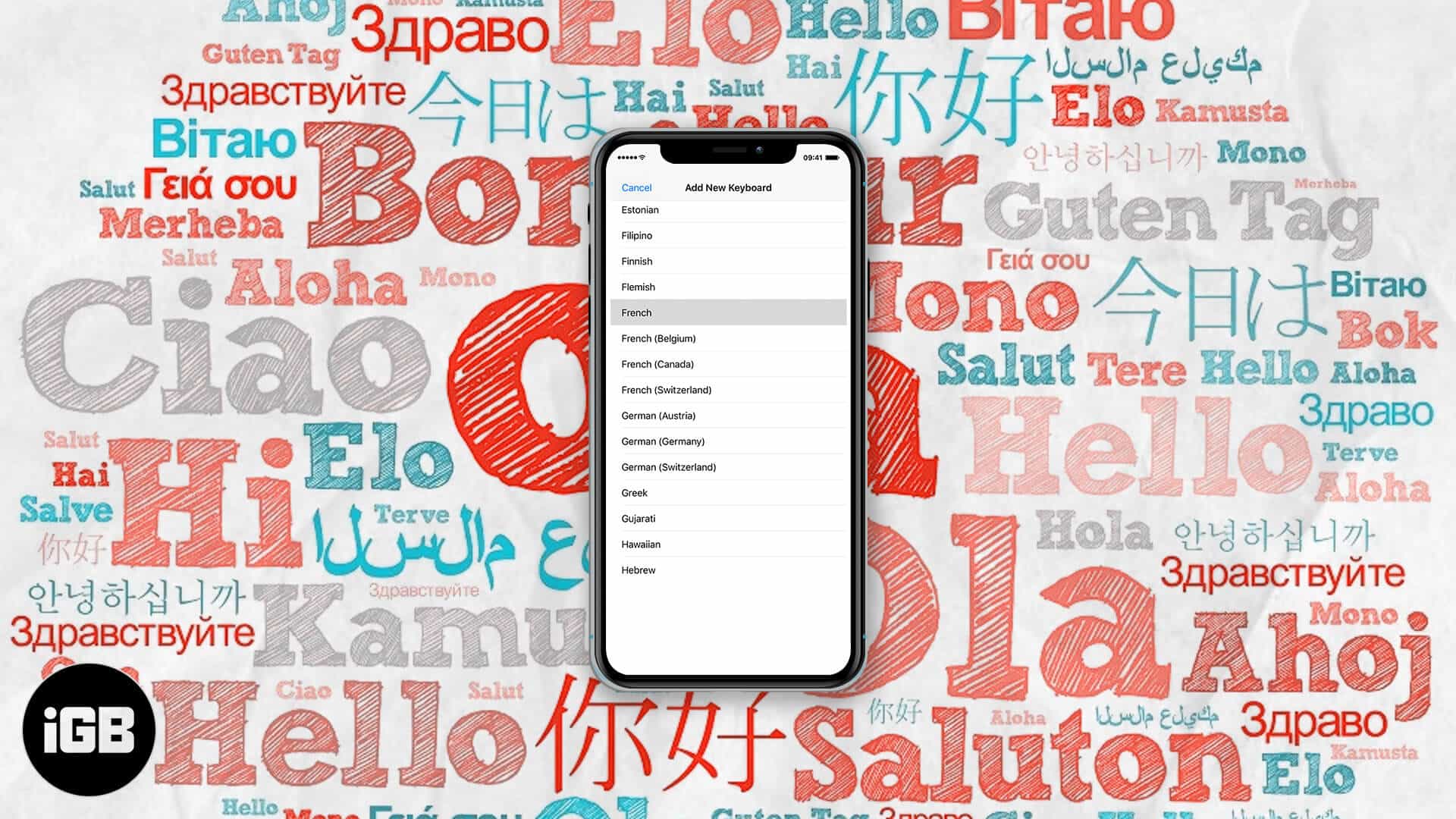
The iOS keyboard can autocorrect two languages simultaneously, so you stop switching mid-sentence. Here is which languages support it, how to set it up, and how to fix it when it fails.
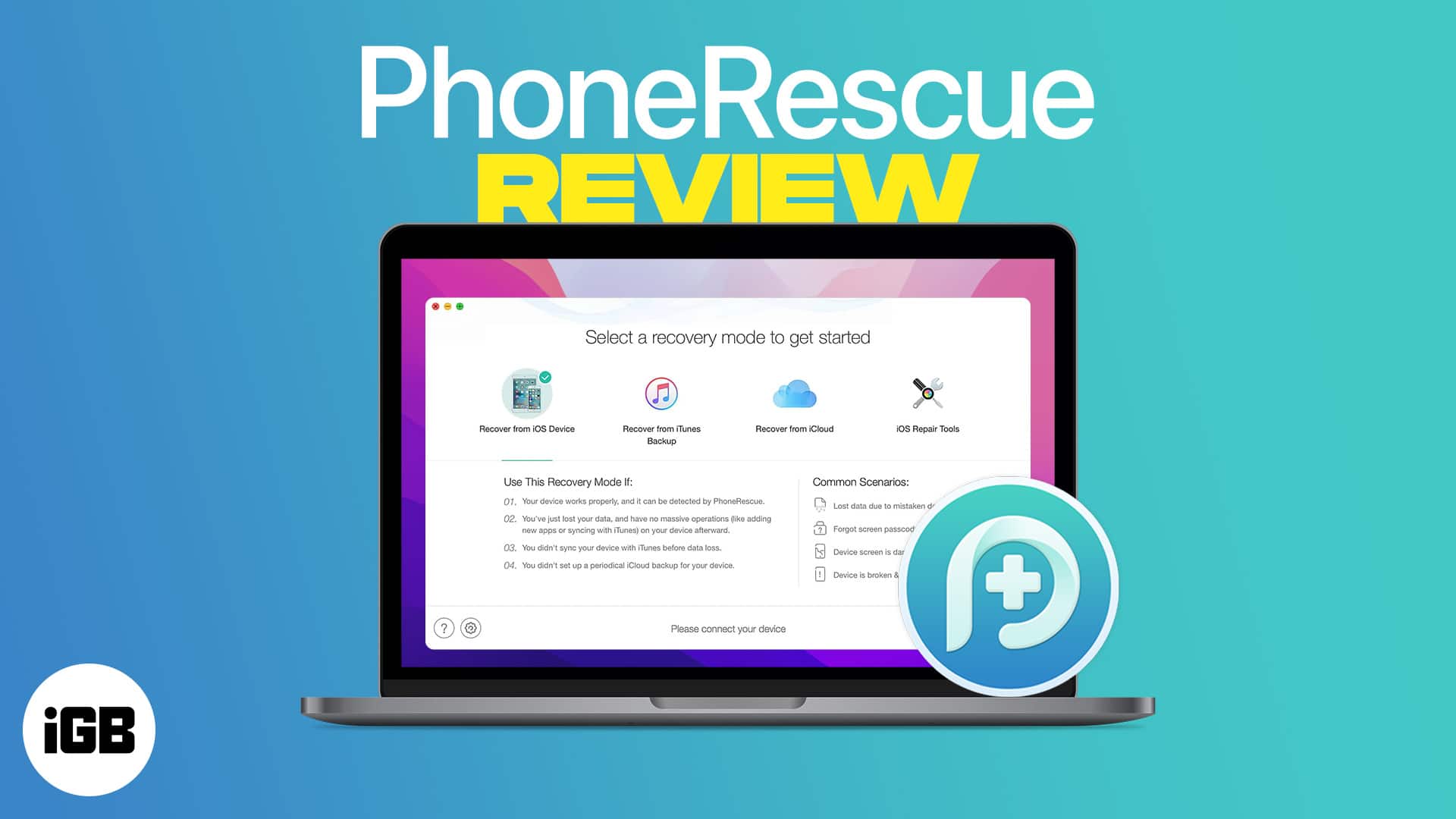
PhoneRescue scans an iPhone or its backups for recoverable data after accidental deletion. We cover installation on Mac and Windows, the recovery modes, and how much it genuinely retrieves.
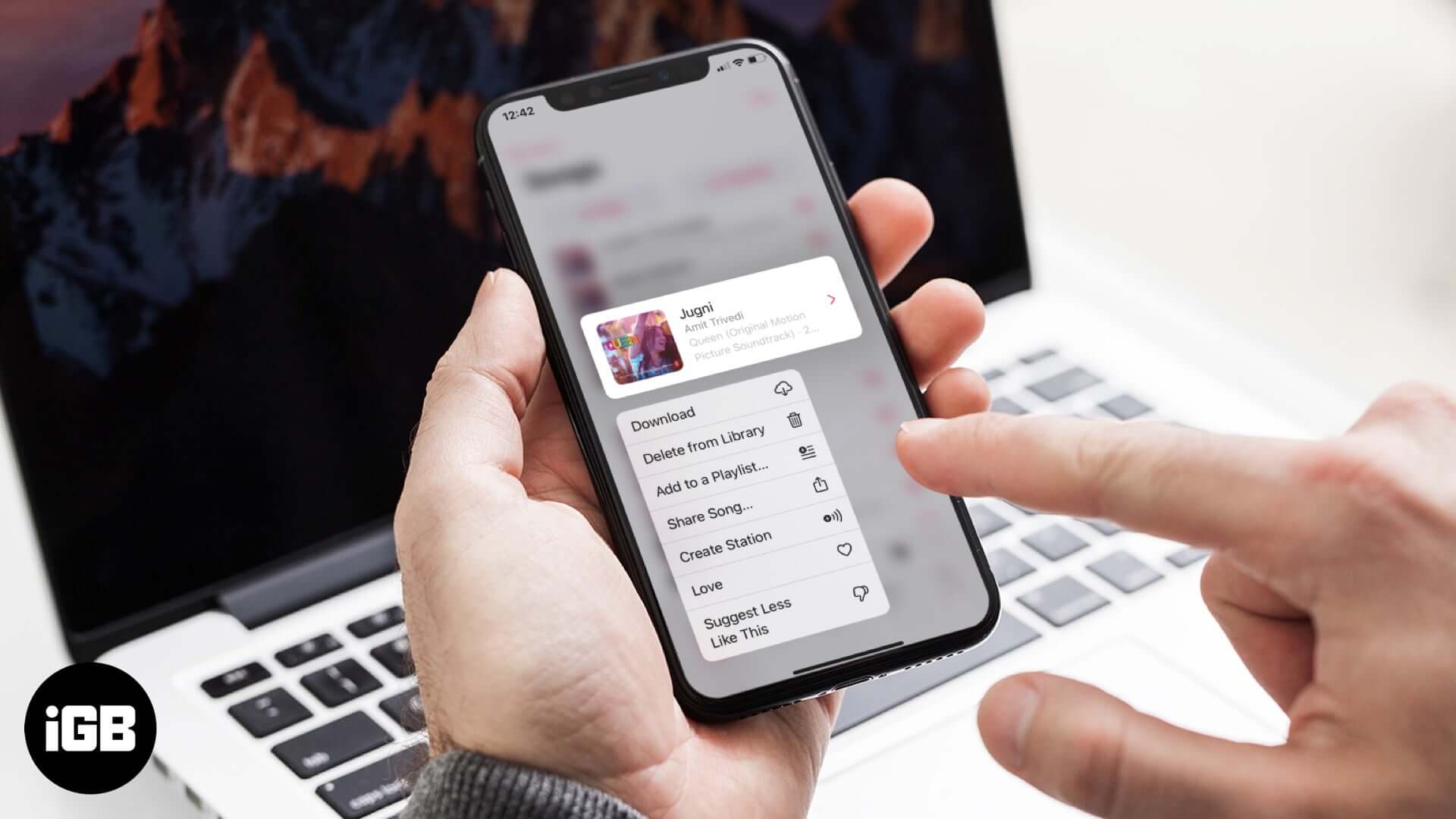
Removing a download and removing a song from your library are two different actions. Here is how to do both on iPhone and Mac, and which one actually reclaims storage space.
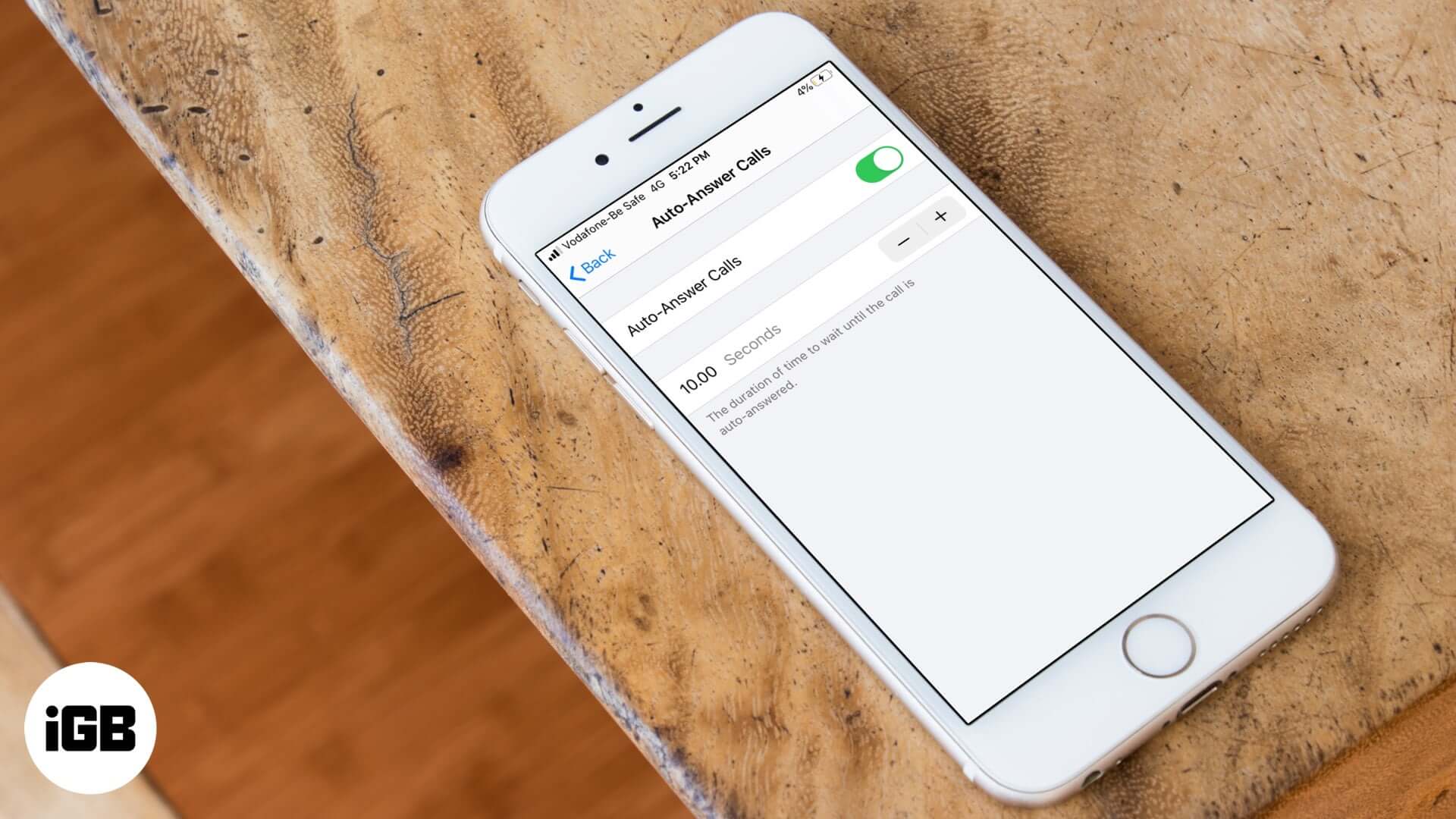
Auto-answer is buried in Accessibility settings and picks up calls after a delay you choose. Here is how to enable it on iPhone and set the timing that suits you.
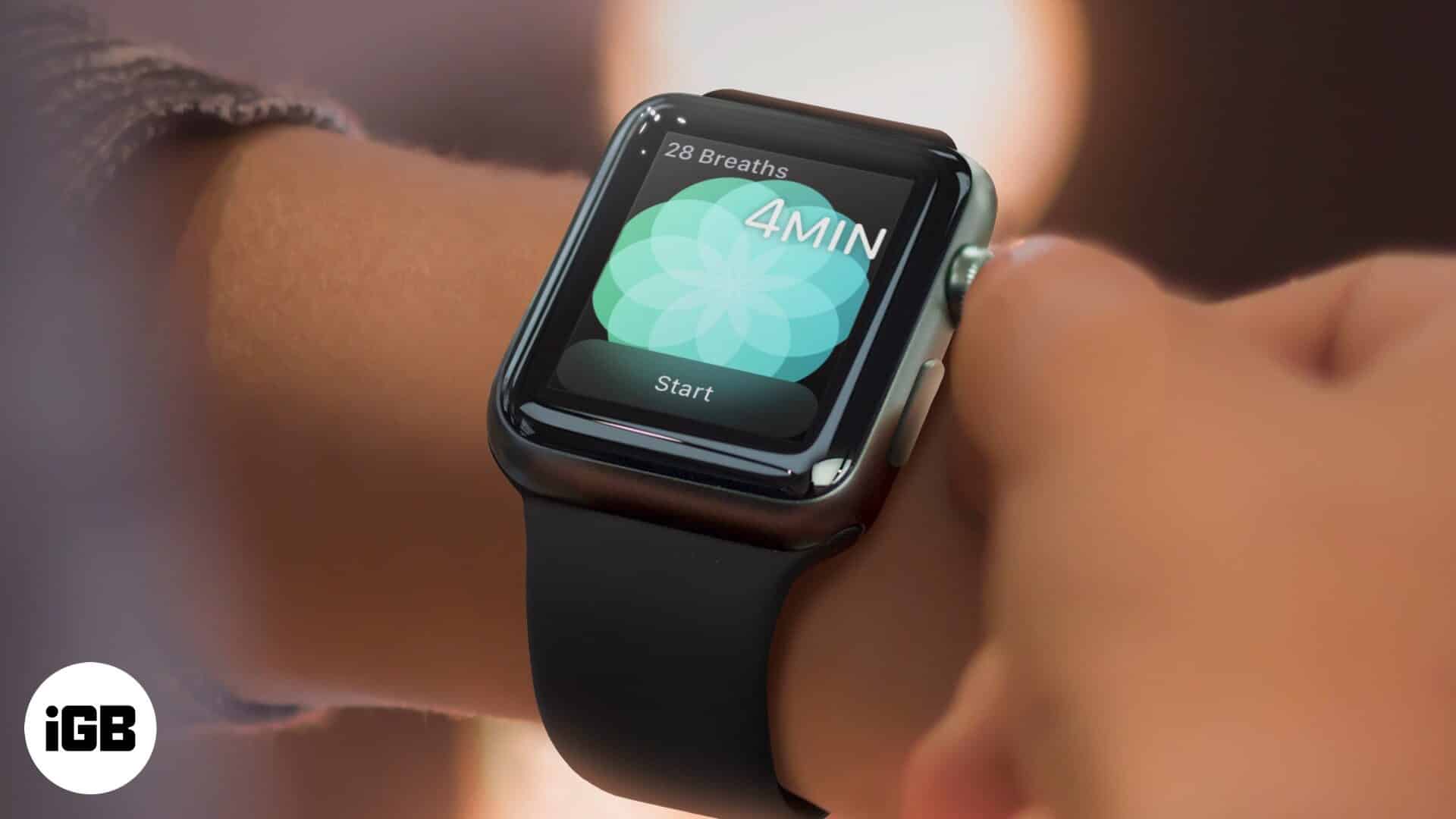
watchOS lets you set the duration of a breathe session on your Apple Watch. Learn how to change breathe session time and breathe rate.