
FaceTime Like a Pro
Get our exclusive Ultimate FaceTime Guide 📚 — absolutely FREE when you sign up for our newsletter below.

FaceTime Like a Pro
Get our exclusive Ultimate FaceTime Guide 📚 — absolutely FREE when you sign up for our newsletter below.



Unlock your Mac instantly with your Apple Watch using Apple’s Auto Unlock feature. Learn setup, requirements, troubleshooting tips, and security considerations.
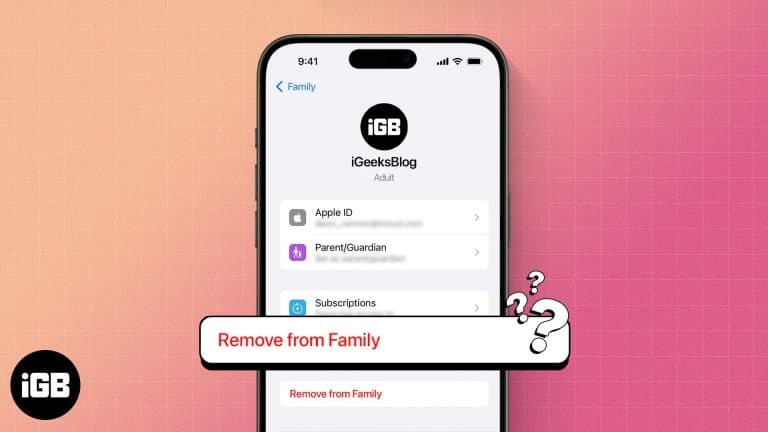
Leaving Family Sharing cuts your access to shared purchases and subscriptions immediately. Here is what you lose, who can leave or be removed, and how to exit the group cleanly.

 Vikhyat and Ava Biswas
Spice up your snaps with your favorite songs.

Never miss any update with the alarm on your Apple Watch.
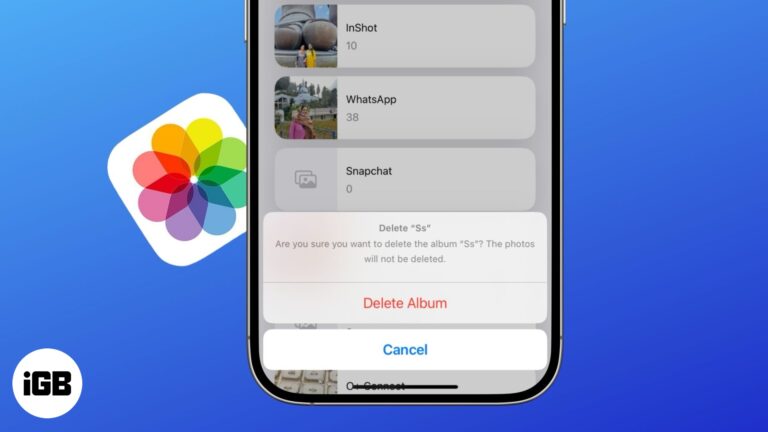
Get rid of cluttered photo albums in just a few taps.
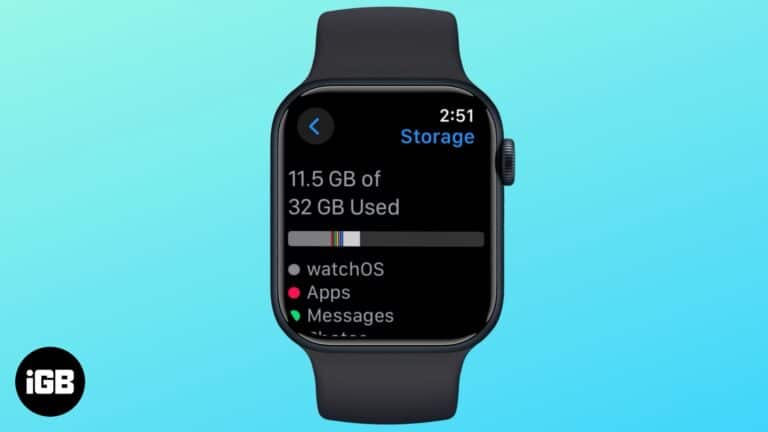
Here’s how to check your Apple Watch’s storage space and what you can do to free up more of it.
 Arshmeet Kaur and Vikhyat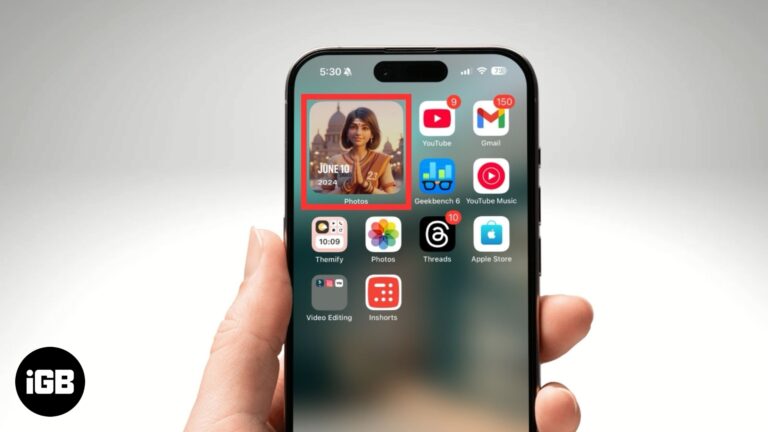
Easily customize and manage featured photos in iOS 18.

In this article, I'll guide you through how and why to reset Instagram Explore page on your iPhone and Android using both Instagram's native features and some manual approaches.
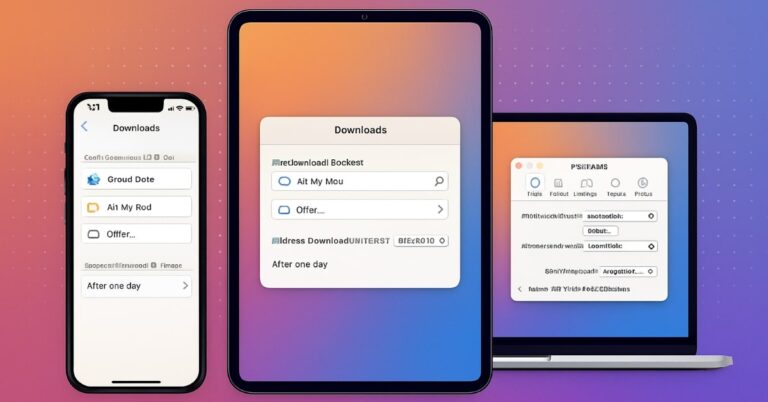
Safari defaults to iCloud Drive on iOS, which surprises people looking for files locally. Here is how to change the download folder on every device and keep downloads organized.
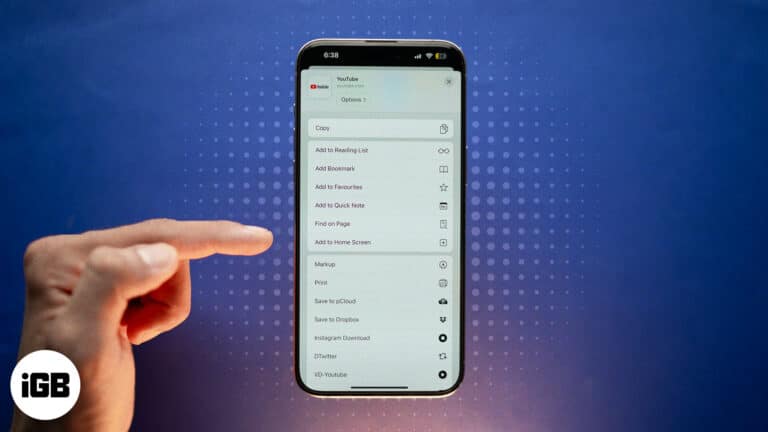
Quickly add websites to your iPhone Home Screen for instant, app-like access. Works with Safari, Chrome, and Firefox, plus tips to organize shortcuts.
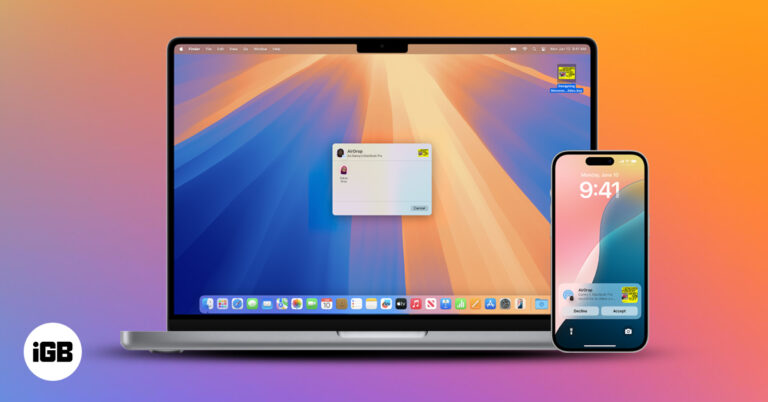
Use Continuity features to connect your iPhone and Mac, switch tasks seamlessly, share content instantly, and boost productivity across devices.
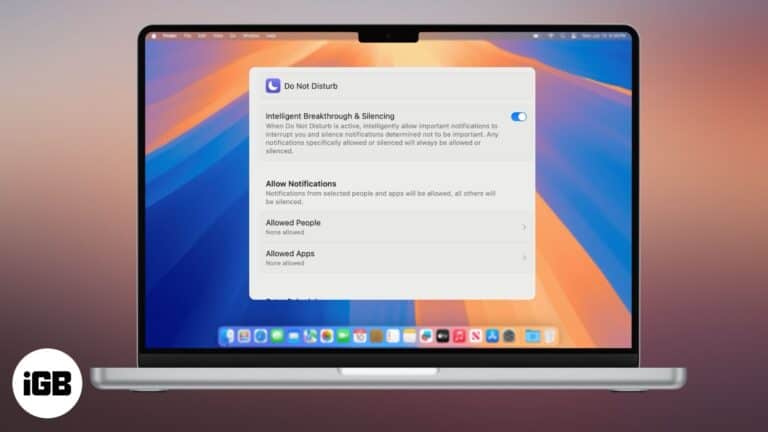
Stay productive and eliminate distractions.
Safeguard your kids from sensitive content on their iPhone.
 Mahit Huilgol and Vikhyat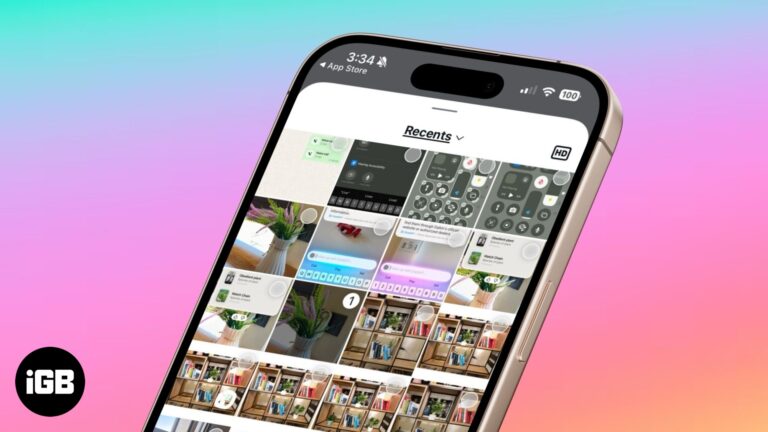
Instagram now lets you send high-quality photos in direct messages. Here’s how to do it.
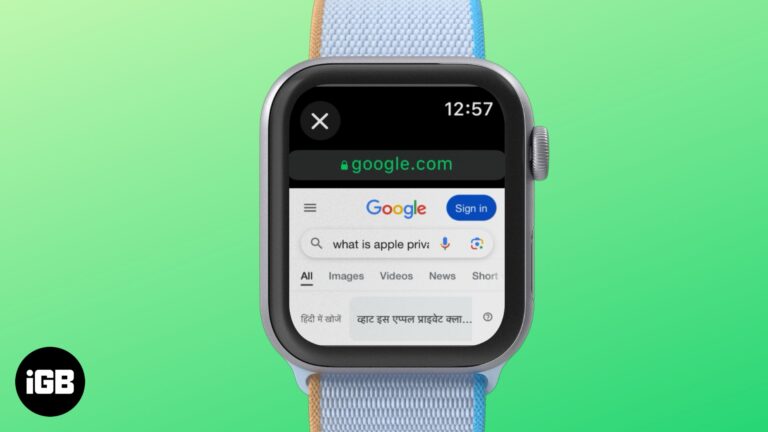
Visit websites anytime with your Apple Watch's hidden browser
Arshmeet Kaur and Vikhyat
Your iPhone holds sensitive data, but default settings aren’t enough. Learn the essential privacy and security settings you should change right now.

Run gpt-oss-20b (ChatGPT) locally on your Mac. Learn how to install and chat offline without internet or cloud access.
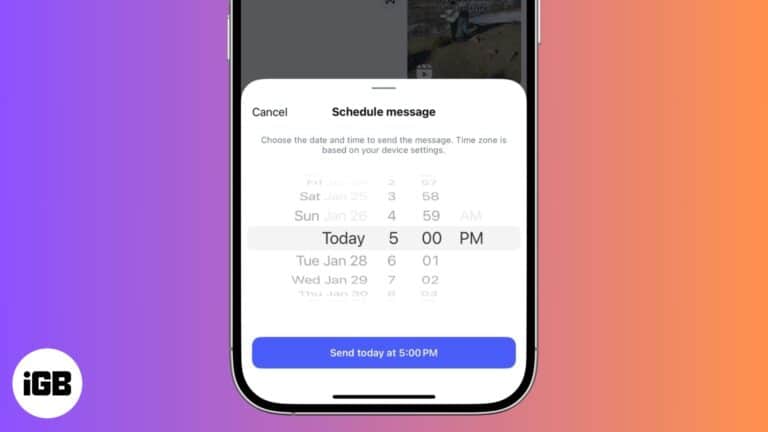
Let's check out how to schedule DMs on Instagram.
Quick methods to manage call history on an iPhone.

Having trouble with Wi-Fi calling on your iPhone? Whether it’s not connecting or dropping calls, this guide will help you fix the issue in minutes.
Use iCloud email forwarding to share those messages with your other accounts.
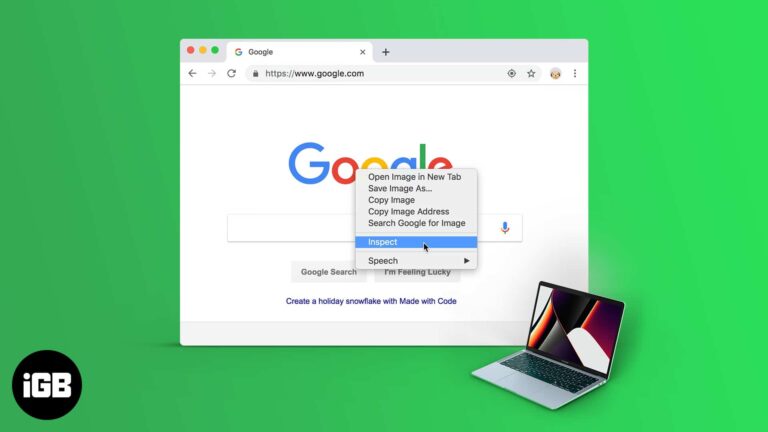
Learn how to inspect elements using browsers like Safari, Chrome, and Firefox, and debug your website in real time.
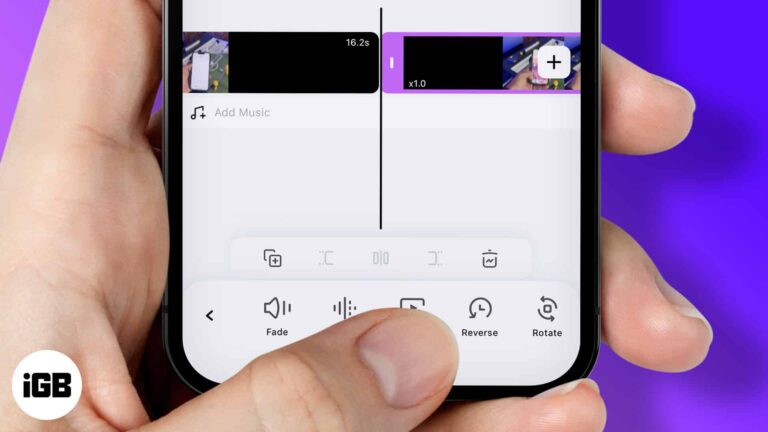
Reverse and play a video backward on your iPhone.
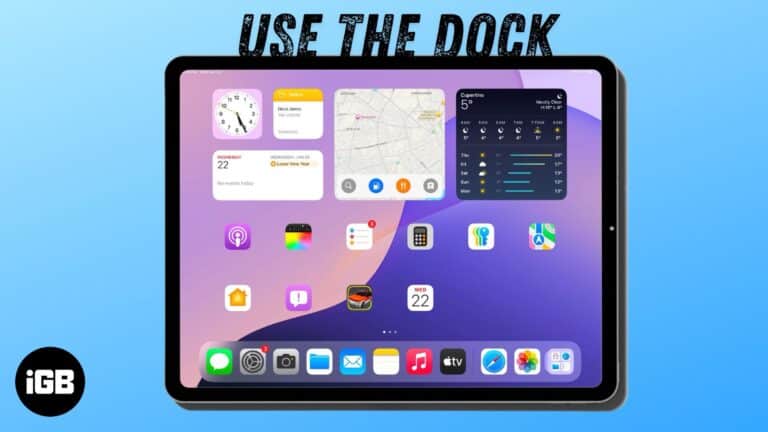
Use the Dock on your iPad to access your favorite apps and quickly switch between them.
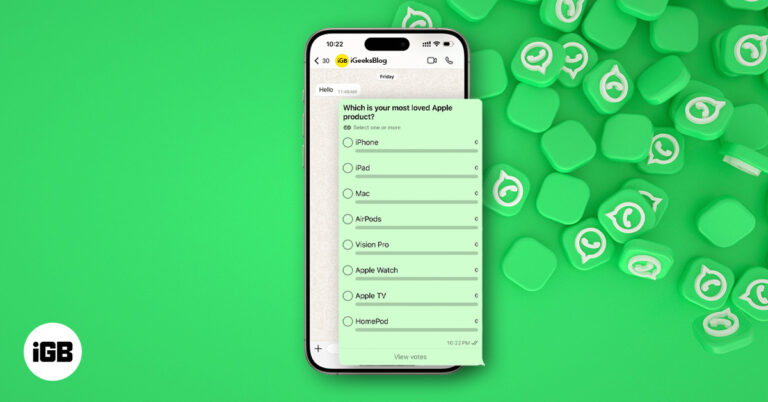
Learn how to create and manage polls on WhatsApp for iPhone, Android, or desktop. Settle group debates quickly with multiple options and real-time results.

Effective ways to screenshot on Snapchat without being detected.

You should know what the orange and green dots at the top of your iPhone screen mean.
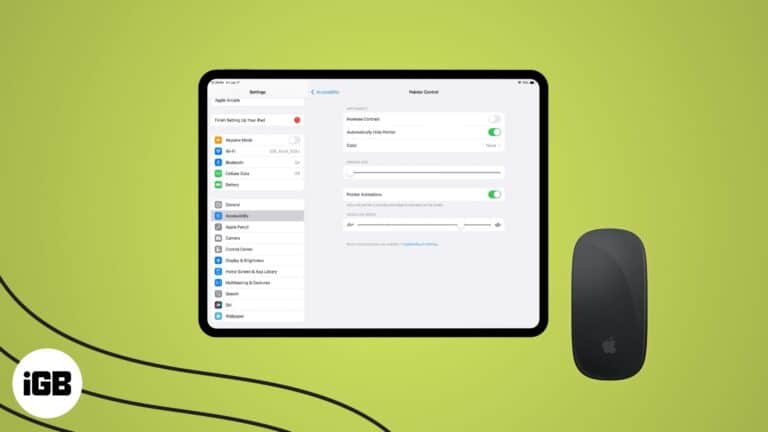
While not ideal in your house, it sure is nice to have a mouse beside your iPad.

Trouble loading pages in Chrome? Learn how to clear cache on desktop, iPhone, and Android to fix glitches and boost performance without losing data.
Here's how to secure your passwords the Apple way and ditch the third-party password managers.


