FaceTime Like a Pro
Get our exclusive Ultimate FaceTime Guide 📚 — absolutely FREE when you sign up for our newsletter below.

FaceTime Like a Pro
Get our exclusive Ultimate FaceTime Guide 📚 — absolutely FREE when you sign up for our newsletter below.


The M6 MacBook Pro brings a powerful 2nm chip and smarter AI, but with no OLED, touchscreen, or major redesign, is it really worth ditching your M5?
Apple has upgraded the MacBook Pro with its new M6 chip, bringing a 2nm processor, a 12-core CPU and GPU, improved AI performance, Wi-Fi 7, and Bluetooth 6. However, the upgrade isn’t as exciting as it sounds.
The new 14-inch MacBook Pro retains the familiar mini-LED display, same design, and 24-hour battery rating, with no OLED or touchscreen. So, is the M6 worth upgrading to from the M5? I’d say M5 owners can skip this generation, while M1 and M2 users have more reasons to make the switch.
Here’s everything that changed between the M6 and M5 MacBook Pro, including performance, AI, display, battery life, pricing, and whether you should buy it.
At first glance, the M6 MacBook Pro looks familiar. The real differences are inside, particularly the processor, graphics, Neural Engine, memory bandwidth, and wireless connectivity.
Here’s how the two 14-inch models compare.
| Specifications | M6 MacBook Pro (2026) | M5 MacBook Pro (2025) |
|---|---|---|
| Chip | Apple M6 | M5 |
| Process | 2nm | 3nm |
| CPU | 12-core | 10-core |
| GPU | 12-core | 10-core |
| Neural Engine | Dual 16-core | 16-core |
| Memory bandwidth | Up to 170GB/s | 153GB/s |
| Base memory | 16GB | 16GB |
| Base storage | 1TB | 1TB |
| Wi-Fi | Wi-Fi 7 | Wi-Fi 6E |
| Bluetooth | Bluetooth 6 | Bluetooth 5.3 |
| External displays | 2 × 4K at up to 165Hz | 2 × 4K at up to 144Hz |
| Battery rating | Up to 24 hours | Up to 24 hours |
| Display | 14.2-inch Liquid Retina XDR | 14.2-inch Liquid Retina XDR |
| Colors | Space Black, Silver | Space Black, Silver |
| Launch price (US) | $1,999 | $1,699 (1TB configuration) |
The biggest differences are that Apple has added two CPU cores, two GPU cores, a more capable Neural Engine, and faster wireless connectivity. However, the M6 also costs more than the M5’s 1TB launch price, which was later increased to $1,999.

This is probably the biggest disappointment for anyone expecting a complete MacBook Pro makeover.
The standard M6 MacBook Pro continues to use Apple’s 14.2-inch Liquid Retina XDR mini-LED display. There’s no OLED panel, touchscreen functionality, or Dynamic Island. Apple has retained the traditional MacBook Pro display experience instead of making the visual changes many users have requested.
But there’s an interesting twist. Apple introduced another MacBook Pro on October 28, featuring its new PROLED XDR display. This model brings tandem OLED technology, touchscreen support, and Dynamic Island.
| Feature | M6 MacBook Pro | PROLED MacBook Pro |
|---|---|---|
| Processor | M6 | M5 Pro / M5 Max |
| Display | Mini-LED XDR | Tandem OLED XDR |
| Touchscreen | No | Yes |
| Dynamic Island | No | Yes |
| Starting US price (14-inch) | $1,999 | $2,899 (M5 Pro) $4,499 (M5 Max) |
Apple has effectively separated its MacBook Pro lineup into two different upgrade paths. The standard M6 is for people who prioritize processing power and AI, while the more expensive PROLED model targets people who want a redesigned display and touch interaction.
If you’re curious about Apple’s first touchscreen Mac, check out our detailed coverage of the touchscreen MacBook Pro and its new features.
My take? If OLED and touchscreen support are your priorities, don’t buy the standard M6 expecting a software update to bring them later.
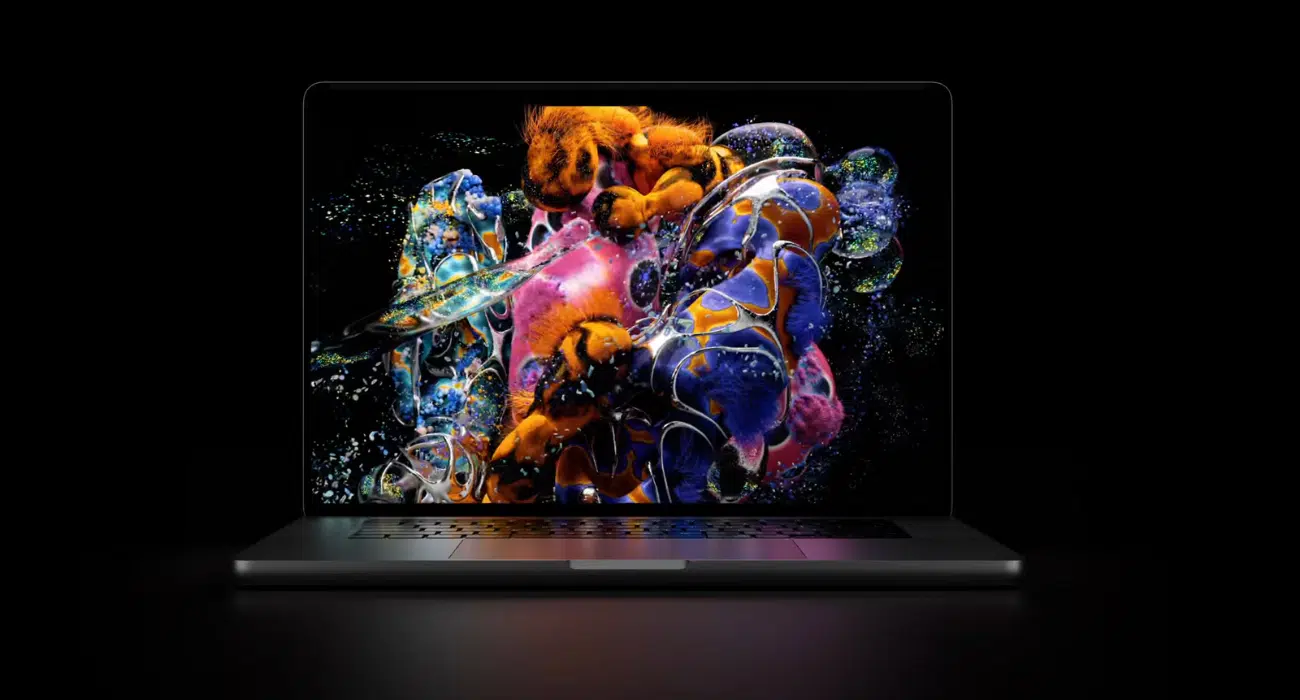
Apple hasn’t redesigned the standard 14-inch MacBook Pro for 2026. You still get the familiar aluminum chassis, 14.2-inch display with 3024 × 1964 resolution, up to 1,600 nits peak HDR brightness, and 120Hz ProMotion. The optional nano-texture finish is also available. Space Black and Silver remain the color choices.
Apple has retained the 12MP Center Stage camera, six-speaker system, three Thunderbolt 4 ports, HDMI, SDXC card slot, and MagSafe 3 charging.
In other words, if you place the M5 and M6 models side by side, you won’t find many visual reasons to choose one over the other.
If you enjoy customizing your Mac, check out these MacBook Pro PROLED XDR wallpapers.
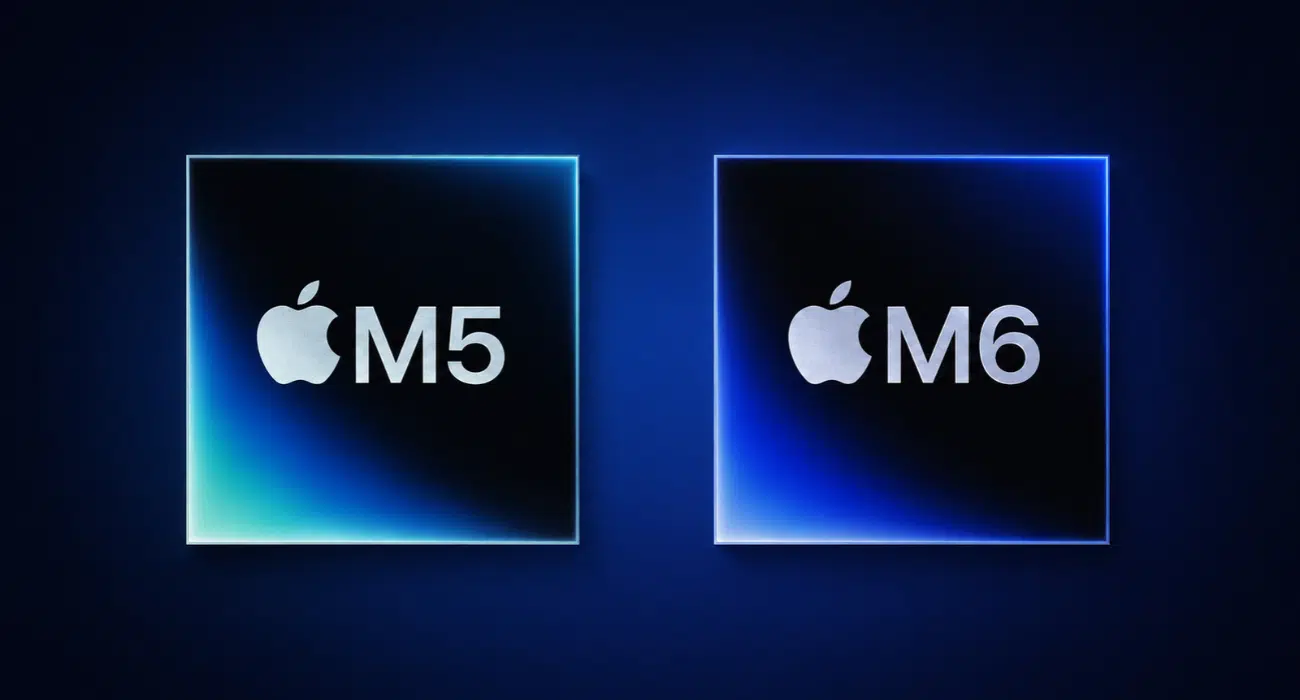
This is where the M6 MacBook Pro actually earns its name. Apple has moved to its first 2nm chip, improving processing power, graphics, and energy efficiency.
The M6 uses a 2nm manufacturing process, compared with the M5’s 3nm technology. Moving to a smaller process allows Apple to fit more transistors into a chip while improving performance and power efficiency.
The CPU has also received a significant upgrade. The M5 has a 10-core CPU, while the M6 moves to 12 cores, consisting of:
The GPU also increases from 10 to 12 cores. Each GPU core includes a Neural Accelerator, helping accelerate AI-related graphics workloads. Apple has additionally introduced third-generation Dynamic Caching and an updated ray-tracing engine.
If you’re interested in how Apple arrived at this architecture, our guide to the history of Mac processors provides a useful look at the evolution from Intel processors to Apple Silicon.
Apple claims the M6 delivers:
For video editing, compiling code, 3D projects, or graphics-intensive games, the extra CPU and GPU resources could make a meaningful difference.
However, I wouldn’t recommend upgrading to an M6 purely because Apple advertises 30% faster graphics. The M5 is already capable, and the difference won’t necessarily be noticeable during everyday browsing, document editing, or streaming.
Apple is clearly making AI a bigger part of its Mac strategy, and the M6 reflects that direction.
The M5 features a 16-core Neural Engine, while the M6 introduces a Dual 16-core Neural Engine architecture. This gives the new chip substantially more dedicated AI processing capacity.
Apple claims the Neural Engine delivers up to 1.9x faster performance than M5. The overall chip also delivers up to 25% faster on-device AI workloads. For large language models, Apple reports up to 1.3x faster time-to-first-token compared with M5.
What does it mean in everyday use? Developers experimenting with local LLMs, creative professionals using AI image tools, and people who regularly work with AI-powered applications can run demanding AI models directly on their Mac.
The M6 MacBook Pro also ships with macOS 27 Golden Gate, which brings Apple’s newer AI experiences and system improvements.
I think the Neural Engine upgrade will matter more over the next few years than for today’s everyday tasks. If Apple continues expanding on-device AI, the additional processing capacity could become increasingly useful.
Apple hasn’t increased the standard memory or storage capacity with M6. The base configuration still offers 16GB of unified memory and 1TB of SSD storage. You can configure the laptop with up to 32GB of memory and 4TB of storage.
The improvement comes from memory bandwidth.
| Memory configuration | M5 bandwidth | M6 bandwidth |
|---|---|---|
| 16GB | 153GB/s | 153GB/s |
| 24GB | 153GB/s | 170GB/s |
| 32GB | 153GB/s | 170GB/s |
Important: The 170GB/s bandwidth is available only with the 24GB and 32GB configurations. The entry-level 16GB model retains 153GB/s.
If my work involves video editing, AI software, major development tasks, or running several resource-intensive applications simultaneously, the 24GB option would suit me best. It gives you additional memory headroom and higher bandwidth.
For everyday users, however, the standard 16GB model should still handle typical productivity tasks comfortably.
Connectivity is another area where the M6 MacBook Pro receives a meaningful upgrade.
Apple replaces the previous wireless connectivity setup with its N1 wireless chip. The M5 supports Wi-Fi 6E and Bluetooth 5.3, while the M6 moves to Wi-Fi 7 and Bluetooth 6, alongside Thread support.
Here’s what that means:
Apple has also improved external display support. The M6 can drive two external 4K displays at up to 165Hz, compared with 144Hz on the M5.
I particularly like the addition of Wi-Fi 7 because it makes the M6 more future-ready. But if your existing router only supports Wi-Fi 6 or 6E, then you should not expect any drastic gains in internet speed simply by buying the new MacBook.
Both models are rated for up to 24 hours of battery life. Apple describes the M6 MacBook Pro as offering the longest battery life ever in a Mac, but it didn’t provide a directly comparable breakdown of video streaming and wireless web browsing in its launch announcement.
The published figures for the M6 and M5 include up to 24 hours of video streaming and 16 hours of wireless web browsing, backed by a 72.4Wh battery.
Charging is familiar, too. The M6 supports fast charging, reaching up to 50% in approximately 30 minutes with a compatible higher-wattage adapter, such as Apple’s 96W USB-C power adapter. The standard M6 box includes a 70W adapter.
However, I would like to test the battery myself before calling the M6 the winner. Apple’s improved power efficiency sounds promising, but advertised battery life and real-world battery life aren’t always the same thing.
Here’s where the comparison becomes interesting.
The M6 MacBook Pro starts at $1,999 in the US, with an education price of $1,899. However, the M5’s pricing changed during its lifecycle, so the two models didn’t actually have the same starting price throughout their availability.
| M5 pricing timeline | Starting price (US) |
|---|---|
| October 2025 launch (512GB) | $1,599 |
| March 2026 (1TB standard) | $1,699 |
| June 2026 | $1,999 |
| October 2026 | Discontinued |
Apple subsequently discontinued the standard M5 model when introducing the M6. This means the M6 matches the M5’s later $1,999 price point, although it costs more than the M5’s earlier 1TB starting price.
For Indian buyers, Apple starts the M6 MacBook Pro at ₹2,39,900.
Here’s the configuration-wise pricing:
| Unified memory | 1TB SSD | 2TB SSD | 4TB SSD |
|---|---|---|---|
| 16GB | ₹2,39,900 | ₹2,99,900 | ₹4,19,900 |
| 24GB | ₹2,63,900 | ₹3,23,900 | ₹4,43,900 |
| 32GB | ₹2,87,900 | ₹3,47,900 | ₹4,67,900 |
Additional costs:
These are Apple’s listed Indian prices, before applicable retailer promotions or bank offers.
My recommendation is to keep an eye on discounted M5 inventory and Apple Certified Refurbished units. If you can find an M5 with 1TB storage at a much lower price than $1,999, it could offer better value, particularly if you don’t need Wi-Fi 7 or the additional AI performance.
Now for the question that matters most: should you buy the M6 MacBook Pro or wait for the next model?
I wouldn’t give everyone the same recommendation. Your current MacBook and the kind of work you do matter much more than Apple’s generation number.
I wouldn’t recommend upgrading.
You already have a powerful processor, a capable GPU, a beautiful display, and excellent battery life. The M6 improves performance and wireless connectivity, but the overall experience won’t change much.
Consider upgrading only if you specifically need Wi-Fi 7, higher memory bandwidth, or additional AI processing capacity.
The M6 is worth considering if your workload has become more demanding. Developers, video editors, and people working with AI applications could benefit from the additional processing capacity.
However, if your M3 or M4 MacBook Pro still handles your work comfortably, there’s little reason to rush into buying another laptop.
This is where I’d seriously consider the M6.
You’ll get a newer CPU architecture, improved graphics, significantly more AI processing capacity, and modern wireless connectivity. Apple also claims substantial performance improvements over the M1 generation.
I’d choose based on your priorities:
If you’re planning to buy other Apple devices this year, you can also track upcoming Apple products in 2026 before deciding.
The M6 MacBook Pro is a worthwhile generational improvement, but it isn’t a must-have upgrade for everyone.
What I find interesting is Apple’s decision to prioritize processing power and AI capabilities without changing the standard MacBook Pro’s design. The 2nm chip, faster GPU, Dual 16-core Neural Engine, and Wi-Fi 7 make the M6 more capable, but the lack of OLED and touchscreen support means you need to go for the more expensive PROLED model.
Here’s how I’d make the decision:
| Your current situation | My recommendation |
|---|---|
| M5 MacBook Pro | Keep your current Mac |
| M4 MacBook Pro | Upgrade only if necessary |
| M3 MacBook Pro | Upgrade for demanding workloads |
| M1 or M2 MacBook Pro | Consider upgrading |
| Intel MacBook Pro | Upgrade |
| First-time buyer | Choose M6 or discounted M5 |
| Want OLED and touch | Buy PROLED MacBook Pro |
My pick for most new buyers: M6 MacBook Pro with 24GB memory and 1TB storage. It’s a sensible middle ground for people who want additional memory headroom for creative work and AI applications.
Which MacBook Pro model are you choosing? Let me know in the comments below!

As an Amazon Associate, iGeeksBlog earns from qualifying purchases.