
FaceTime Like a Pro
Get our exclusive Ultimate FaceTime Guide 📚 — absolutely FREE when you sign up for our newsletter below.

FaceTime Like a Pro
Get our exclusive Ultimate FaceTime Guide 📚 — absolutely FREE when you sign up for our newsletter below.


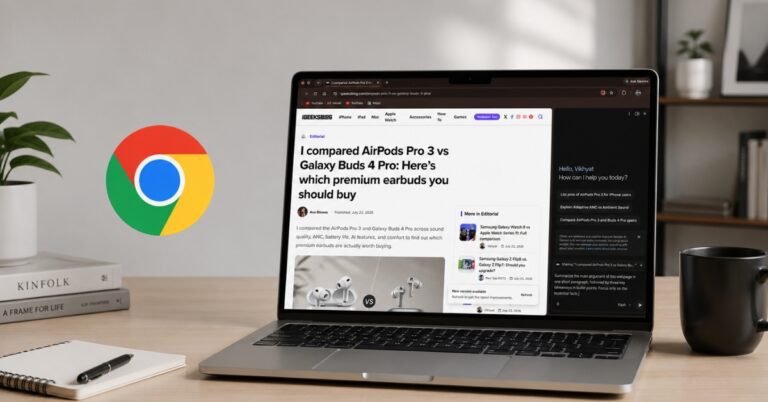
Google Chrome Skills is a handy productivity feature that lets you save and reuse your favorite Gemini prompts. Here's how to create Skills, use them effectively, and speed up everyday AI tasks.
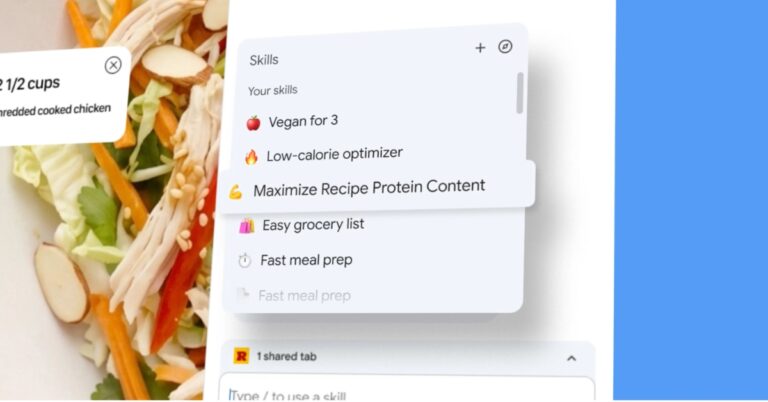
Chrome is turning your go-to AI prompts into one-click shortcuts, letting Gemini handle repetitive tasks so you don’t have to.
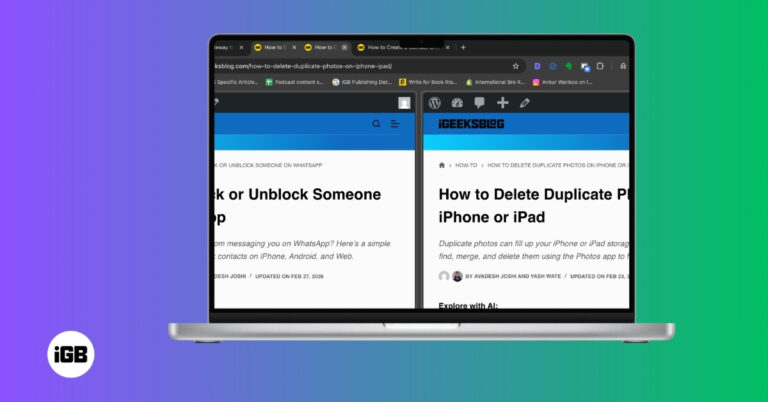
Chrome Split View lets you view two web pages side by side in a single tab, making multitasking easier on Mac. Here’s how to enable it, manage panes, and use it efficiently in Google Chrome.
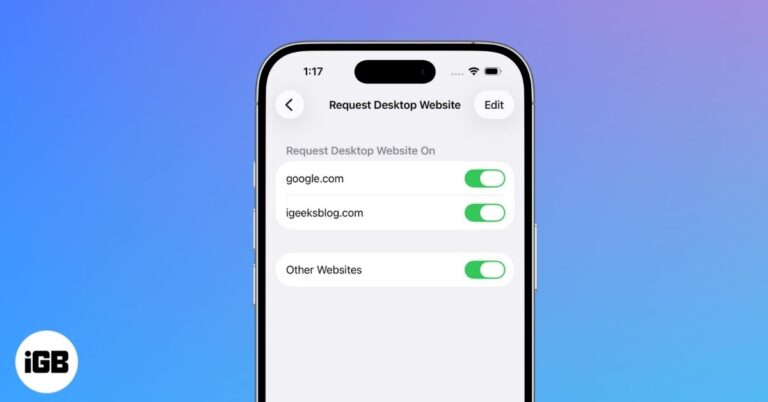
Get the full desktop view on your iPhone by switching from the mobile site in Safari, Chrome, or Firefox. It takes only a moment and helps when a page hides features or layout options.

Trouble loading pages in Chrome? Learn how to clear cache on desktop, iPhone, and Android to fix glitches and boost performance without losing data.
Google Chrome for iOS now lets enterprise users securely switch between personal and work accounts, enhancing privacy and admin control.
Here is our guide on Safari vs Chrome. Find out which browser is better suited for your iPhone and Mac.
Want to open a link anonymously on your iPhone? Chrome for iOS lets you open any external link in incognito mode. Moreover, if you prefer Chrome over Safari, you might want to open all your links automatically in Chrome. While…
Everything landing in Downloads gets messy fast. Here is how to set a different default save folder in Chrome and Firefox on Mac, or have the browser prompt you for each file.
Password Managers have become essential because remembering so many account credentials is impossible. I suggest using Google Password Manager rather than any third-party app. Let’s learn how to set up and use Google Password Manager in Chrome on your iPhone,…
A Mac too old for current macOS can still run Chrome OS comfortably. Here is why it is worth doing, what you need before starting, and the full installation process step by step.

Chrome hides a lot of speed behind shortcuts most people never find. These 36 Mac tips cover tab groups, Omnibox tricks, session recovery, profiles, and settings worth changing today.


