FaceTime Like a Pro
Get our exclusive Ultimate FaceTime Guide 📚 — absolutely FREE when you sign up for our newsletter below.

FaceTime Like a Pro
Get our exclusive Ultimate FaceTime Guide 📚 — absolutely FREE when you sign up for our newsletter below.


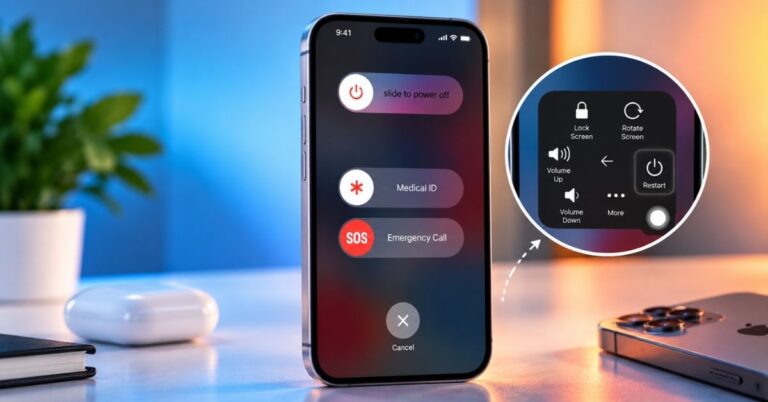
A broken power button need not stop you shutting down. Here is how to power off an iPhone from Control Center in iOS 18, the Settings method for older versions, and how to switch it back on.
Can’t find an app on your iPhone? Here’s a simple guide to find hidden apps on iPhone and iPad across recent iOS updates.
Is your iPhone stuck on a blank screen and wants to restart? Check out this guide on how to force restart iPhone and iPad models.
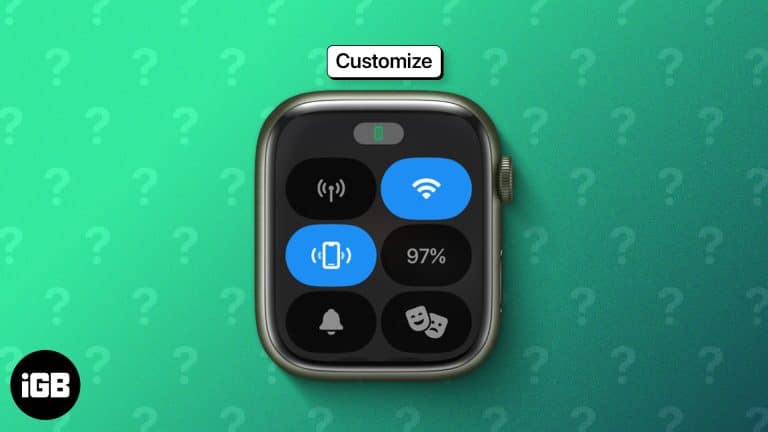
Control Center moved to the Side button in watchOS 10, and the toggle order is fully editable. Here is how to open it, rearrange the controls, and use the ones worth keeping close.
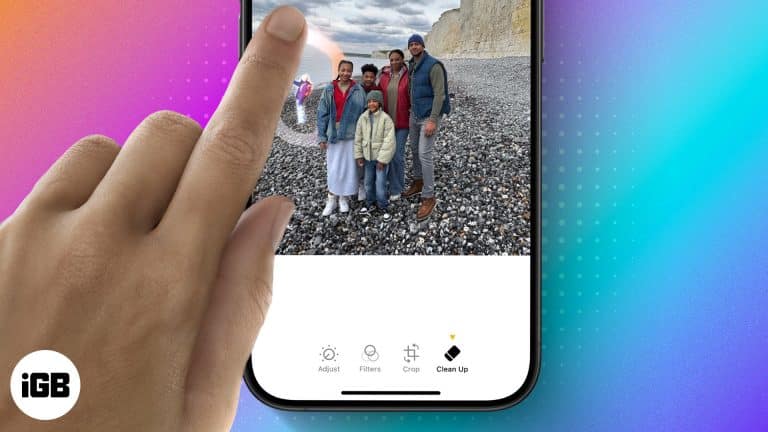
Clean Up uses Apple Intelligence to erase distractions from a photo and fill the gap convincingly. Here is what hardware it requires, when it works well, and how to use it step by step.
On supported iOS versions, you can change Siri’s name on your iPhone using the Vocal Shortcuts accessibility feature. Here’s how to do it.
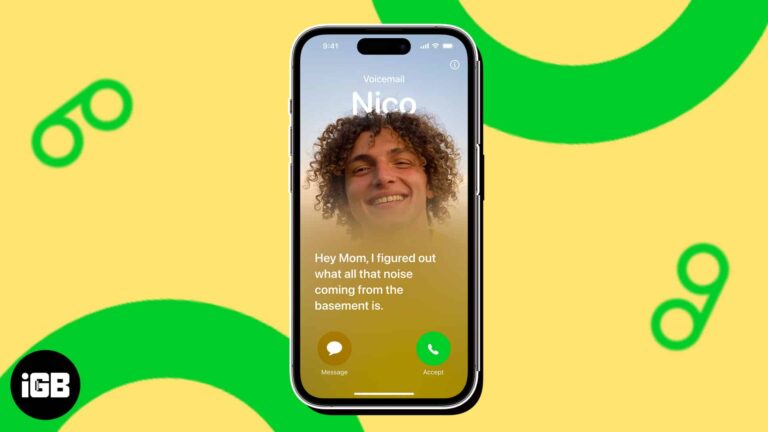
Live Voicemail on iPhone lets you read a real-time transcription of a caller's message. Here is how to turn on and use Live Voicemail on your iPhone.
Photo Shuffle cycles your Lock Screen through people, pets, nature, or an album you pick. Here is how to set it up on iPhone and choose whether it changes hourly, daily, or on each tap.
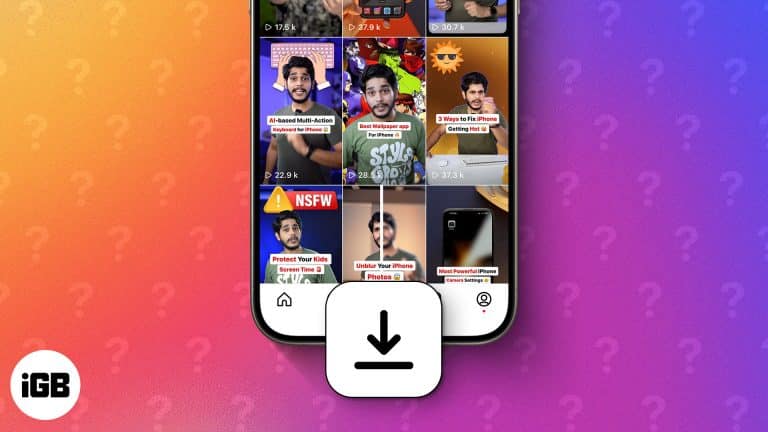
Learn how to download Instagram reels on your iPhone. Discover safe, easy methods with and without third-party apps. Step-by-step guide inside!
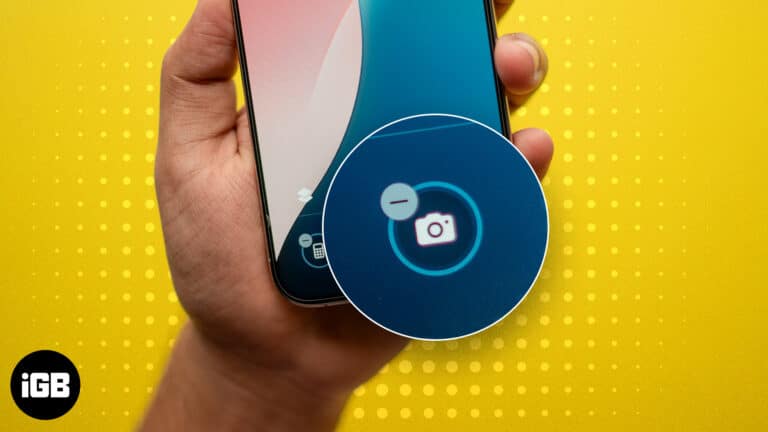
A Lock Screen camera means pocket photos and a privacy gap. Here is how to remove the control in iOS 18 and later, and how to disable the camera entirely using Screen Time.
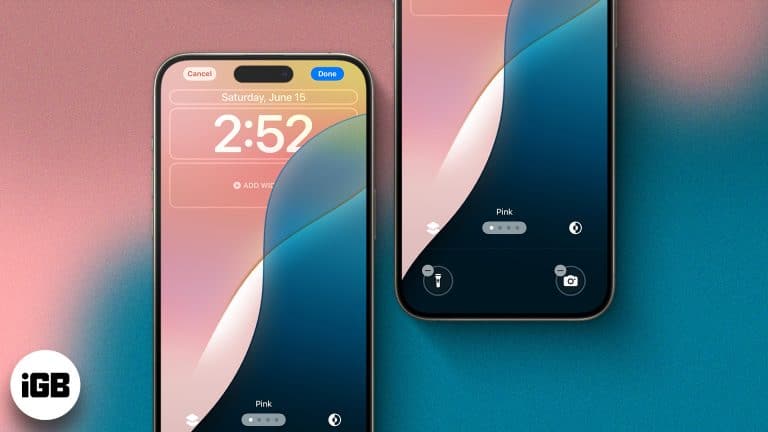
The Lock Screen became genuinely customizable in iOS 16 and has expanded since. Here is how to build multiple Lock Screens, add widgets, change the controls, and tie each one to a Focus.
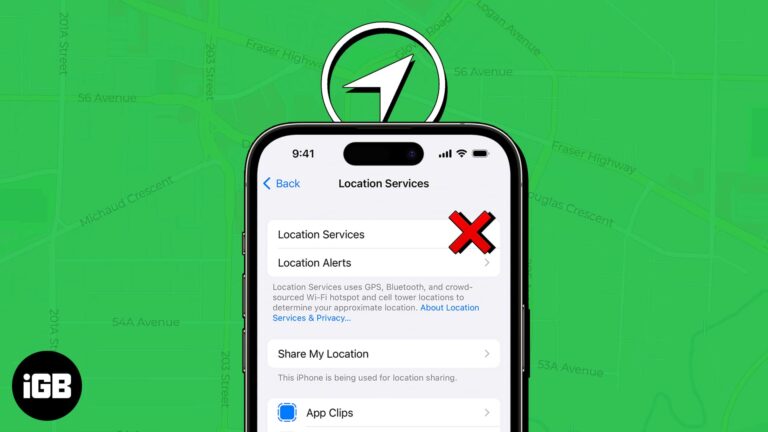
Broken location breaks Maps, Find My, and weather at once. Here is why Location Services fail, especially after an iOS update, and ten fixes that restore accurate positioning.
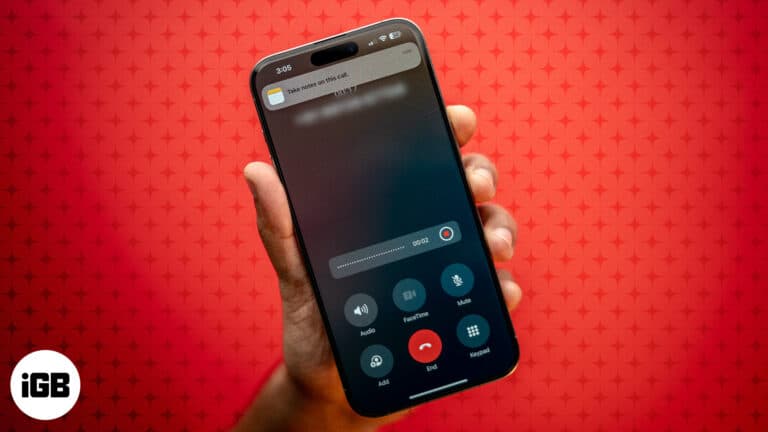
You can now record and transcribe phone calls right in the Phone app on supported iOS versions, no third-party apps required.
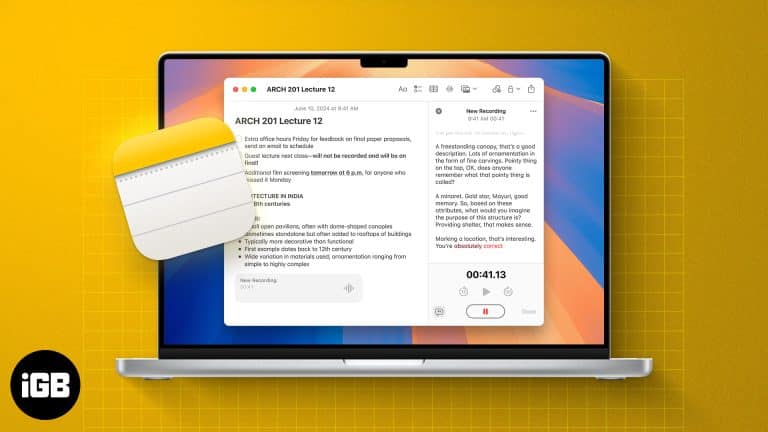
With iOS 18 and later, Apple's Notes app now supports live audio transcription. Learn how to use live transcriptions in Apple Notes on iPhone and Mac.

 Ava Biswas and Yash Wate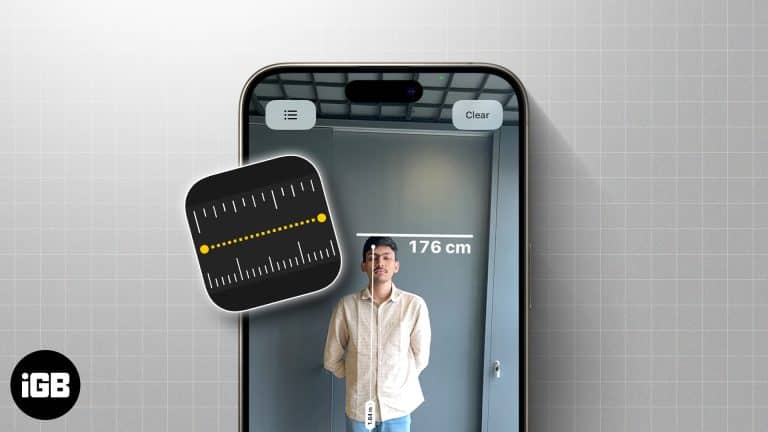
With your iPhone at your disposal, you can use the Measure app to measure multiple dimensions of an object.
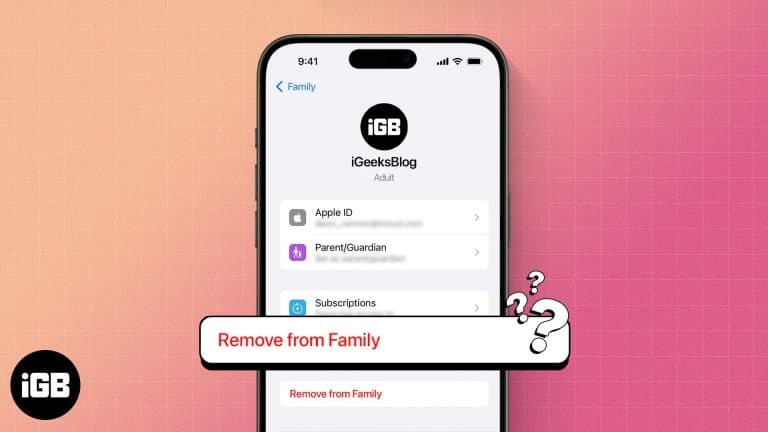
Leaving Family Sharing cuts your access to shared purchases and subscriptions immediately. Here is what you lose, who can leave or be removed, and how to exit the group cleanly.
 Vikhyat and Ava Biswas
Have your iPhone contacts disappeared after the iOS update? Here are possible solutions to restore all the missing contacts on the iPhone.
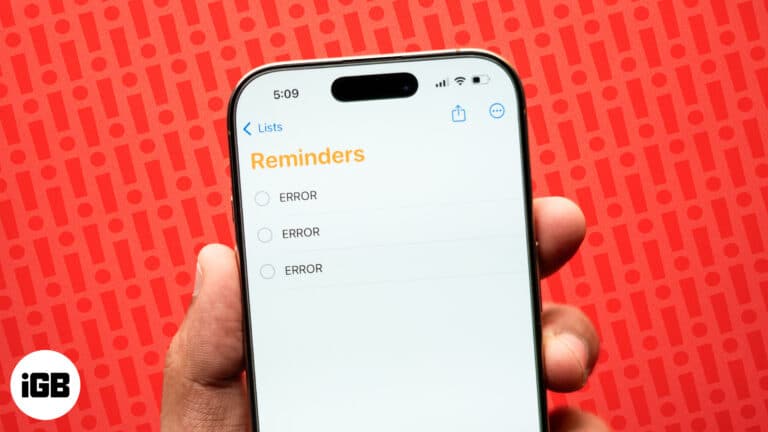
Solutions to fix iPhone Reminders and easily get tasks back on track.
Is your flashlight not working after the iOS update? Here are effective ways to troubleshoot and fix the iphone flashlight not working issue.
Best and most reliable ways to transfer songs from PC to iPhone.