
FaceTime Like a Pro
Get our exclusive Ultimate FaceTime Guide 📚 — absolutely FREE when you sign up for our newsletter below.

FaceTime Like a Pro
Get our exclusive Ultimate FaceTime Guide 📚 — absolutely FREE when you sign up for our newsletter below.


iOS 18 finally added a calculation history to Calculator, complete with a running tape you can review and clear. Here is where to find it, and the workaround for older iOS versions.
An unresponsive screen may be a software hang, moisture, a bad screen protector, or genuine damage. Here is how to tell which, and the fixes worth trying before booking a repair.
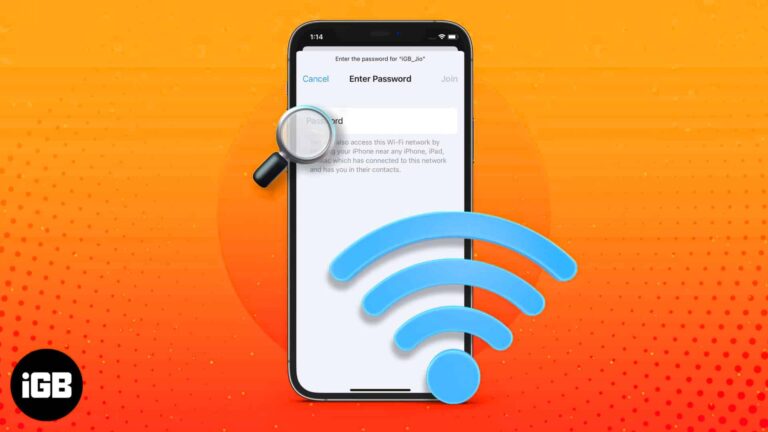
iOS finally lets you read saved Wi-Fi keys rather than just share them. Here is where to find them in iOS 18, the older iOS 17 method, and how to share a network with someone nearby.
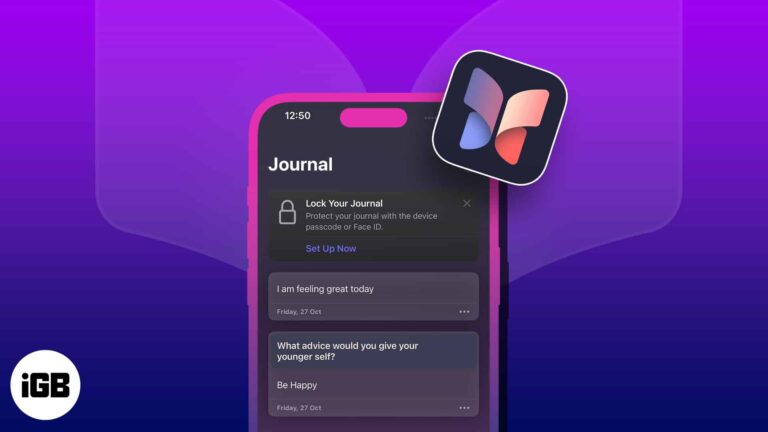
Master Apple's Journal app with this step-by-step guide. From creating entries to syncing across devices, here's how to journal like a pro.
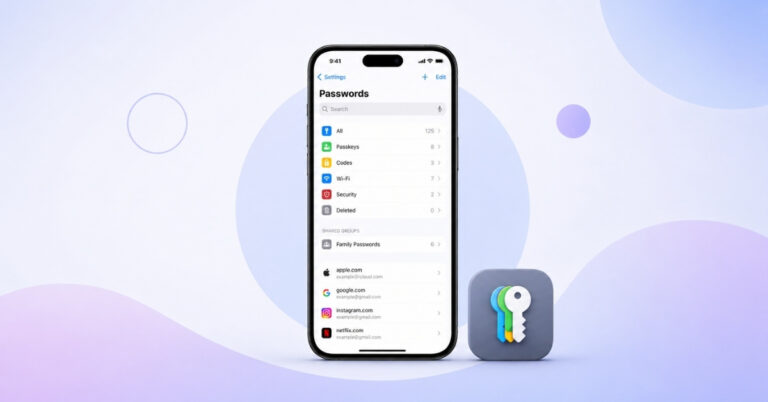
Find and manage saved passwords with ease on your iPhone.
Go back to a stable iOS experience on your iPhone
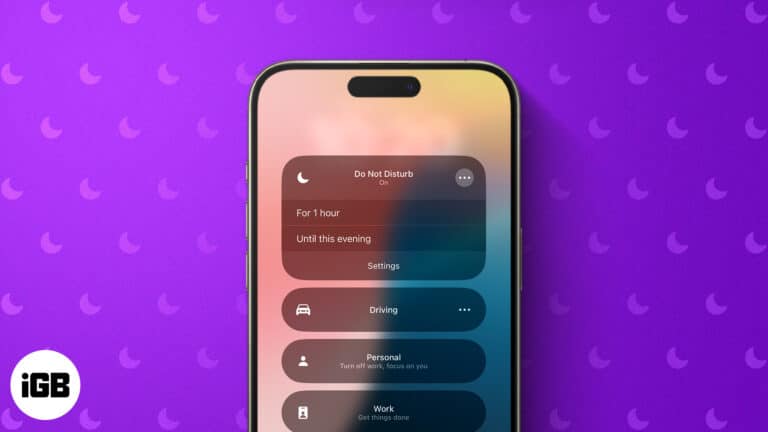
Do Not Disturb mode allows users to silence notifications, calls, and text messages. Learn how to use Do Not Disturb on iPhone or iPad to get rid of unnecessary interruptions.
If you are having trouble hearing the person on the other end during phone calls on your iPhone, you’re not alone. Many users have complained about this inconvenience after updating to iOS 17.5.1. So, in this article, I’ll show you…
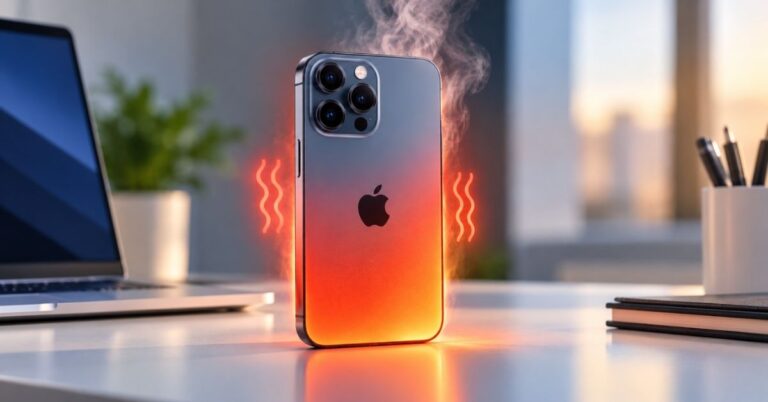
An iPhone that runs hot throttles performance and ages its battery faster. Here is what actually causes overheating, and the settings and habits that bring the temperature back down.
When Spotlight stops returning results, the index has usually stalled or an app has been excluded. These six fixes cover search settings, reindexing, restarts, and app-level permissions.
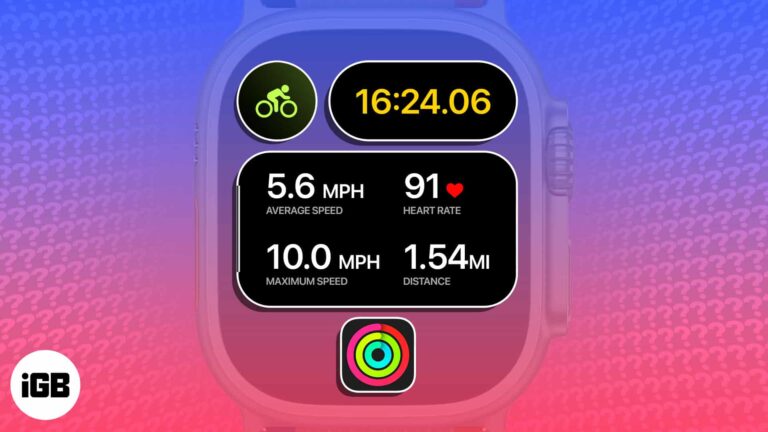
Apple just dropped a game-changing feature for cyclists. You can now view the Apple Watch’s live cycling metrics – heart rate, speed, distance, elevation, and more – directly from the iPhone’s Live Activities. To unlock this native feature, you need…
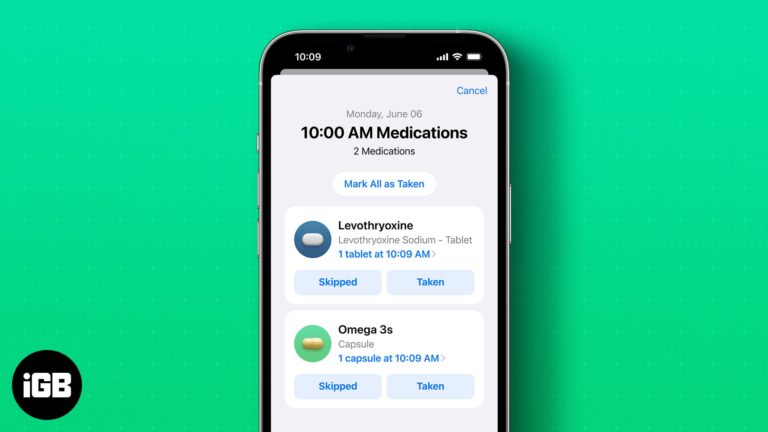
With the new iOS 17 update, Apple has introduced enhanced medication reminder features on both iPhone and Apple Watch, making it easier than ever to stay on top of your medication schedule. In this blog post, we’ll guide you through…
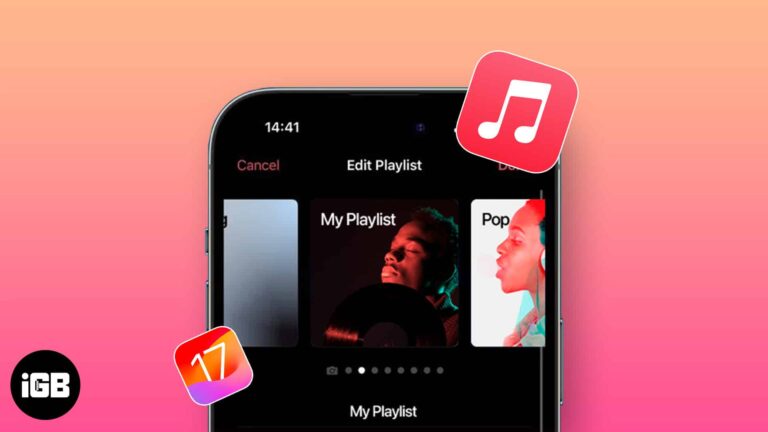
There’s more to the music you love than just listening. You can add custom artwork in Apple Music on iPhone. In the past, you’ve been able to use a photo of your own for a playlist. But with iOS 17.1,…
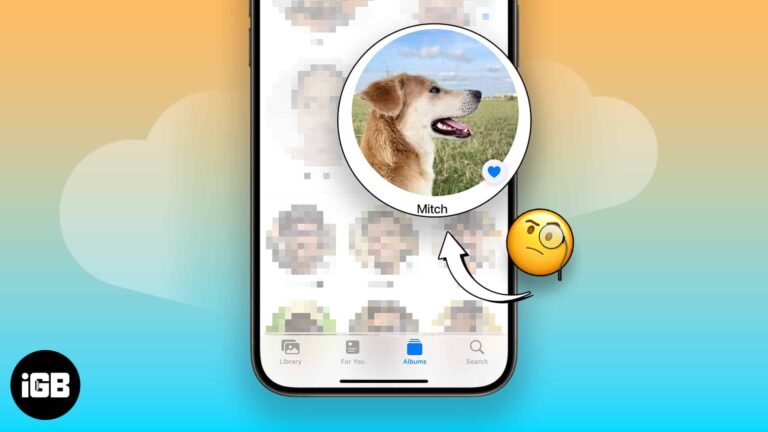
You’ll take many photos of your pet if you’ve got one. Before iOS 17, it was harder to find your pet’s photos individually. Apple introduced the People & Pets album with iOS 17, iPadOS 17, and macOS Sonoma, categorizing photos…
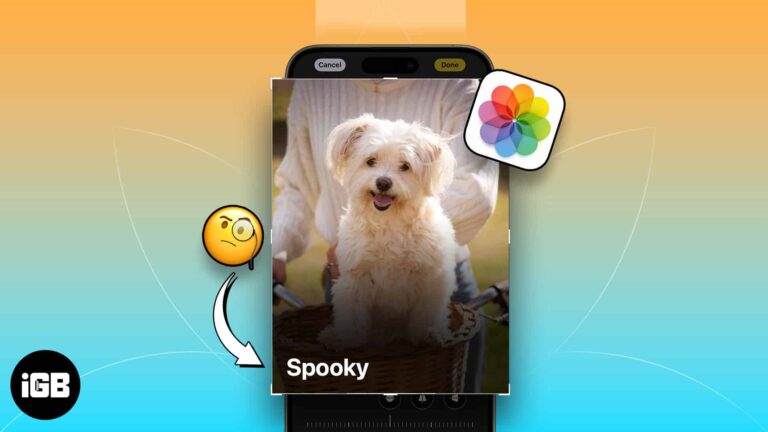
Whether you’re a dog mom or a cat dad, you love your pet and probably snap tons of photos of them. Using the newly introduced feature of pet recognition with iOS 17, iPadOS 17, and macOS Sonoma, you can now…
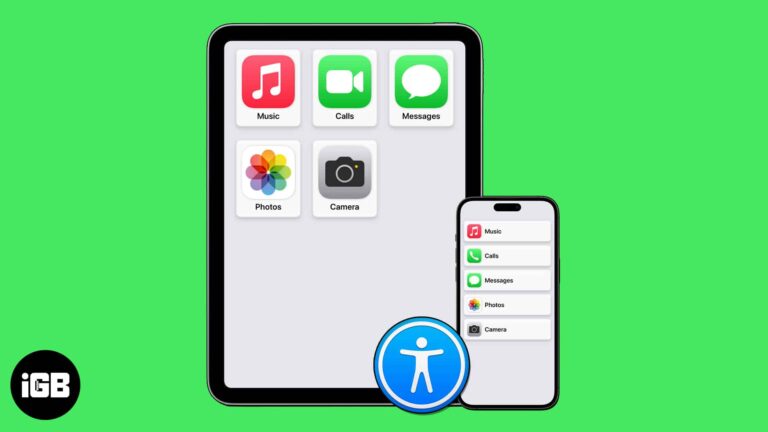
iOS 17 comes with a few new accessibility features that make it easier for people with disabilities to use their devices. These features include Assistive Access, Personal Voice, and Live Speech. In this blog post, we will briefly discuss each…
Wondering when the alarm system was turned off or who unlocked the door after curfew? Using Activity History in the Apple Home app, you can see these types of actions – when they took place, and by whom. Here’s our…
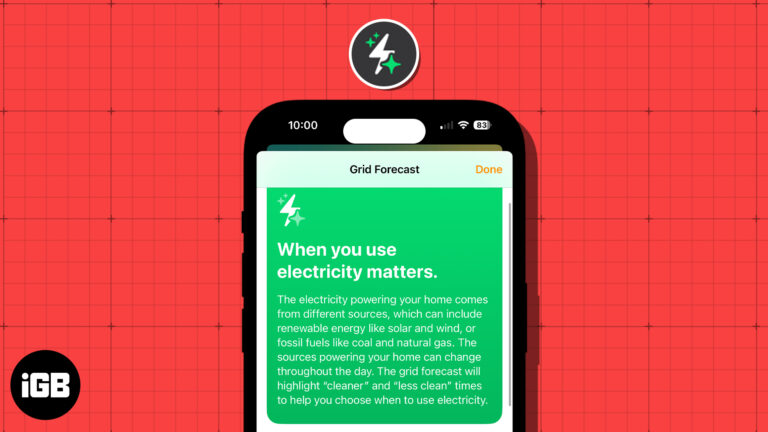
These days, people are more concerned about energy and its sources than ever before. With this in mind, Apple introduced the Grid Forecast feature in the Home app with iOS 17. This allows you to see the best times for…
If you multitask and have hands full of work, you can make Siri read whatever text is on your screen aloud. It’s like turning your iPhone, iPad, or Mac into your personal storyteller. In this guide, I have shared how…
Welcome to the world of iOS 17, where innovation meets simplicity. Apple has announced the latest software update for our beloved iPhones and blessed us all with a plethora of new features and enhancements. However, during the keynote, some important…
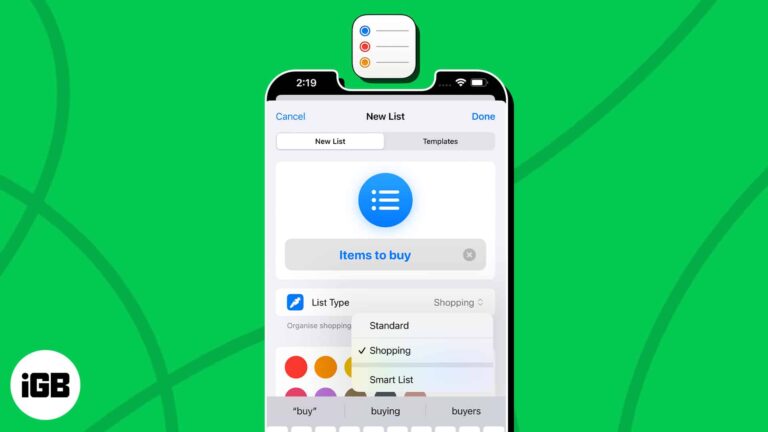
Get ready to master the art of task management. With iOS 17 and macOS Sonoma, Apple has blessed us with auto-categorization in the Reminders app. It is a feature that can automatically sort your Shopping reminders into categories based on…
With the ever-increasing digital marketing and online tracking, privacy-conscious users like me seek ways to protect their digital footprints. So, Apple has rescued us with an enhanced privacy feature called Advanced Tracking Protection on iPhone, iPad, and Mac. Now, Safari will automatically remove tracking…
Finally, our beloved iPhones received a delightful software upgrade at WWDC23. Apple has once again pushed the boundaries of innovation with iOS 17. And as usual, Apple surprised us by introducing a host of new features and enhancements that make…
Since iOS 14, links can open in a browser other than Safari. Here is how to make Chrome your default on iPhone and iPad, and how to add it to your dock and Home Screen.


