FaceTime Like a Pro
Get our exclusive Ultimate FaceTime Guide 📚 — absolutely FREE when you sign up for our newsletter below.

FaceTime Like a Pro
Get our exclusive Ultimate FaceTime Guide 📚 — absolutely FREE when you sign up for our newsletter below.


Get perfect iPhone selfies every time with smart lighting, better angles, and optimized camera settings.
Taking a great selfie isn’t just about pointing your iPhone at your face and tapping the shutter button. With the powerful front-facing camera and smart features, you can capture professional-looking selfies in seconds.
In this tutorial, you’ll discover simple tips, from lighting and angles to the best iPhone camera settings, that will help you take perfect selfies every time.
A little preparation can make all the difference in how your selfie turns out.
A great selfie usually comes down to a few simple habits. You don’t need professional photography skills. Just pay attention to lighting, angle, and stability.
Here are some basic rules to follow:
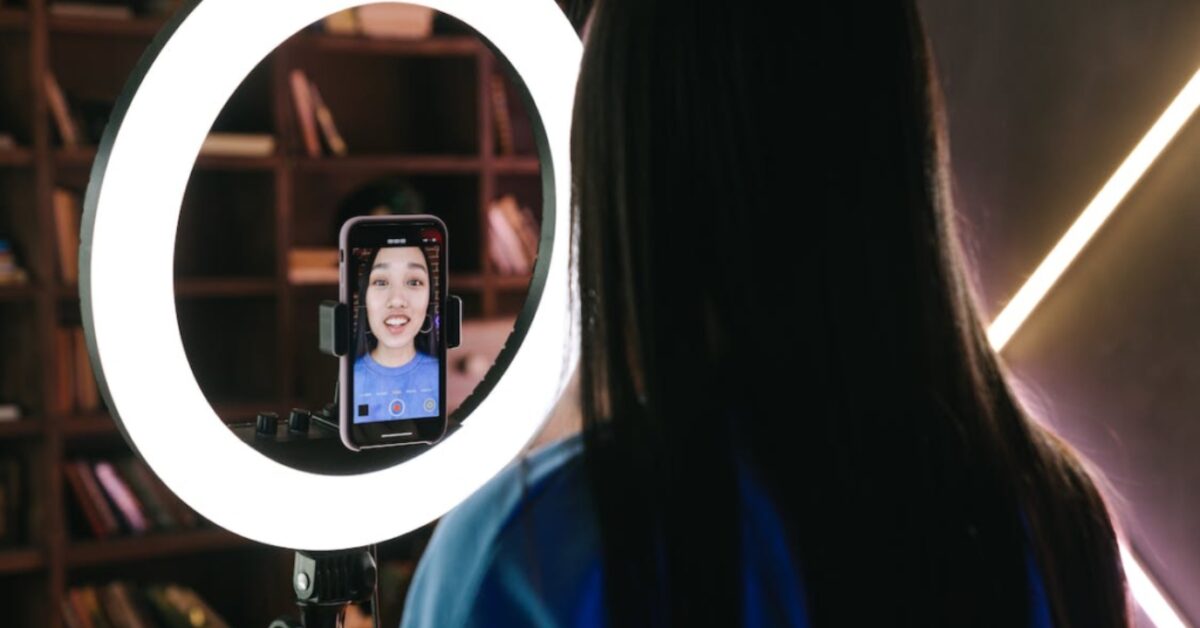
Lighting makes the biggest difference in a selfie. Stand facing a light source so your face is evenly lit. Avoid strong light behind you, which can make your face look dark.
Soft, natural daylight is usually the most flattering because it reduces shadows and smooths skin tones. If you’re indoors, stand near a window instead of relying only on room lighting. You can also use a ring light or small softbox when natural light isn’t available.
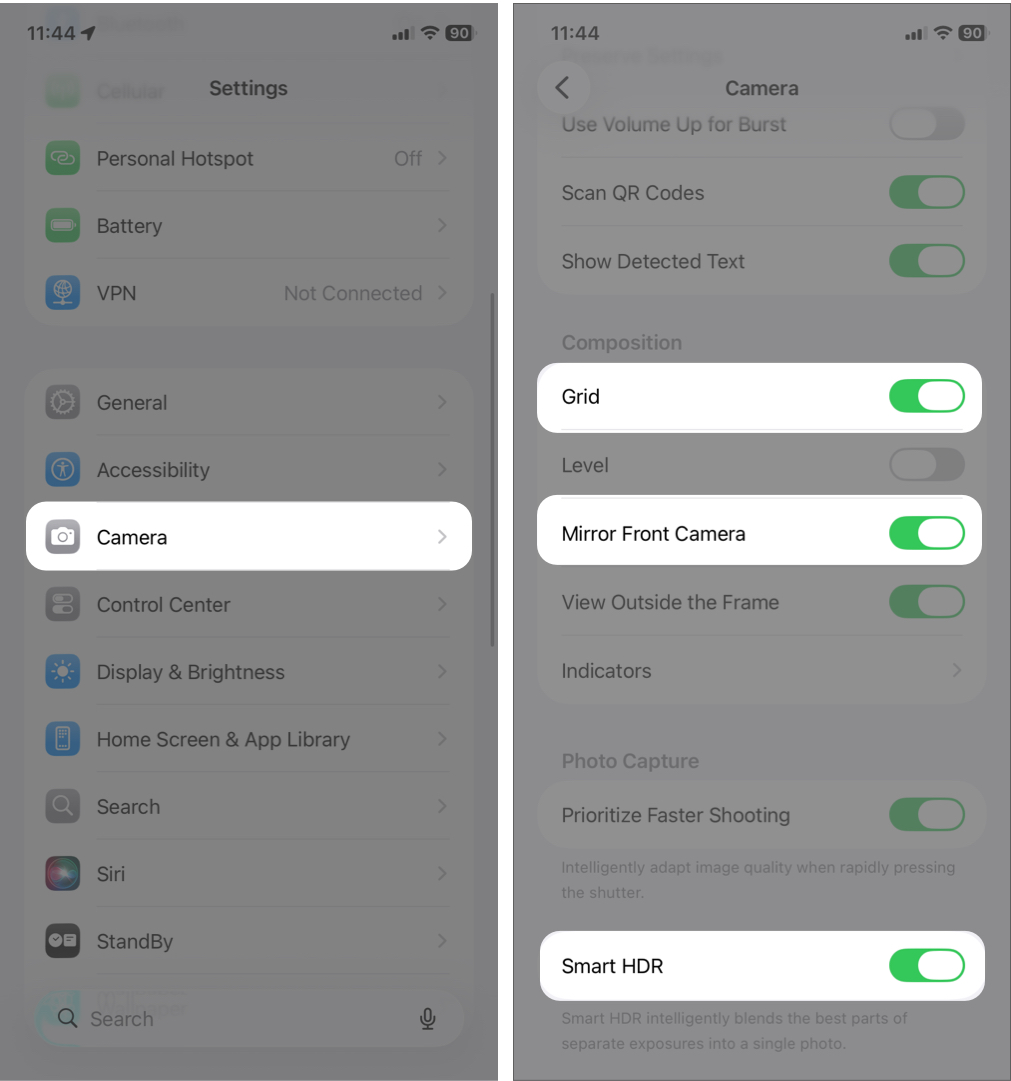
Small camera setting adjustments can significantly improve selfie quality.
Angles can dramatically change how your selfie looks.
Holding the camera slightly above eye level usually creates a more flattering perspective. Avoid placing the camera too low, which can distort facial features. Try different angles until you find one that looks most natural for you.
Instead of forcing a smile, relax your face. Think of something pleasant or take multiple shots while slightly changing your expression.
Natural expressions almost always look better than staged ones. You can use the timer for hands-free shots, allowing you to focus on posture and expression without rushing.
Sharp photos look more polished and professional.
Hold your phone steady when taking the shot. Even small movements can cause blur. If needed, use both hands or rest your elbows on something stable.
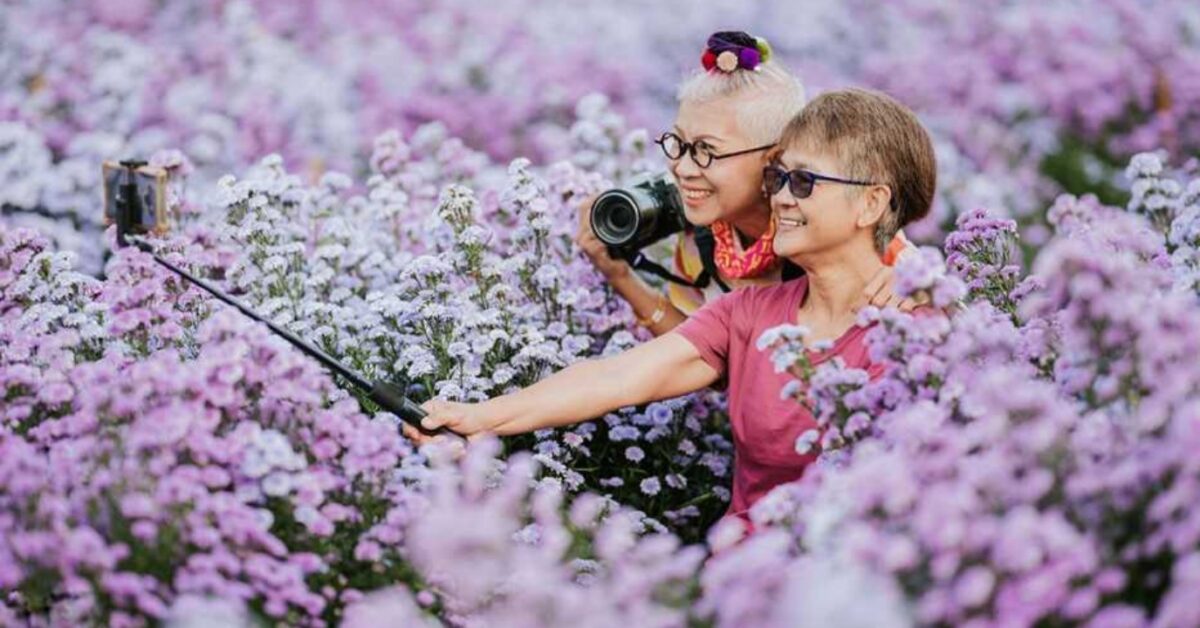
For hands-free shots, use a tripod or selfie stick. A wireless remote is also helpful, especially for group selfies or wide-angle shots that show more of the background. In that case, tap the expand button in the camera interface to switch to 0.5x zoom.
Once you understand the process, you can consistently capture clear and flattering photos.
Follow these steps:
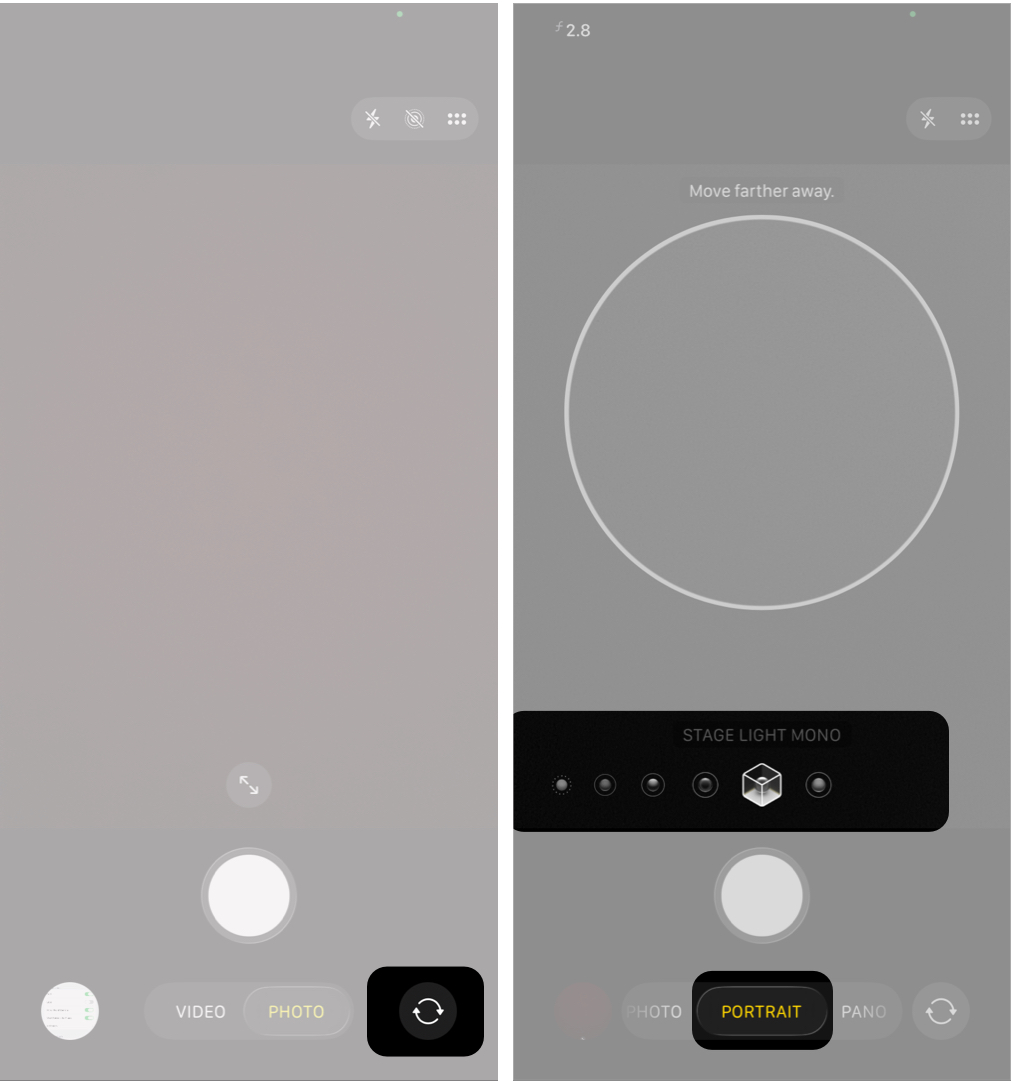
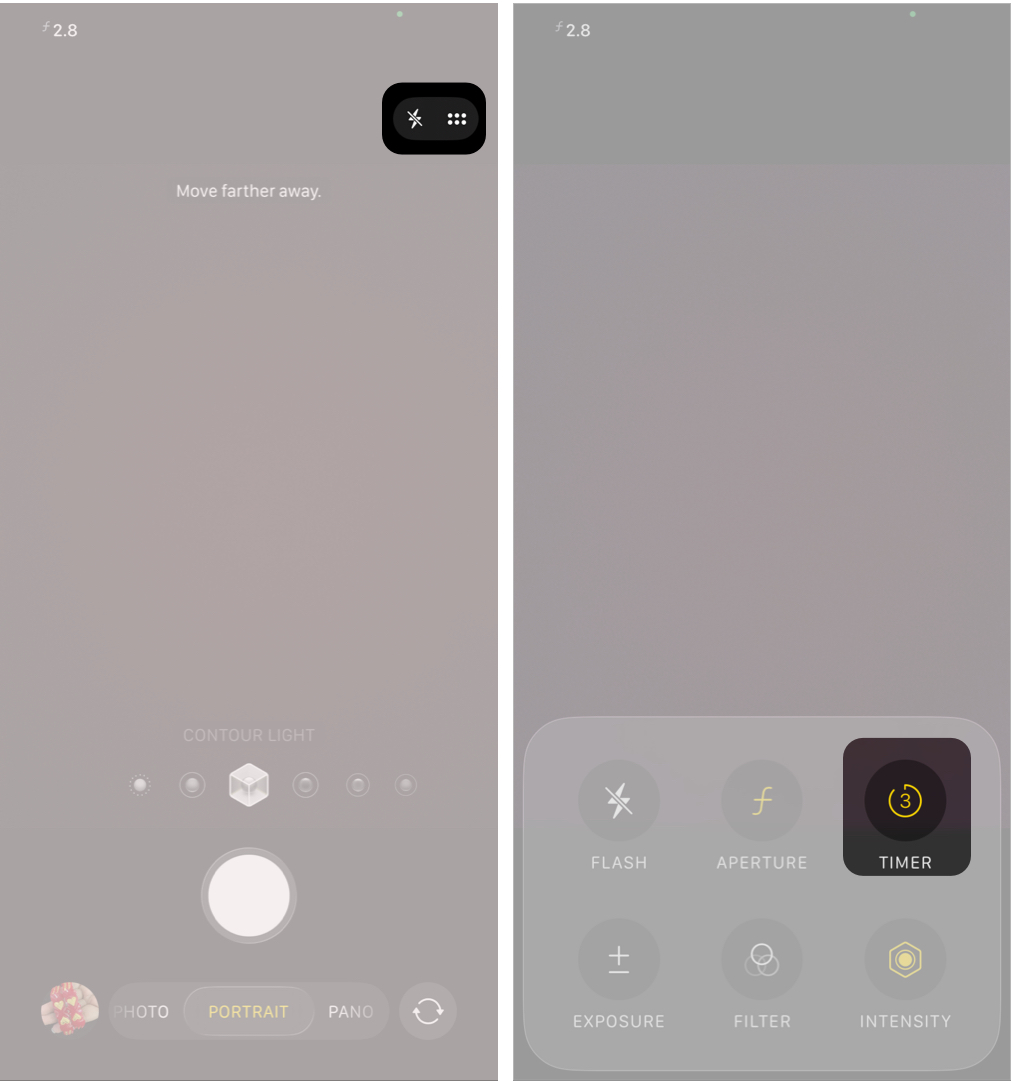
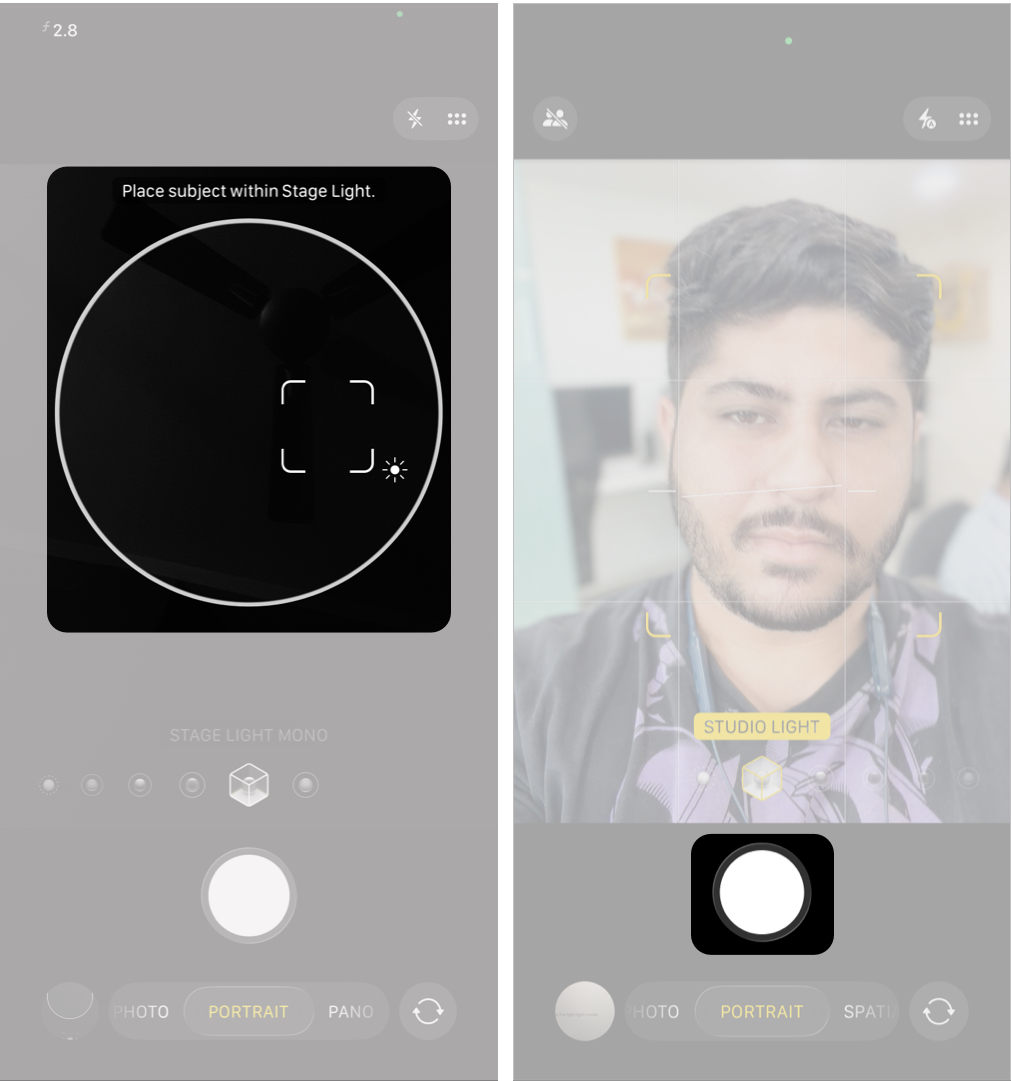
Taking several photos increases your chances of getting the perfect shot.
To make selfies more dynamic, Apple has integrated Center Stage into the latest iPhone 17 series. It automatically adjusts framing to keep you centered, making landscape selfies and group shots easier.
If you want to take mirror selfies, stand in front of a clean mirror with good lighting. Use the rear camera and position the phone so it doesn’t block your face.
Read More: How to Use Front and Back Cameras at the Same Time on iPhone
Editing should enhance your selfie, not completely change it.
If your iPhone supports Apple Intelligence, you can remove unwanted objects for a cleaner look. Once you’re satisfied, tap Done in the top-right corner.
Avoid heavy smoothing filters or extreme color adjustments. Natural edits almost always look better and more authentic.
For more advanced editing, you can use third-party apps to color grade your photos, retouch skin subtly, and export in high quality for social media.
Many selfie problems come from a few common errors:
Keeping things simple usually produces the best results.
Once you’re comfortable taking selfies, a few small techniques can improve consistency and quality.
These small techniques make taking selfies easier and more consistent.
Taking the perfect selfie on an iPhone doesn’t require expensive equipment. It comes down to understanding lighting, angles, and basic photography principles. With a clean lens, good lighting, and the tips above, you can consistently capture great selfies.
The more you practice, the more natural your photos will look. Over time, you’ll discover your best angles, favorite lighting, and personal style.