FaceTime Like a Pro
Get our exclusive Ultimate FaceTime Guide 📚 — absolutely FREE when you sign up for our newsletter below.

FaceTime Like a Pro
Get our exclusive Ultimate FaceTime Guide 📚 — absolutely FREE when you sign up for our newsletter below.


Walkie-Talkie gives you push-to-talk audio between two Apple Watches over Wi-Fi or cellular. Here is which models support it, how to add friends, accept an invite, and start talking.
Receiving and making calls through the Apple Watch is nothing new to its users; however, not everyone might be aware of the Walkie-Techie feature on the Apple Watch. Well, it works seamlessly and has an unlimited range. So, a traditional feature with modern benefits!
If you have always wished to get your hands on it, this article explains how to use Walkie-Talkie on Apple Watch. Read along!
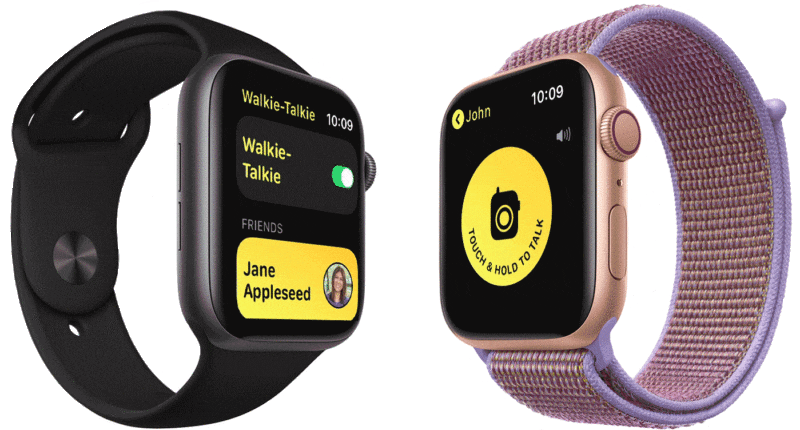
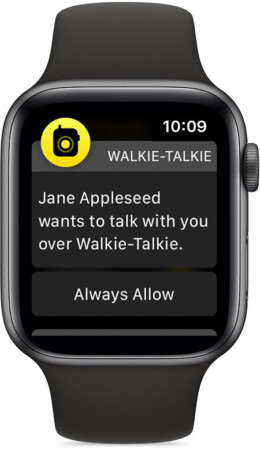
Walkie-Talkie is an app found on the Apple Watch. It tries to replicate the functionality of an original Walkie-Talkie and does it quite well. Press and hold a button to talk and release once done. There are some requirements for using this feature which is addressed below.
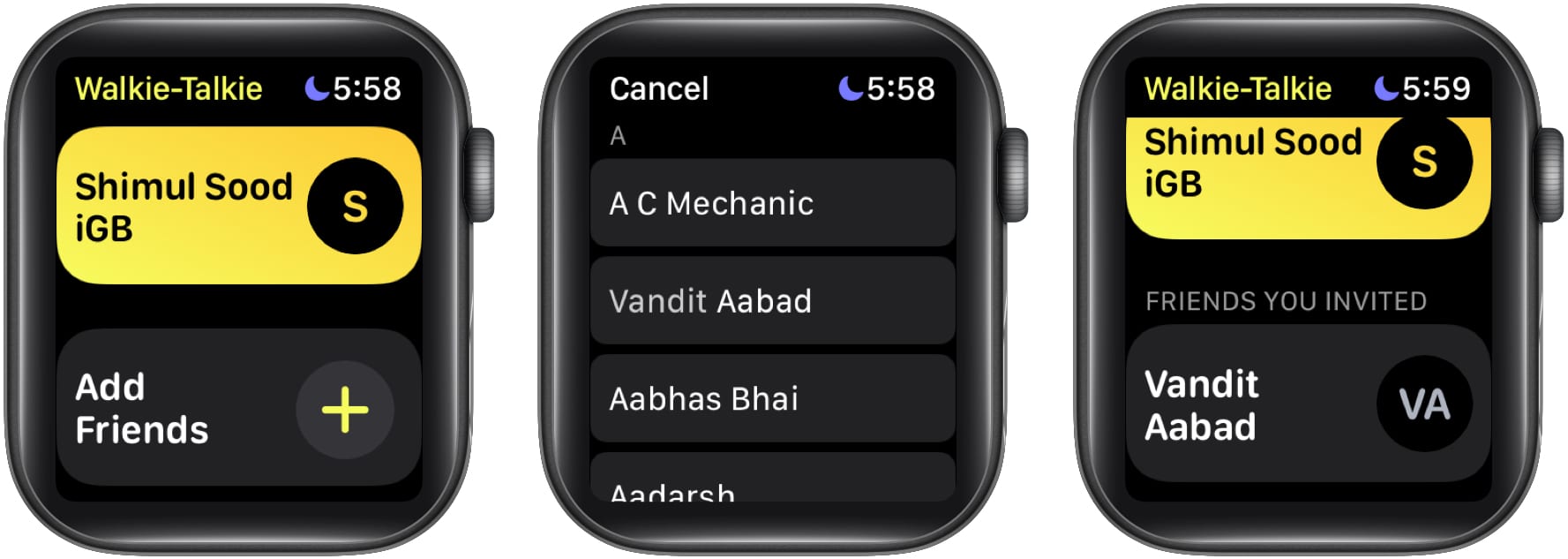
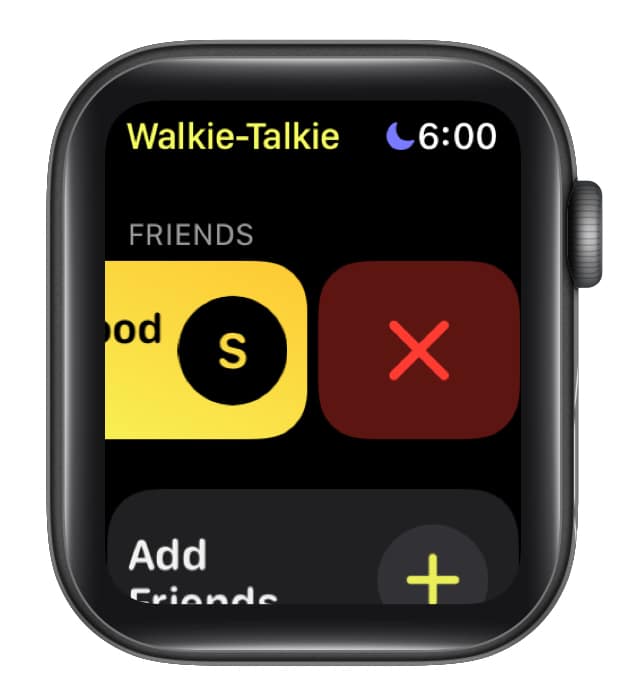
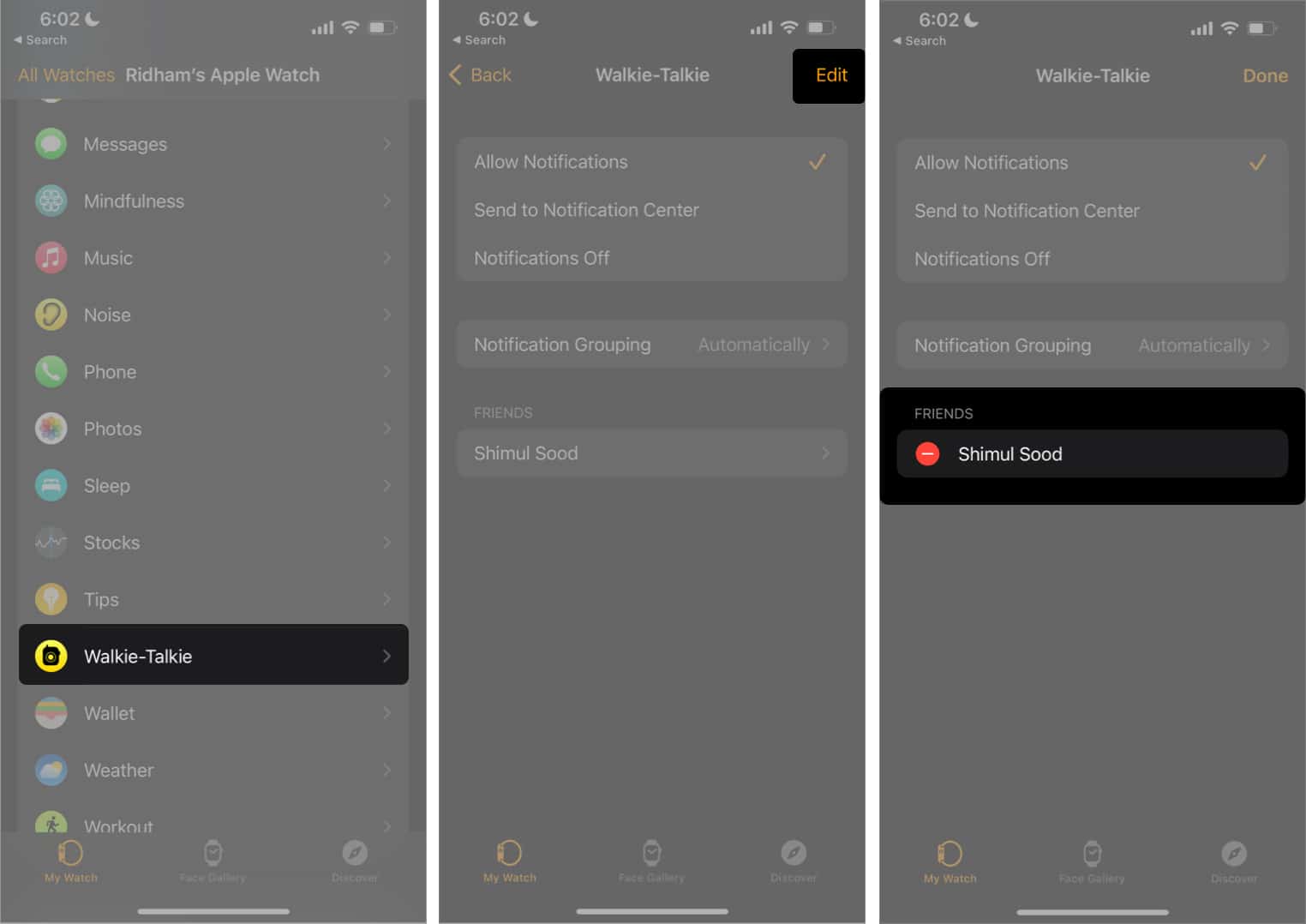
You can remove friends from the Walkie-Talkie app using your Apple Watch or iPhone. Follow the steps mentioned below:
On Apple Watch
Using iPhone
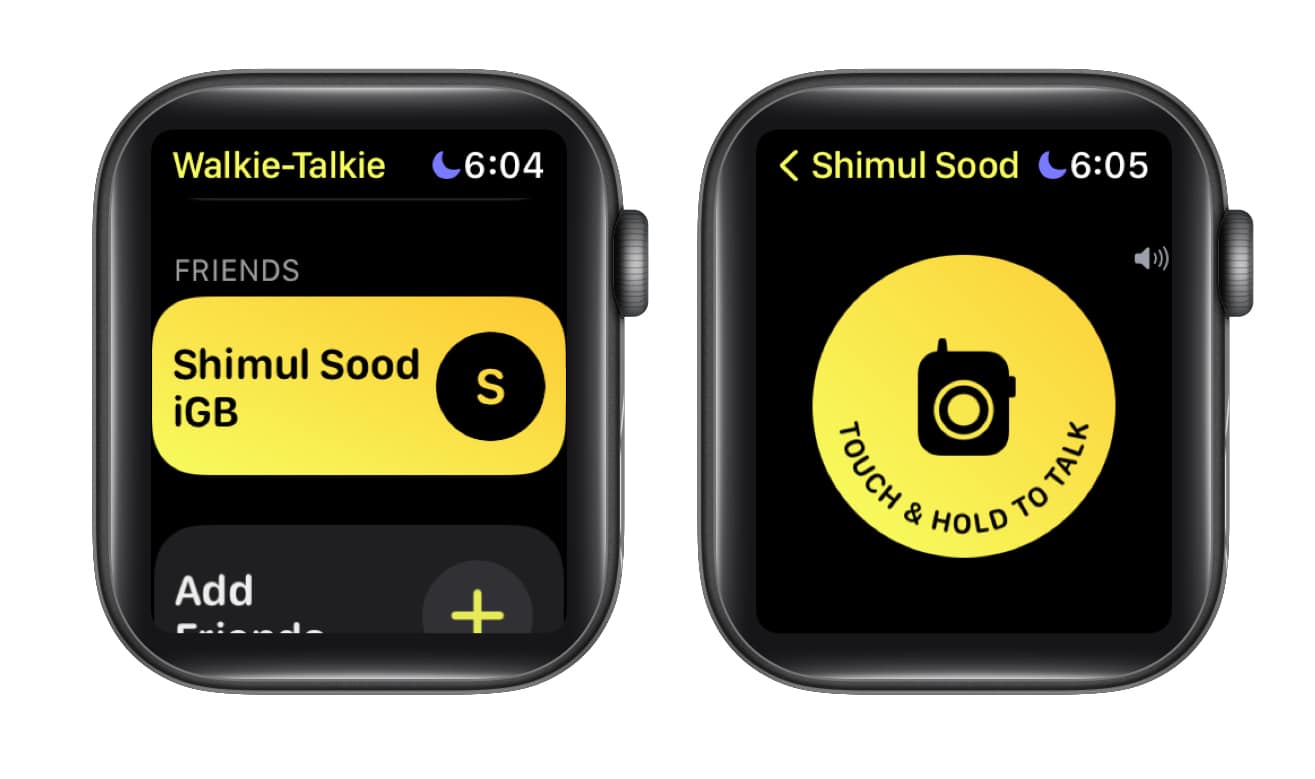
If your friend is not audible enough, you can increase the volume through the Digital Crown.
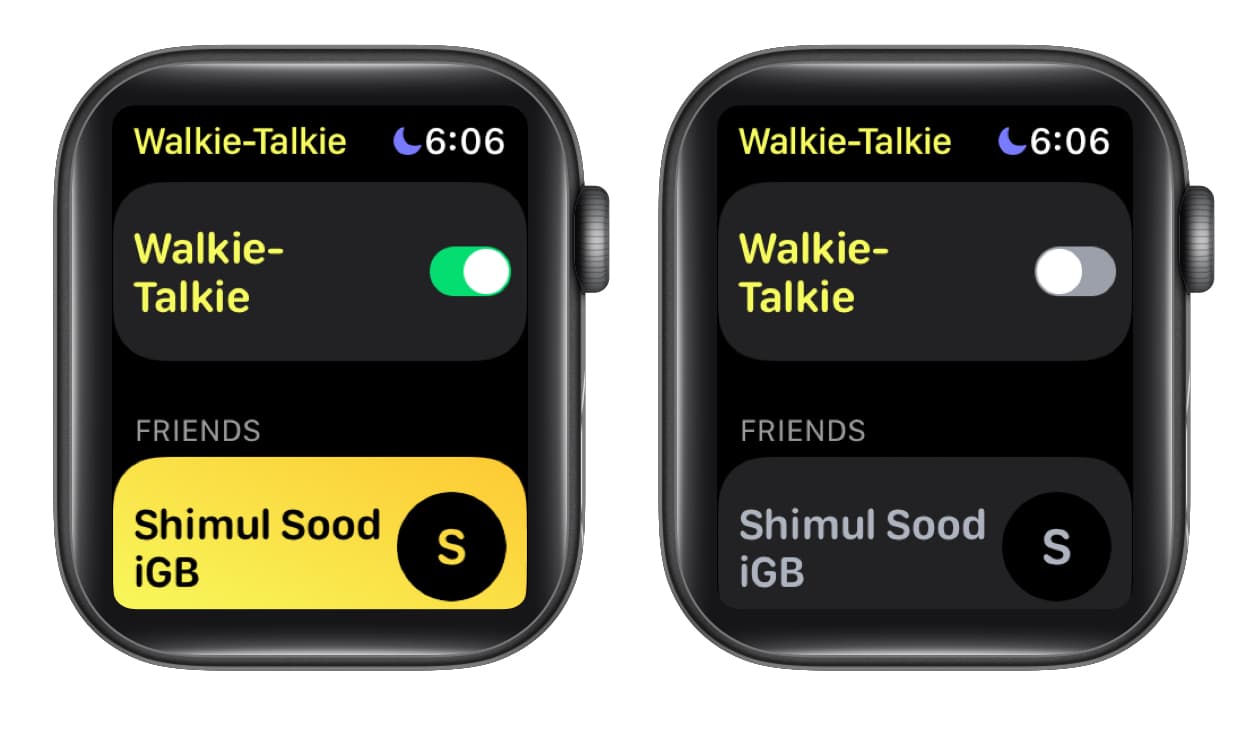
Whenever someone tries to reach you when you’ve toggled the feature off, you’ll receive a notification in the Notification Center.
If you are facing connectivity issues with the Walkie-Talkie app, here are a few possible fixes;
This should fix the problem!
FAQs
Check if you’ve signed in to your Apple ID. Also, ask your friend to enable Facetime on their iPhone and make themselves available through the app on their Apple Watch.
The Walkie-Talkie on your Apple Watch has an unlimited range. And this is because it communicates through a cellular or Wi-Fi connection.
No. You need a Cellular or Wi-Fi connection for the Walkie-Talkie to function on your Apple Watch.
If you haven’t yet tried the Walkie-Talkie app on your Apple Watch, now would be the right time to do so. And, if you have any other doubts regarding the feature, leave them in the comments below. I will try my best to help you solve it.
Read more: