FaceTime Like a Pro
Get our exclusive Ultimate FaceTime Guide 📚 — absolutely FREE when you sign up for our newsletter below.

FaceTime Like a Pro
Get our exclusive Ultimate FaceTime Guide 📚 — absolutely FREE when you sign up for our newsletter below.


Apple Watch For Your Kids lets a parent set up a cellular Apple Watch for a child or older relative without an iPhone. Here is what it needs and how to set it up.

 ByAnkur Thakur and Ravi Teja KNTS
Apple Watch for Your Kids, formerly known as Family Setup, lets a parent set up a cellular Apple Watch for a child or older family member who doesn’t have an iPhone. The parent manages the watch from their own iPhone. Here’s what it does, what you need now, and how to set it up.
With Apple Watch for Kids, a parent or guardian can set up Apple Watch with cellular for kids or older people who do not have their own iPhones. The parent can use their iPhone to manage the kids’ Apple Watch.
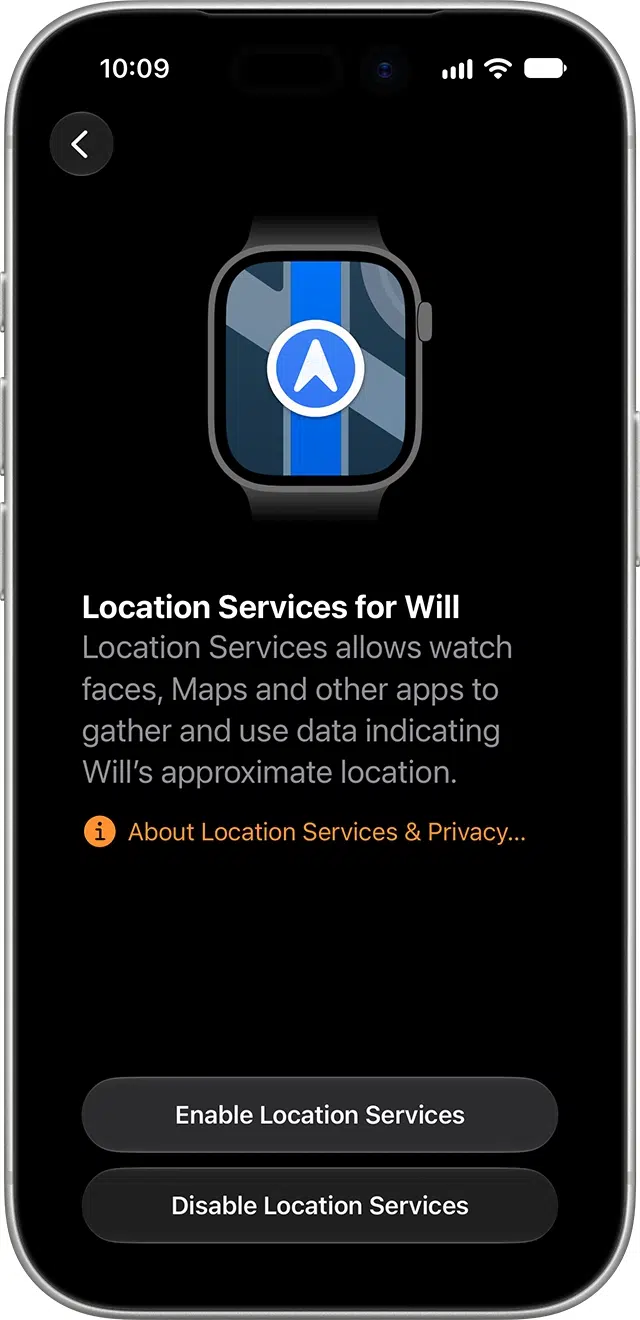
Once set up, kids can use the Apple Watch freely without needing an iPhone. They can go to school, sports practice, a picnic, and anywhere without any concern, and the parent can know their whereabouts.
If the parents or guardians are set as emergency contacts (which they should be), they’ll be notified in emergencies. Kids can look at their Medical ID for relevant information. Plus, the guardian can also view the health and activity of their family members using the iPhone’s Health app.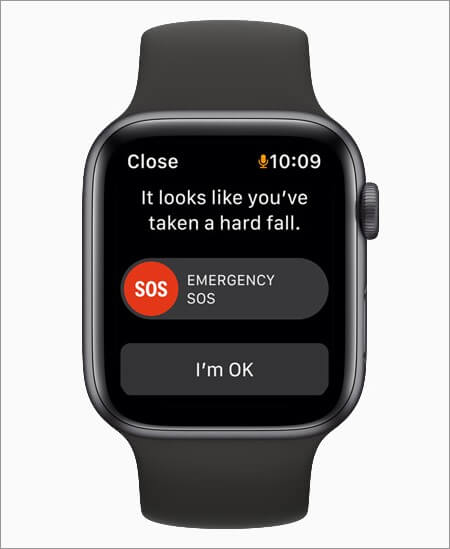
During Schooltime, the kid’s Apple Watch shows a yellow circle on the watch face. This helps the teachers in the classroom (or parent tutoring at home) easily recognize the apps whose access is restricted, plus Do Not Disturb can be enabled on the kid’s Apple Watch.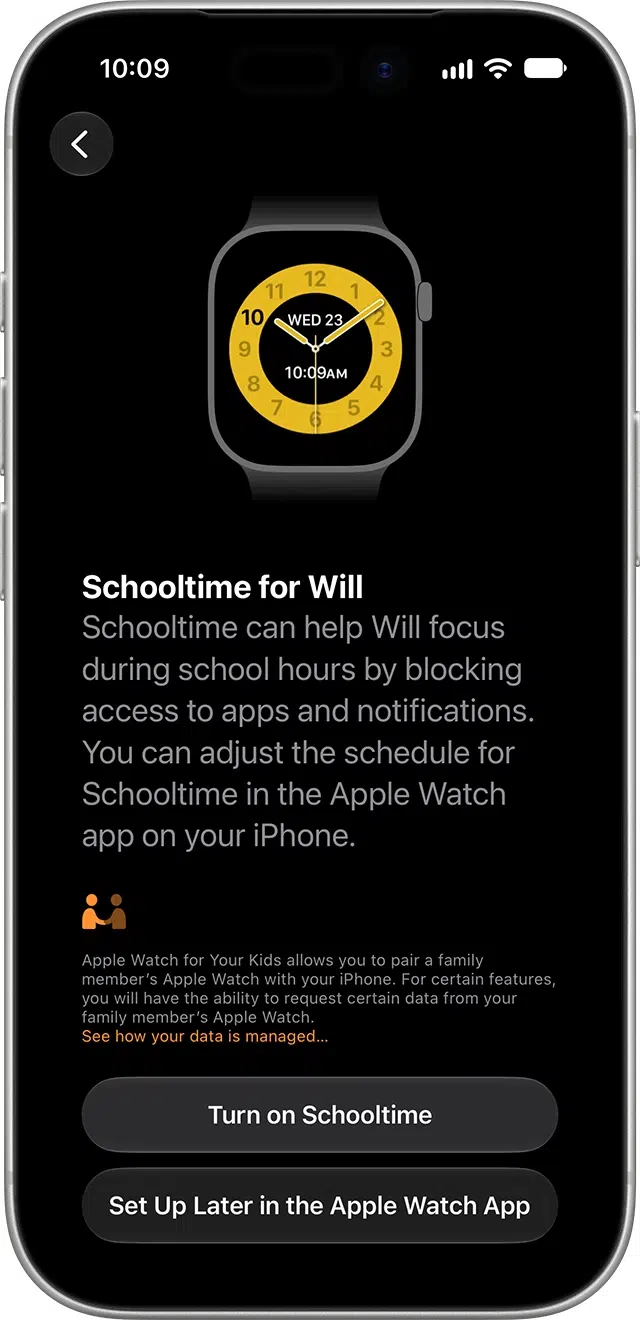
This lets the parents load money to the kid’s watch via Apple Pay and choose to receive notifications when they spend it. The parent can even see the kid’s purchases in the Wallet app on the iPhone. This is a fine example of training the young generation for the coming cashless future!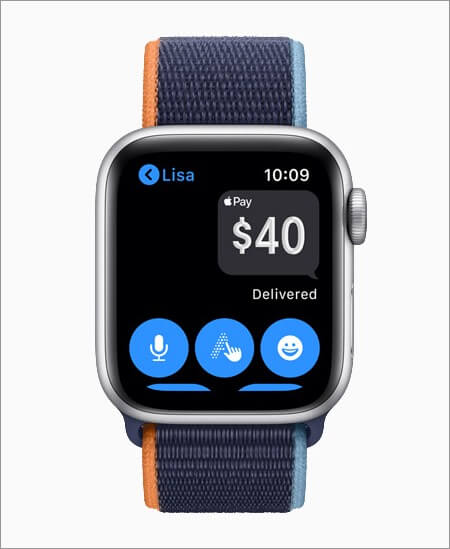
Before You Begin:
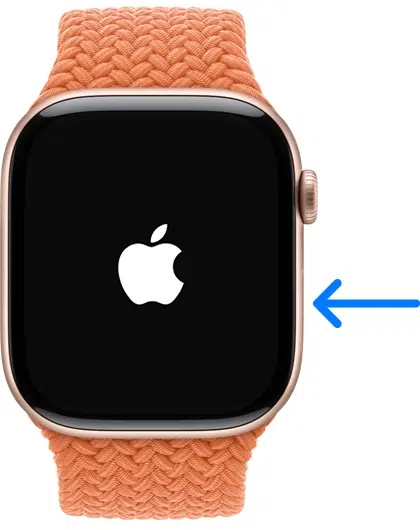
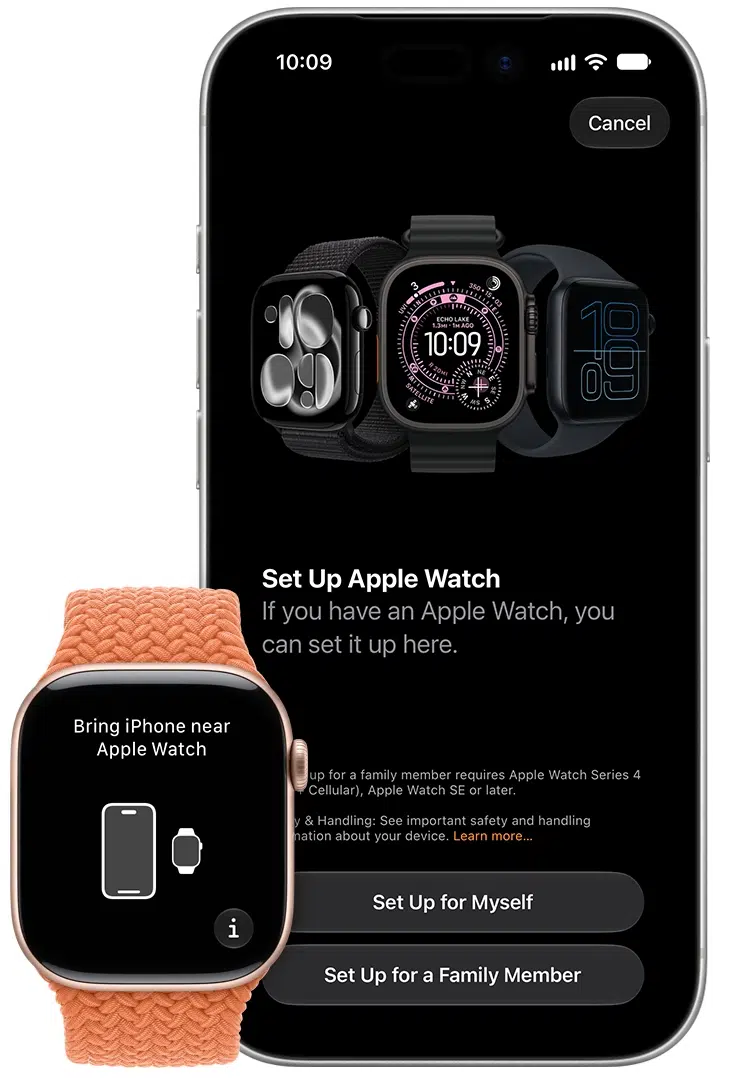
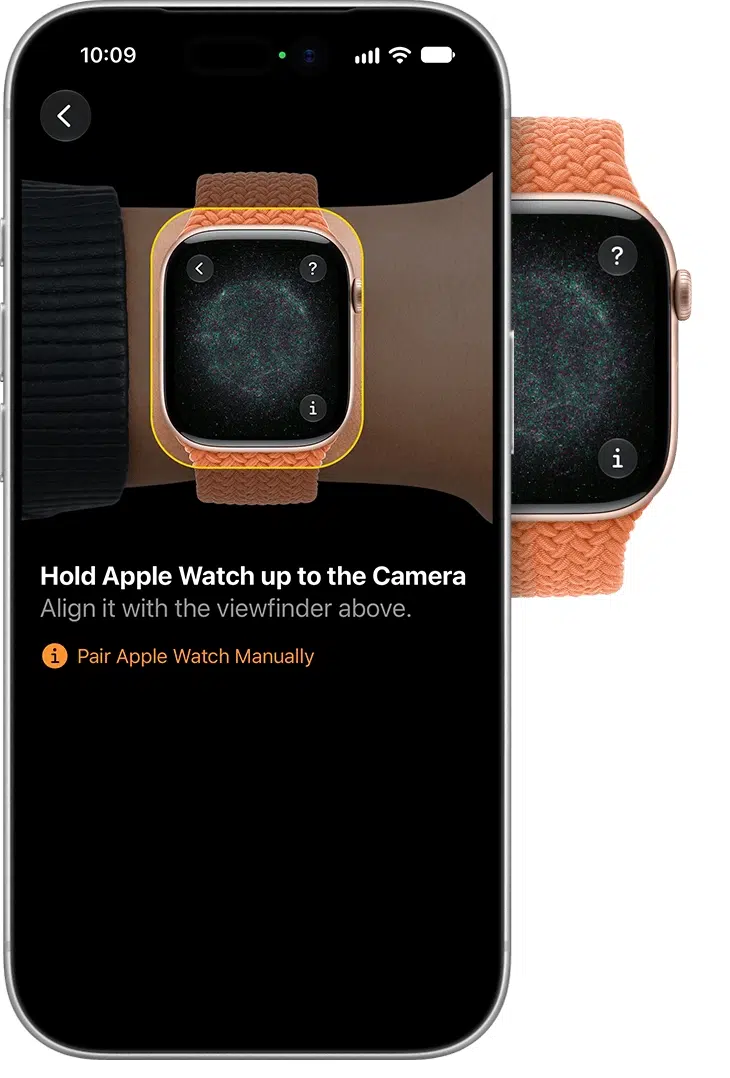
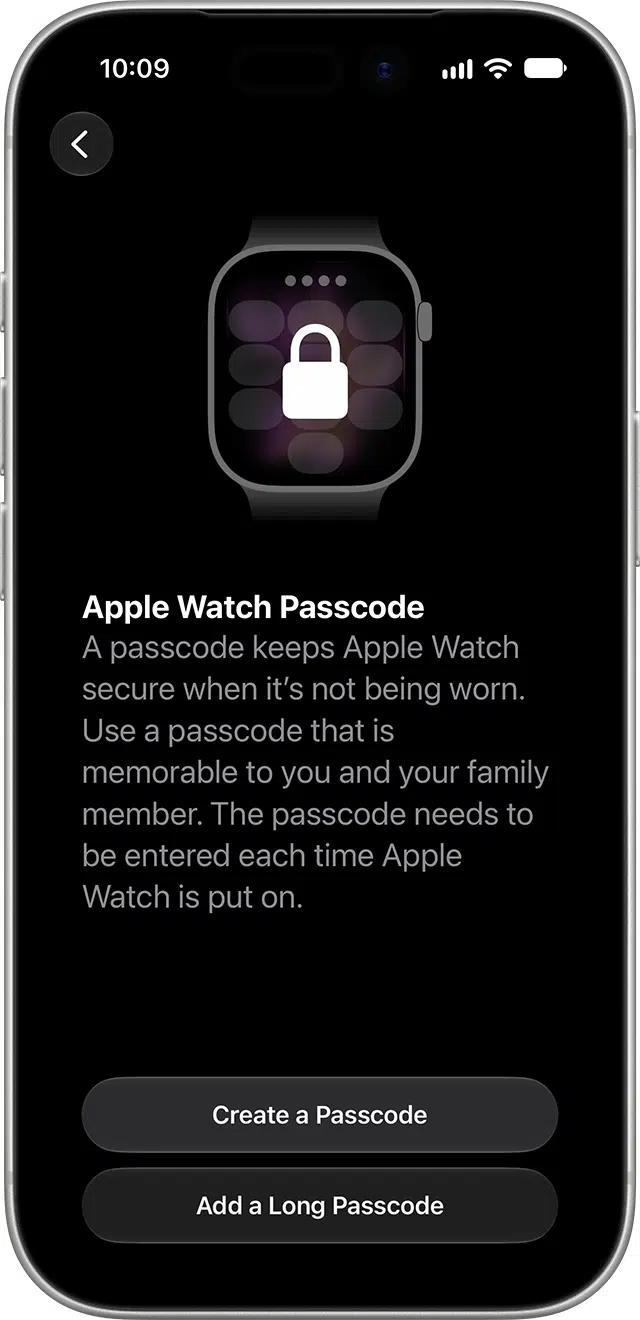
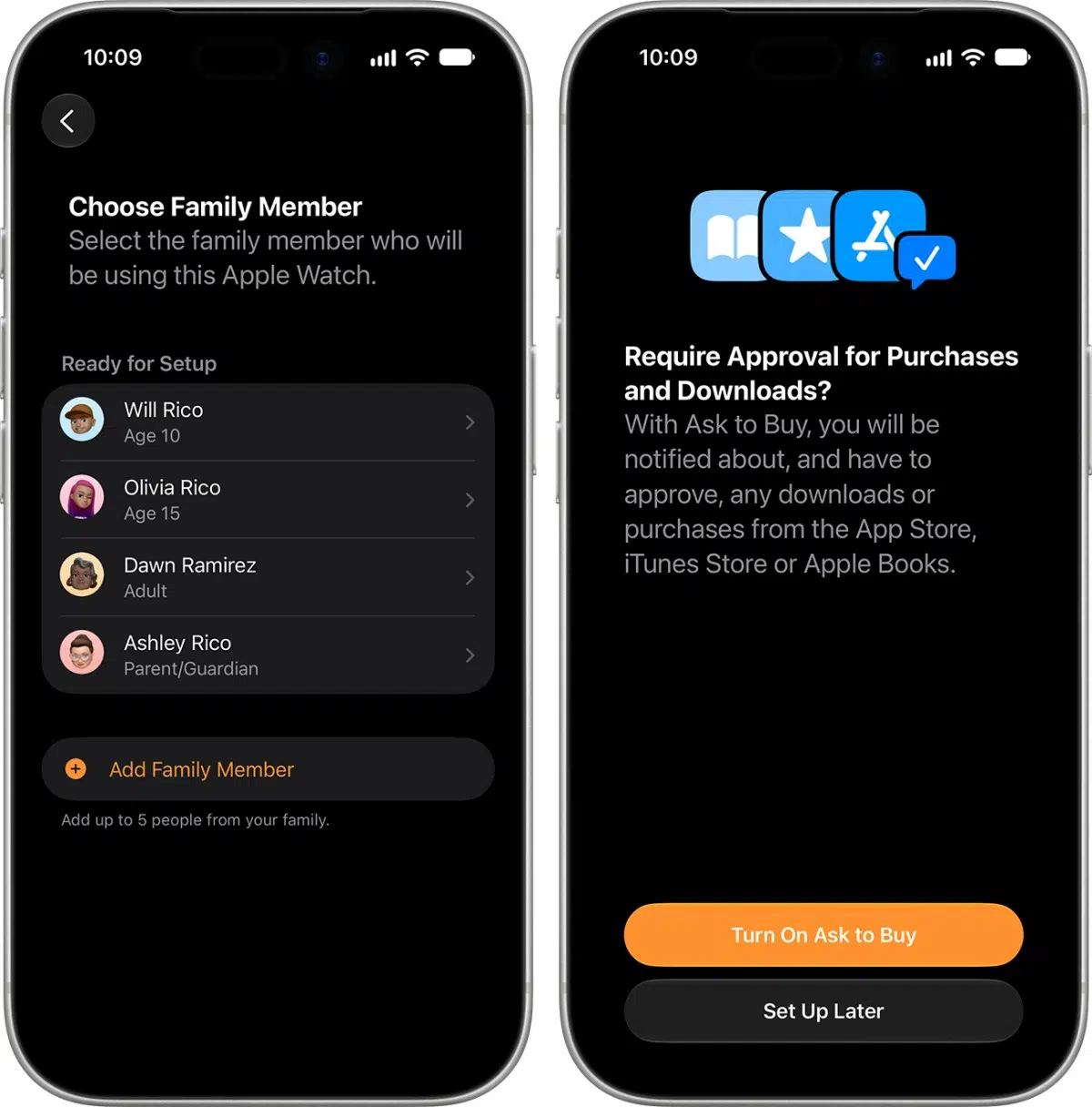
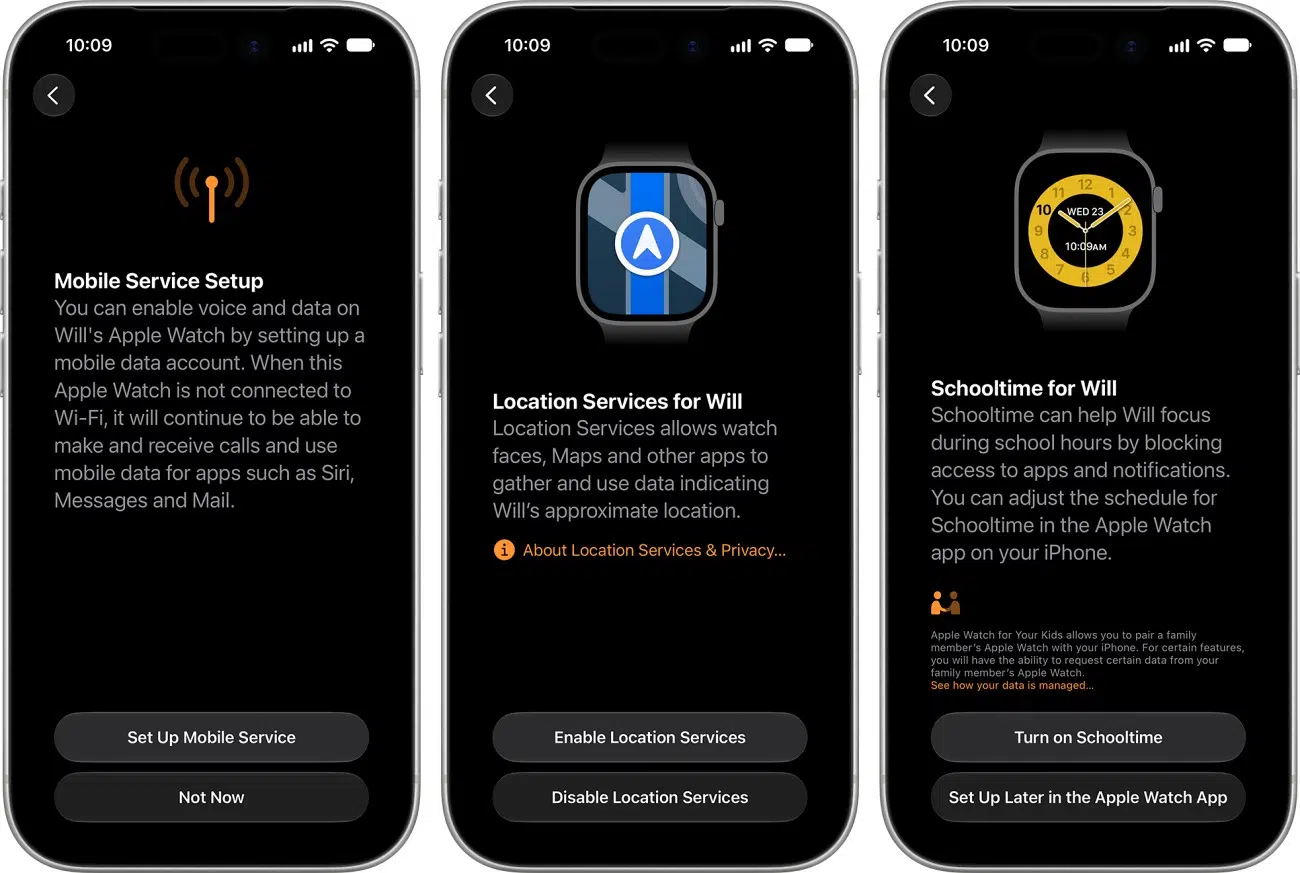
Family Setup is available on cellular models of Apple Watch Series 4 and later running watchOS 7. You can pair the watch with iPhone 6s and later running iOS 14.
Note: Apple says that ‘a cellular plan isn’t required to set up an Apple Watch for a family member, but is necessary for some features.’
Apple recommends the Apple Watch SE 3 with GPS + Cellular. The watch has to be a cellular model that runs watchOS 27: Series 9 or later, SE 3, or Ultra 2 or later. Older models, including Series 8 and SE (2nd generation), can’t run watchOS 27, so check the model before you reuse an old watch.
The iPhone needs iOS 27 for watchOS 27. Apple’s requirement is an iPhone 11 or later, or an iPhone SE (2nd generation) or later.
Note: You don’t need a cellular plan to finish setup. The watch does need an active plan to connect to a cellular network, though, and some features depend on it.
At launch, 18 carriers in 12 countries and regions support Family Setup. This is a carrier support-oriented feature (separate phone number, data plan, etc.) Thus, in the coming months, it will expand to other regions and carriers as well. For more information, like availability and pricing, contact your carrier.

What are your thoughts on Apple Watch Family Setup? Is this something you are excited about? Are you planning to use it in your family? Please let us know in the comments down below.
In my opinion, this is a great feature. Now, you can give the kid an affordable Apple Watch SE or your old Series 5, and they get the power to stay safely connected to people that matter.
One thing that I feel strange is that Apple discontinued Series 4 and 5 but kept Series 3. And unfortunately, Family Setup requires Series 4 and above. So, that’s a bummer!
Now, instead of giving a smartphone, it is convenient to have a powerful tiny computer on the child’s wrist (that they won’t misplace) when at baseball practice or a friend’s house. Likewise, it lets you keep track of older people more conveniently.
Overall, I think it’s a smart move to get Apple Watch to more people in an affordable way!